-
-
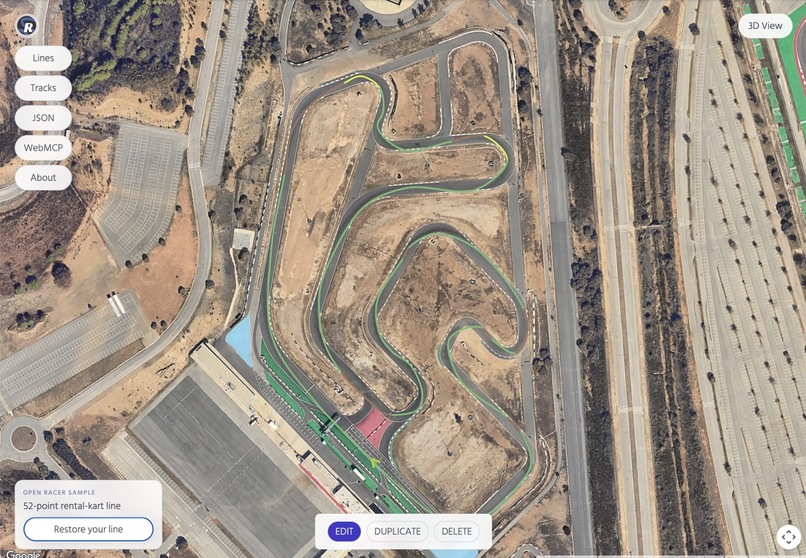
Racing Line
-
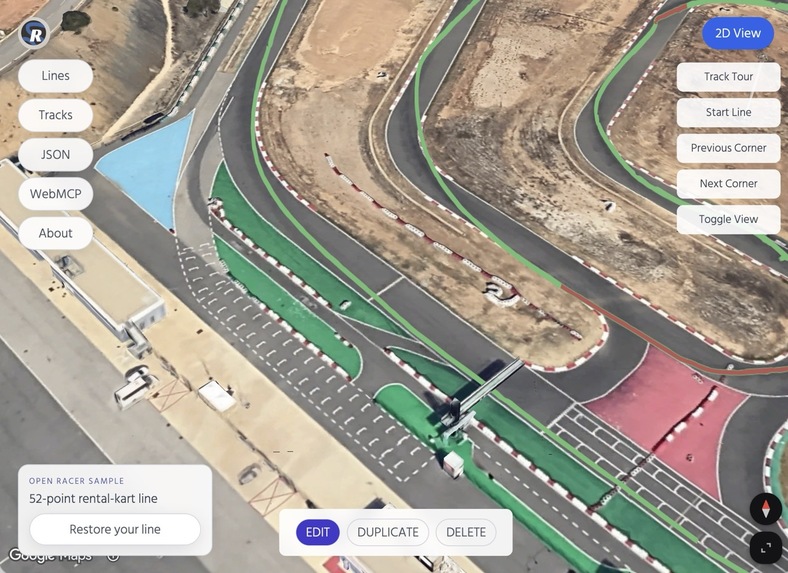
3D View
-
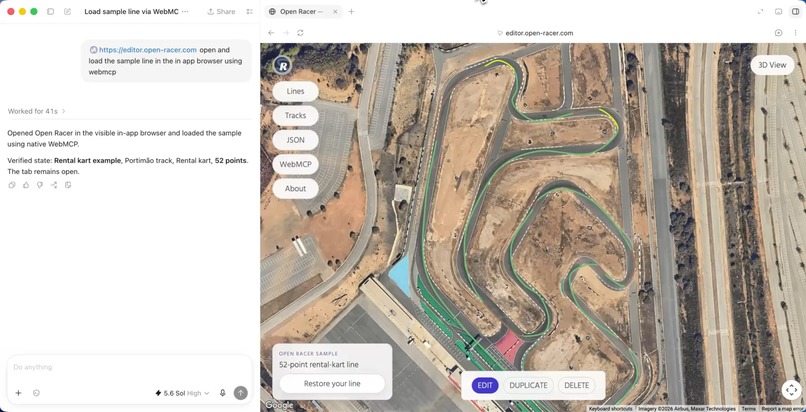
Codex using WebMCP
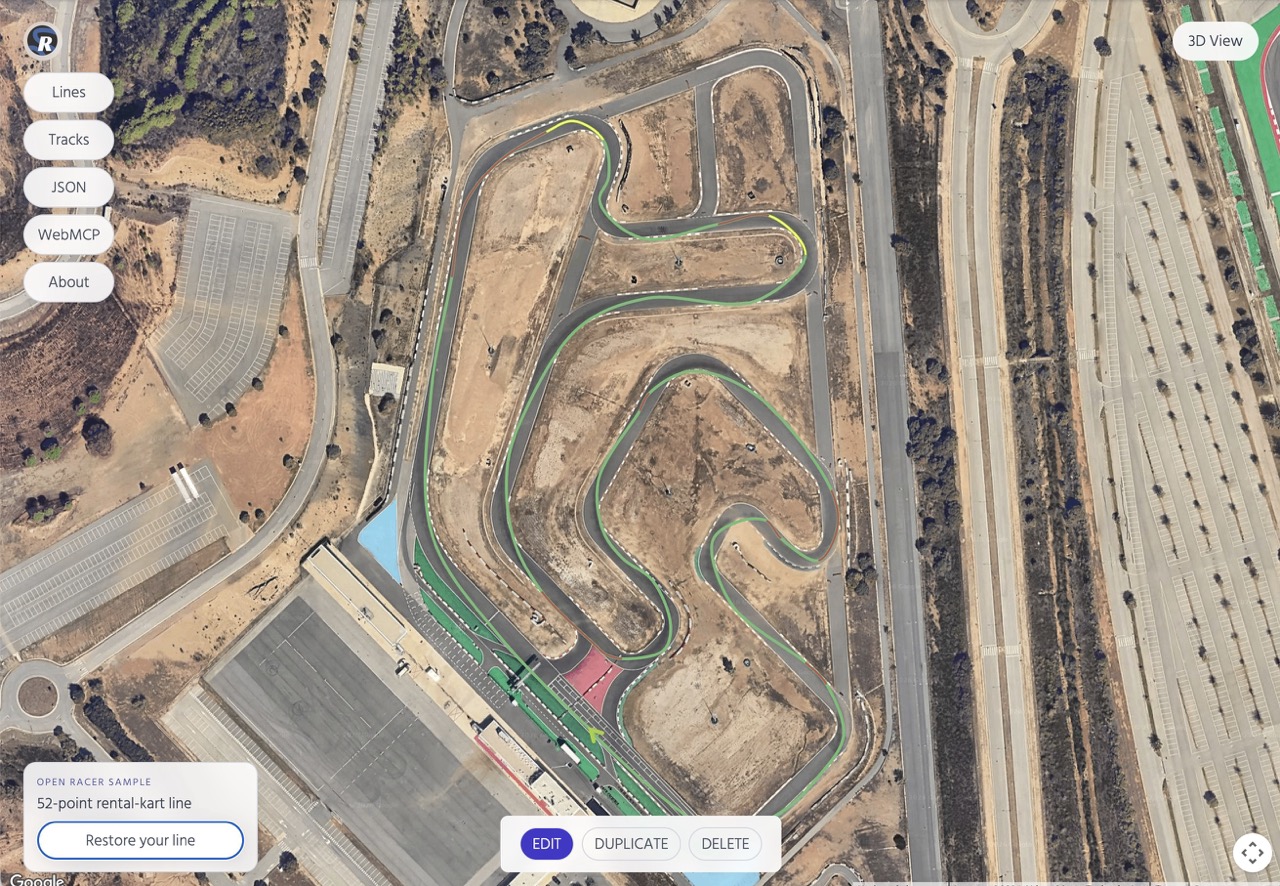
Inspiration
I built the first version of the racing line editor about six years ago. I wanted a tool to prepare for karting and learn unfamiliar tracks.
I studied onboard videos and drew every braking point, apex, and acceleration zone by hand. I kept wondering whether an AI could help me.
Last year, I returned to the project and added a 3D WebGL view. Claude and Codex helped me bring it back to life. The editor was also recognized in the 2025 Google Maps Platform Awards.
What it does
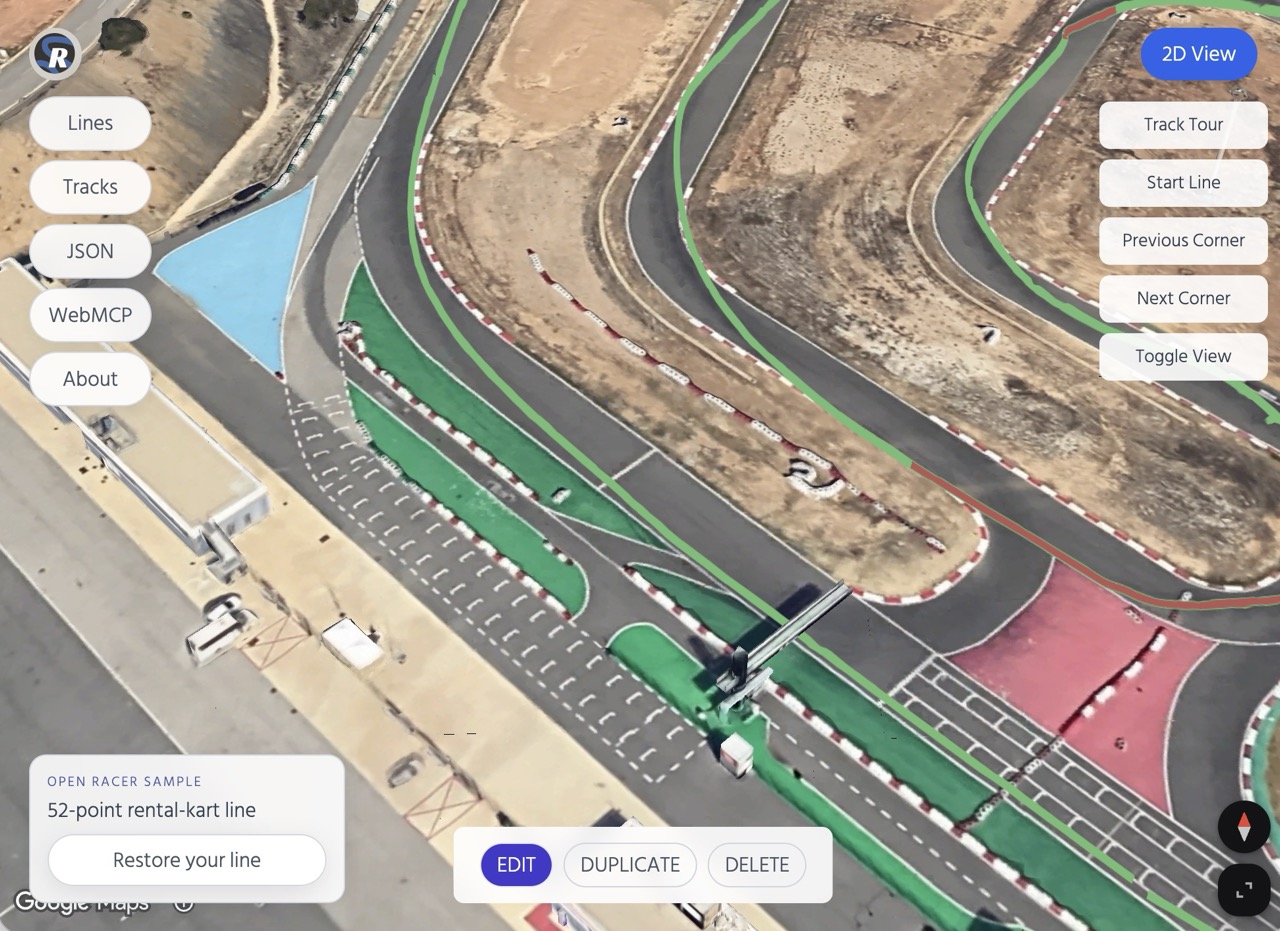
The racing line editor lets you draw and edit racing lines on a satellite map. Points can represent braking, acceleration, or transition. Lines can be saved locally and viewed in 3D.
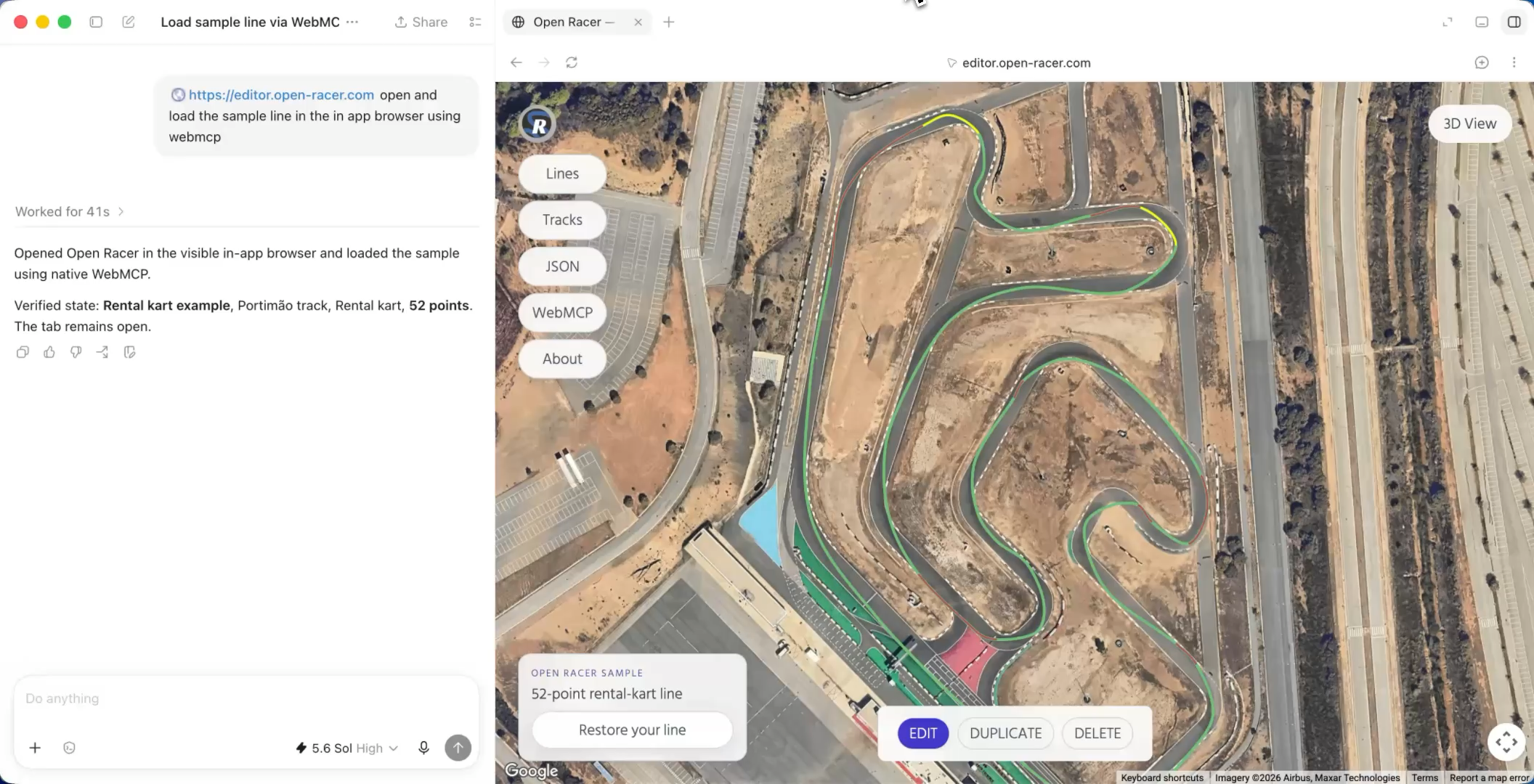
In the demo, Codex reads an existing full-circuit line. Two shorter layouts are missing. Through WebMCP, it reads the circuit, the reference line, and the editor guidance. It then creates both missing layouts directly in the editor.
How I built it
For this challenge, I separated the editor from the older Open Racer application and rebuilt it as a standalone open-source app.
It uses Vite, React 19, JavaScript, Google Maps Platform, and Paper.js. Lines are stored locally with IndexedDB and can be exported as JSON. There is no backend or sign-in.
The WebMCP tools use the same editor state as the visible controls. Agents can inspect the track, read line-creation guidance, edit points, undo changes, and save or load lines.
I use Vitest for unit tests, Playwright for browser tests, and GitHub Pages for deployment.
The hardest part
A racing line is more than coordinates. Point order matters. The line must stay on the drivable surface, and one circuit can contain several layouts.
The challenge was giving the agent enough context while keeping every change visible and understandable to the user.
What I learned
Structured WebMCP actions reduce guessing. They make agent changes more predictable and easier to verify.
Built With
- github
- google-maps-platform
- indexeddb
- javascript
- paper-js
- playwright
- react
- testing-library
- vite
- vitest
- webgl
- webmcp

Log in or sign up for Devpost to join the conversation.