Inspiration
A lot of families get official mail they can't fully understand: a Medicaid renewal, an IRS notice, an eviction warning, a school form. Often a kid ends up translating it for their parents at the kitchen table, guessing at words like "fair hearing" or "proof of income." When a deadline gets missed, the cost can be health coverage, food benefits, or even a home.
Translation apps give you the words. They don't tell you what the letter means, what you have to do, or by when. I wanted to build that missing step, in the languages people actually speak at home.
What it does
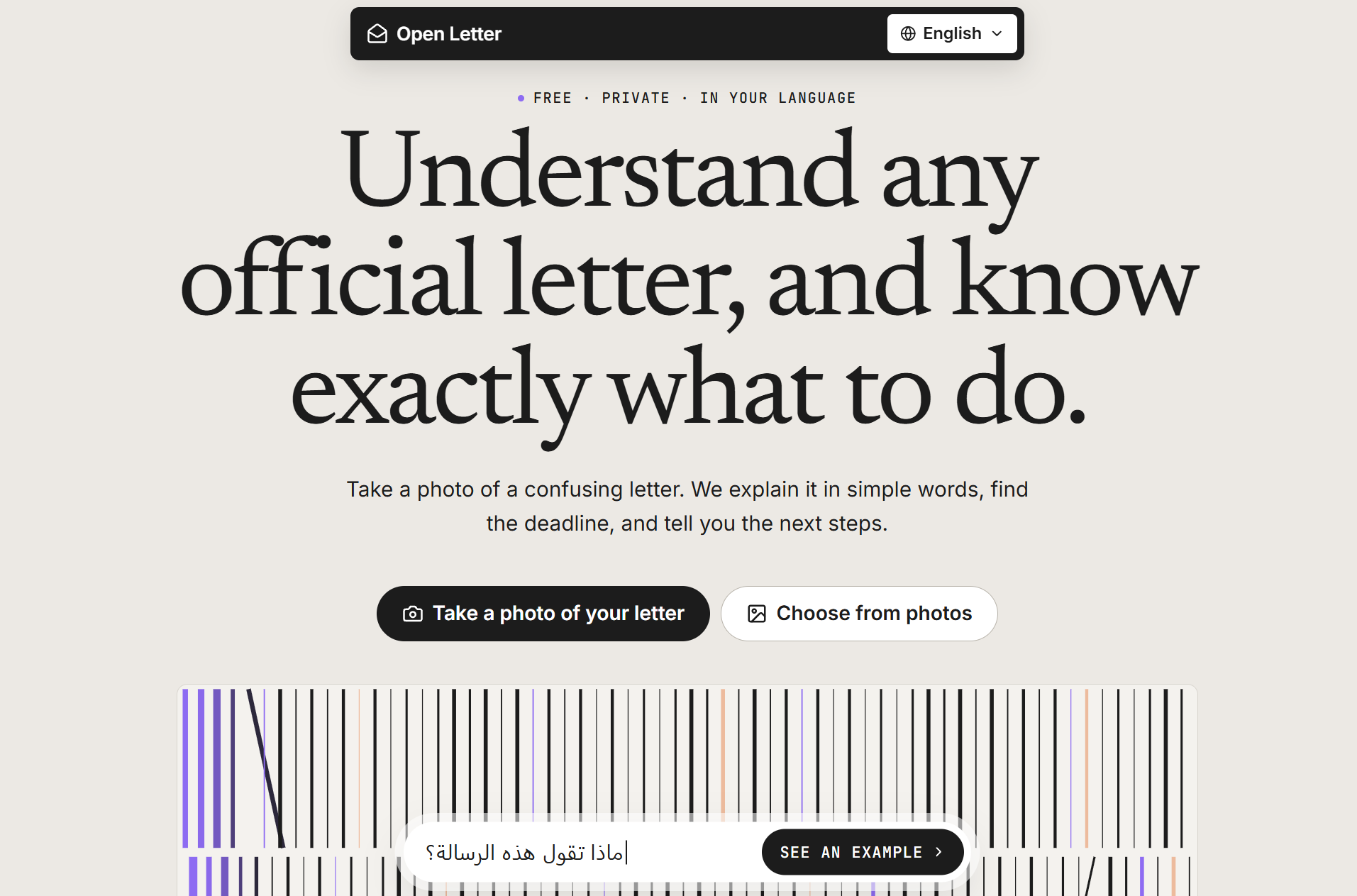
Take a photo of a letter and Open Letter explains it in plain words in English, Spanish, Chinese, Vietnamese, or Arabic:
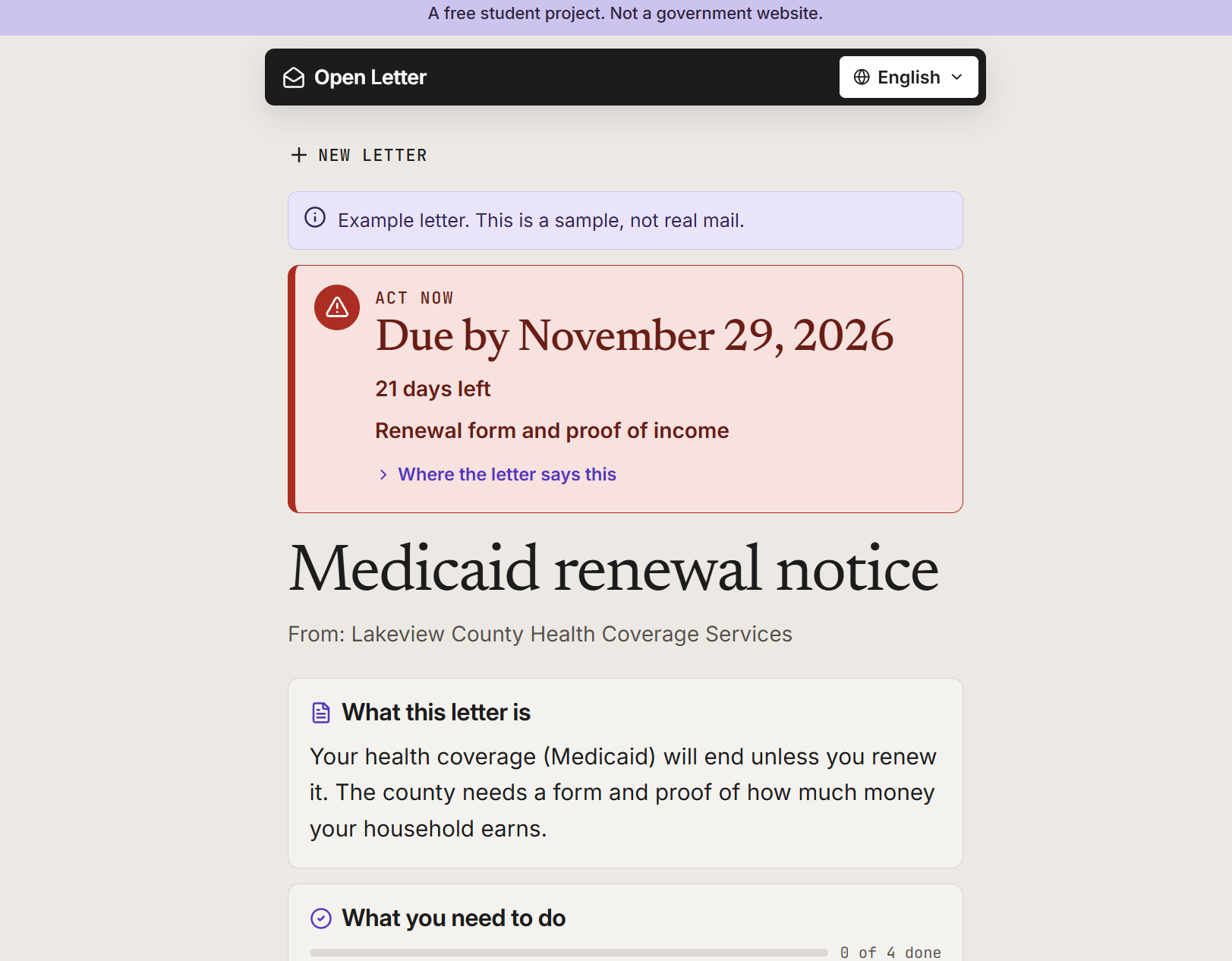
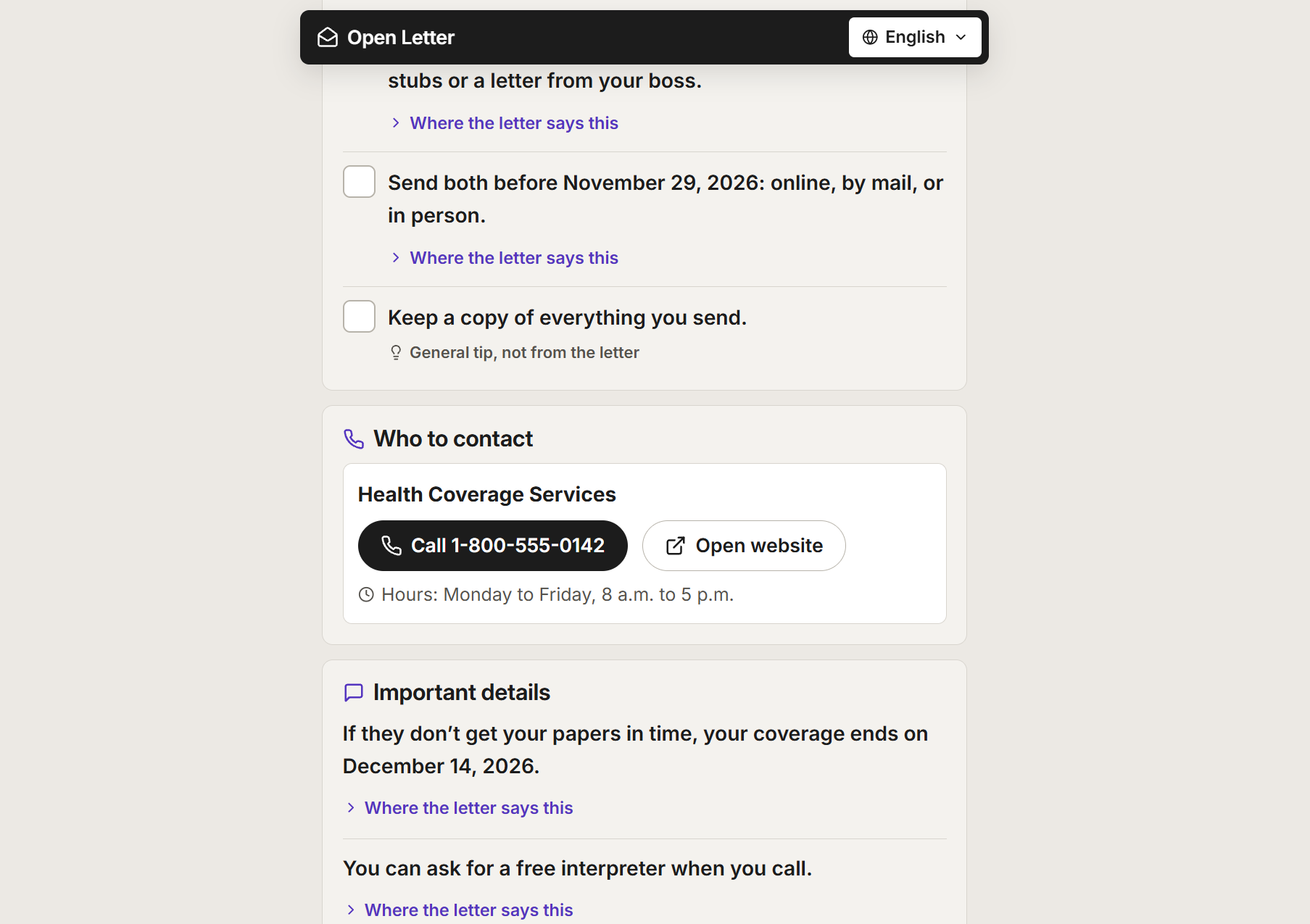
- Deadline first: a banner shows the due date and how many days are left, using color, an icon, and words so it works for colorblind users too.
- A checklist of what to do, plus tap-to-call phone numbers taken from the letter.
- Every point shows its source. Tap "Where the letter says this" to see the exact sentence it came from.
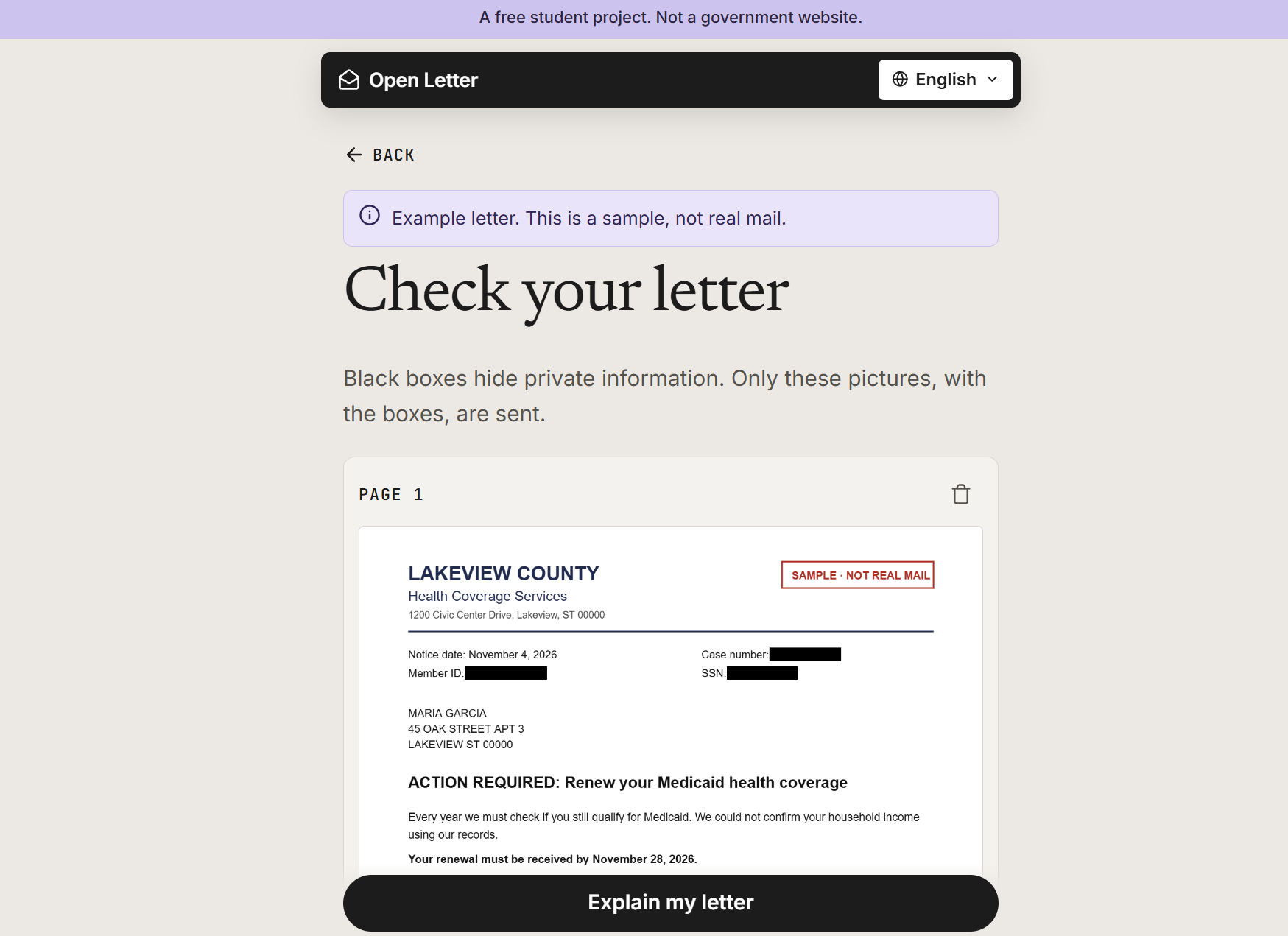
- Private numbers are hidden on your phone first. Social Security, account, and case numbers get black boxes before anything is uploaded.
- Scam warnings for red flags like gift-card payments or threats of arrest.
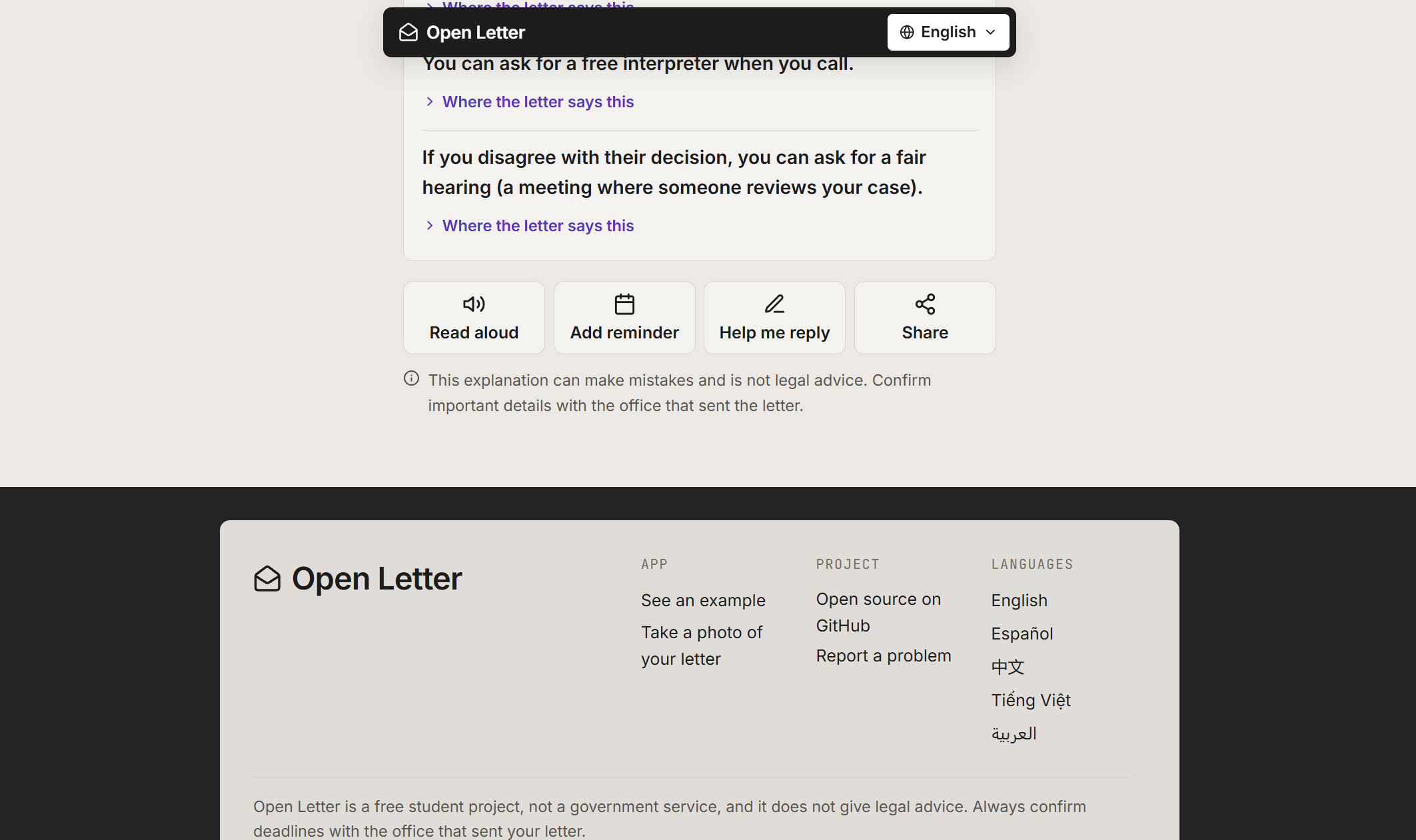
- Read aloud, calendar reminder, share with family, and a reply helper that writes a polite English letter and shows you a translation, so you know exactly what you're sending.
How I built it
The frontend is plain HTML, CSS, and JavaScript with no build step, so anyone can read and change it. The backend is a small Python / FastAPI server.
- On the phone: the photo is drawn onto a canvas (which also strips hidden data like GPS location). Tesseract.js runs OCR in the browser to find private numbers and cover them. Users can cover anything else with a finger.
- On the server: only the redacted image is sent. The server checks it's a real image, rate-limits each visitor, and never saves it.
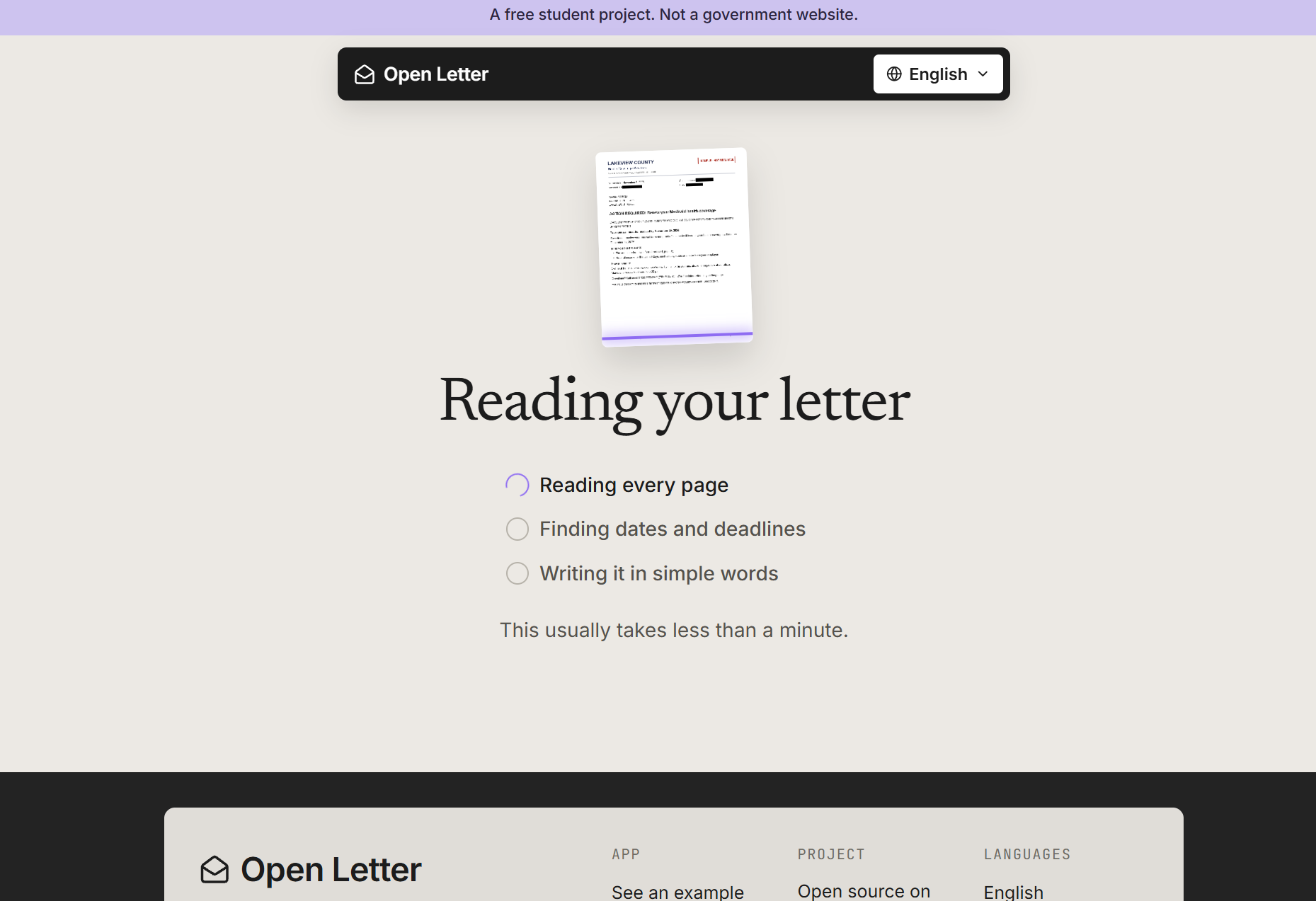
- The AI (Google Gemini by default, or Anthropic's Claude) reads the image and must answer in a fixed JSON schema using structured output. The prompt requires a word-for-word quote for every fact and forbids inventing phone numbers or dates.
- Back on the phone: the app checks every quote against the text its own OCR read, so it can warn you if the AI made a quote up.
Challenges I ran into
Not trusting the AI. A wrong deadline on an eviction notice is worse than no answer. So I built layers of checks:
- The AI reports the deadline date, but the app does the counting itself, since language models are unreliable at arithmetic:
$$\text{days left} = \text{deadline} - \text{today}$$
- Phone numbers and links are cleaned on the server. Only plain
http(s)links are allowed, so a malicious letter can't sneak in ajavascript:link. If a letter looks like a scam, its contact details are hidden completely. - The prompt tells the AI to treat anything written in the letter as content to explain, never as instructions to follow (to block prompt injection hidden in a letter).
Checking quotes when OCR is imperfect. OCR misreads letters ("renewa1" instead of "renewal"), so an exact text match would flag real quotes as fake. Instead, a word counts as matching if it is at most one edit away, and a quote passes when at least 75% of its words match:
$$\frac{#{\text{quote words found in letter}}}{#{\text{quote words}}} \geq 0.75$$
Privacy vs. accuracy. I wanted the AI to see the letter but never your Social Security number. Running OCR on the phone, instead of on a server, meant bundling Tesseract into the app and tuning it to run fast enough on a normal phone.
Five languages, including right-to-left Arabic. Every screen, button, and the example letter had to work in both directions without breaking the layout.
What I learned
- How to use structured output to turn an AI into something reliable enough to build on, and why you should still verify its answers.
- That privacy works best when it happens on the user's device, before data ever leaves it.
- Accessibility goes beyond color contrast: reading level, plain words, read-aloud, and never relying on color alone all matter.
- How to write tests for code that calls an AI by faking the AI, so the tests are free and repeatable.
What's next
- Native-speaker review of every translation
- More languages
- Better auto-redaction for handwriting and non-English letters
Open Letter can make mistakes and is not legal advice. Always confirm important details with the office that sent the letter.
