OPEN Learn AI
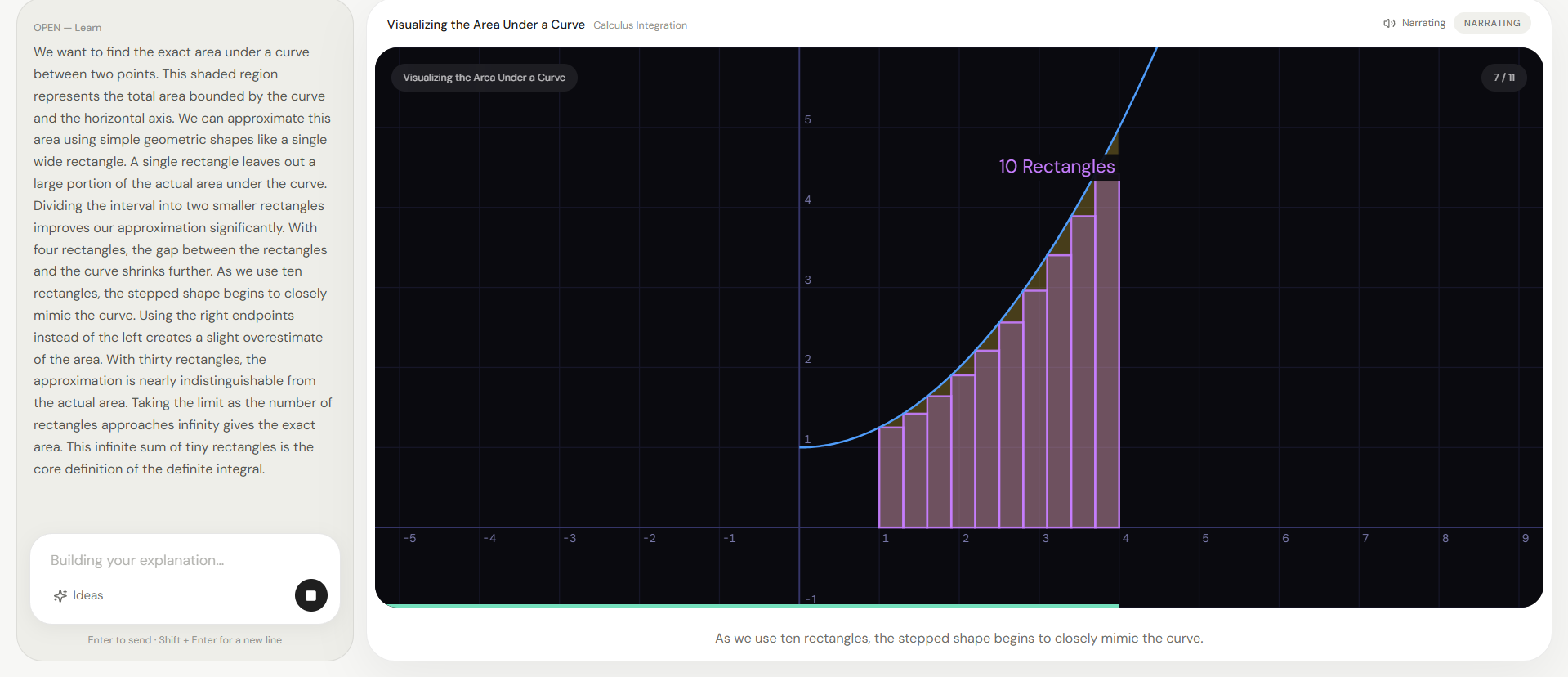
OPEN Learn is an AI-powered visual mathematics and physics tutor that generates animated lessons instead of static answers.
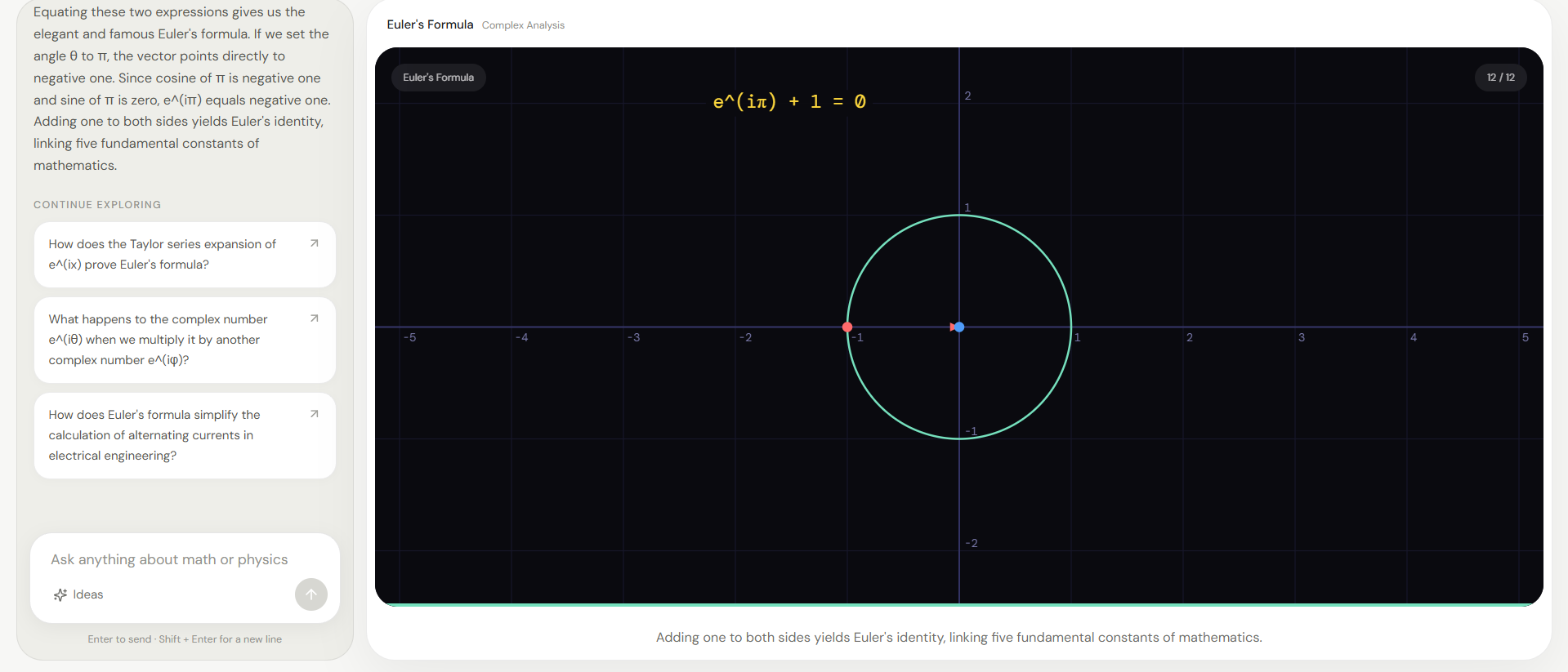
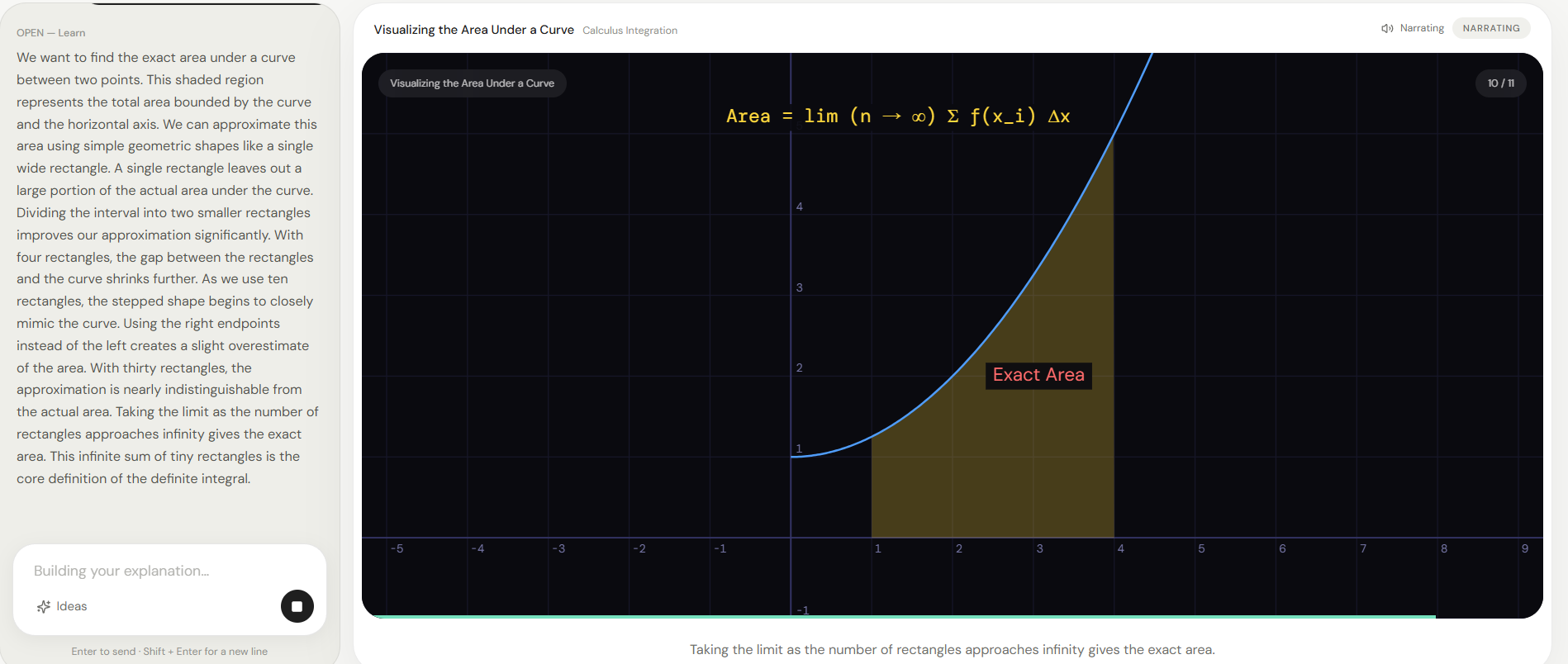
Rather than returning paragraphs of text, OPEN Learn plans an entire lesson, renders mathematical concepts frame-by-frame on a custom canvas engine, and narrates each step as the learner watches the explanation unfold.
Inspiration
Most AI tutors today answer questions with text.
That works for many subjects, but mathematics and physics are inherently visual. Concepts like derivatives, vectors, wave motion, integrals, matrices, and coordinate geometry are much easier to understand when learners can actually see them develop.
We wanted to build an educational experience that feels more like having a teacher drawing on a whiteboard than reading another AI-generated paragraph.
What it does
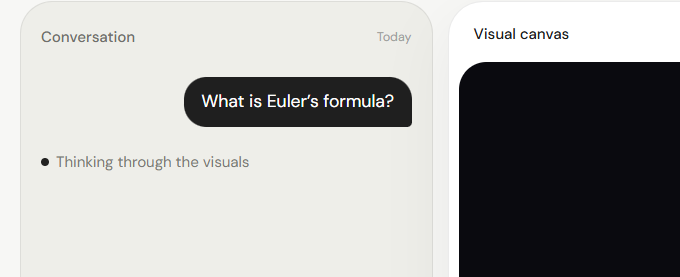
Users simply ask a question in natural language.
OPEN Learn then:
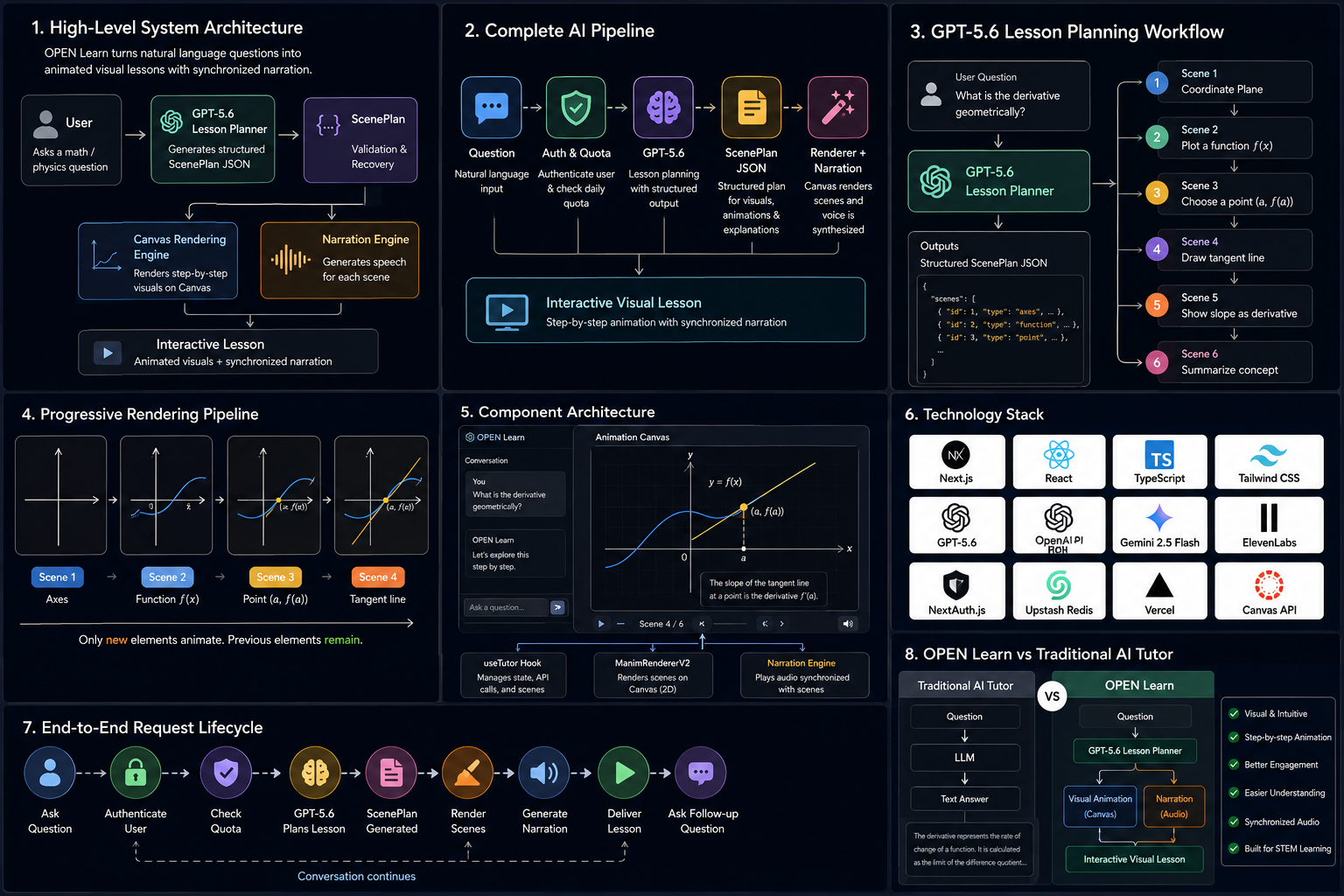
- analyzes the question with LLM
- generates a structured lesson plan
- creates a sequence of visual scenes
- animates each mathematical concept
- synchronizes narration with every scene
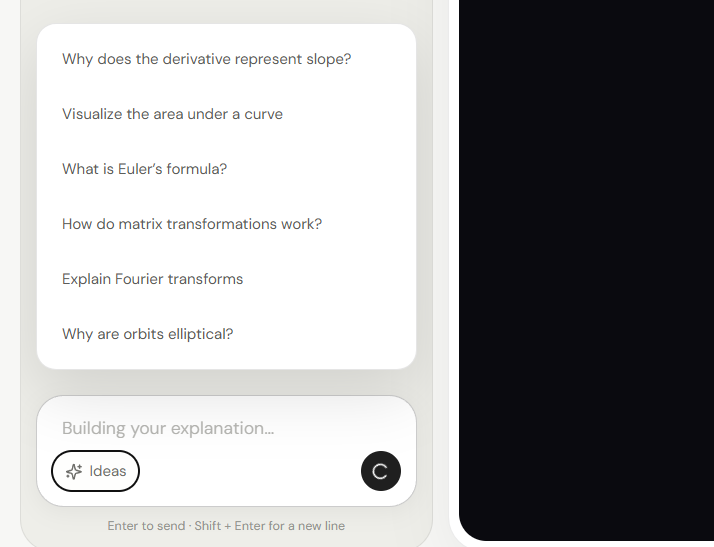
- progressively builds the explanation instead of replaying everything
Instead of producing one static answer, every lesson is generated specifically for the user's question.
How we built it
The project is built with:
- Next.js 16
- React 19
- TypeScript
- Tailwind CSS
- Canvas 2D
- NextAuth
- Upstash Redis
- ElevenLabs
- OpenAI-compatible APIs
The AI generates a structured ScenePlan JSON rather than free-form text.
That ScenePlan is interpreted by a custom rendering engine which draws:
- graphs
- vectors
- equations
- tangent lines
- matrices
- statistical charts
- coordinate systems
- geometric shapes
- waves
- physics diagrams
The renderer only animates newly introduced objects while keeping previous elements persistent, creating a smooth whiteboard-style teaching experience.
Narration is generated independently and synchronized with every scene.
How GPT-5.6 and Codex were used
GPT-5.6 was responsible for planning educational lessons as structured ScenePlans that describe every animation, explanation, and visual element.
Codex accelerated development throughout the project by helping:
- architect the application
- design the rendering pipeline
- implement complex canvas rendering logic
- refactor components
- improve animation systems
- debug rendering issues
- optimize TypeScript types
- improve project organization
- generate documentation
- iterate rapidly on features
Rather than generating only code snippets, Codex acted as a collaborative engineering partner throughout development.
Challenges we ran into
Building an educational renderer proved much harder than simply generating AI responses.
Some of the biggest challenges included:
- designing a reliable JSON lesson format
- recovering malformed AI outputs
- implementing a custom mathematical rendering engine
- maintaining persistent objects across scenes
- synchronizing narration with animation
- preventing graph discontinuities around asymptotes
- safely evaluating mathematical expressions without using eval()
Accomplishments that we're proud of
- Custom high-performance Canvas rendering engine
- Structured AI lesson generation
- Progressive animation system
- Safe mathematical expression parser
- Automatic AI JSON recovery
- Synchronized narration
- Production-ready authentication
- Daily quota management
- Responsive educational interface
What we learned
We learned that AI becomes significantly more effective for education when it generates structured teaching plans rather than raw text.
Separating planning (LLM) from rendering (custom engine) produced explanations that are far more visual, engaging, and reusable.
What's next for OPEN Learn
Future improvements include:
- adaptive difficulty levels
- interactive quizzes
- collaborative classrooms
- lesson history
- personalized learning paths
- additional STEM subjects
- handwriting support
- real-time teacher dashboards
Built With
- canvas
- codex
- elevenlabs
- framer-motion
- google-oauth
- gpt-5.6
- javascript
- next.js
- nextauth.js
- node.js
- openai
- react
- redis
- tailwind
- typescript
- upstash
- vercel


Log in or sign up for Devpost to join the conversation.