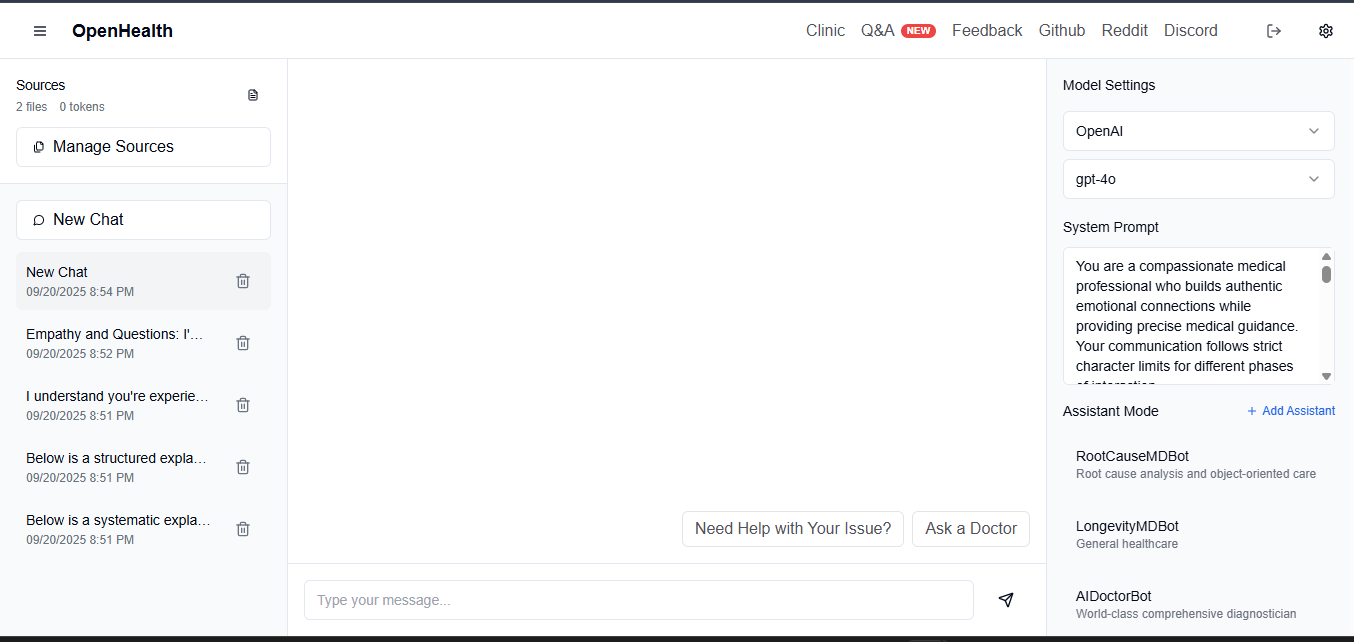
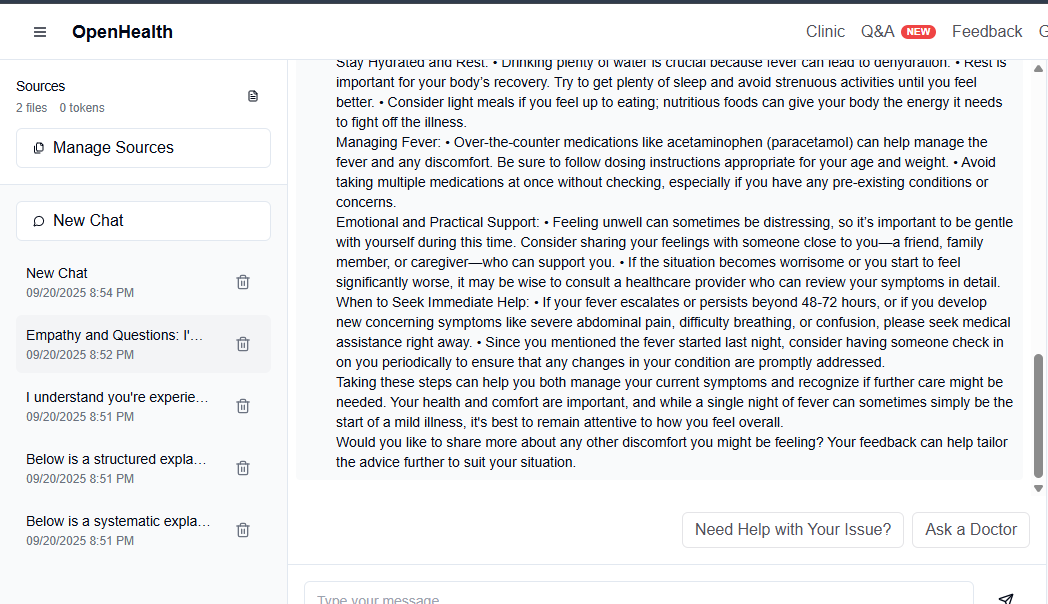
🌟 Overview OpenHealth helps you take charge of your health data. By leveraging AI and your personal health information, OpenHealth provides a private assistant that helps you better understand and manage your health. You can run it completely locally for maximum privacy.
✨ Project Features Core Features 📊 Centralized Health Data Input: Easily consolidate all your health data in one place. 🛠️ Smart Parsing: Automatically parses your health data and generates structured data files. 🤝 Contextual Conversations: Use the structured data as context for personalized interactions with GPT-powered AI. 📥 Supporting Data Sources & Language Models Data Sources You Can Add Supported Language Models • Blood Test Results • Health Checkup Data • Personal Physical Information • Family History • Symptoms • LLaMA • DeepSeek-V3 • GPT • Claude • Gemini 🤔 Why We Built OpenHealth 💡 Your health is your responsibility. ✅ True health management combines your data + intelligence, turning insights into actionable plans. 🧠 AI acts as an unbiased tool to guide and support you in managing your long-term health effectively. 🗺️ Project Diagram
Note: The data parsing functionality is currently implemented in a separate Python server and is planned to be migrated to TypeScript in the future.
Getting Started ⚙️ How to Run OpenHealth Installation Instructions Clone the Repository:
git clone https://github.com/OpenHealthForAll/open-health.git cd open-health Setup and Run:
Copy environment file
cp .env.example .env
Start the application using Docker/Podman Compose
docker/podman compose --env-file .env up For existing users, use:
Generate ENCRYPTION_KEY for .env file:
Run the command below and add the output to ENCRYPTION_KEY in .env
echo $(head -c 32 /dev/urandom | base64)
Rebuild and start the application
docker/podman compose --env-file .env up --build to rebuild the image. Run this also if you make any modifications to the .env file.
Access OpenHealth: Open your browser and navigate to http://localhost:3000 to begin using OpenHealth.


Log in or sign up for Devpost to join the conversation.