-
-
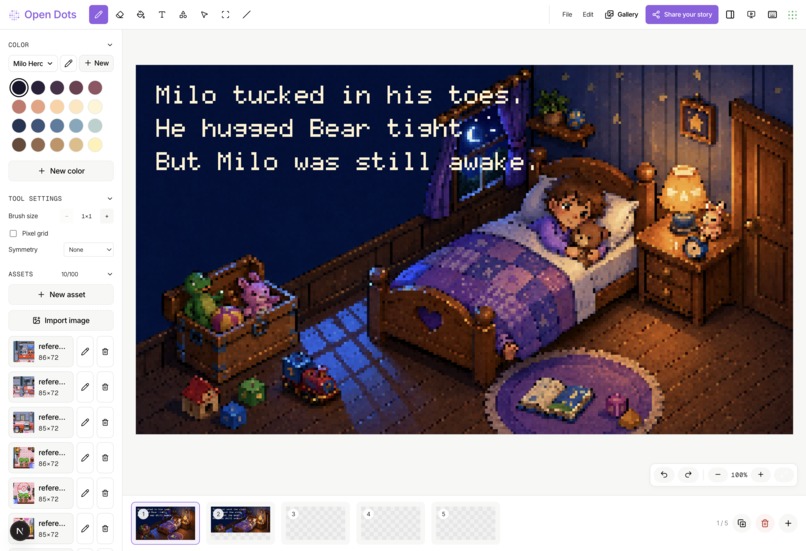
An editor to create pixel art story book with AI
-
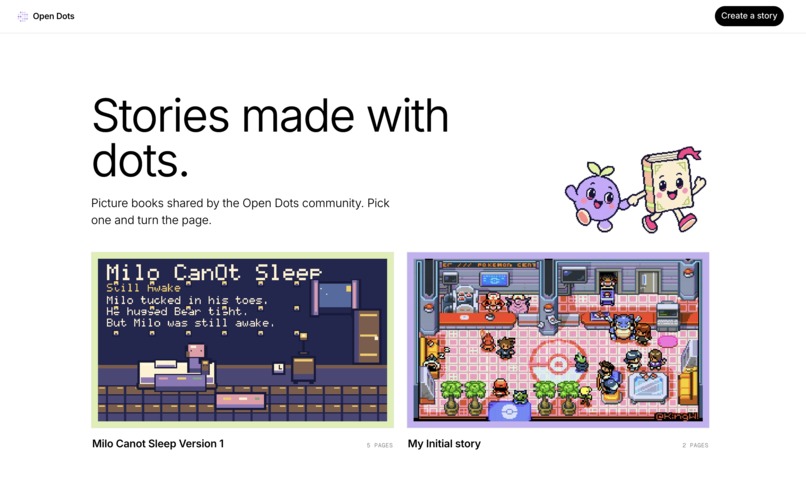
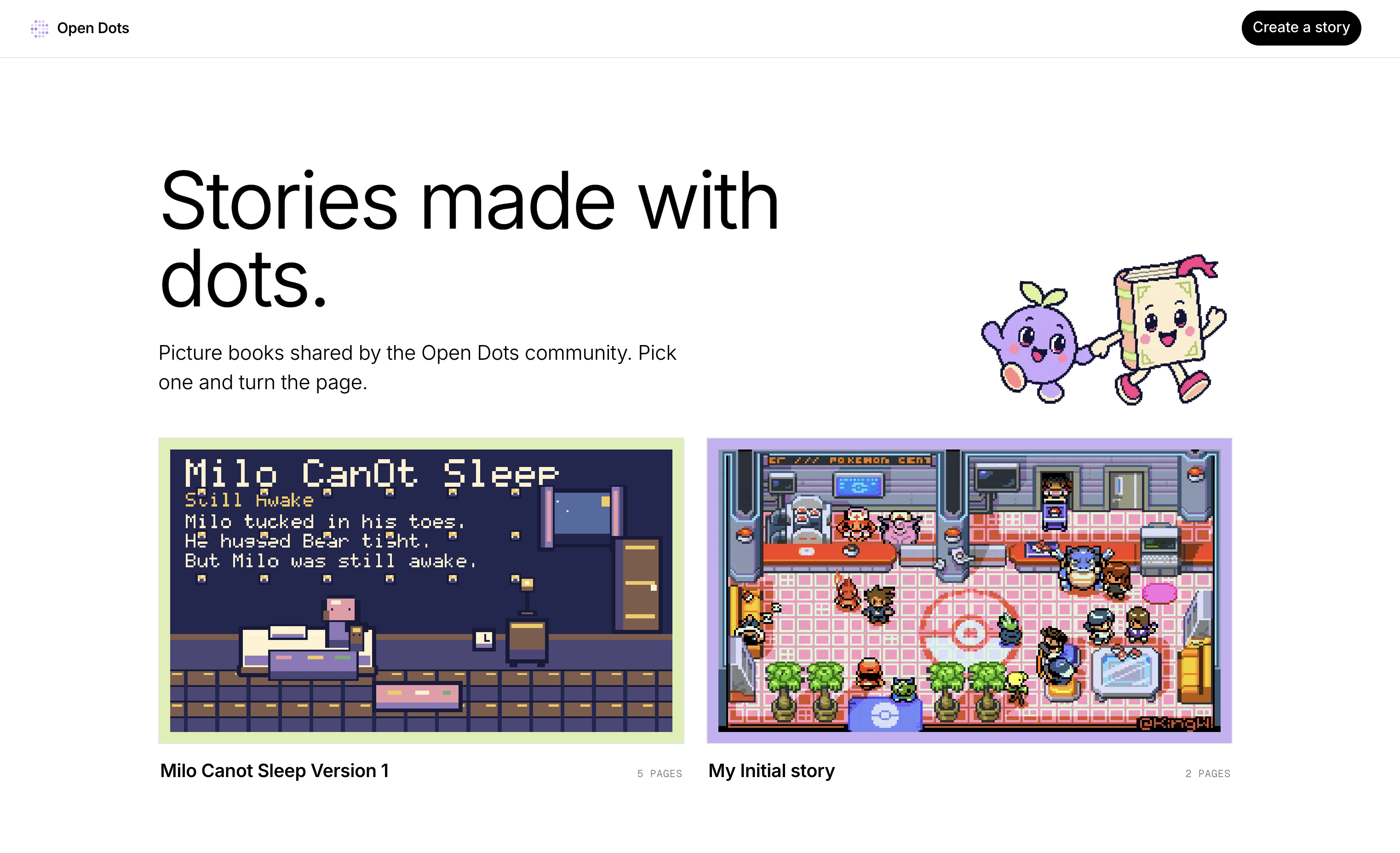
A gallery of pixel art storybooks
Open Dots
Open Dots is an agent-native pixel-art storybook for children and families. Together, they turn story ideas into illustrated pages with an AI co-creator, then read, revise, and share the artwork.
The problem
Families want creative screen time that they can do together: a child imagines a character or scene, an adult helps shape the story, and both can see and change the result. But making a picture book takes drawing confidence, time, and specialized tools.
Many pixel-art products are either one-off image generators or professional editors. A generated image can be impressive, but it is often a paid, opaque endpoint: it does not teach a child how a scene is built, preserve reusable pieces, or make it easy for a family to revise a character across the next page. Traditional editors expose the craft, but can be intimidating for beginners.
People who already have access to an AI client such as ChatGPT need a more approachable middle ground: a shared canvas where they can learn by making, keep creative control, and ask an agent for help without handing the whole story to a black box.
The solution
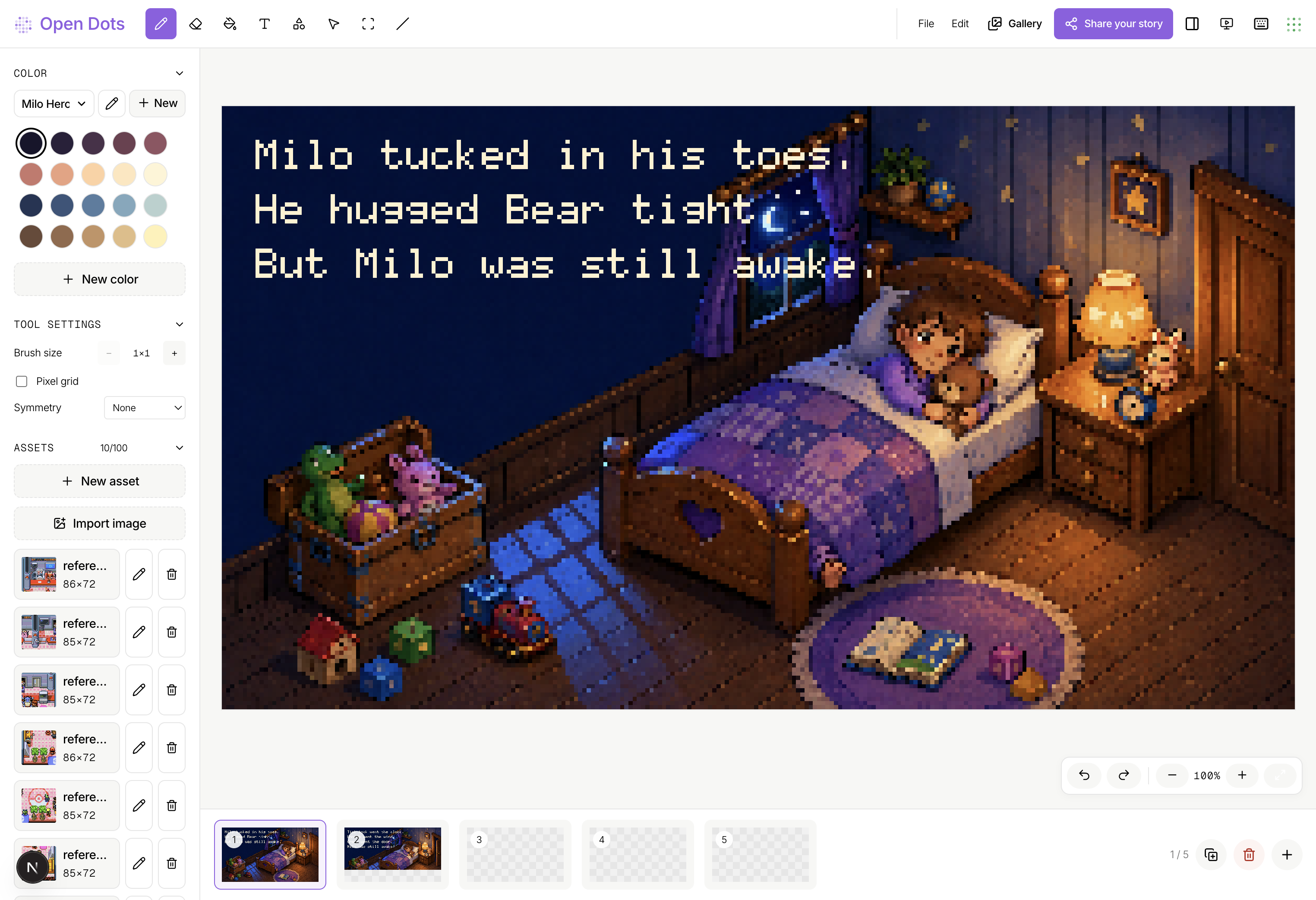
Open Dots pairs a tactile pixel-storybook editor with a structured WebMCP surface. A family turns an idea into a sequence of illustrated pages, adds pixel text and shapes, reviews and revises each scene, and reads the finished book page by page. Individual pages can be exported as PNGs to share.
The in-browser agent reads the storybook state, creates reusable sprites, paints them in deliberate passes, stamps them into layered scenes, and inspects PNG feedback before the next pass. This is collaborative storymaking, not a prompt-to-image handoff: the family directs the narrative and art direction; the agent performs precise, inspectable canvas work through document.modelContext.
How WebMCP is used
WebMCP is the product capability, not an add-on. Open Dots treats its 15 tools as an agent-quality harness, not a thin UI automation layer. The agent loads a pixel-art guide, sets a named palette, creates small assets, refines them in outline/fill/shade/highlight passes, compares inline PNG feedback, stamps assets back-to-front, and inspects the composed page.
This harness exists because an unconstrained agent is poor at pixel art: it may paint whole pages flatly, make oversized props, skip shading, or continue without looking at what it just made. Open Dots gives it the constraints and feedback that a careful pixel artist uses: reusable small sprites, palette tiers, bulk drawing primitives, inline visual inspection, and scene-quality hints. Mutating asset operations return inline PNG feedback and the required next comparison pass, preventing blind multi-step drawing.
Read tools expose the storybook, asset images, and page images; write tools create pages, assets, palettes, pixels, text, and placements. The tools use typed schemas, intent-rich descriptions, structured errors, and read/write annotations. Deterministic evals test the tool surface, input validation, error handling, and journey coverage; the live browser flow tests whether an agent can use that harness to make a coherent scene. Considerable iteration went into scoring agent output and turning recurring failure modes into guide, feedback, and composition checks.
How it was built
Codex assisted with implementation, debugging, visual editor iteration, WebMCP registration, and verification. The repository documents browser checks, deterministic WebMCP checks, TypeScript checks, linting, and production builds.
Try it
Open the live site in ChatGPT’s in-app browser, or Chrome 149+ with chrome://flags/#enable-webmcp-testing enabled. Ask the agent to create a picture-book scene in Open Dots: it should load the pixel-art guide, wait for readiness, define a palette, create and refine small assets with PNG feedback, then stamp them into a story page.
Built With
- codex
- document.modelcontext
- next.js
- react
- typescript
- vercel
- webmcp