Inspiration
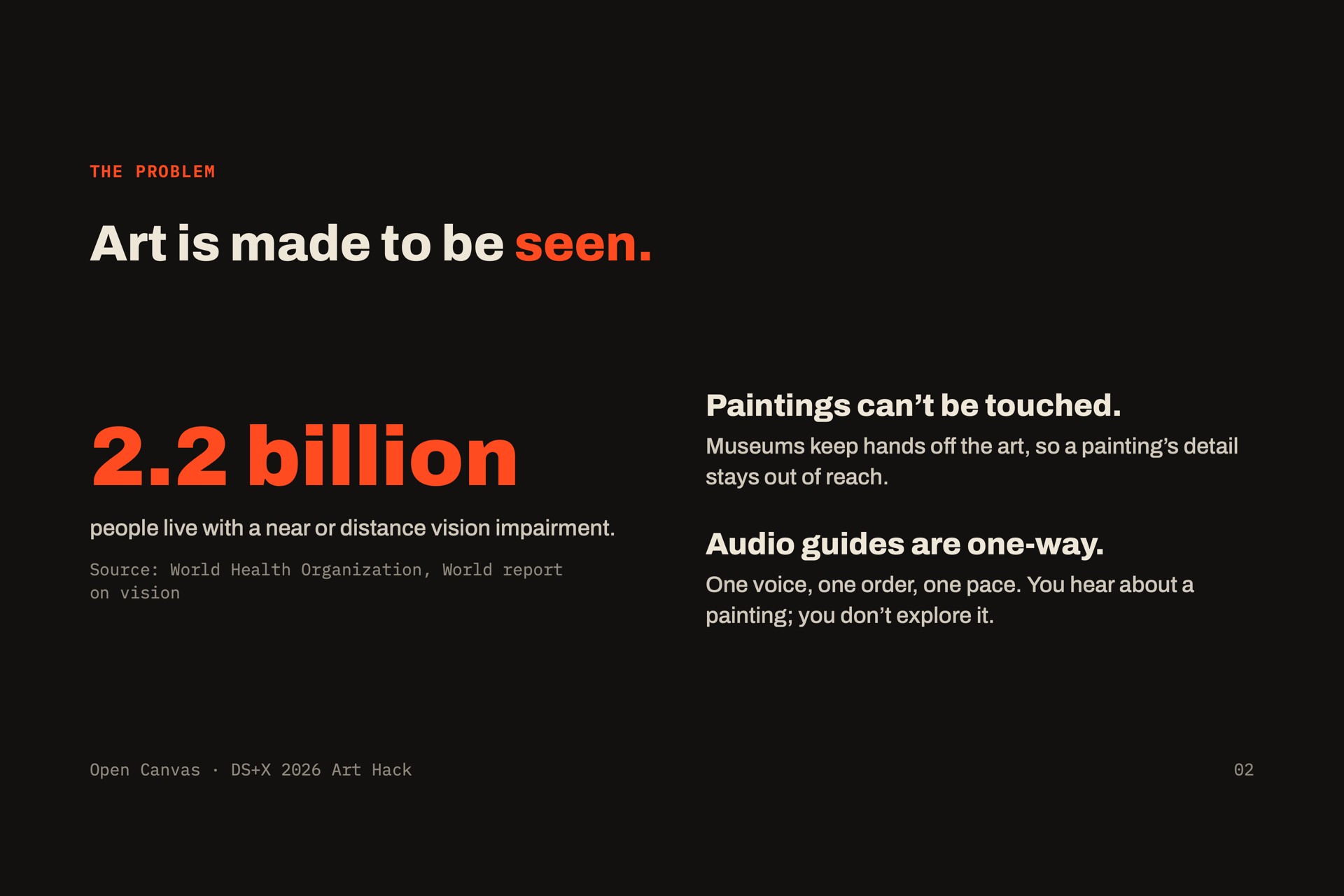
Art is almost always made to be seen. The WHO estimates that at least 2.2 billion people have a vision impairment, and for them a museum visit usually means a fixed audio guide that tells you what to look at, in someone else's order. We wanted blind and low-vision visitors to explore a painting the way sighted people do: on their own, in any order, at their own pace.
We built on research. In Eyes-Free Art (Rector et al., Microsoft Research, 2017), 11 of 13 blind and low-vision participants preferred layered audio, but an audio "gong" for edges confused people. In EyeMusic, mapping color to instrument timbre roughly doubled the detail users could pick out. So we turn color into music, objects into sounds, and edges into touch.
What it does
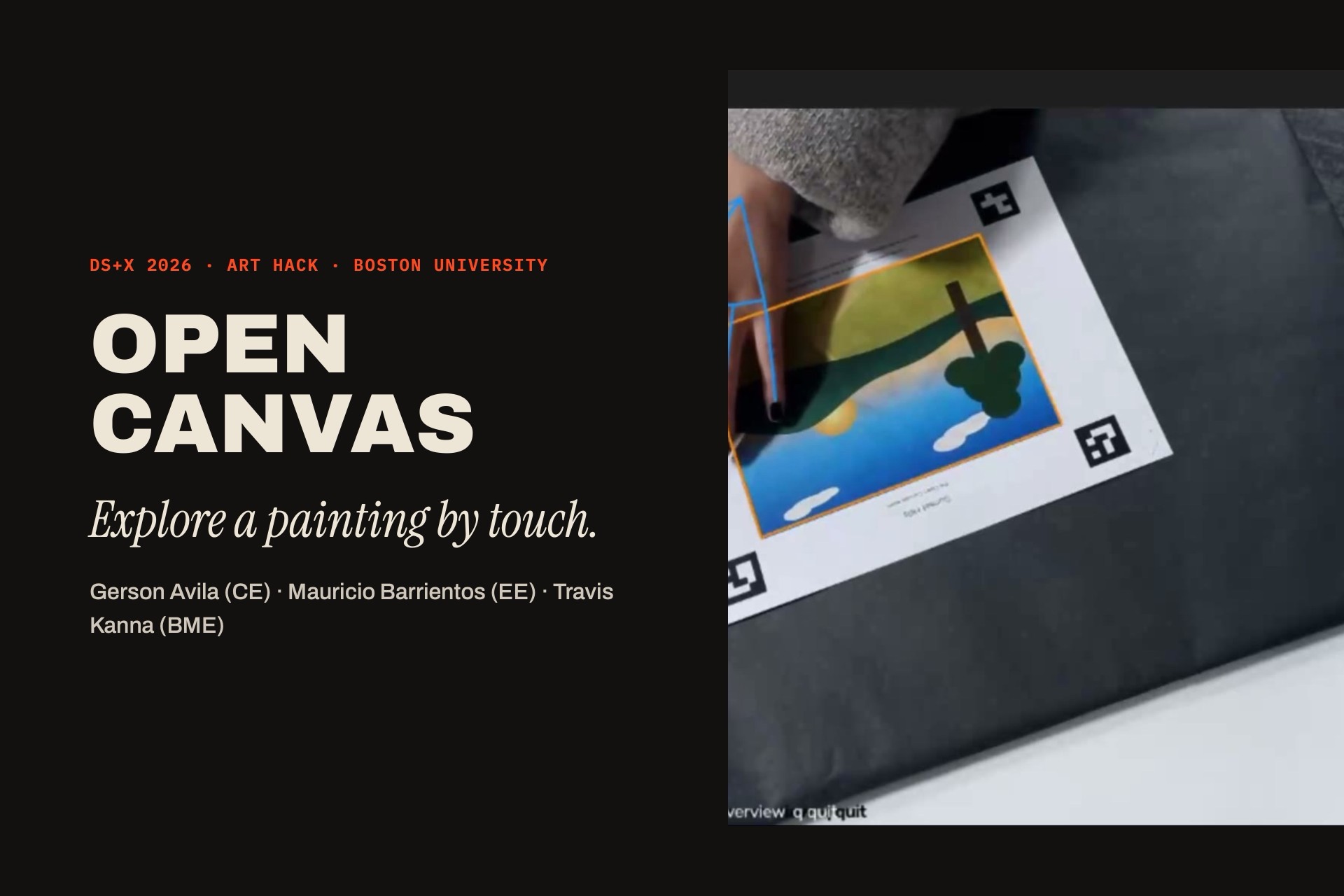
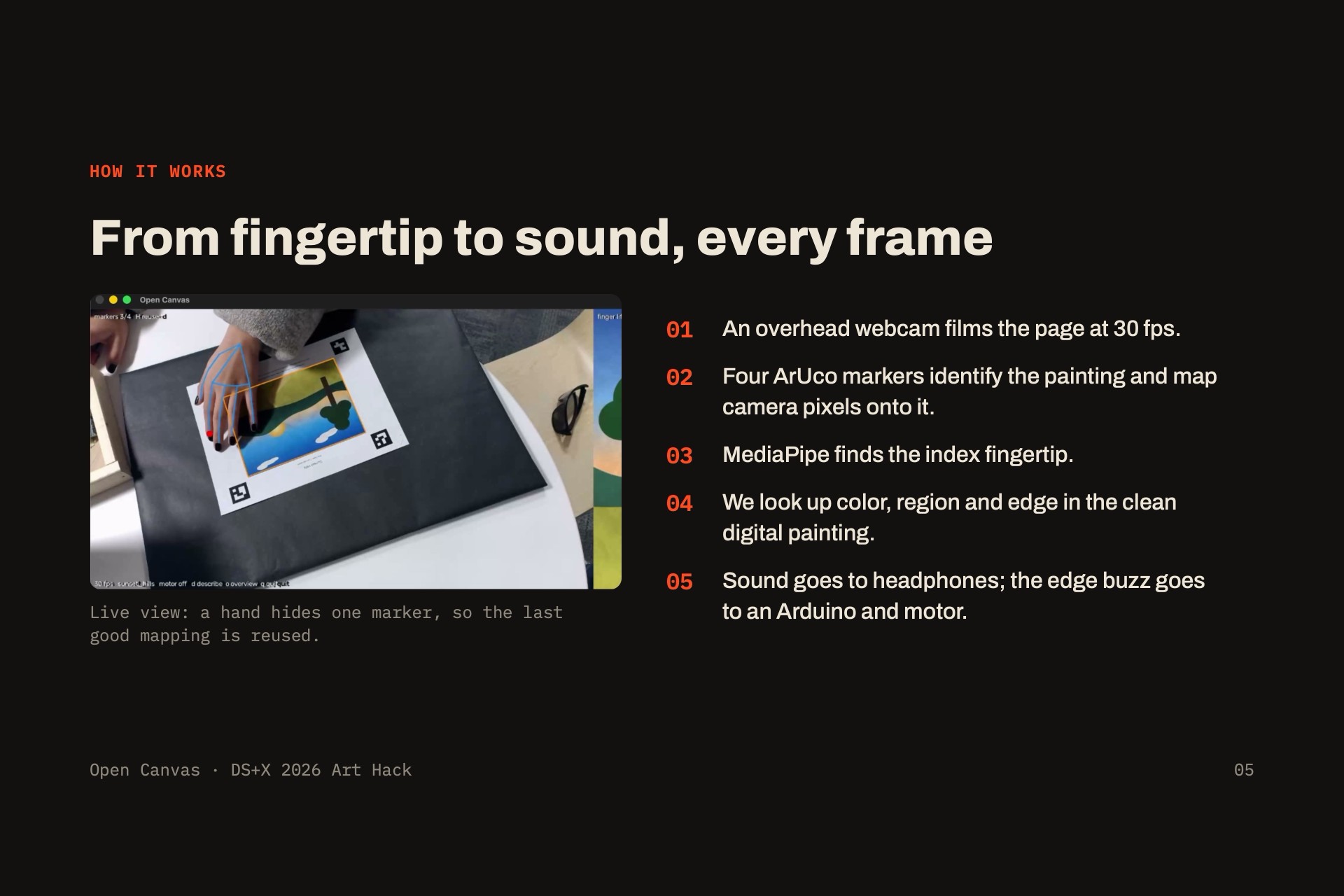
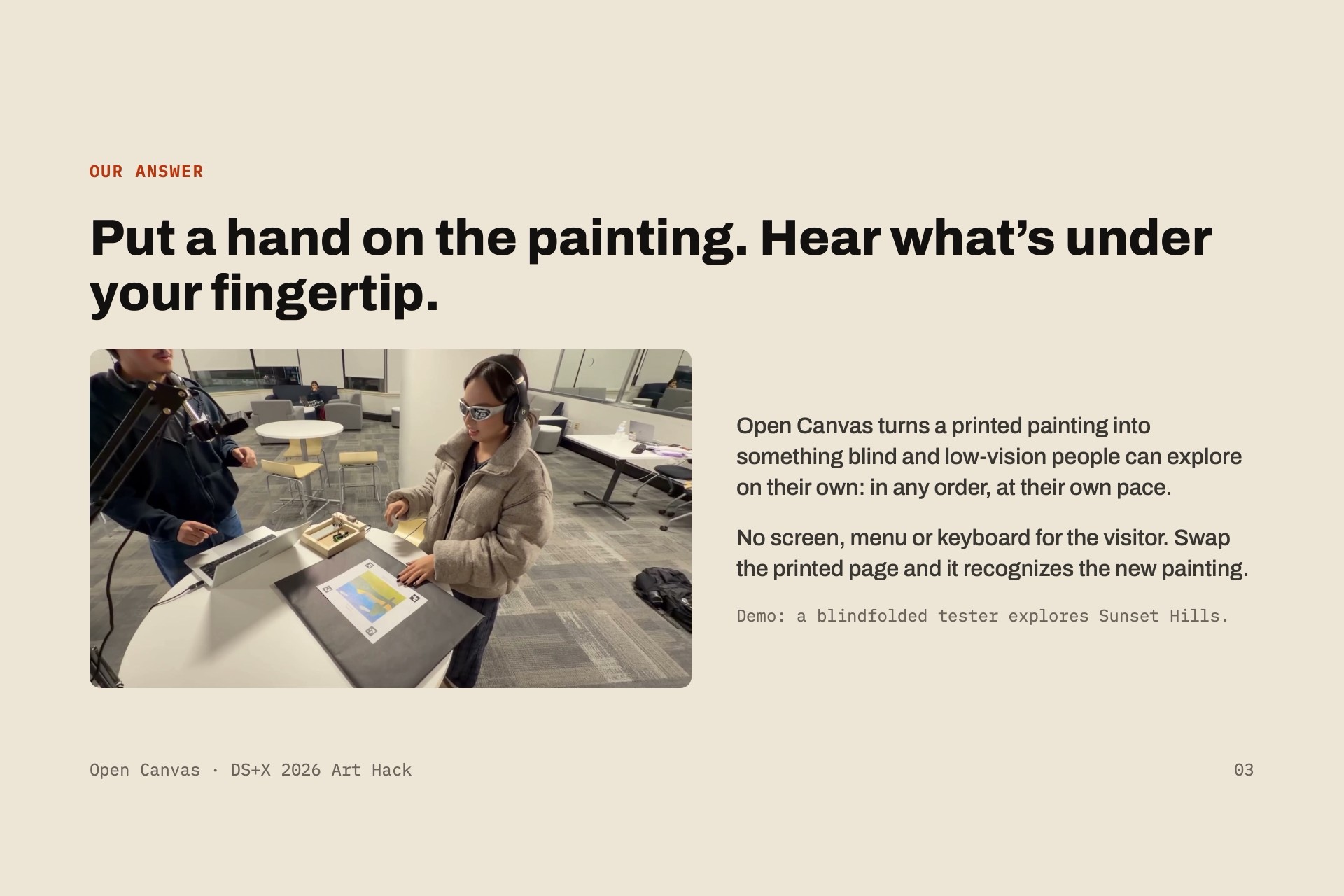
Put a hand on a printed painting. An overhead camera follows your index fingertip, and the part of the painting under it comes alive in four layers:
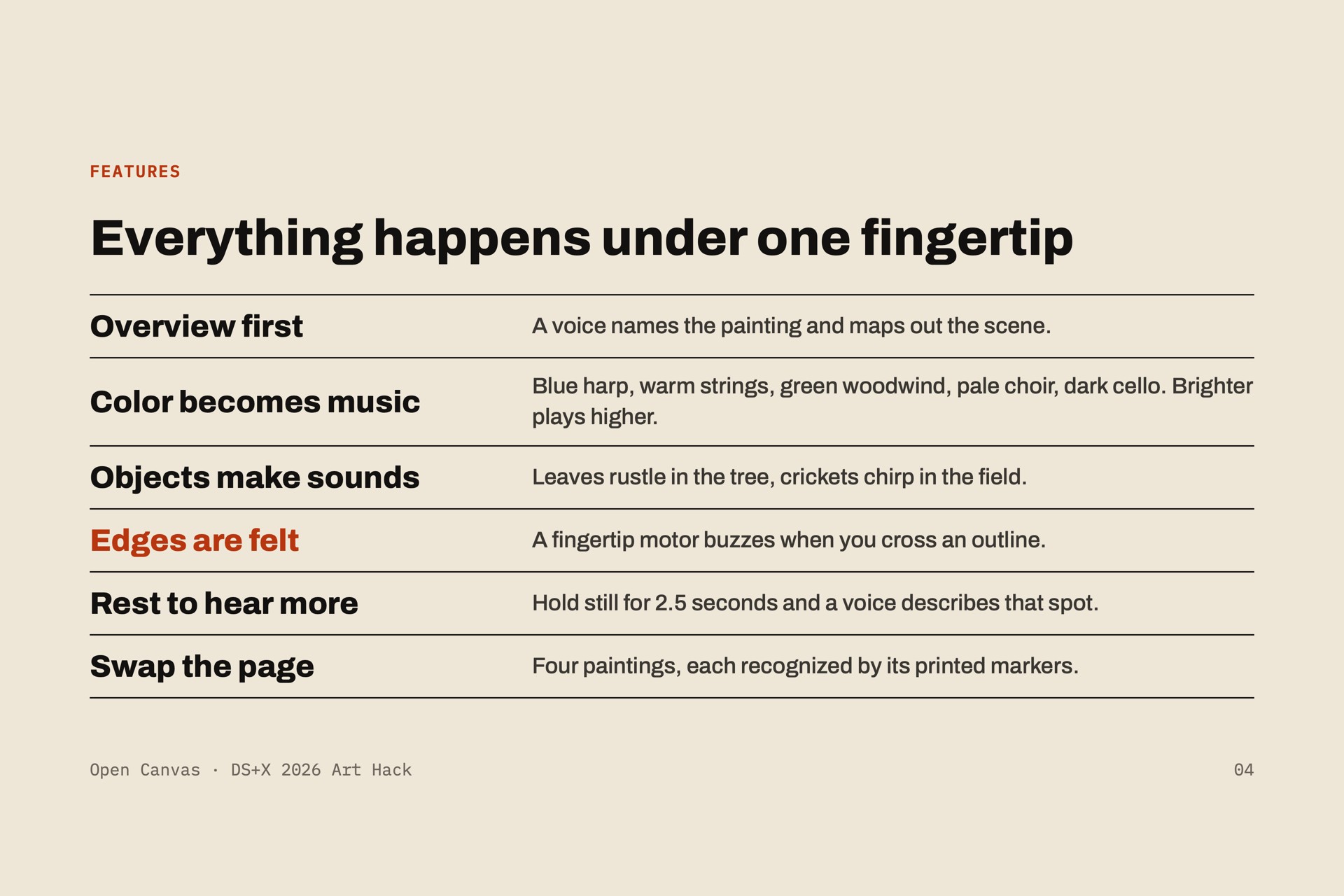
- Color becomes music. Each color plays its own instrument (blue = harp, warm = strings, green = woodwind, pale = choir, dark = cello). Brighter spots play higher, and the sound pans left and right with your finger.
- Objects make their own sounds. Wind in the sky, water in the wave, crickets in the field.
- Edges are felt, not heard. A small vibration motor on the fingertip buzzes when you cross an outline between two objects.
- Rest to hear more. Keep your finger still for 2.5 seconds and a voice describes that spot while the music ducks.
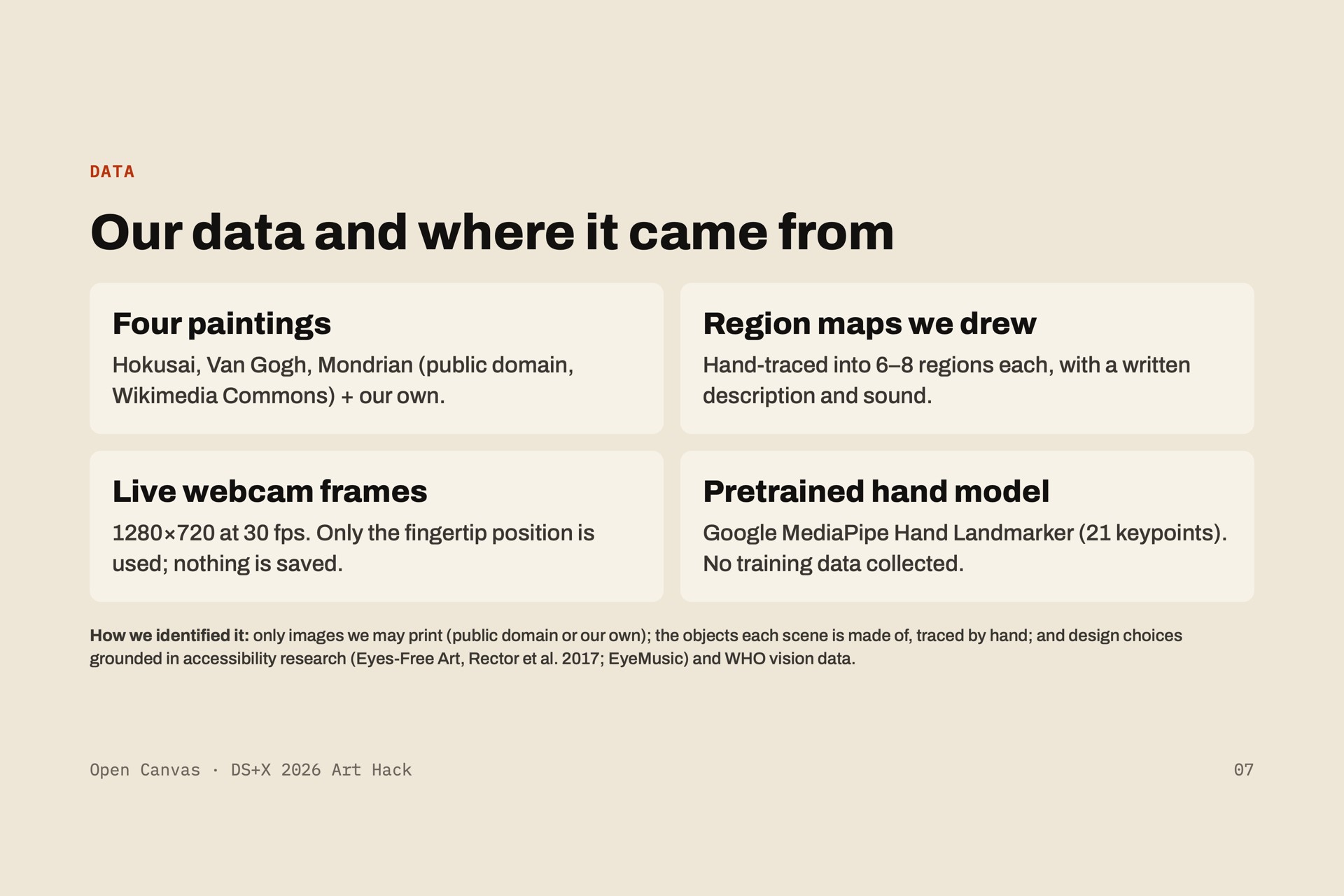
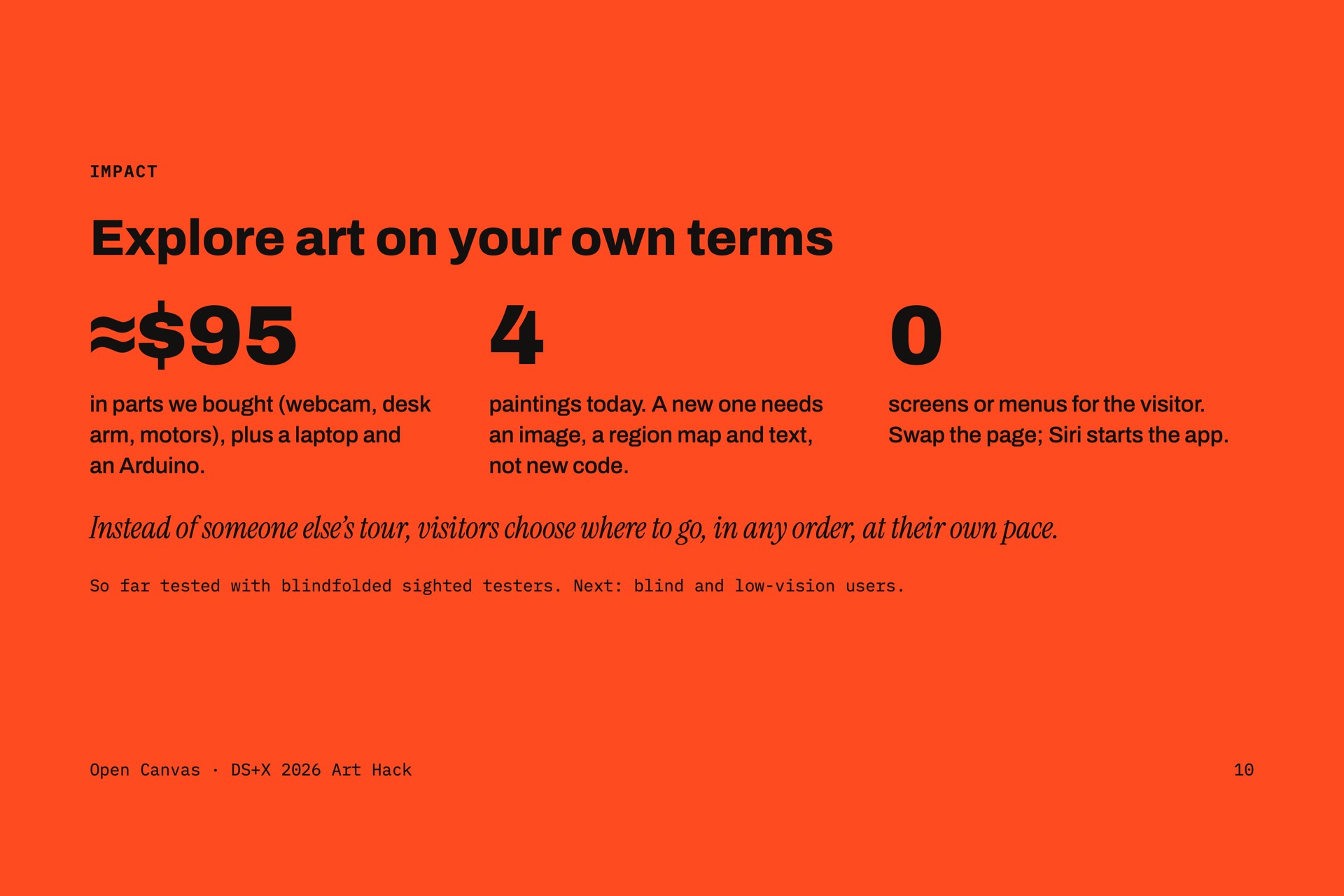
A spoken overview first gives a mental map of the scene. Swap in a different printed page and Open Canvas recognizes the new painting from its corner markers. We have four: our own Sunset Hills, Hokusai's The Great Wave, Van Gogh's The Starry Night, and a Mondrian. Visitors never need a screen, menu or keyboard; the app starts with a double-click or "Hey Siri, start Open Canvas."
How we built it
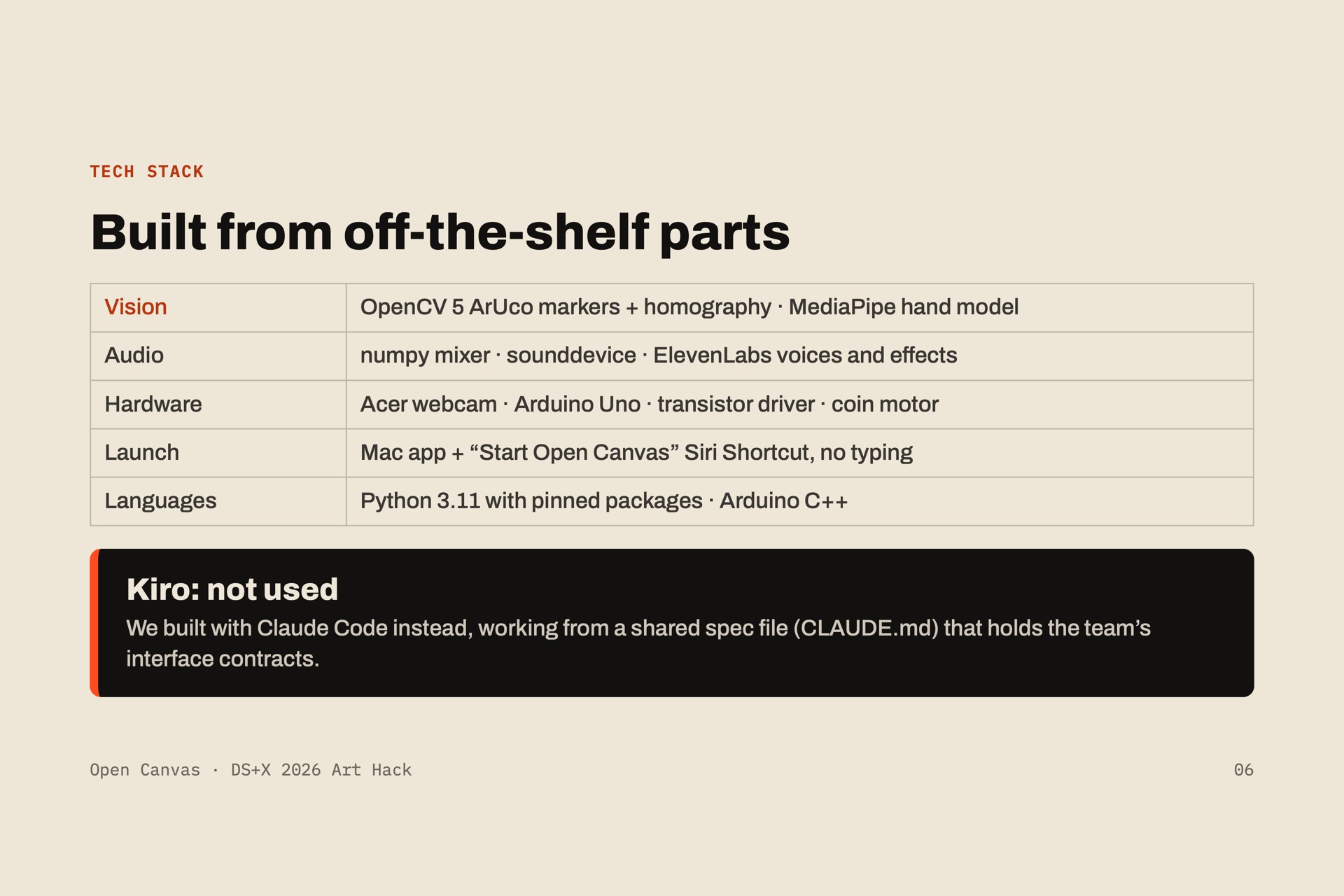
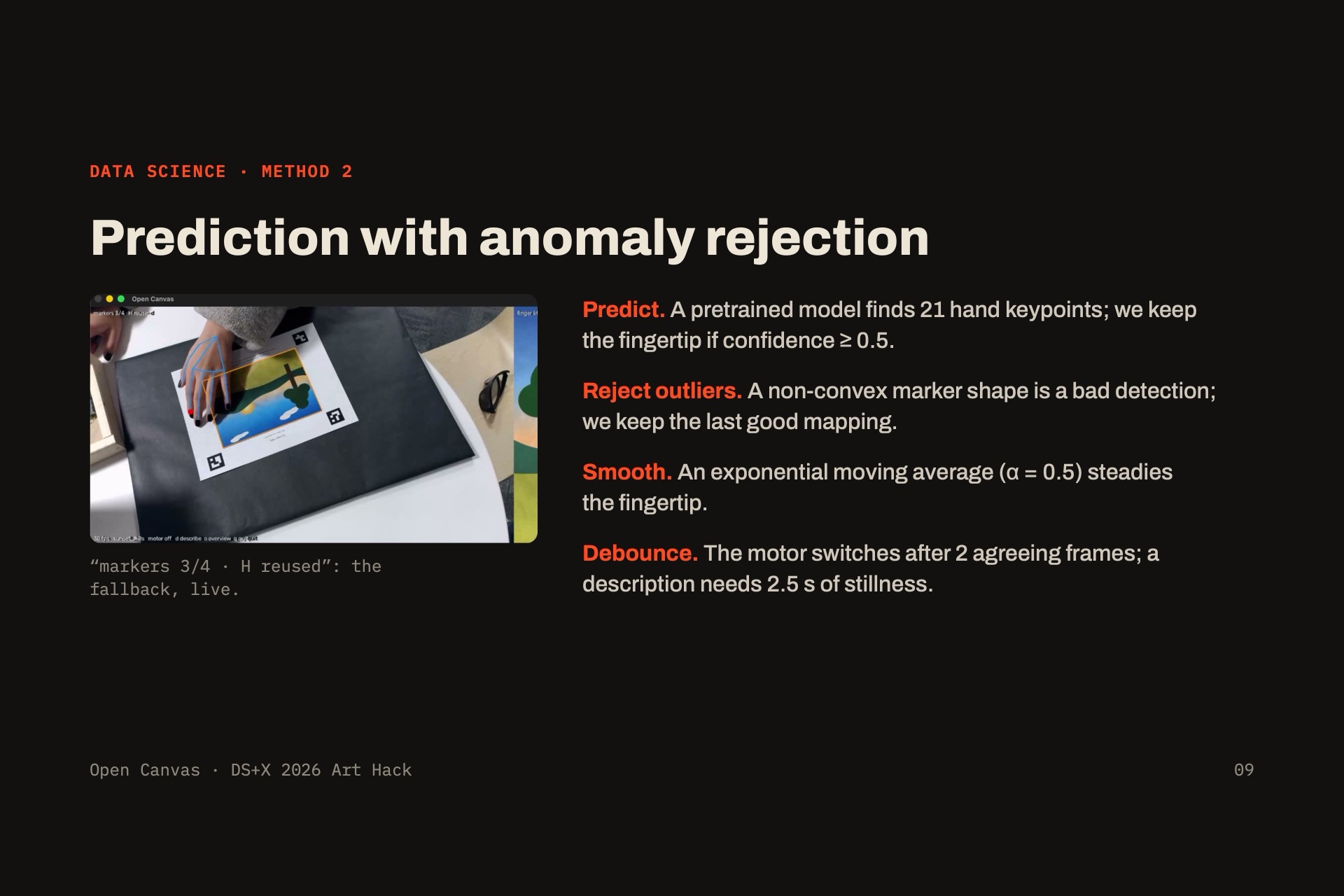
- Vision (Python, OpenCV, MediaPipe): four ArUco markers around each print give a homography from camera pixels to painting coordinates \( (u, v) \in [0,1]^2 \). Each page has its own marker IDs, so the same markers also tell us which painting it is. MediaPipe's hand landmarker tracks the index fingertip (landmark 8) in about 6.4 ms per frame.
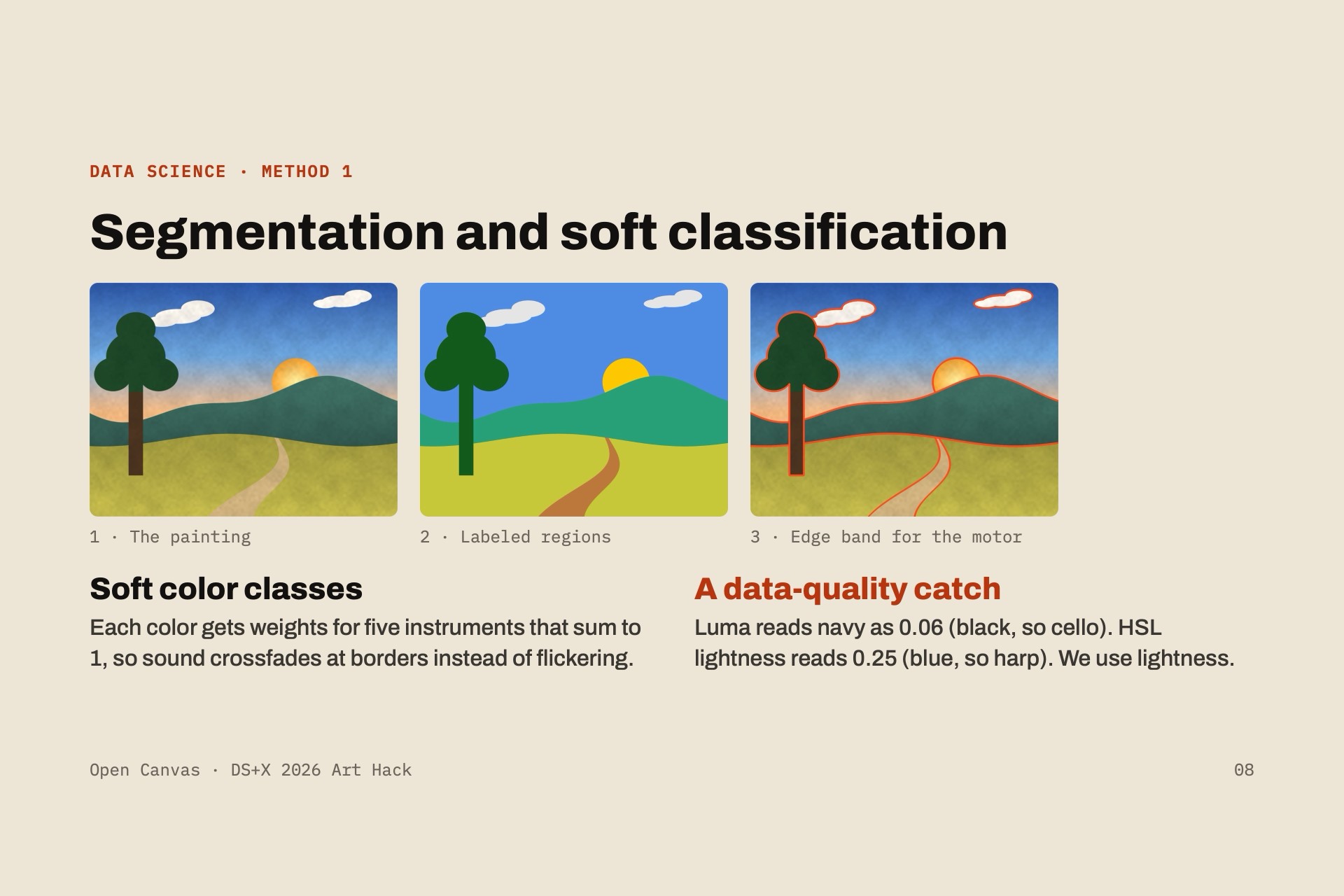
- Lookup: colors and regions are read from the clean digital painting at \( (u, v) \), not from the webcam, so lighting and the hand itself don't change what you hear. Each painting has a hand-traced region map with a description per region.
- Audio: a custom numpy mixer in the sound-card callback. Every instrument always plays a quiet bed so the audio never goes silent, and HSL lightness \( L \) blends each instrument's low and high register:
$$ \text{mix} = \text{low}\,(1 - 0.7L) + \text{high}\,(0.15 + 0.85L) $$
- Haptics: region boundaries widened into a ~5 mm band. The laptop sends
M1/M0over serial to an Arduino Uno only when the state changes, and the Uno drives a coin vibration motor through an NPN transistor with a flyback diode. - Sound and voice: sound effects and voices from ElevenLabs; descriptions written by our team.
- Tools: we built it with Claude Code as a coding assistant.
Challenges we ran into
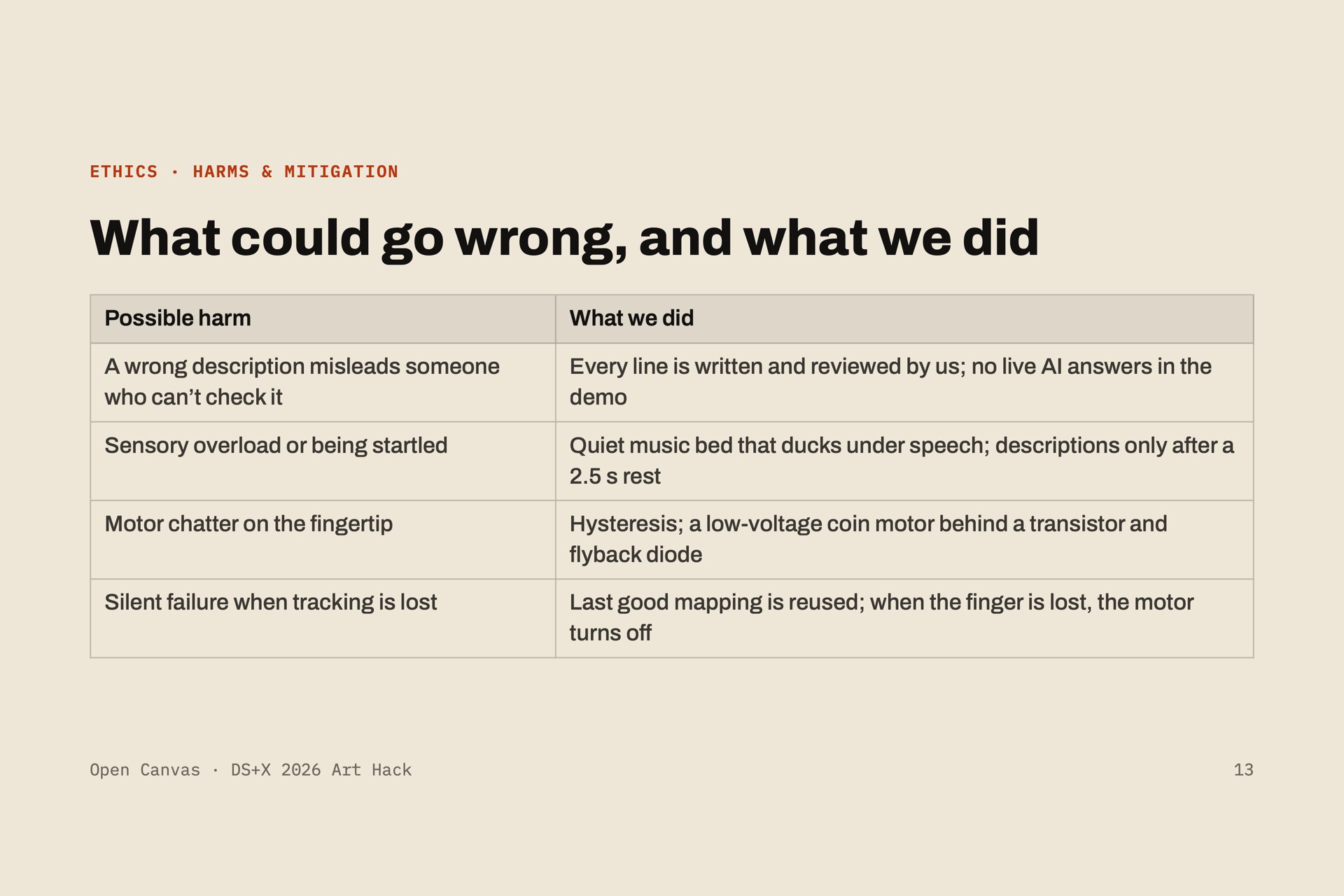
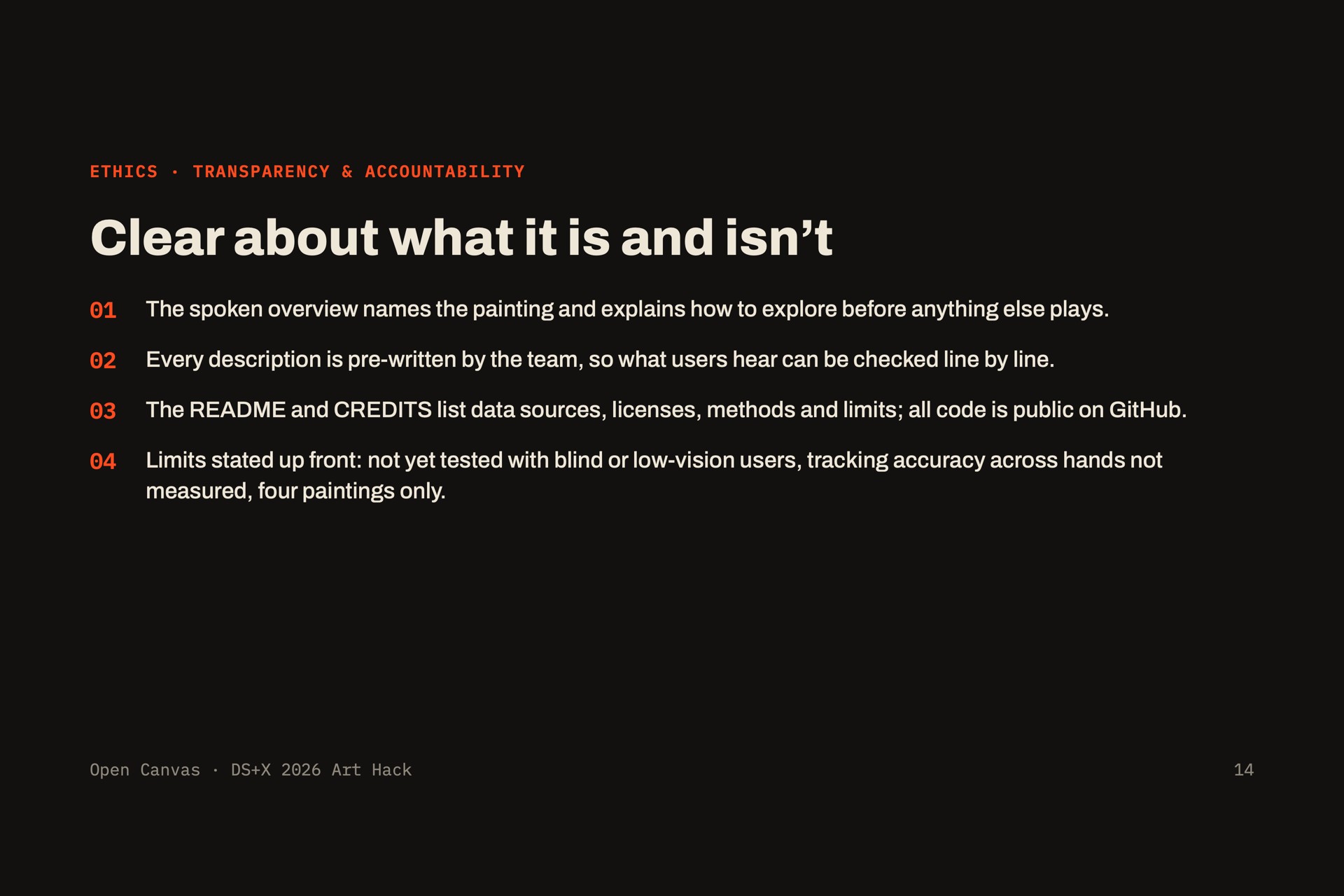
- We lost a teammate. One of our two EEs didn't show up, so our CE took on the motor circuit, firmwp of vision and integration.
- Edges buzzed constantly. Image edge detection picks up every brushstroke, so we derive edges from our region maps instead.
- Hands cover markers. When a marker is hidden, we reuse the last good homography.
- Navy read as harp, not cello. Brightness by luma got dark blues wrong; HSL lightness fixed it.
- A button was one more thing to find. We dropped the planned "describe" button: resting the fingerscription, so a finger is all you need.
- Hardware gremlins. The webcam kept disconnecting through a USB hub (plugging it straight into the camera's index in OpenCV didn't match macOS's own device list.
Accomplishments that we're proud of
- The whole pipeline (camera, fingertip, sound, motor) runs live, end to end, in 24 hours.
- Four paintings that swap just by placing a different page.
- No screen or keyboard needed for the visitor.
- Grounding the design in accessibility research instead of guessing.
What we learned
- Simple beats clever: region maps over edge detection, reading the clean image over the webcam, restinbutton.
- Homographies, fiducial markers, and real-time audio mixing without glitches.
- Designing for non-visual users changes every decision, from how a page's orientation is felt (we cut to when the voice speaks.
What's next for Open Canvas
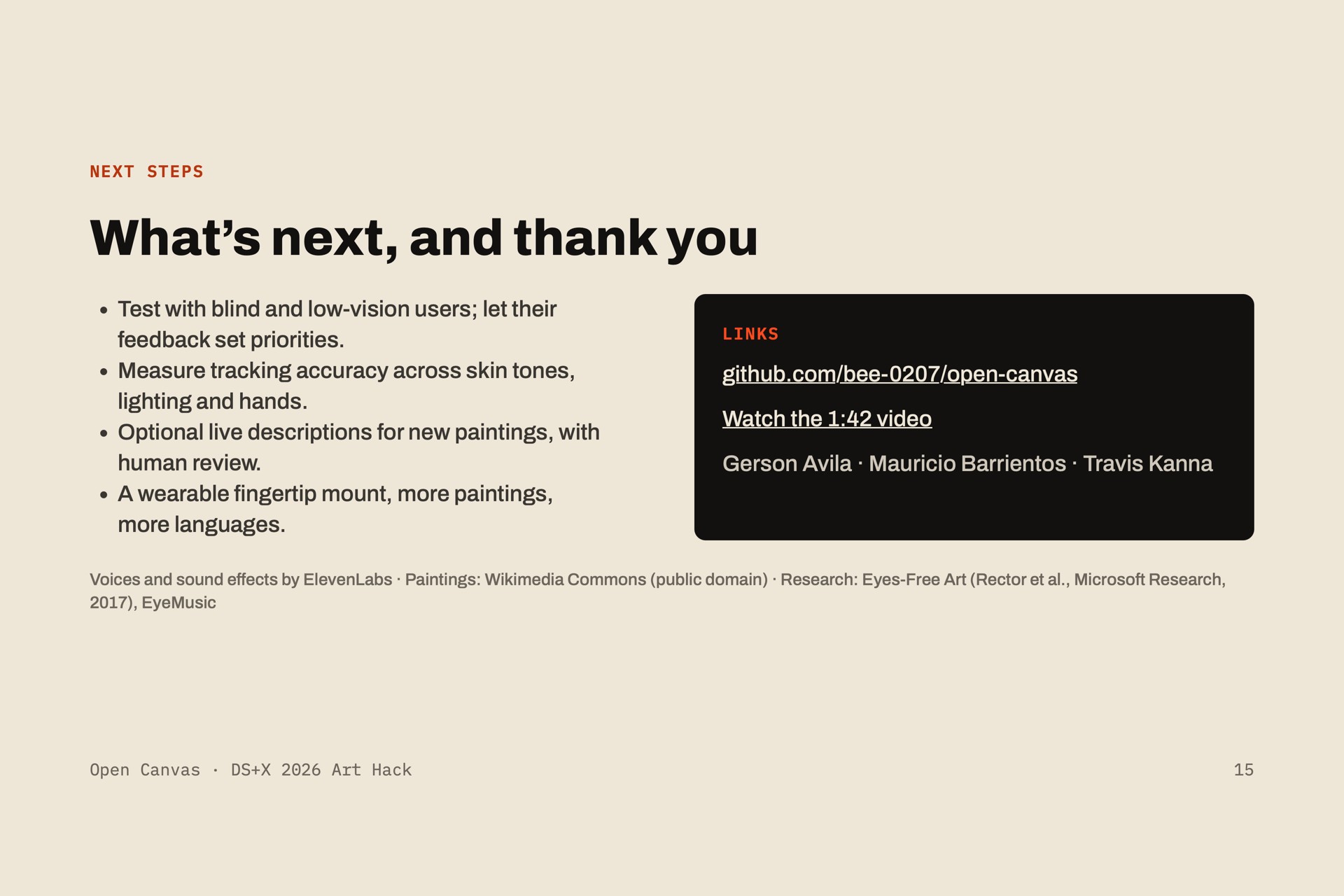
- Test with blind and low-vision visitors. So far we've only tested with blindfolded sighted voluntor need to shape it.
- Live AI descriptions, so any painting works without hand-written text.
- A museum pilot with an access program.
- Draw mode, where visitors make their own picture and hear it back.


Log in or sign up for Devpost to join the conversation.