-
-
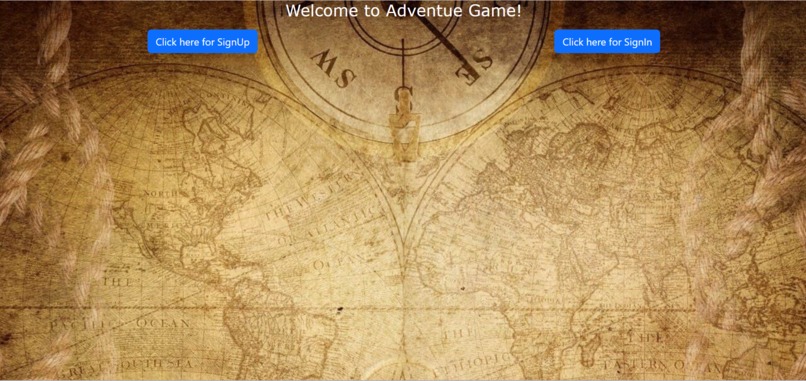
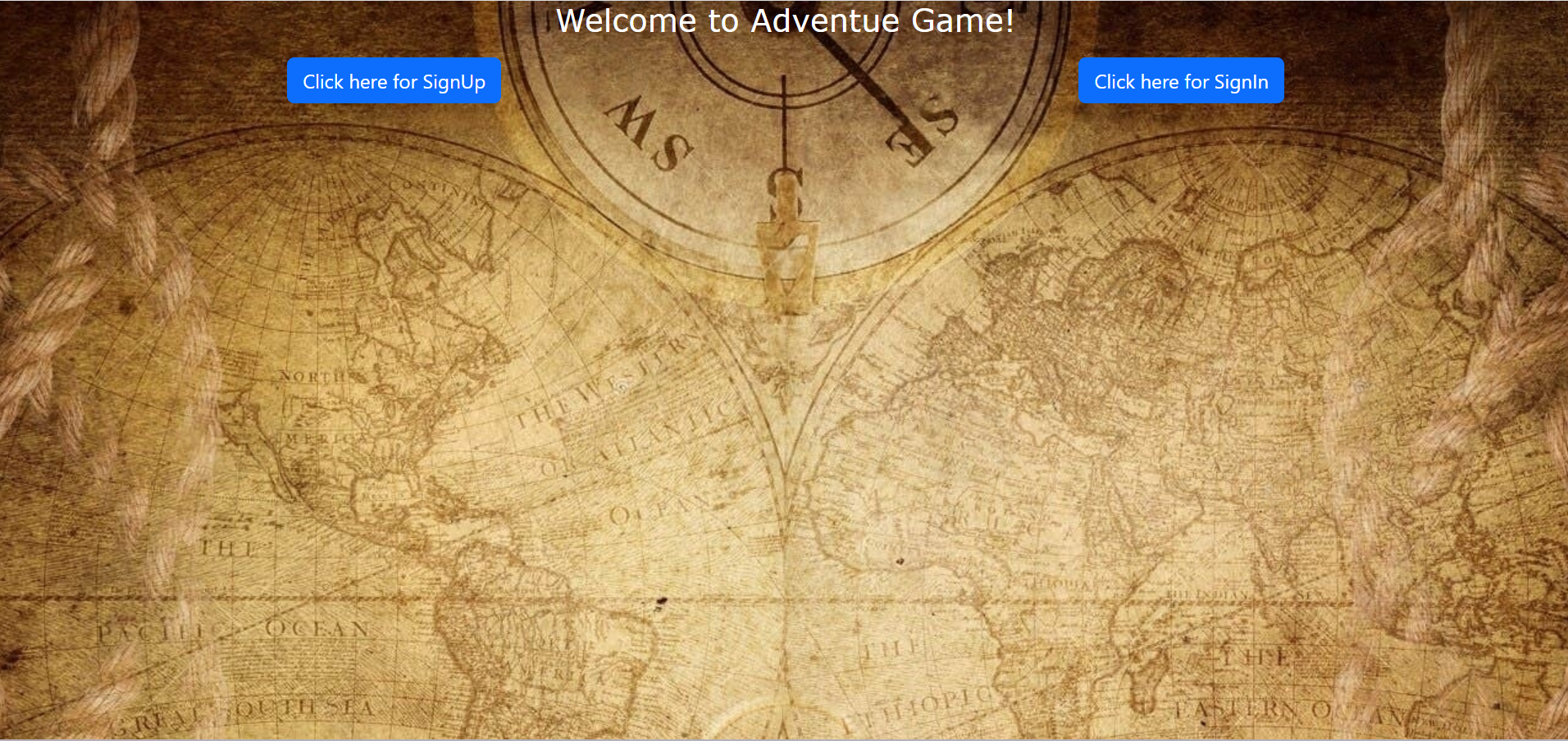
Home Page
-
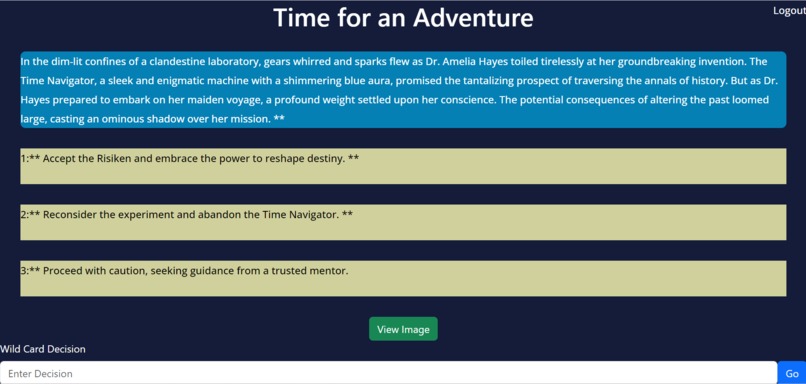
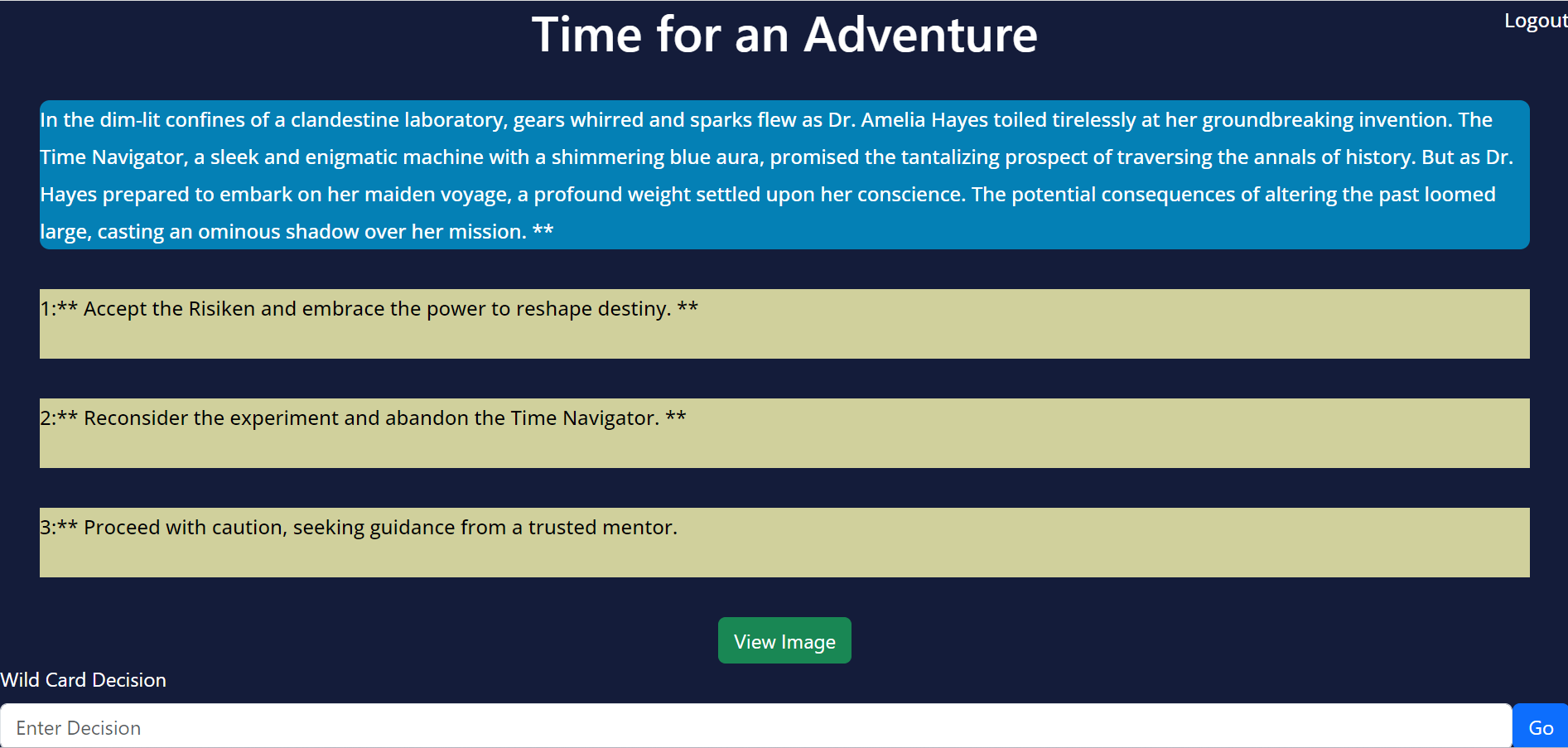
Play Page
-
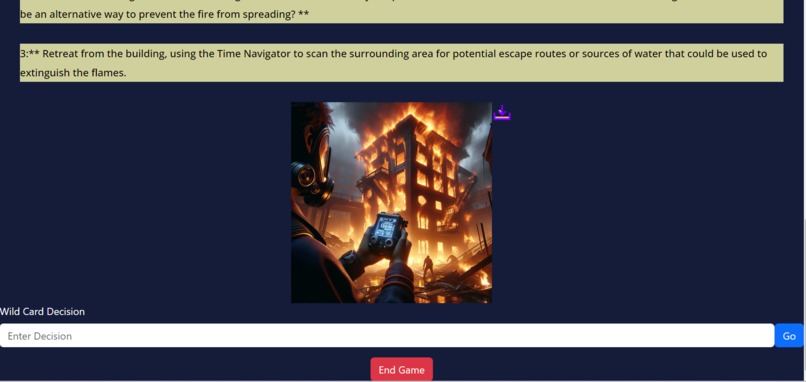
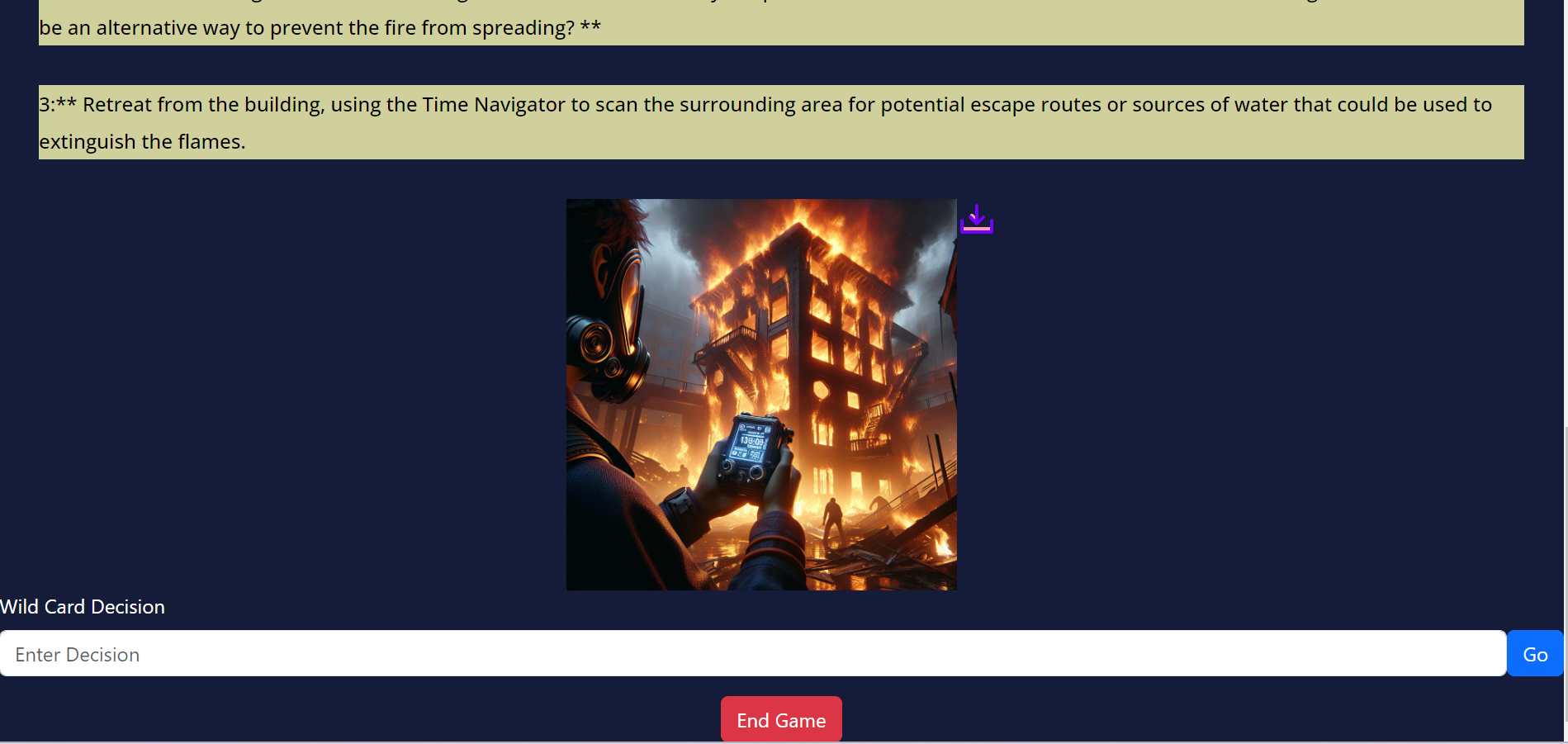
Image displayed on play page
-
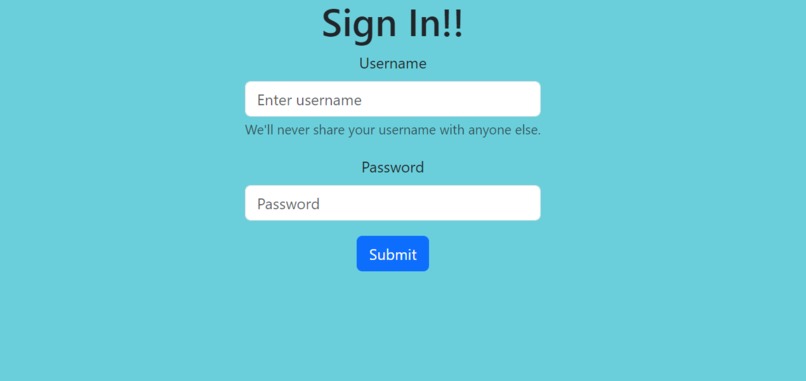
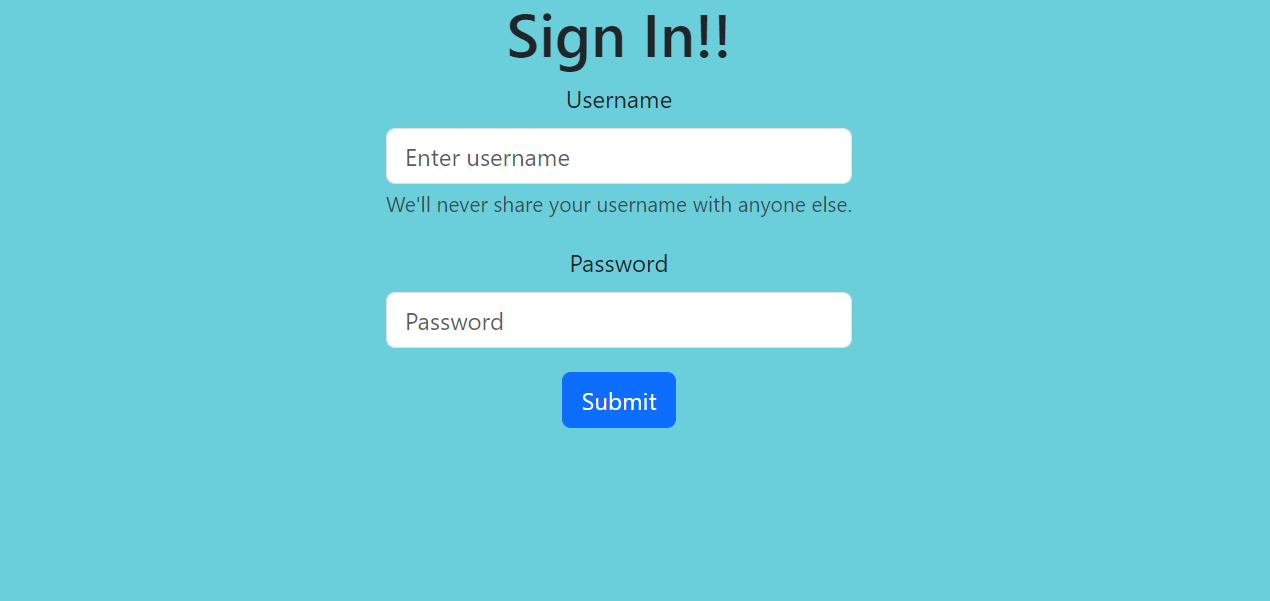
Sign In Page
Inspiration
I remembered watching videos about the old 70s text based adventure games and wanted to create a revamped game using AI.
What it does
Handles user authentication to save chat logs. For the actual game, the user is given an initial prompt, perhaps a time travel adventure or a journey, then they can pick between 3 options to progress with the story or type their own wild card option. From there, Gemini API is prompted and the story continues. Additionally, Dalle is used to generate images of the currrent scenerio, which is easily downloadable. The user can also end their game easily and start fresh. Logging out saves their progress.
How we built it
Backend
User authentication : used django rest framework's token authentication which can expire after 1 day or after the user logs out.
Playing the game and storing chats : At first we check if the user has any chat history, if they do then pass it into Gemini API's chat.history object. If they don't then create a chat history model/table for them. Any message from this point is also created as an object and stored in their chat history. Continuing the prompt would involve passing the chat history to Gemini and then passing the user's prompt. The backend result is a json format with the role (user/model), message, and image.
Generating images : Retrieve chat history and pass it into gemini, then tell it to give descriptive text of the current scenerio. Pass this descriptive text into Dalle. Dalle link will then be stored in postgres under that chat message object.
Storing images long-term : The main drawback to storing Dalle links is that they expire after 1 hour. My solution was to make them permanent jpegs and then store them in a AWS S3 bucket. From there, I would store the AWS link in postgres under that chat message object. This way their image would not expire until my set time of 2 weeks. The user could choose to simply download it, if they wanted to keep it.
Front End
Options as components : I retrieve the entire chat message from the server side and make this an entire React Component. Then I split it between prompt and options making the options 3 different components, which can be clicked to prompt gemini through the server. Additionally, typing a custom response is available to the user.
User Validation : If the user typed in an inappropriate response then Gemini would flag it for safety and throw an error. I handled this to give a 3 second bold text warning. Additonally, if the user tried to sign in to a non-existing account or tried to sign up to an already existing acount, 3 second bold text warnings would pop up. Lastly, during loading I made it so that the user could not click or type an option, thus avoiding unexpected behavior.
Loading: Made use of react's state to efficiently use loading messages when prompts were loading or when images were being generated. With the image generation there is a button to be clicked that when triggered will display a loading message for several seconds and then display the image that can be downloaded.
Making image downloadable : If this were a regular image link it would simply involve using the anchor html tag's download attribute, but since this is an AWS link the behavior is to go to a new page. My solution was to fetch the link and BLOB it, and grab it as a new link, as if it were a completely separate image. Then passing that link between the anchor tag and with a nice svg of a download icon.
Challenges we ran into
Storing chat logs : After completing the archtecture and logic for storing chat logs I was still receving an error saying User and Model roles must alternate. Eventually, I figured out this was because I was not passing in the initial prompt to the chat history. I passed in the initial prompt and kept it undisplayed in the React front end. Additionally, there was an issue with the json format of the chat and with a lack of documentation there was a lot of trial and error.
Storing images in S3: Initially I tried using Google Cloud but because of poor documentation I opted for using AWS S3 Bucket. It was tricky setting it up and making it public as well.
Creating option components : While Gemini can easily create a separation between items, it seemed as though the API could not or at least new line characters were not recognized. I needed to do some .split() and regex trickery to separate the options from the prompt. Then, enabling onclick for prompting also required updating the chat history from props ( chat history is in main App file but needs to be passed to the chat message component and then option component to update its history ->context could have been more efficient).
Accomplishments that we're proud of
Creating a working game that is visually and functionally pleasing despite all the technical challenges.
What we learned
Learned how to use Gemini API, Dalle API. How to create complex table/model relationships with foreign key and many to many relationships. Also learned troubleshooting APIs despite poor documentation. Building out interactive, state changing front ends with React.
What's next for Open Adventure game
I would like to sit back and work more on very interesting prompts. Additionally switching from Gemini to OpenAI is not off the table as Gemini is highly unstable with behavior changing constantly. Deployment is something I worked on for a while but could not get it to work properly (EC2,nginx, Gunicorn, SSL certificate).
.env file (i couldn't push to github without keys getting destroyed)
API_KEY = 'AIzaSyDyvu-lRHDfvXevWHJZHPHgYhHVeAA6i5I' DJANGO_SECRET_KEY = 'django-insecure-bgsgvsuh7906#mu2(wom_fl2or2uvj$j!r5=j7g*znycyxe(wm' CHAT_KEY = 'sk-proj-HOmzgOEIwTKGVtA5nVuxT3BlbkFJLHYcN84dJtJVCOLkYzqF' AWS_ACCESS_KEY_ID=AKIA5QP6F4ZED4DDNAWE AWS_SECRET_ACCESS_KEY=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

Log in or sign up for Devpost to join the conversation.