-
Logo for Open Accessibility
-
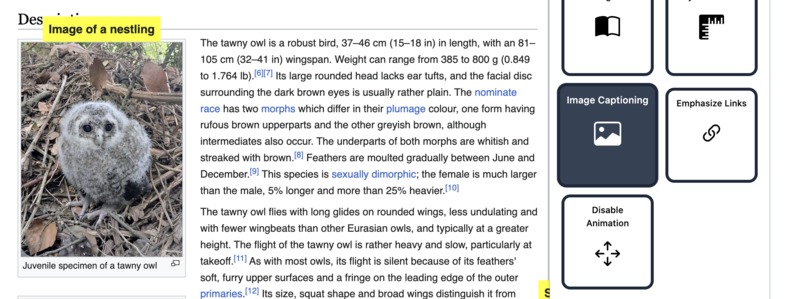
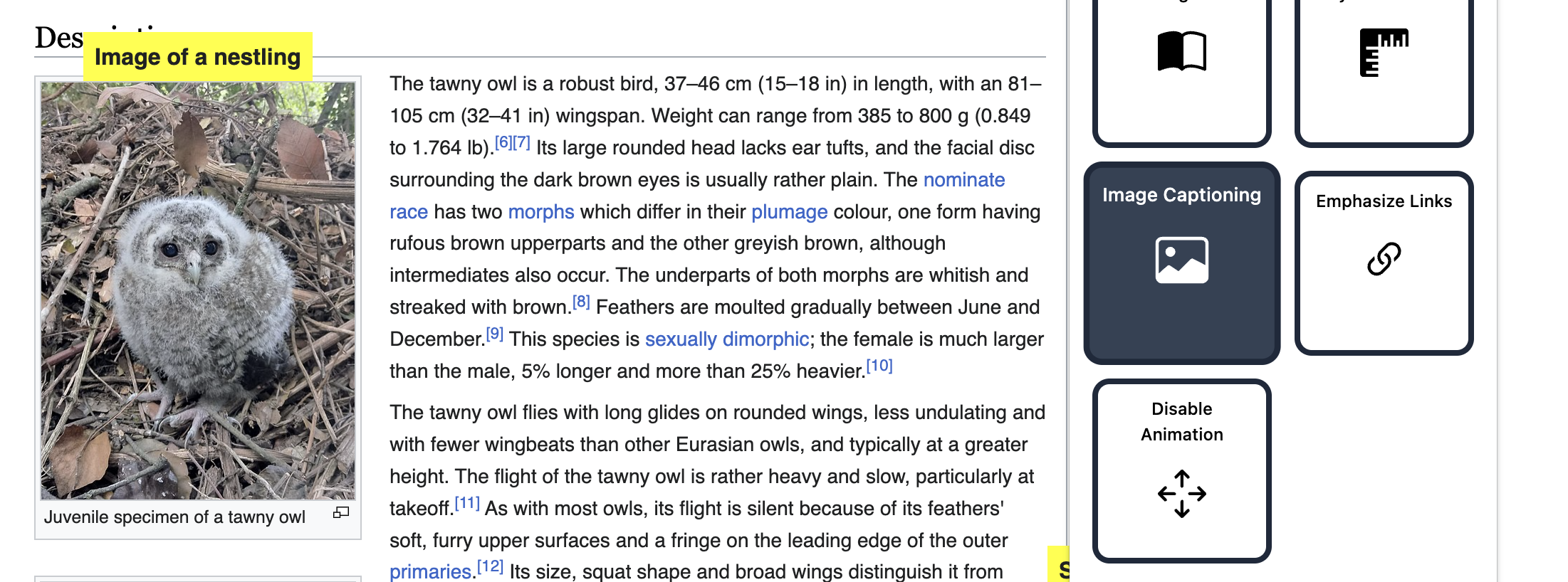
An AI-generated image caption
-
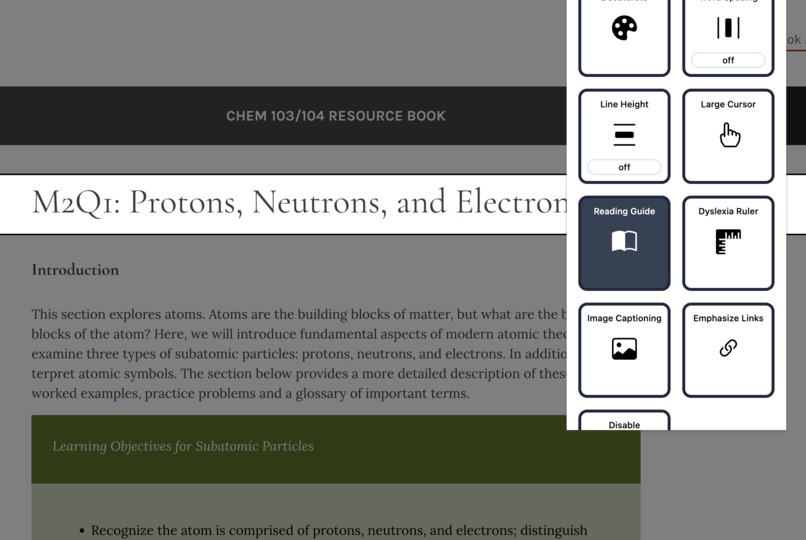
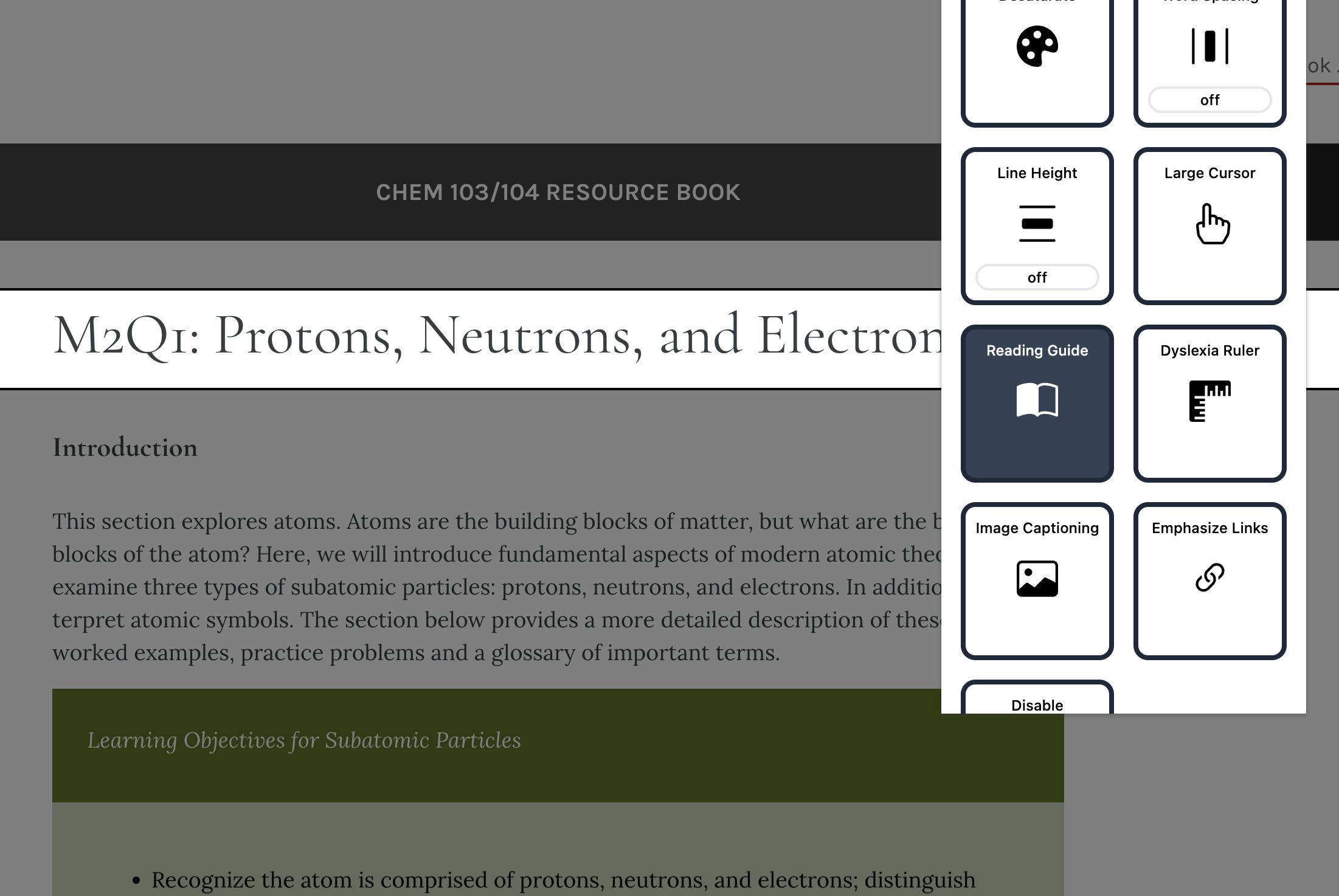
The reading guide feature highlighting the title of a page
-
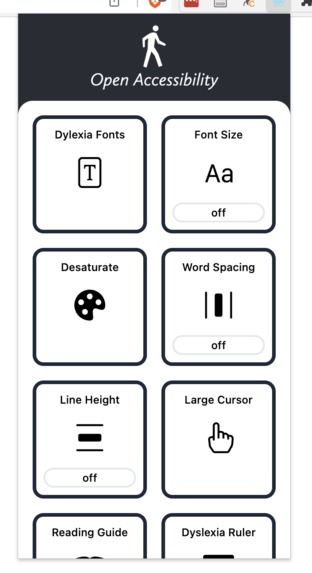
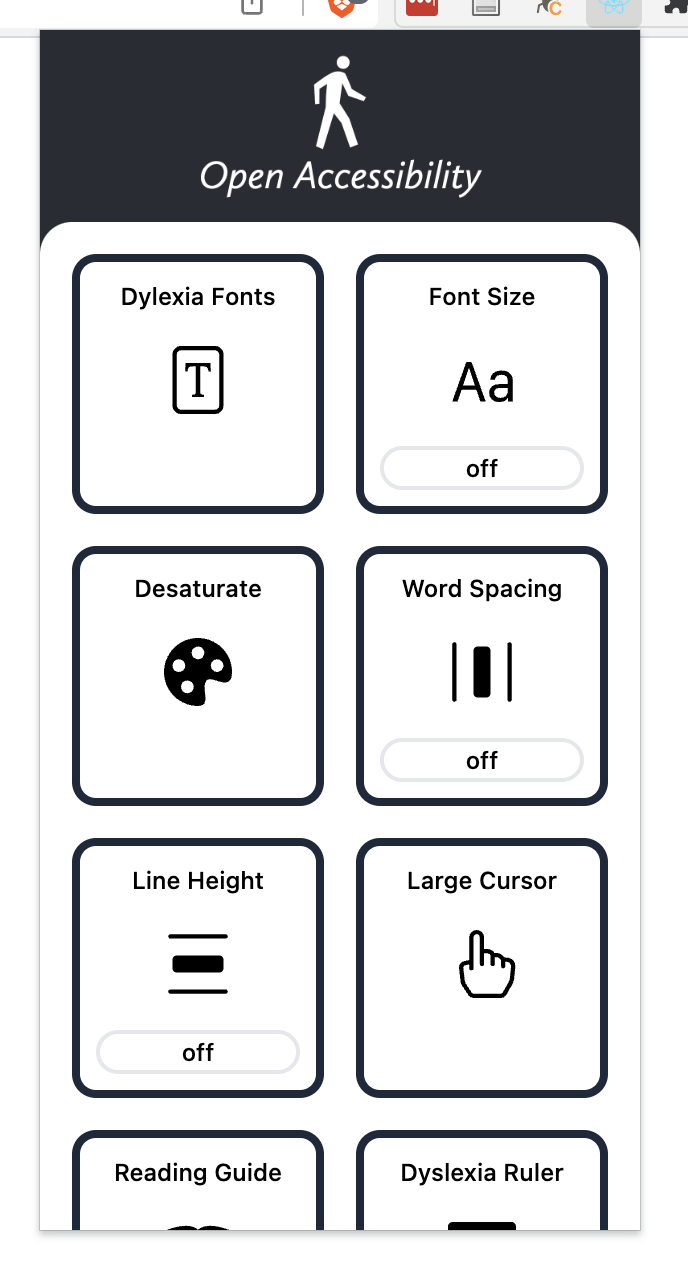
A sample of options in the extension
-
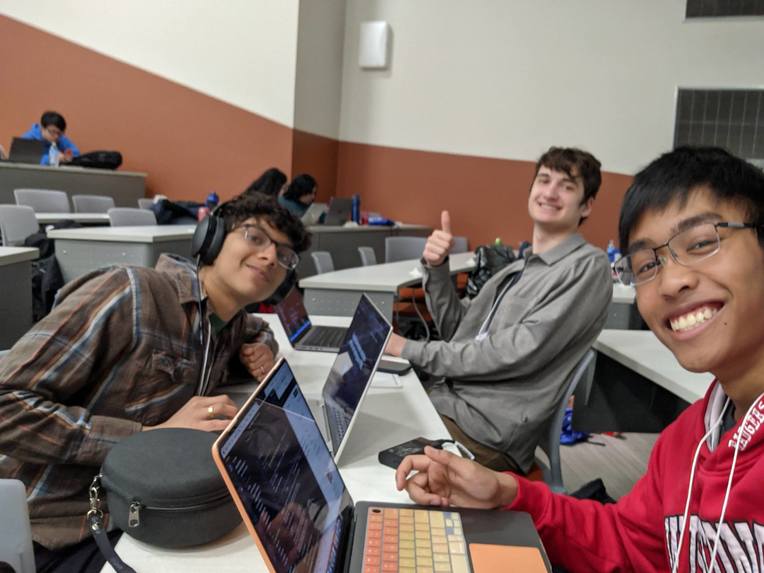
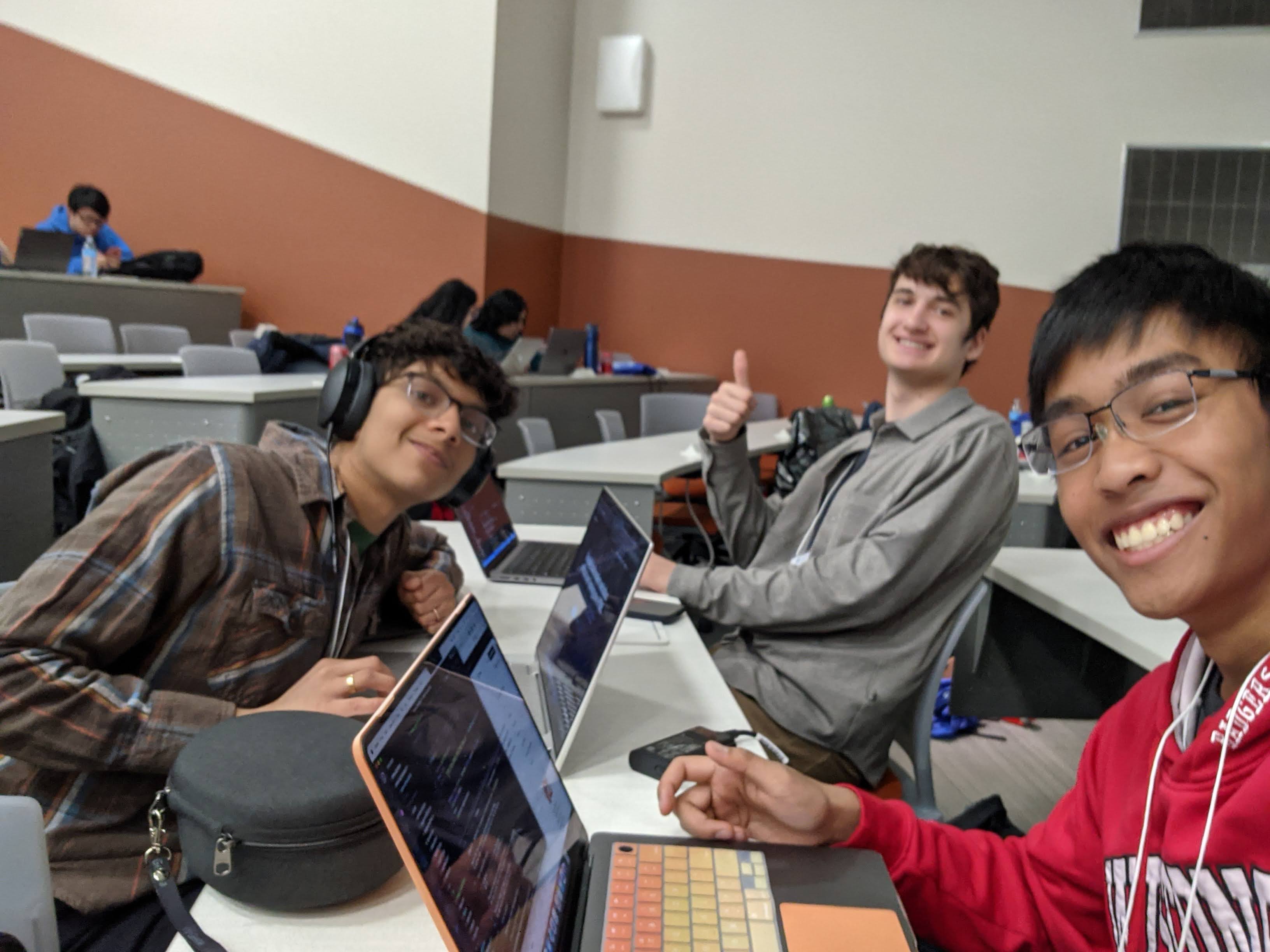
Rahul, Max, and Jeremy working on the project
Click Here to See Our Presentation!!!
Inspiration
Problem:
- In the U.S., there are currently about 56.7 million Americans with a disability (Census Bureau)
- 97.4% of the top 1 million websites have clear accessibility issues (WebAIM)
- 23% of disabled respondents say they “never” go online (Pew Research)
Existing Solutions:
- Are costly: Helperbird is a chrome extension that costs $40 a year to use even the most basic of its accessibility features.
- Only work on certain websites: Userway is a solution that provides ADA compliance features for websites that pay for it. Problem: most don’t, users suffer.
- Have other issues: Limited features, hard to use, or not open source.
What it does
Our Solution: Open Accessibility
An open-source, easy-to-use, all-in-one accessibility Chrome Extension.
- Users can easily toggle a variety of accessibility features on/off, with no conflicts between features
- Easily extendable project structure makes improvements and features from open-source contributors easy
And the best part: the users benefit!
- We don’t need to lock features behind a paywall to fund development. Our open-source project allows for the crowdsourced development of features
Features
- We’ve built 11 of the most useful accessibility features based on the needs of people with impairments.
- In the future, we hope to add even more features.
Accessibility Feature List
- Word Spacing
- Font Size
- Line Height
- Dyslexia Ruler
- Dyslexia Fonts
- Reading Guide
- Emphasize Links
- Large Cursor
- Disable Animations
- Desaturate Colors
- AI Image Captioning
How we built it
User Interface
Built by Rahul
- Built with React, Tailwind, Framer, and Formik
- Icons by Bootstrap icons
General Accessibility Features
Built by Max
- Utilized Chrome extension API to modify browser pages
- Handled state transitions between frontend and backend
Image Captioning
Built by Jeremy
- Utilized A.I. to generate captions based on images
- Modified browser pages to fill in alt text and provide a larger visual label
Challenges we ran into
- Modifying the DOM to implement accessibility features
- Synchronize state between the frontend and backend
- Following through with complex API calls and integrating results in the browser window
What's next for Open Accessibility
Public Access
This tech demo is cool, but publishing on the Chrome Webstore is the next priority!
Audio Accessibility tools
Features like live caption or screen readers exist, are there ways we can implement them?
Unified Document Reader
Display content of pages of different formats and layouts in a unified and familiar document reader.
Miscellaneous Features
Suggested settings for different disabilities. More options, like opacity for Reading Guide and colors for Dyslexia Ruler.


Log in or sign up for Devpost to join the conversation.