-
-
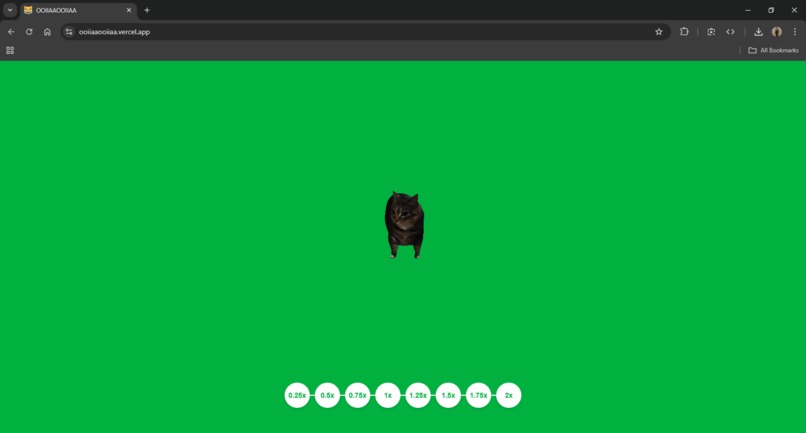
oiia cat
-
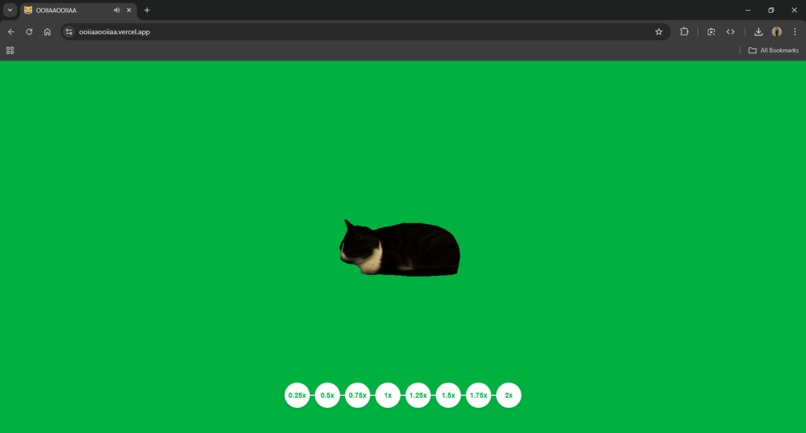
maxwell
Inspiration
I was inspired by a meme of a cat spinning to music, and I thought it would be fun to bring that idea to life with some interactive 3D visuals. Combining humor and tech was the perfect way to make it engaging.
What it does
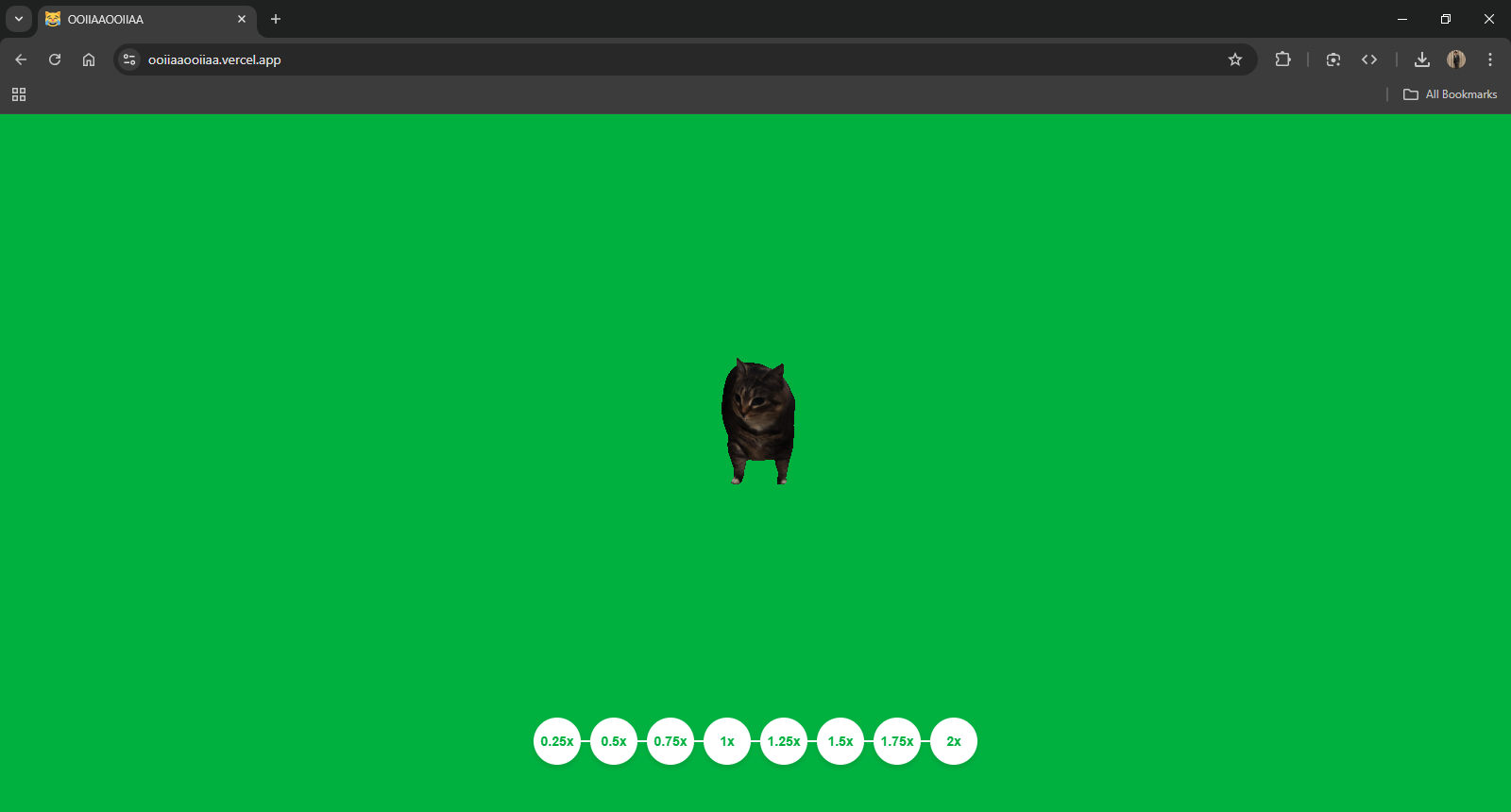
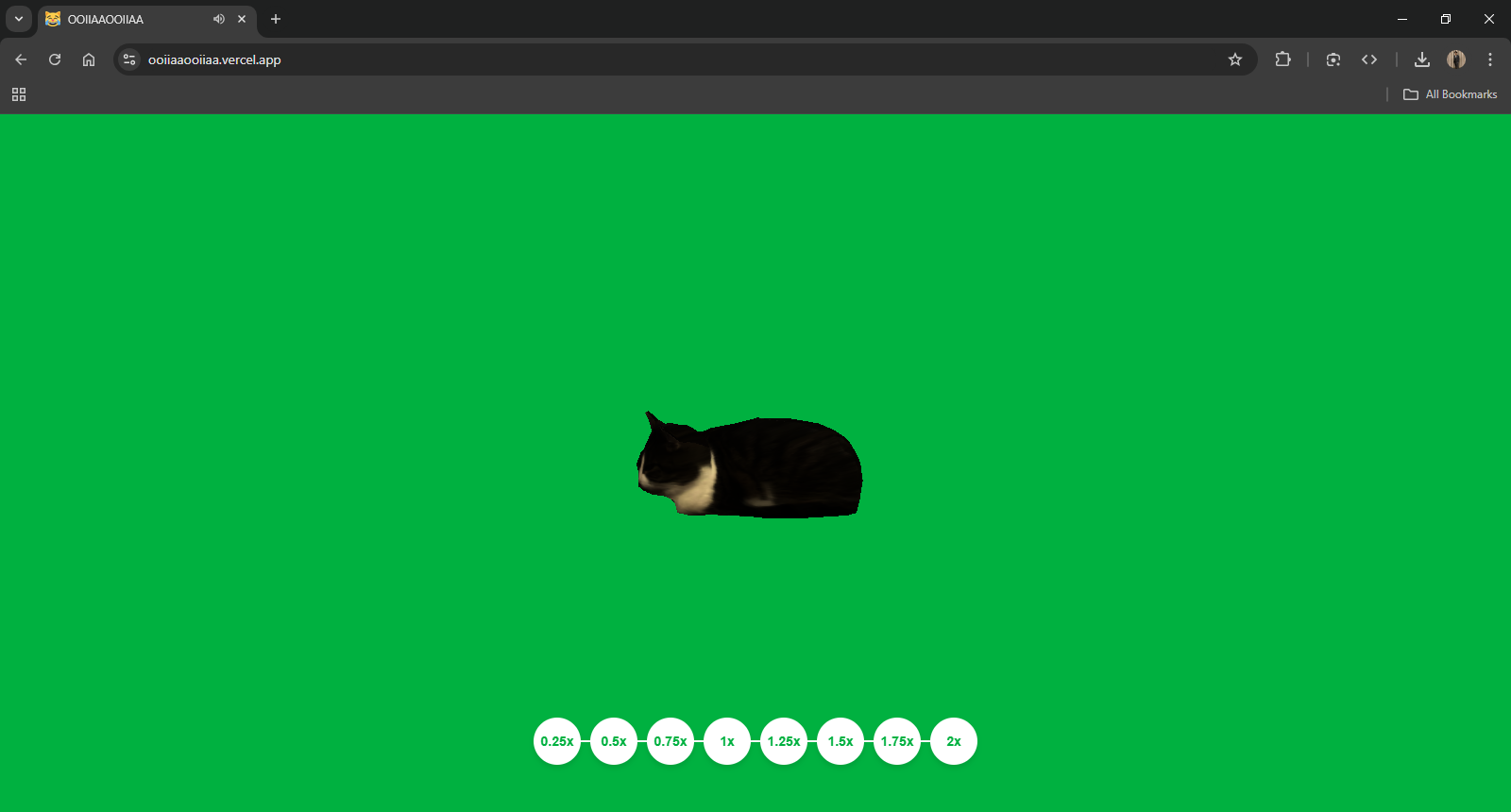
OOIIAAOOIIAA lets you control a 3D cat’s spinning speed by adjusting the playback speed of a song. The faster you make the music, the faster the cat spins—creating a playful, interactive experience.
How I built it
Using Three.js, we rendered the 3D models (cat and rotating objects) and made them react to the speed of the audio. The audio is synced with the spinning cat using JavaScript to control both the speed of the music and the rotation.
Challenges I ran into
- Getting the 3D models to load and look right in the scene.
- Syncing the audio playback and rotation speed perfectly.
- Optimizing performance to ensure smooth animation on all devices.
Accomplishments that I'm proud of
- Successfully creating a fun, interactive experience that reacts to user input.
- A clean, user-friendly interface with simple speed controls.
- Combining 3D animation, audio, and interactivity into one seamless experience.
What I learned
- How to work with Three.js to animate and manipulate 3D models.
- How to sync audio with visual elements for a more immersive experience.
- The importance of smooth user interactions and optimizing for performance.
What's next for OOIIAAOOIIAA
- Adding more fun visuals and interactive elements like sound effects that sync with the audio.
- Letting users choose their own tracks to spin the cat to.
- Optimizing the experience for mobile devices.


Log in or sign up for Devpost to join the conversation.