-
Website
-
Android: Overview
-
Android: Class
-
Android: Another Class
Inspiration
OnTrack is aimed at helping students understand how they're doing in school without the frustration or apathy that comes from feeling out of control of their grades.
Seeing raw scores can be extremely handy for the right learning styles, but a lot of kids tend to get caught up in the numbers as they come in, and don't pay as much attention to overall trends. If they're struggling in the class, they often don't see a reason to even care about the class, let alone pay attention to their progress. Even if they're doing well, hitting a rough patch of a few bad test scores can be discouraging, sometimes even ruining an interest in the class.
What it does
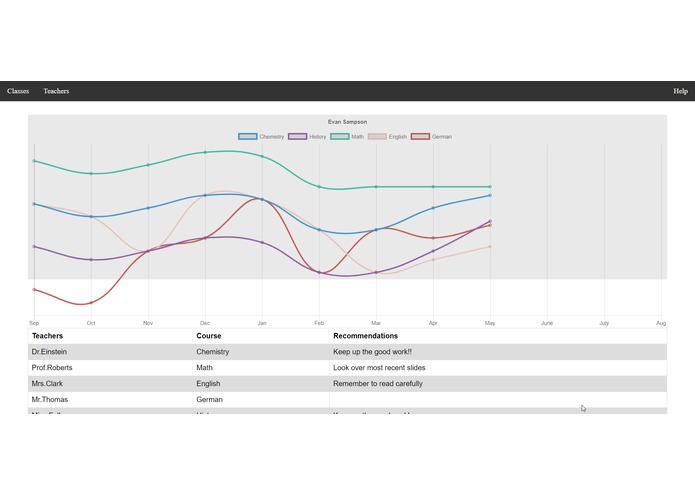
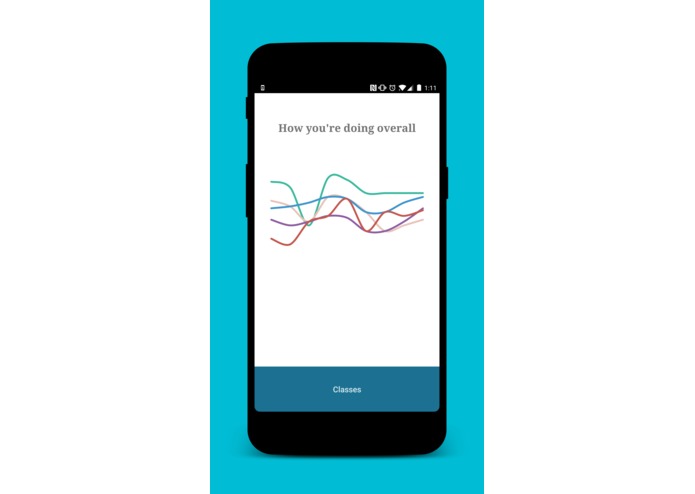
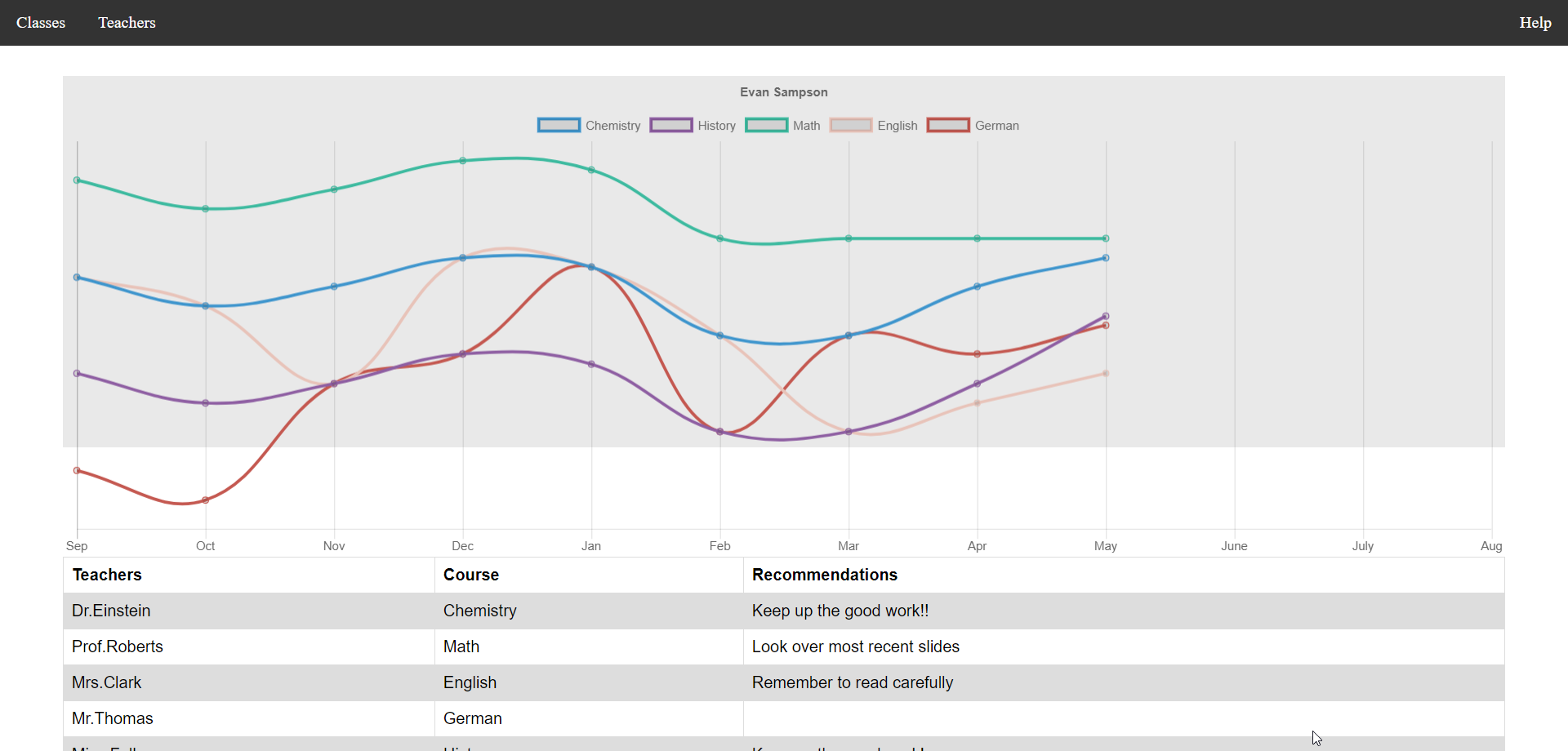
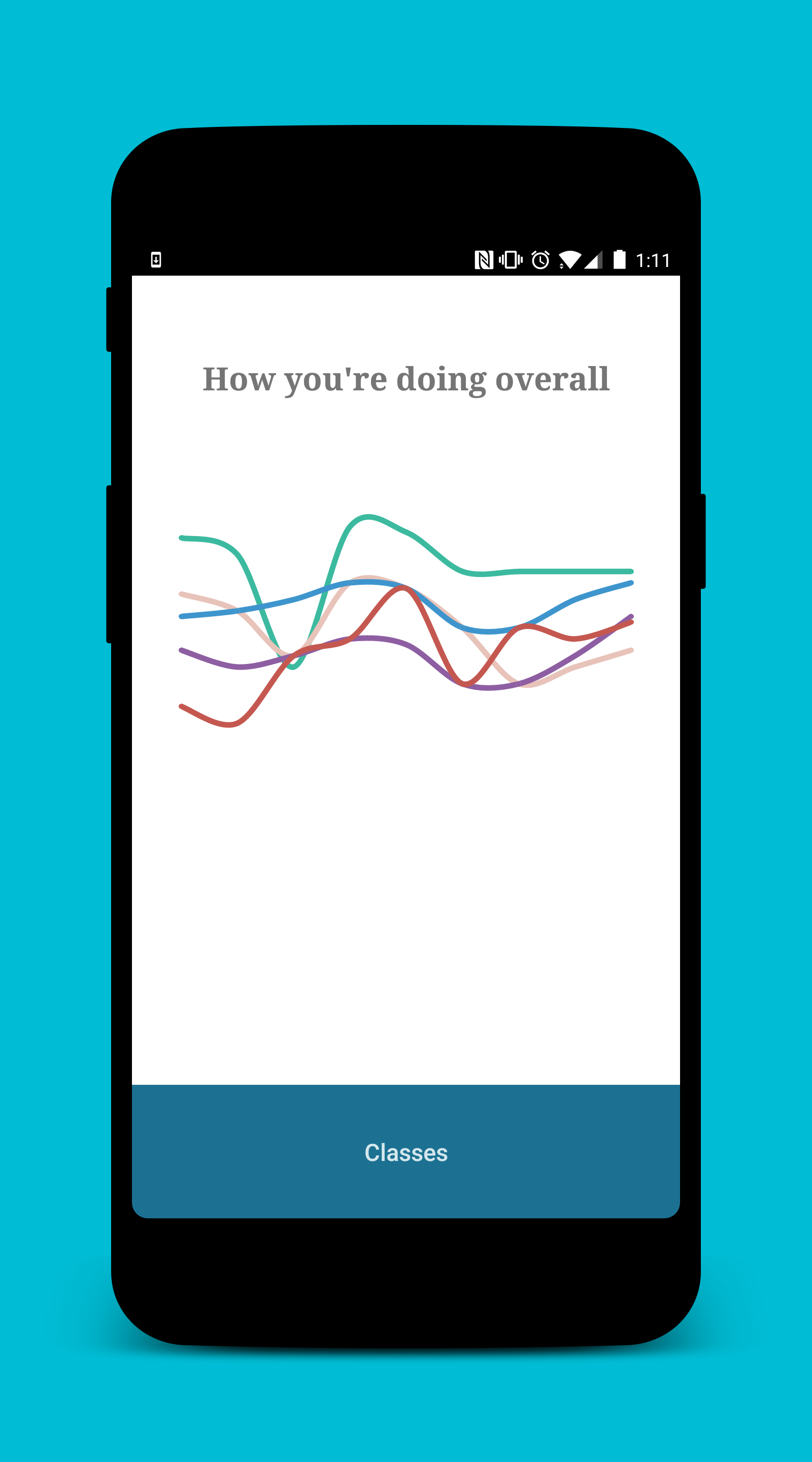
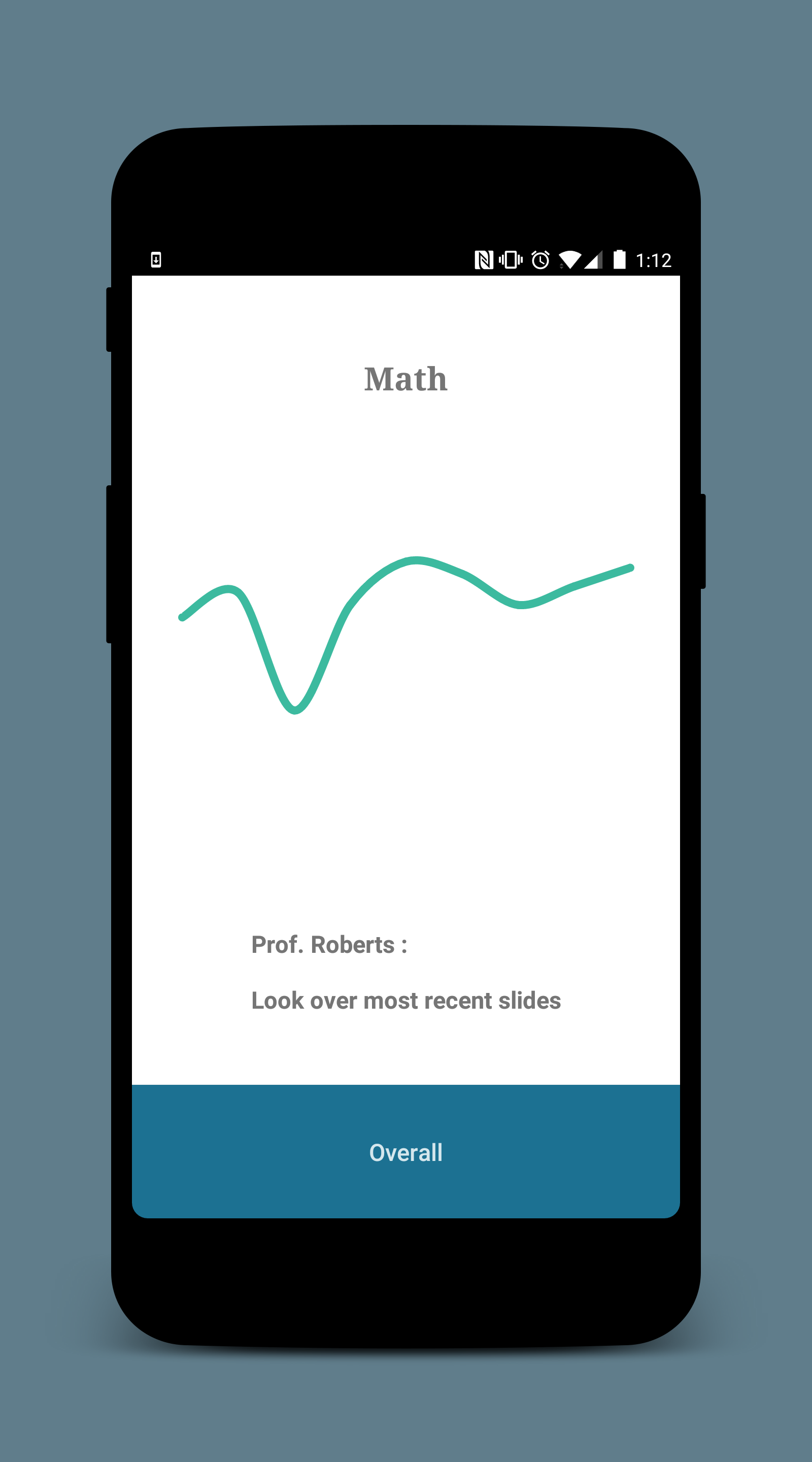
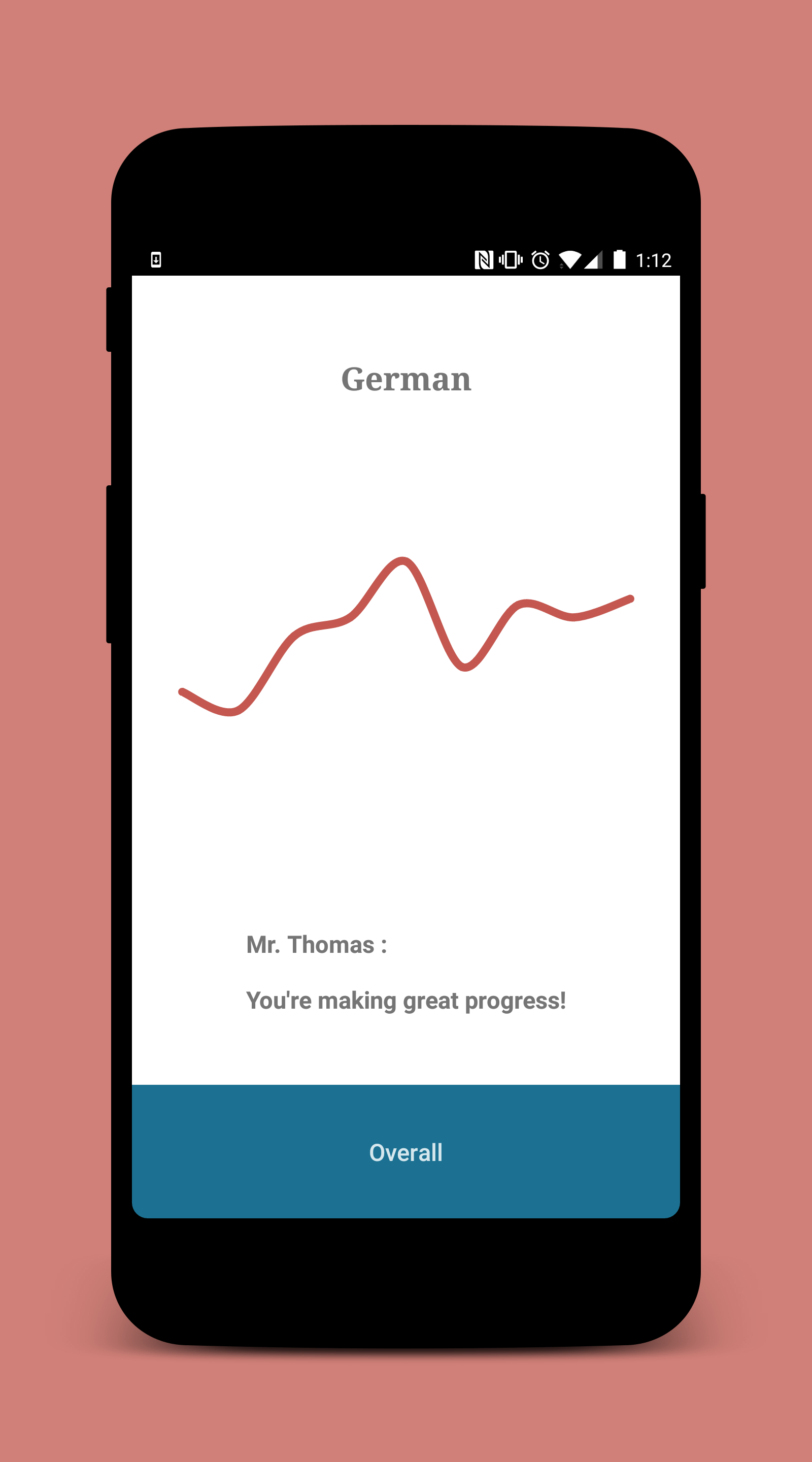
OnTrack tries to work with this problem by shifting the focus away from grades and more on overall trends. Instead of seeing a list of scores, students are simply shown a graph of their grades over time. They can still watch for dips or peaks, but they can also see how they've been doing throughout the year.
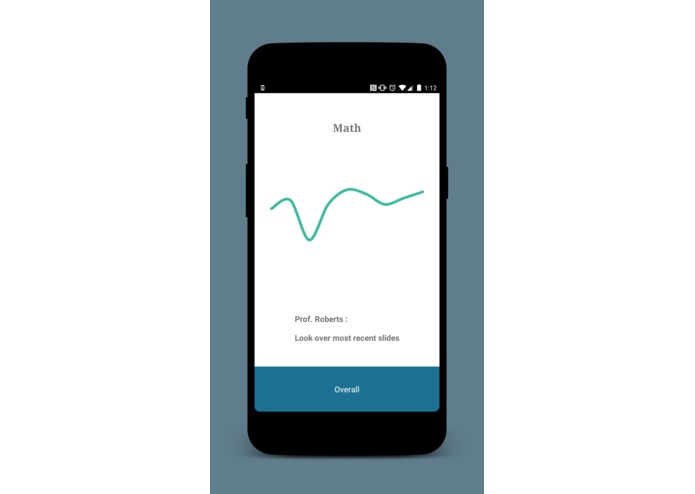
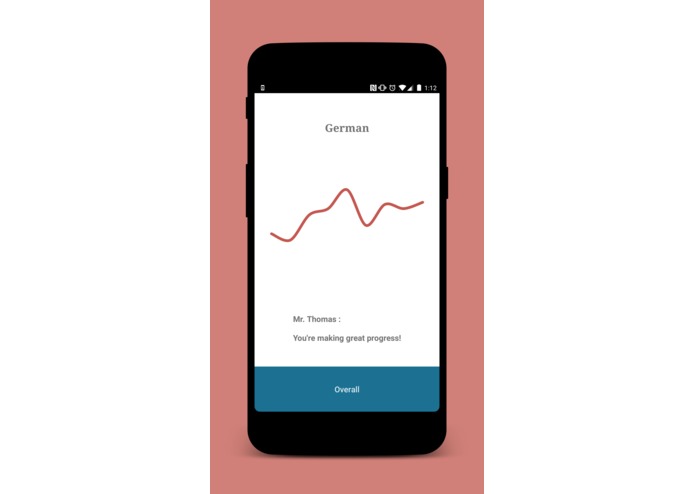
Making the presentation visual keeps it intuitive and natural to read. Kids don't need to know how to plot out their grades, and they don't even need to have a good understanding of charts. The graphs are kept simple, with no scale and no labels. The focus is just on the terrain of the student's improvement, and improvement is always relative.
The main theme throughout the design is simplicity. Everything is focused around feeling natural and friendly, so the platform doesn't feel like a utility to be learned so much as a quick reference tool, like a notecard as opposed to a textbook. Teachers should be able to learn how to use it in half an hour, and students should be able to use it as soon as they open the site.
How we built it
The platform is split into two parts
The website is programmed in HTML, CSS, and inline JavaScript, and includes a login page, a page for each class, and a form page to let teachers put in new grades or set up their classes.
The Android app is programmed in Kotlin and XML to run on any Android phone from Jelly Bean to Oreo (98.8% of the market). After logging in, the student is brought to an overall view that shows a graph of all of their grades together, and they can either use the button on the bottom or swipe left and right to switch to different classes.
The backend is built with a serverside MySQL relational database, with interaction (planned to be) done through a web API. Every teacher has a table of classes, classes have a table of students, and students have a table of assignments with their grades.
Challenges we ran into
Dividing the workload was a challenge at first, since each of us had a very different skillset and had a hard time collaborating. After we'd planned out a few storyboards and worked on the website for a bit, we decided to split up and each work on different wings of the project.
We had some trouble getting Amazon Web Services set up, so our API never really got off the ground and we had to use hardcoded test data, even though our database still works.
Accomplishments that we're proud of
Being able to divide up the project and work together to build a website, an Android app, and the beginnings of a backend made the project a lot more expansive than we imagined when we set out. With some extra UX design and connecting everything together with API endpoints, OnTrack would be just about ready to launch!
What we learned
We learned that we need to find new ways to collaborate on projects, since there could definitely be a way to take advantage of our varied skillsets without needing to split up completely. We'd also be a lot better off working with a graphic designer or a UX expert, since that would take a lot of strain off the programmers who aren't always great at that.
What's next for OnTrack
Once we clean up the UI and the backend, we can build a web backend and link both the site and the app into that, and at that point it should be just about ready to launch.
Built With
- android
- css
- hmtl
- javascript
- kotlin


Log in or sign up for Devpost to join the conversation.