-
-
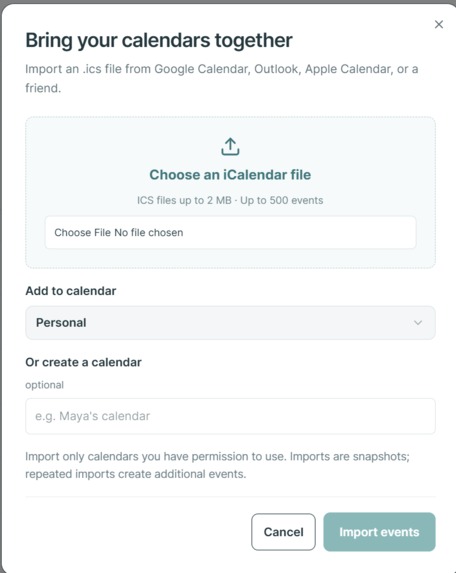
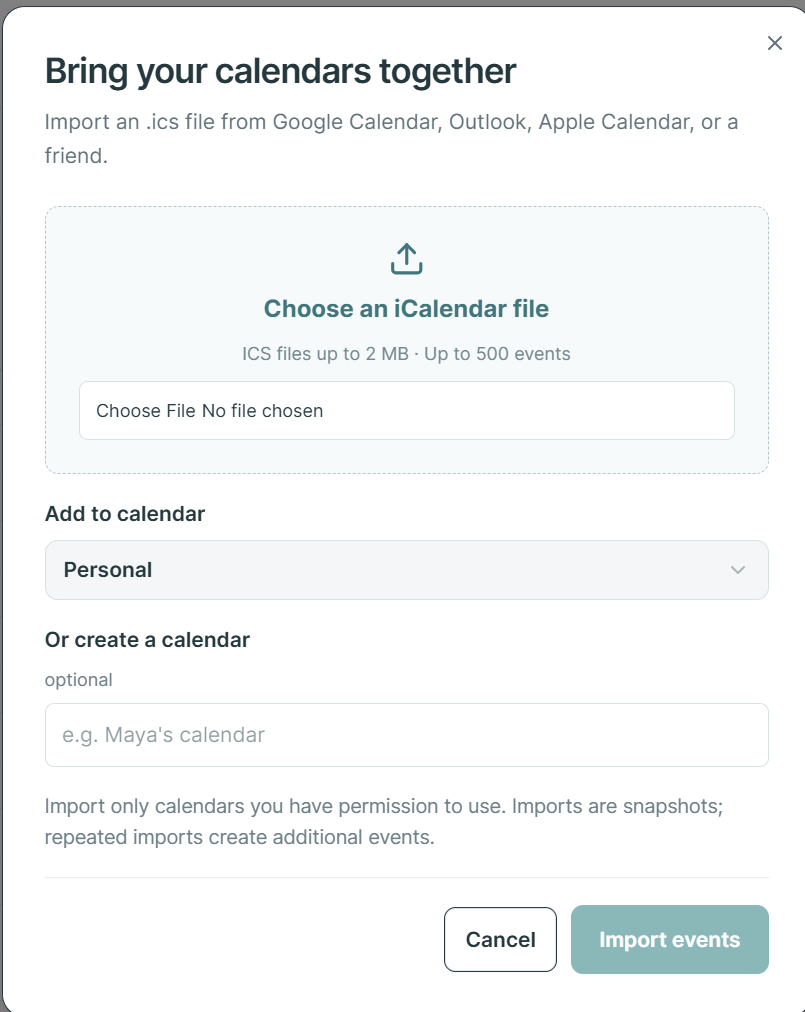
This is the tab to import .ics files from other major calendar apps such as Google Calendar.
-
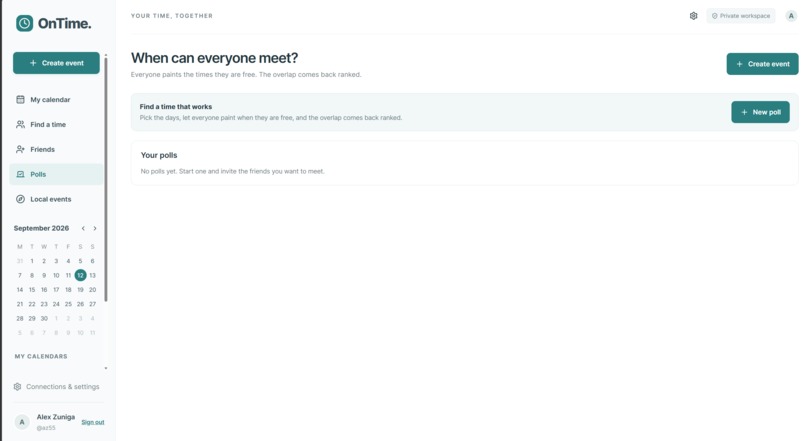
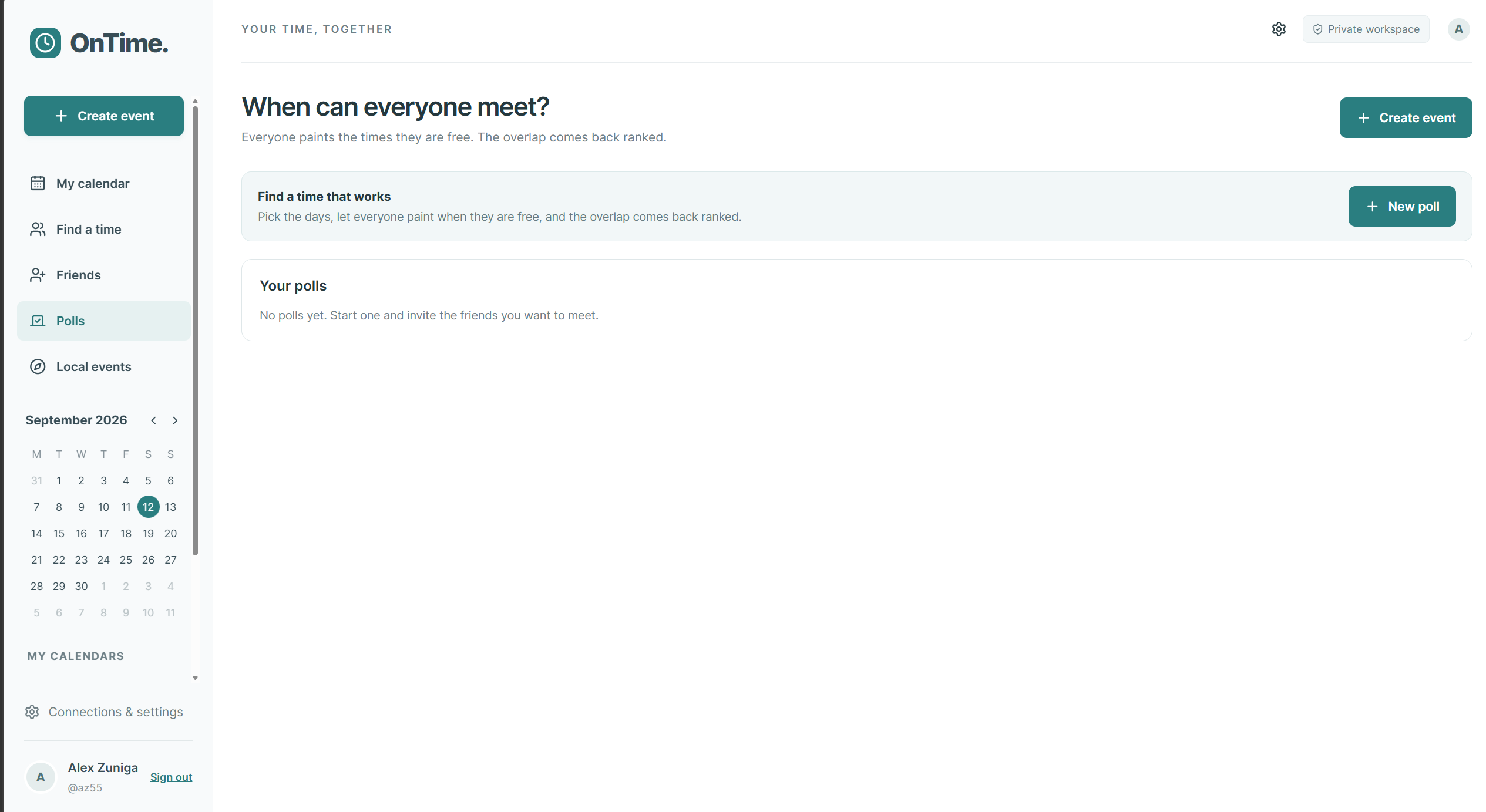
You can set up polls here to get the gist of everyone's availability.
-
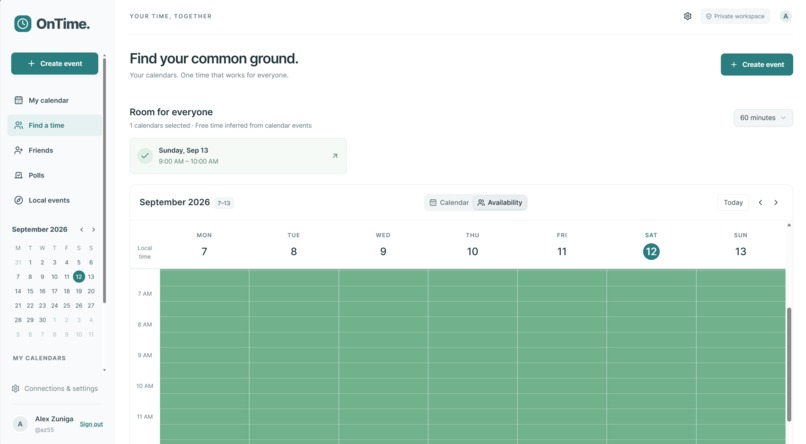
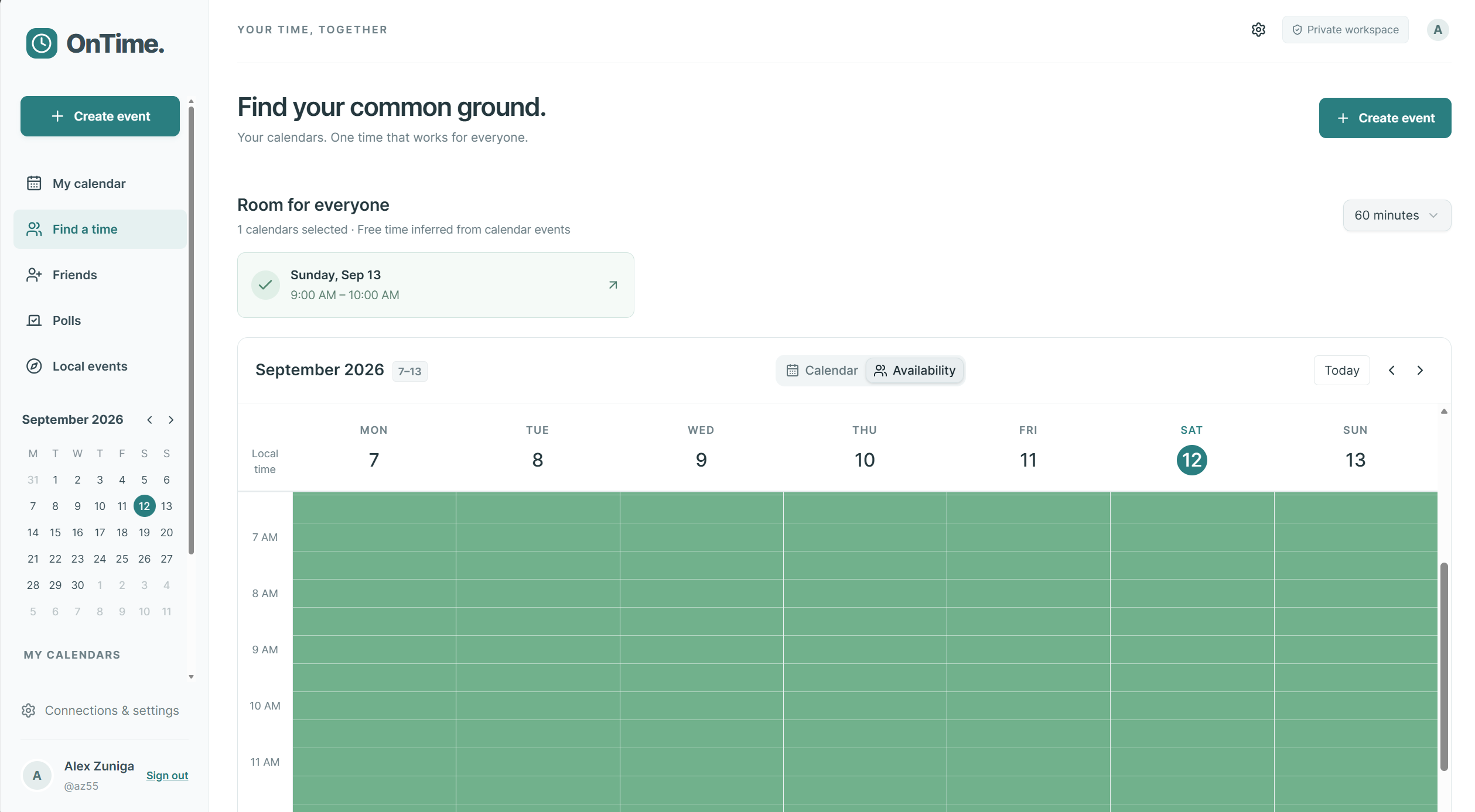
Here is where you can see your friend's availability and plan accordingly.
-
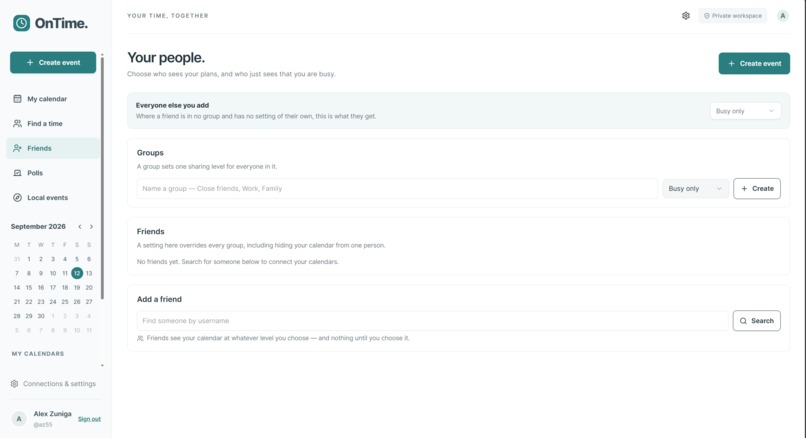
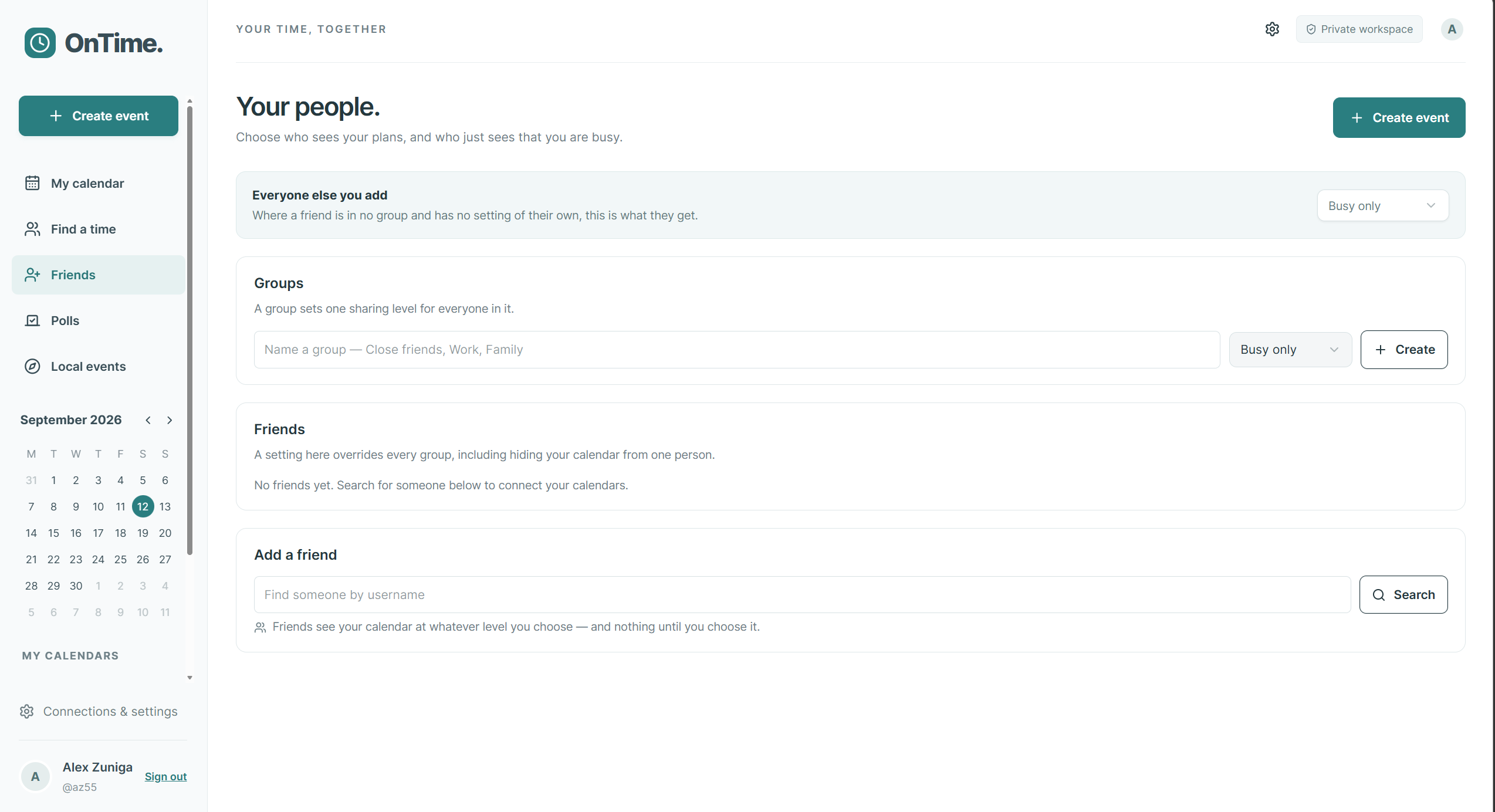
Here you can create groups, manage and add friends.
-
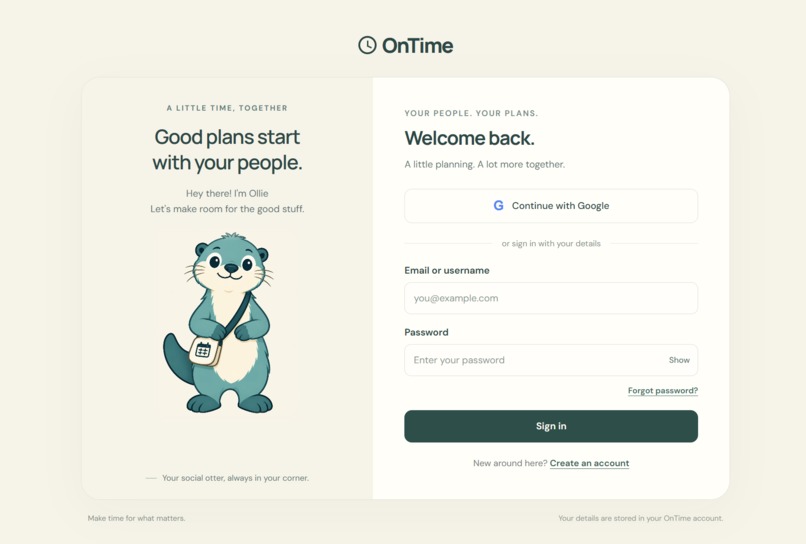
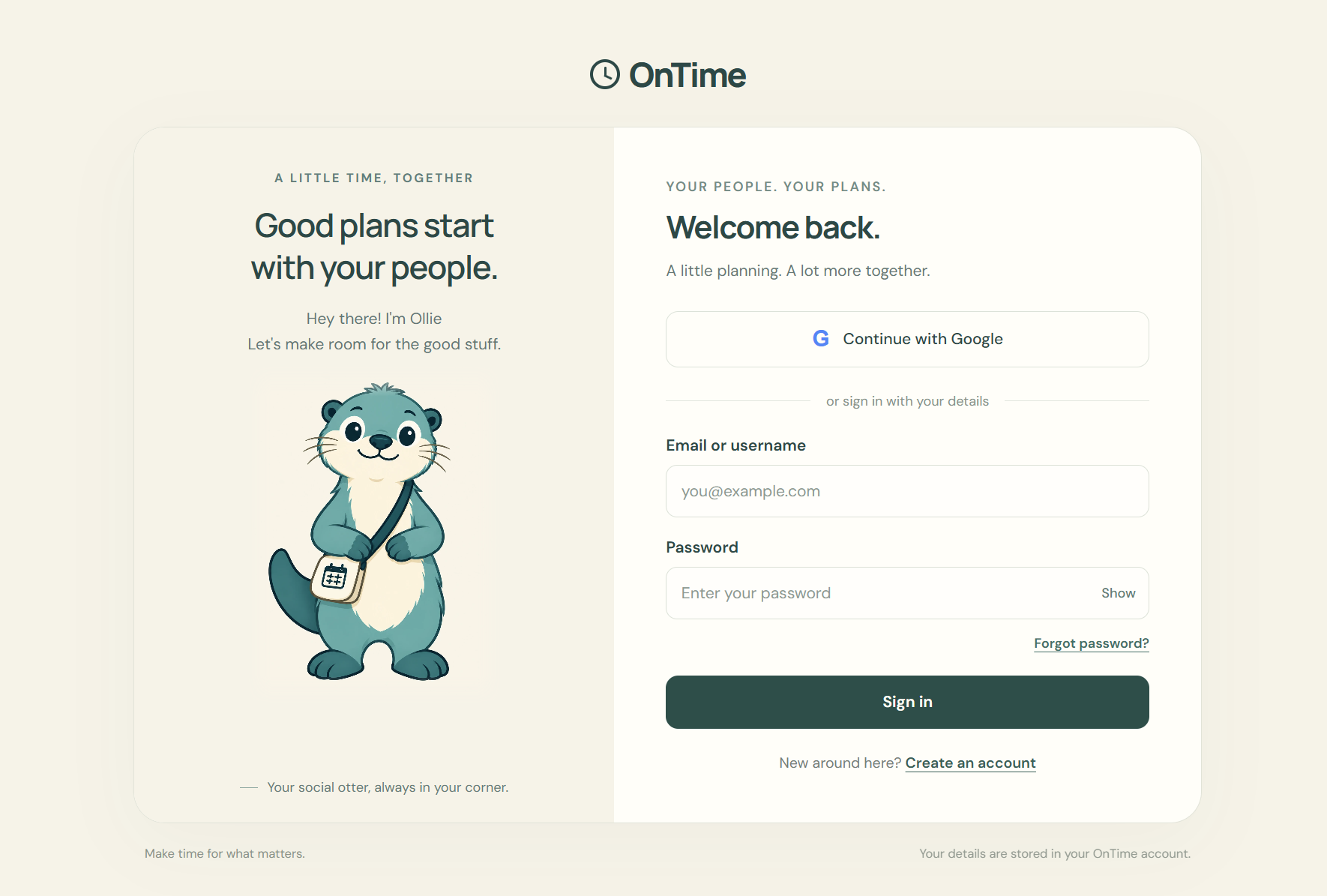
This is the main log in page. Here you can sign in either through email or through Google OAuth.
-
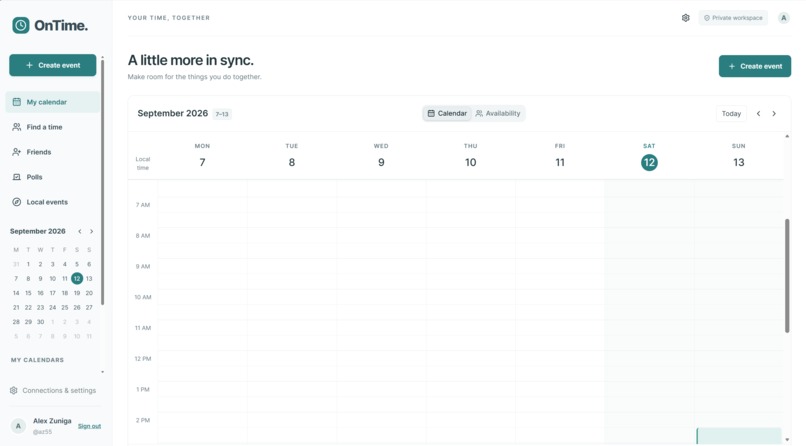
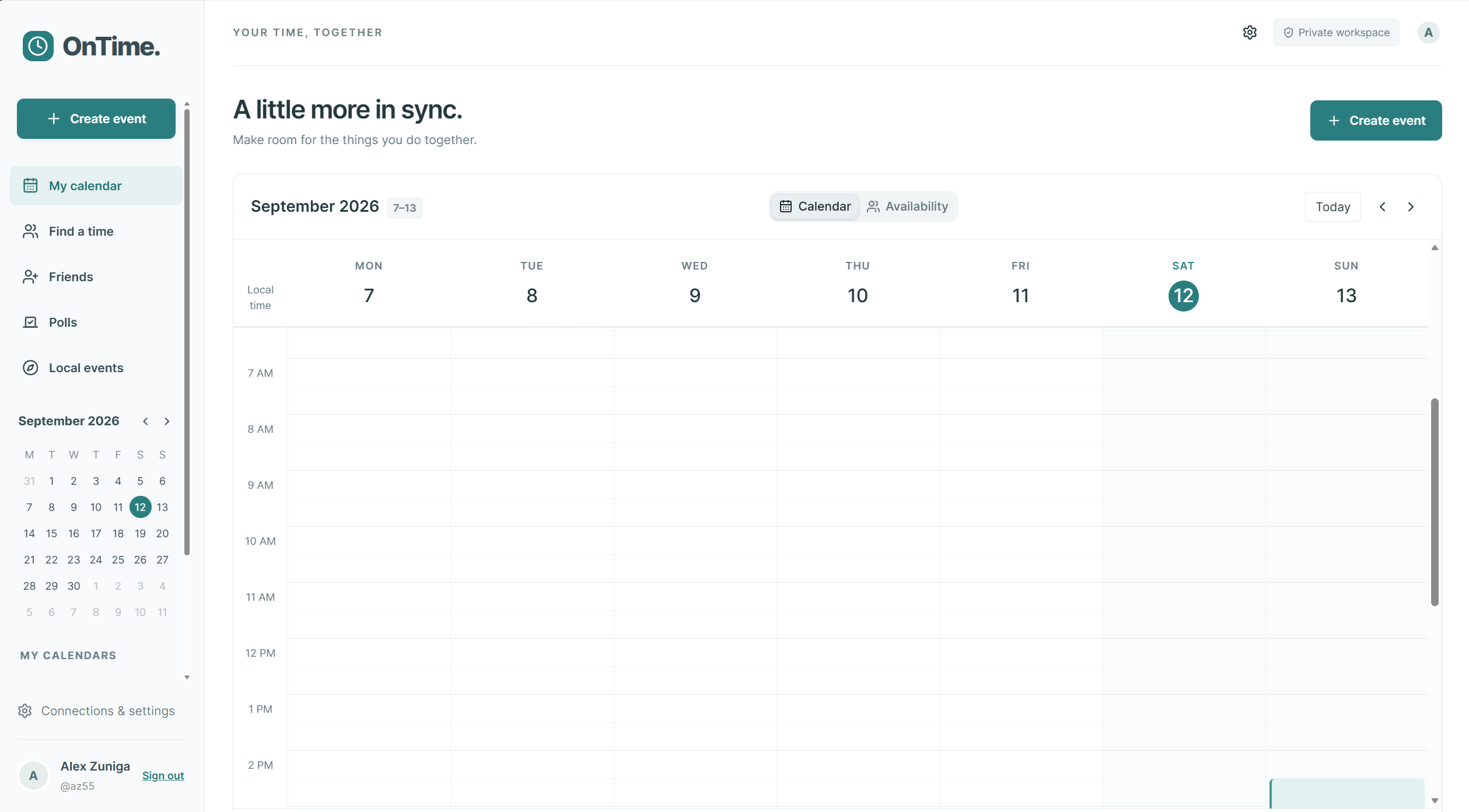
This here is the main page where you can add and delete events from your calendar.
-
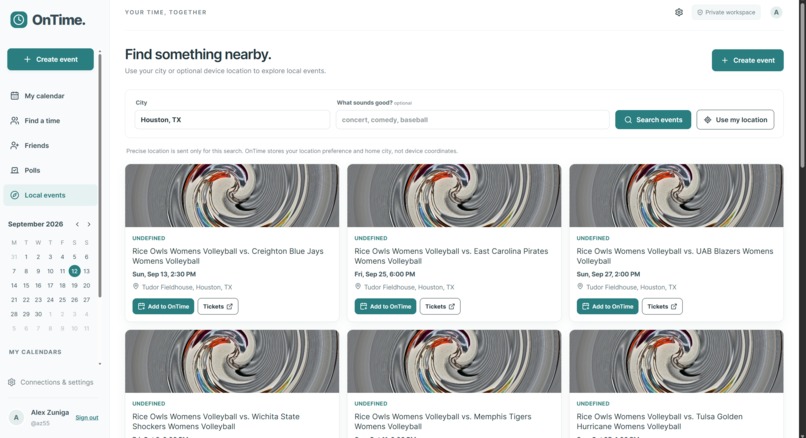
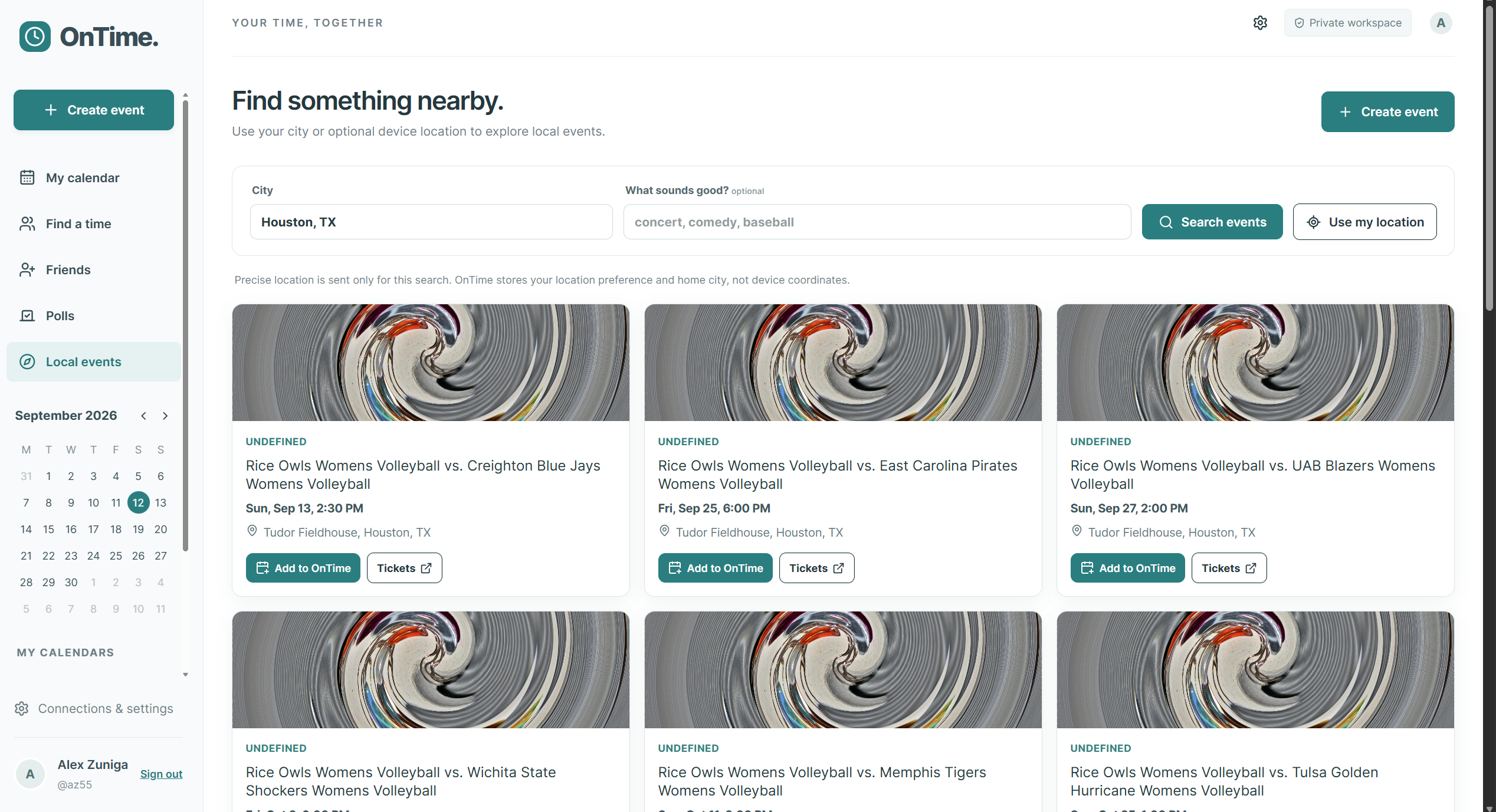
If you ever feel bored and want to see what's going on around you, you can go to the events tab and see
Inspiration
We wanted to have a fresh take on scheduling applications. We noticed that many people, especially college students, use When2meet, Google Calendar, or both. The purpose of OnTime is to get the best of both worlds. The concept combines knowing someone's availability through When2meet with the simplicity of Google Calendar.
What it does
Allows you and your friends to connect, schedule activities (whether work or life), and discover new activities around you. This application can also do work-related tasks. But with the added activity retriever, you can keep a steady work-life balance to avoid burnout.
How we built it
We built OnTime in a split fashion. Half of our team worked on the front end, while the second half focused on the backend. The backend uses TypeScript with a database from TigerData to store our information. Our front end consists of HTML, CSS, JavaScript, and also some TypeScript. Styled using Tailwind.
Challenges we ran into
We ran into a lot of merging issues using GitHub, as well as deployment problems using Railway and Docker. Ultimately, we decided to deploy using Render. Additionally, we ran into problems concerning the assistance of AI with our front-end stack.
Accomplishments that we're proud of
For all of us, it was our first time truly working on a web app of this large of scale. Additionally, we had little to no knowledge of working together in such a constrained time window. Being able to successfully deploy despite our inexperience in deployment was a tough yet rewarding challenge.
What we learned
We learned firsthand the usefulness of Git and GitHub when working with a team. It is something of a non-negotiable skill needed to work with others. For our front-end developer, he developed a deep grasp of HTML and CSS within these 36 hours. For the back-end developers, they learned more about git, deployment, system design, separation of work, and API integration.
What's next for OnTime
- Implementing Ollie (AI assistant)
- Activity/schedule recommendation based on preferences and/or previous activity.
- Notifications (through email, SMS, etc.)
Built With
- authentication
- calendar
- drizzle-orm
- google-cloud
- google-oauth-api
- javascript
- location-based-services
- node.js
- postgresql
- react
- render
- rest-api
- scheduling
- social-planning
- sql
- ticketmaster-discovery-api
- tiger-data
- tigerdata
- typescript
- vite
- web-app


