Inspiration
The idea for https://Picture2Txt.com came from the frustration of dealing with text locked inside images. Whether it’s a scanned document, a handwritten note, or a screenshot, extracting that text manually is time-consuming and prone to errors. We wanted to create a simple, accessible tool that would allow anyone—students, professionals, and researchers alike—to instantly convert image-based text into editable formats, without any technical expertise or unnecessary barriers like sign-ups.
What it does
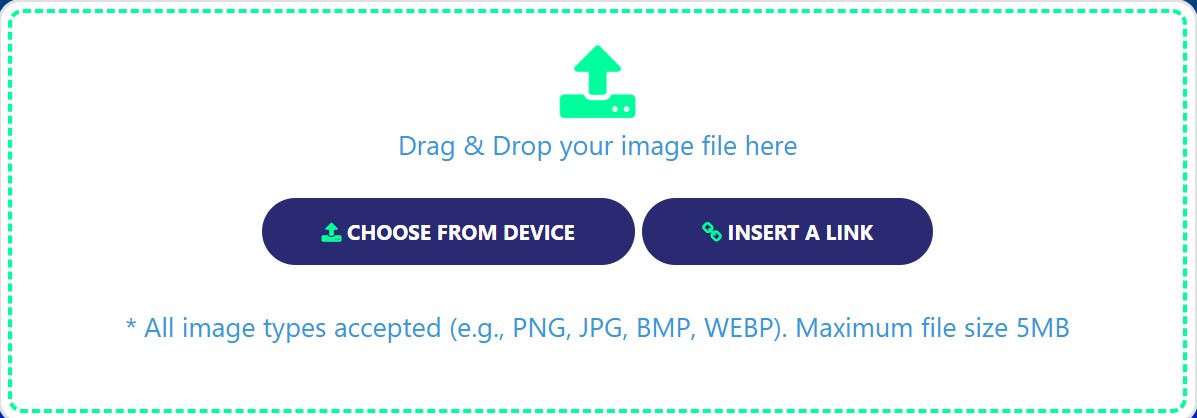
Picture2Txt.com is a fast and efficient OCR tool that extracts text from images in just a few clicks. It supports multiple input methods, including uploading an image, dragging and dropping files, or pasting an image URL. With support for 15 different languages, the tool can process text from printed materials, handwritten notes, or even foreign language documents. Users can copy the extracted text to the clipboard or download it in a text format, making it perfect for both personal and professional use.
How I built it
The tool was built using a combination of:
OCR libraries and frameworks: We utilized Tesseract OCR for accurate text recognition and multi-language support. Frontend technologies: HTML, CSS, and JavaScript for a seamless, intuitive user interface. Backend: A lightweight Node.js server to handle file uploads and process images securely. Cloud infrastructure: Integrated with cloud-based APIs to ensure fast processing and scalability. The focus throughout development was on ensuring speed, accuracy, and a user-friendly experience.
Challenges I ran into
One of the major challenges was optimizing OCR performance for handwritten notes, as handwriting recognition can be tricky due to variations in style and legibility. Additionally, achieving consistent accuracy across 15 languages required careful testing and fine-tuning. We also worked hard to streamline the user interface to make the tool intuitive while ensuring secure handling of uploaded files.
Accomplishments that I'm proud of
We’re proud of:
Successfully supporting 15 languages, including English, French, Spanish, Arabic, and Hindi, making the tool accessible to a global audience. Creating a completely barrier-free user experience, with no sign-ups or logins required. Building a secure and privacy-friendly platform that ensures users’ data is not stored or shared. Receiving positive feedback from early users who found the tool helpful for digitizing notes, managing documents, and translating content.
What I learned
Developing Picture2Txt.com taught us the importance of balancing functionality with simplicity. While OCR technology is complex, we learned how to integrate it into a tool that anyone can use without technical knowledge. We also gained deeper insights into language processing, UI/UX design, and the importance of robust privacy practices for online tools.
What's next for Online Picture to Text Converter
We’re excited about the future of Picture2Txt.com and plan to:
Expand language support to include more languages and dialects. Improve accuracy for handwritten text recognition using advanced AI models. Introduce features like batch processing for multiple images and integration with cloud storage platforms like Google Drive and Dropbox. Add functionality for direct text translation after extraction to assist multilingual users. Create a mobile-friendly version for easy access on the go.
Built With
- css
- html
- javascript
- render
- tesseract.js

Log in or sign up for Devpost to join the conversation.