-
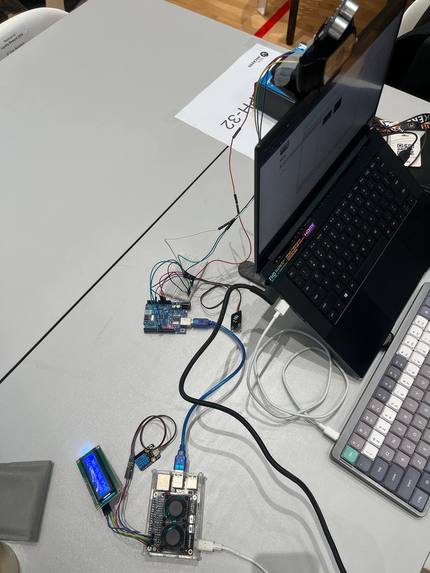
Overall system setup
-
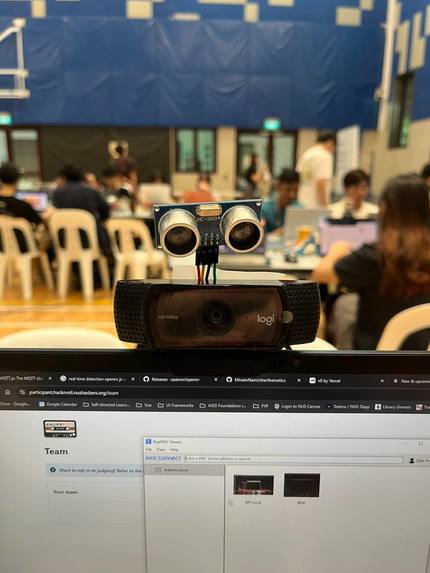
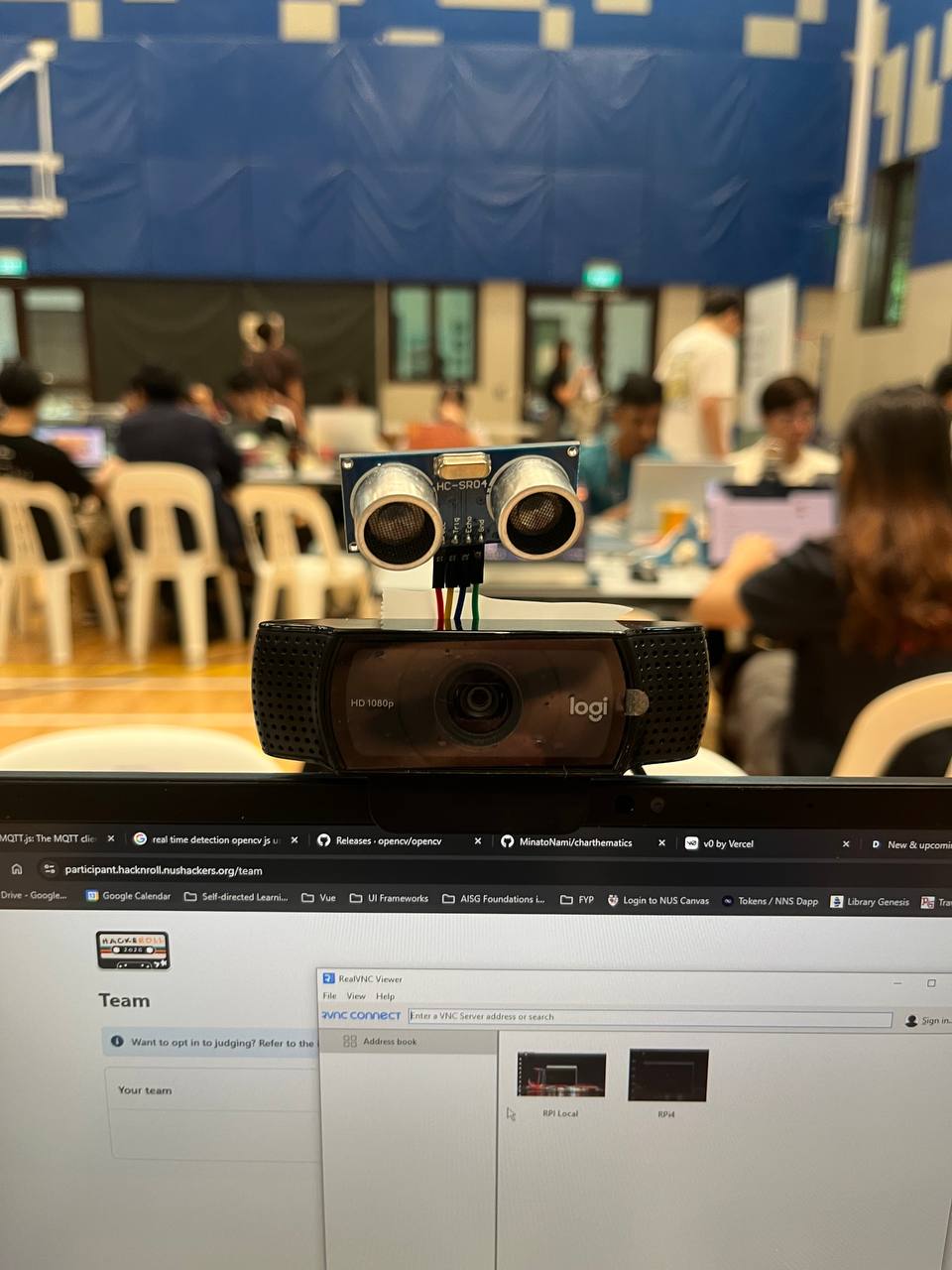
Camera with proximity and light sensors (1/2)
-
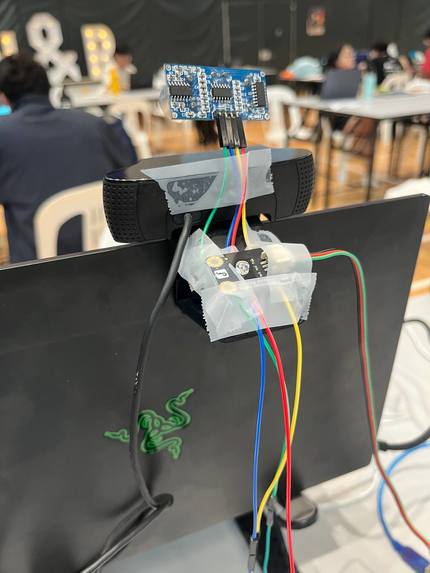
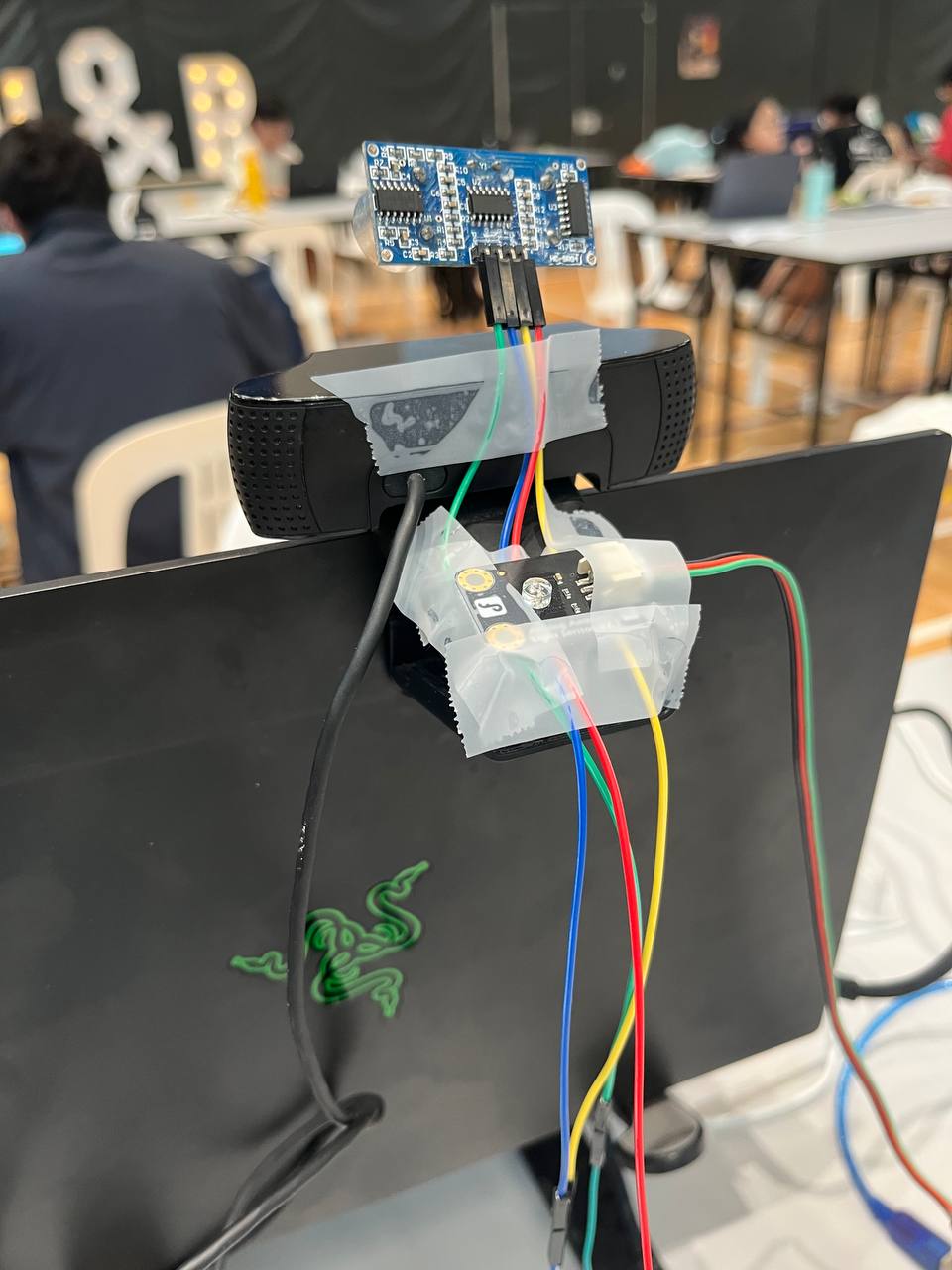
Camera with proximity and light sensors (2/2)
Inspiration
As we transition to a hybrid society, online meetings have become a staple of both professional and personal interactions. While working from home might provide comfort and control over our surroundings, challenges arise when attending meetings from less predictable environments—like a bustling café, on public transport, or even outdoors. The Online Meeting Assistant (OMA) addresses these challenges, ensuring participants present themselves professionally and stay comfortable, no matter the setting.
What it does
OMA enhances the online meeting experience by:
- Facial Emotion Recognition: Helps users monitor their facial expressions in real time to ensure they appear engaged and professional, without needing to focus on their appearance during meetings.
- Environmental Monitoring: Tracks temperature, humidity, light, and proximity to help users optimize their surroundings for comfort and productivity.
- Proximity Alerts: Provides feedback if the user is too far or too close to the laptop camera, ensuring optimal framing and audio quality.
- Integrated Feedback: Delivers actionable insights via a user-friendly interface, helping users adjust their setup in real time.
How we built it
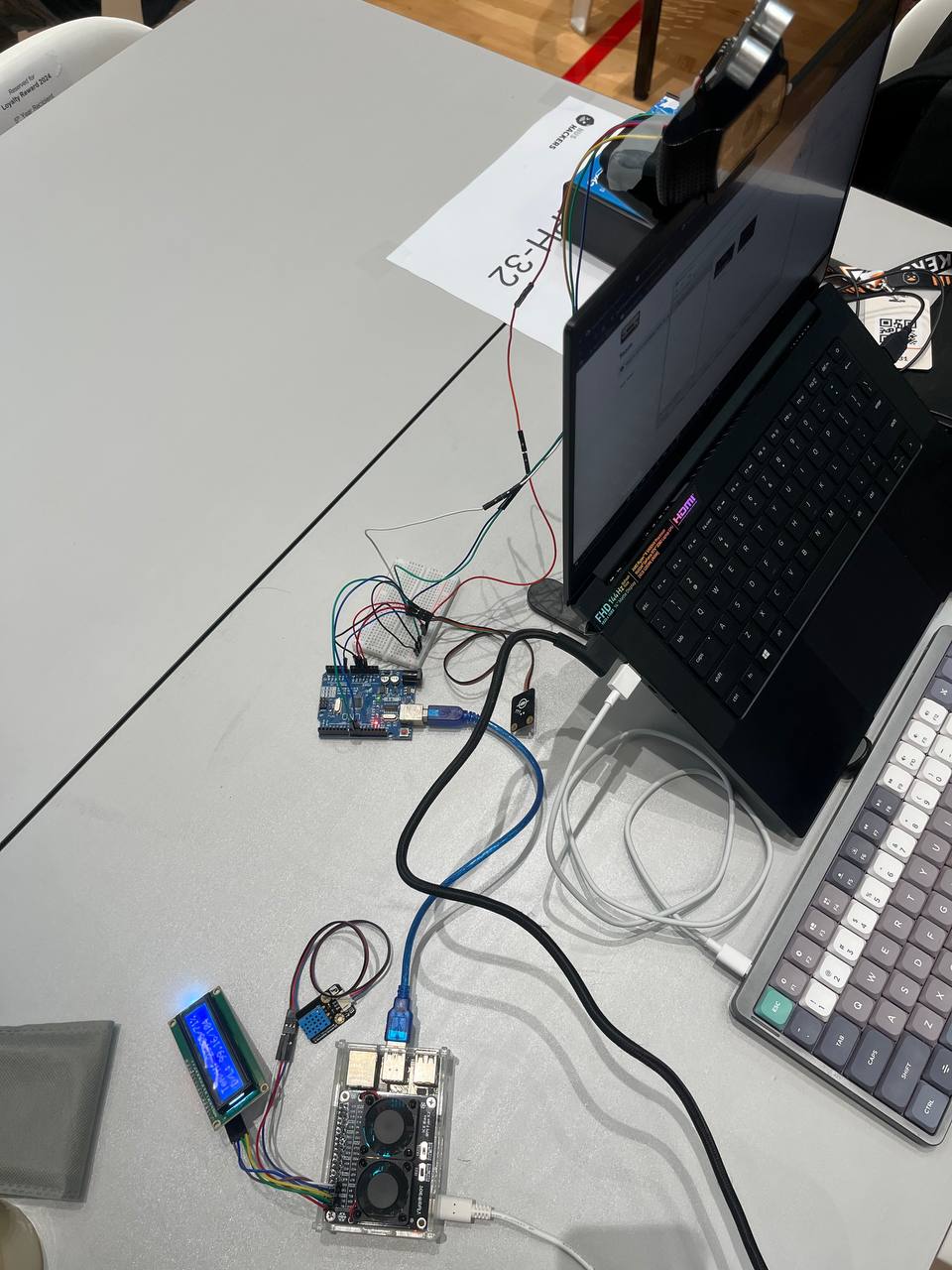
We combined hardware and software to create OMA: Hardware: A Raspberry Pi connected to an Arduino, integrated with sensors for humidity, temperature, light, and proximity.
Software: A Facial Emotion Recognition model trained and deployed locally. Python scripts for sensor data acquisition and analysis. Communication between the components via MQTT for seamless data exchange.
Challenges we ran into
Incompatible hardware components: Integrating the Raspberry Pi and Arduino with the various sensors required additional troubleshooting and custom wiring. Outdated driver software: Hardware which were ordered prior to the hackathon, were not compatible with the latest OS of the Raspberry Pi. Solutions were proposed online, but they involved hacky ways to get around things, which were not guaranteed to work.
Accomplishments that we're proud of
- Successfully integrated hardware and software components to deliver a seamless user experience.
- Deployed a lightweight Facial Emotion Recognition model that performs in real time.
- Addressed real-world challenges faced by remote workers, contributing to better online meeting experiences.
What we learned
The importance of hardware-software compatibility and thorough research before choosing components.
What's next for Online Meeting Assistant (OMA)
- Enhanced Insights: Incorporate advanced analytics, such as tracking user focus or fatigue levels during meetings.
- AI-Driven Suggestions: Use machine learning to provide proactive suggestions based on historical data, like suggesting ideal room lighting or seating arrangements.
- Intuitive user interface: Develop a user-friendly interface to allow users to interact with the system findings. This can come in the form of analytics and actionable suggestions.
- Customizable Features: Allow users to tailor feedback and insights to their specific needs, making OMA adaptable to various professions and preferences.


Log in or sign up for Devpost to join the conversation.