-
-
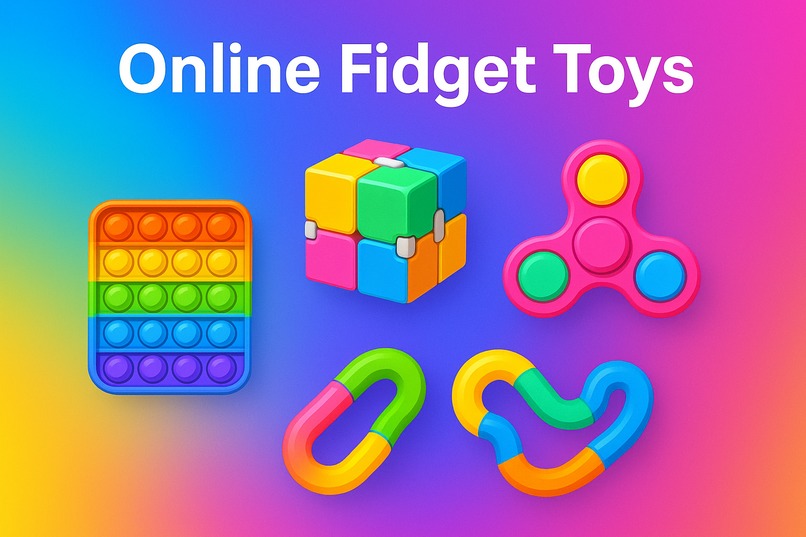
FidgetFlow
-
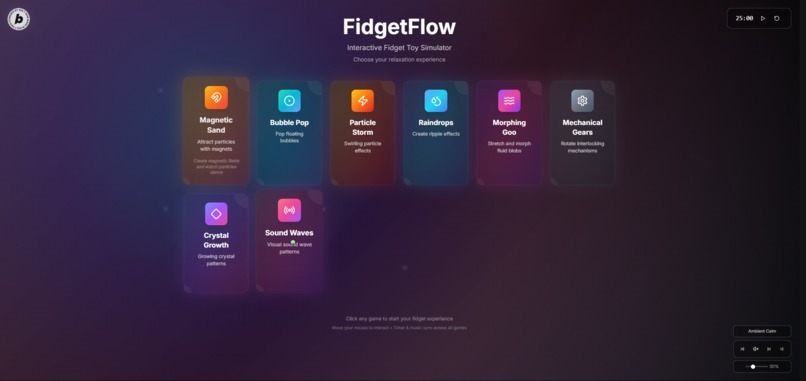
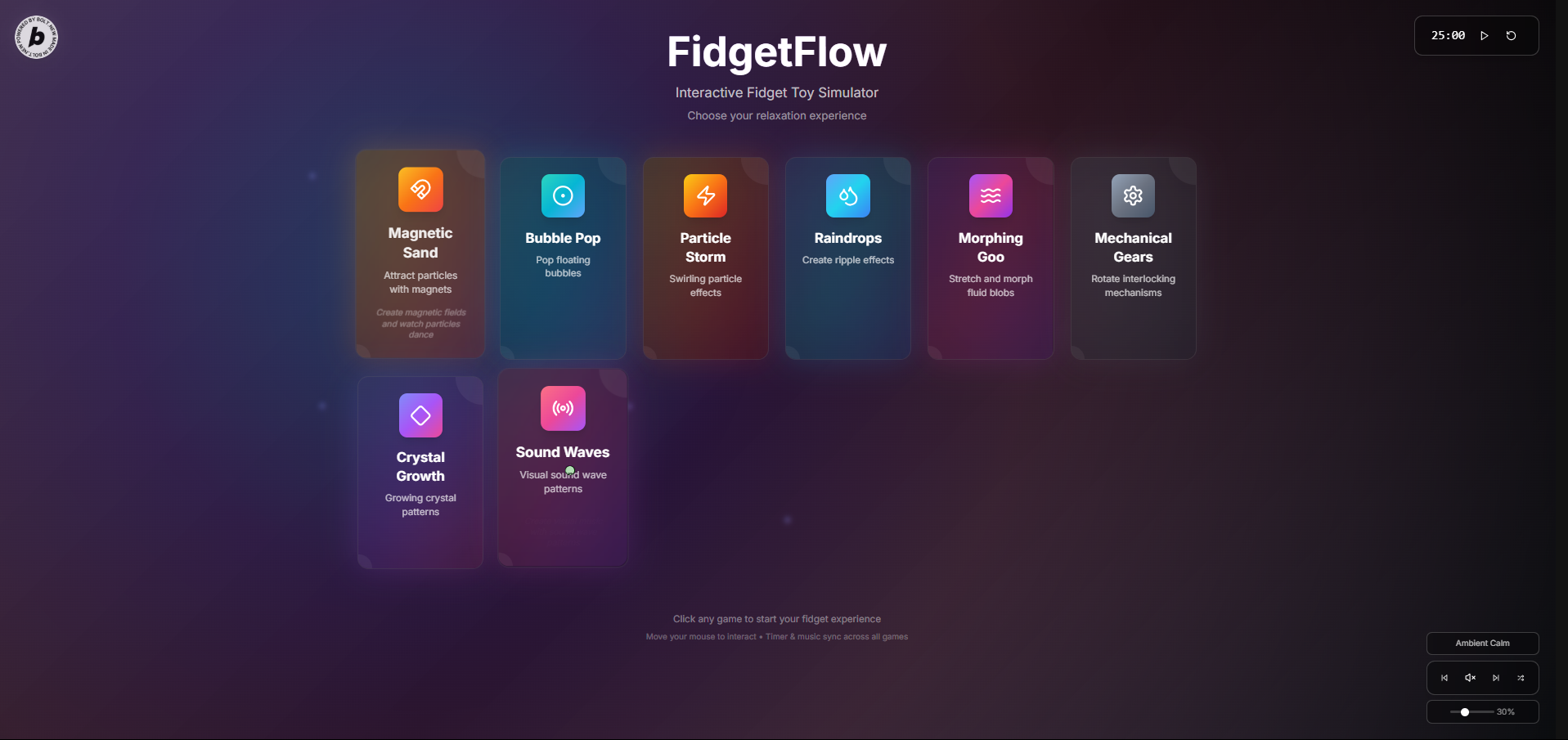
Home screen
-
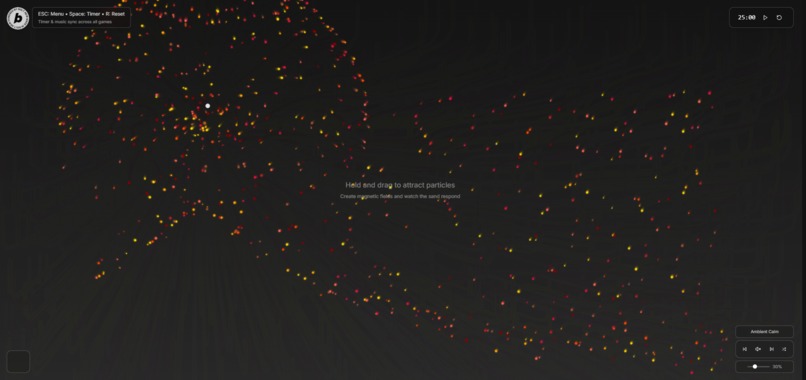
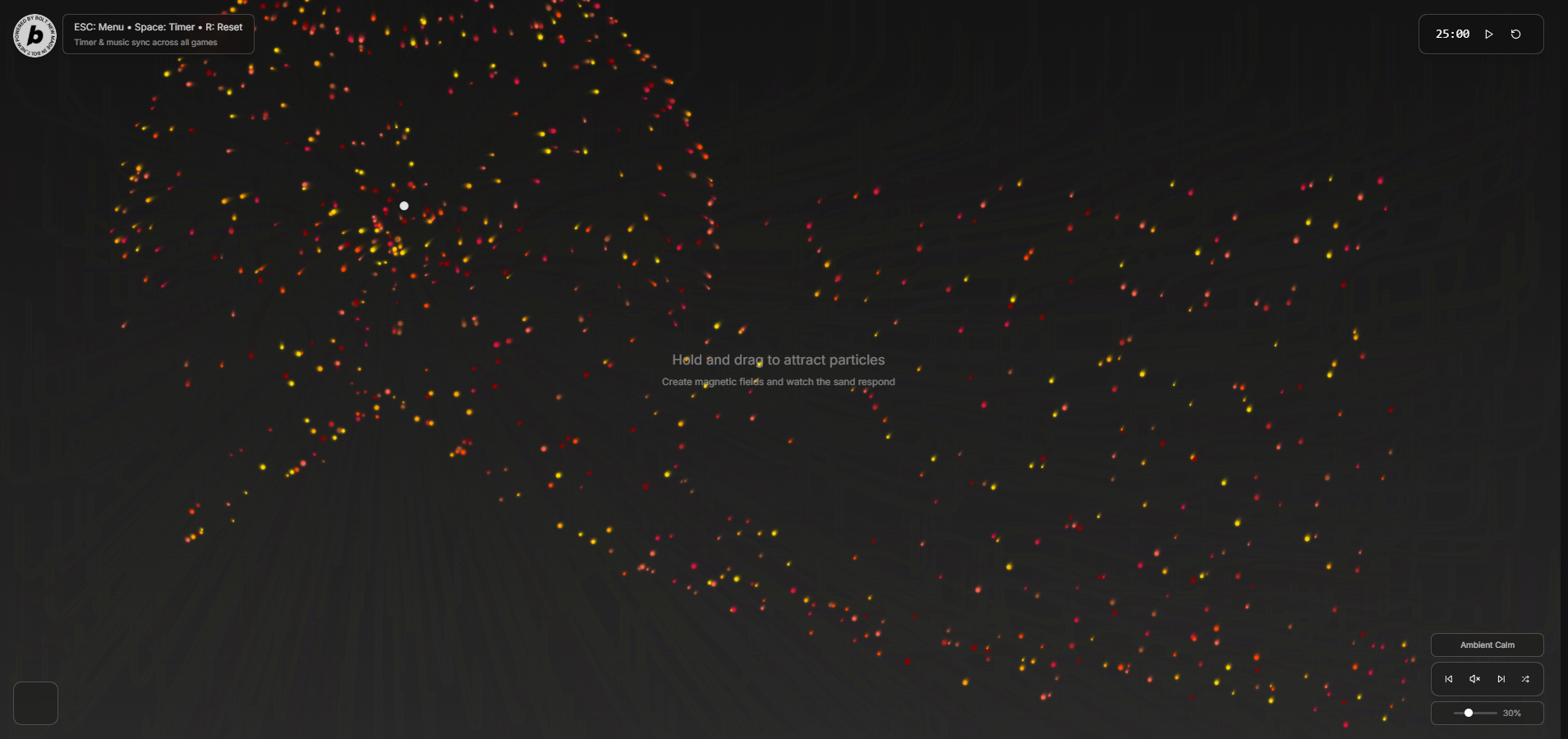
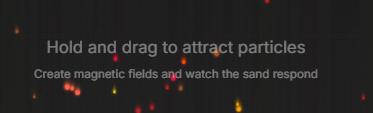
Magnetic Sand
-
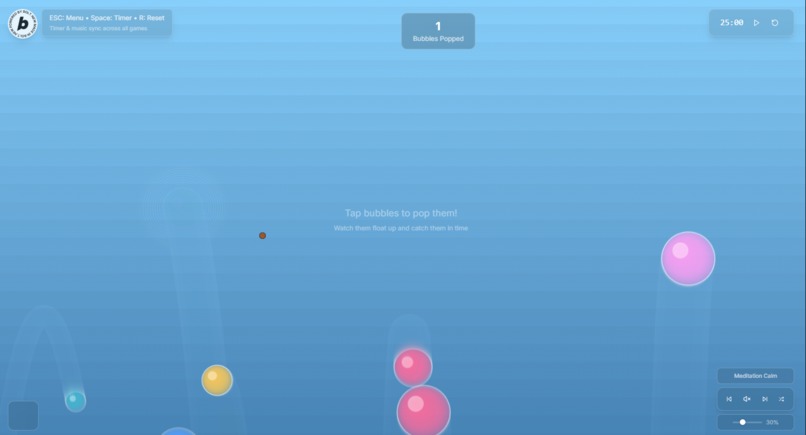
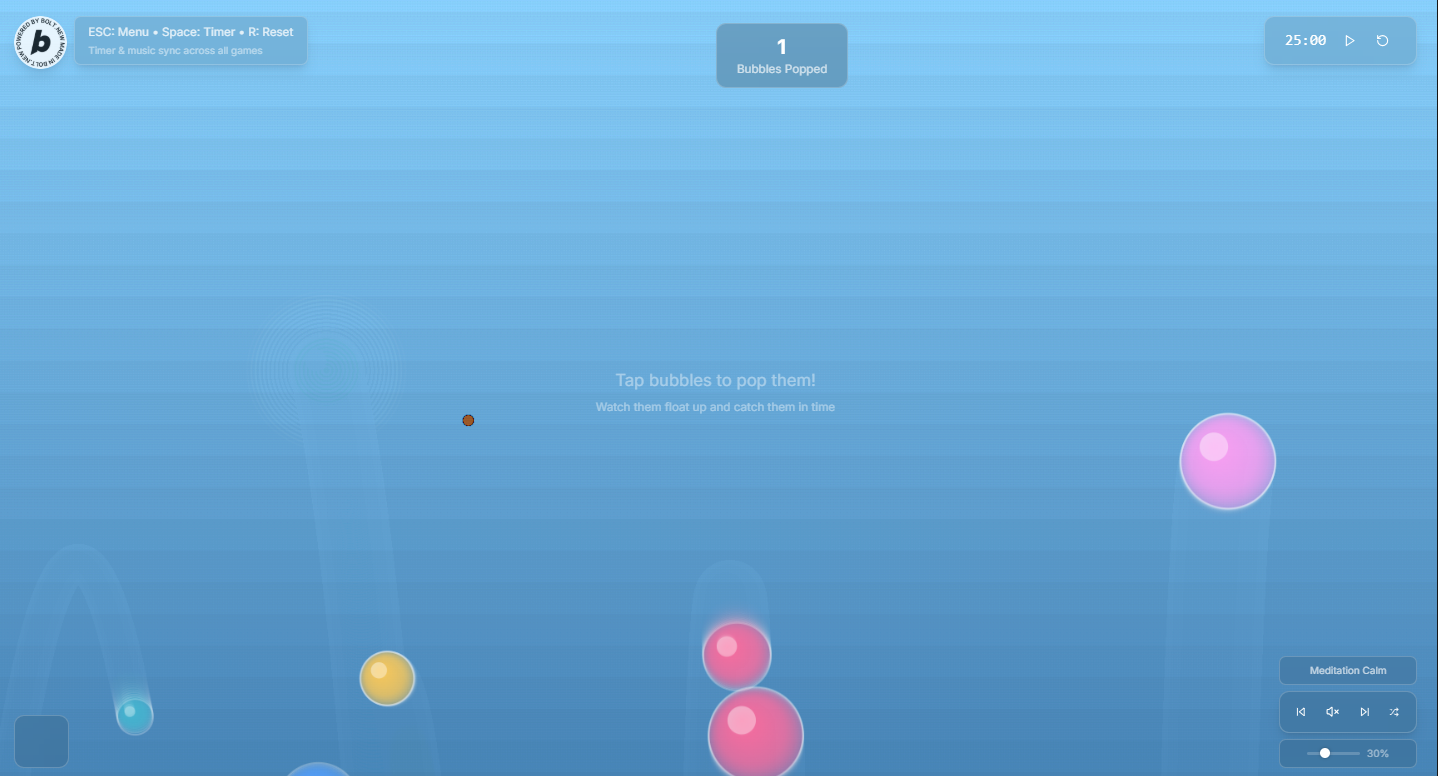
Bubble Pop
-
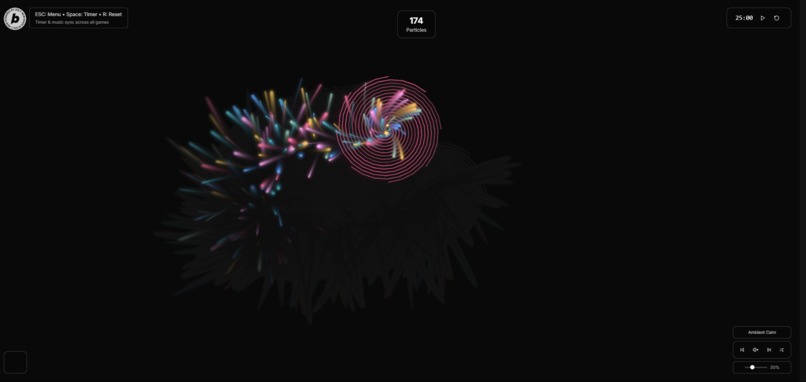
Particle Storm
-
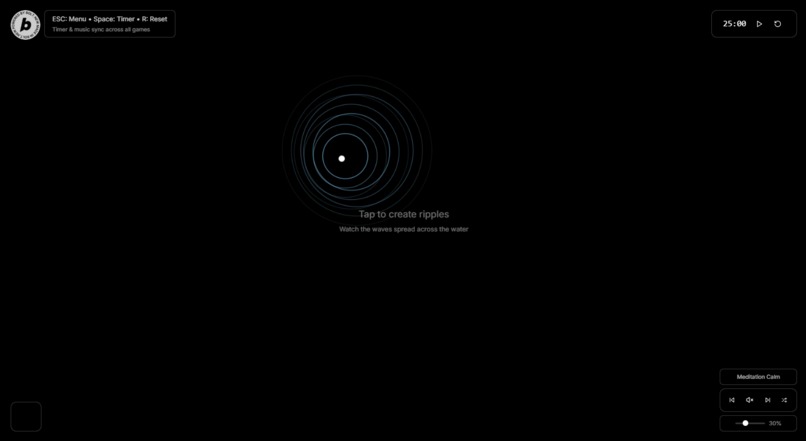
Raindrops
-
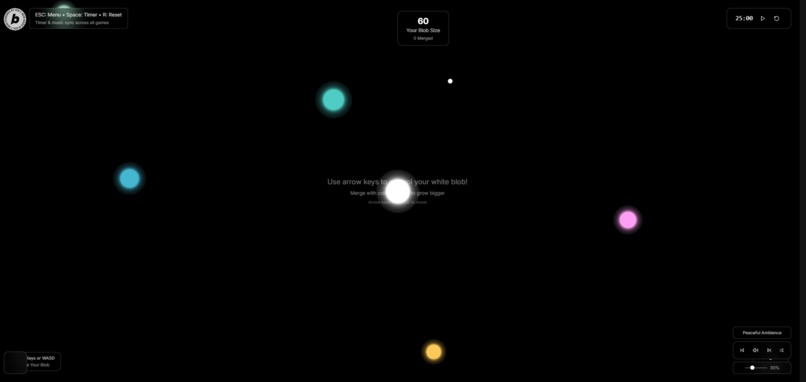
Morphing Goo
-
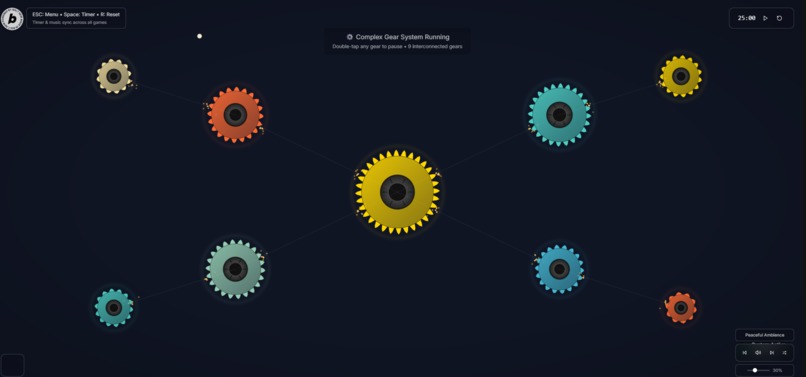
Mechanical Gears
-
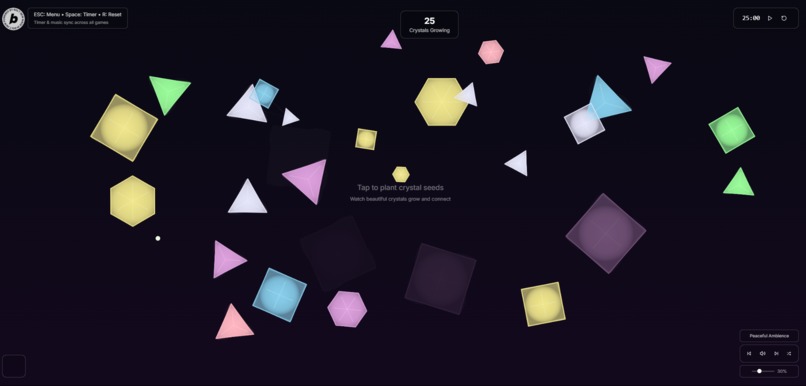
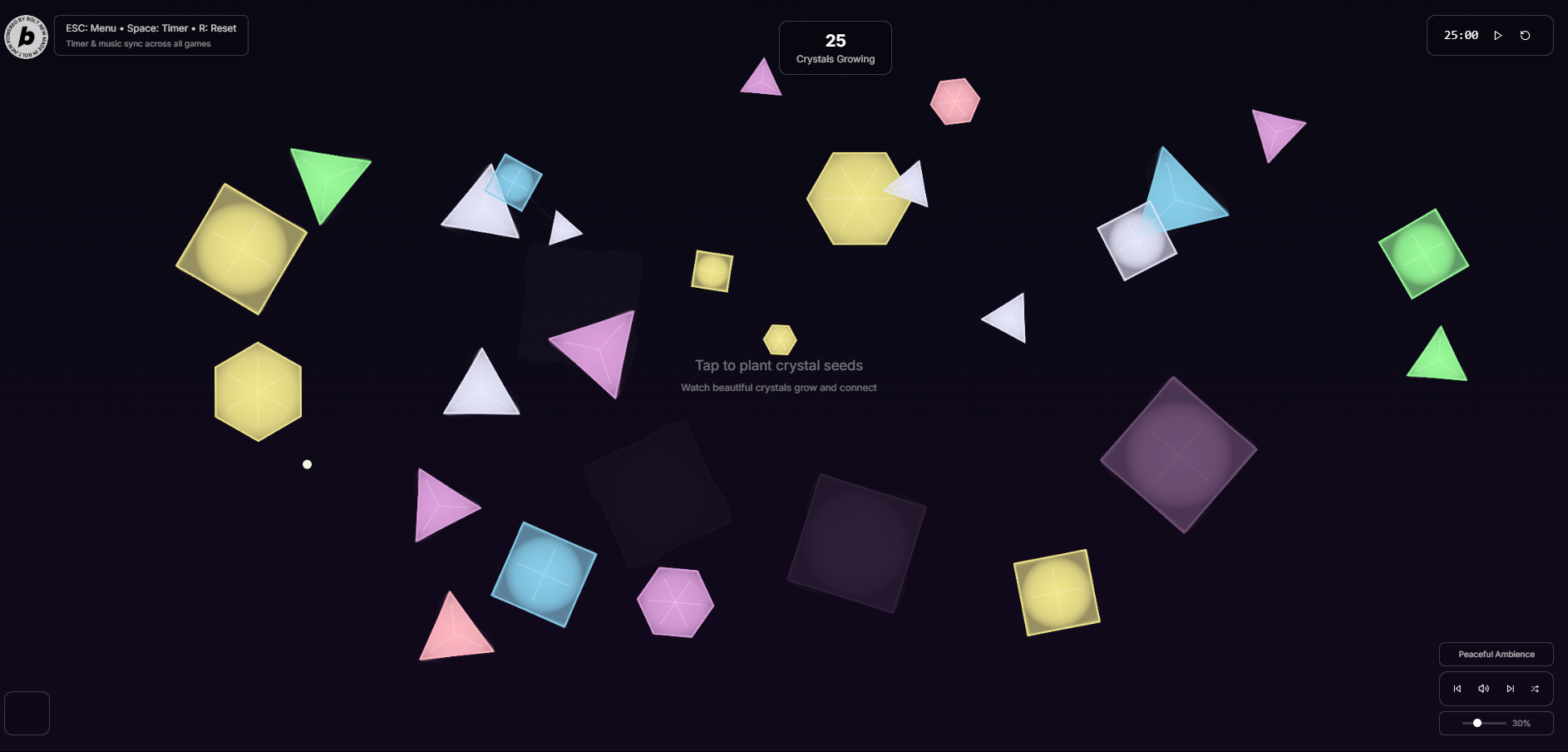
Crystal Growth
-
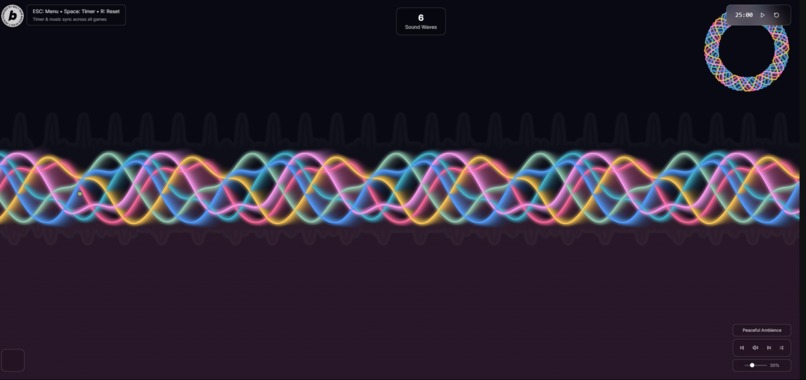
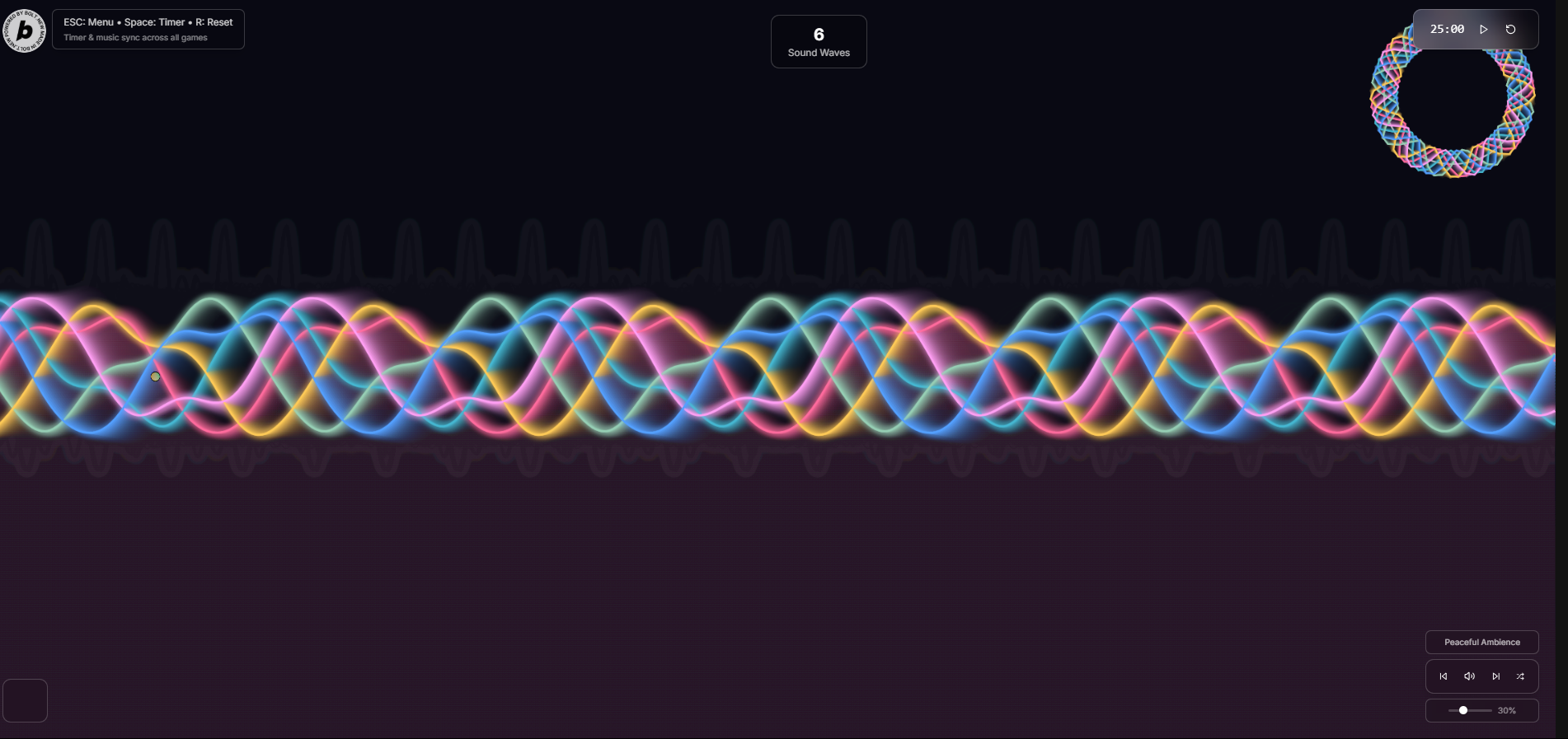
Sound Waves
-
Music - Calming
-

Timer
-

Made With Bolt Logo (With Hyperlink)
-

Clear Instructions
-
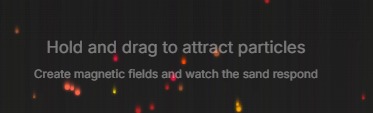
Clear Instructions



Inspiration
I am 11 years old and there was two days left till the hackathon ended, so I decided to make a fidget app that you can use for free. I have done user research for this app to see if children will like it. The results came out good - many people wanted to play this and some even asked if it its going to be launched in the public. BTW: this took 10mill credits...
What it does
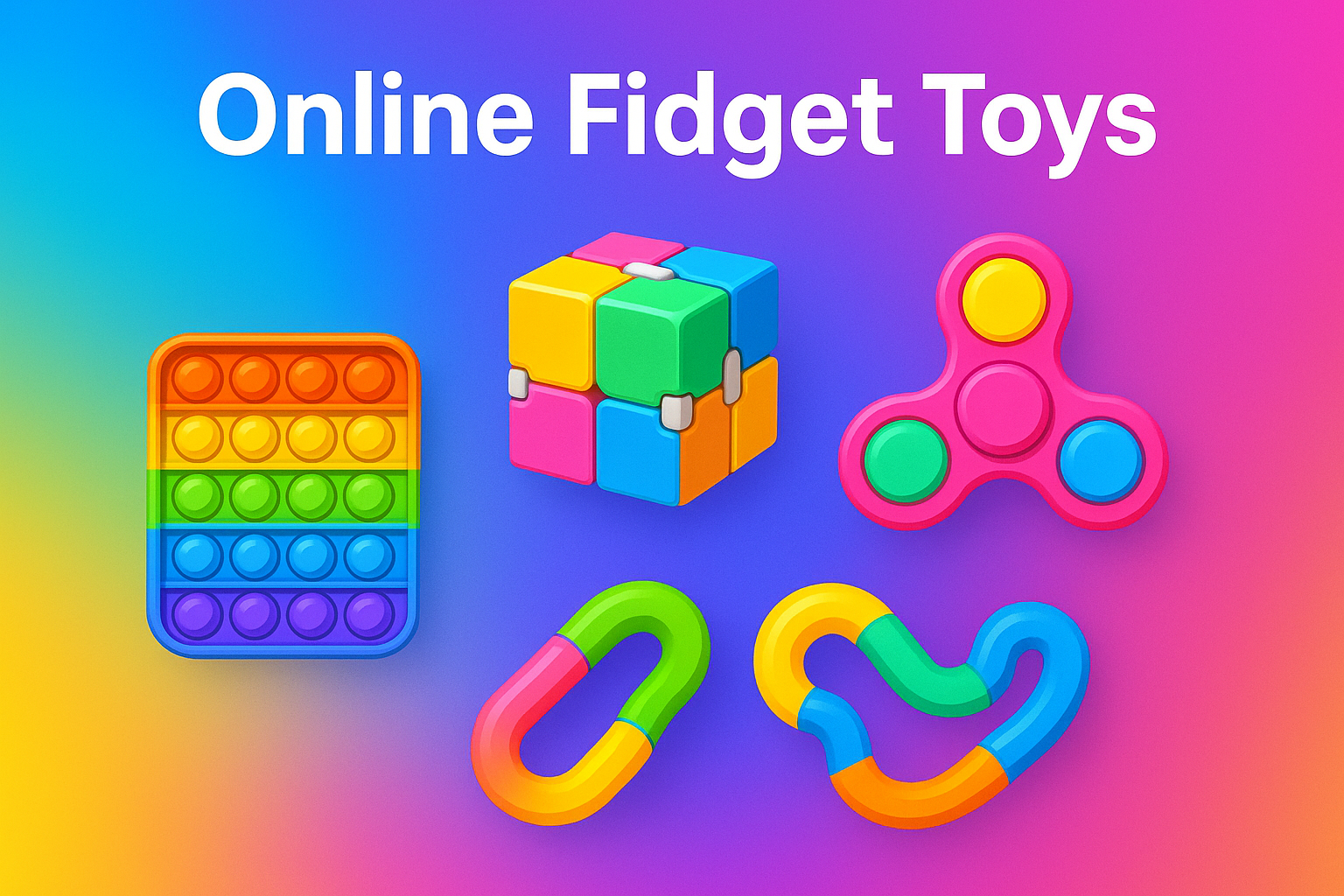
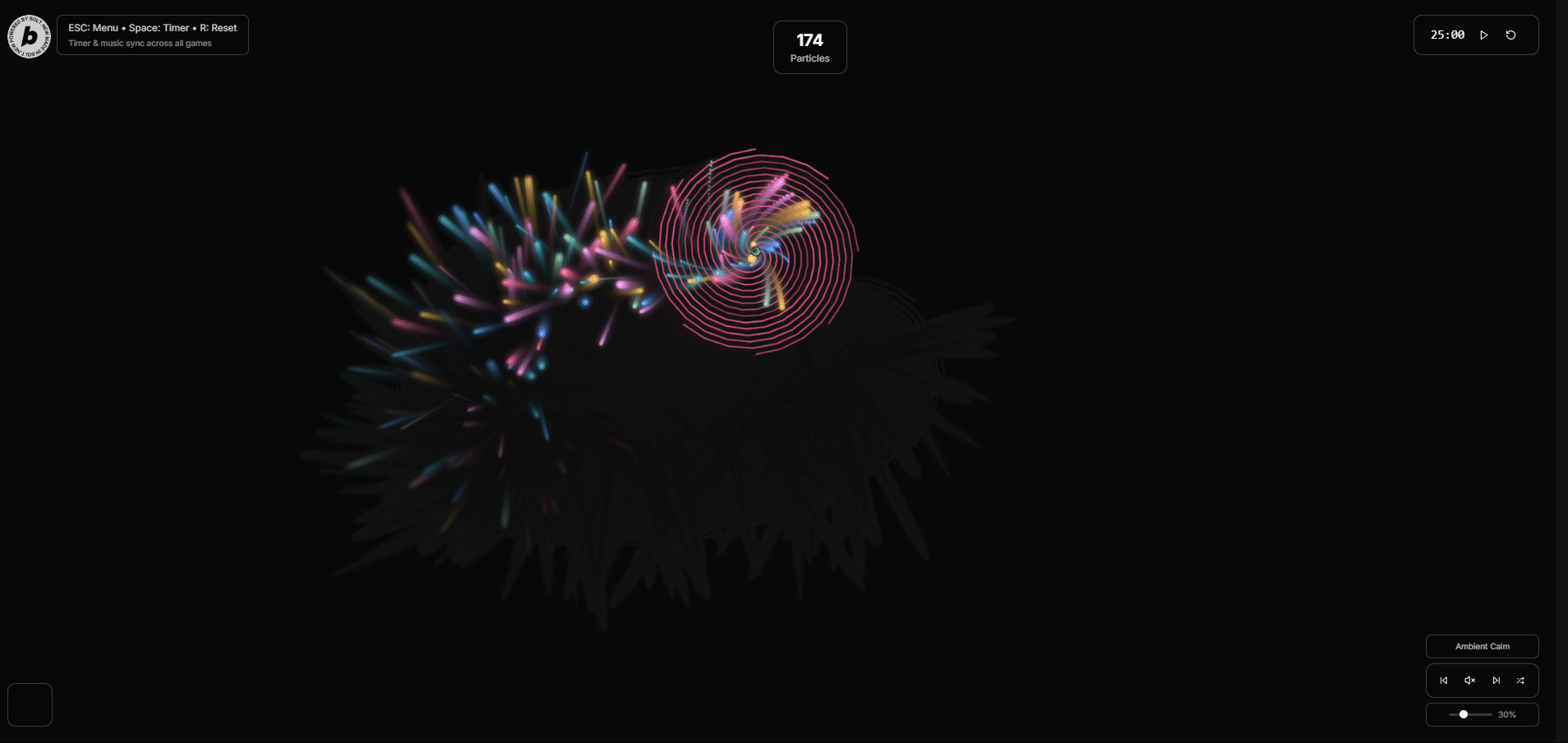
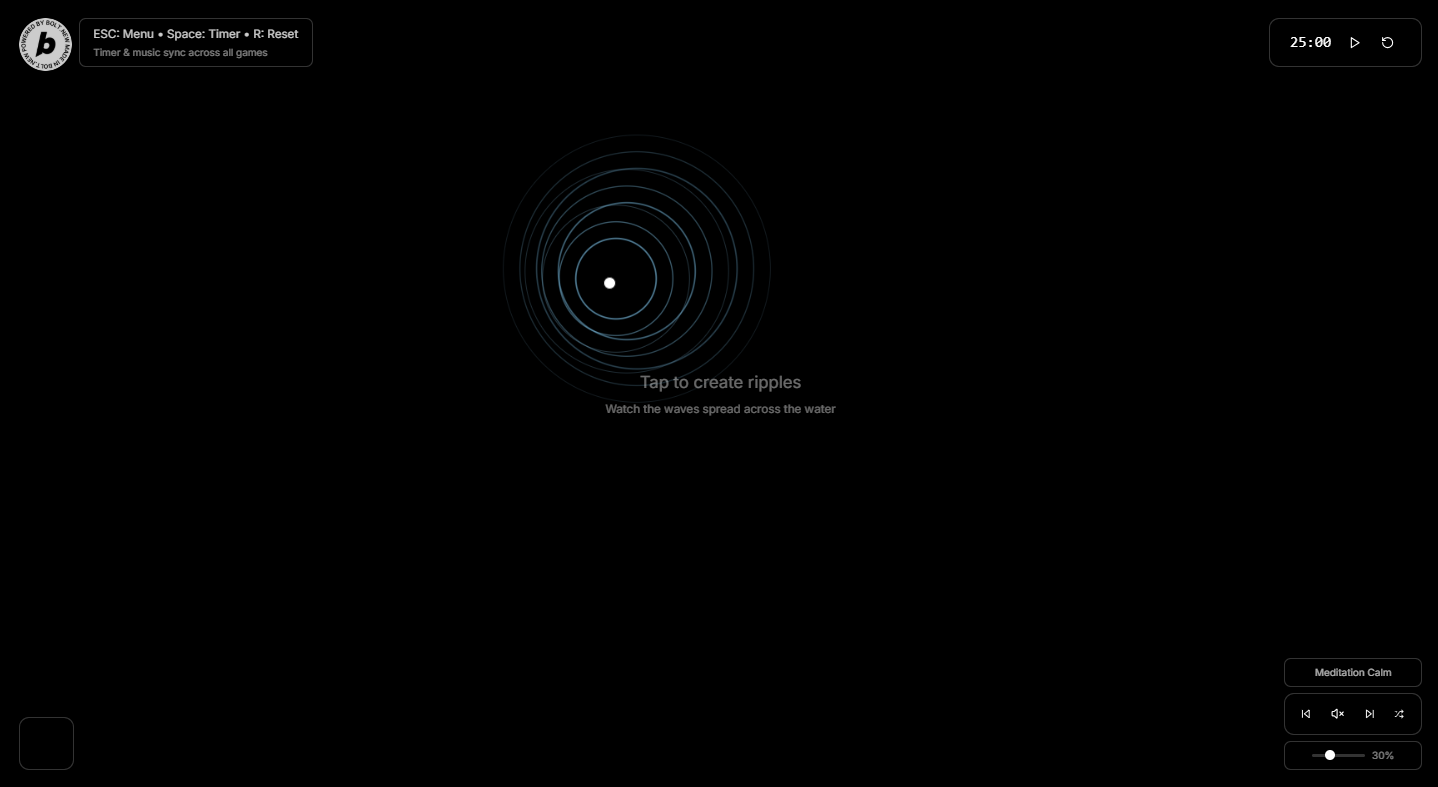
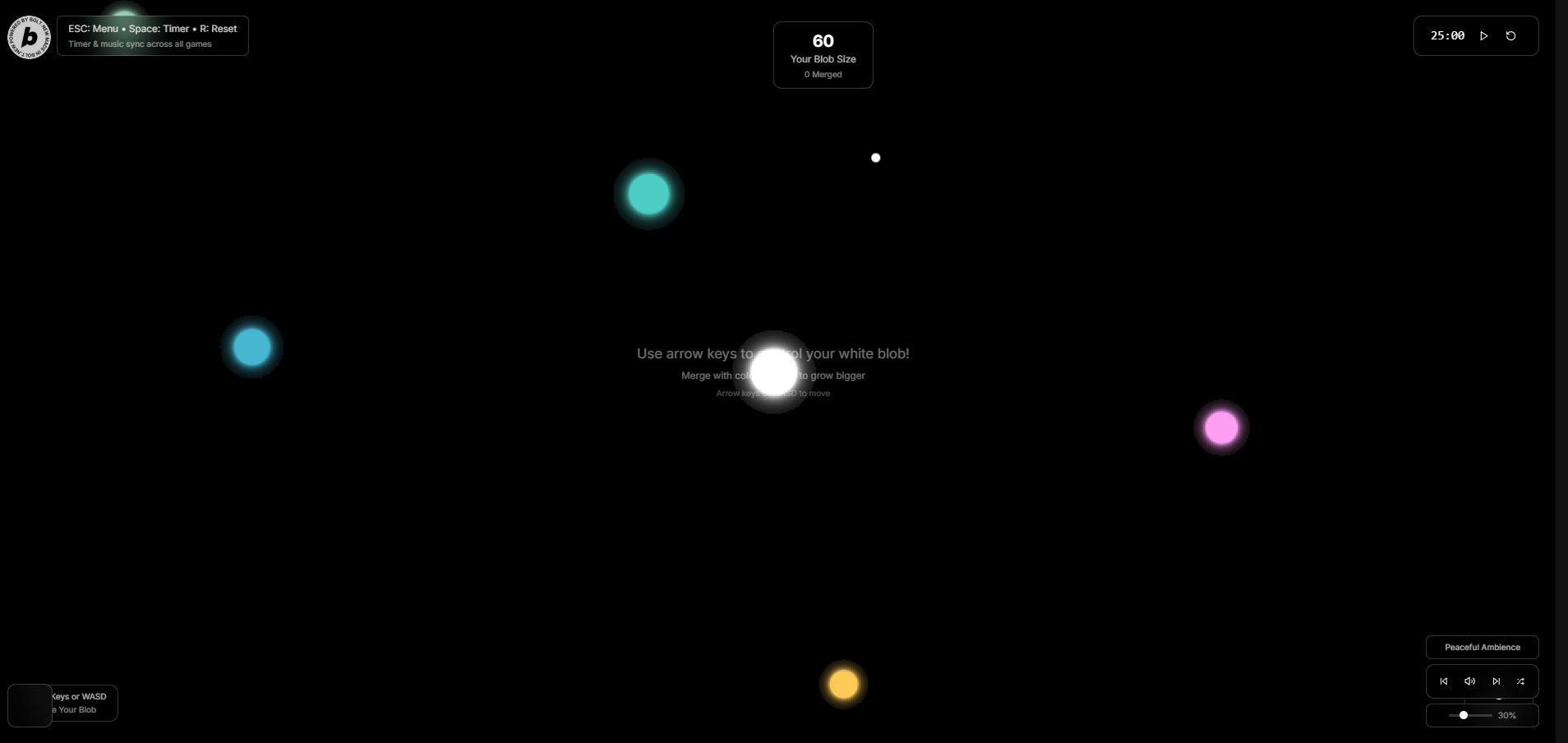
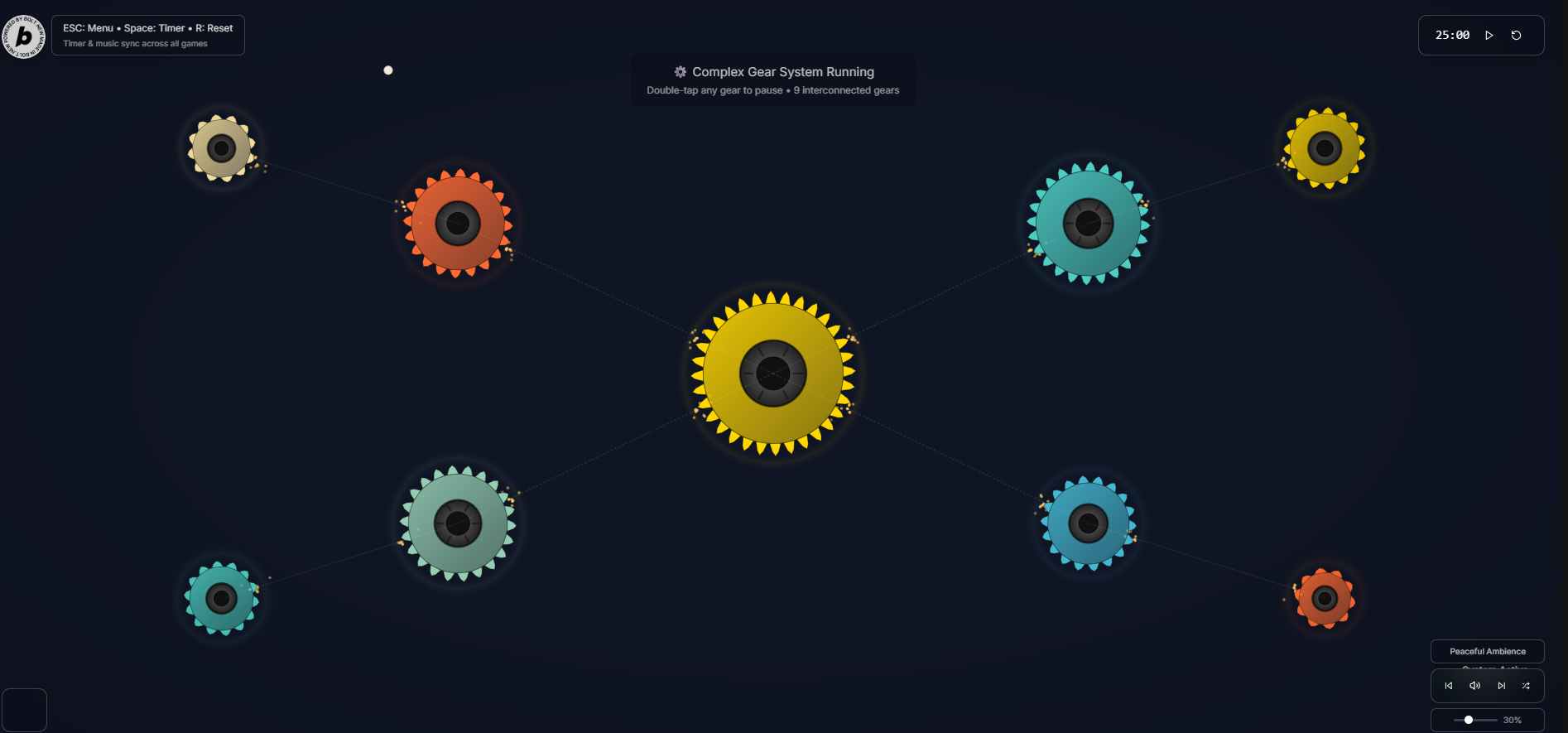
Dive into a calming digital fidget experience with four interactive toys designed for stress relief, focus, and mindful play: Magnetic Sand - Particles now have much stronger attraction to your cursor Bubble Pop - Moved the "Bubbles Popped" counter to bottom-left so it's not covered Particle Storm - Swirling particle effects Raindrops - Water ripple effects Morphing Goo - Now has a solid black background Mechanical Gears - Complex rotating gear systems Liquid Physics - Realistic fluid simulation Crystal Growth - Growing crystal patterns Sound Waves - Visual music patterns Features: ✅ Optimized for mobile & web ✅ 60fps smooth animations ✅No ads, no paywalls—just pure, relaxing fun at your fingertips! ✅Perfect for anxiety relief, ADHD focus, or casual play.
How we built it
I built FidgetFlow as a modern Next.js 13 React application using TypeScript, combining HTML5 Canvas-based physics simulations with a sleek Tailwind CSS and Framer Motion-powered interface. The app features a component-based architecture where each of the 8 fidget modes (Magnetic Sand, Morphing Goo, Raindrops, Mechanical Gears, Bubble Pop, Particle Storm, Crystal Growth, and Sound Waves) is implemented as a separate React component with its own real-time Canvas rendering engine, utilizing techniques like metaball algorithms for fluid simulation, particle systems with physics calculations, and interactive mouse/touch event handling. You implemented a global timer system that persists across all game modes using React's useState and useEffect hooks, added a custom animated mouse cursor with spring physics using Framer Motion, and created a fully responsive design that adapts from mobile to desktop while maintaining smooth 60fps animations and providing haptic feedback on supported devices. The entire application leverages modern web technologies including ES6+, CSS Grid/Flexbox, and the Canvas 2D API to create production-ready interactive experiences with features like color mixing in the goo mode, magnetic field visualizations, and complex gear systems with particle effects.
Challenges we ran into
I encountered several challenges during the development of FidgetFlow, primarily centered around advanced state management, complex canvas-based physics simulations, and detailed UI/UX enhancements. Key hurdles included implementing a global timer that synchronized across all game modes, creating a custom animated mouse cursor with smooth spring physics, and significantly enhancing the "Morphing Goo" mode to support multiple colors and dynamic merging of blobs into new, randomly colored entities. Additionally, you faced the task of consistently repositioning game-specific counters to the top center of the screen, refining the physics of the "Magnetic Sand" mode for a more natural feel, and adapting the overall design for better responsiveness across various screen sizes, including the removal of the "Liquid Physics" mode.
Accomplishments that we're proud of
I am proud of several key aspects of my FidgetFlow application. The successful implementation of a unified global timer that persists and synchronizes across all interactive modes is a significant achievement, providing a consistent and focused user experience. The enhanced "Morphing Goo" mode stands out with its dynamic multi-color merging and random color generation for new blobs, showcasing advanced visual and interactive complexity. Furthermore, the introduction of a custom animated mouse cursor with smooth spring physics adds a unique and polished touch to the overall user interface. The consistent repositioning of game-specific counters to the top center across various modes demonstrates a strong commitment to UI/UX consistency and attention to detail, while the refined physics in "Magnetic Sand" and the responsive design of the game selection screen further contribute to a high-quality, engaging application.
What we learned
What's next for Online Fidget Toys
Built With
- deepseek
- netlify
- next.js


Log in or sign up for Devpost to join the conversation.