-
-
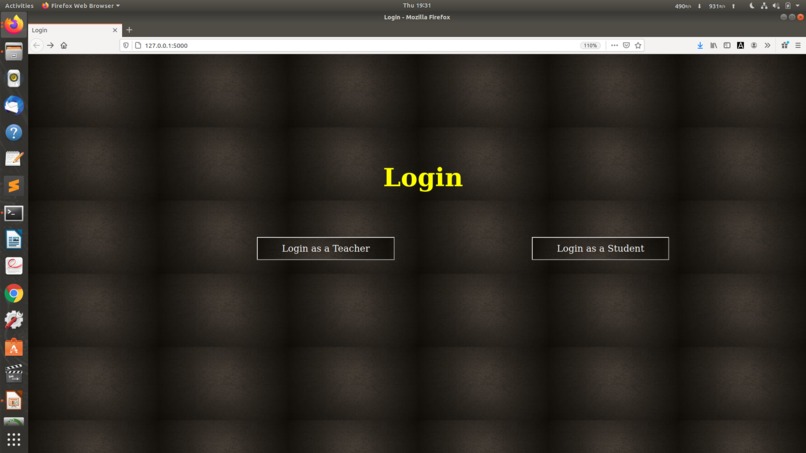
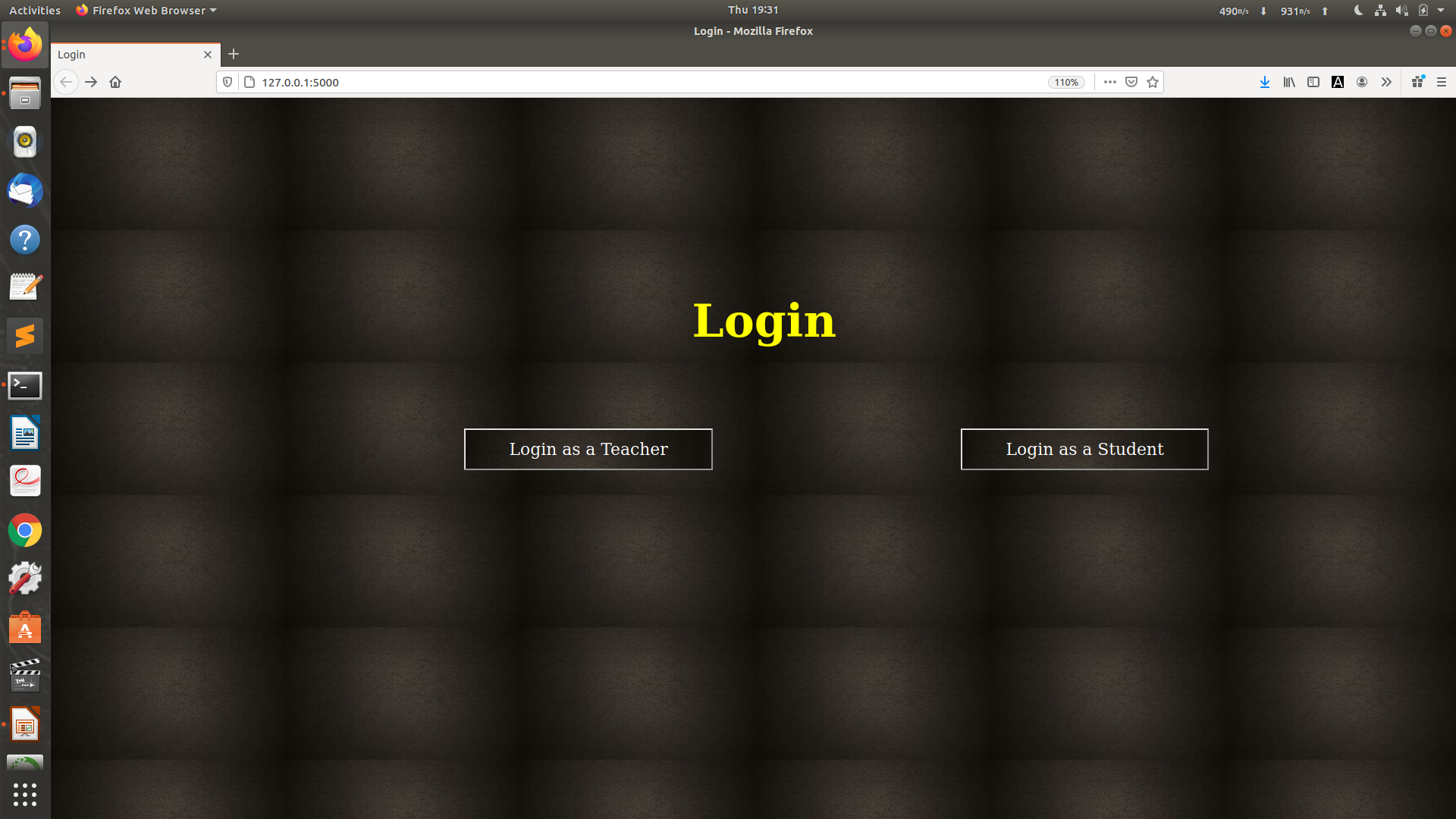
Select if You are a Teacher or a Student
-
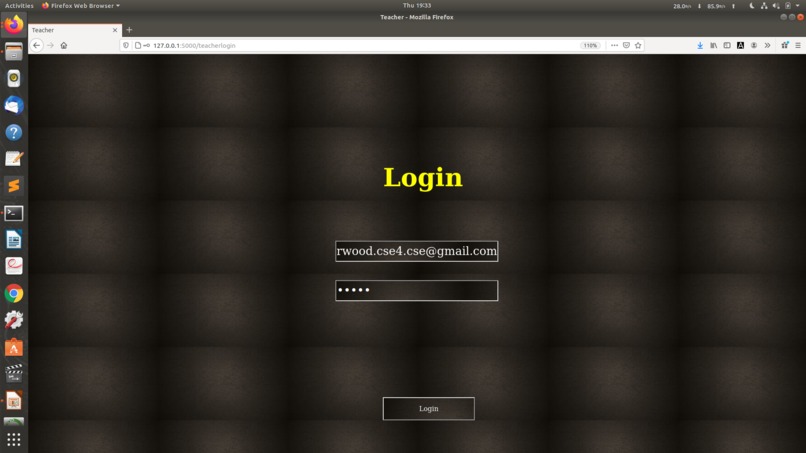
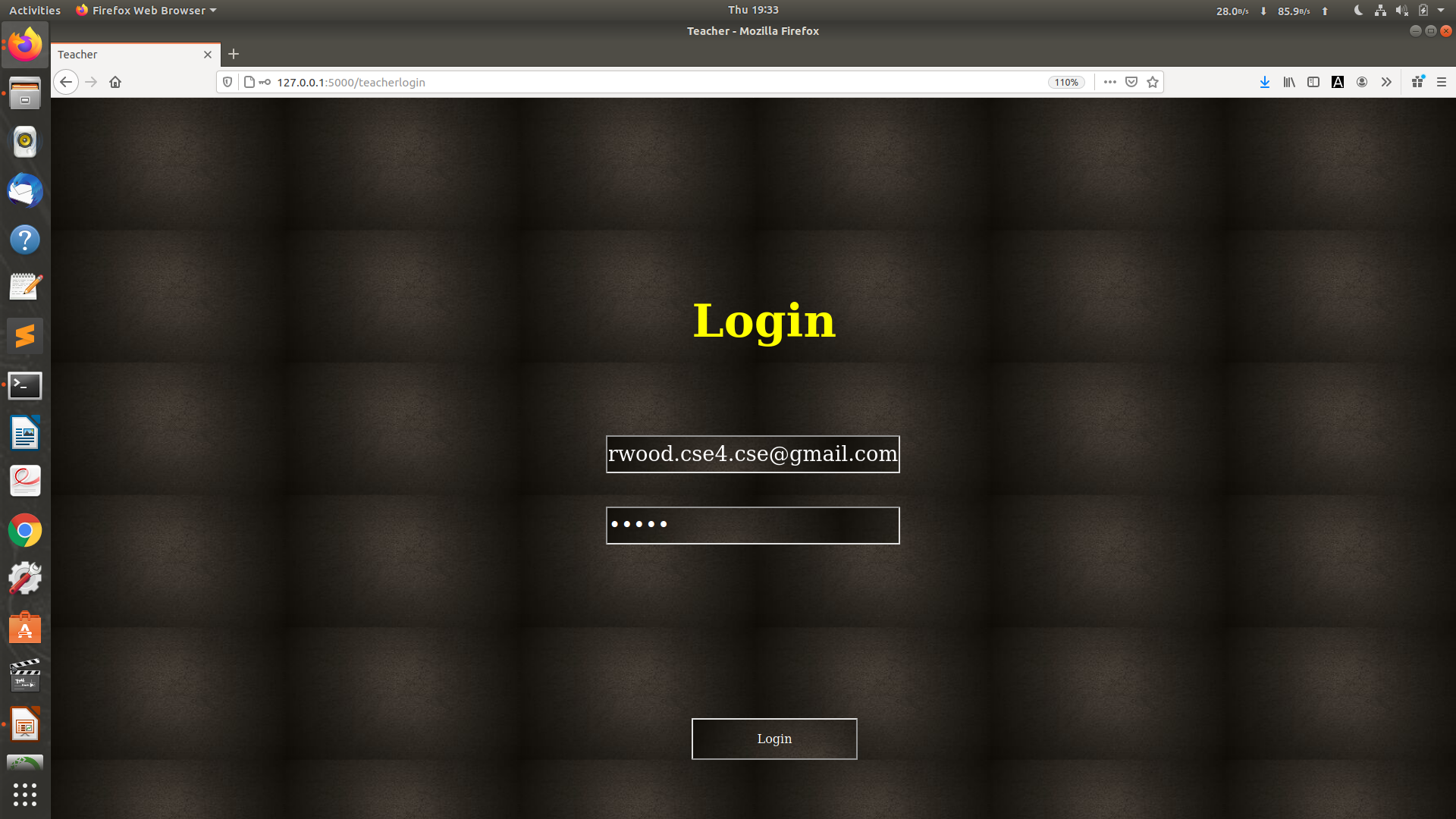
If You are a teacher, Enter your Email Id and Password and Click on 'Submit'
-
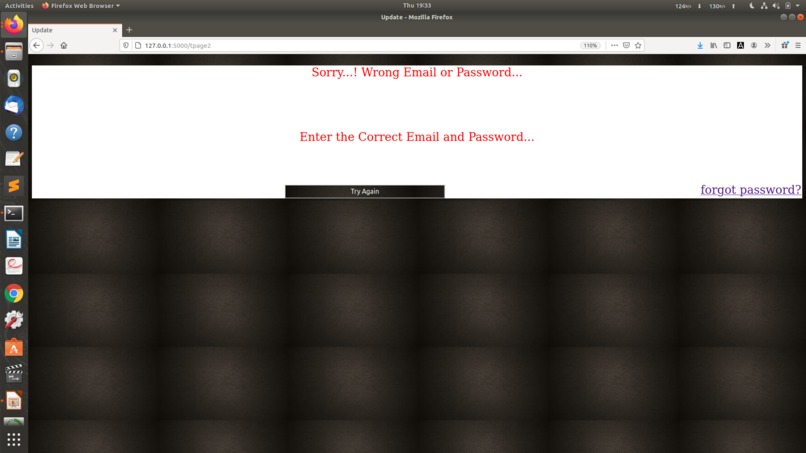
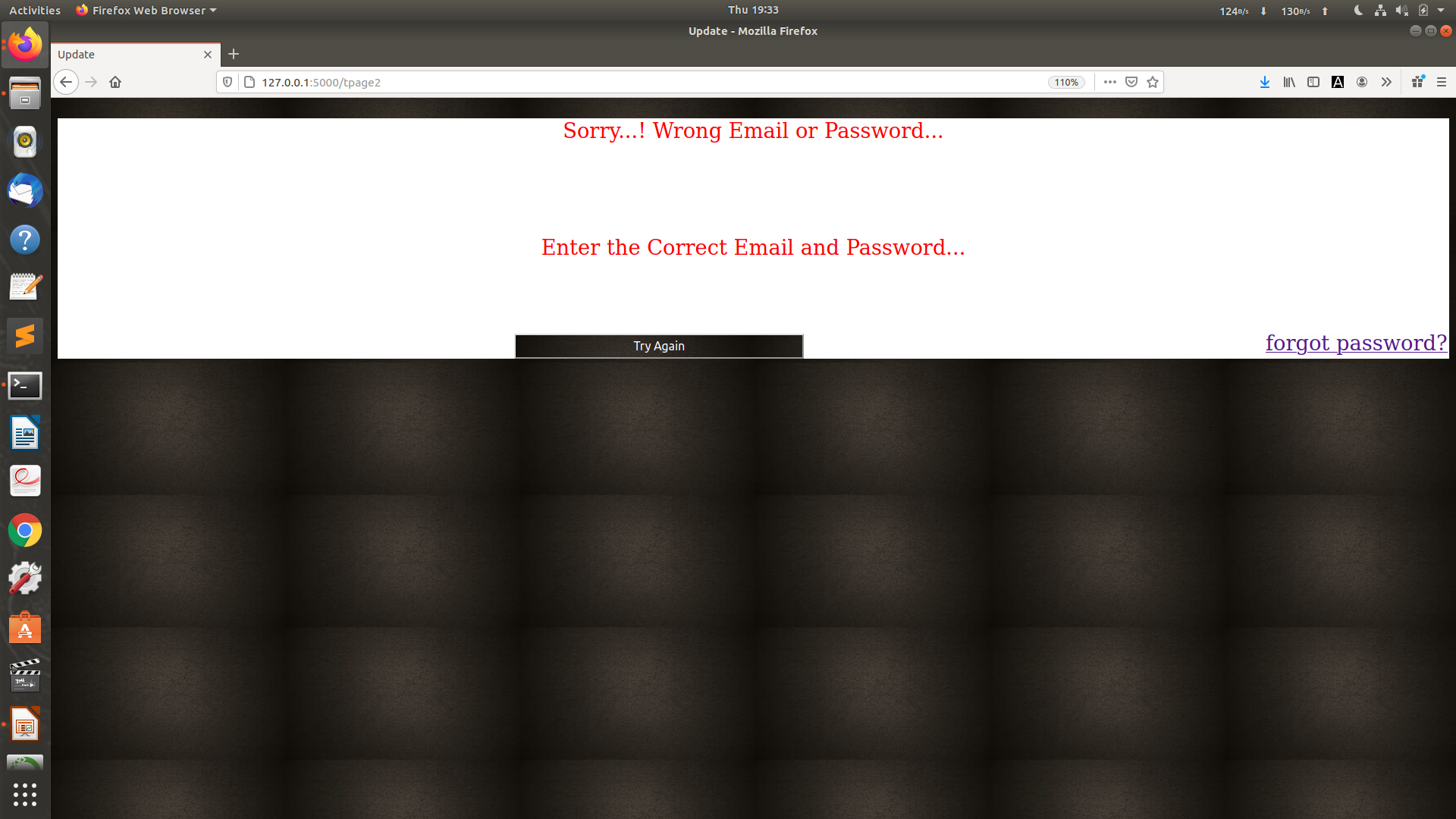
If you have entered a Wrong Pasword. Click on 'Try Again' to go to Login Page. Clck on 'forgot password?' to Update Password
-
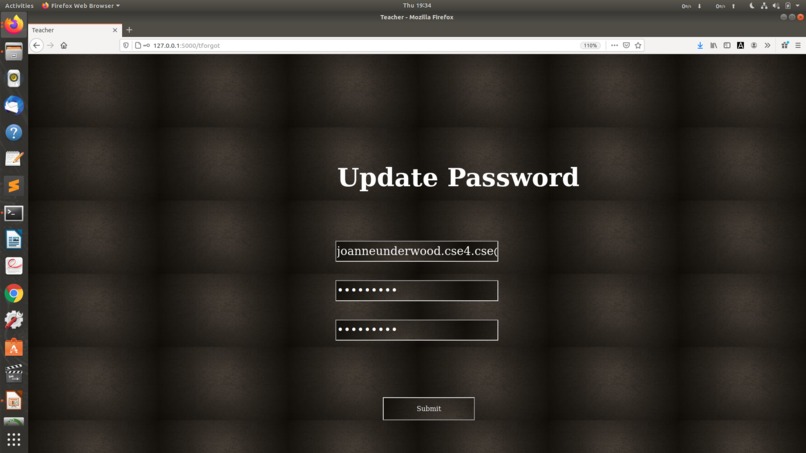
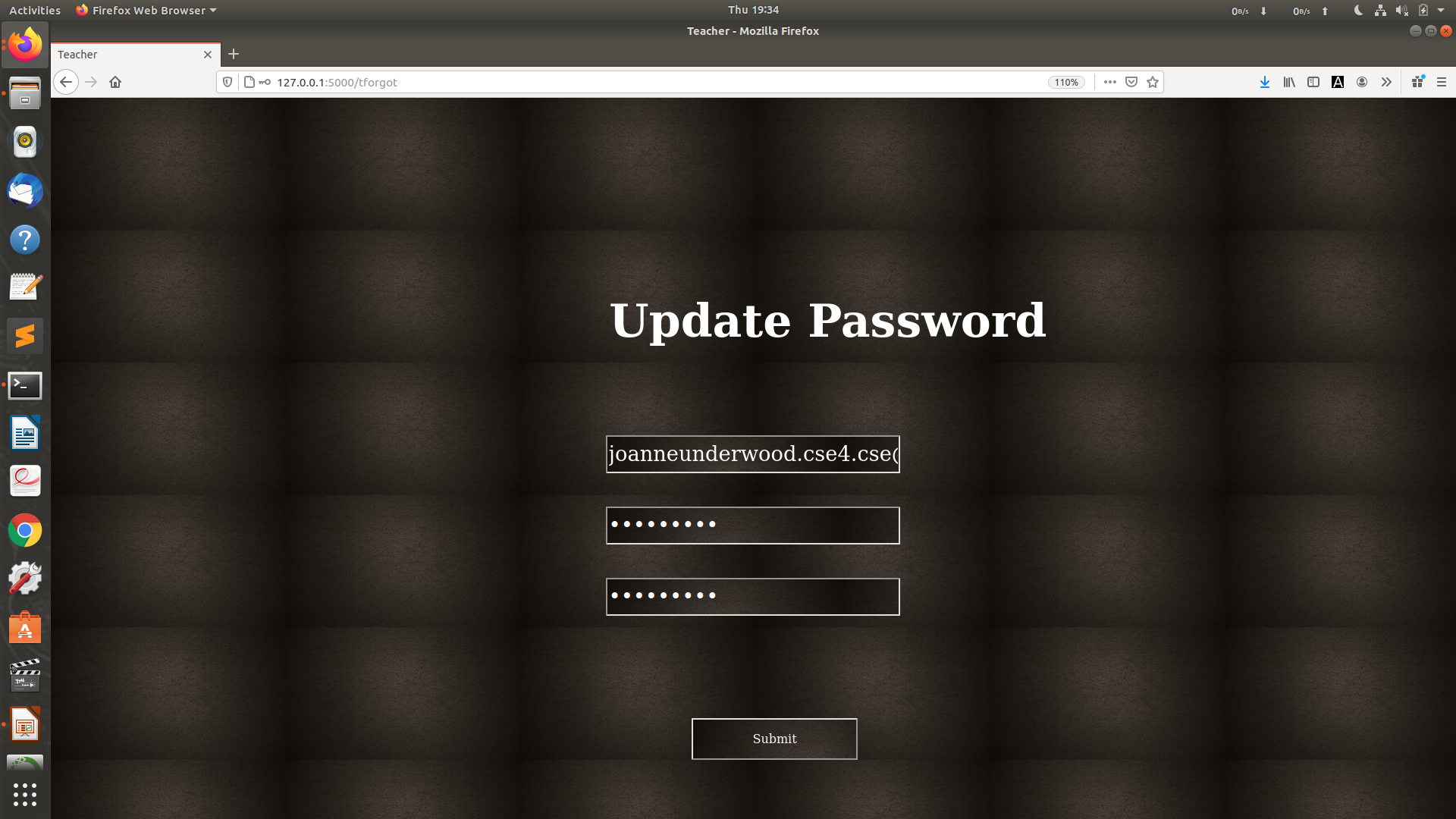
To Update Password, Enter your Id, Email and enter Password. Again Confirm the Password and click on 'Submit'
-
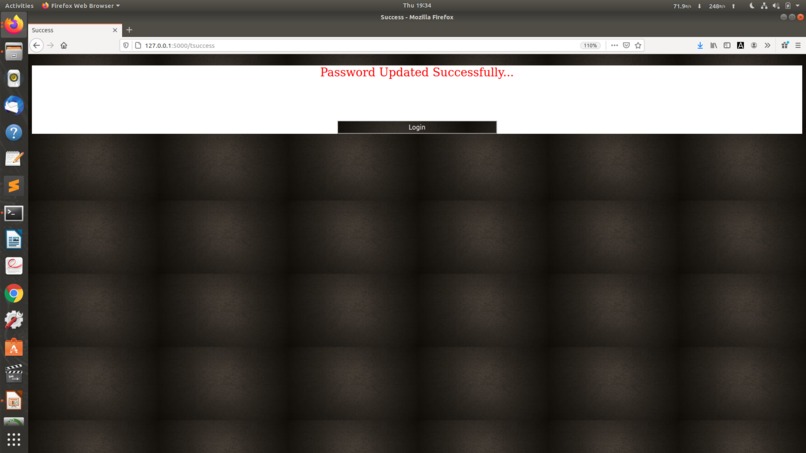
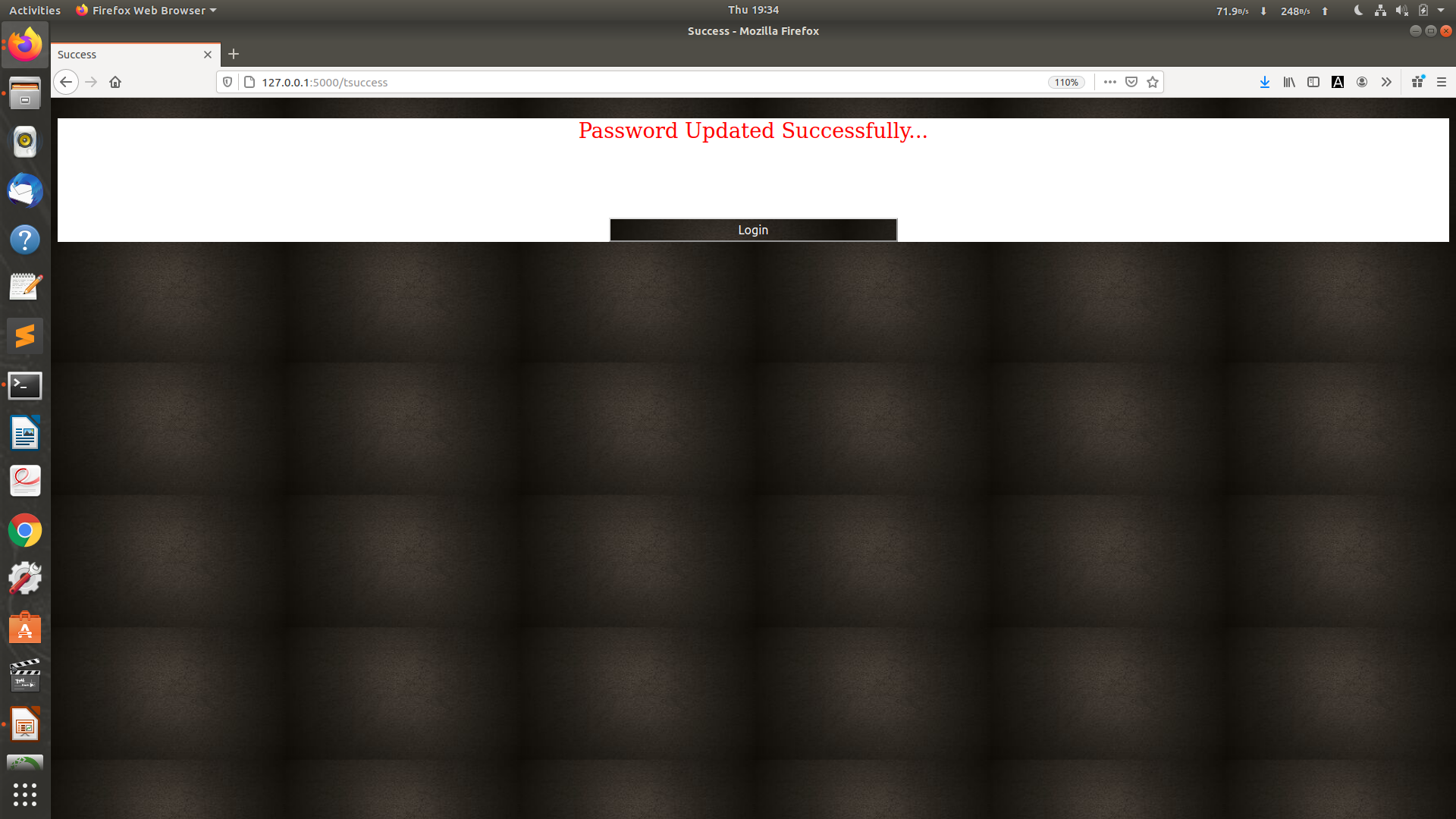
Password is Updated Successfully...! Click on 'Login' to Login again with new Password and follow the Login Process
-
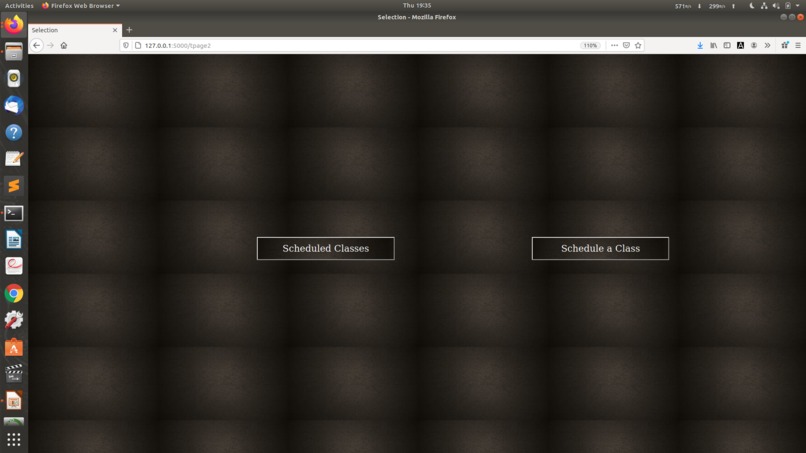
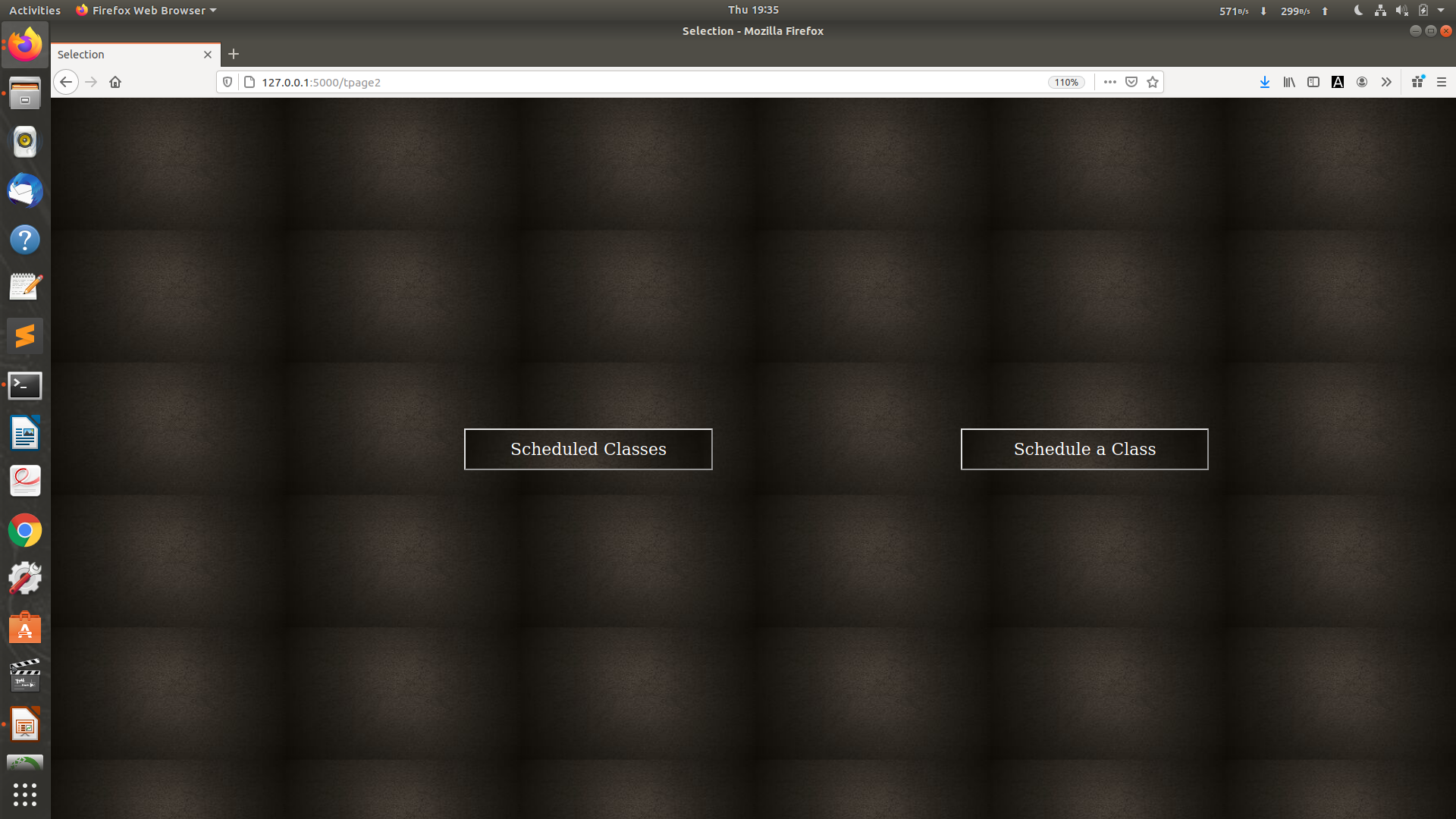
Once you Login, click on 'Scheduled Classes' to know details of classes schedued and 'Schedule a Class' to Schedule a Class'
-
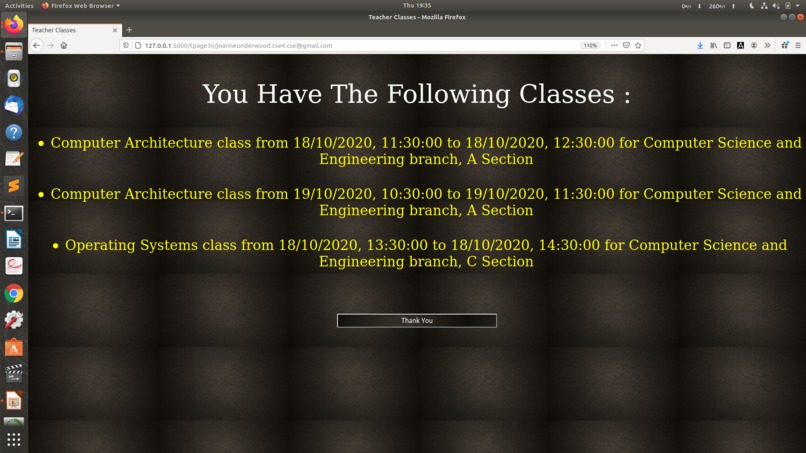
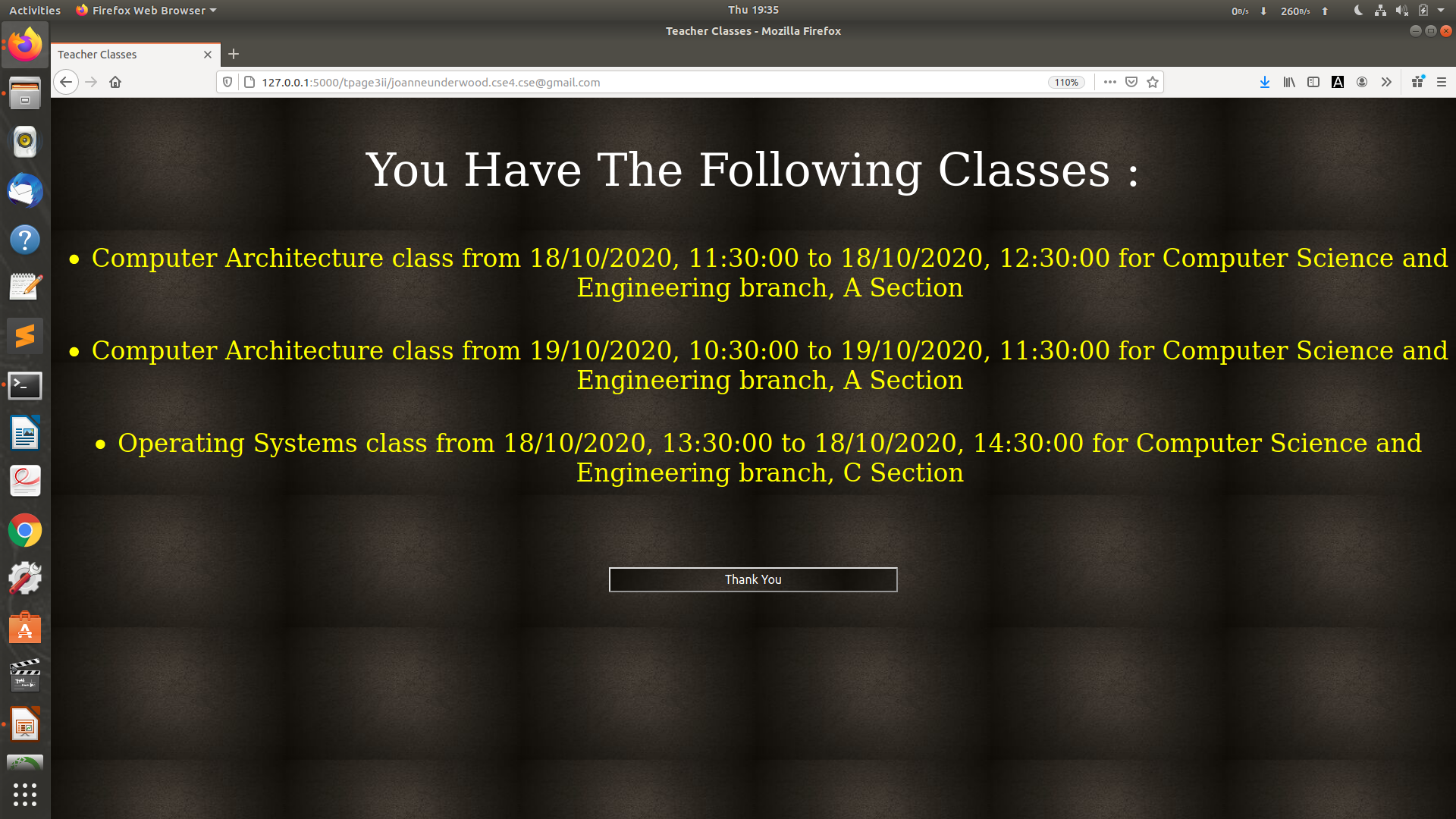
If you had clicked on 'Scheduled Classes' it will display the Scheduled Classes...!
-
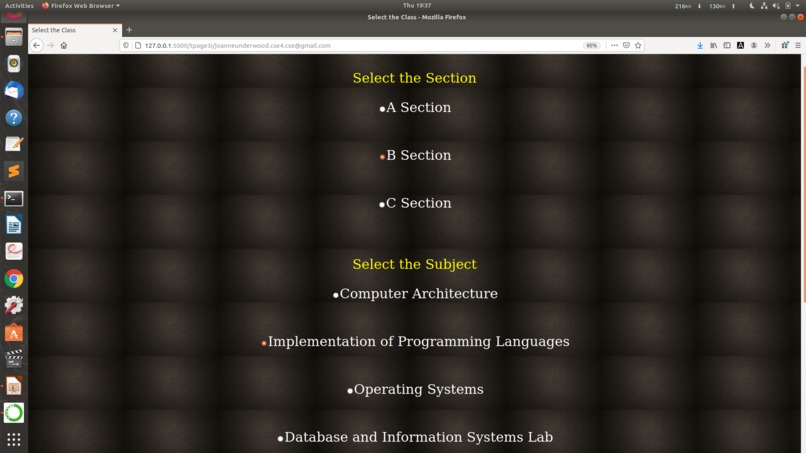
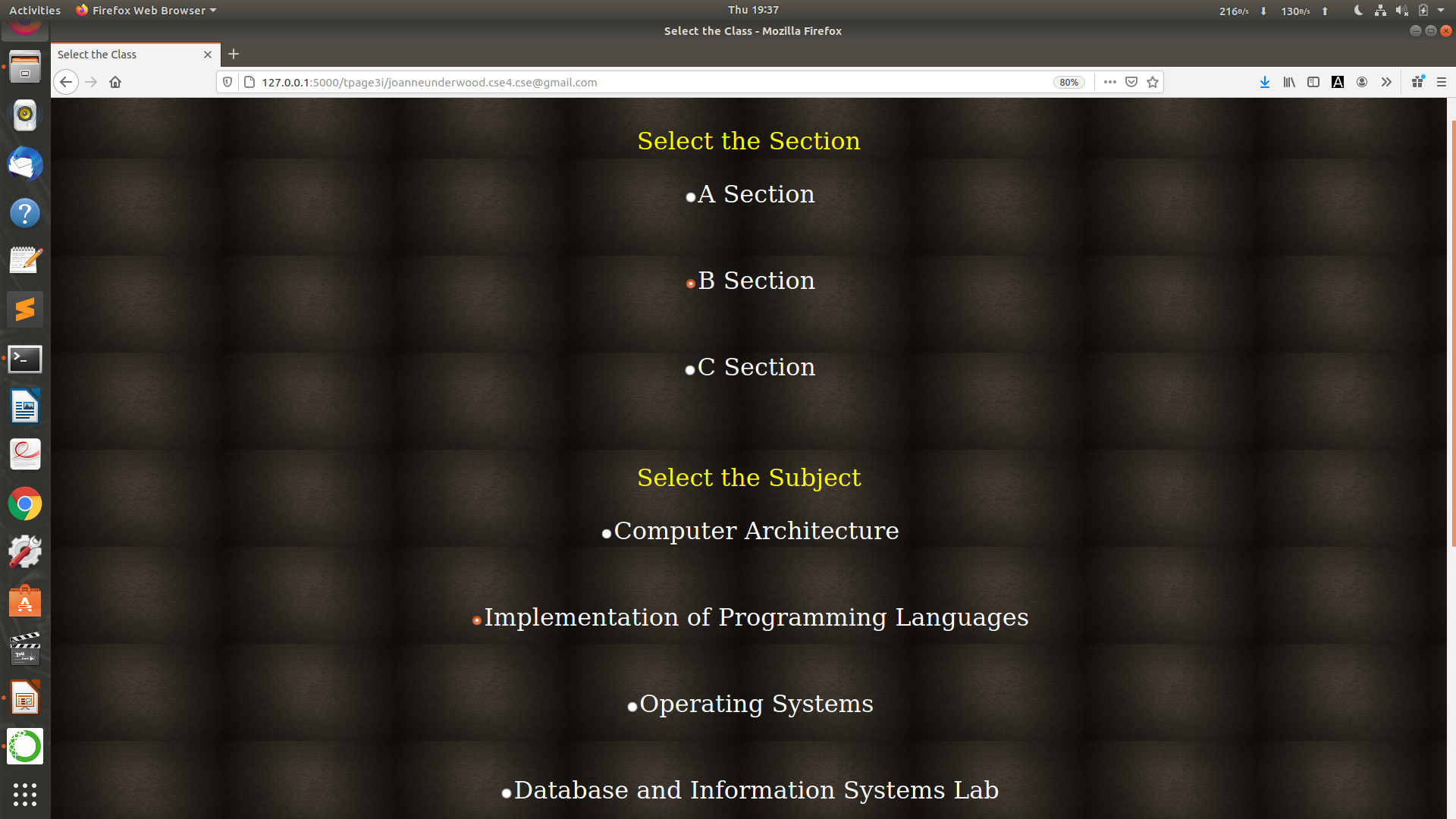
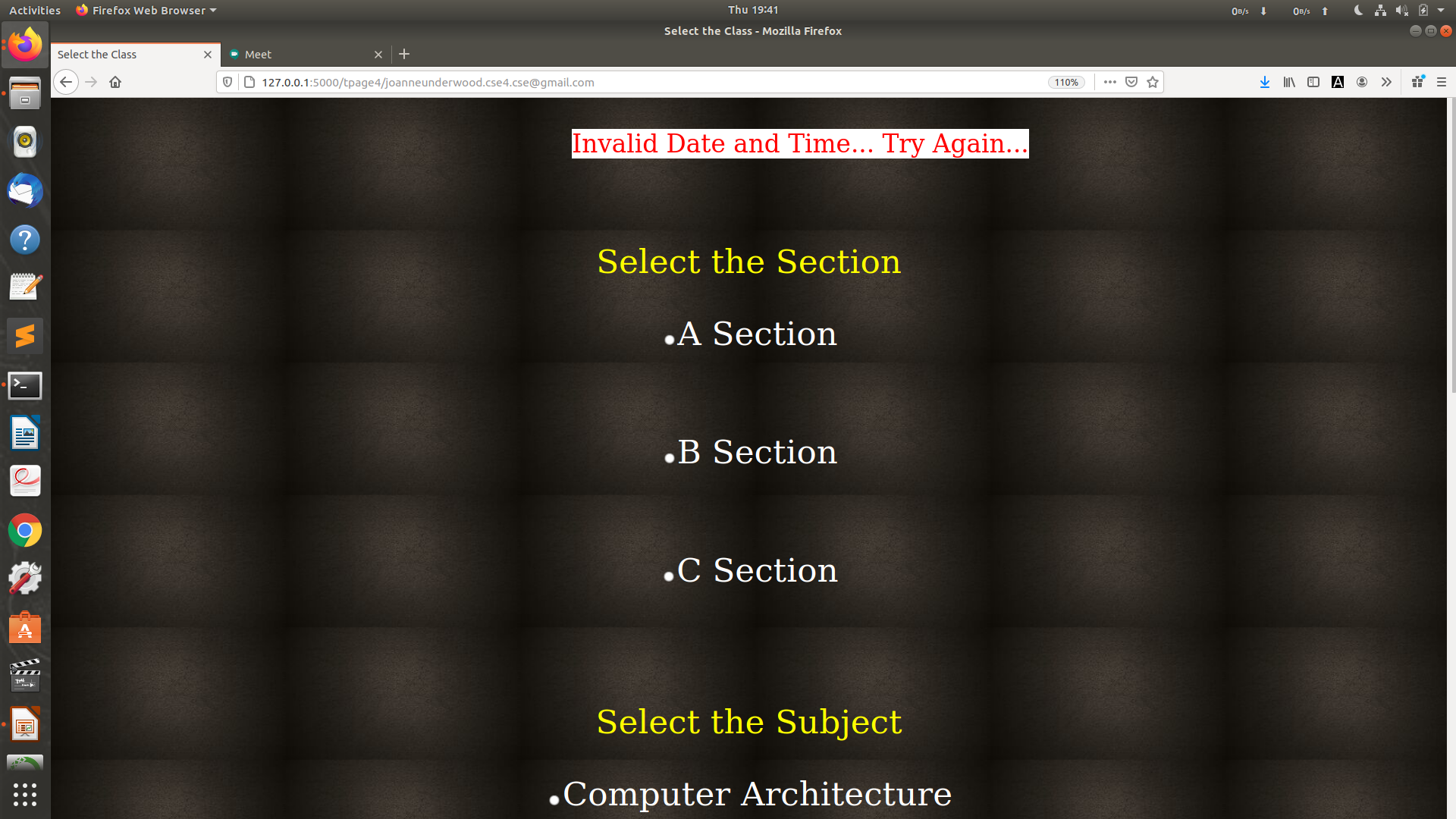
If you had clicked on 'Schedule a Class' Select the Section and the Subject
-
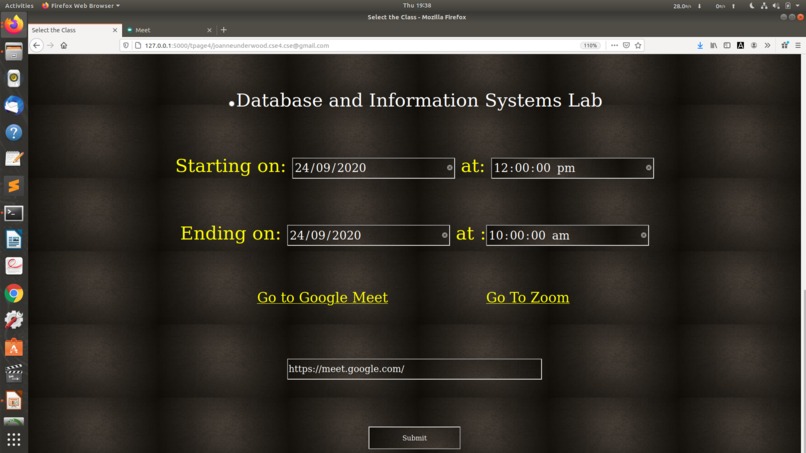
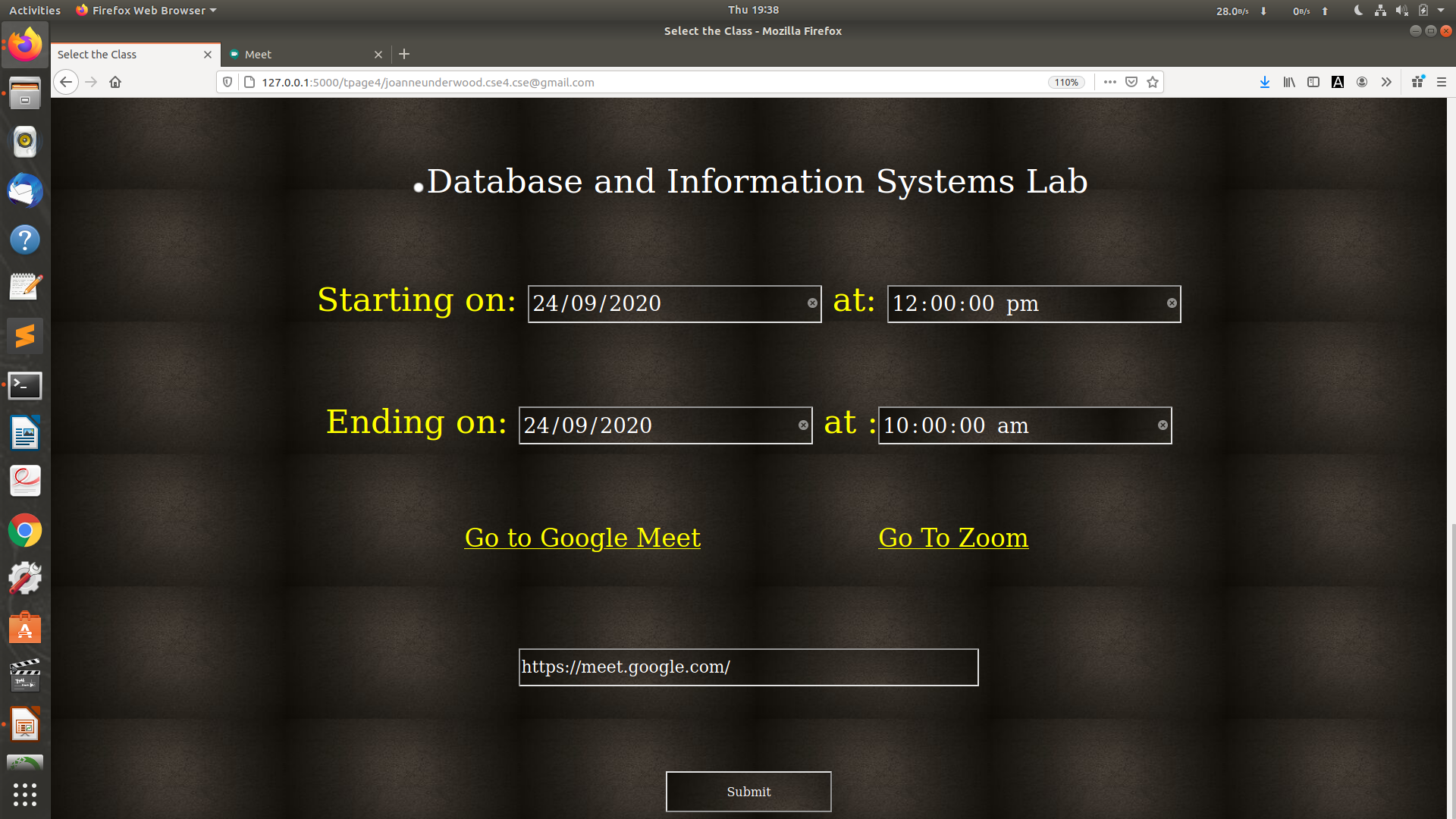
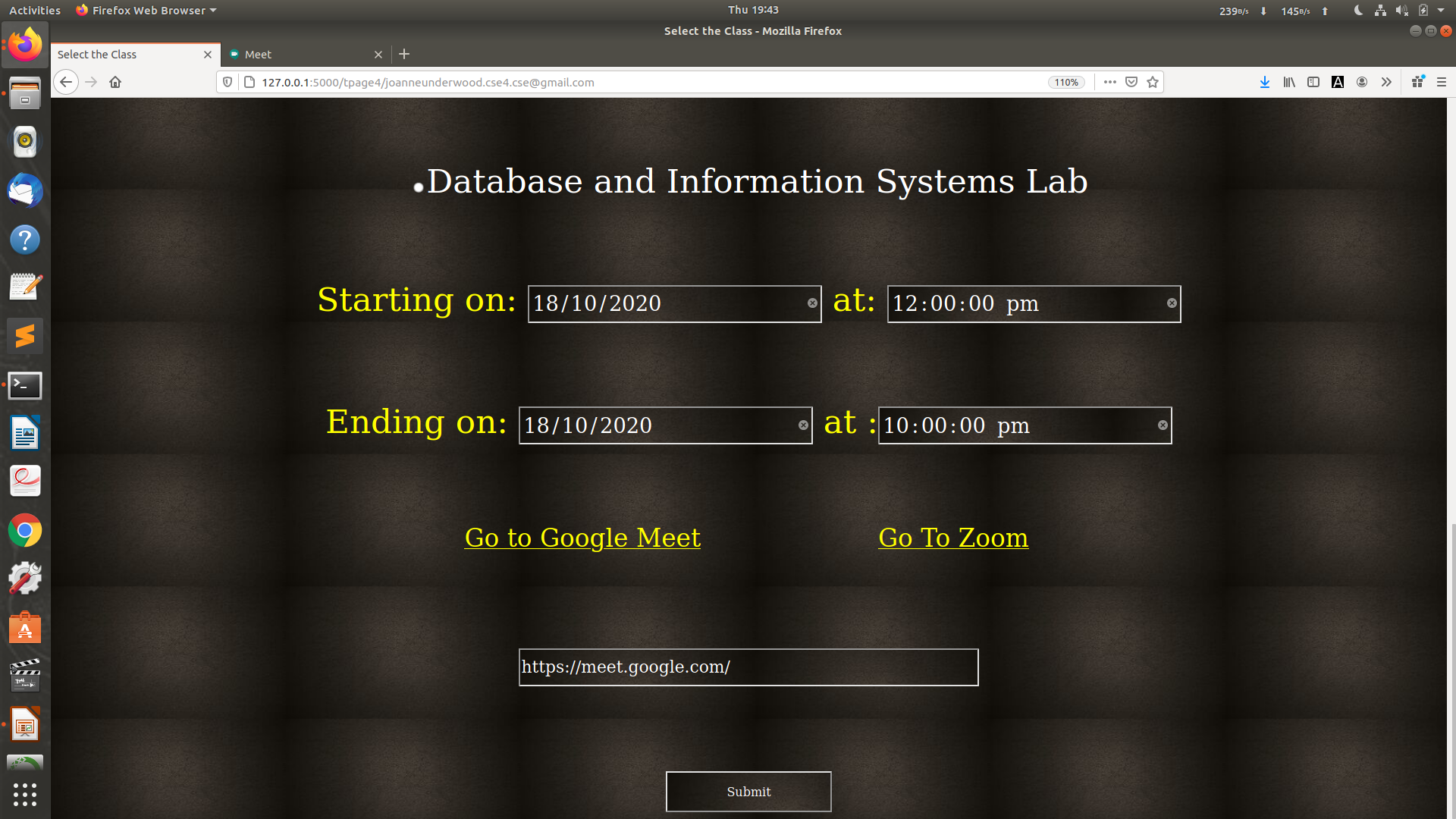
Enter the Date and Time. Go to the Video platform and Paste the URL and click on 'Submit'
-
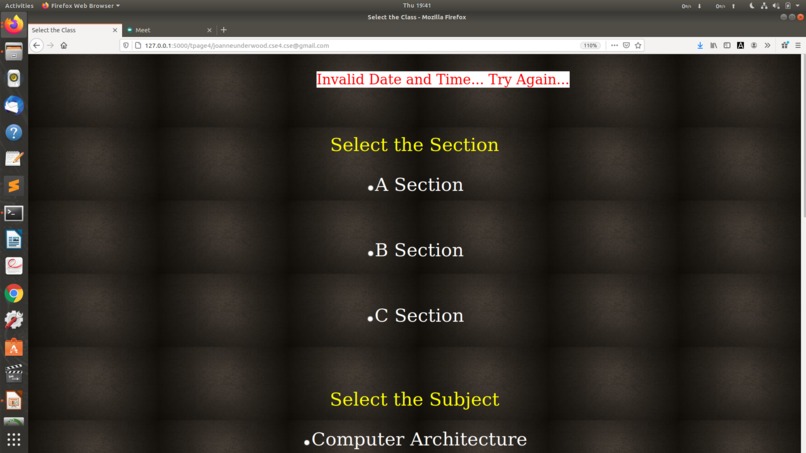
If you enter an Invalid Date or a Day or a Time before Current day and Current time, it will display an Error Message.
-
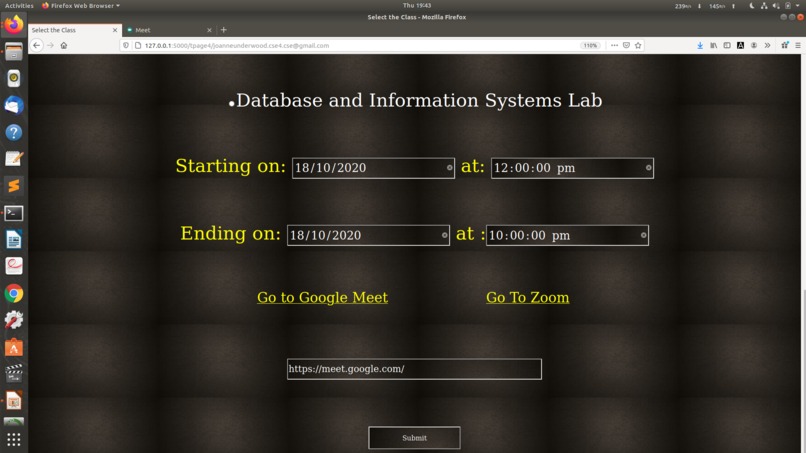
Try Again with another Date and Time and Follow the same process...
-
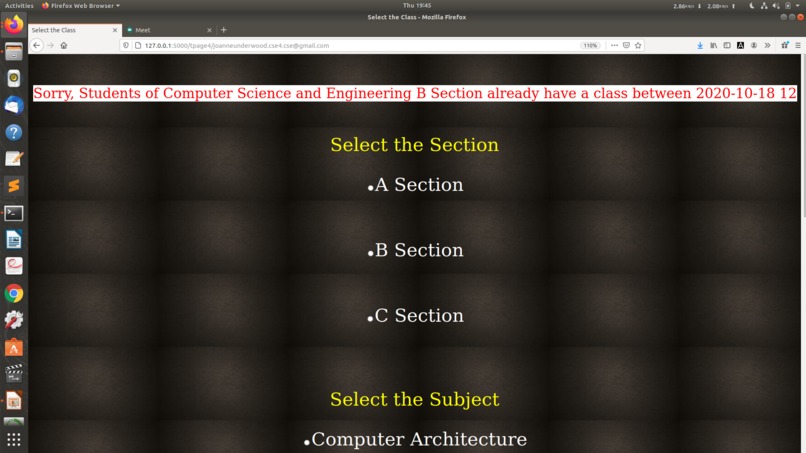
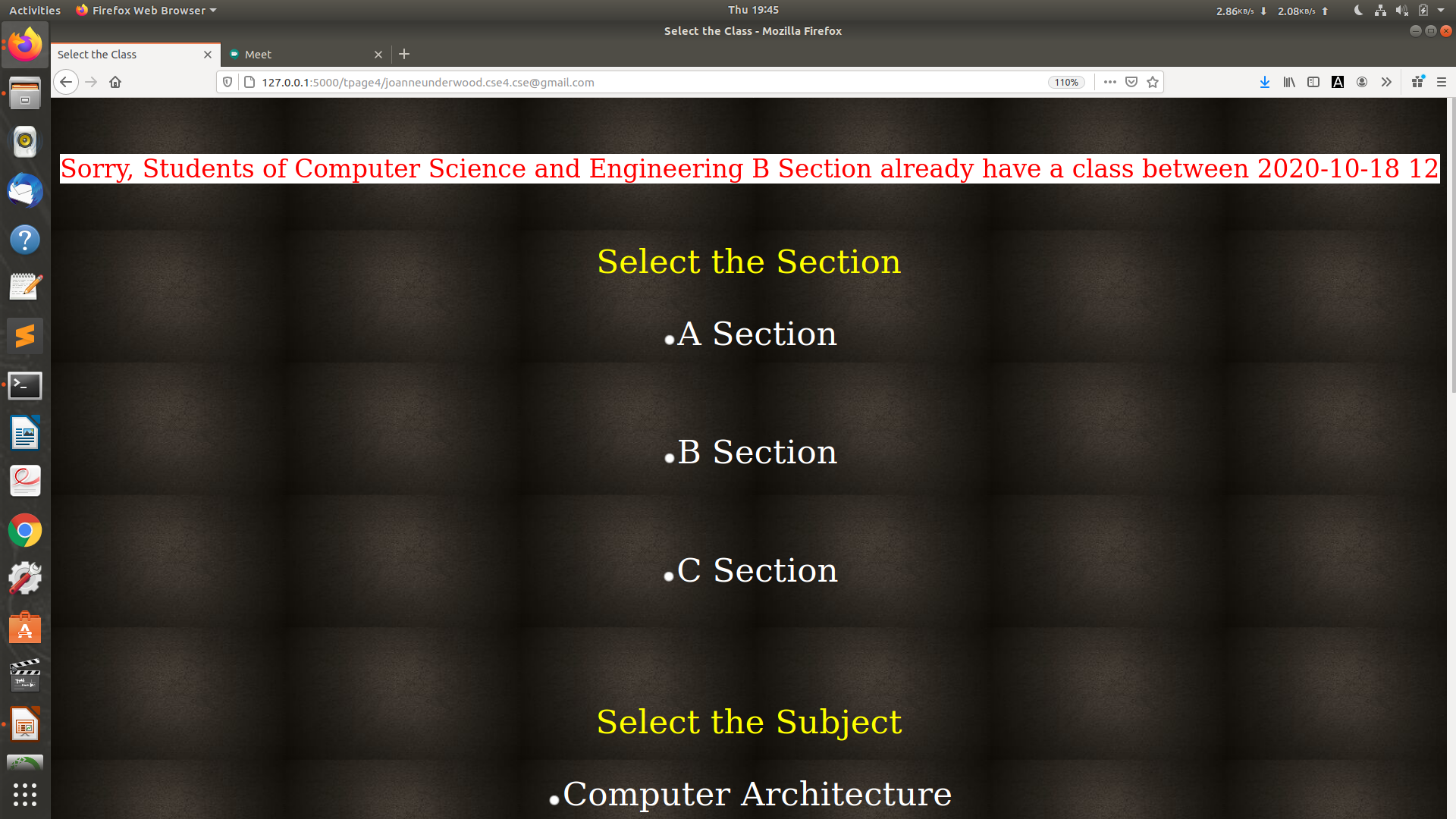
If the class has already been Scheduled for that Section by the same teacher or some other teacher, it will display an Error Message...
-
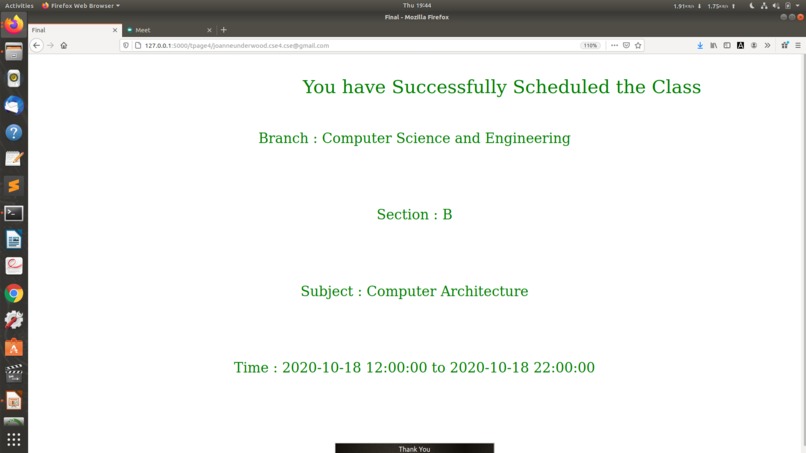
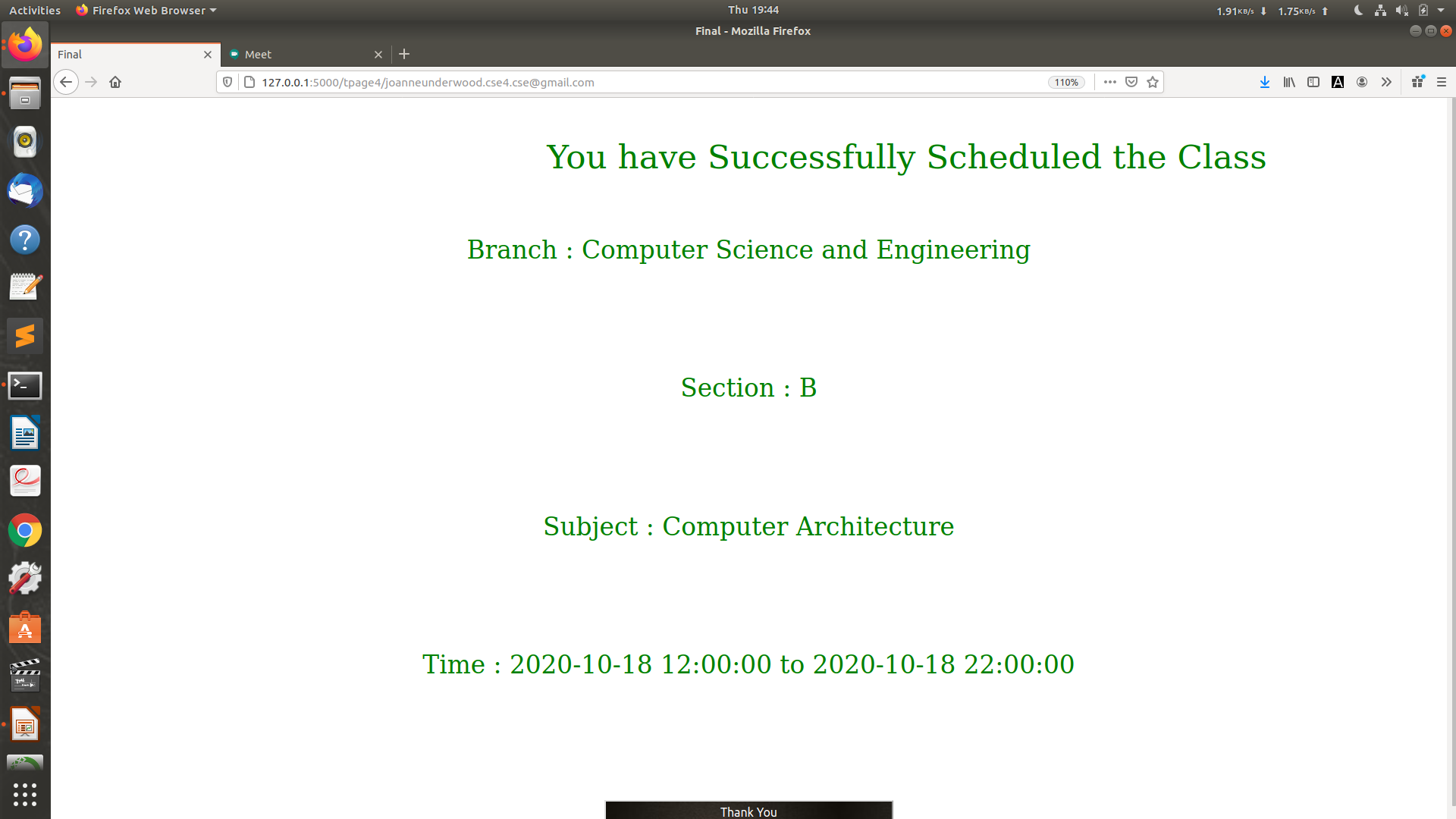
If you Try agaiin with a Valid Date and Time, It will Send mail to all the Students of thar Section and Success Message will be displayed :)
-
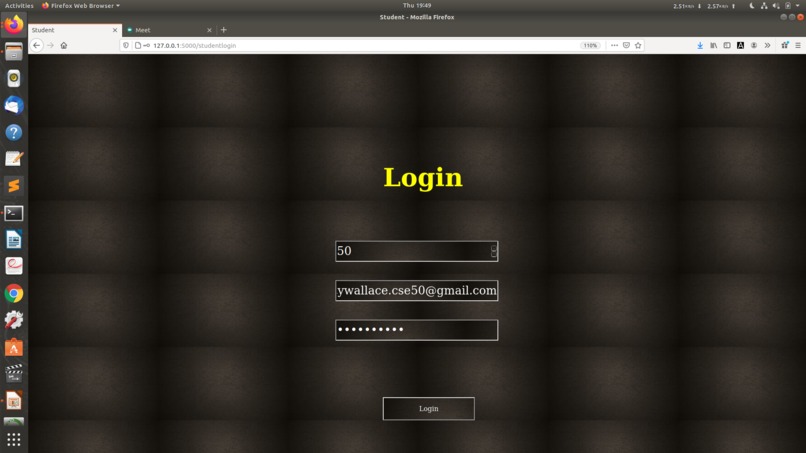
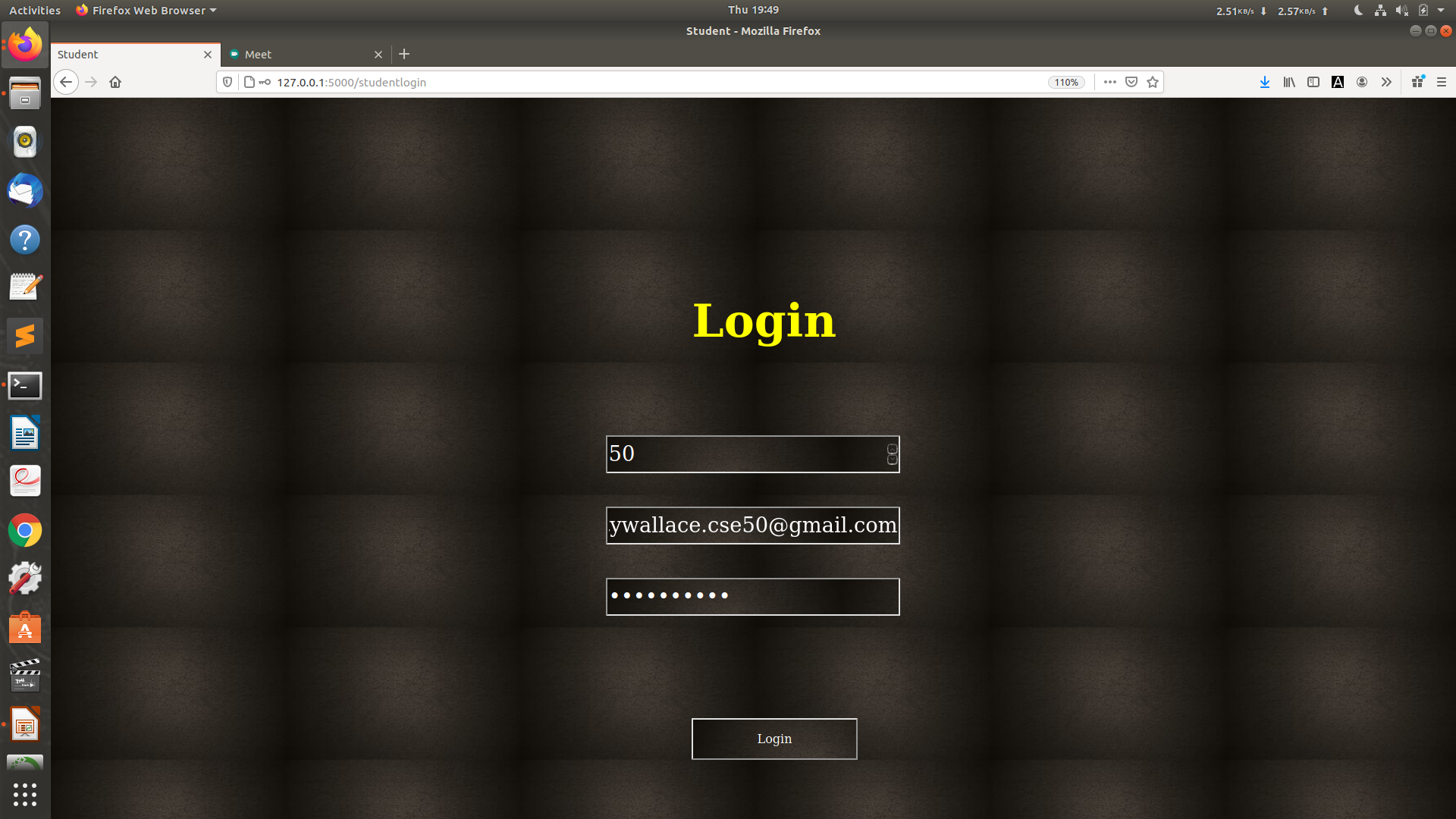
If you are Student and clicked on 'Login as a Student in the First Step, enter your ID, E-Mail and Password
-
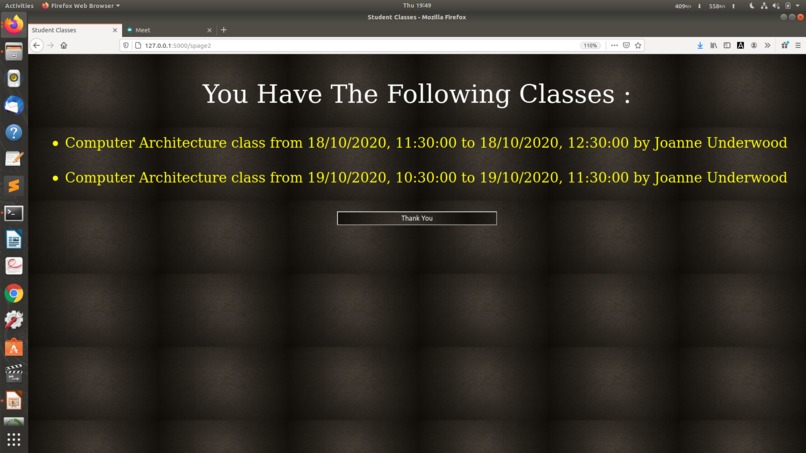
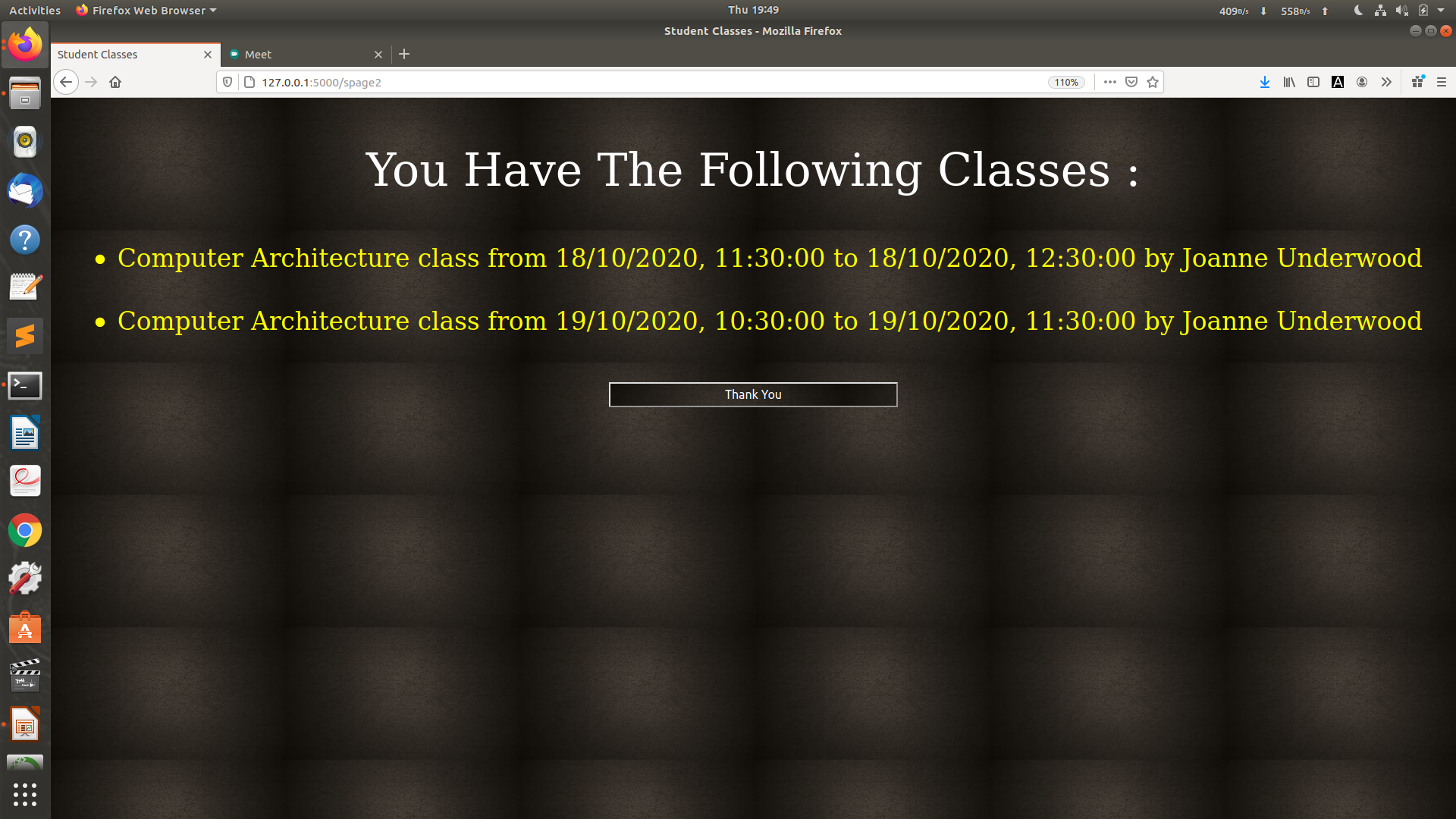
If you Login Successfully,it will display details of all the classes scheduled for him.In case of wrong password,follow the steps as before.
During this COVID pandemic, most of the students are going through the online classes daily. So this project can be used by both the teachers as well as a students in order to schedule a class on any particular day at any time on any platform like Zoom or Google Meet.
Basically if a person logs in as a student, he/she can get to know about the scheduled classes and also he can schedule a class at a particular time on a particular day. And if the person logs in as a teacher, he/she can schedule a class if the students are free at that time and also the same person who had scheduled the class at a particular time can delete it if he cannot take the class due to some reasons.
I used MySQL in the back-end where a database is used to store all the information about the teachers, student and classes. Python is used as a scripting language. I also used Flask instead of PHP. HTML and CSS are used in the front-end.
There was no difficult challenge except for the fact that every student has to get to know about the scheduled class. So I used e-mail as a platform to send the message to every student. So whenever a teacher schedules a class, when he clicks on Submit Button, e-mail will be sent to all the students of that class from the teacher's mail ID.
I feel proud that this project can be used in any school or college during this pandemic time. Modern technology like Python and Flask are used instead of PHP which was used since a long time.
By this project, I got learn more on Python and Flask technology. I also learnt Database Management and HTML along with CSS. I also got to know about SMTP which can be used to mail without actually opening the GMail.
This project "Online Class Scheduling" can be used by any teacher in any college and also by any student of a School or a College.This can be made available in Android also or as a Web Application also.


Log in or sign up for Devpost to join the conversation.