-
-
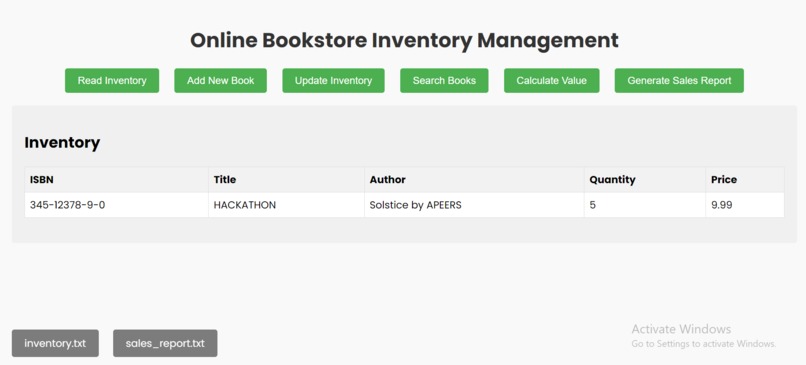
Online Book Management System
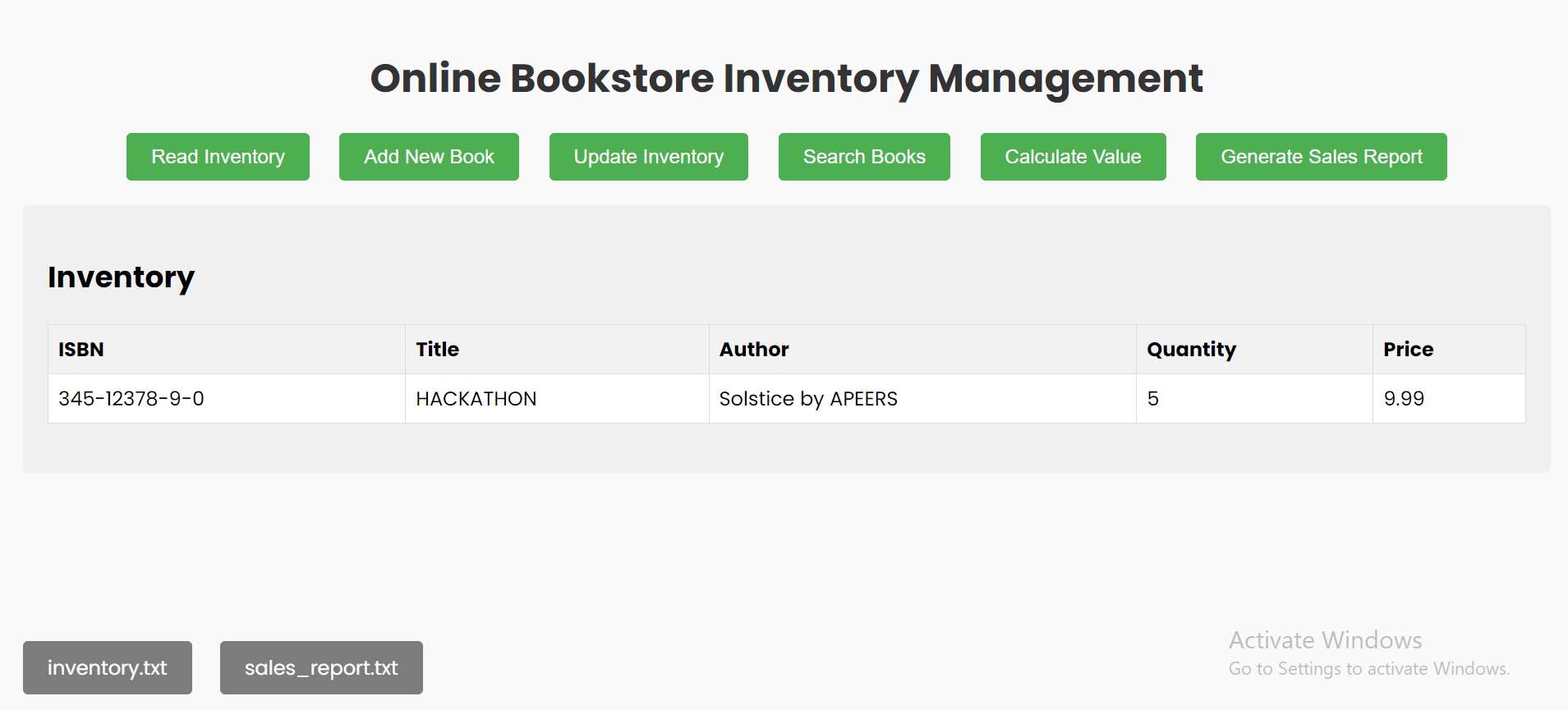
Inspiration
Inspired by the need to efficiently manage a personal book collection, this project aims to streamline the process of cataloging and managing books.
What I Learned
- JavaScript: Enhanced my understanding of manipulating the DOM and handling form submissions.
- HTML/CSS: Improved skills in creating user interfaces and styling web pages.
- Project Organization: Gained experience in organizing project files and managing a functional user interface.
How I Built It
Frontend Development:
- HTML: Structured the application using HTML, creating forms for book entry and a table to display the inventory.
- CSS: Styled the application to be user-friendly and visually appealing.
- JavaScript: Implemented functionality to add books to the inventory and display them in a table format.
Functionality:
- View Inventory: Browse through your bookstore's inventory with a clear and organized table.
- Add New Books: Easily add new books using a user-friendly form.
- Update Inventory: Modify the stock of any book in your inventory.
- Search for Books: Quickly find specific books by searching with their ISBN.
- Calculate Total Inventory Value: Get a snapshot of your bookstore's total inventory value.
- Generate Sales Reports: Create detailed sales reports for review.
Challenges Faced
- Form Validation: Ensuring all form fields are correctly validated to prevent incorrect data entry.
- User Interface Design: Balancing functionality with aesthetics to create a user-friendly experience.
- Data Management: Handling book data efficiently and ensuring it is displayed correctly.

Log in or sign up for Devpost to join the conversation.