-
-
ONIM
-
ONIM
-
ONIM
Inspiration
We've all been there, when we create a beautiful 3D character in Blender, but making it move? That's where things get painful. Traditional rigging takes hours of manual bone placement, weight painting, and constraint setup. Tools like Mixamo exist, but they're:
Rigid: One-size-fits-all skeletons that don't work for unique characters Closed: Upload your mesh, get back whatever their algorithm decides Limited: Can't customize bones, can't iterate on animations, can't export to specific game engines
Meanwhile, Epic's MetaHuman showed us what's possible when character creation becomes democratized - but it's locked to their ecosystem and realistic humans only.
Vision: What if rigging was as intuitive as designing in Figma? What if animators could:
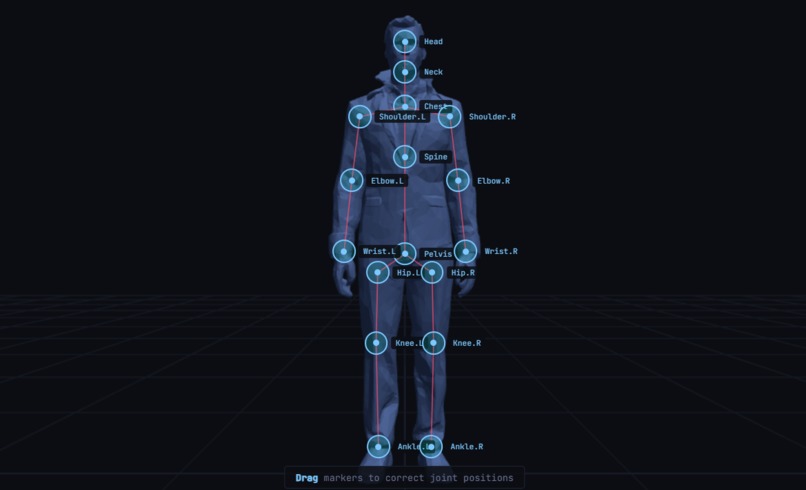
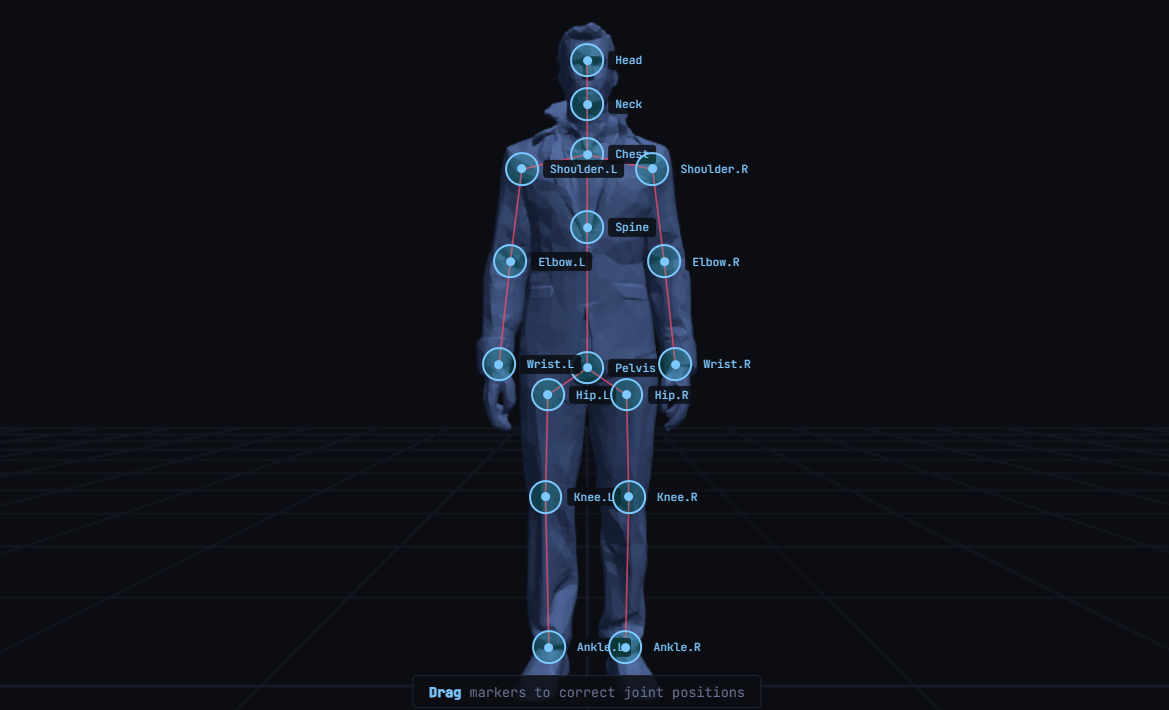
See exactly where bones will go before generation Choose which bones they need Iterate on animations with real-time feedback Export to Unity, Unreal,etc Own their entire pipeline in one place
What it does
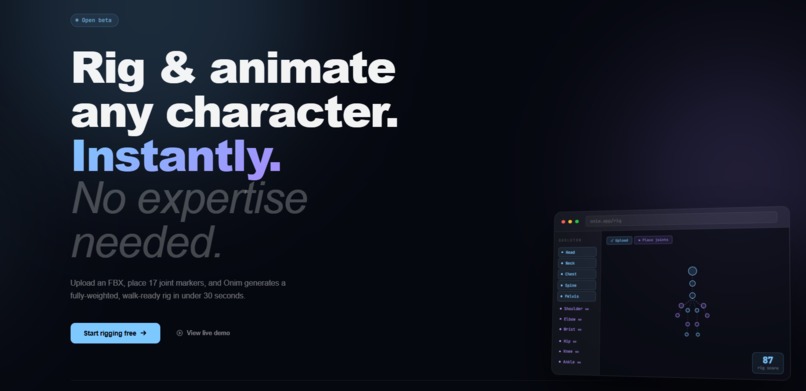
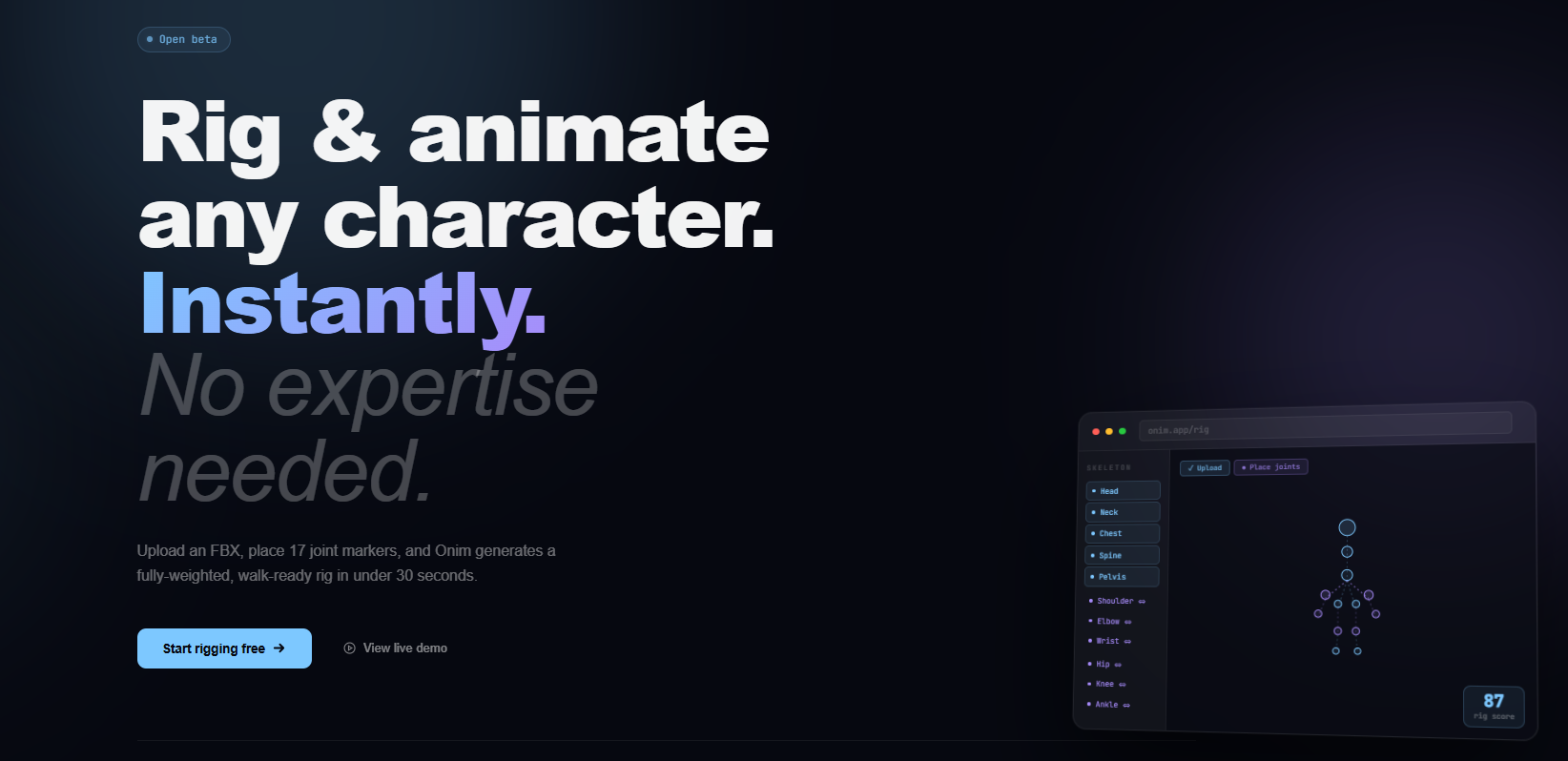
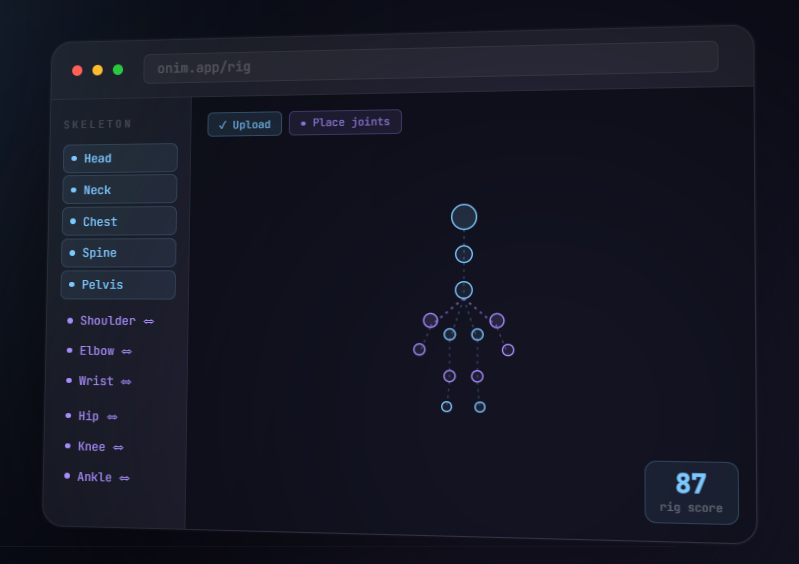
Upload: Drag and drop your 3D character into your browser.
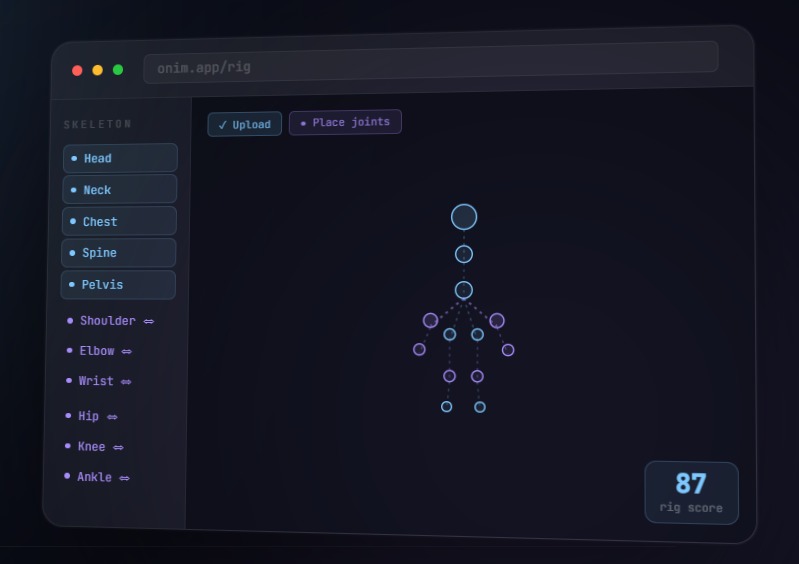
Point & Click: Tap where the joints (elbows, knees, neck) should go. Onim builds the skeleton for you instantly.
Animate & Export: Use simple sliders or "drag-and-drop" limbs to pose your character. When you're done, export it directly to your game or a video.
How we built it
The Engine: Used Blender (the industry standard) but hid it behind the scenes so you never have to see a single complex button.
The Interface: 3D window using Three.js, which allows high-quality 3D graphics to run smoothly inside a standard web browser like Chrome or Safari.
The Brain: Custom math scripts that act like a "digital puppeteer," allowing you to move a hand while the elbow and shoulder follow naturally.
Challenges we ran into
The "Everything" Problem: Every game engine (like Unity or Unreal) wants 3D files delivered in a slightly different way. We had to build a "universal adapter" so our files work everywhere.
Accomplishments that we're proud of
It Actually Works: Turned a 4-hour technical nightmare into a 5-minute "point-and-click" joyride.
Pro Quality for Free: Successfully brought "big studio" features like Inverse Kinematics (natural limb movement)—to a free browser tool.
One-Click Variety: A user can finish an animation and instantly get it into your pipeline.
Clean Foundation: Didn't just "hack" this together; the code is organized so that new features (like face tracking) can be plugged in easily later.
Export Versatility One animation → FBX, GLB, use in any 3d software, or maybe online if you want.
What we learned
Simple is Difficult: It is much harder to make a tool look simple than it is to make it look complicated. Stripping away the "clutter" was our biggest design lesson.
Feedback is Everything: Learned that users hate "waiting" bars. They want to see the character move the second they click a button, which pushed us to make the tool faster.
What's next for ONIM | Online 3d Rig And Animation
Webcam Motion Capture: Record yourself moving on your webcam and watch your 3D character mimic you instantly. Collaborate: Share a link with a friend so you can animate the same character together in real-time.

Log in or sign up for Devpost to join the conversation.