-
-
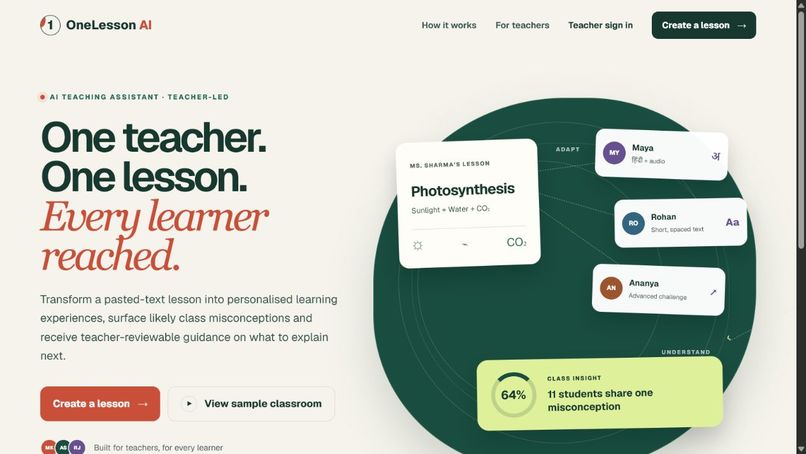
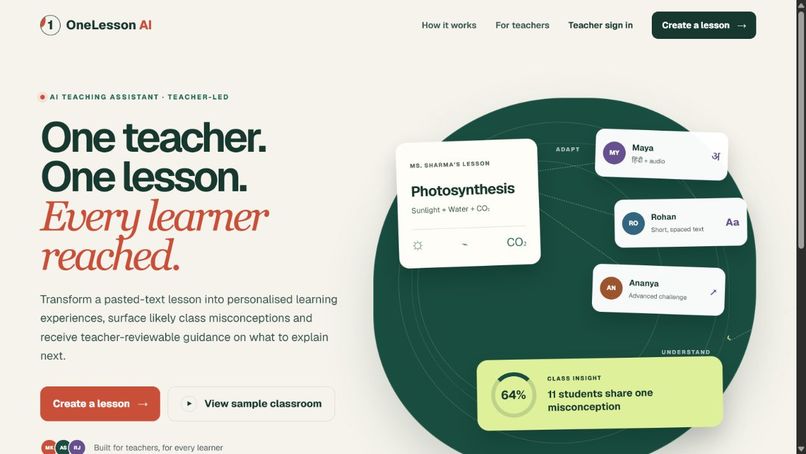
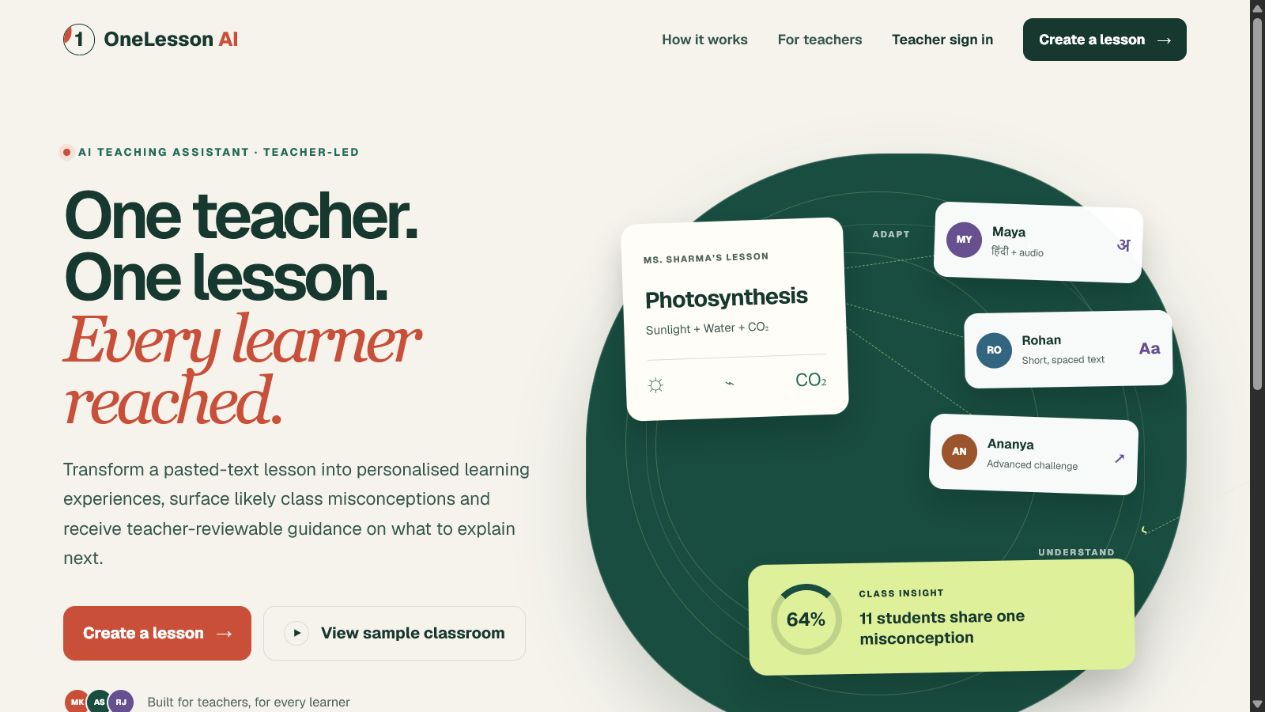
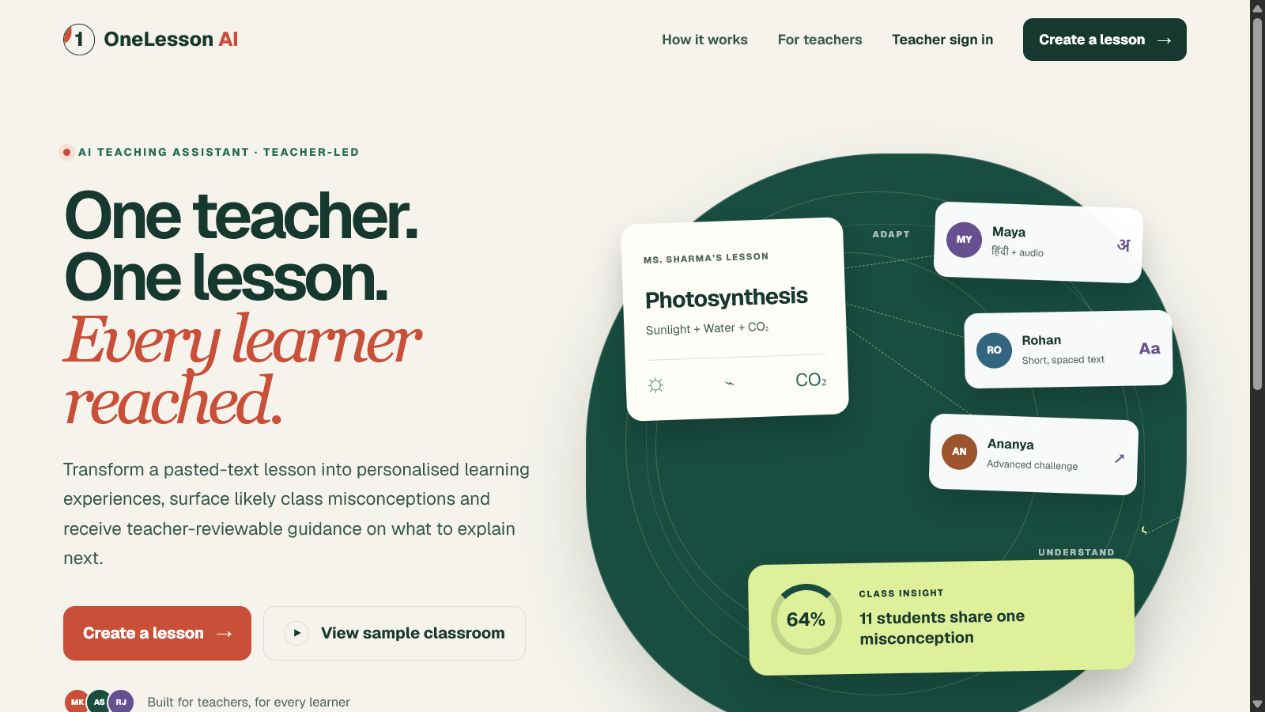
OneLesson AI turns one teacher’s lesson into personalized learning paths and class-wide insight.
-
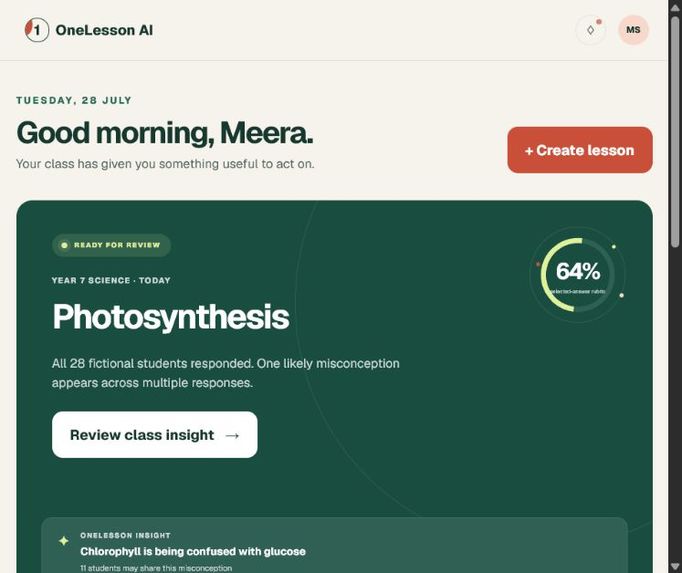
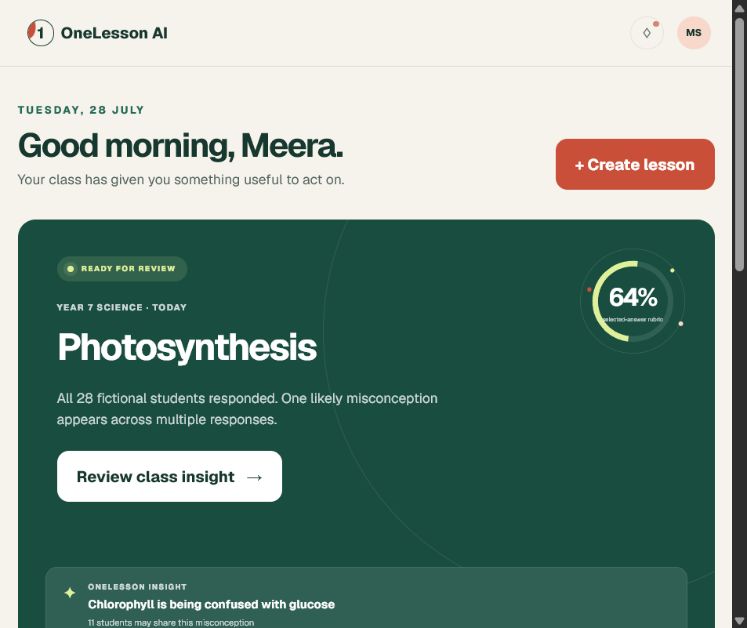
Teacher dashboard showing the active Photosynthesis lesson and classroom response status.
-
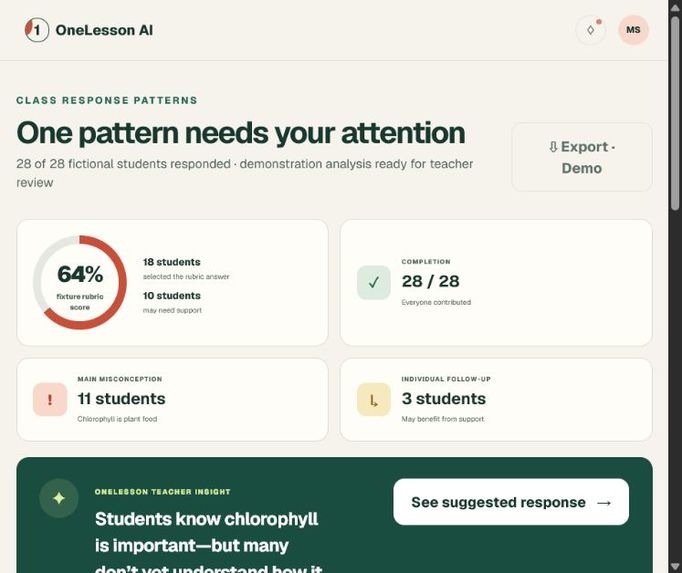
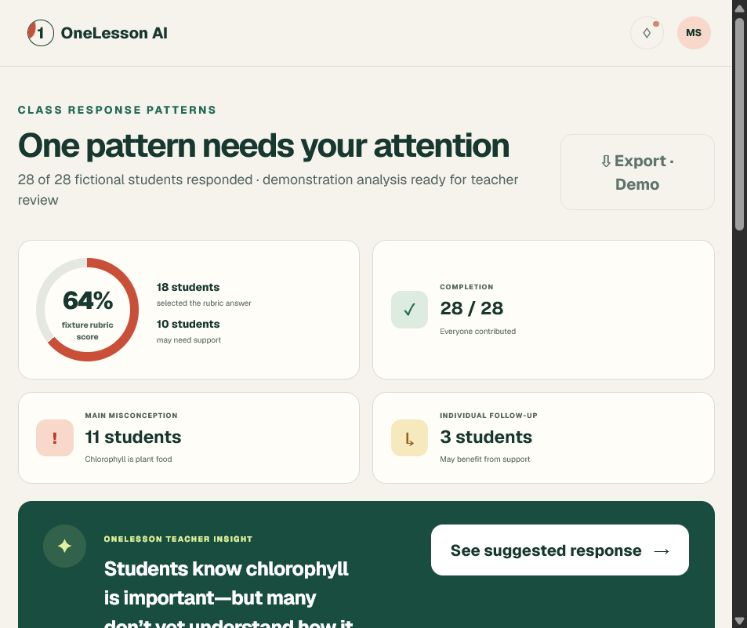
Class-wide response patterns reveal a shared misconception affecting 11 students.
-
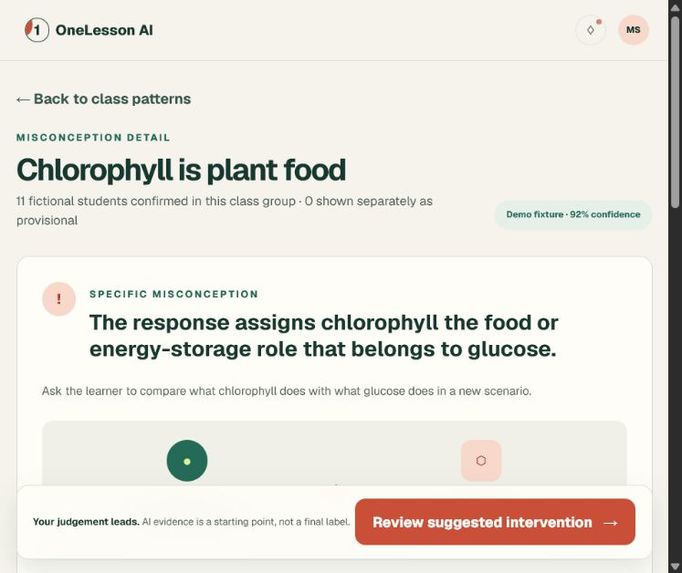
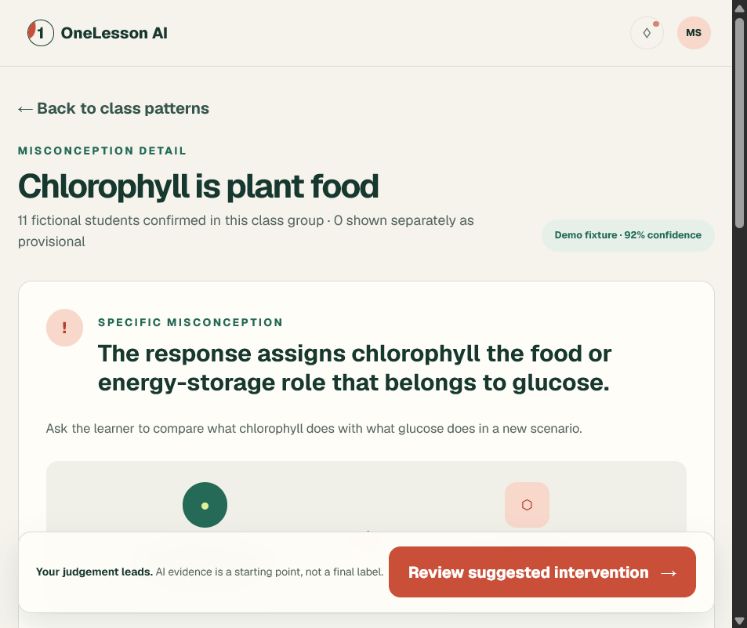
Traceable evidence explains the misconception and shows the confidence behind the diagnosis.
-
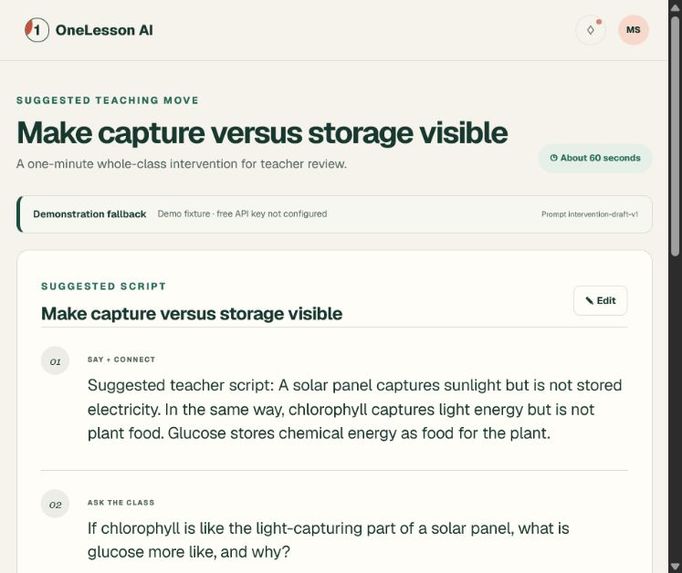
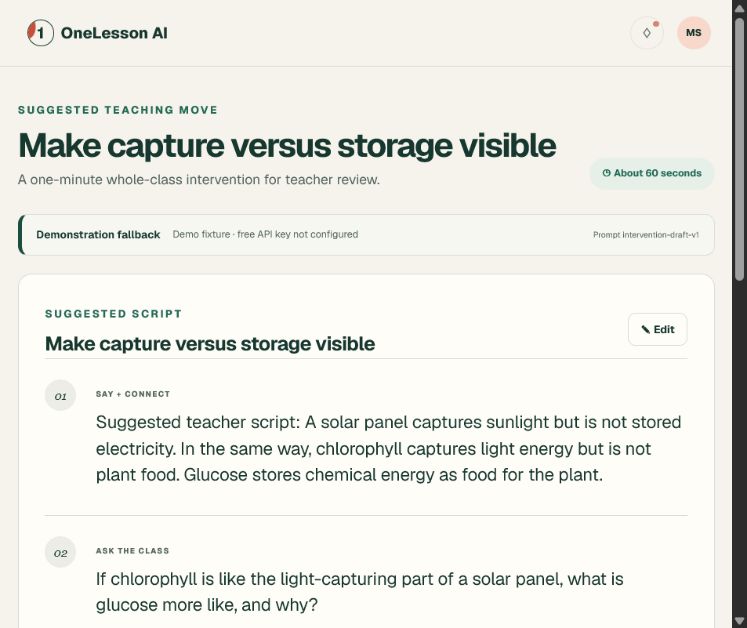
OneLesson AI suggests a focused, teacher-reviewable intervention for the next explanation.
-
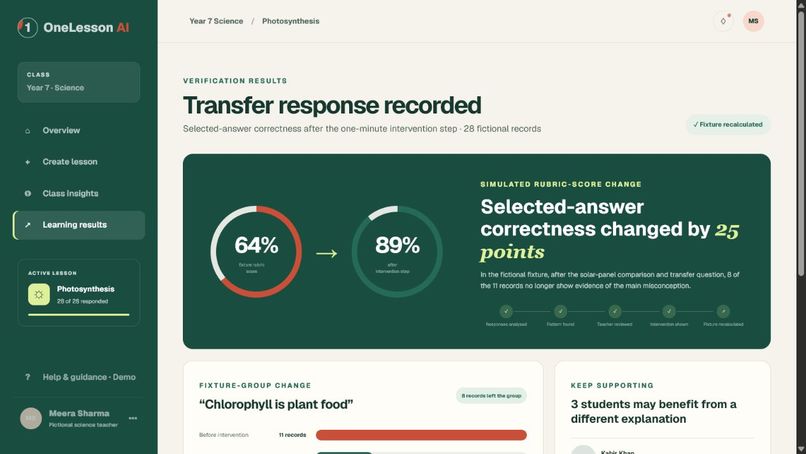
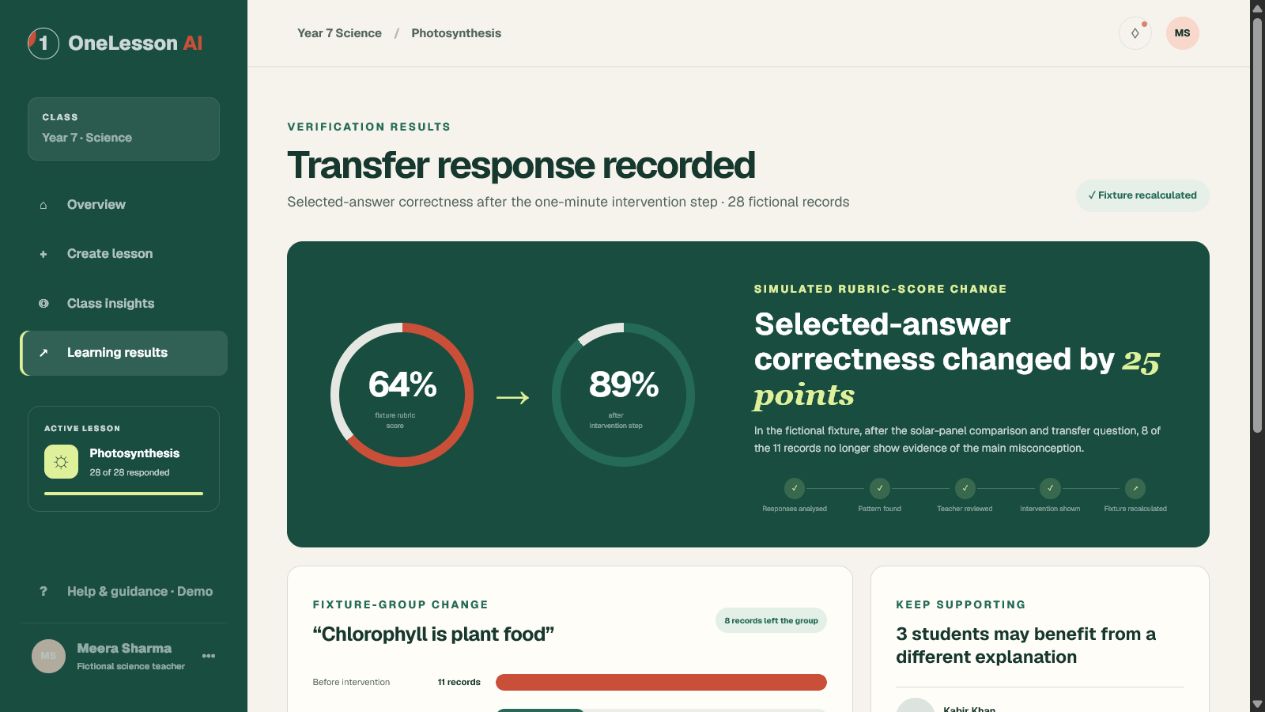
A transfer question recalculates the simulated class result from 64% to 89%.
-
Approved classroom intervention comparing chlorophyll’s role with glucose’s role.
Inspiration
A teacher may have 28 students in one classroom, but those students do not all learn in the same way. Some need simpler instructions, language support, spoken guidance, or another way to show what they understand. Preparing a separate lesson for each student is not realistic.
We built OneLesson AI to help a teacher start with one lesson and still support different learners. It adapts how the lesson is presented, studies student responses, identifies common misunderstandings, and suggests a short intervention for the teacher to review.
The teacher stays in control. AI interprets language and suggests possible teaching moves, while the application checks the output, shows the evidence behind each diagnosis, and allows the teacher to correct it.
What it does
OneLesson AI follows a complete classroom learning loop:
- The teacher reviews the lesson objective, concepts, relationships, and likely confusion points.
- The system creates accessible versions for different learner needs.
- Students answer a short question and can report their confidence.
- AI interprets the responses and identifies possible misconceptions.
- The application groups the evidence into classroom patterns.
- The teacher reviews and approves an intervention.
- Students answer a different question to test whether they can apply the idea in a new situation.
The demo uses a photosynthesis lesson. One misconception is that chlorophyll is the food made by a plant. OneLesson AI identifies this from the student's own words and suggests a solar-panel comparison to explain the difference between capturing light and storing energy.
The classroom results are fictional. The change from 64% to 89% demonstrates the product flow and is not a measured learning result.
How we built it
We built the application with TypeScript, React, Vinext, and Cloudflare Workers. It can use a server-side GroqCloud-compatible AI integration when a provider key is available.
The AI handles tasks such as extracting concepts, adapting explanations, interpreting responses, and drafting interventions. The application handles validation, objective preservation, classroom calculations, teacher corrections, security checks, and the verification results.
The project also includes a deterministic fixture mode. Judges can try the full workflow without an API key, paid service, or account. The interface labels fixture results clearly so they are not mistaken for live model output.
We added automated tests for the AI contracts, diagnosis cases, API routes, accessibility behavior, rendered HTML, and fictional classroom data.
Challenges we ran into
Our first challenge was personalizing the lesson without changing what students were supposed to learn. Generated explanations can easily drift into a different lesson, so we treat the approved objective and concept relationships as constraints.
The second challenge was making misconception detection useful to a teacher. A label such as "confused" is not enough. Each diagnosis includes the student's exact words, the possible misconception, a confidence value, and an alternative interpretation.
Reliability was another challenge. A live model can time out, return invalid data, or become unavailable. We added strict validation, one limited repair attempt, and a clearly labelled fixture fallback.
Accomplishments that we're proud of
- A complete teacher-to-student-to-teacher workflow
- Personalization that keeps the same learning objective
- Diagnoses supported by response evidence
- Teacher review, editing, approval, and correction
- An intervention connected to the class misconception
- A different verification question with recalculated results
- A working demo that does not require a paid API
- Accessibility features built into the main experience
What we learned
Personalization is only part of the classroom problem. Teachers also need help turning many individual responses into a useful next step for the class.
We learned that AI works best here alongside clear application rules. The model can interpret a student's words, but deterministic code should validate the result, preserve the objective, calculate the summary, and keep the teacher in charge.
We also learned that uncertainty can be useful. Showing an alternative interpretation gives the teacher a reason to review the response instead of treating an uncertain judgment as fact.
What's next for OneLesson AI
We want to test the workflow with teachers and education students, then expand it across subjects, languages, and accessibility needs.
Future versions could add OCR, audio capture, privacy-preserving classroom storage, configurable data retention, and stronger educator review tools. Any claim about improved learning would need proper testing with real participants and educator oversight.
Built With
- artificial
- cloudflare
- css
- github
- groqcloud
- html
- intelligence
- language
- learning
- machine
- natural
- node.js
- processing
- react
- typescript
- vinext
- workers


Log in or sign up for Devpost to join the conversation.