Inspiration
None of us are parents, but when a new parent we knew was having trouble finding daycares for their child, we wanted to help.
We began our research on just how difficult the proccess was by trying to apply to daycares near us. It became really tedious since we had to check in Google Maps, head to the websites to see what age ranges the daycare centres took just to be told that there was no more room and that we need to be added to a waitlist.
We thought we could streamline this tedious proccess and relieve stress for new parents, so we thought up and designed OneKare.
What it does
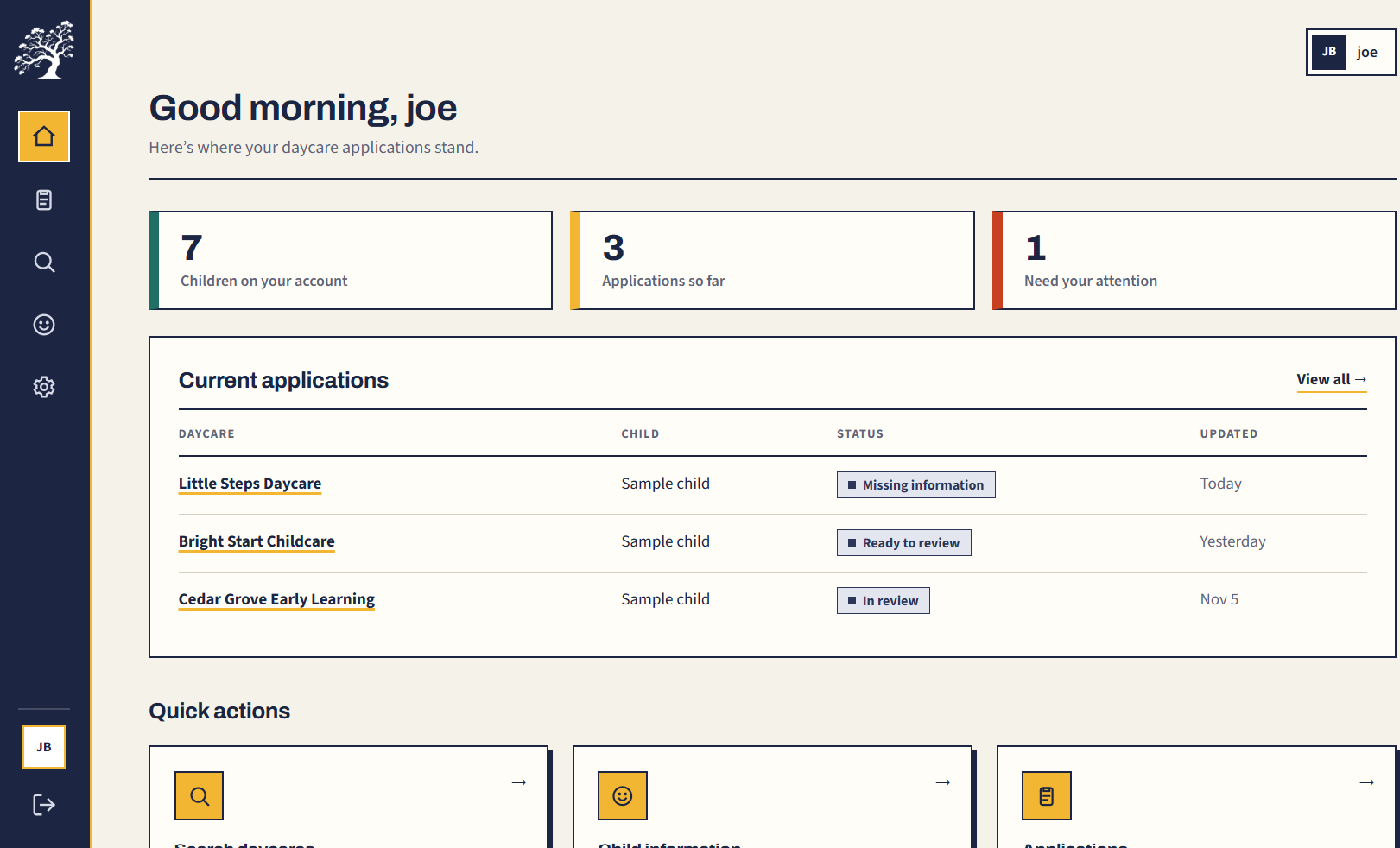
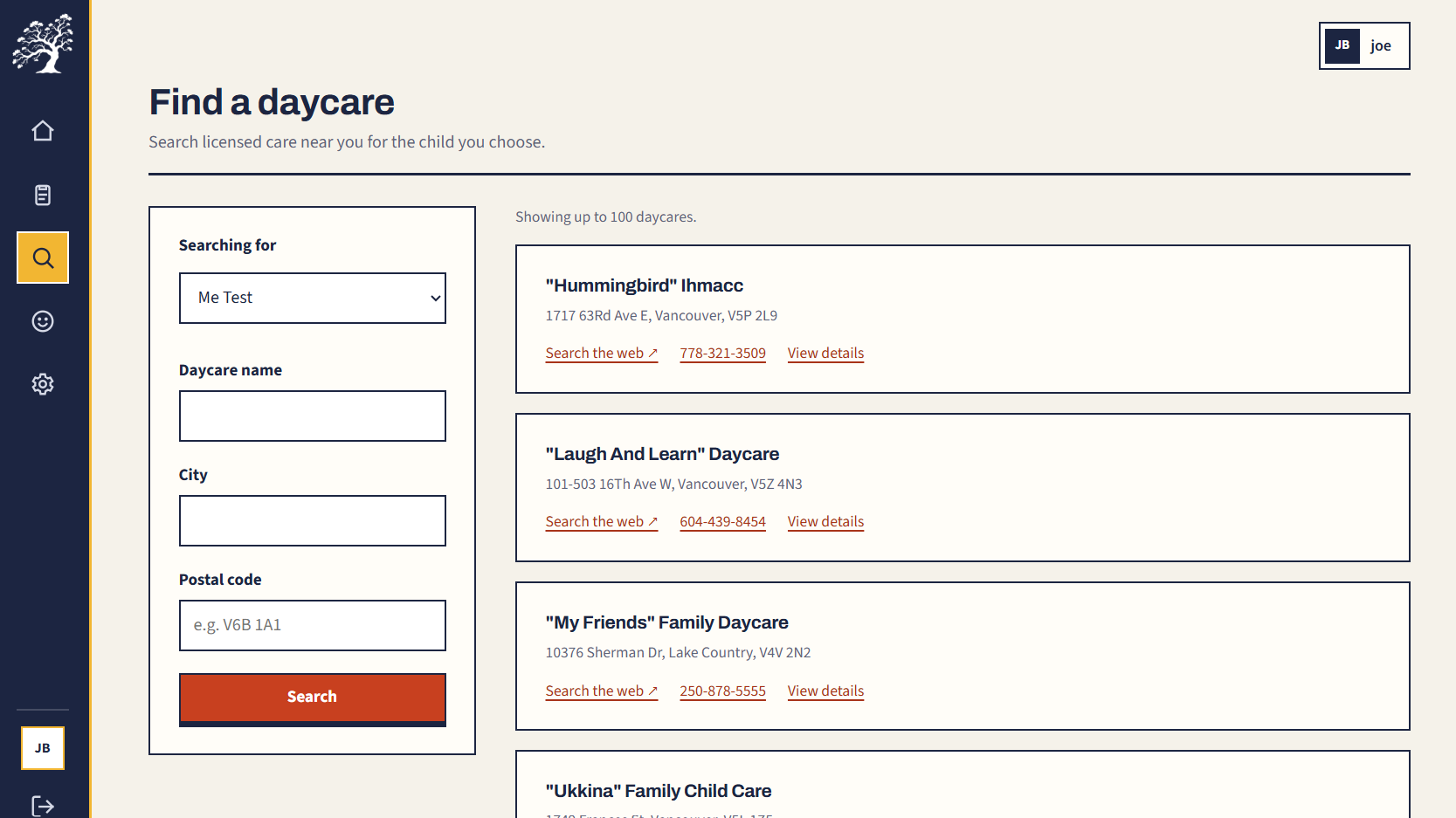
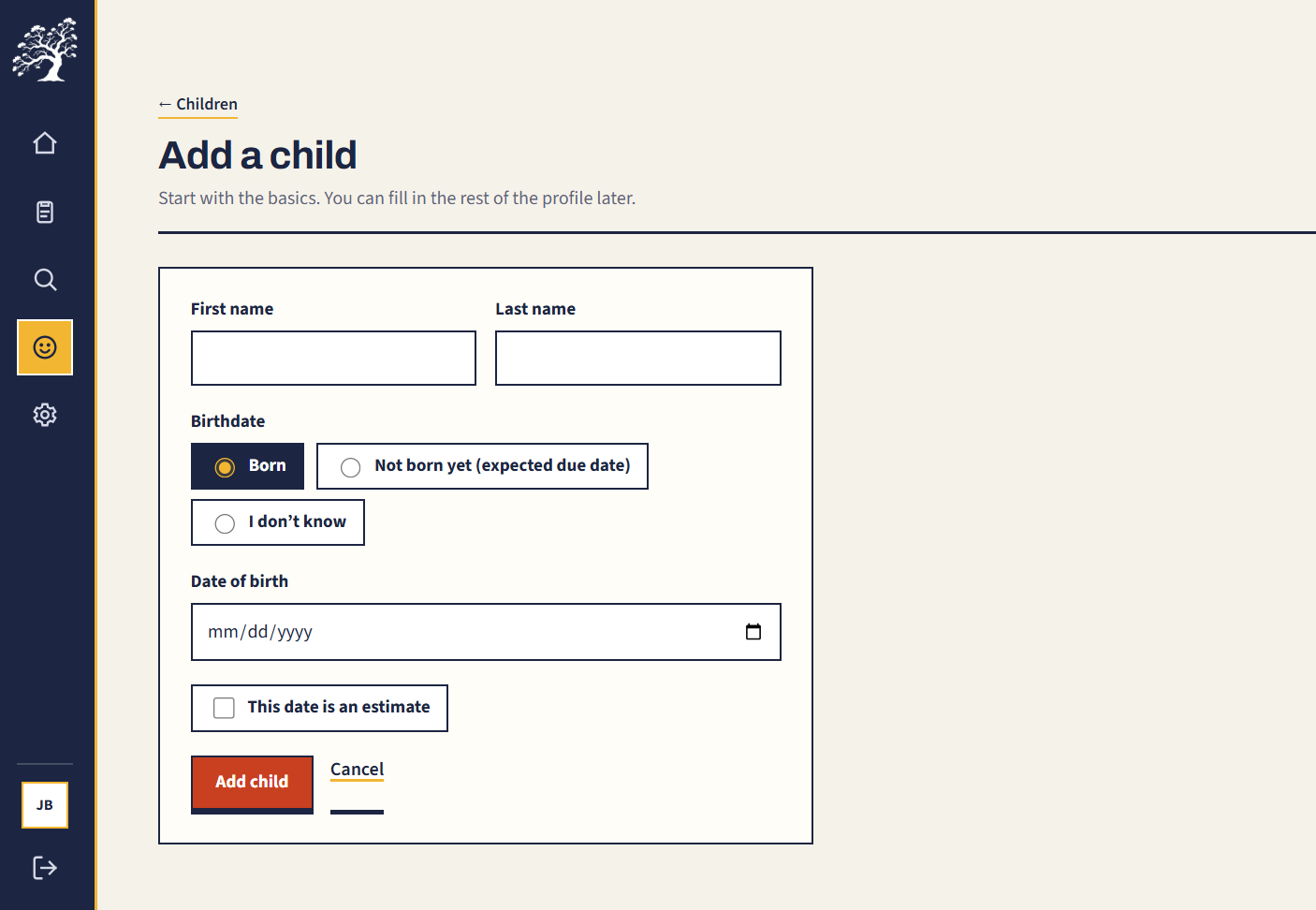
OneKare makes finding and applying to daycares a simpler process. Parents can sign up, create profiles for their children, and fill out one general application per child. From there, they can browse daycares by name, city, or postal code and apply automatically to supported providers without typing out the same information over and over.
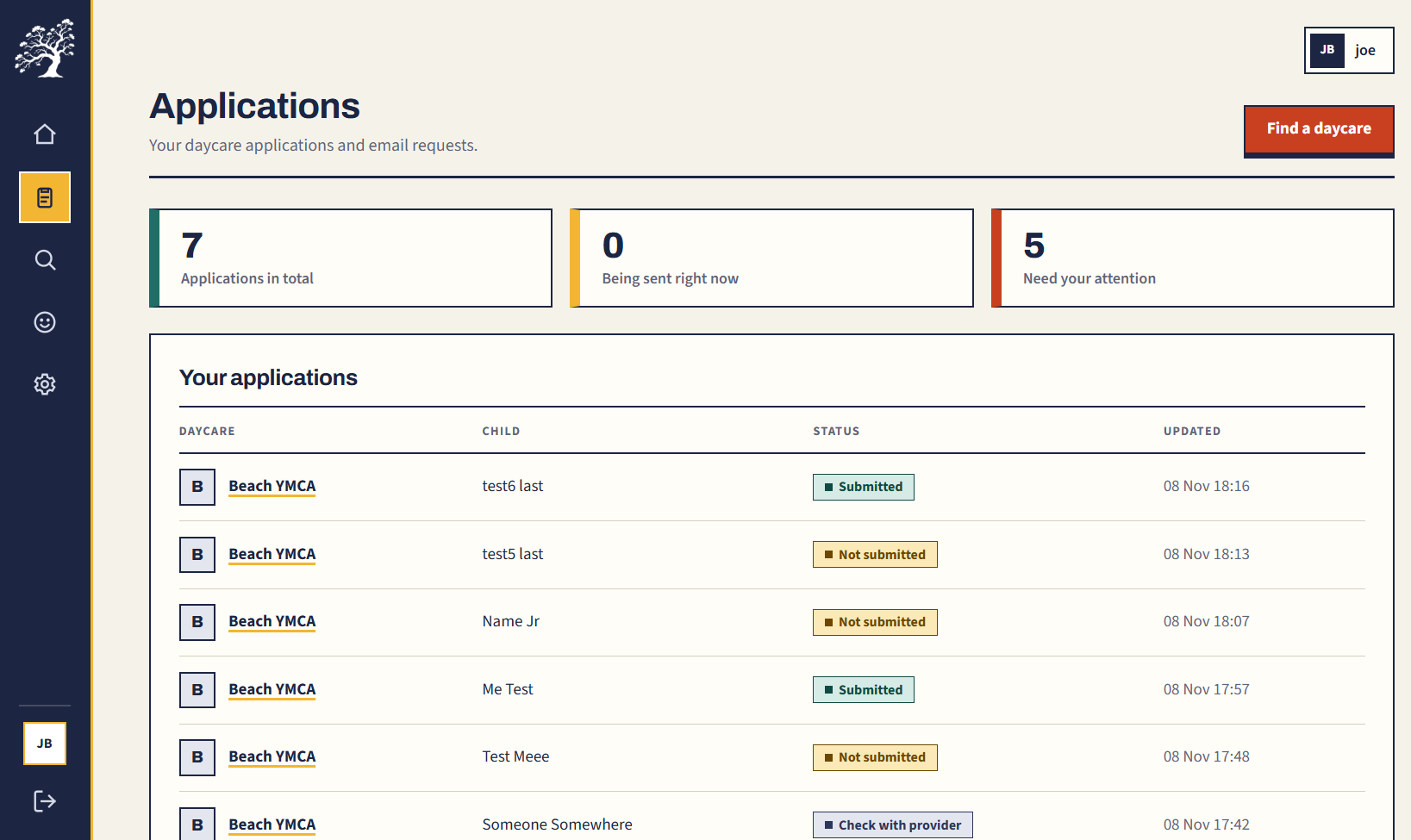
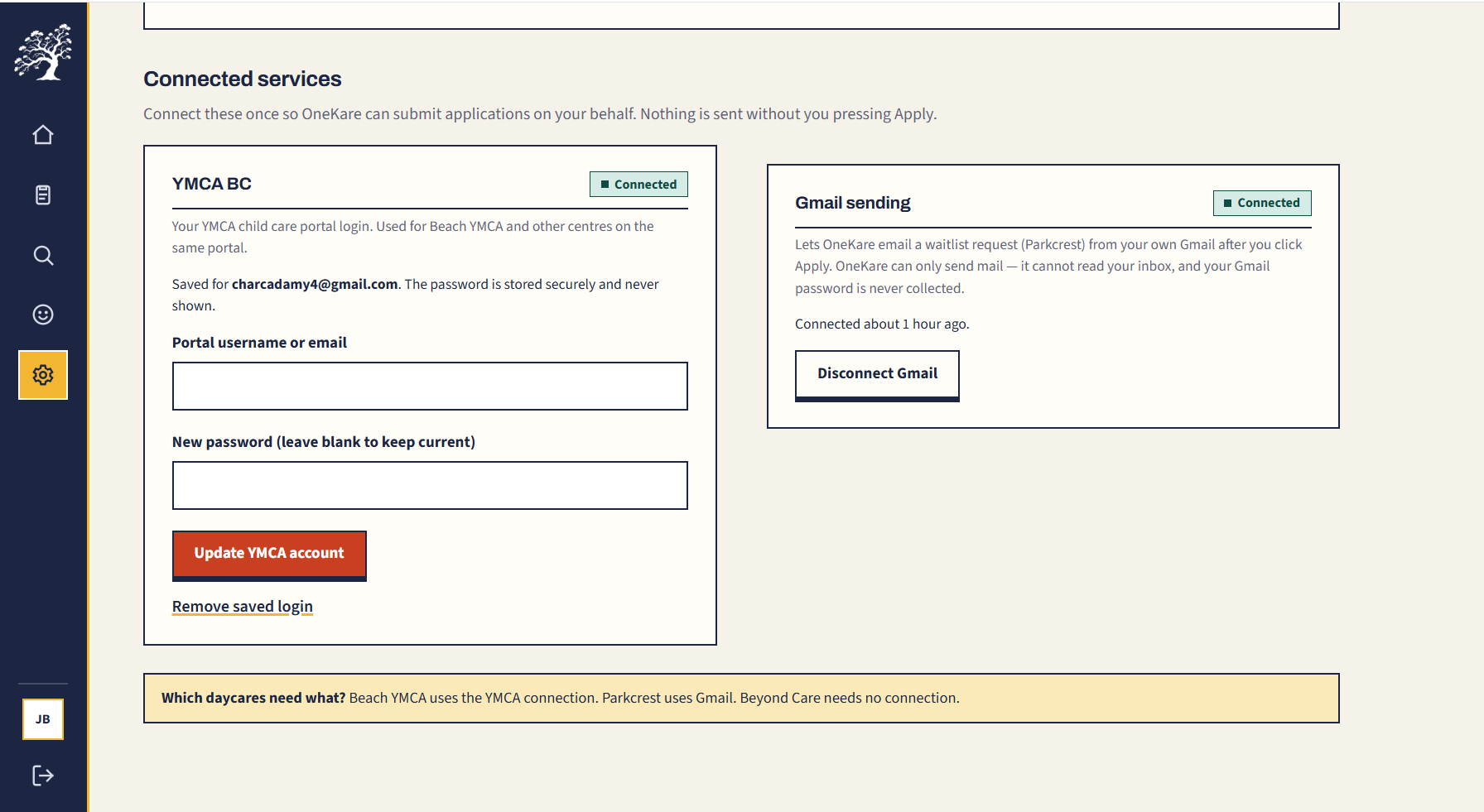
Depending on the daycare, OneKare fills out an online form, goes through a login portal, or sends a waitlist request through the parent’s connected Gmail account. Parents can also keep track of their application attempts in one place.
How we built it
Ruby on Rails and Hotwire: We built the app around parent accounts, child profiles, a searchable daycare directory, and application tracking, with Databricks Lakebase as our PostgreSQL database.
Automated BC daycare data importer: We built an importer that pulls childcare location data from the BC government and loads it into Lakebase. The initial import was slow, so we implemented batch upserts to insert and update records efficiently. It now processes around 5,600 rows in 30 seconds.
One reusable application: We defined a minimum set of shared fields that parents fill out once per child. This gives us a consistent format for reusing their information across the daycare providers we support.
AI-powered field mapping: We used Databricks AI Gateway to ask an AI model to match our normalized fields to each daycare’s form fields. The model returns a JSON mapping, which we validate and use to connect the parent’s saved answers to the right inputs. We also save those mappings so we can reuse them when the form hasn’t changed.
Browser automation across different application flows: We built Python and Playwright scripts for public forms and portals that require a login. These scripts use the field mappings and saved answers to navigate the provider’s application steps, fill out the required information, and submit the application.
Gmail API integration: For providers that accept applications by email, we connected the Google Gmail API so OneKare can prepare and send a waitlist request from the parent’s connected Gmail account.
Challenges we ran into
Getting real daycare data into the app efficiently. We needed a way to bring government childcare data into our database and update existing records without creating duplicates. Processing records individually was slow, so we built an importer with batch upserts. That brought the process to around 5,600 rows in 30 seconds.
Designing one application for different providers. Every daycare asks for information a little differently. We had to work through those requirements and define a minimum shared set of fields that could support our application flows while keeping the upfront work manageable for parents.
Matching our fields to unfamiliar forms. Having the parent’s information saved wasn’t enough. We still needed to figure out where each answer belonged on the daycare’s website. We used Databricks AI Gateway to generate structured JSON mappings between our normalized fields and the provider’s fields, then validated those mappings before using them in the automation.
Automating completely different application processes. A public form, a login portal, and an email request each needed their own implementation. We built separate scripts around those flows while keeping the same saved application data underneath. We also had to handle website-specific behavior, including custom radio buttons and YMCA screens that changed depending on whether the account already had a child profile.
Sending email requests and tracking what actually happened. Email-based applications needed a separate integration with Gmail authentication, token handling, and sending from the parent’s account. Across both email and browser submissions, we also tracked confirmed, failed, and uncertain outcomes so the app wouldn’t report success just because a script finished running.
Accomplishments that we're proud of
Connecting the whole application flow. We brought together parent accounts, child profiles, real daycare listings, AI field mapping, and automated applications. Getting those pieces to work together was a big part of the project.
Supporting three different ways to apply. We built flows for a public form, a portal that requires a login, and an email-based waitlist request, all using the information parents already filled out in OneKare.
Making real daycare data usable. Our importer processes around 5,600 rows in 30 seconds using batch upserts, giving us a searchable directory without manually entering each daycare.
Giving AI a specific, useful job. We used it to match our shared application fields to each provider’s form, then validated and reused those mappings to drive the automation.
What we learned
The hard part is handling the differences. Two daycares can ask for almost the same information but have completely different application processes. Even the same website can show different steps depending on the account.
A consistent data model makes everything else easier. Defining our shared application fields gave the frontend, AI mapping, browser scripts, and email integration a common structure to work with.
AI needs validation around it. Getting a JSON response was only one step. We also needed to check that the mapping referenced real fields and valid options before using it to fill out an application.
What's next for OneKare
Support more daycare providers. We want to build on the three application flows we have and make it easier to add providers that use similar systems.
Handle more provider-specific questions. We want to ask parents for any extra information a daycare needs while continuing to reuse everything they’ve already entered.
Make the automation more resilient. That means handling more account states, detecting form changes, and giving parents clearer next steps when an application needs attention.
Improve application follow-up. We want to help parents track responses and follow-up requests after the initial submission.
Test with parents. Our next step is to learn where the process still feels confusing or repetitive and use that feedback to make OneKare more useful.
Built With
- databricks
- hotwire
- playwright
- python
- ruby
- ruby-on-rails


