-
-
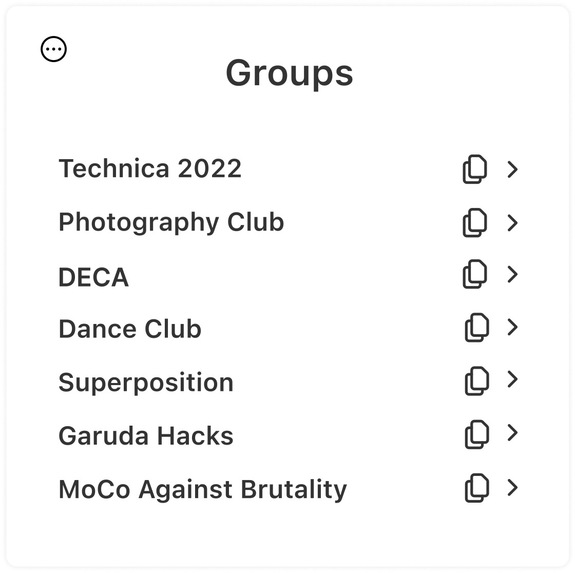
UI/UX Design when opening Extension
Inspiration
As club leaders ourselves, we felt the need to create something that we could give back to our fellow student leader community. While it might not be a major inconvenience to have to sort through Google Drive folders to access member emails, our chrome extension eliminates all inconveniences with only one click.
What it does
Our Chrome Extension allows for a user to copy all members' information in one click.
How we built it
We used HTML, CSS, and JS to create the extension.
Challenges we ran into
We struggled to adjust padding and manipulate JS to have features on our extension.
Accomplishments that we're proud of
We are proud of
What we learned
We learned how to create a Google Chrome Extension! We also learned how to prioritize our time to create our MVP, the minimum viable product.
What's next for OneClick
If we were given more time to work on this project, we would have tried using APIs to allow us to fully make the extension functionable.
Built With
- canva
- css3
- figma
- html5
- javascript


Log in or sign up for Devpost to join the conversation.