-
-
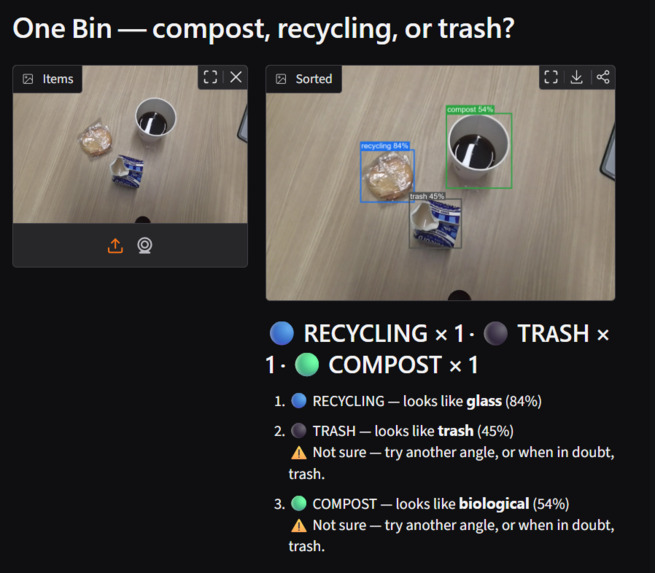
First iteration
-
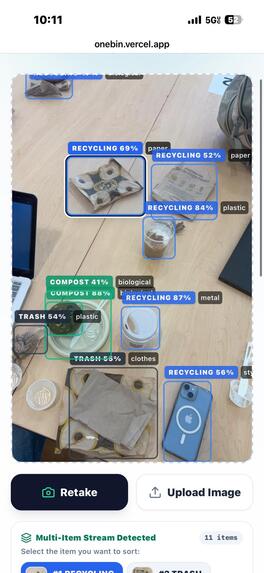
Final iteration
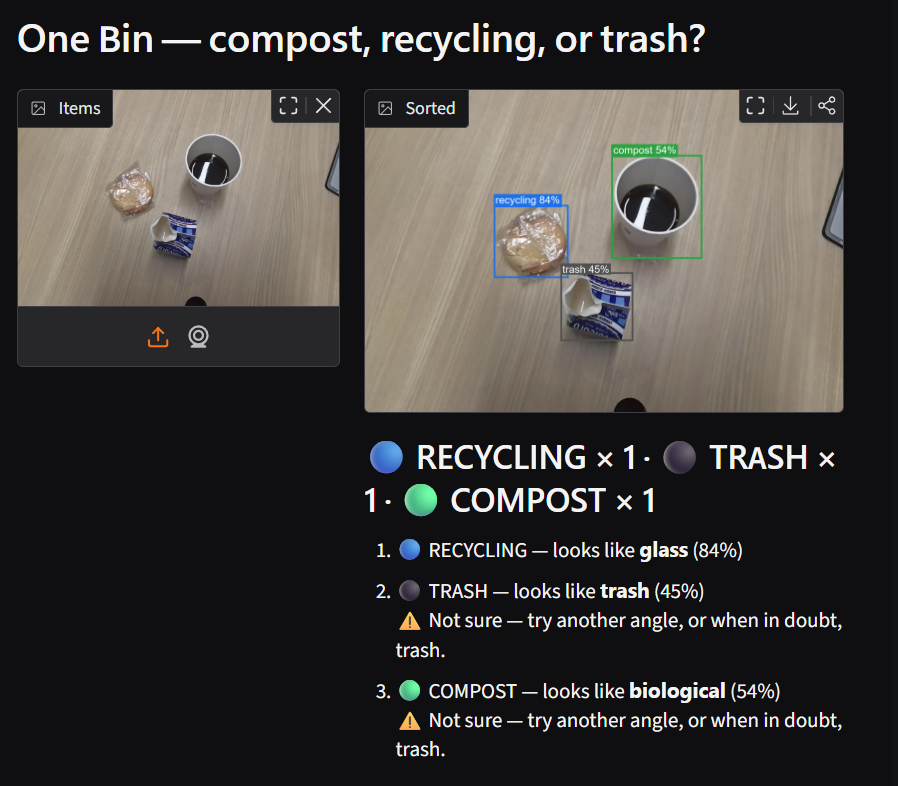
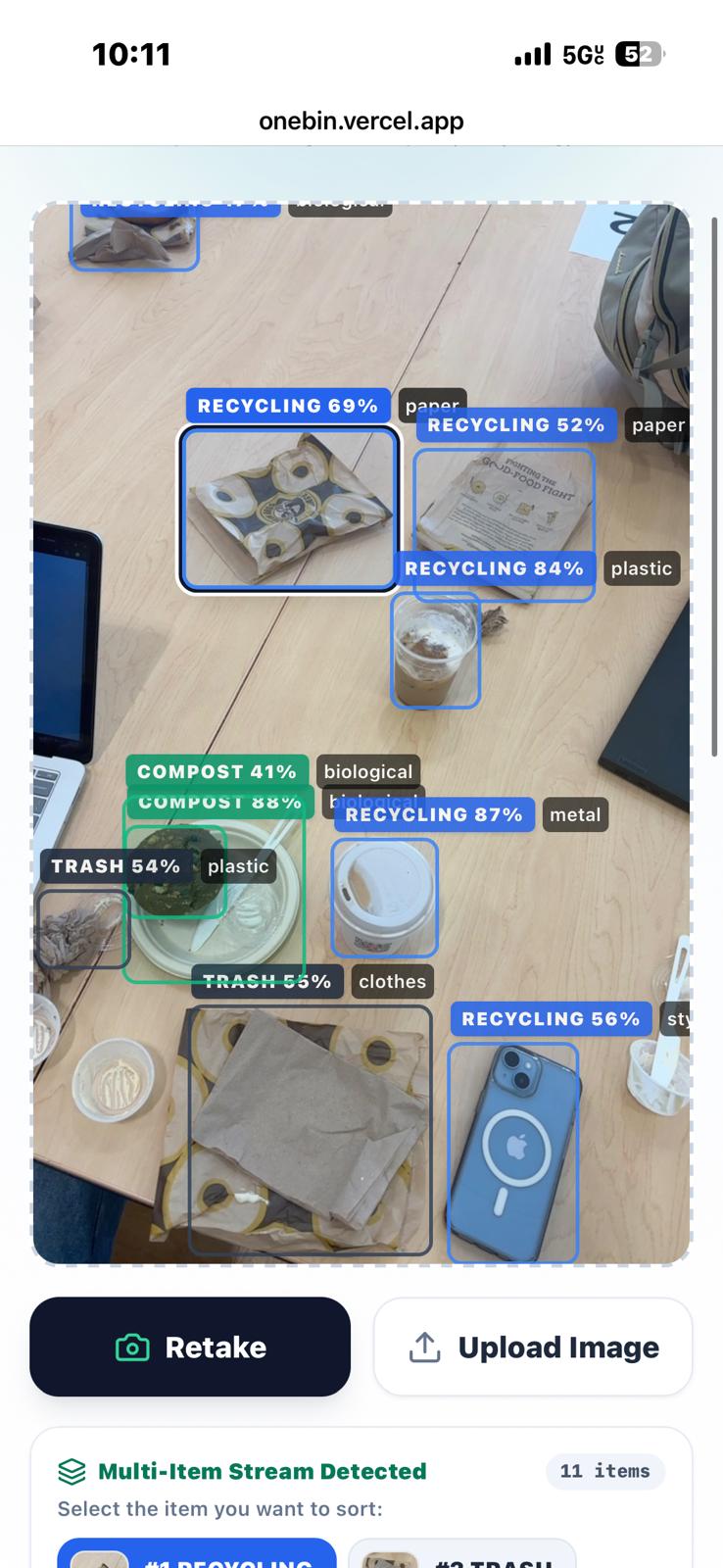
Inspiration
Sorting rules are confusing, they differ from city to city, and the cost of guessing wrong is real. One wrong item can contaminate a whole batch of recycling, and food scraps in the trash end up in landfill instead of compost. We wanted a system where you show it the item and it tells you the right bin for your city, instantly.
What it does
OneBin tells you whether an item goes in compost, recycling, or trash. Point your phone or laptop camera at your waste, or upload a photo:
It finds every item in the frame. A detector draws a box around each piece of waste, and a classifier decides which bin each one goes in, with a confidence score.
It follows local rules. You can switch between Seattle, Bellevue and UW campus rules. For example, plastic bags go in the trash in Seattle, and batteries get a hazardous-waste warning.
It's honest when unsure. Below 60% confidence it tells you to try another angle, or, when in doubt, use the trash.
It runs entirely on your device. Both AI models run inside the browser, with no server and no API key, and photos stay on your device unless you choose to share them.
It can move real bins. Connected to an Arduino or ESP32 over USB, the website opens the matching servo-driven lid automatically.
It gets smarter with use. Users can confirm or correct a verdict and, with consent, contribute the photo to our training set.
How we built it
The classifier: we fine-tuned EfficientNetV2-S (PyTorch) on about 27,000 images merged from four public waste datasets. The model learns 12 specific item types (glass, metal, plastic bag, styrofoam, battery and more). A separate rules file then maps item types to bins, so changing a city's rules never needs retraining. On held-out test images it identifies the right bin 96.4% of the time.
The detector: we trained YOLO26 on the TACO litter dataset (photos of real trash in the wild) to find every item in a scene. It scores 0.60 mAP50 on TACO's test set.
Running in the browser: we exported both models to ONNX and run them with onnxruntime-web (WebAssembly, multithreaded). The classifier shrank to 42 MB at half precision. We checked it picks the same bin as the original PyTorch model on 100% of 300 test images. Each item takes about half a second on a laptop.
The website: Next.js, React and Tailwind, deployed on Vercel, with GitHub Actions CI running lint and build on every push.
Hardware: an Arduino or ESP32 sketch drives three servo lids, and the browser talks to it over the Web Serial API.
Data loop: Supabase stores user-confirmed photos and labels, and a sync script turns them into training folders for the next fine-tune.
Process: we ran the build with several AI coding agents (planner, builder, auditor and Claude Code), coordinated through a shared, git-tracked task ledger.
Challenges we ran into
Clean photos versus real trash. Our classifier is about 97% accurate on clean product-style photos but 81% on real-world litter crops from TACO. Crumpled, dirty, half-hidden items are much harder, and closing that gap became our main training focus.
Fitting a big model into a web page. Running EfficientNet in the browser meant converting it to ONNX, cutting it to half precision, and proving it still gave the same answers. It also meant setting up cross-origin isolation headers so WebAssembly could use multiple threads.
Rules that depend on details a camera can't see. A paper cup can be recyclable or compostable depending on fine print, and small items like bottle caps go in the trash in Seattle because they jam sorting machines. We encoded these city-specific rules explicitly instead of hoping the model would learn them.
Data wrangling. Merging four datasets with different labels, removing duplicates, and keeping test photos out of training. We also had to keep about 1.5 GB of images out of git. Licensing. One of our best datasets, RealWaste, is licensed for non-commercial use only. We documented every source's license so we know what we can and can't ship.
Accomplishments that we're proud of
96.4% bin accuracy on held-out test images, from a model that runs fully in the browser with no server and no API costs.
A two-stage multi-item pipeline: detect every item, then classify each one, running live on the website. Changing a city's rules never needs retraining. One rules file drives both the Python tools and the website.
Real hardware: a webpage that physically opens the right bin lid.
Privacy by design: classification happens on your device, and contributing data is opt-in.
What we learned
Test accuracy on clean datasets overstates real-world performance. You have to test on the messy data your users will actually show you.
Separating "what is it?" from "where does it go?" made the system far more flexible than training directly on bins.
Modern browsers are capable AI runtimes. With ONNX and WebAssembly, a 21M-parameter model runs in about half a second with zero backend.
Writing down every data source and its license from day one saves you later.
What's next for OneBin
Close the real-world gap: retrain on more real litter and user-contributed photos through our feedback pipeline. Our latest version already adds a tissue class and TACO crops.
Smarter auto-capture: use hand tracking (MediaPipe) to capture automatically once an item is held still, so a kiosk works without touching anything.
More cities: make municipal rules data-driven so any city can add theirs.
Commercial-ready data: replace non-commercial training sources so OneBin can be deployed in campuses, offices and facilities.
Smaller models: distill a tiny version that runs on a microcontroller, for offline smart-bin lids.

Log in or sign up for Devpost to join the conversation.