What it does
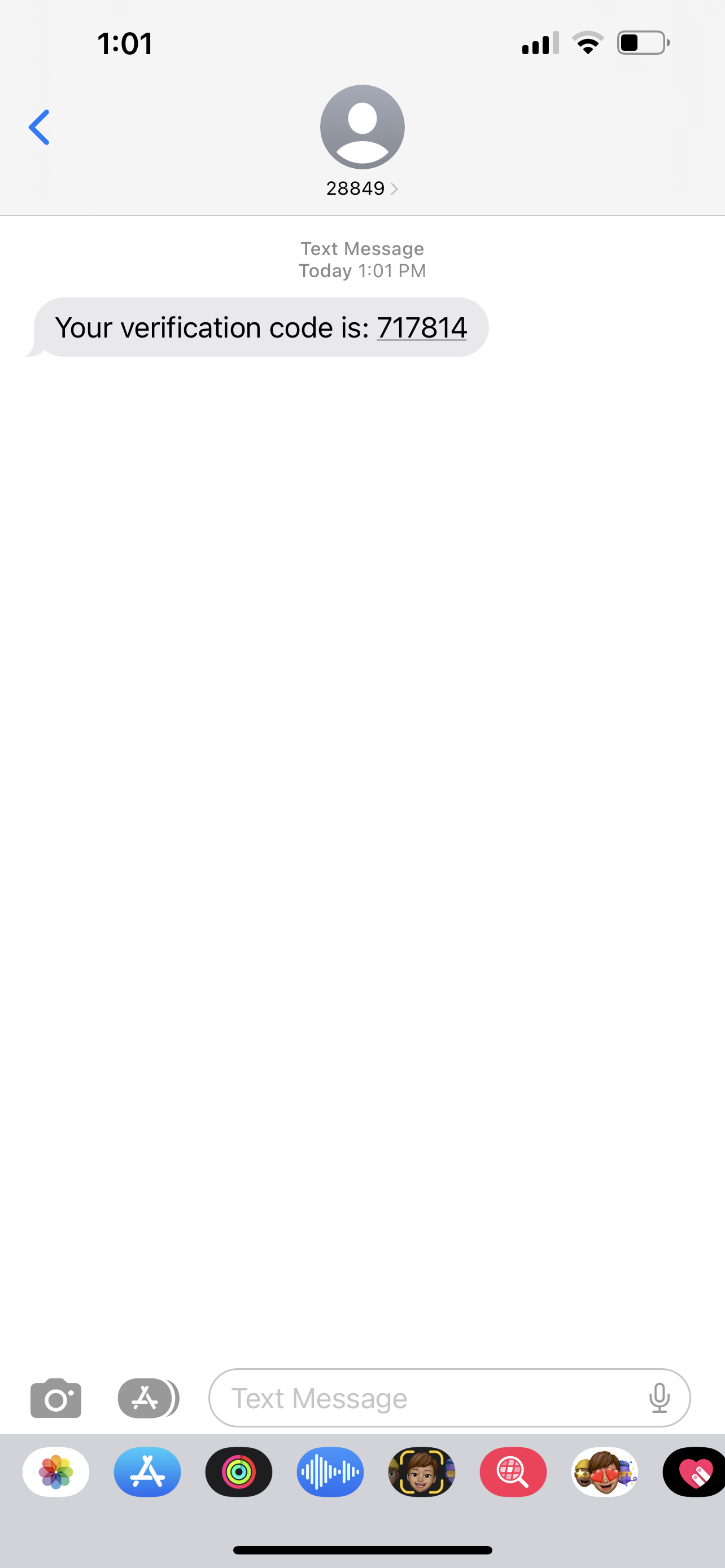
Using Twilio's API, I was able to check and verify a one time passcode that was sent to my phone as a 6-digit code. For the purpose of this challenge, I have included only a screenshot of the verification code sent to me via sms.
How we built it
Step 1: Create a Verify Service – this uses Twilio's Console to generate a SID
Step 2: Send a verification code – I sent myself a verification code, which is in the form of a 6-digit code using the SID from step 1. This was done on the terminal using a curl command. Here, the status would be pending.
Source: Twilio's Verifications Docs
Step 3: Check the verification code – done in the terminal using a curl command. Once accepted, the status became approved.
Source: Twilio's Verification Check Docs
Challenges we ran into
I kept running the commands multiple times to test it. However, I would get 404 error messages at one point during the process. It's only after reading the docs that I understood that this message would appear if the verification SID (1) expired (after 10 minutes); (2) was already approved; (3) when the max attempts to check a code have been reached. I ended up waiting a bit and the sent the command again from the start, which generated a new OTP code.
Accomplishments that we're proud of
Troubleshooting.
What we learned
(1) I have a better understanding of how Twilio's API works (2) Read docs !!
What's next for One Time Password Challenge
I'm still thinking of how I can integrate this newfound knowledge into something.

Log in or sign up for Devpost to join the conversation.