-
-
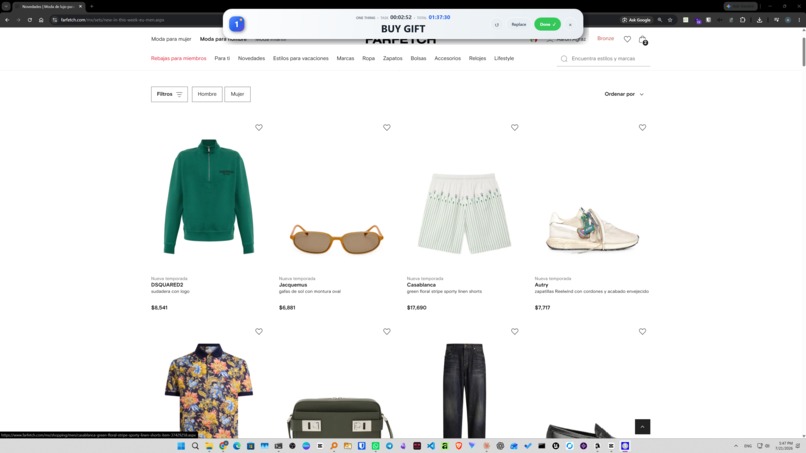
Focus on that One Thing that will change your day!
-
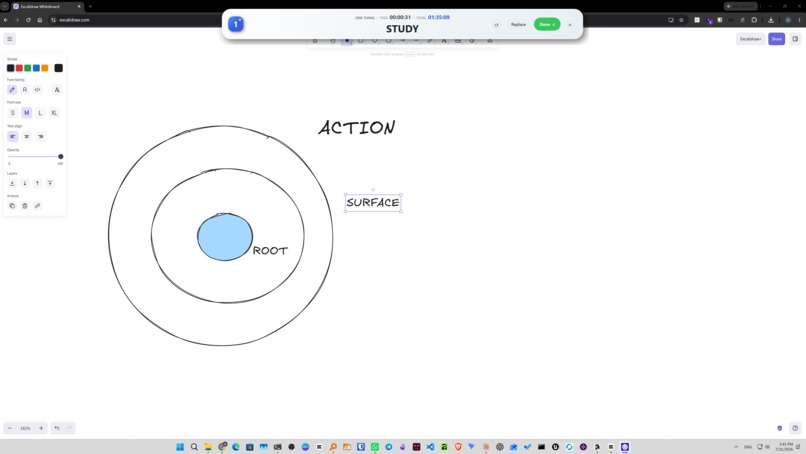
With distractions set aside, get into the flow.
-
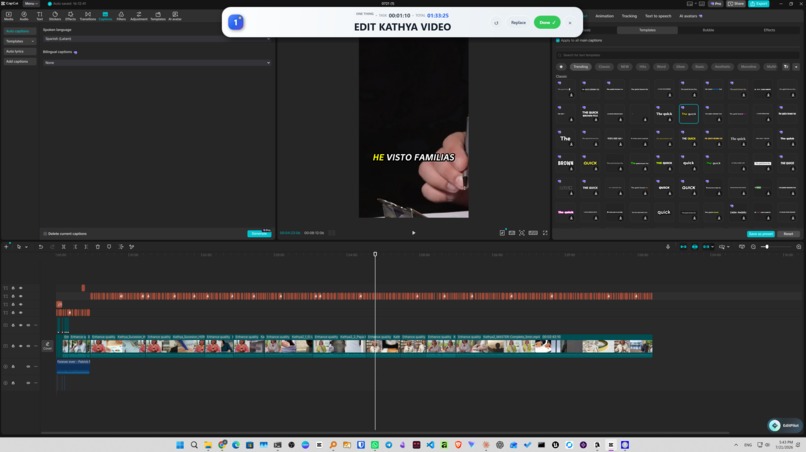
Stop procrastinating, and achieve your dreams!
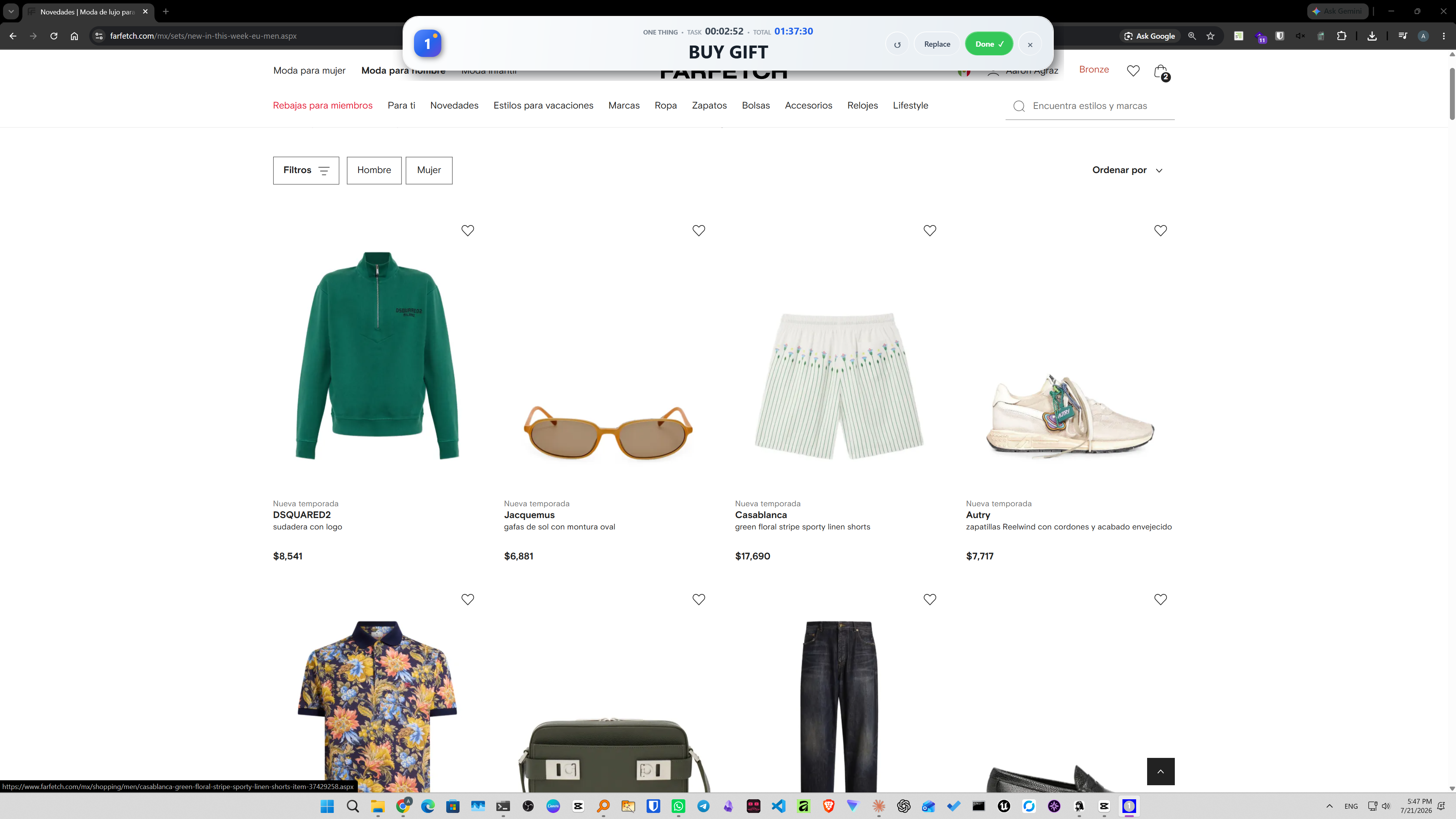
one thing
Inspiration
Every productivity app has the same problem: it shows you EVERYTHING. Your whole backlog, staring at you. Tags, priorities, projects, subtasks, calendars. You open the app to work and you end up managing the app instead.
I wanted the opposite. An app that answers one question only: what is the most important thing you need to do right now? Not your ten things. Not your week. ONE thing.
What it does
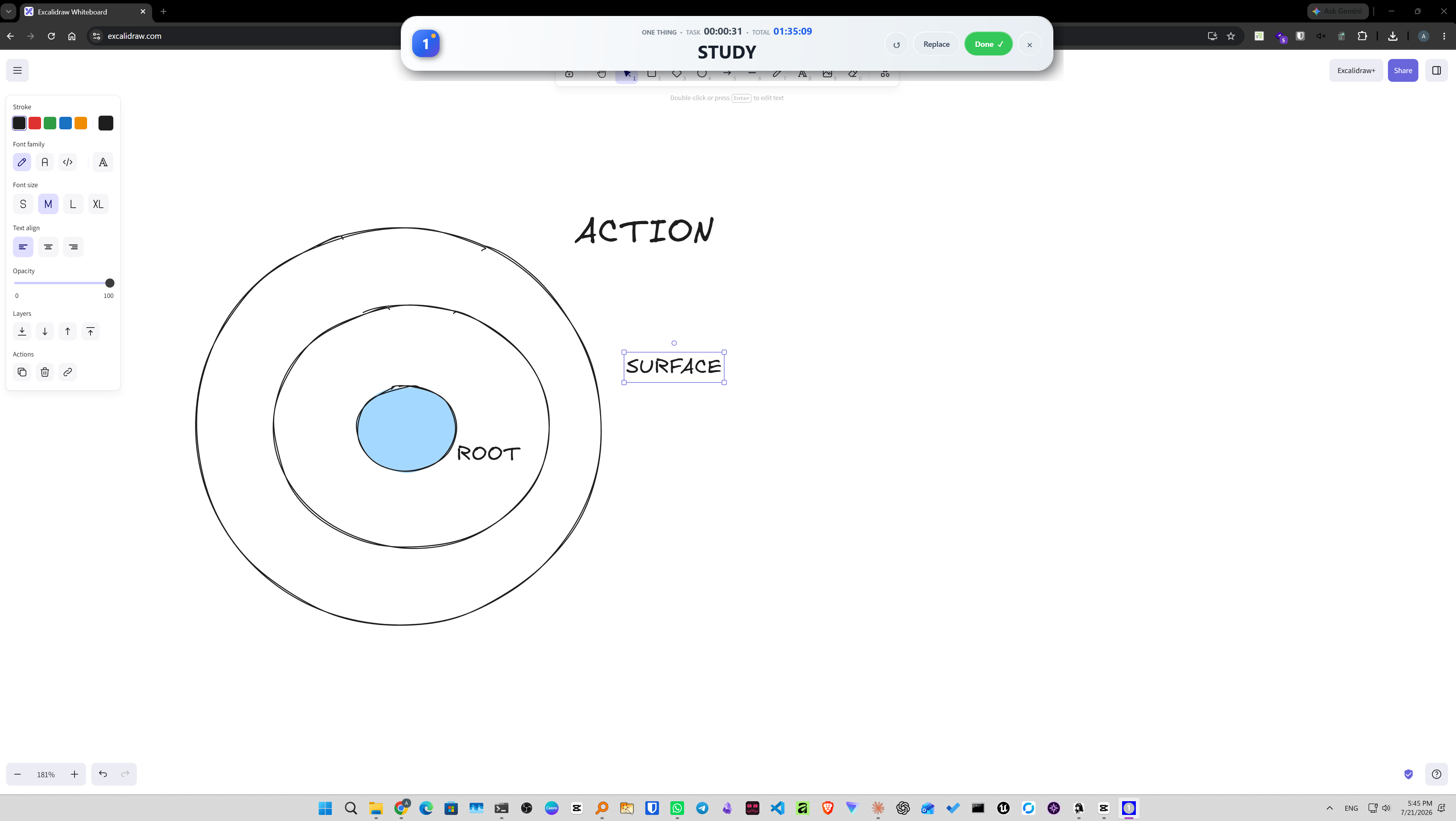
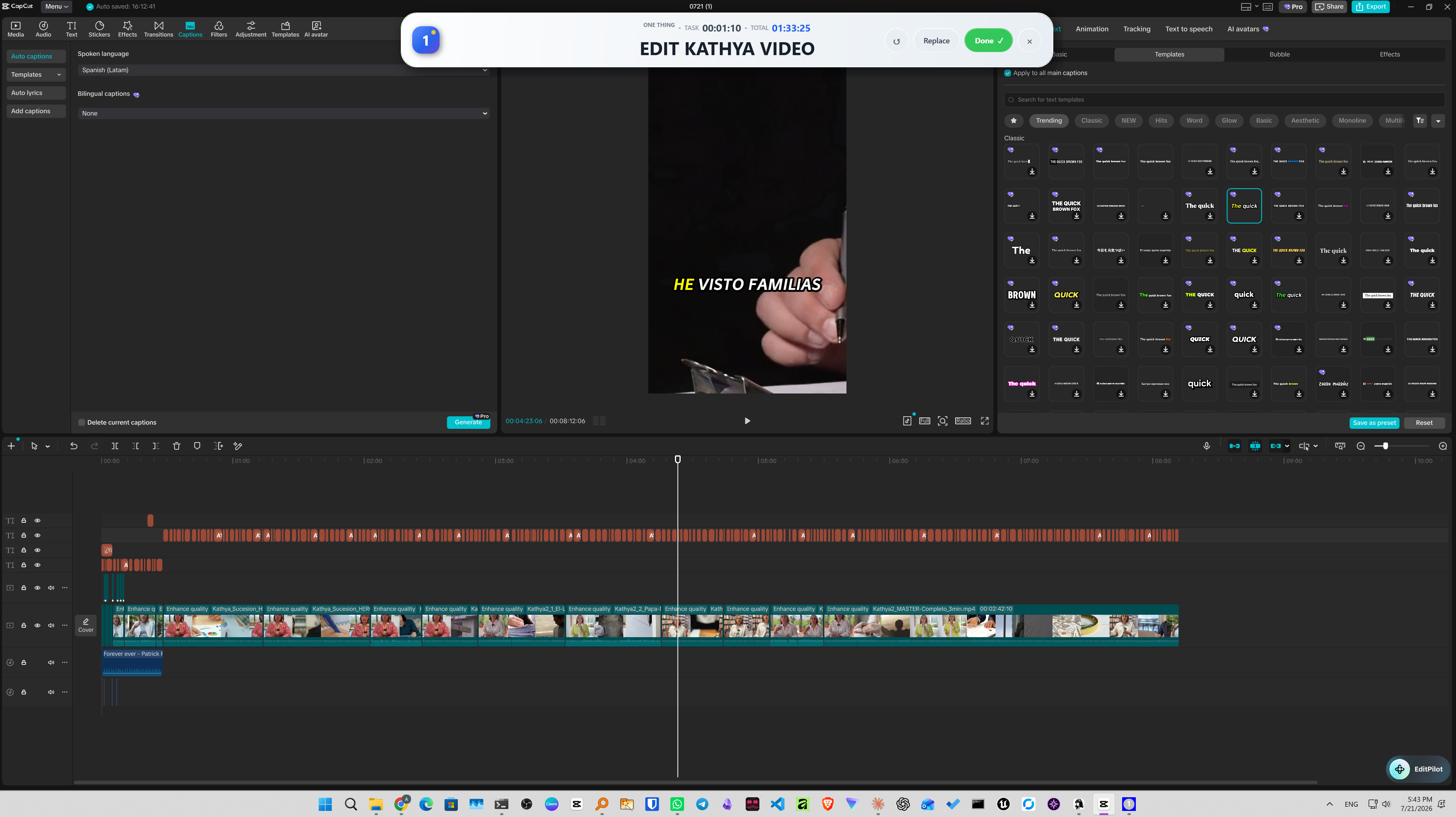
You open it. You type the most important thing you have to do. And that's it, that is literally all it displays. One line, front and center.
Under the hood it does more: it saves everything you've done, and you can have more things queued. But it will ONLY ever display one. Double-click the thing to edit it. A task timer shows how long you've been on the current thing, and a total timer tracks your whole session, so the banner isn't just a reminder, it's quiet accountability. When you finish, you complete it and type the next one. No lists on screen, no counters, no "you have 23 pending tasks" guilt trip. Just you and the thing.
That's the sole purpose of the app, and that constraint is the whole product.
How I built it
I built it as a lightweight desktop app with three parts:
- One input. You type the thing.
- One display. It shows the thing, big, and nothing else.
- Local storage. History of what you've done and a hidden queue of what's next, so nothing gets lost, it just doesn't get displayed. ### The real tech stack
No Electron. No Chromium eating 400 MB of RAM just to display one sentence. one thing is a fully native Windows app:
| Piece | What I used |
|---|---|
| Desktop framework | Native Windows WPF (C#) |
| Runtime | Windows' built-in .NET Framework, nothing extra to install |
| Data storage | Local JSON at %LOCALAPPDATA%\OneThing\state.json |
| Always-on-top | WPF Topmost plus Win32 SetWindowPos(HWND_TOPMOST), periodically reinforced so no window ever steals the spot |
| Distribution | A standalone .exe, no Electron, no external runtime dependencies |
| Companion website | Next.js 15, React 19, TypeScript, Vinext/Vite, custom CSS |
| Hosting | OpenAI Sites |
In one sentence: a native Windows app built with C# and WPF, using fully local JSON storage and Win32 controls to keep the task banner permanently visible.
Demo video
Built programmatically with Remotion, React, and TypeScript, with locally generated Kokoro voiceover and original procedural music made with numpy. Rendered locally without traditional video-editing software.
The part I'm proud of
Using an AI-assisted workflow, I took one thing from initial concept to a working, packaged native Windows app in under two hours, making every design and product decision along the way: the always-on-top banner, the timers, the double-click editing, the completion flow. An app about doing ONE thing without distractions, built in one focused sitting. The process matched the product.
Challenges I ran into
The hardest part was NOT adding features. Every instinct screams "add tags, add due dates, add a mini list view." And every single one of those kills the app. The moment a second element appears on screen, it stops being one thing and becomes another todo app.
The other real challenge was the logic behind the curtain: the app has to remember more than it shows. Storing history and a queue while keeping the interface radically empty sounds simple, but designing when and how the "next thing" surfaces without ever turning into a visible list took more iterations than the UI itself.
What I learned
Constraint IS the feature. I learned that saying no to features is a design decision you have to defend constantly, even against yourself. I also learned that the value of an app can live in what it refuses to do: this one refuses to overwhelm you, and that's exactly why it works.
What's next
Keeping it simple, hardware, launch and implement it to devices that help support the apps purpose. One Thing.
Built With
- nextjs
- wpf


Log in or sign up for Devpost to join the conversation.