-
-
-
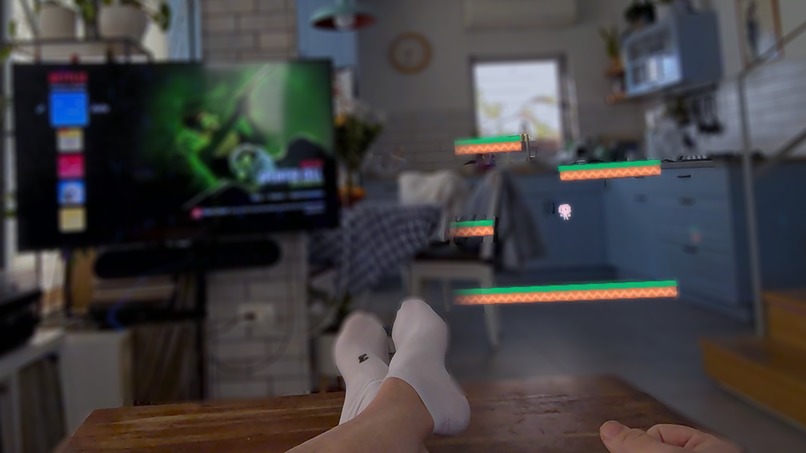
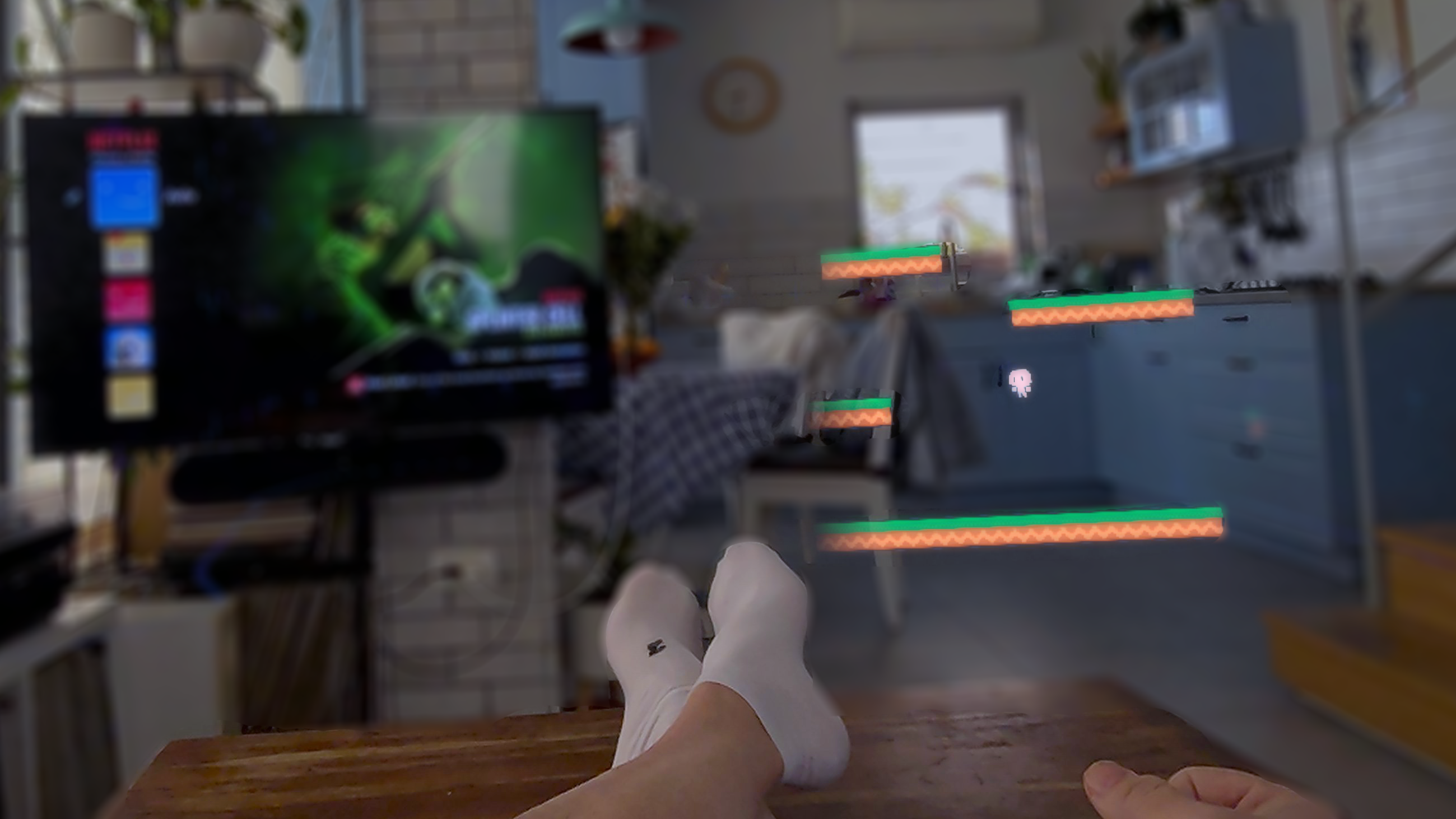
Playing while watching Netflix
-
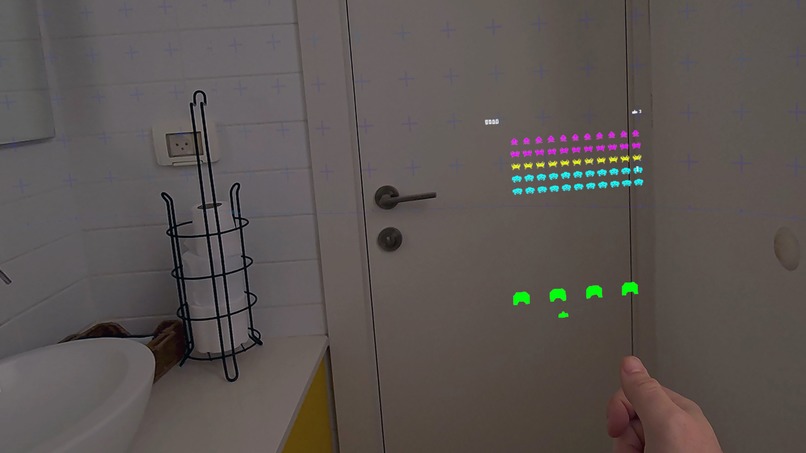
...in the bathroom

Inspiration
I wanted to create the kind of game I would want to play while I'm working on other games. I tried to find the most effortless, frictionless way to play games in Mixed Reality. I was thinking about hyper-casual games and how they focus on one-handed interaction—games you can play comfortably while standing in a crowded bus.
What it does
ThumbCade is an experiment in a new kind of game controller. It turns your hand into a zero-hardware console. Instead of just tracking gestures, it treats your thumb like a joystick and your palm as a screen. By sliding your thumb across your index finger or palm, you control digital content (currently showcased as retro 2D games) with surprising precision. It’s an exploration of proprioception—using the physical sensation of your own skin to ground digital interactions.
How I built it
I used Unity and Meta XR hand-tracking and microgestures as a base. The "secret sauce" is a custom script that calculates the vector between the thumb tip and the center of the palm. I mapped these micro-movements to directional inputs, effectively creating a virtual D-pad. I also anchored the visual UI directly to the hand's tracking matrix. This ensures the interface feels like it's physically resting in your grip, giving the player intuitive control over the view just by moving their hand naturally.
Challenges I ran into
The biggest headache was "phantom inputs." Since you can't "let go" of your own thumb, the system initially thought I was pressing buttons when I was just resting my hand. I had to spend a lot of time fine-tuning sensitivity curves and dead zones.
I also had to deal with varying hand physiology. Every hand is different, and the range of thumb movement varies wildly between people. Creating a "one size fits all" interaction for such a personalized biometric input was extremely difficult.
Accomplishments that we're proud of
Smart Re-calibration: Hand tracking isn't always perfect, so I implemented a drift-correction system where each tap subtly recalculates the center point based on previous inputs.
The "Goldilocks" Screen: Finding the silver lining between a stable screen (to prevent motion sickness) and giving the player control over the angle was a tough UX challenge that I believe I solved.
Joystick Modes: I created different logic for different game needs (Analog, D-pad, Paddle) to ensure the input felt right for specific genres.
Big Games - writing a shader to create a fade fill on the the edges of the game thus giving the player a sens that the world is wide while giving only a small view.
Universal Calibration: I built a system that supports hand sizes ranging from my own to my kids' small hands.
What I learned
I learned that "micro-interactions" are likely the future of MR. We don't need to wave our arms or shoot rays to interact with spatial computing; subtle, comfortable movements feel much more immersive.
I believe my biggest revelation here was to discover that "holding" the experience in your hand provides a sort of psychological comfort and grounding that is often lacking in other XR experiences. This was counterintuitive to what I was trying to do so far with XR technology.
What's next for ThumbDeck
I tried only 2D games since I was aiming for radical simplicity and fun. I want to explore 3D experiences as well.


Log in or sign up for Devpost to join the conversation.