-
The Problem
-
The Engine
-

The Innovation
-
The Deliverable

Inspiration
At family celebrations or community gatherings, multiple people take photos on their phones. Later, everyone copies their pictures into separate folders on a shared NAS. When the organizer sits down to pick the best shots, they run into two common problems: wading through near-identical frames, and missing important moments that only one person managed to capture. Most photo software dumps every image into a single timeline. We wanted a tool that respects multiple contributors, compares different angles of the same moment, and identifies what was not photographed at all.
What it does
One Day, Many Eyes helps an event organizer turn scattered contributor photos into a clean, chaptered story.
- The organizer chooses up to three contributor folders on the NAS (for example: Alex, Bea, and Chen).
- The Skill scans those folders, lists the images, and lets the organizer pick 3 to 10 representative shots.
- It inspects each photo for capture timestamps and descriptions of visible activity.
- It organizes the photos into chapters such as Arrivals, Setup, Play, and Celebration.
- It pairs different viewpoints of the same moment side by side.
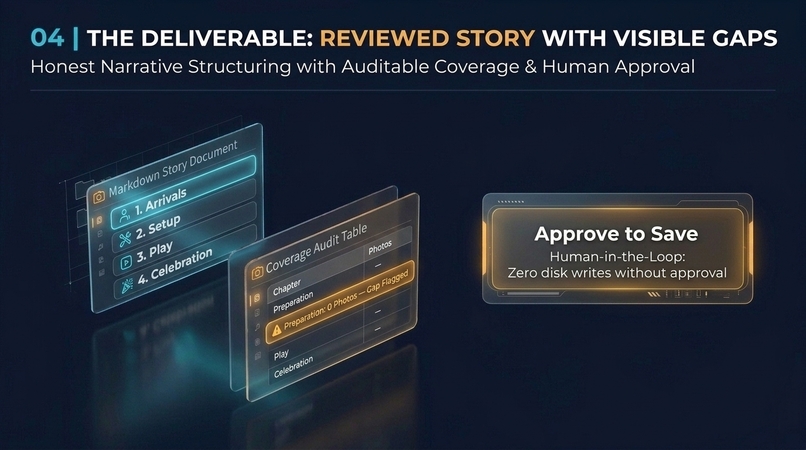
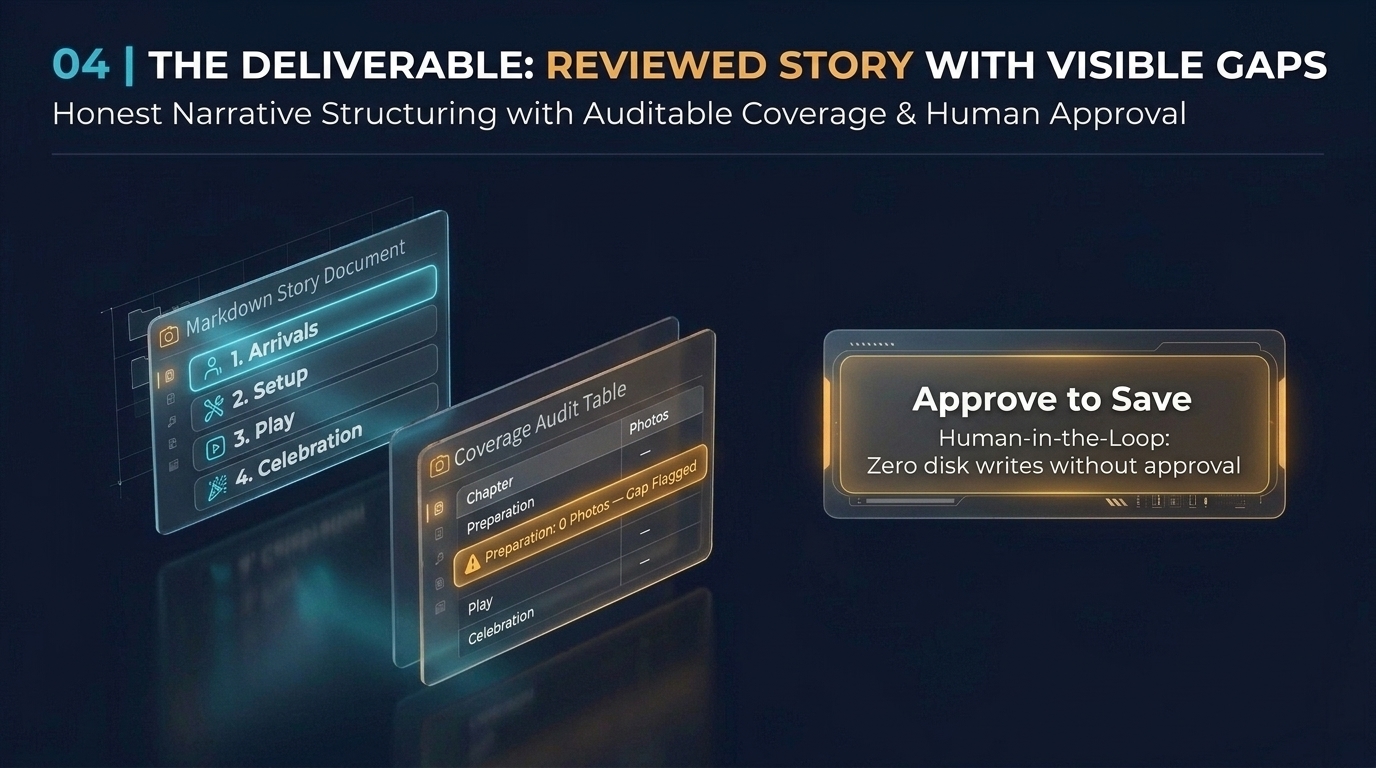
- It builds a coverage table showing what was captured and what is missing, such as recording zero photos for preparation before guests arrived.
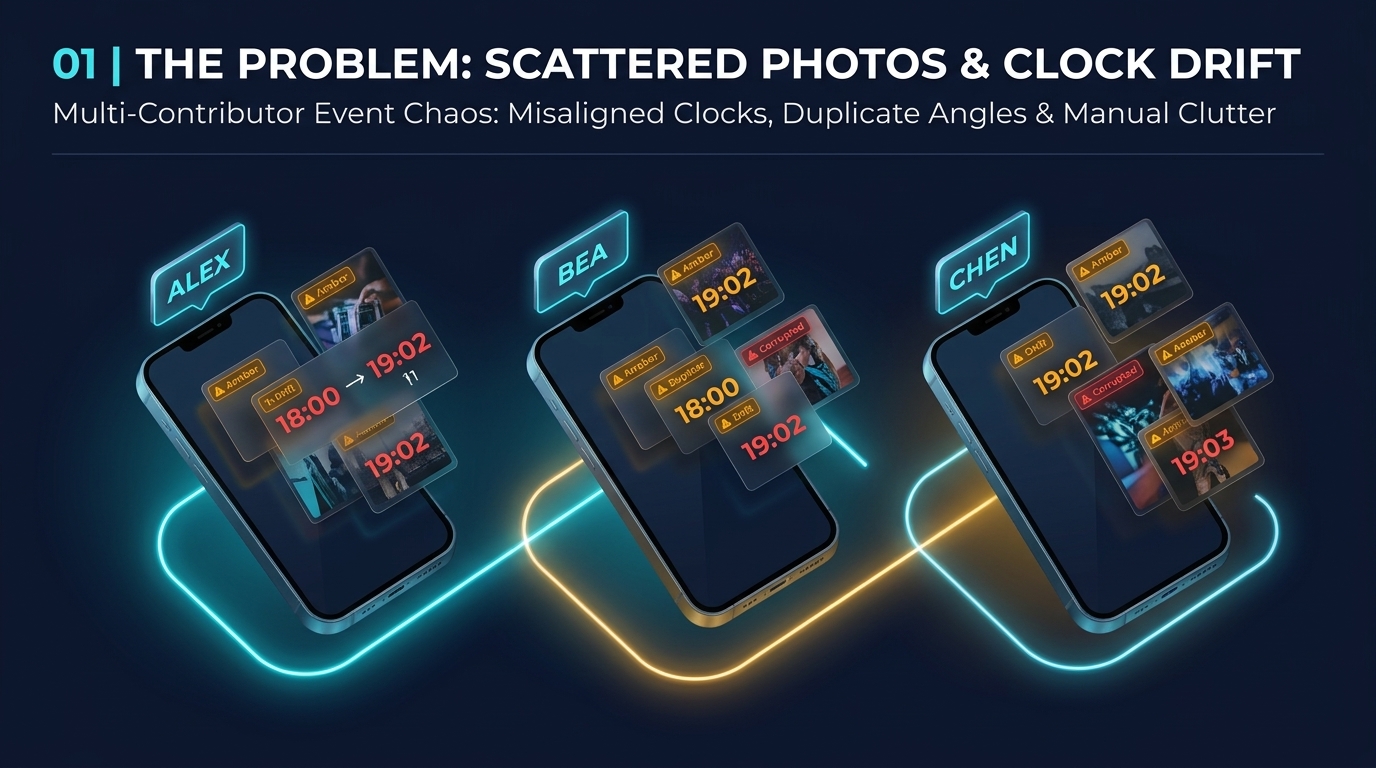
- If someone's camera clock was set wrong, it flags the conflict for the user instead of guessing.
- The organizer reviews the draft in plain text and approves saving it as a new Markdown file.
How we built it
We built the Skill using UGREEN's official Uliya Skill Development Standard:
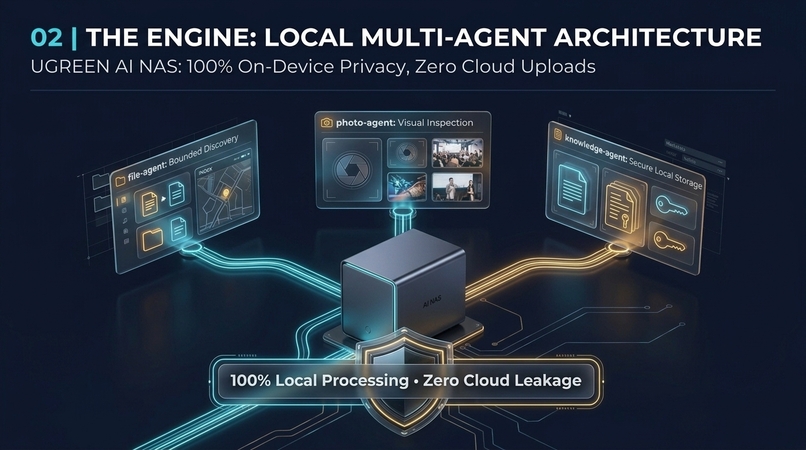
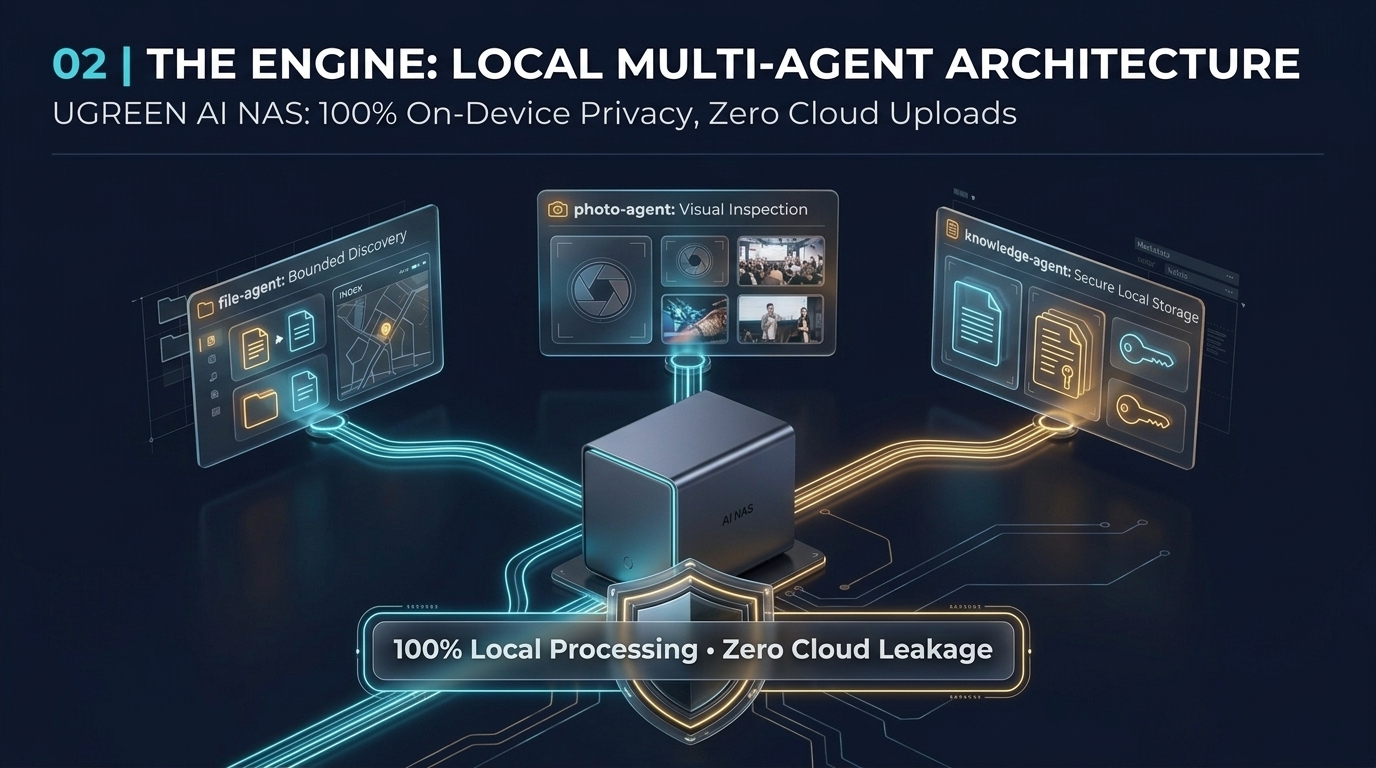
file-agent(ug-filesystem) discovers photos inside authorized contributor folders, capped at 50 files per folder so the scan never overloads the system.photo-agent(ug-photo) reads capture timestamps and describes visible activity in each selected photo.knowledge-agent(ug-knowledge) saves the finished story text to the NAS only after explicit user approval.- For test fixtures, we created a synthetic dataset of 13 images across three contributors. This dataset deliberately includes one corrupt image file and one camera clock running one hour fast.
- For automated validation, we wrote a test script checking 62 document consistency rules to confirm every path, chapter, and gap is reported accurately.
Challenges we ran into
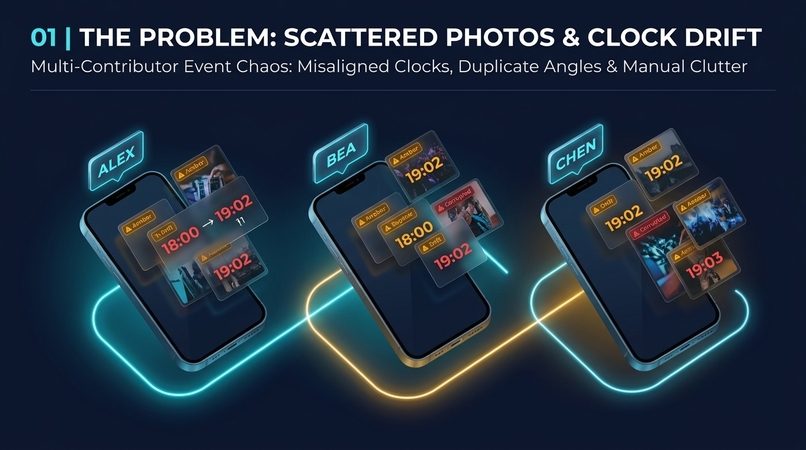
- Camera clock drift: Two people can photograph the same event, but one camera might be set to the wrong timezone or drift by an hour. Automated tools often scramble the order by blindly trusting file dates. We had to teach the workflow to detect when timestamps clash and ask the organizer for clarification.
- Damaged or unreadable files: Real folders often contain corrupted downloads or zero-byte files. Our early draft crashed on bad images. We updated the logic to isolate unreadable files, report them as failed inspections, and continue processing the rest.
- Scope discipline: It was tempting to add face recognition, automatic album publishing, or cloud syncing. We excluded those features to protect user privacy, leave original files untouched, and stay within official NAS capability boundaries.
Accomplishments that we're proud of
- The Skill package passes the official UGREEN Uliya static checker with zero errors and zero warnings.
- The 62-point automated test suite verifies that every test image, chapter assignment, and coverage gap matches our expected baseline.
- The Skill never writes or overwrites a file without the user explicitly typing their approval in chat.
- It produces a clear, honest report. If a moment is missing, it plainly states that no photo was found in the inspected set.
What we learned
- File modification dates are untrustworthy. Real EXIF capture metadata is required, and even then, human confirmation is necessary when cameras disagree.
- Building an AI workflow on a local NAS requires strict boundaries. By limiting folder search depth and file counts, the Skill stays responsive without eating up memory or disk storage.
- Showing what is missing is often more helpful than summarizing what is already there.
What's next for One Day, Many Eyes
- Round 2 NAS testing: Test live execution on physical UGREEN NAS hardware during the finalist testing window.
- Vision model benchmark: Measure how accurately local on-device vision models describe complex indoor scenes compared to cloud models.
- Balanced starter batch: Allow the Skill to automatically suggest a balanced 10-photo starter batch across contributors, so the organizer does not have to click individual file paths.
- Contact sheet export: Let organizers export the approved story alongside a lightweight HTML contact sheet for quick viewing with family or team members.
Built With
- imagination
