-
-
-
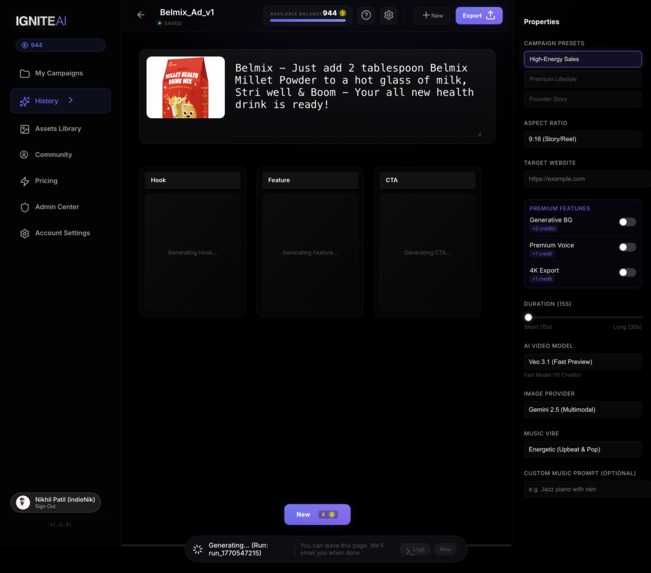
IgniteAI - Editor - Ignition Box
-
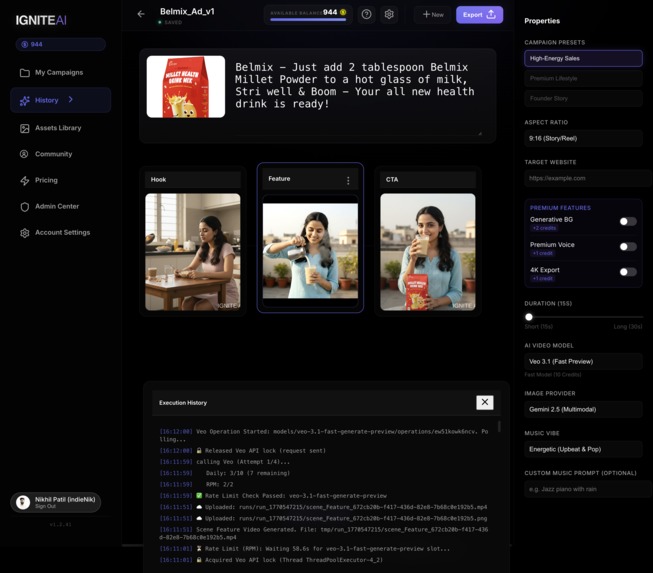
IgniteAI - Editor - Storyboard
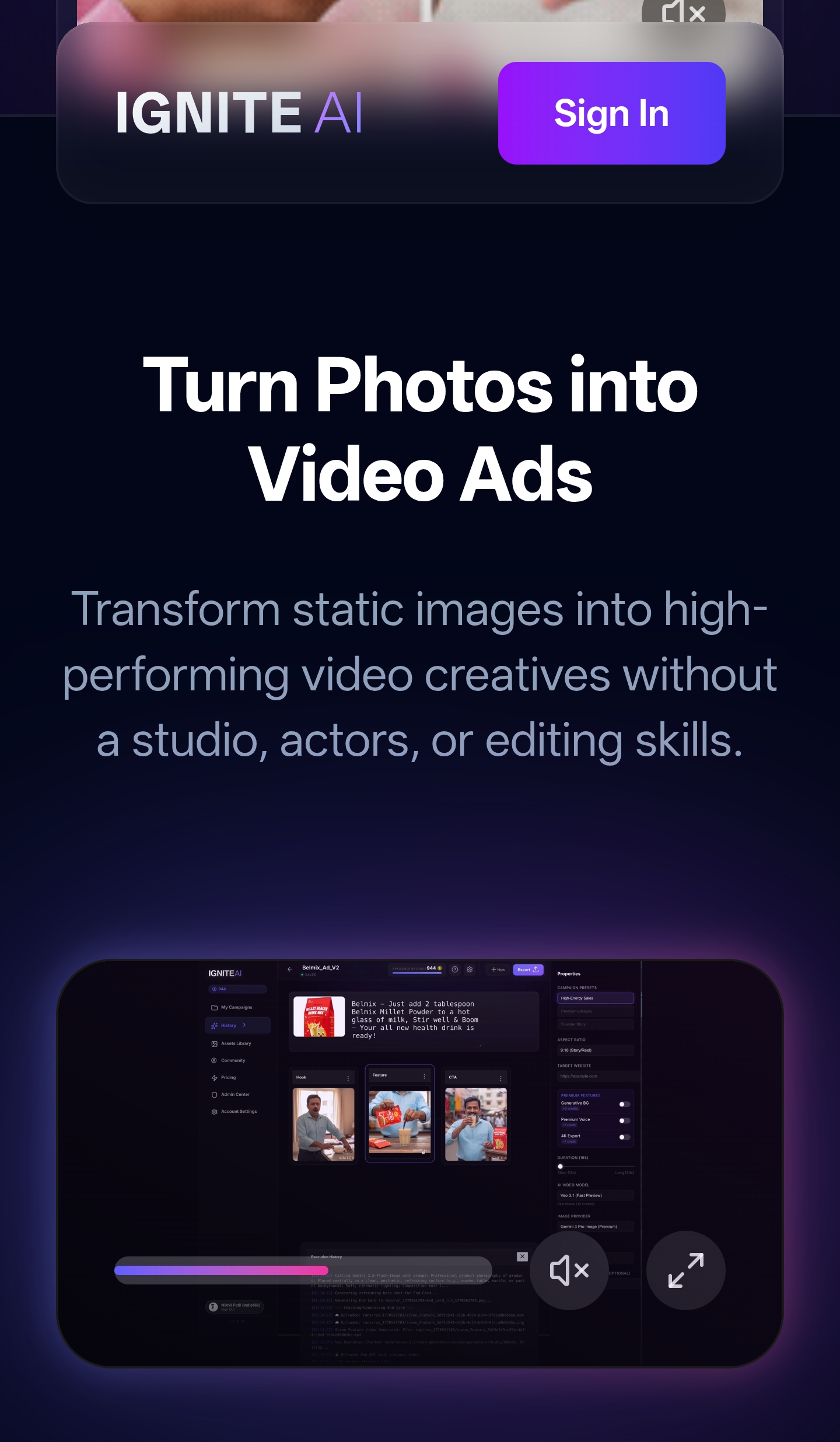
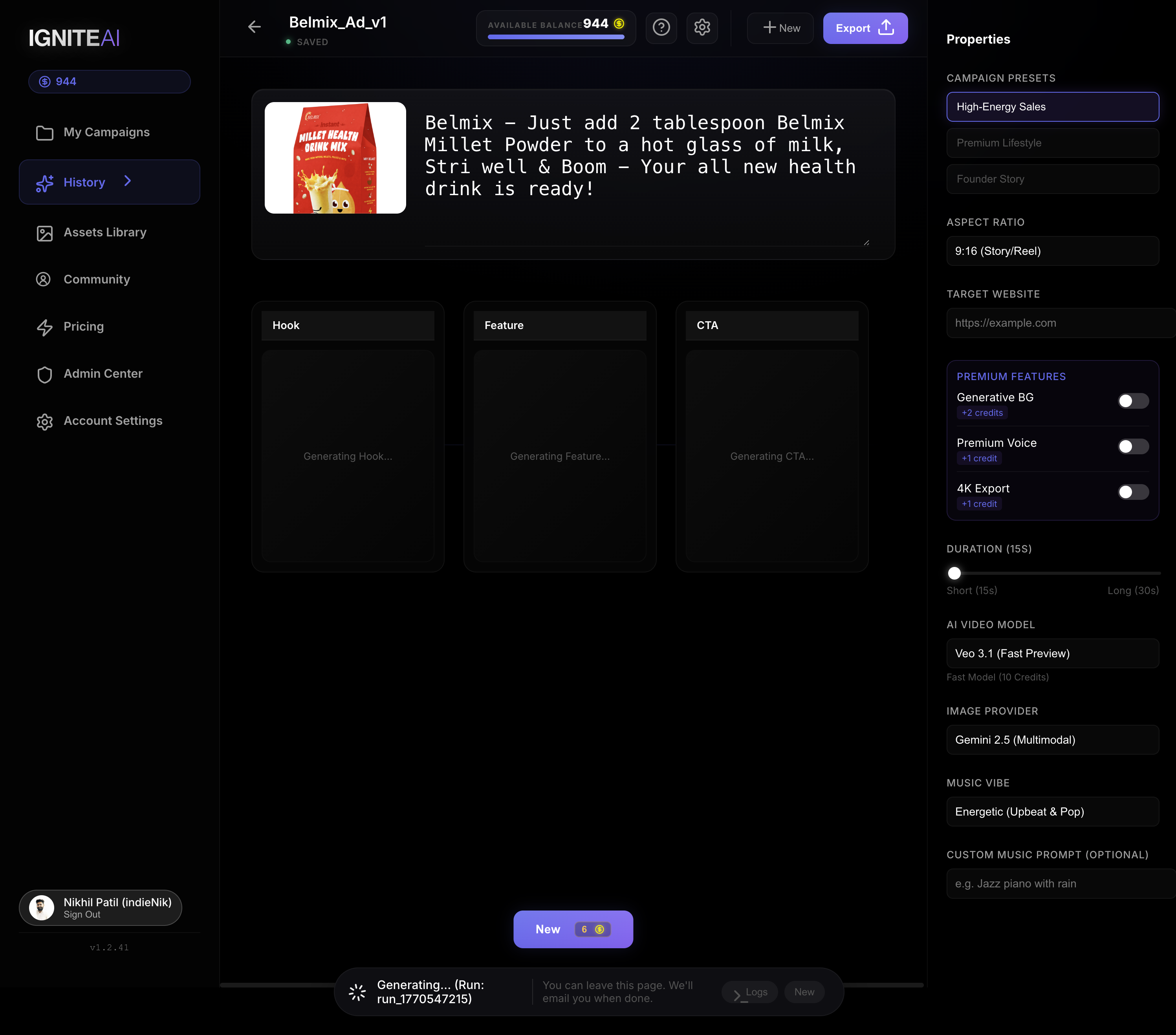
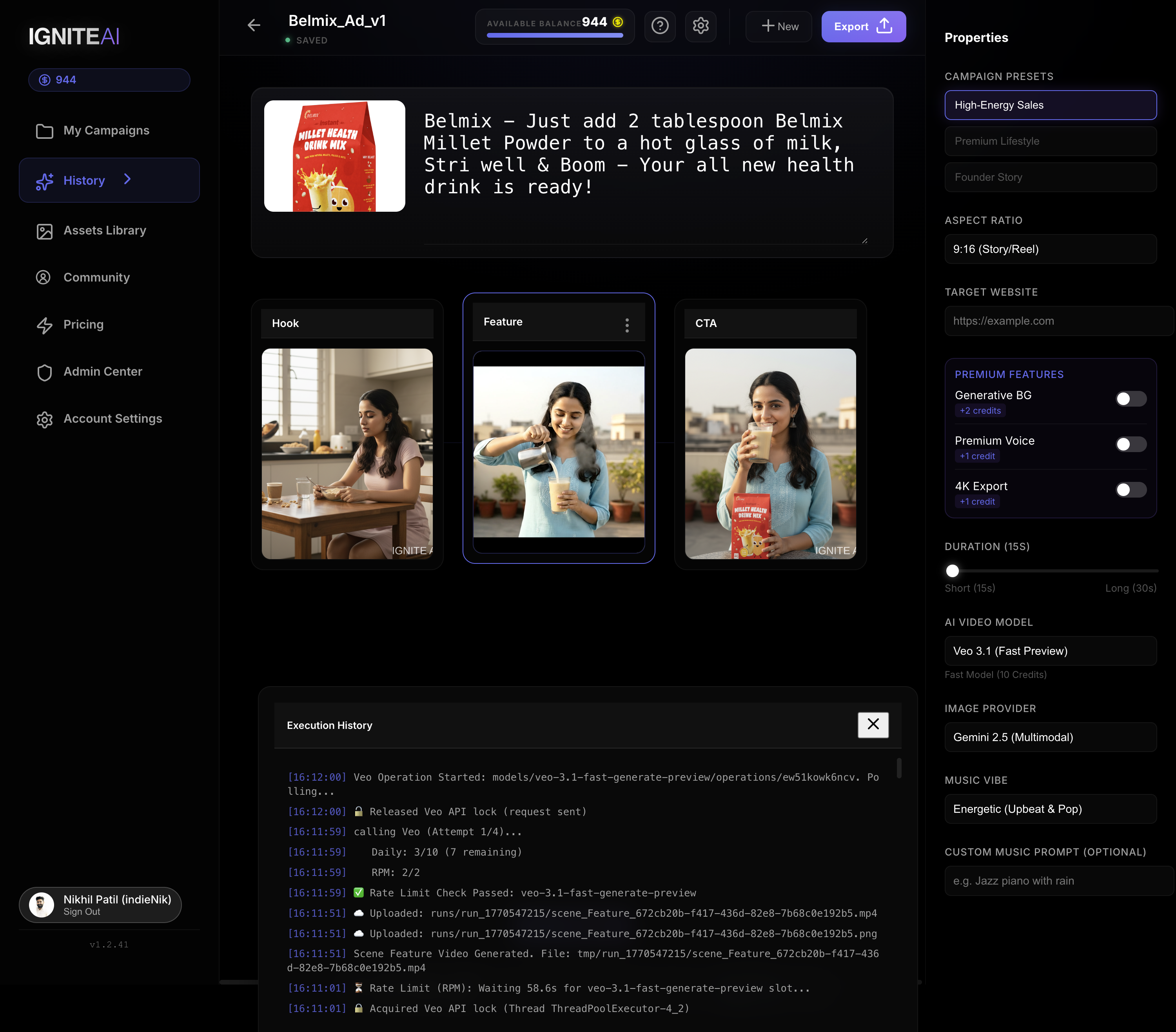
IgniteAI - The First "Director-in-a-Box" for UGC Ads
Inspiration
As developers and creators, we noticed a massive gap in the market. Small business owners know they need short-form video content (TikTok/Reels) to survive, but they are blocked by the "Creative Triangle of Death":
- Cost: Agencies charge $500+ per video.
- Skills: Learning Premiere Pro is hard and time-consuming.
- Time: Ideation and filming take hours.
We wanted to build a "Director-in-a-Box" that doesn't just edit clips, but actually dreams up the entire campaign—from script to screen—using the latest multimodal AI.
What it does
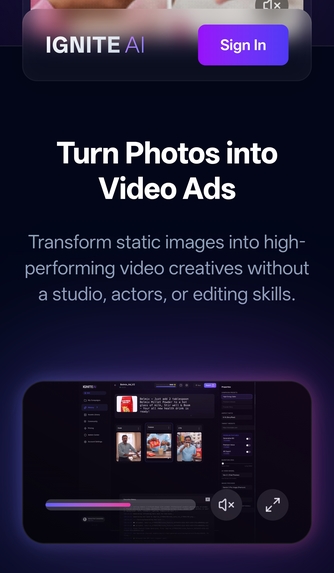
IgniteAI is an end-to-end autonomous video ad generator.
- Ideation: You give it a simple prompt (e.g., "A high-energy coffee ad for Gen Z").
- Scripting: It uses Gemini 2.5 Flash to write a hooked-based script (Hook -> Feature -> CTA).
- Casting & Filming: It uses Gemini 3 Pro to generate high-fidelity distinct scenes and Google Veo to turn them into motion.
- Production: It assembles the video with music, transitions, and branding.
- Consumption: It features a "Community Reels Viewer" where you can scroll through generated ads just like on TikTok, to see what others are building.
How we built it
We built a modern, scalable full-stack application:
- AI Core: We utilized Gemini 2.5 Flash for high-speed reasoning and scripting, and the new Gemini 3 Pro (via Vertex AI) for its superior visual understanding and image generation capabilities. Google Veo handles the video synthesis.
- Frontend: Built with Angular 19, featuring a glassmorphic UI and a custom
ReelsViewerComponentthat uses theIntersectionObserverAPI for high-performance video autoplaying. - Backend: A Python FastAPI service deployed on Google Cloud Run. It handles the complex orchestration of AI agents.
- Infrastructure: Firebase for Authentication and Hosting, GCP Secret Manager for security, and FFmpeg for high-speed video rendering.
Challenges we ran into
- Consistency: Keeping the "actor" looking the same across different scenes is the holy grail of AI video. We solved this by implementing a "Visual DNA" system that passes character context (age, ethnicity, clothing) into every single prompt.
- Performance: Generating 4-5 videos in parallel hit API rate limits. We implemented a robust queuing system and optimized
IntersectionObserveron the frontend so we only load resources for the video currently on screen. - Legacy Code: Migrating from an older generation framework to the new Gemini 3/Veo pipeline required a significant refactor of our
media_factory.pyto support dynamic model selection.
Accomplishments that we're proud of
- Gemini 3 Integration: We are one of the first apps to fully integrate Gemini 3 Pro for image generation, offering users a premium "High Fidelity" toggle that noticeably improves visual quality.
- The "Reels" Experience: Building a custom video player that feels exactly like TikTok—smooth scrolling, snap-to-page, and instant playback—on the web was a tough frontend challenge that we nailed.
- Real Utility: This isn't just a toy. We built a credit system, project history, and downloadable assets. It's a shipping product.
What we learned
- Multimodal is Key: Text-to-Video is okay, but Image-to-Video (providing a product image) is game-changing. Gemini's ability to "see" the user's uploaded product and write a script about it is magical.
- Latency Matters: Users hate waiting. We learned to stream logs via WebSockets so the user sees "Dreaming up visuals..." or "Composing music..." in real-time, making the 60-second generation time feel instant.
What's next for IgniteAI
- Agency Mode: A dashboard for marketing agencies to manage multiple client brands.
- Direct Publishing: Integration with TikTok/Instagram APIs to auto-post the generated videos.
- Fine-Grained Control: A timeline editor to manually tweak the AI's cuts and transitions.
Built With
- Angular 19
- Python (FastAPI)
- Google Cloud Run
- Firebase
- Gemini 2.5 Flash
- Gemini 3 Pro
- Google Veo
- Vertex AI
- FFmpeg


Log in or sign up for Devpost to join the conversation.