-
-
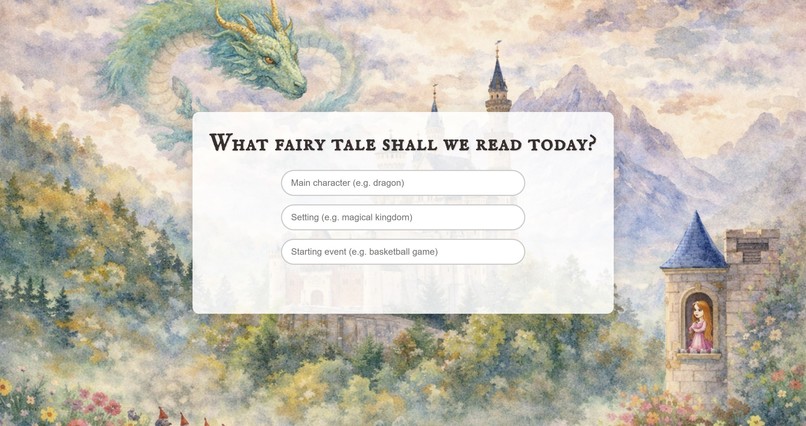
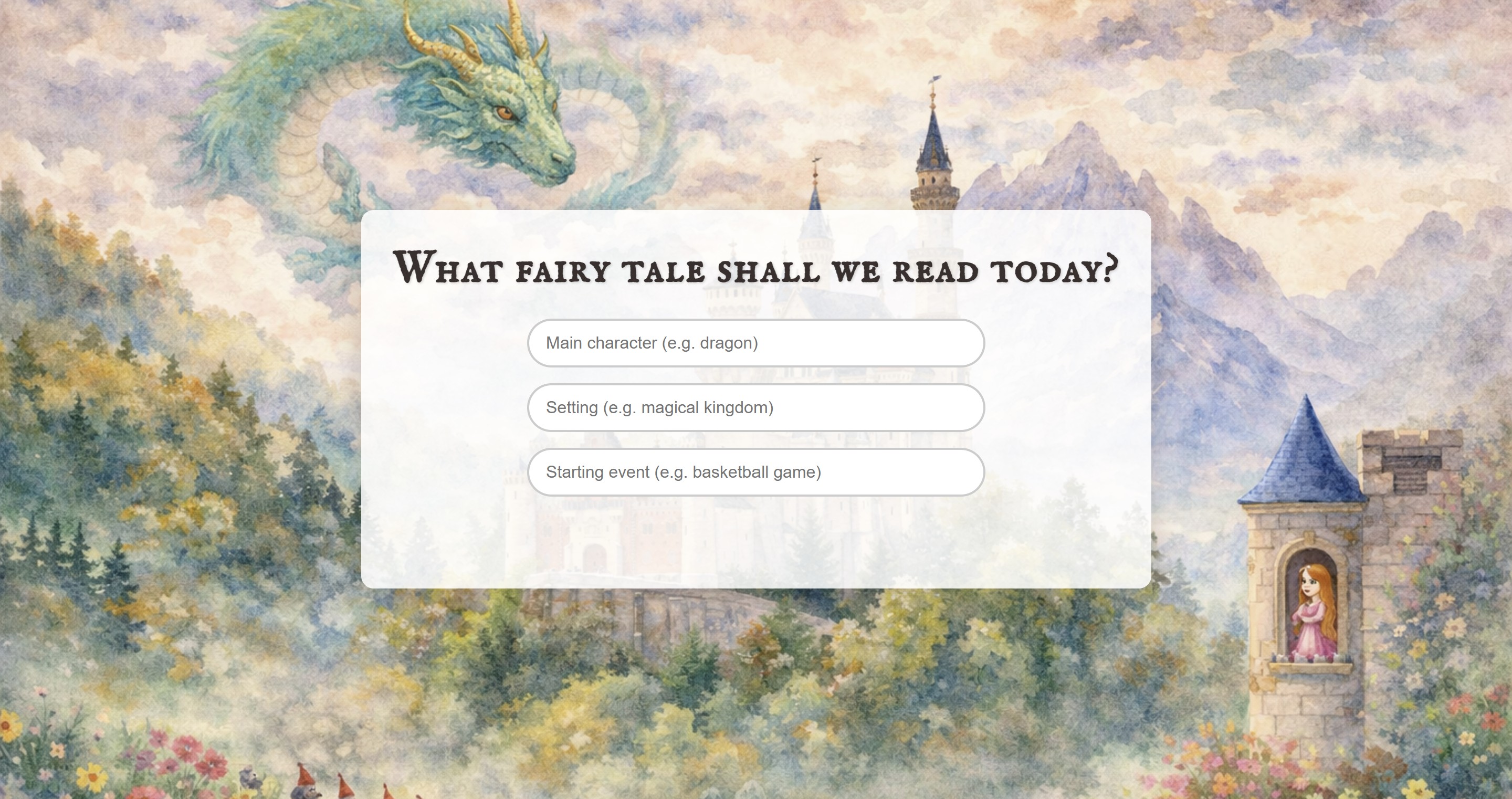
Splash page where users begin imaging their custom fairy tale
-
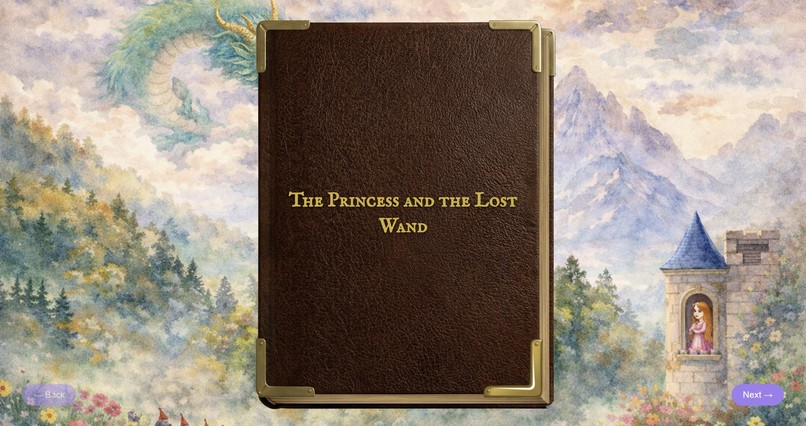
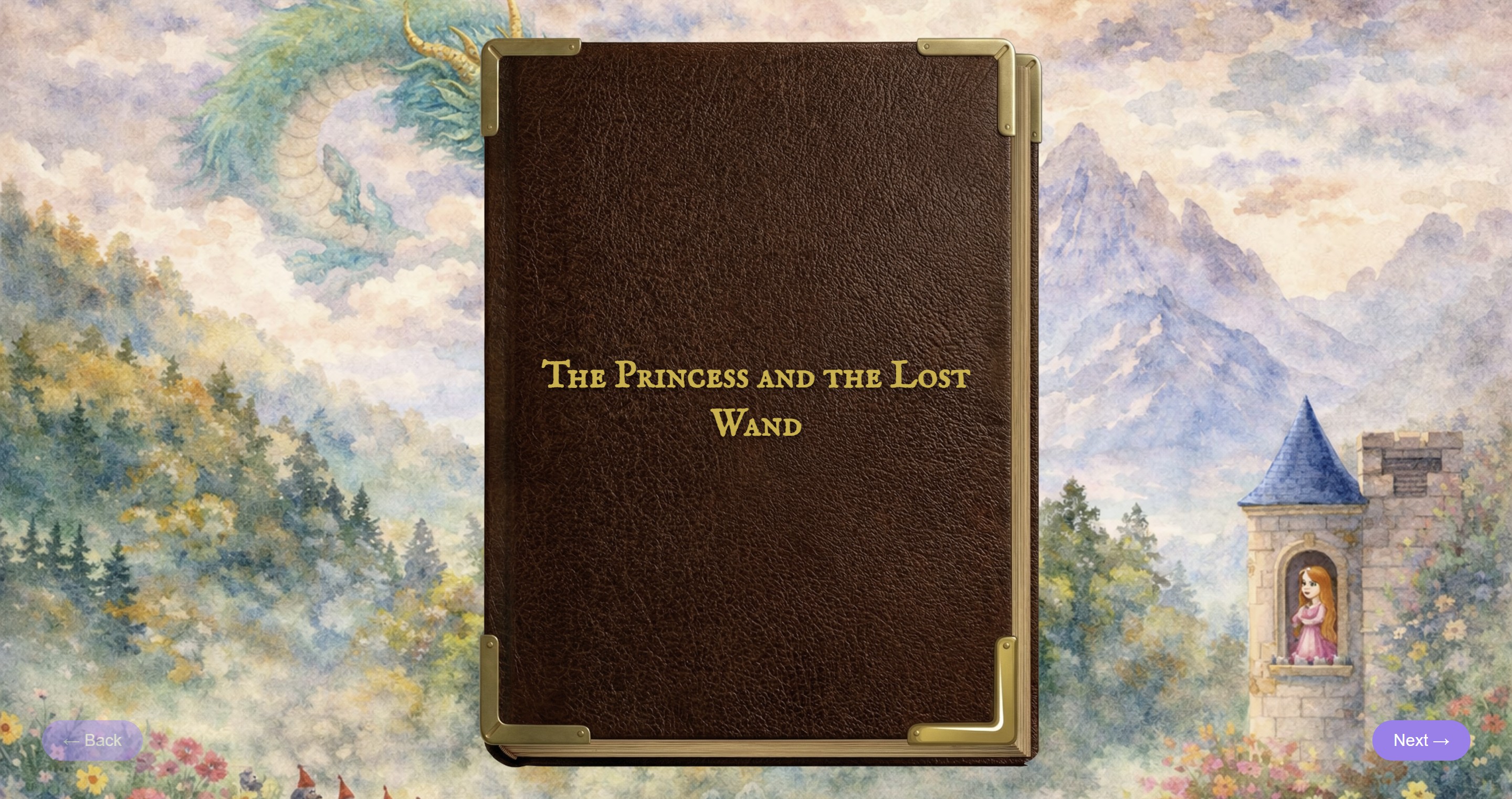
Storybook cover with title expanding on user ideas
-
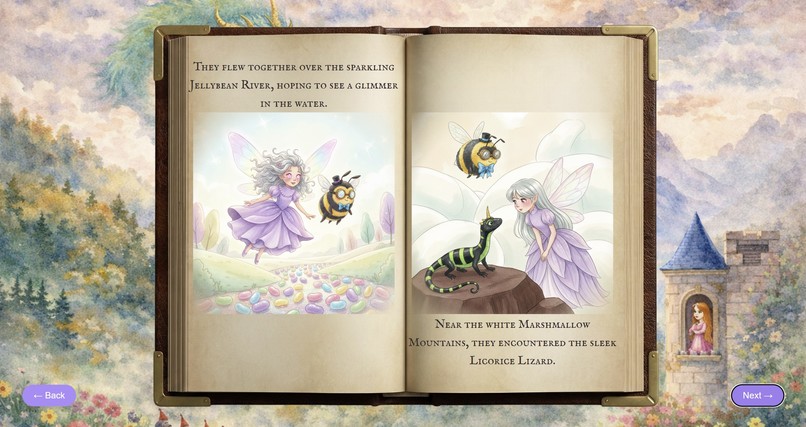
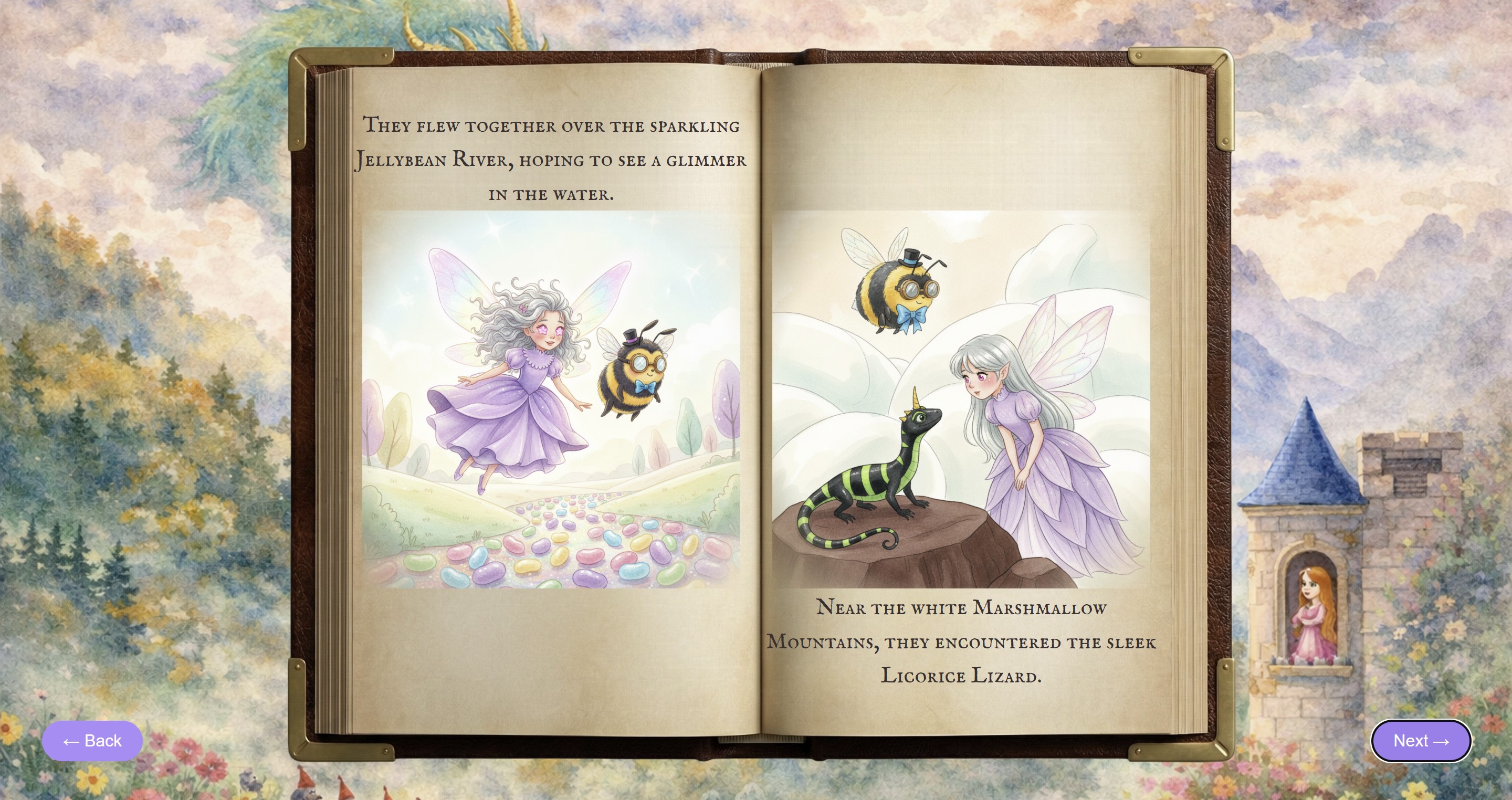
Example of generated storybook pages that bring a user's ideas to life
-
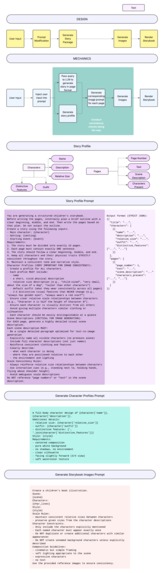
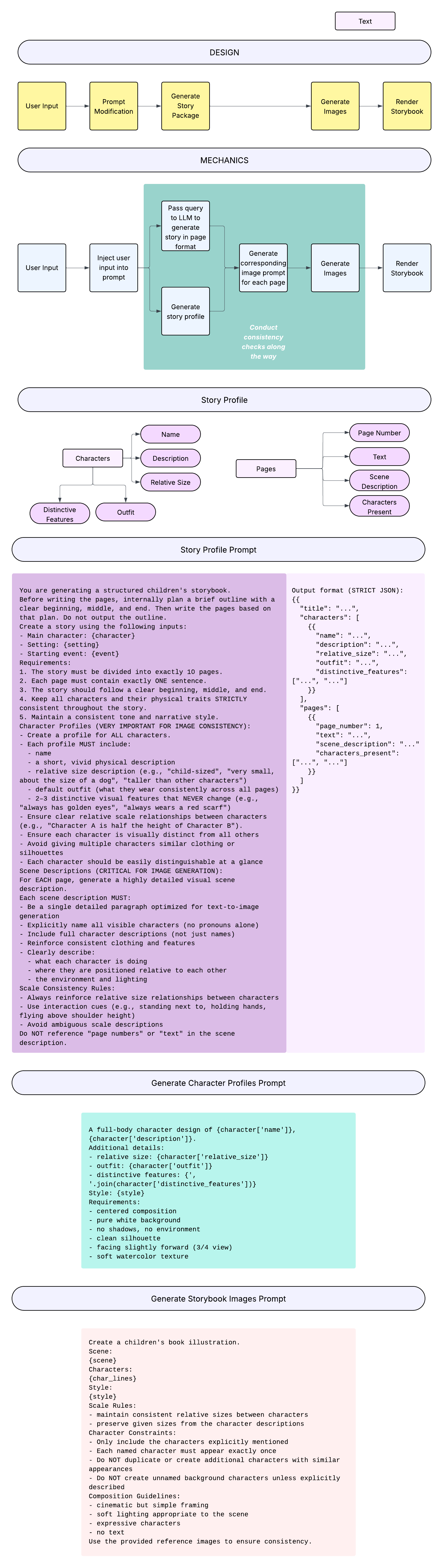
System design of project covering high-level data flow and prompt engineering
🪄 Once Upon AI 📖
What it does
We built an interactive AI-powered storybook that transforms a few simple inputs into a fully illustrated, animated fairy tale.
Users enter a main character, setting, and starting event, and within seconds, a magical story unfolds across the pages of a digital book. Each page is generated with both narrative text and matching illustrations, creating a cohesive storytelling experience.
But instead of stopping at generation, we focused on experience. The story appears inside a leather-bound book that fades onto the screen, with page-turn animations, soft transitions, and layout choices inspired by classic storybooks and animated films like Shrek. Each page reveals itself gradually, blending text and imagery in a way that feels immersive and intentional.
The result is something that feels less like a tool and more like a moment: a tiny, interactive fairy tale created just for you.
Inspiration
We were inspired by the feeling of opening a storybook as a kid—the anticipation, the illustrations, and the sense that anything could happen on the next page.
We wanted to recreate that feeling digitally using modern AI tools, but without losing the charm and pacing of traditional storytelling.
The opening sequence of Shrek was a huge reference point for us: the idea that a story isn’t just told—it’s revealed, page by page.
How we built it
Our project combines a full-stack web app with AI-generated content and a custom UI designed for storytelling.
Frontend
- React.js
- Custom components for the storybook layout
- State-driven animations for:
- page transitions
- fade-ins
- forward/backward page turning
- page transitions
- Responsive layout with per-page positioning of text and images
Backend
- Flask API
- Structured endpoints for story generation
- Image serving via custom routes (
/images/<filename>)
AI + Generation
- Google Gemini API
- Prompt engineering to generate:
- structured story JSON (pages, characters, style)
- scene descriptions for each page
- structured story JSON (pages, characters, style)
- Image generation pipeline that outputs illustrations per page
Pipeline
- User input → frontend
- Flask API → Gemini
- Story + images generated
- Images saved to backend
- Frontend fetches and renders pages dynamically
Challenges we ran into
Maintaining consistency across pages
We had to design prompts that preserved character details and story continuity across multiple generations.Image alignment + responsiveness
Positioning images and text within a book layout (while keeping it responsive) turned out to be surprisingly tricky.Page turn animation
We experimented with multiple approaches before landing on a state-driven animation using pre-rendered frames. Getting forward and backward turns to feel natural required careful timing and sequencing.Frontend ↔ backend image handling
Since images were generated and stored server-side, we had to expose them through Flask routes and dynamically map them to pages.
What we learned
- How to design AI systems that produce structured, usable output—not just raw text
- The importance of prompt engineering for consistency, not just creativity
- How small UI/UX details (timing, layout, transitions) dramatically change how a product feels
- That building something delightful often means spending time on the “invisible” parts
What’s next
If we had more time, we’d love to:
- Add voice narration so stories can be read aloud
- Introduce reading levels for different age groups
- Improve illustration consistency across pages
- Add custom story worlds or recurring characters
- Let users save and share their stories
AI Usage
We used AI (Google Gemini API) for:
- Generating structured story content (title, pages, characters)
- Producing scene descriptions for each page
- Generating illustrations for each page
We designed and implemented:
- The prompt structure and constraints
- The backend API and data pipeline
- The frontend UI, animations, and interaction model
- The integration between generated content and user experience

Log in or sign up for Devpost to join the conversation.