-
-
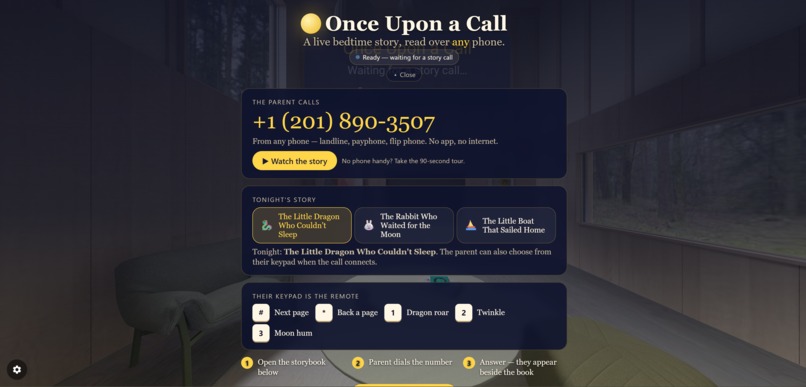
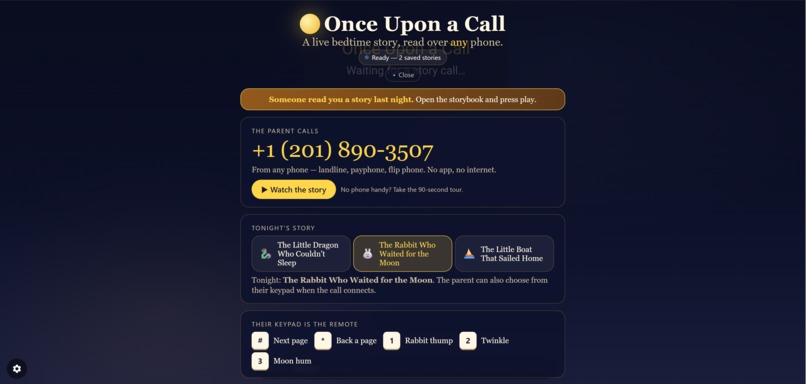
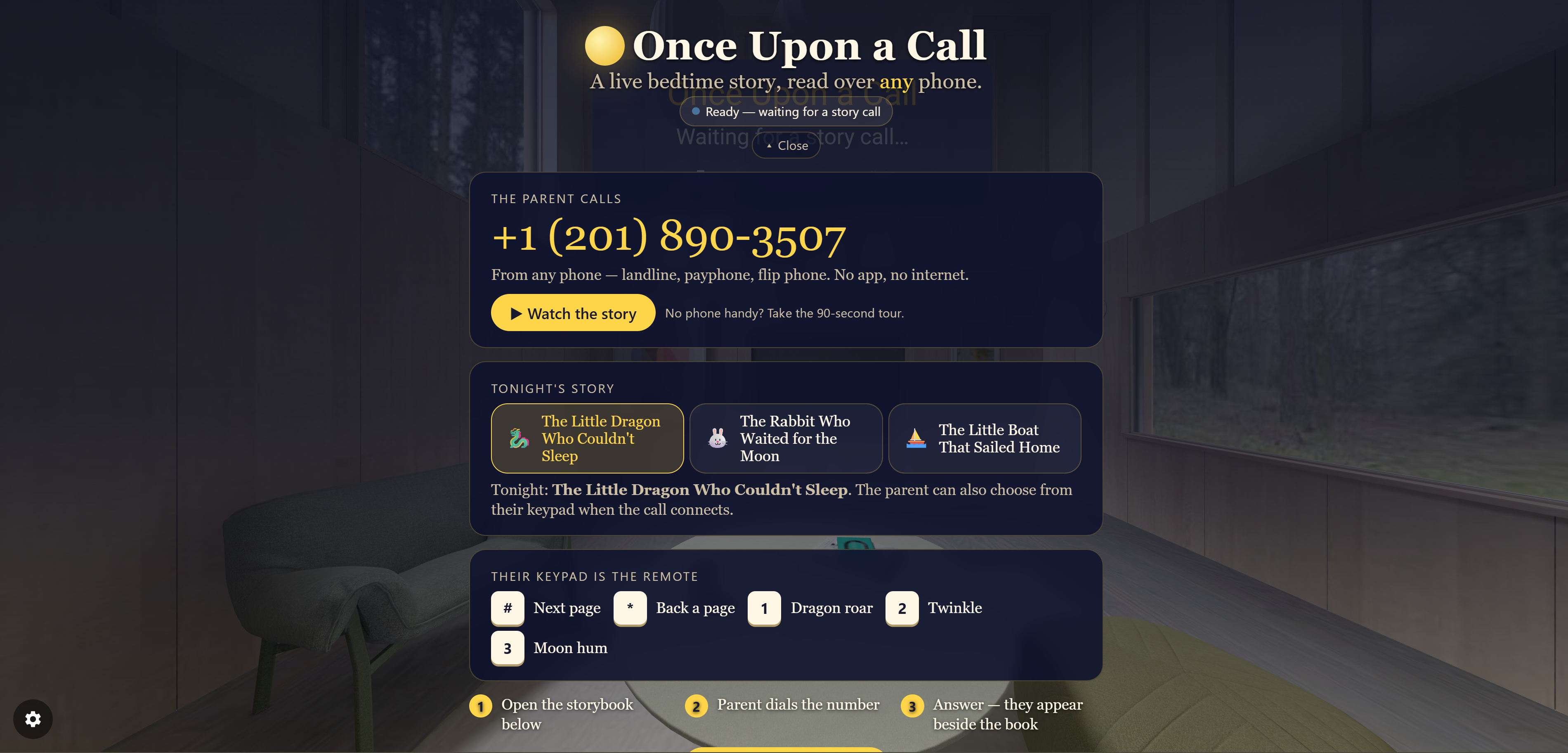
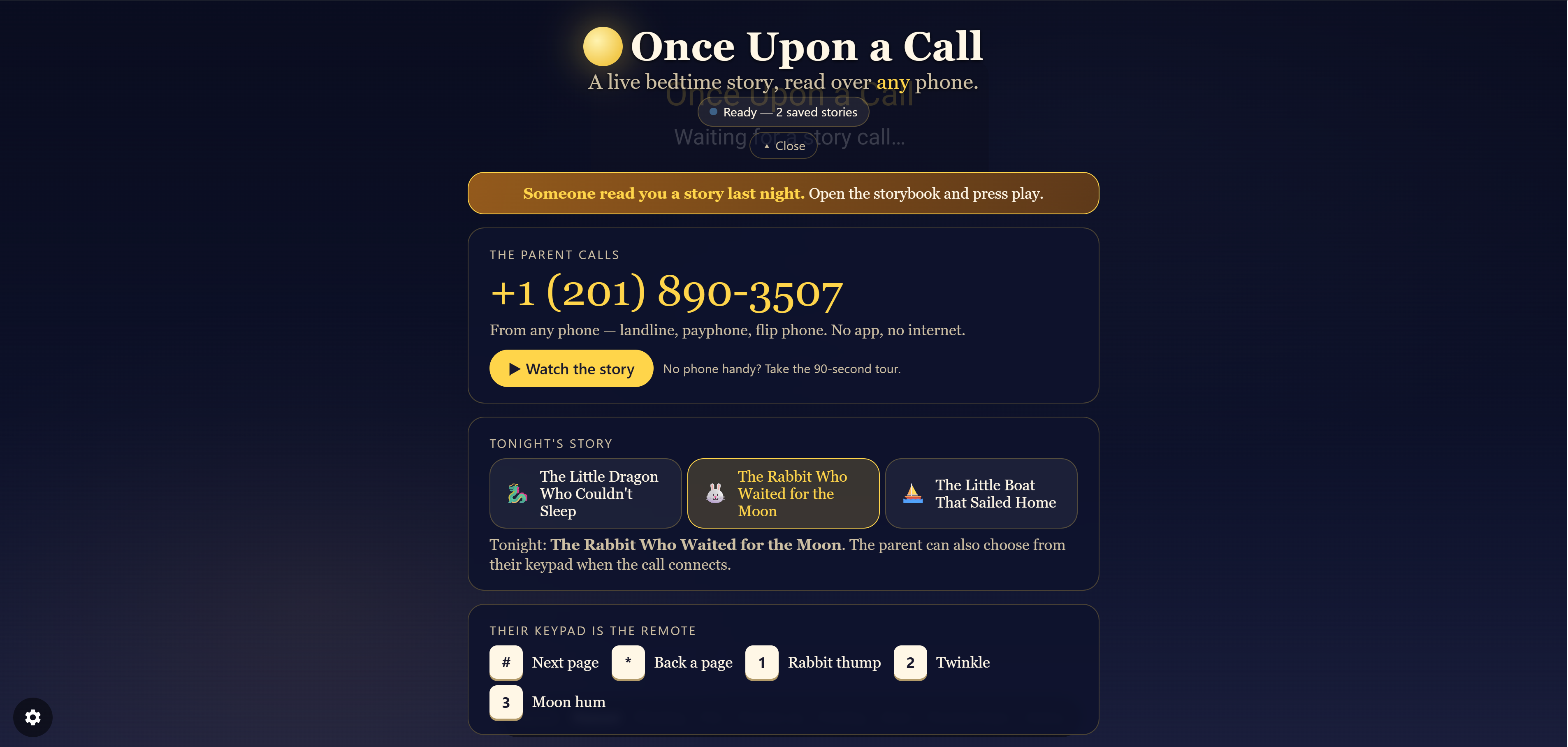
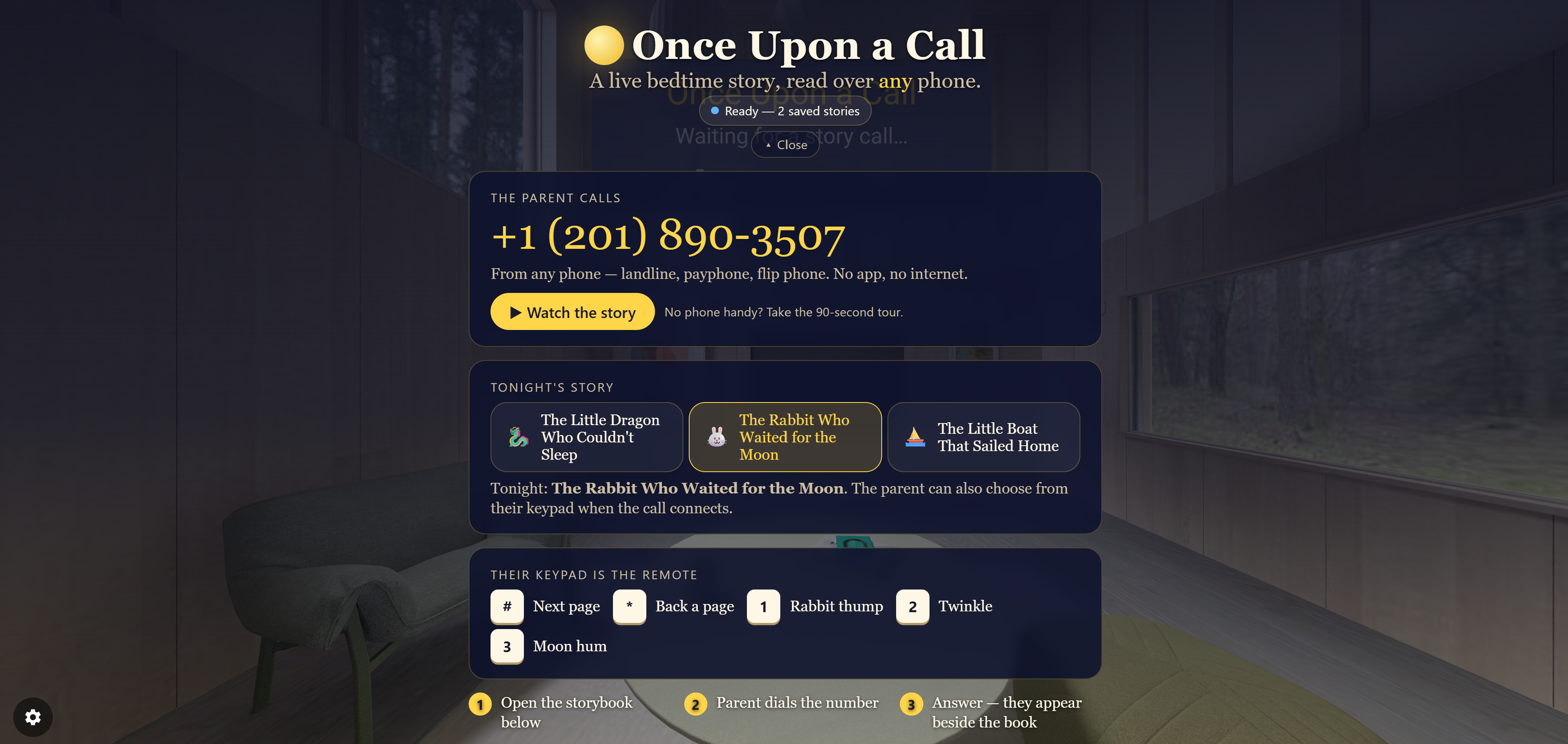
The whole thing on one card: the number to call, tonight's story, and what every key on the parent's phone does.
-
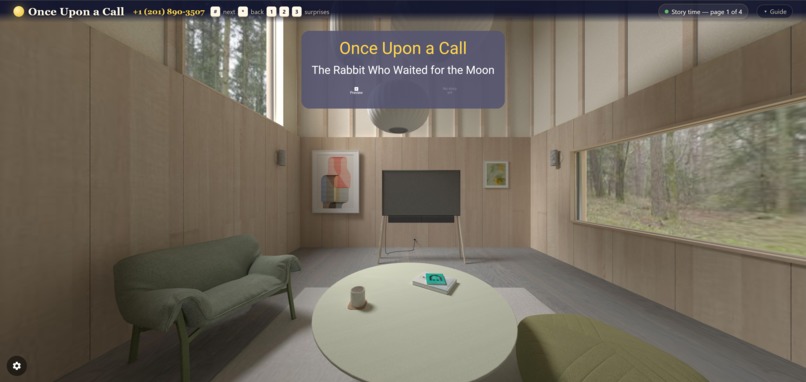
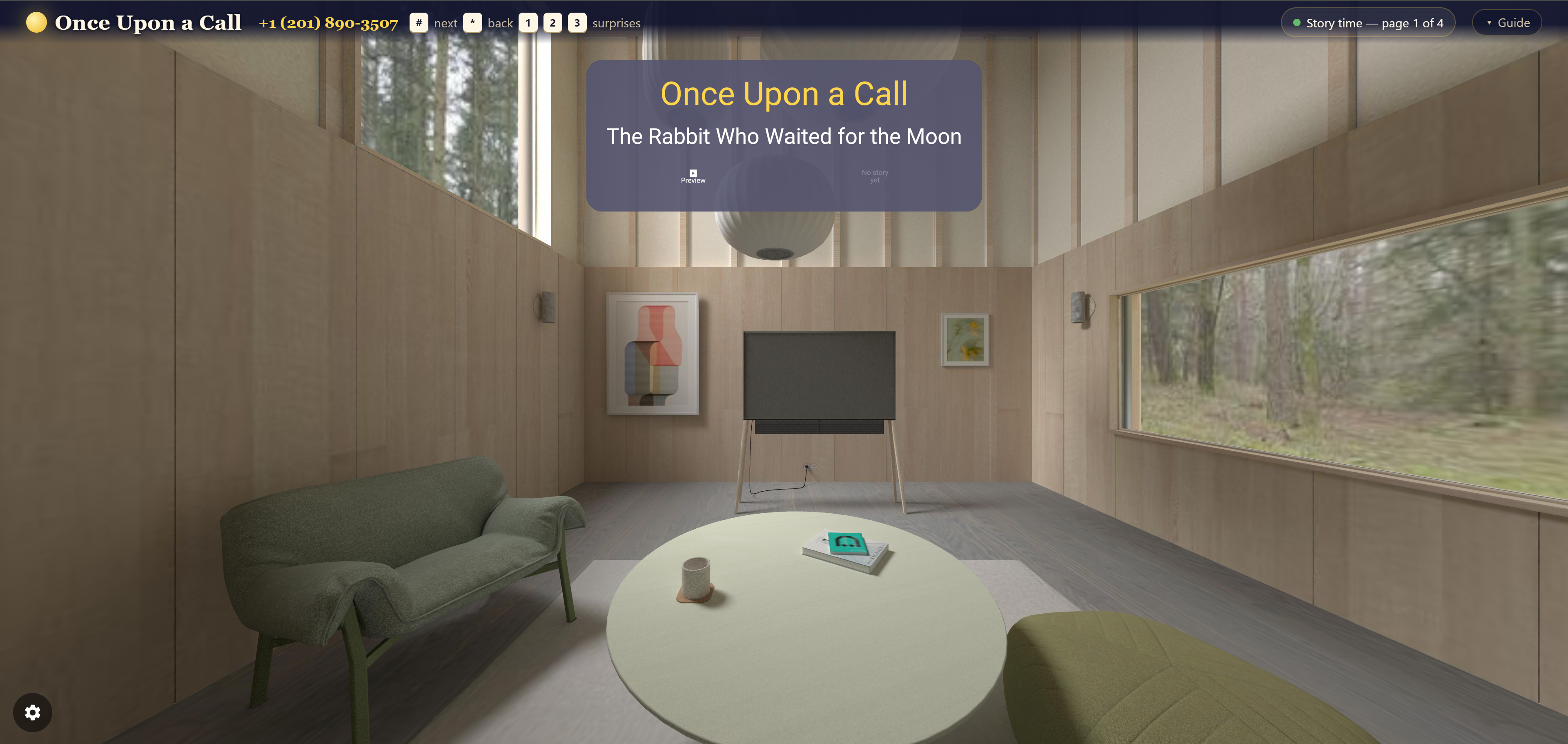
The child's room, waiting. Tonight's book is chosen and the storybook is listening for a call.
-
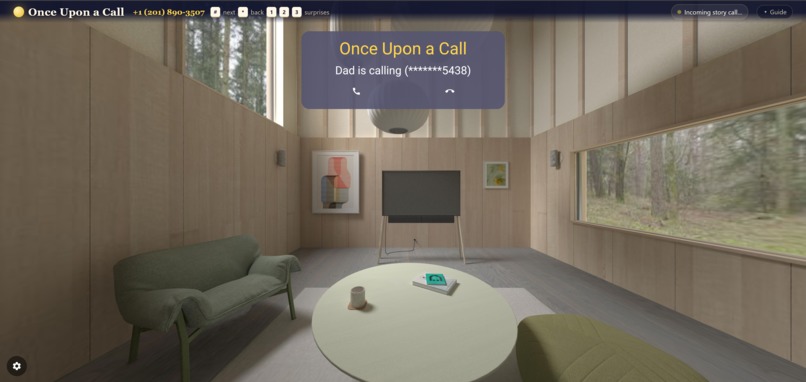
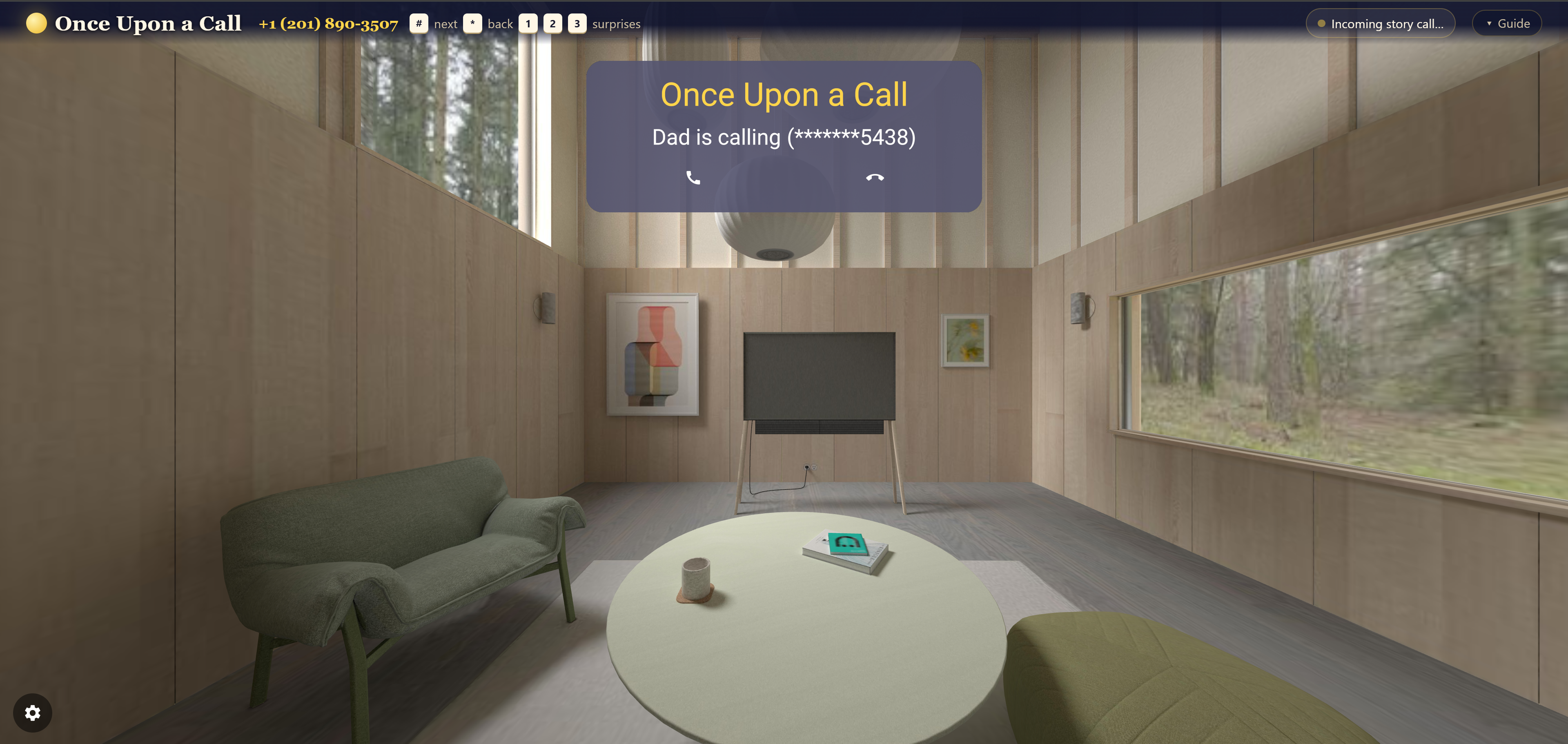
Dad is calling. The storybook rings like a phone, showing only the last four digits.
-
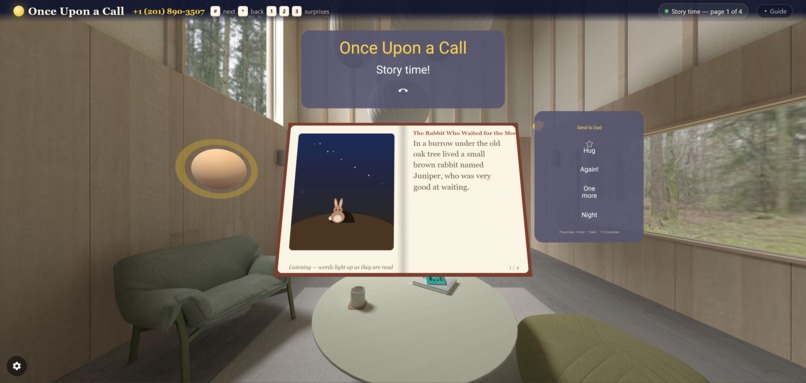
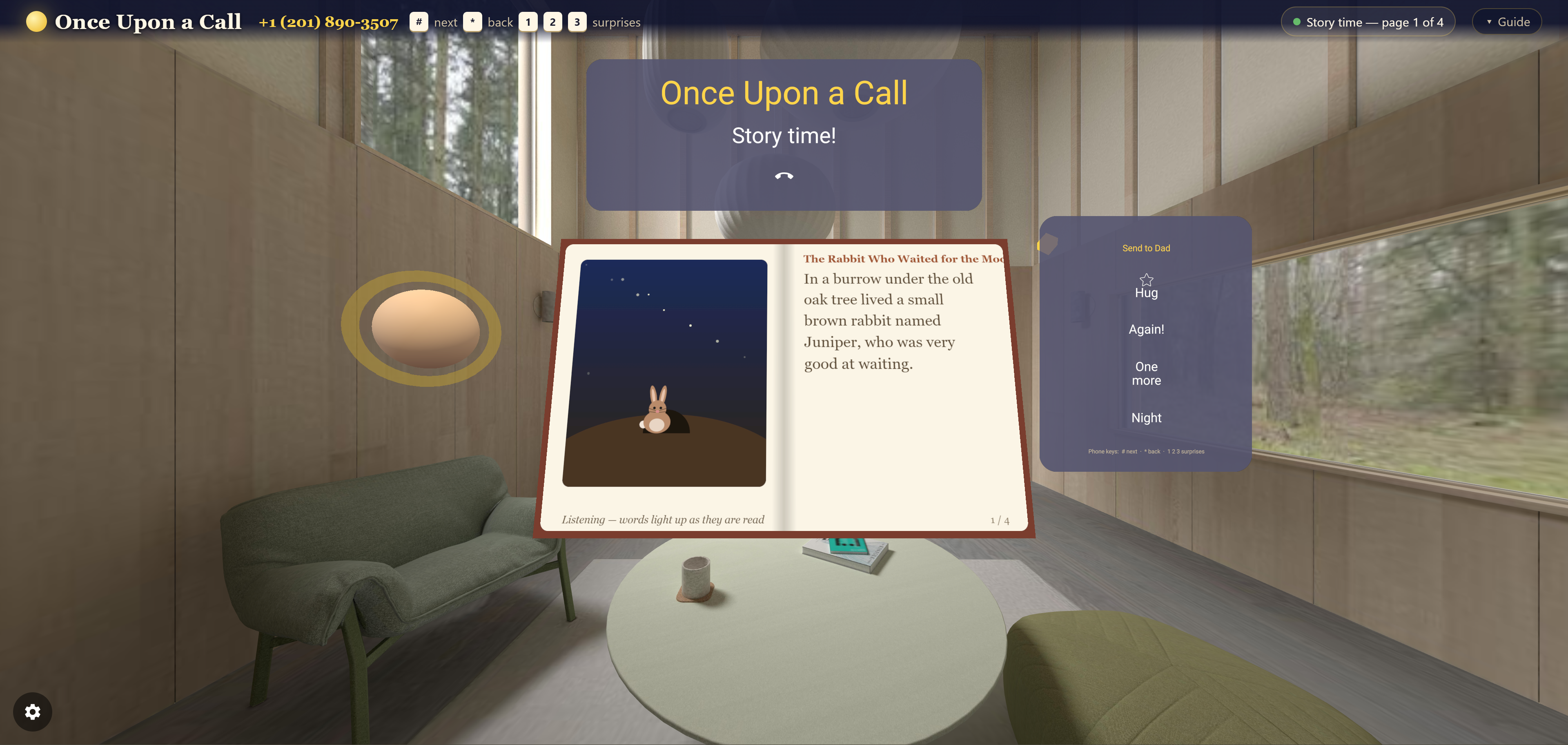
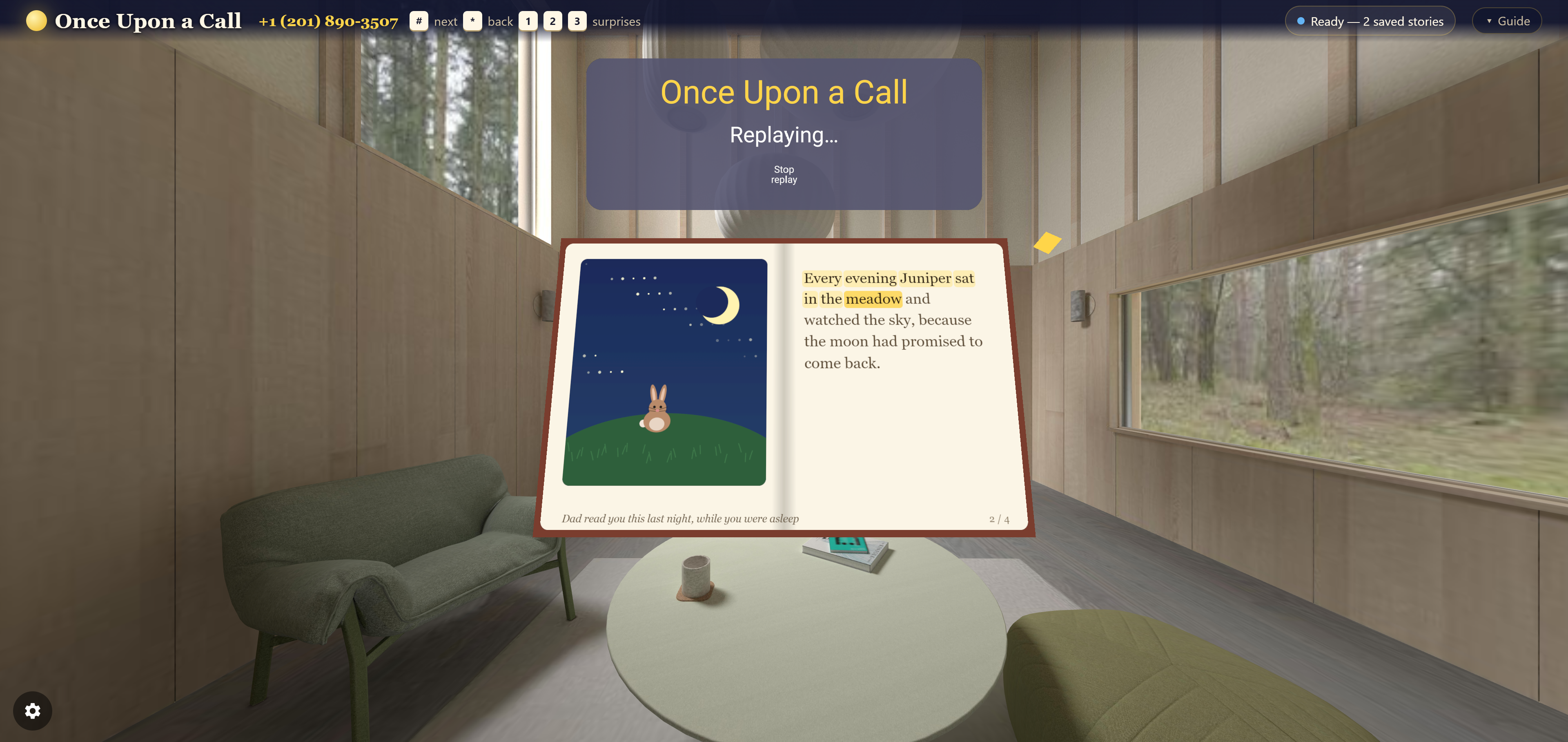
Page one. Dad's voice is in the room and the words light up as he reads them.
-
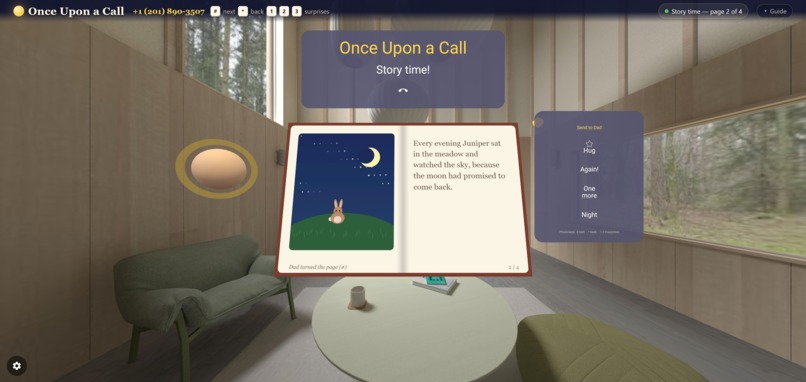
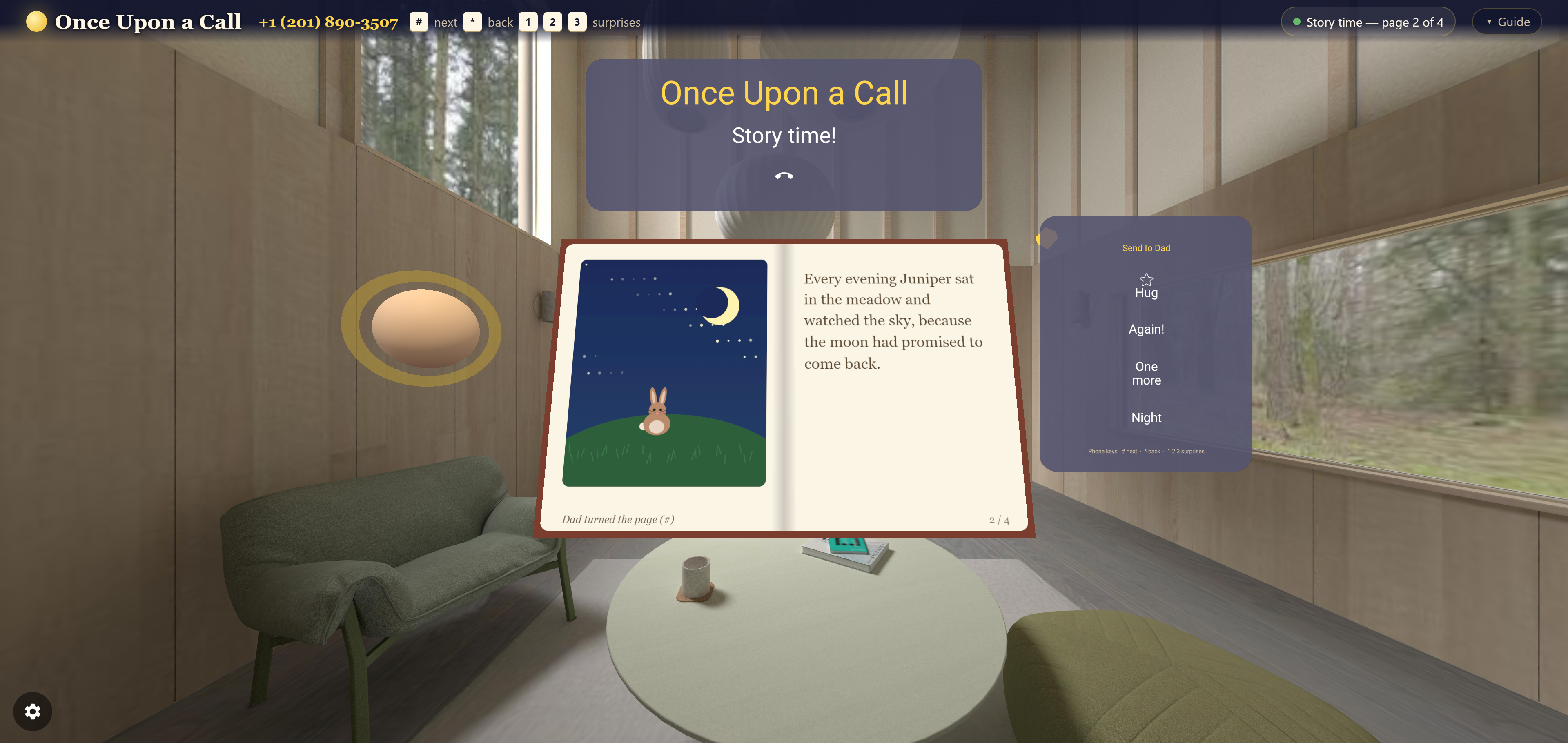
Dad pressed # on his keypad and the page turned. He never sees a screen.
-
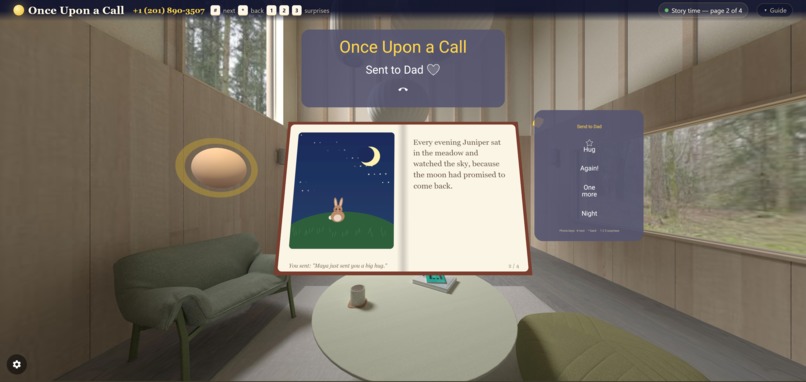
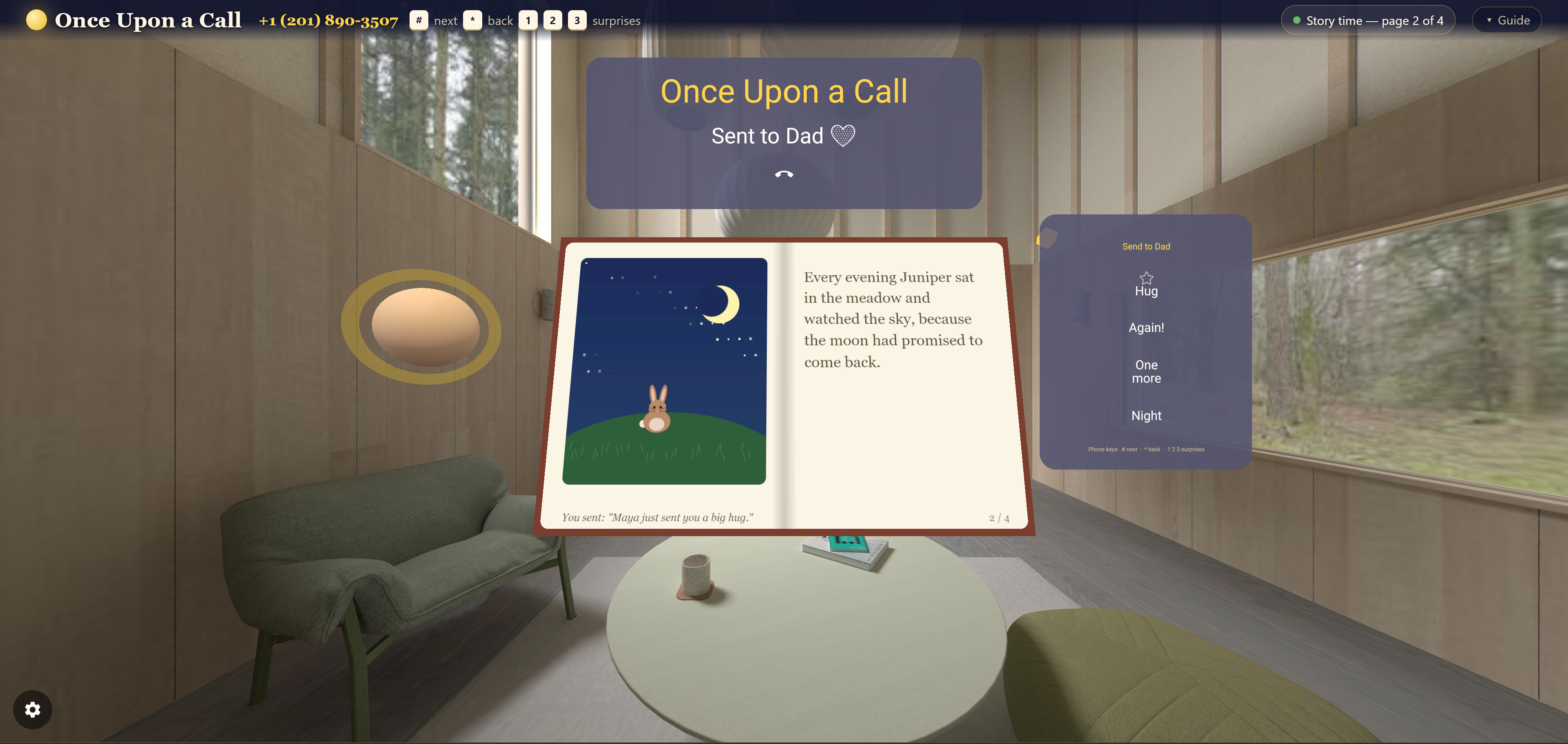
The child taps a star and Dad hears "Maya just sent you a big hug" in his ear alone.
-
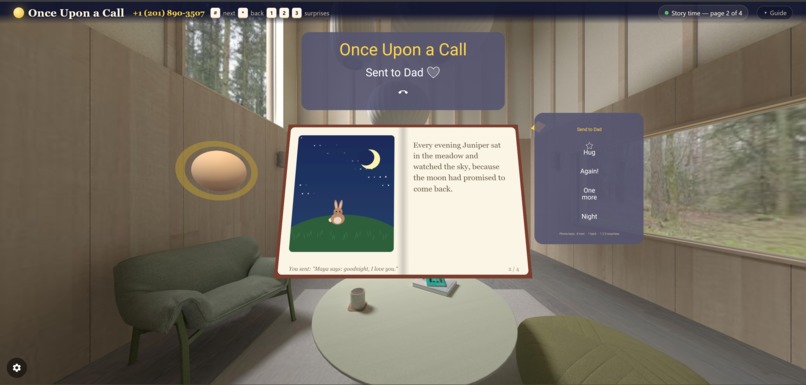
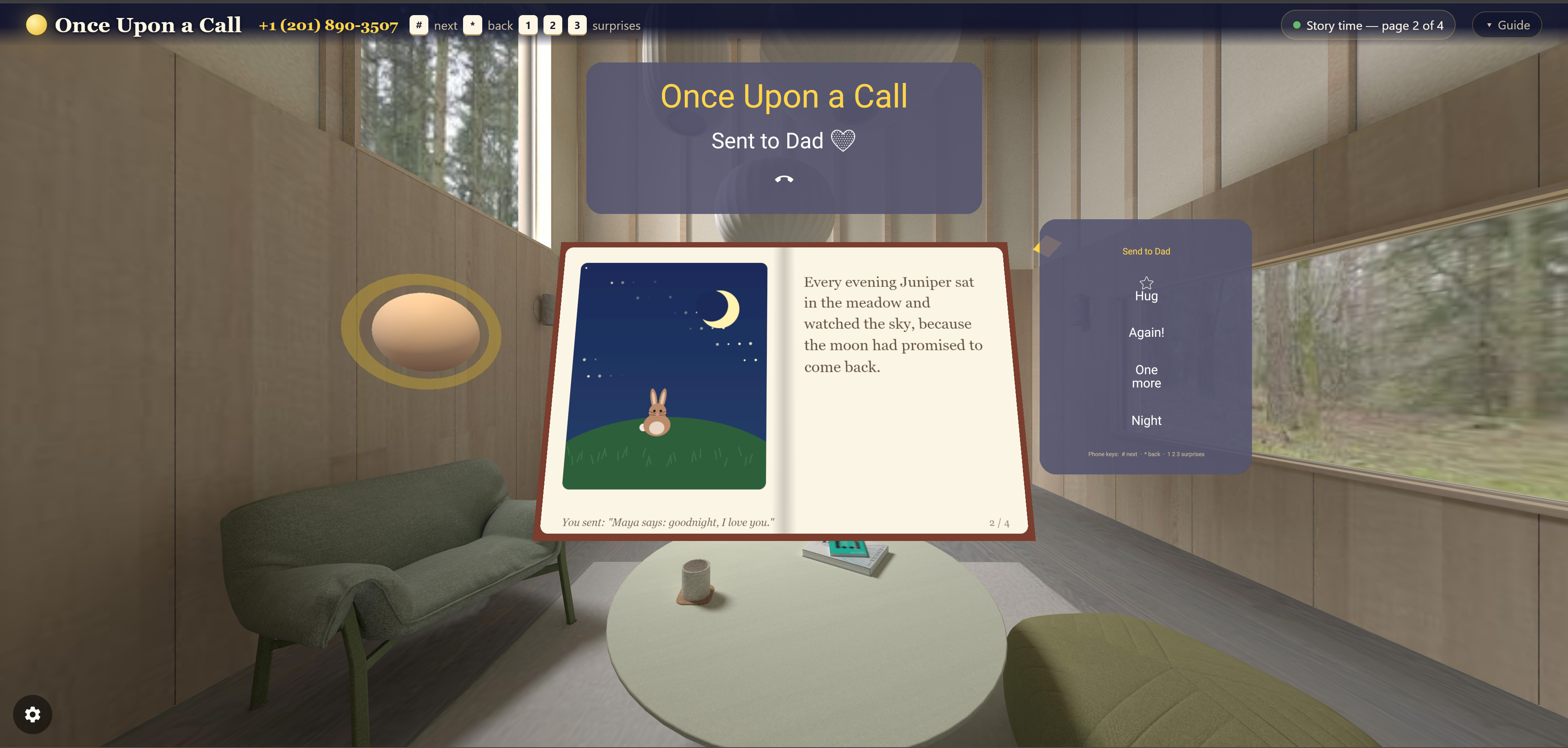
Goodnight, sent back down the line. Nobody else on the call hears it.
-
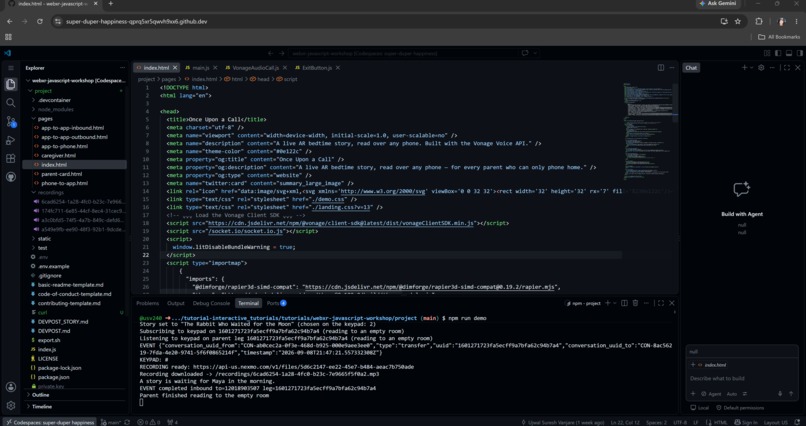
Behind the glass: a keypad press, a recording saved, and a story left waiting for the morning.
-
Morning. Someone read a story to an empty room last night, and it is still waiting to be heard.
-
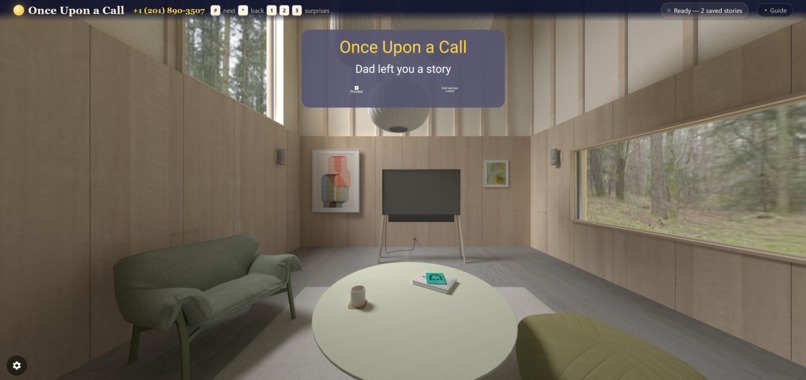
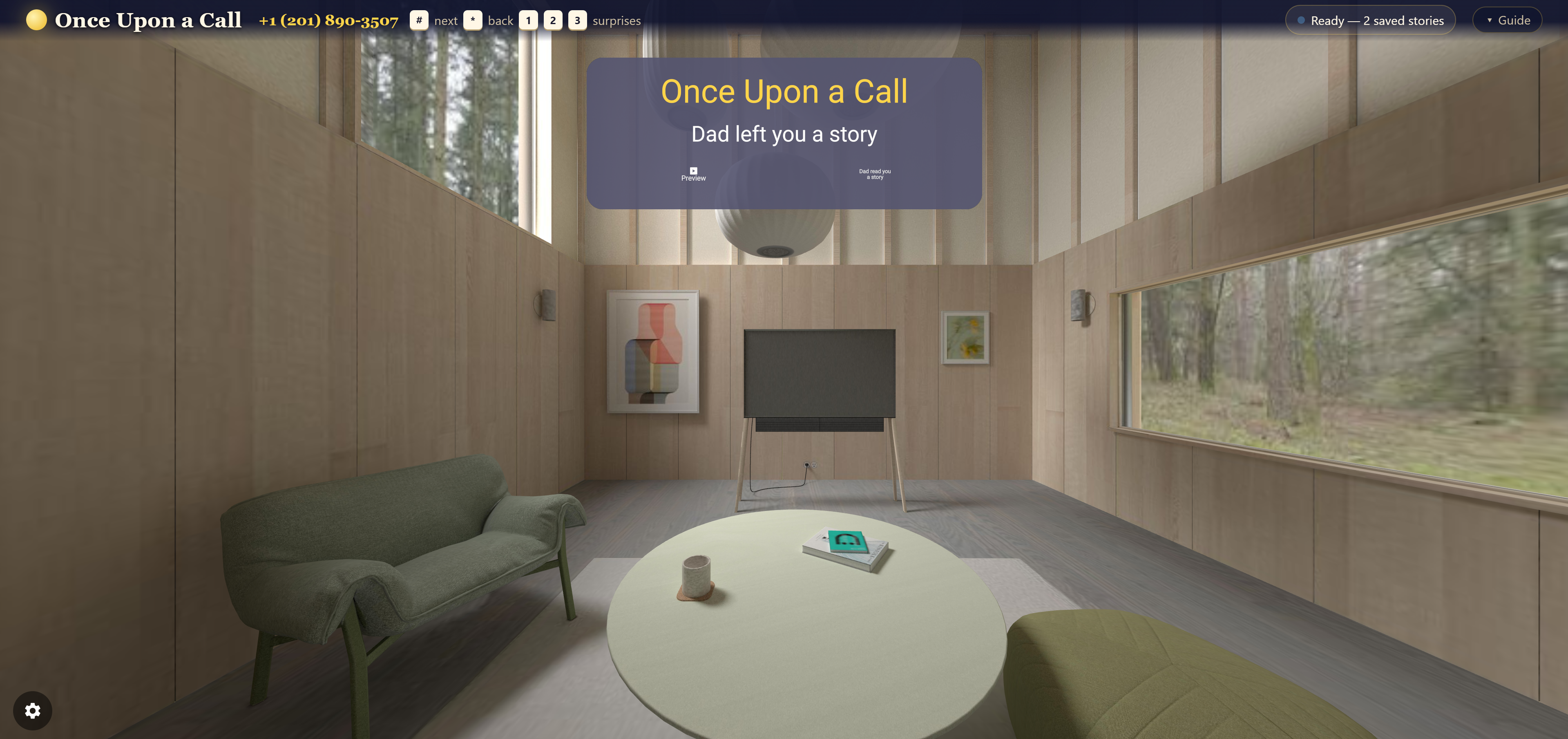
Dad left you a story. He called, nobody was there, and he read it anyway.
-
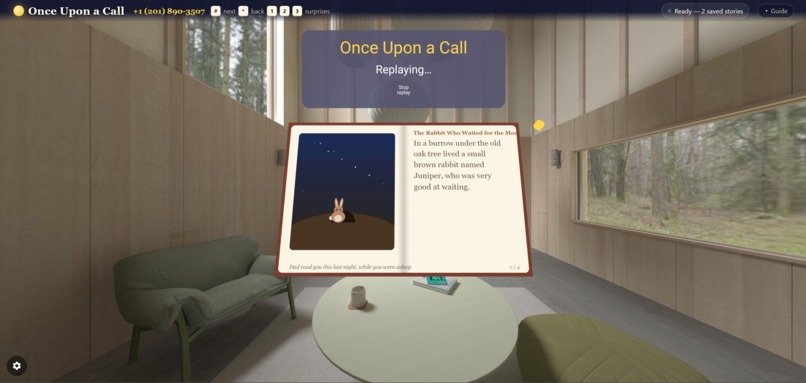
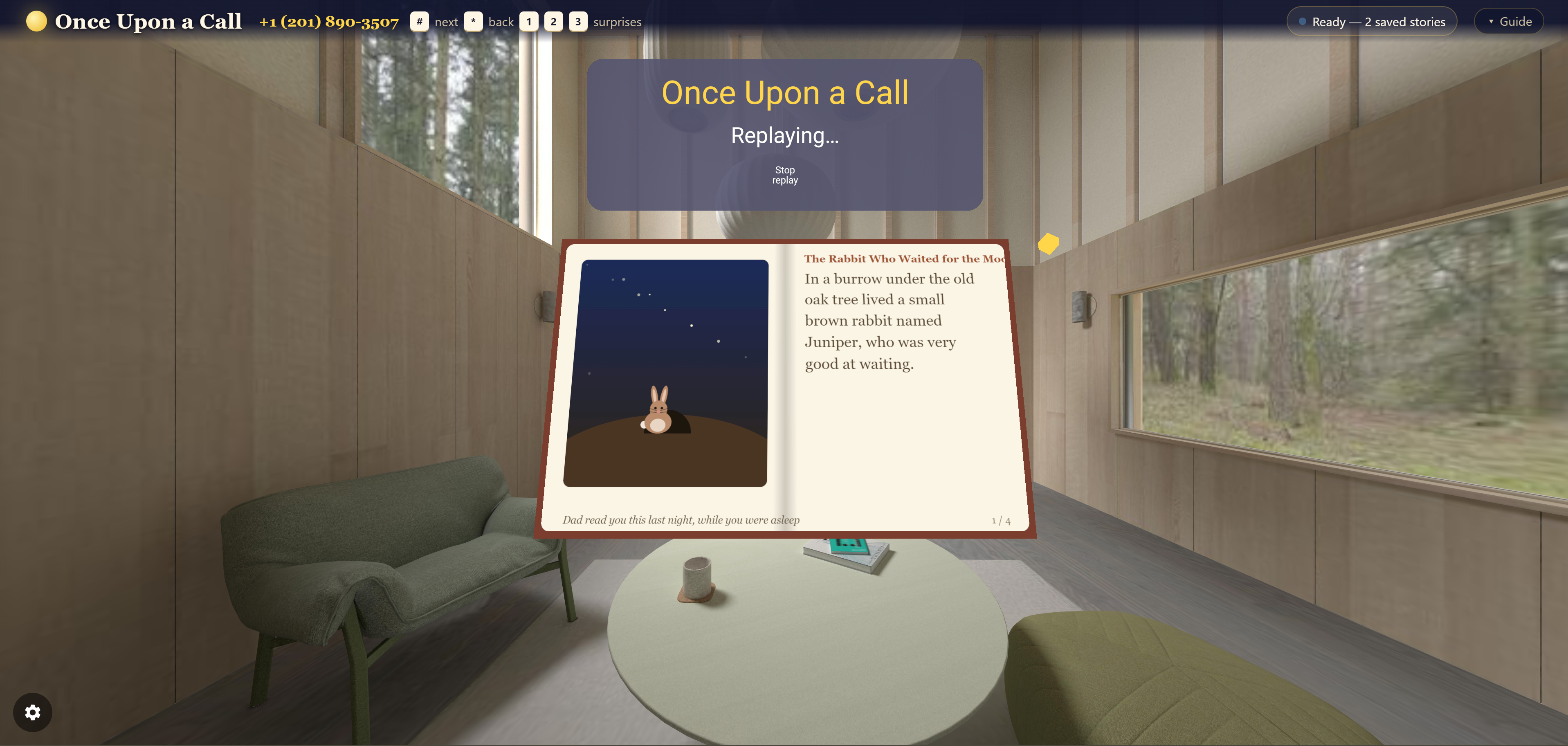
Last night, played back. The book knows it was read while the room was empty.
-
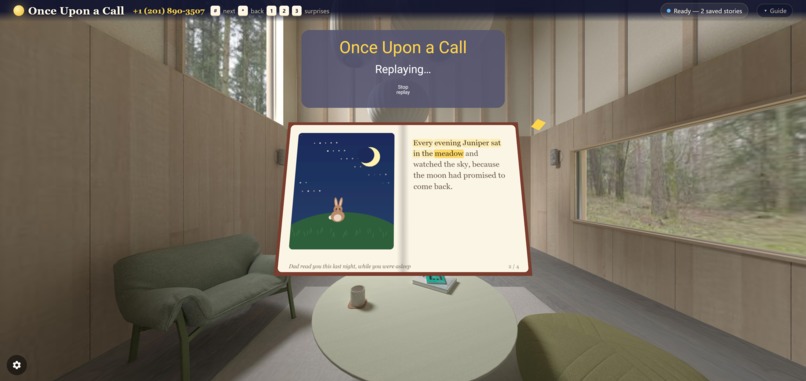
The recording plays, the pages turn where Dad pressed #, and the words light up as he goes.
-
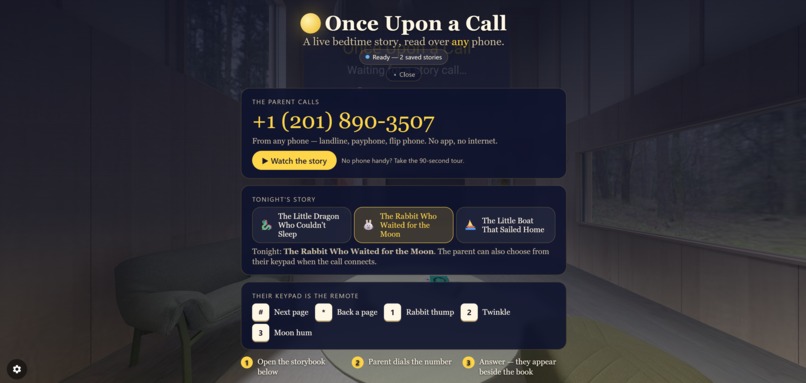
Three steps and that is the setup: open the storybook, dial the number, answer when it rings.
Inspiration
About 1 in 14 children in the United States has had a parent in prison (Annie E. Casey Foundation, KIDS COUNT). Hundreds of thousands more have a parent deployed, working nights, hospitalised, or an ocean away for work.
Those parents are not offline. They are screenless. What reaches home is a phone call, often a scheduled one, often on a handset with nothing but twelve keys. No video, no app store, no data plan.
Meanwhile the advice every paediatrician gives is the same: read to your child, every day, from infancy (American Academy of Pediatrics). The UK charity Storybook Dads has spent twenty years proving the point the hard way, recording incarcerated parents reading picture books, burning them to disc, and posting them home.
We wanted to know what that looks like if the phone call itself becomes the storybook.
What it does
A parent dials an ordinary phone number. In the child's room, a 3D storybook opens and their parent's voice is in it.
Choosing the book. The call opens with a spoken menu: press 1, 2 or 3. The shelf on the child's screen changes before a word is read. The parent never sees a screen.
Reading together. The parent's voice drives a lip-synced avatar beside the book and feeds a live transcription, so each word lights up as it is read. Say "moon" and the illustration answers.
The keypad is the controller. Press # to turn the page. * to go back. 1, 2, 3 fire surprises in the picture: the dragon roars, the stars twinkle, the moon smiles. A 1970s telephone keypad, driving an augmented-reality storybook, with no app on the parent's side at all.
The room answers back. The child taps a star and the parent hears, in their ear only, "Maya just sent you a big hug." Private to their leg of the call.
And the part that matters most. You don't get to choose when a scheduled call happens. The child might be asleep. So if nobody is at the storybook, the call doesn't fail and it doesn't hang up. The parent is told, gently, and invited to read anyway. Vonage records it. Their keypad still marks every page turn, and the page number is spoken back so a parent reading into an empty room knows it registered.
In the morning, the child opens the book to "Dad read you this last night, while you were asleep", and it plays back in his voice, with every page turning exactly where he turned it.
A missed connection is never a wasted call.
How we built it
Node + Express + Socket.IO on the server. Three.js and XR Blocks for the child's room, with the storybook drawn to a canvas texture, so writing a new story is a writing job rather than a drawing job. Deepgram for streaming transcription. Stories are plain JSON: drop a file in and it appears in the keypad menu and on the shelf with no code change.
The Voice API isn't decoration here. It's the interface:
| Vonage feature | What it does in the product |
|---|---|
NCCO talk + input |
The spoken menu, the family PIN gate, page numbers read back |
NCCO connect |
Bridges the phone to the WebXR app over the Client SDK |
NCCO record |
Every story is kept |
NCCO conversation |
Holds the line open for a parent reading to an empty room |
Asynchronous DTMF (subscribeDTMF) |
Every keypress becomes a webhook that turns a page in 3D |
Per-leg TTS (playTTS) |
The child's hug reaches the parent's ear alone |
downloadRecording |
The morning replay, without exposing credentials to the browser |
| Users API | The child's app is a real Vonage user the phone can ring |
| Messages API | A text to the caregiver when a story is waiting |
It degrades all the way down, on purpose. No headset → the simulator in any browser. No Deepgram key → the words stop glowing and everything else works. No phone at all → ▶ Watch the story narrates the whole book through the same page-turn and effect code.
Challenges we ran into
A record action stops at the mouth of a conversation. Our empty-room read put the caller into a conversation, so what got saved was the sixteen-second invitation and none of the reading. Every morning replay was a robot explaining that nobody was home. The recording has to belong to the conversation, because that is where the reading is.
An NCCO runs straight on when a connect ends. We had put the empty-room invitation after the connect as a fallback. It looked right and behaved like an epilogue: every successful call signed off by telling the caller nobody was at the storybook. Nothing may follow the connect. When the ring genuinely goes unanswered we transfer that leg instead.
Vonage's answered event fires at the start of the NCCO, not when the story begins. Our keypad subscription was gated on state that had not been set yet, so the empty-room keypad silently never worked.
Browsers will not play audio you have not earned. speechSynthesis.getVoices() is async and speak() silently no-ops if you call it too early. An AudioContext stays suspended until a user gesture, and effects fired from the phone arrive over a socket, which is not one.
Accomplishments that we're proud of
The unattended read. Everyone can build "call into a 3D scene"; that is the tutorial. Turning a missed call into an artifact the child opens the next morning is a different idea about what a phone call is.
That it works on any phone made in the last fifty years. No smartphone, no data plan, no app.
And that we stopped fixing bugs by eye. Six test suites, including one that boots the real server and drives the full webhook contract in the order Vonage actually sends it, found every bug in the last stretch, including two we had introduced while fixing others.
What we learned
That the interesting design question was not "how do we put a phone call into AR". It was "what should happen when the call doesn't work?" Every good decision in this project came from taking the failure case seriously instead of hanging up on it.
And that a webhook contract is a real contract. Almost every bug we shipped came from assuming the order events arrive in, rather than checking.
What's next for Once Upon a Call
Real families rather than a demo family: multiple children, a shelf that grows, and letting a parent record a story for a specific night.
Working with the people who already do this by hand. Storybook Dads and prison family services burn recordings to disc and mail them. This does the same job over the phone system that is already in the building.
And the accessibility case we keep coming back to: a parent who cannot read the page could have it read to them, and still turn the pages, still be the voice in the room.
Built With
- css
- deepgram
- dtmf
- express.js
- html
- javascript
- ncco
- node.js
- socket.io
- three.js
- vonage-client-sdk
- vonage-voice-api
- webhooks
- webrtc
- webxr
- xr-blocks

Log in or sign up for Devpost to join the conversation.