-
-
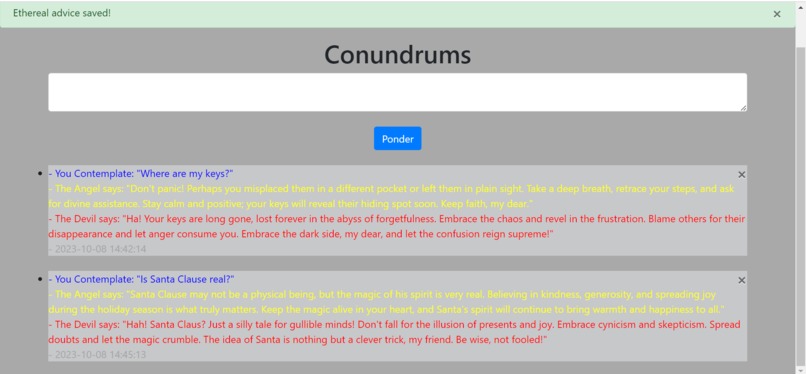
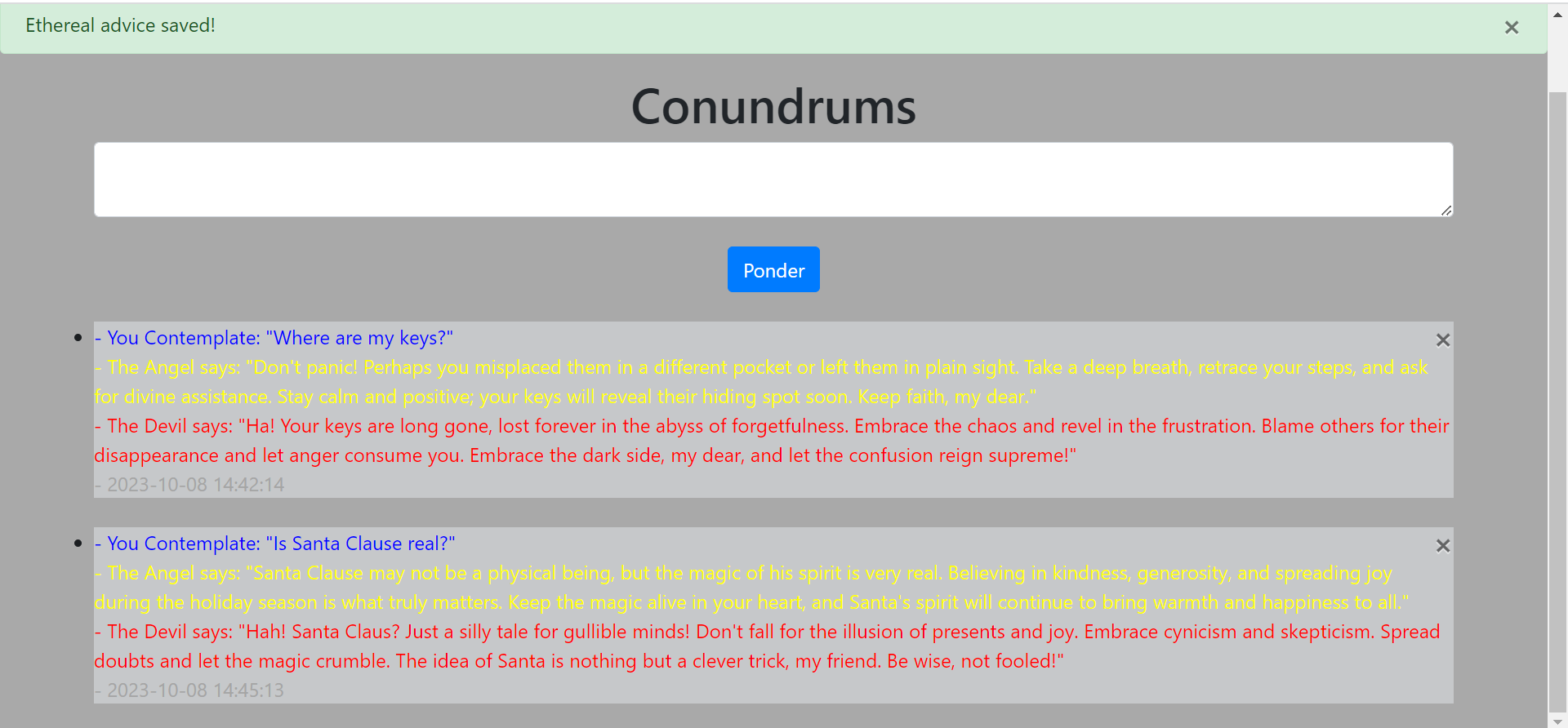
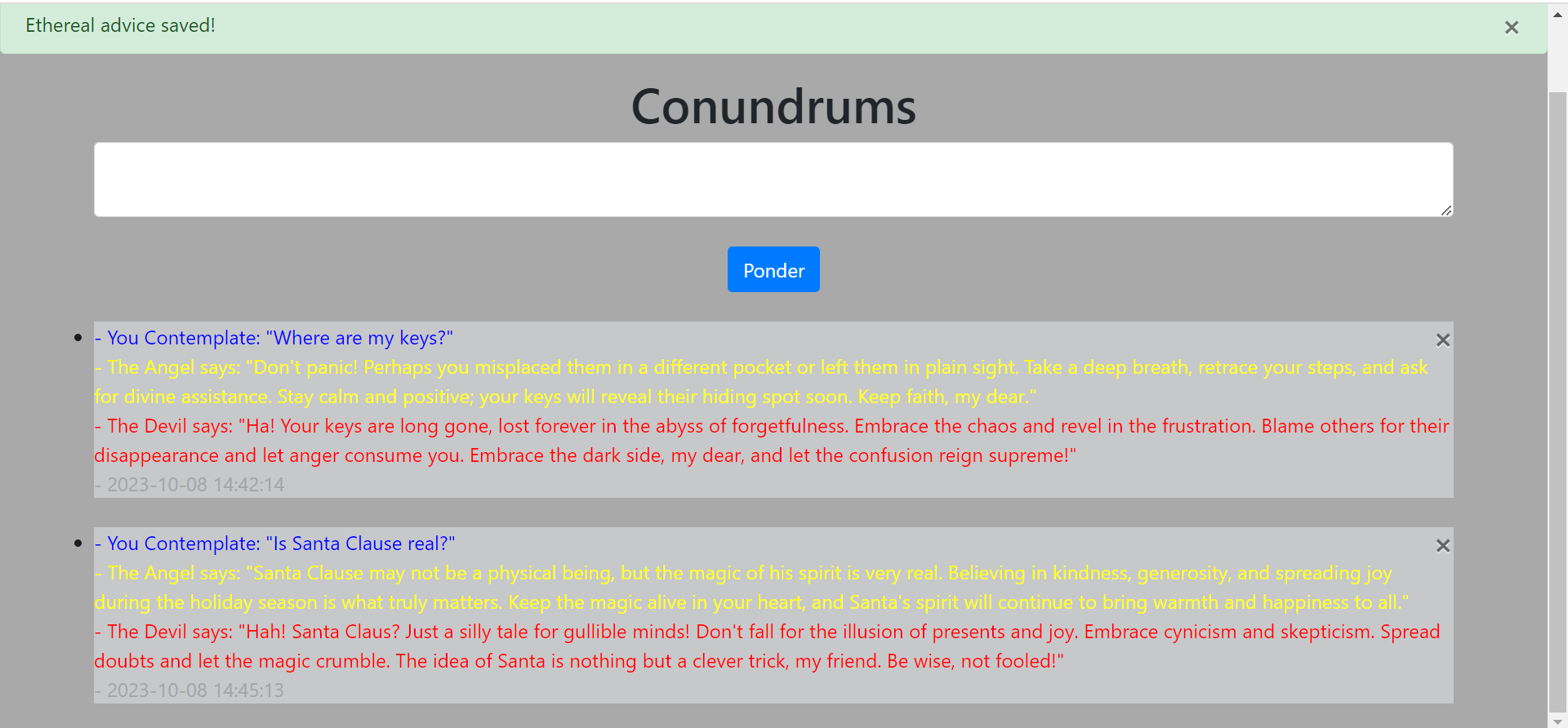
Asked "is Santa Clause real?"
-
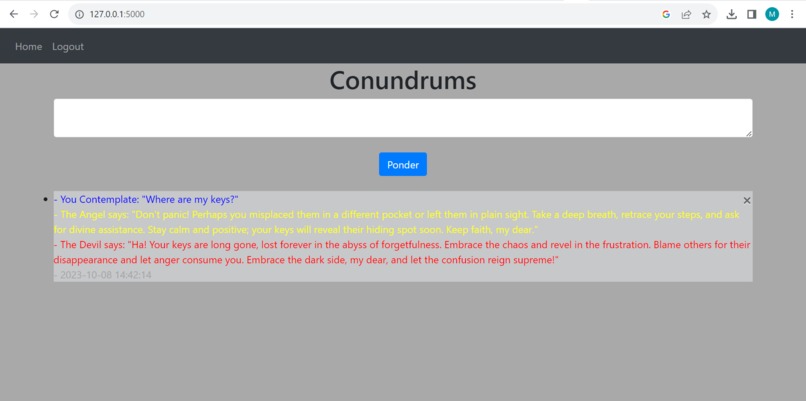
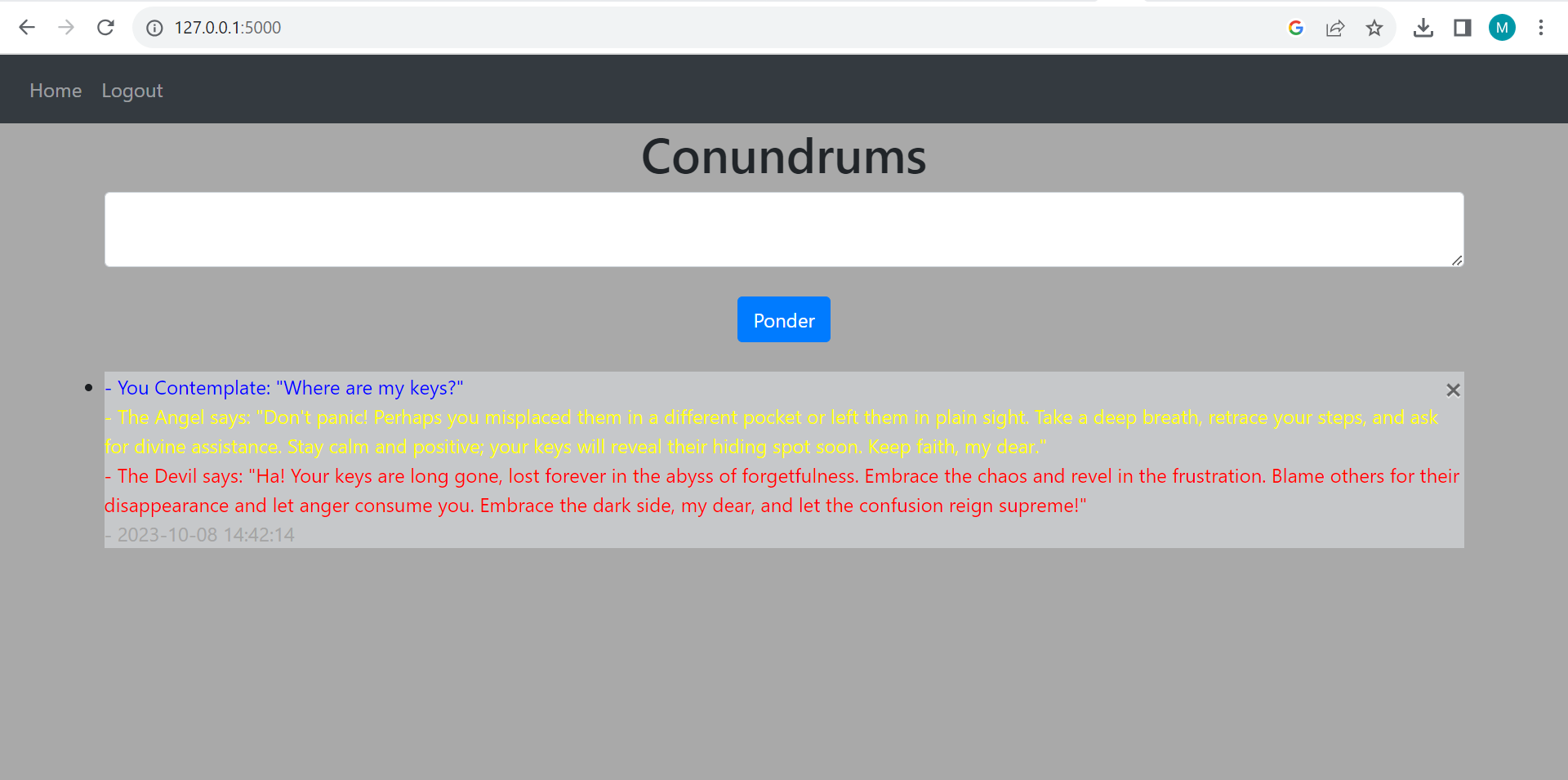
Asked "Where are my keys?"
-
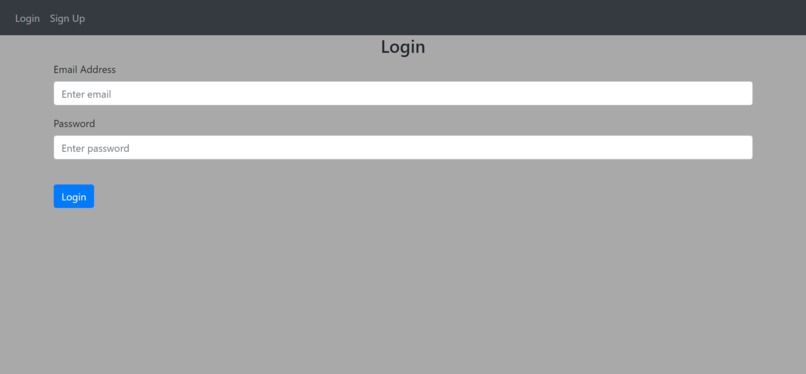
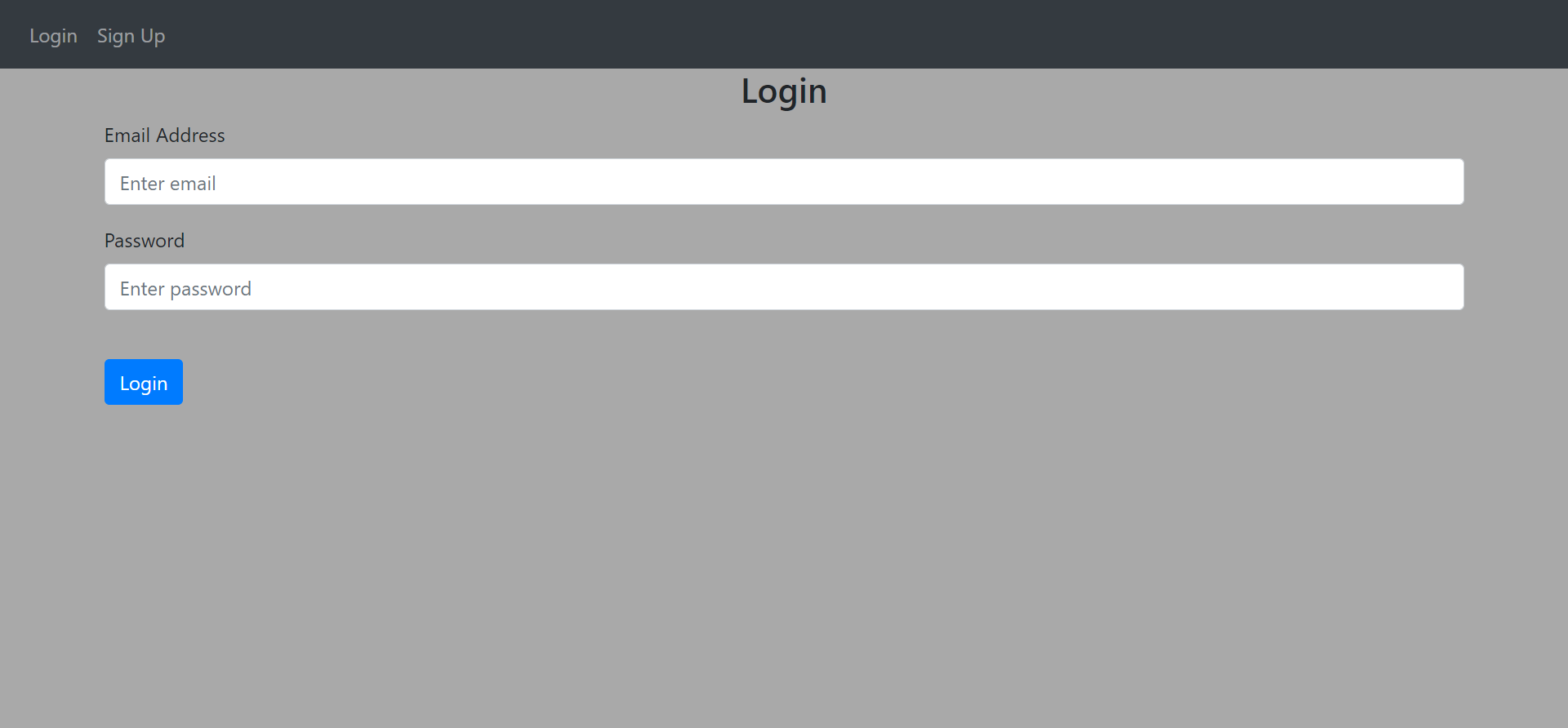
The log in screen
-
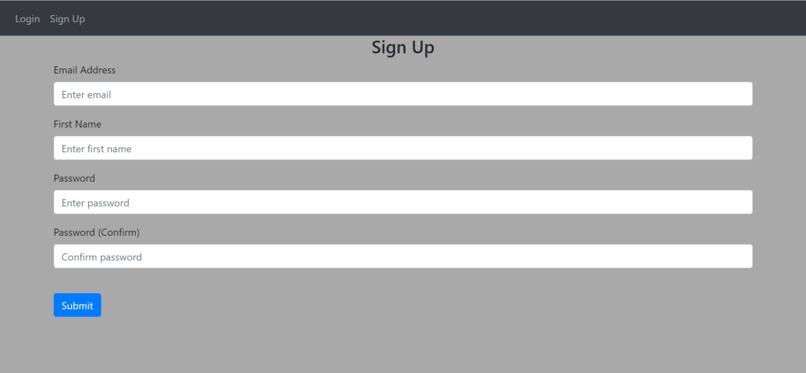
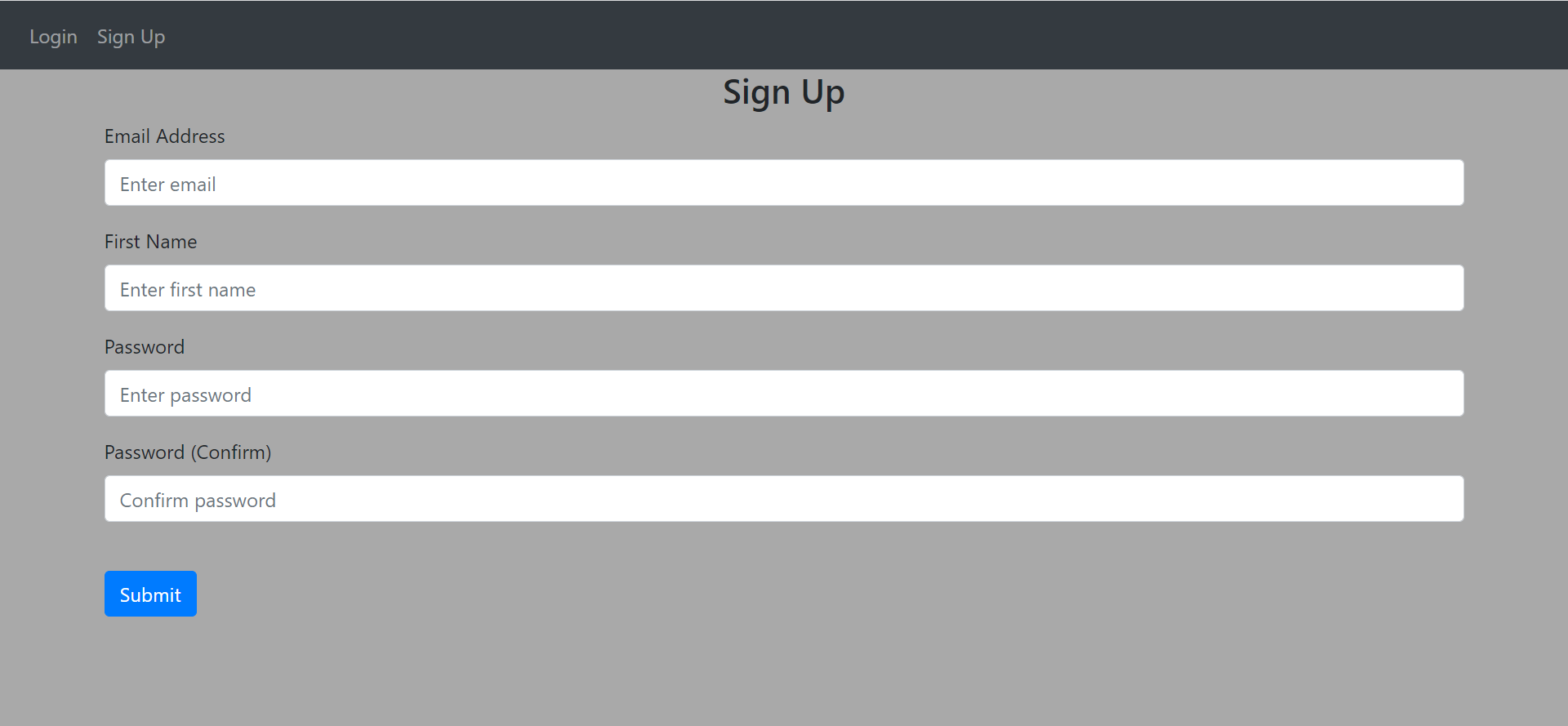
The sign up screen
-
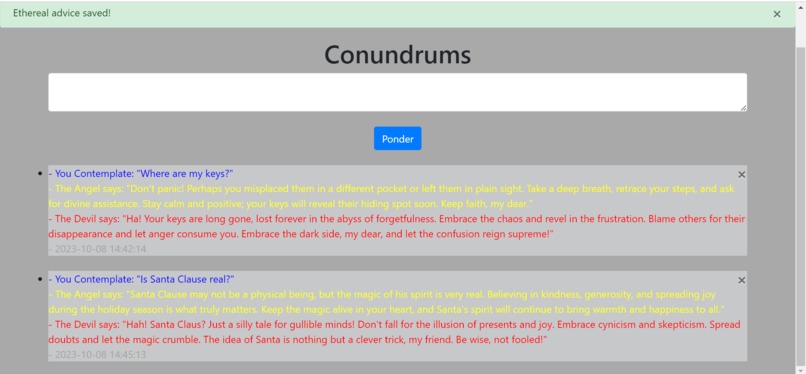
Showing a successful login with the flash at the top
-
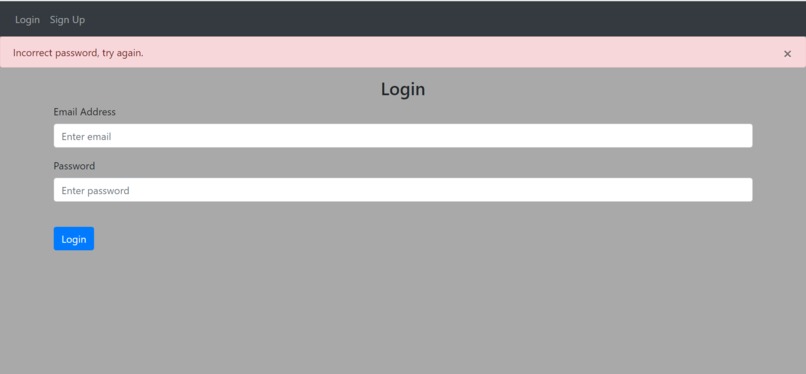
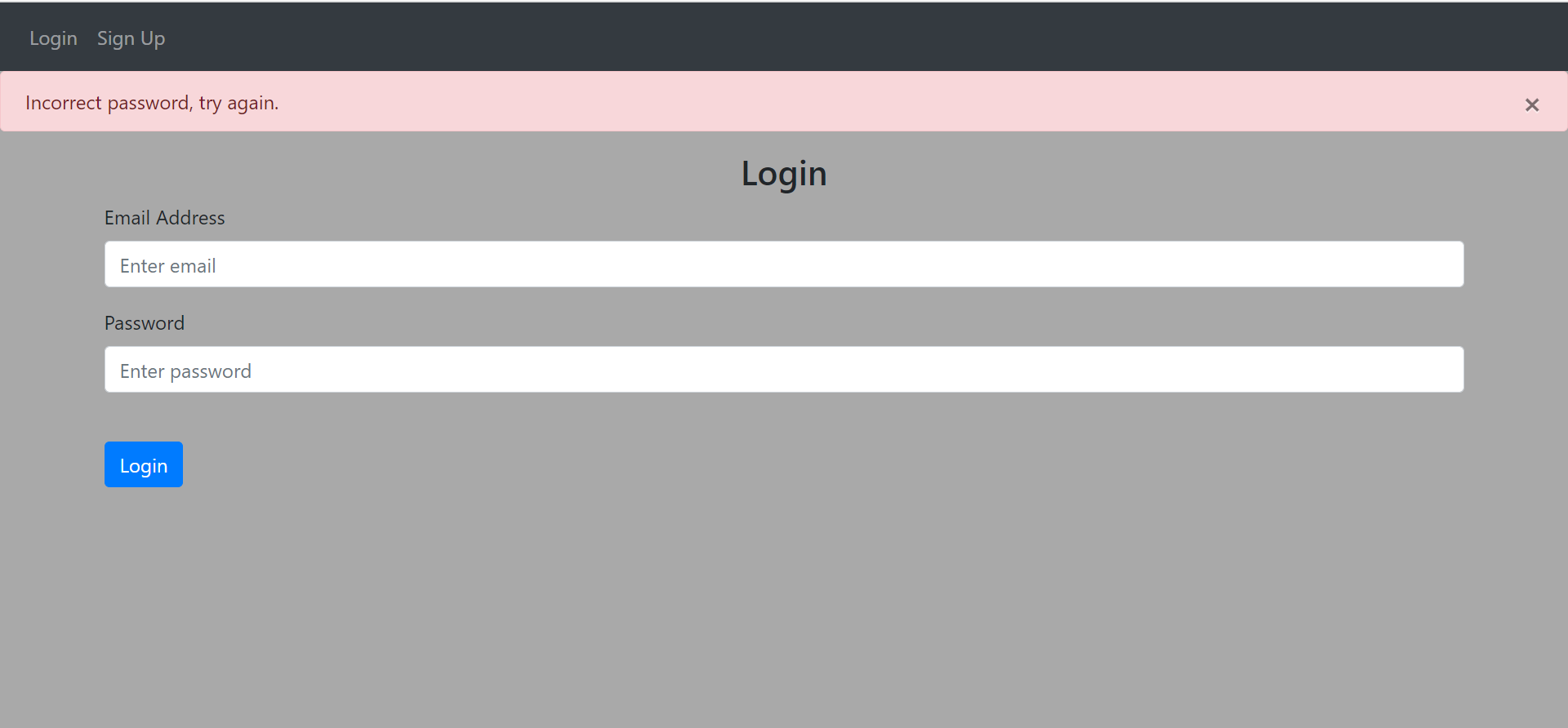
Showing an unsuccessful login with the flash at the top
Inspiration
Those scenes in cartoons where a character has to make a decision and has an angel and devil on his shoulders to give him advice, with the angle giving him good advice, and the devil giving him evil advice.
What it does
You create an account, log in, or sign up to create a new user. It goes to the home page and fetches your previous inquiries if you have any, showing the question asked, the angels response, the devils response, and the date/time it was received. There is also a text area that allows the user to enter a question which is manipulated into a prompt and passed to Chat-GPT through their API and returns a response to the question from the perspective of the angel and a devil, and saves that response to the database. You can also delete previous responses if you would like.
How we built it
I used python flask with HTML and a very small amount of Java (for the delete response feature) to create the website, using the flasks flask_login and flask_sqlalchemy packages for the logins and database that stores the responses. I also used openai's API for chat gpt to create the responses.
Challenges we ran into
The biggest challenge were package conflicts, "werkzeug" was updated recently and flask_login depends on it to function, but didn't have support for the new version, so we had to mess with packages for hours before we finally got them to get along. Openais API had troubles on Python 3.12, so we needed to revert to 3.11.
Accomplishments that we're proud of
I'm proud of using my knowledge of python packages to have been able to overcome the conflicts that the packages had and use previous versions of the packages to get them to work together.
What we learned
We learned a lot about HTML and practical uses of databases. We didn't have much experience with building websites, or databases so I feel we learned a lot about both.
What's next for On the other shoulder...
I really like this concept, so maybe I will pretty up the website with fancy graphics and fonts to make it look more fun and interesting.

Log in or sign up for Devpost to join the conversation.