Inspiration
I narrate my day out loud, and when one chore interrupts another, I can lose the thread. Cooking was my first test because my hands are busy and there’s always something else asking for attention. I wanted a companion who helps me pick up where I left off, kindly and without nagging. I built On Task Guardian for that moment, whether I’m cooking, packing, studying, or doing something else.
What it does
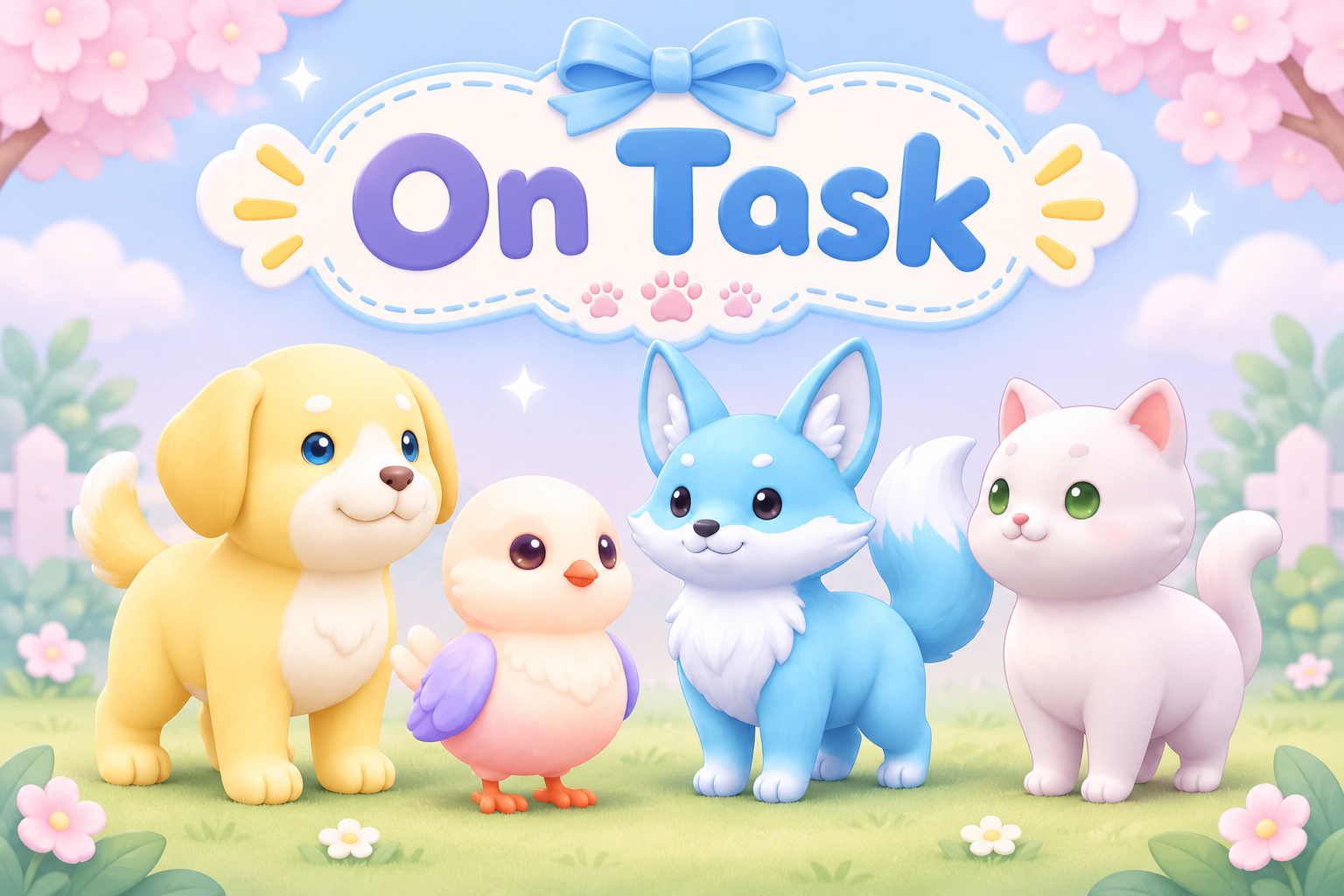
Lens Studio Preview for Spectacles: Pick a Guardian: Phineas the fox, Hudson the dog, Merry the bird or Snowy the cat. Each has their own art and prerecorded voice; they all help in the same way. Start any task. Type its name, and the Guardian asks "Do you need help breaking it down?" Yes gives a short suggested step list (simple keyword templates, not AI). No gets "I'm listening", and you add your own steps in order. Work step by step. The panel shows the current step and the full list. "Where was I?" repeats the exact step. "Help me" offers a two-minute start, splitting the step into a smaller one, or a break. "Take a break" runs a timer and brings you back to the same step. A gentle check-in after a possible change. In Preview, we simulated a head turn away from the panel and back. The Guardian asks whether this was an extra step or something else. You can continue or pause. Stickies any time. Pick one of eight decorative blank sticky designs (Plant at first, then your last pick), type a short note, then choose Save, Save & Remind (30 seconds to 15 minutes, while the Lens is open) or Dismiss. Afterwards you're back on the exact step. Timed reminders bring back the exact saved note once, with a voice cue, while the Lens is open. My stickies: Single, Triple and Full views, with paging and Delete. Finish. "You did it!", an optional gold star on a Completed Tasks board, and a choice to keep or discard that task's notes. Notes from other tasks stay. Quiet mode: set how long you'll work and how often to check in. Check-ins arrive on that schedule and stop when time is up or you end Quiet mode. Picks up where you left off. Task, step, stickies, stars and Guardian choice are saved with Lens persistent storage. When you reopen the Lens, the Guardian offers to resume the unfinished task at the same step.
How we built it
I directed the project as a solo builder working with several AI assistants. I started planning with Devpost Learn’s plan-lens in Claude Code. When the interview didn’t fit my workflow, I finished the brief using the decisions and mockups that followed, including a 13-question design interview. Claude Code built the MVP in Lens Studio 5.24.1 using CLAD and the Lens Studio MCP. One TypeScript component (Assets/Scripts/OnTaskApp.ts) builds the UI at runtime. Text wraps and shrinks inside a compact rounded panel sized for the SPECS Preview view. The buttons use Spectacles Interaction Kit Interactables and were tested with real mouse clicks in Preview. Text entry uses the system keyboard (TextInputSystem), which is Lens Studio's Keyboard Simulation in Preview. A Speak button uses AsrModule where available. Reused from the earlier On Task Lens: the four Guardian portraits, their prerecorded voice clips, and the blank sticky art. The earlier presenter-driven omelet story is kept in the project but switched off.
From idea to working MVP in about 3 hours
Challenges we ran into
My intial build of On Task only created a demo. There was a communication issue between my coding agents, so i rebuilt On Task to be a working product. Spectacles UI and the Interaction Kit: rebuilding screens by destroying their buttons crashed the Interaction Kit's cursor and dropped clicks. Old screens are now disabled rather than destroyed. Honest sensing: a head turn is treated only as a possible change, and the user decides what it means. Recording the Preview was a hurdle. OBS captured the working build, and we cropped the highlight reel around the controls and dialogue so they’re easier to read
Accomplishments that we're proud of
The first Lens told a cooking-to-couch story. For the MVP, I’m proud that the same interaction works across different tasks. You can save a thought, see the reminder come back during the session, and keep your place. Claude’s Preview tests also confirmed that the unfinished task can be restored at the same step after reopening. In the first On Task Lens:
- A full cooking-to-couch story that plays end to end.
- Four companions with complete, consistent art sets and voices.
- The nudge: the moment the whole idea is built around.
- A polished demo built in a day.
What we learned
Small UI details like button size, text legibility and where things anchor decide whether AR feels helpful or intrusive. And a team of assistants works best with clear roles and decisions written down.
What's next: the path to a real app
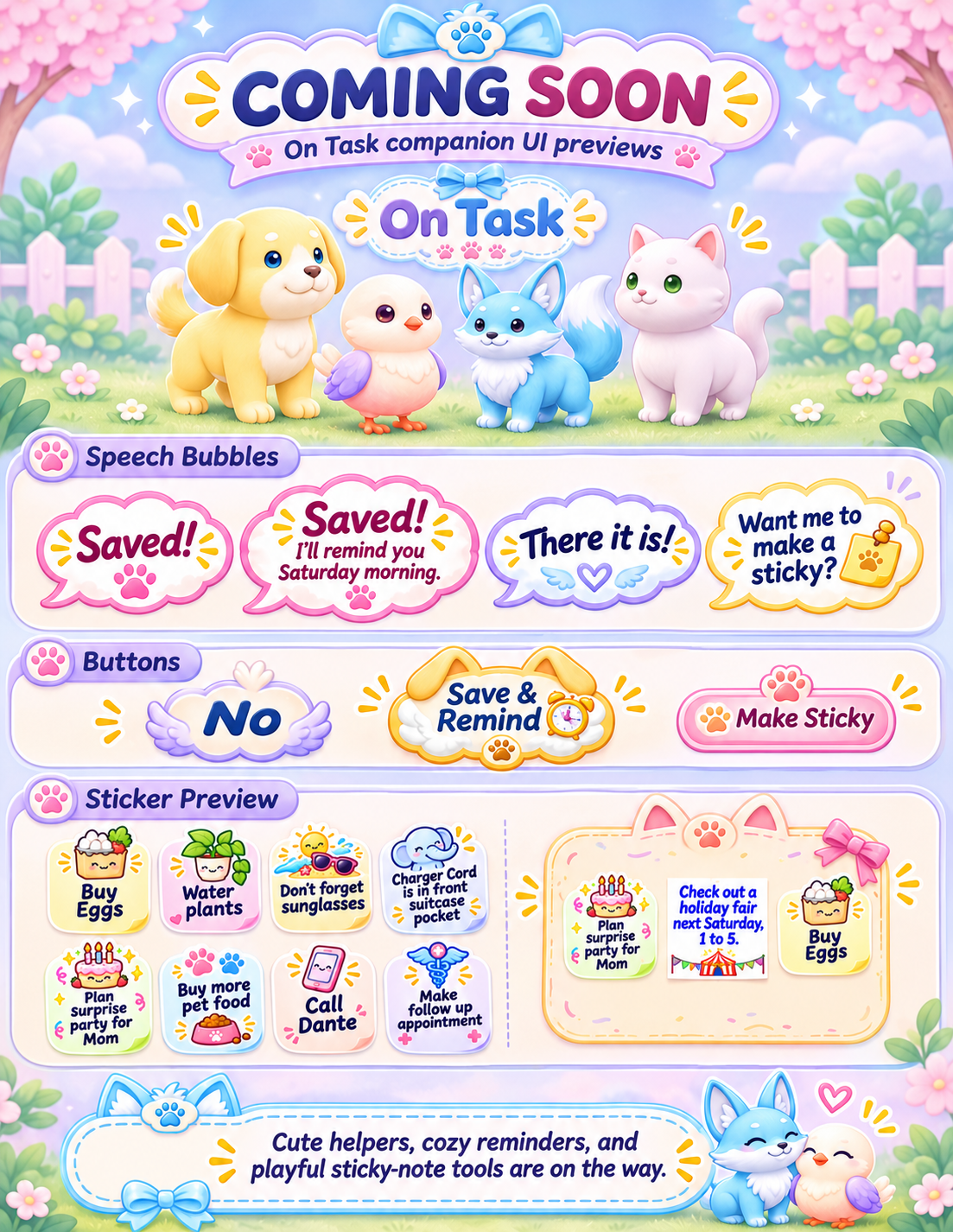
V2 will bring in the planned visual designs shown on the demo’s Coming Soon card. I also want to verify pinch and speech on SPECS, add spoken commands and phone reminders, and explore optional, permission-based context help such as “Where did I put my charger?”
AI disclosure
Character art, buttons, sticky art and kitchen backgrounds were generated with AI (ChatGPT) and cleaned, sized and quality-checked with scripts and by hand. Voices were generated with ElevenLabs. The four companion characters were borrowed from my Magical Tea Tent project that I started the first week of November; the On Task art sets, UI and the Lens were made for this hackathon.
Shown in Lens Studio Preview, not on Spectacles hardware. Tested input: mouse clicks and the hardware keyboard through Keyboard Simulation. Hand pinch and voice input were not verified (speech recognition in Preview needs a Lens Studio sign-in). Reminders only work while the Lens is open. There are no phone notifications. Step suggestions come from simple templates. Voice: Guardian lines are prerecorded clips for familiar cues. Task and sticky text is shown on screen, not spoken. AI and prior-work disclosure I directed the project. Claude Code built the Lens, Claude helped check assets and document decisions, ChatGPT generated art and helped edit the demo, and ElevenLabs generated the Guardian voices and Cat Girl narration. The four character concepts originated in my Magical Tea Tent project. The On Task portraits, prerecorded Guardian clips, and blank sticky art were made for the first On Task Lens and reused in the MVP. The original presenter-driven omelet sequence remains disabled in the MVP. The Coming Soon card shows planned V2 visuals.
Built With ChatGPT, CLAD, Claude Code, ElevenLabs, Lens Studio, Lens Studio MCP, Snap SPECS, Spectacles Interaction Kit, and TypeScript.
Built With
- chatgpt
- clad
- claude-code
- elevenlabs
- lens-studio
- mcp
- snap-spectacles
- spectacles-interaction-kit
- typescript
