-
-
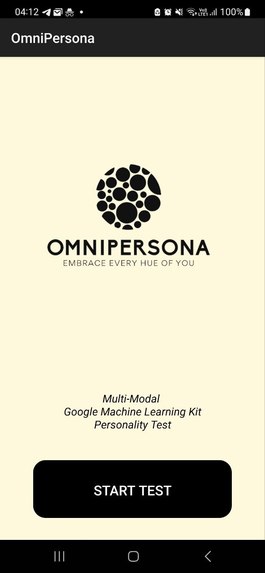
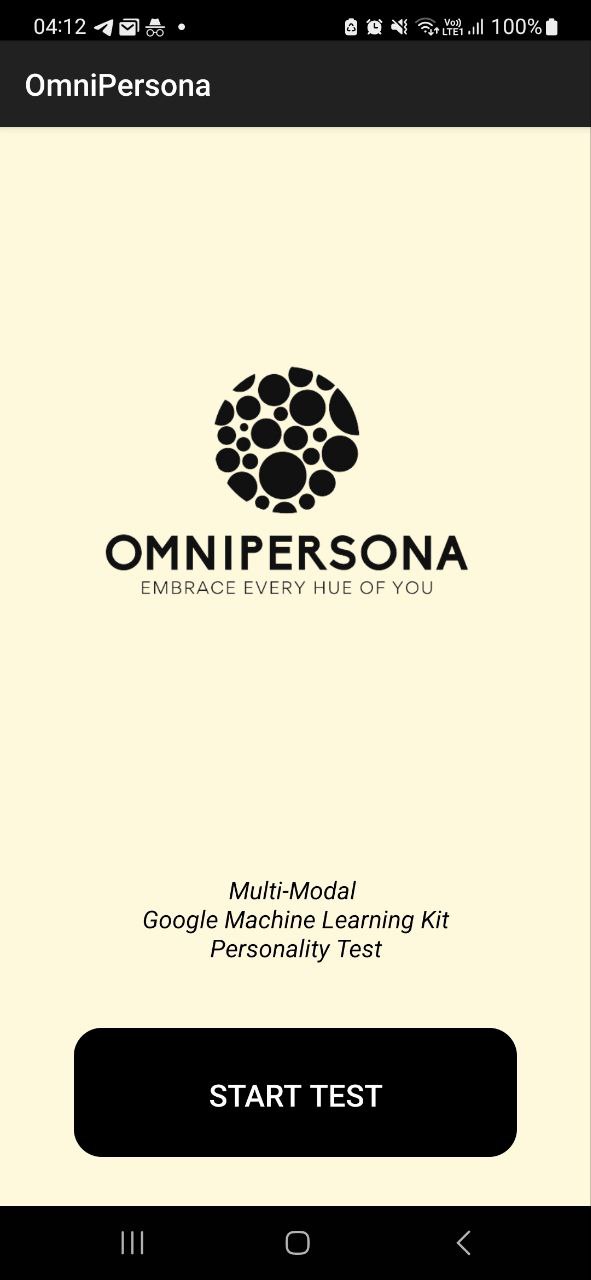
Home Page
-
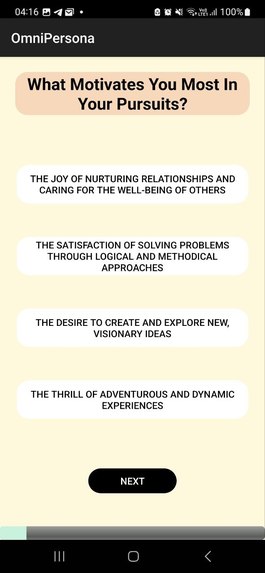
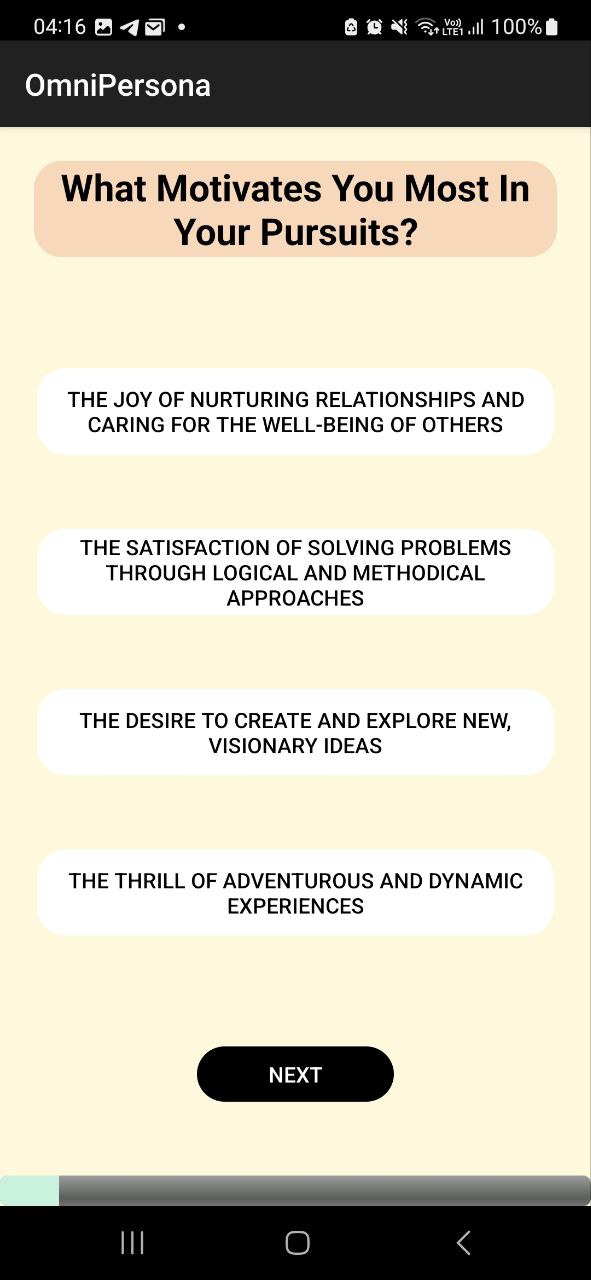
Question Page
-
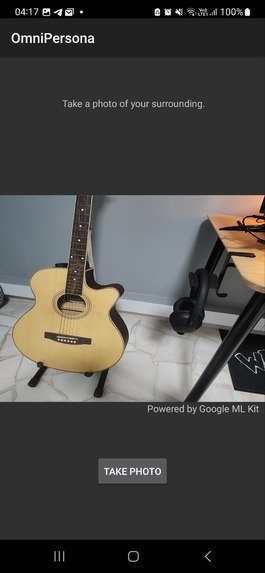
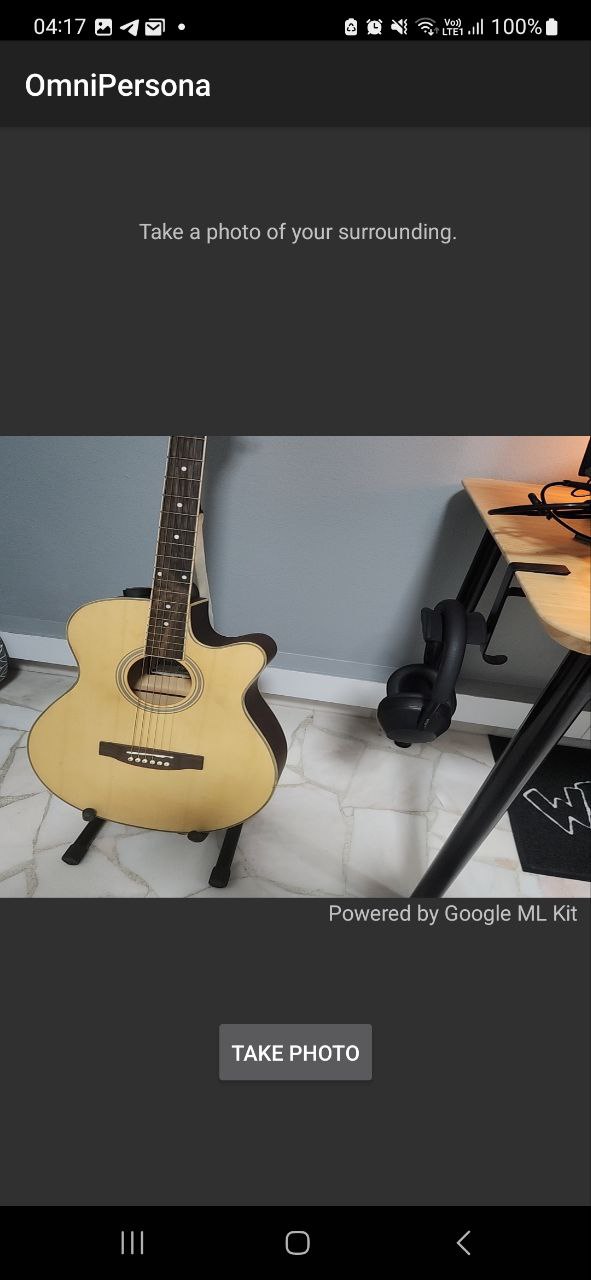
Capturing Photo Page
-
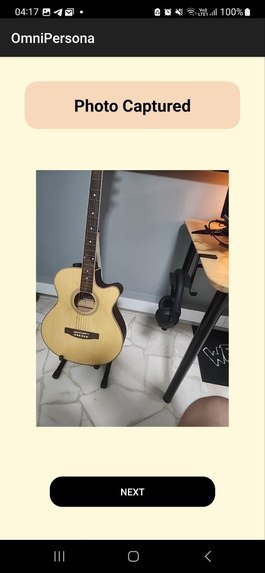
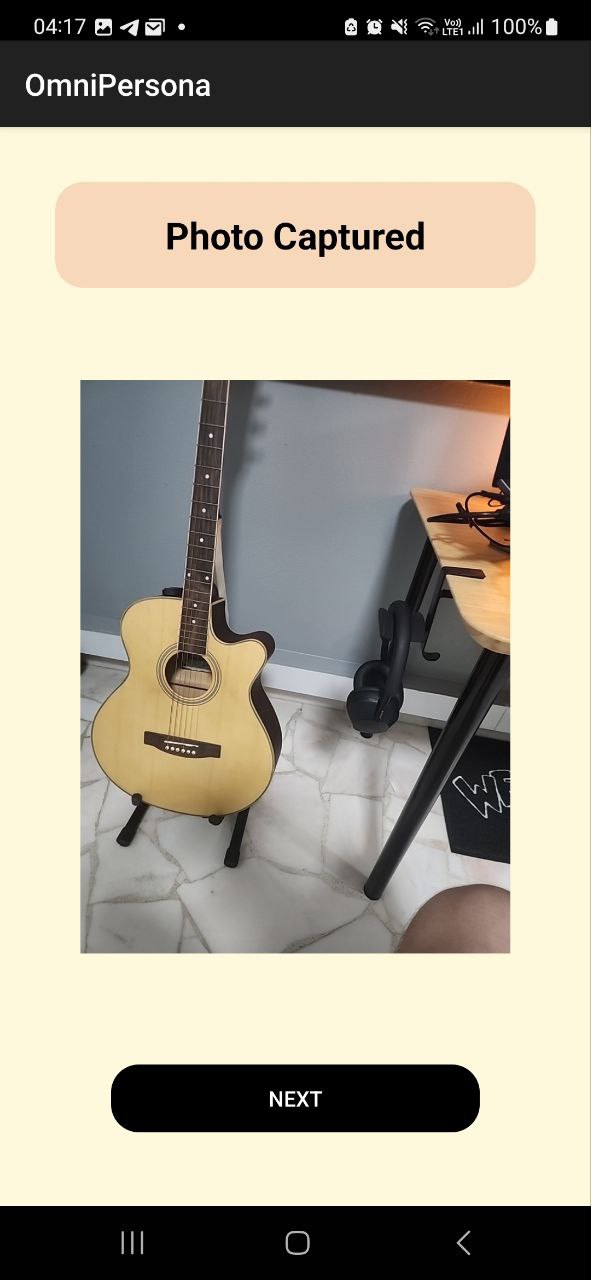
Photo Result Page
-
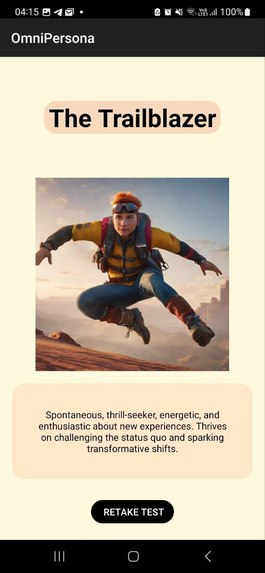
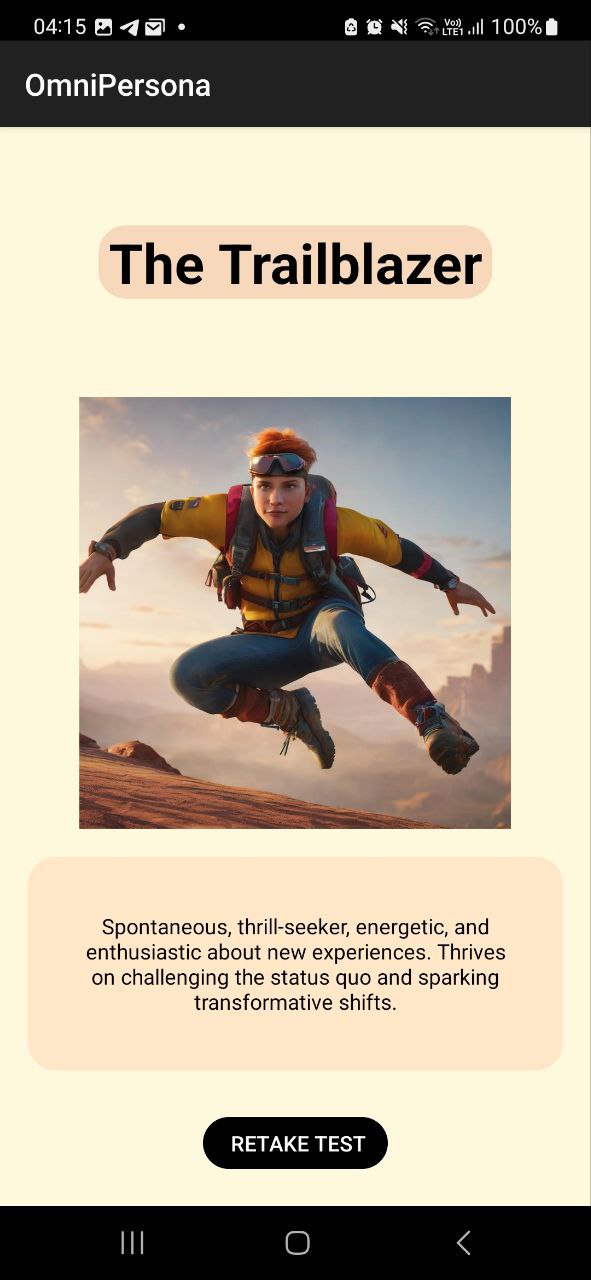
Result Page
Inspiration
The inspiration for our project stemmed from two main sources:
- Pursuit of Knowledge: Fueled by curiosity and a passion for technology, we were driven by a desire to learn something new and expand our technical horizons. The ever-evolving landscape of mobile development, particularly in Android, presented a rich ground for exploration.
- Creating a Light-hearted Project: Our goal was to develop a project that was not only informative but also enjoyable and engaging for users. We wanted to create an app that could blend fun with functionality, offering a delightful experience while delivering meaningful insights.
What We Learned
Throughout the course of this project, we gained significant knowledge and skills in several areas:
- Android Studio Programming: We delved deep into Android development, understanding the intricacies of building apps in Android Studio. This involved grasping the nuances of the Kotlin programming language and the Android lifecycle.
- Integrating Google Scripts API: We learned how to effectively call and utilize the Google Scripts API. This was crucial for implementing specific app functionalities, enhancing our app's capability to process and manage data efficiently.
- Mastering Google ML Kit: We explored the powerful capabilities of Google's ML Kit, harnessing its machine learning potential to analyze user-provided photos. This not only added a layer of interactive personalization but also allowed us to experiment with cutting-edge technology.
How We Built It
The construction of our project followed a systematic and detailed approach:
- User Stories and Flow Planning: Initially, we brainstormed and defined user stories to guide the overall user experience and flow of the app. This involved creating personas and mapping out user journeys to ensure a user-centric design.
- System Architecture Design: We meticulously planned the system architecture, focusing on scalability, maintainability, and efficiency. This included choosing the right design patterns, database schemas, and API strategies.
- UI/UX Design: A significant amount of time was dedicated to deciding the UI/UX aspects. We focused on creating an intuitive, visually appealing interface that could deliver an effortless user experience.
- Programming and Debugging: The core of our project involved intensive programming in Android and Kotlin. We encountered various challenges during development, which we overcame through a rigorous process of testing and debugging.
Challenges Faced
Our journey was not without its obstacles. Some of the notable challenges we faced included:
- Learning Curve with Android and Kotlin: As beginners in Android and Kotlin programming, we had to start from scratch. This presented a steep learning curve, requiring us to invest considerable time in understanding the basics and nuances of Android development.
- Bugs and Technical Hurdles: We encountered several bugs along the way. These ranged from minor UI glitches to major functional issues, like integrating the phone's camera functionalities seamlessly and handling the data flow between different components of the app.
- Integrating Machine Learning: Implementing Google's ML Kit presented its own set of challenges. We had to understand machine learning principles and effectively integrate them into our app to analyze user photos and provide additional insights into their personality types.
Built With
- android
- android-studio
- googleml
- kotlin
- scripts


Log in or sign up for Devpost to join the conversation.