-
-
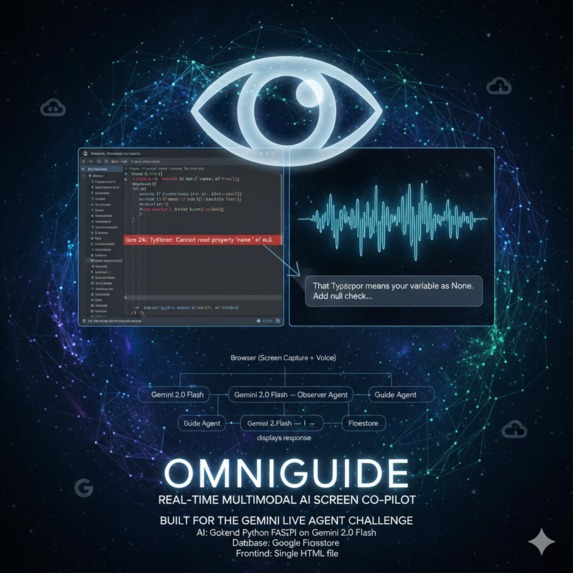
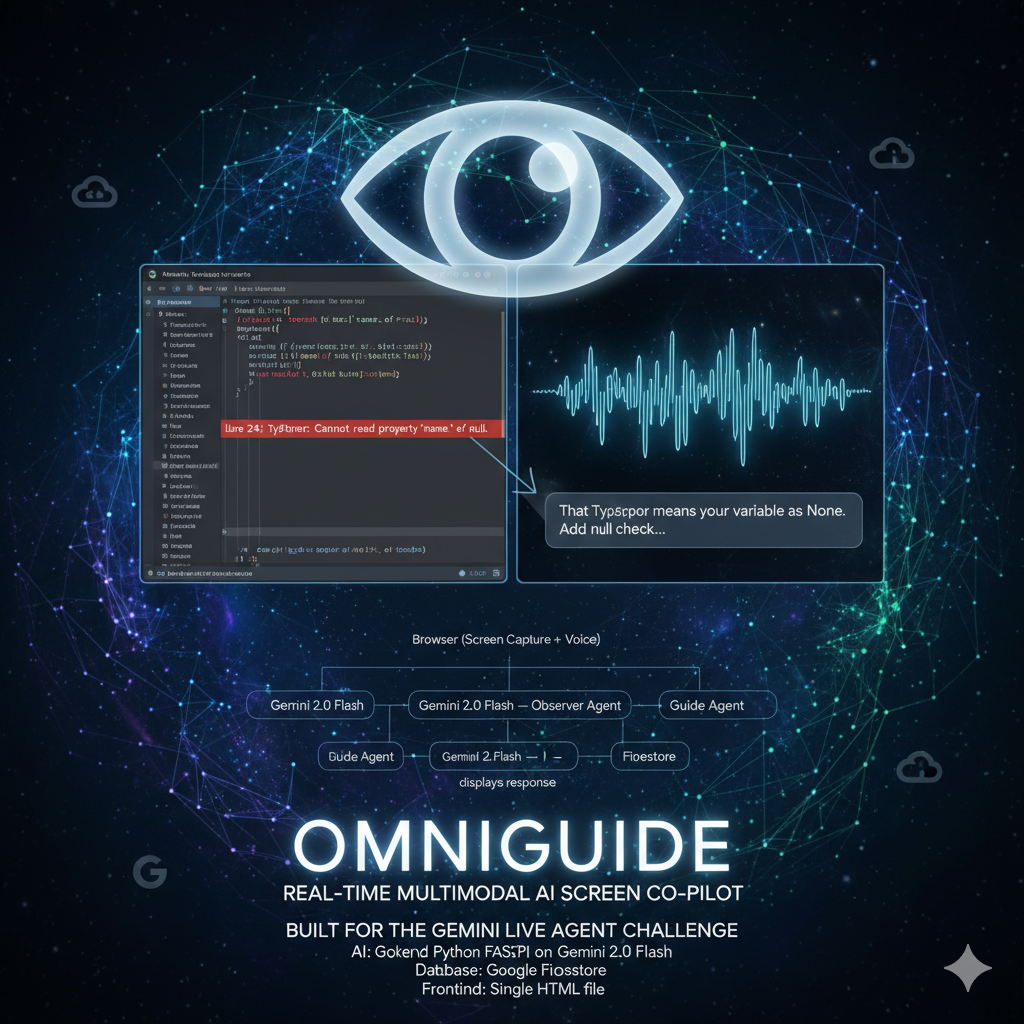
Project thumbnail
-
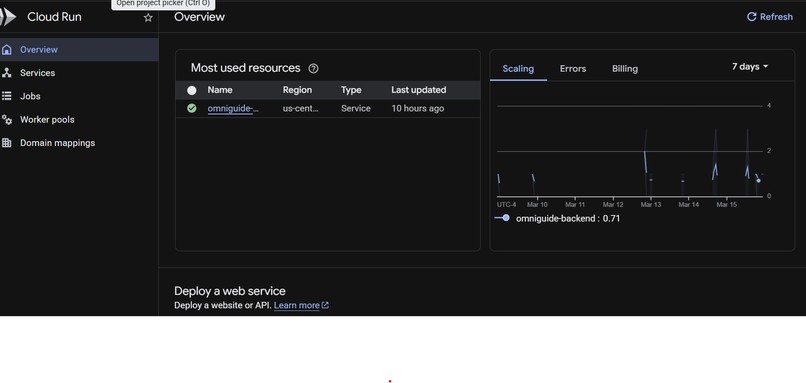
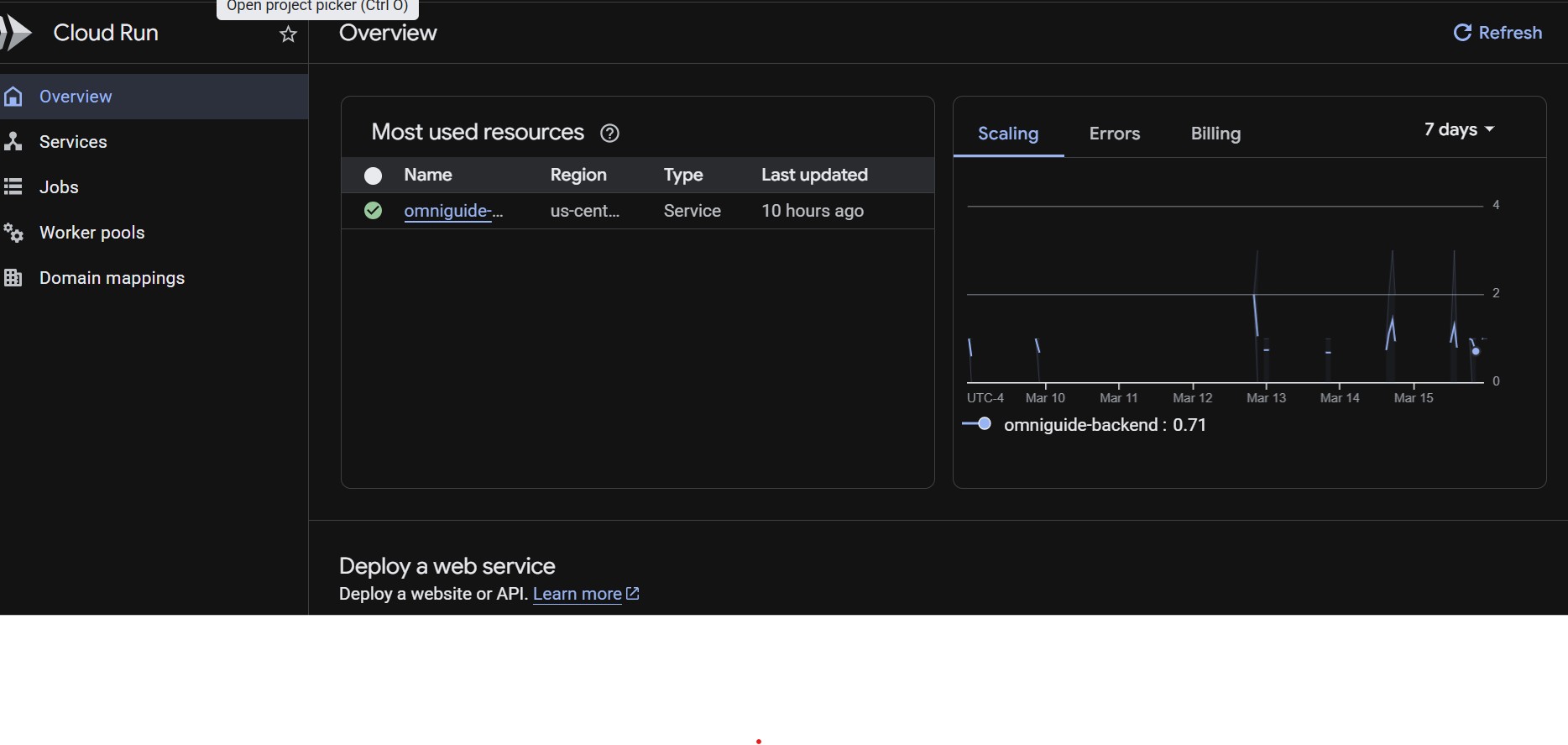
OmniGuide backend live on Google Cloud Run. Gemini 2.0 Flash dual-agent pipeline with session affinity enabled.
-
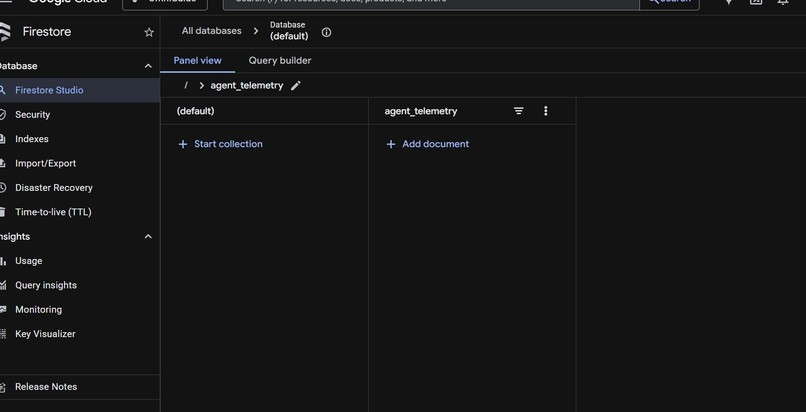
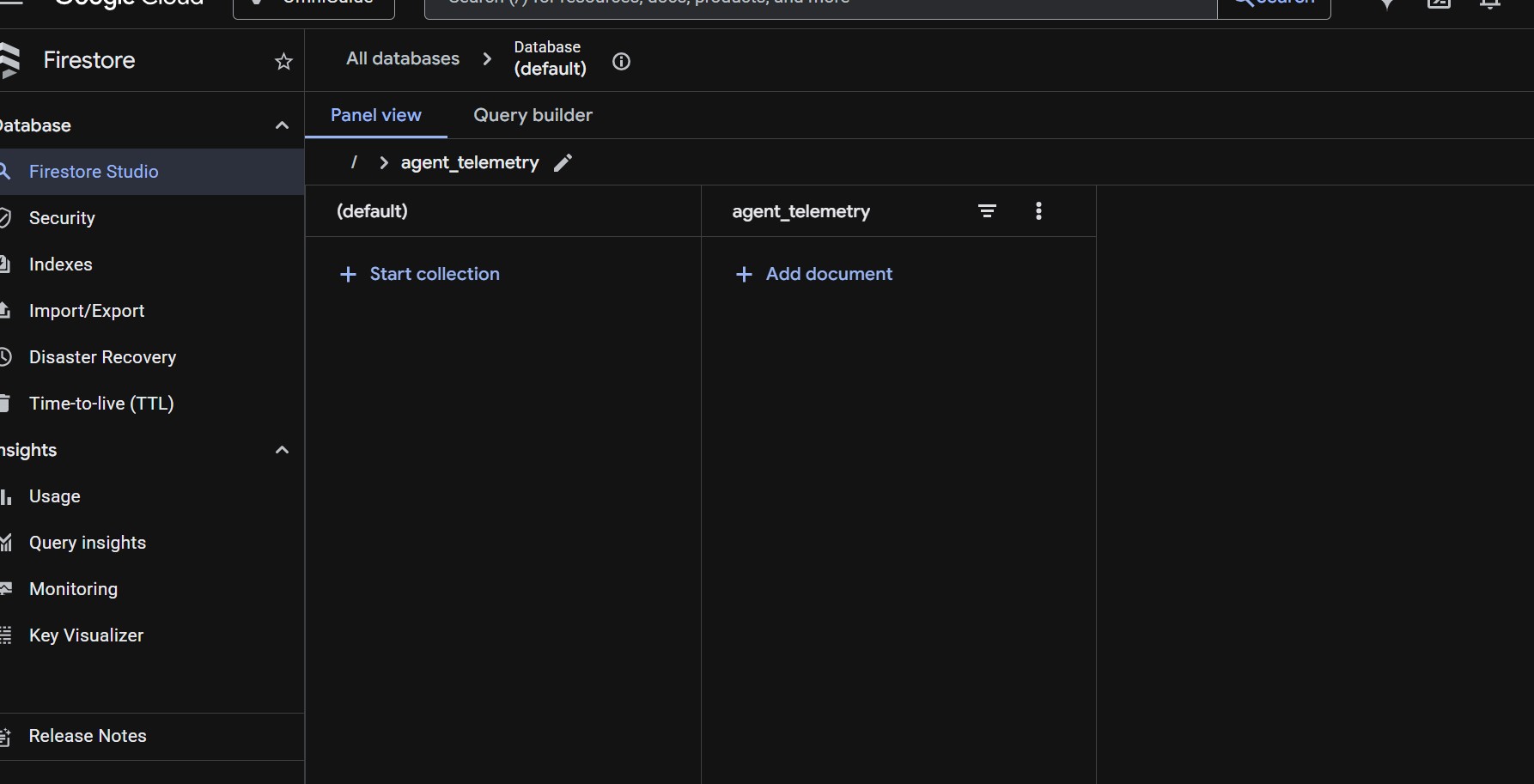
OmniGuide's agent_telemetry collection on Google Cloud Firestore — logs every AI interaction with timestamp, latency, and token count.
-
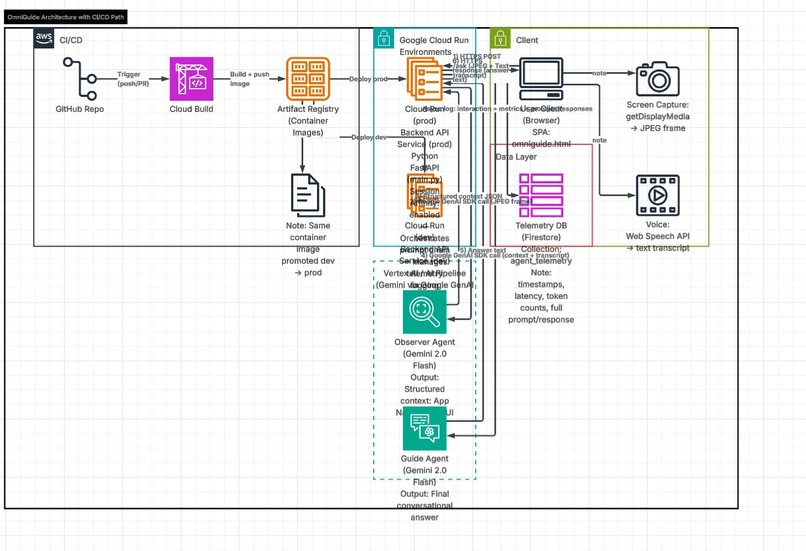
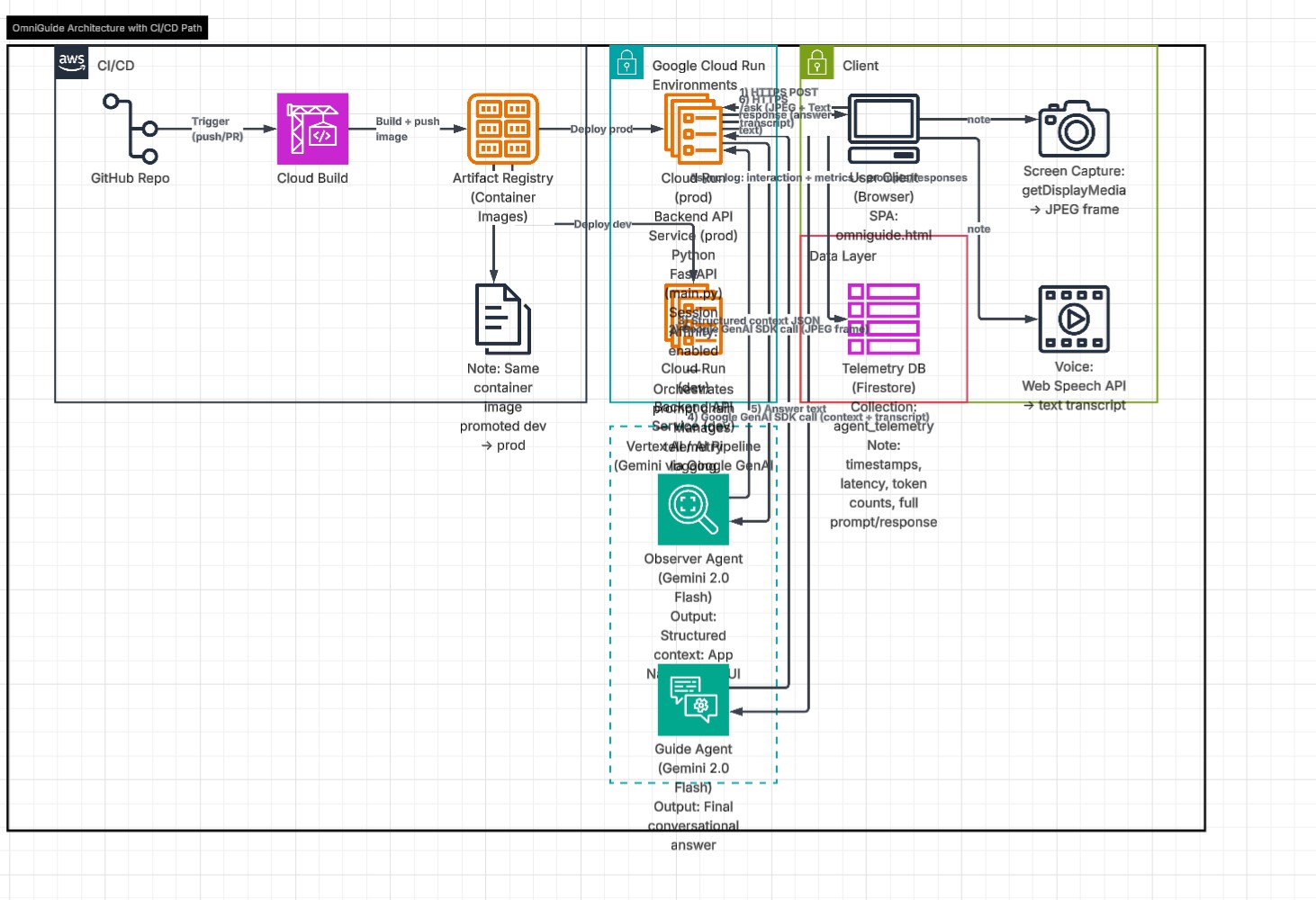
Architecture flow diagram
Inspiration
Every day, millions of people sit in front of software they don't fully understand. New tools, unfamiliar interfaces, complex workflows — and no one to ask. Current AI assistants make you stop what you're doing, switch tabs, type out a description of your screen, and wait. OmniGuide eliminates all of that friction. We asked: what if AI could just see what you're looking at and answer instantly?
What it does
OmniGuide is a real-time multimodal AI co-pilot that watches your screen and answers your spoken questions in under 2 seconds. Share your screen, ask anything out loud — "how do I fix this error?", "what does this button do?", "how do I format this?" — and OmniGuide responds with a precise, contextual answer. No typing. No context switching. No confusion. It works on any application, any website, any workflow — zero reconfiguration required.
How we built it
OmniGuide uses a novel two-stage AI architecture built entirely on Google Cloud:
Stage 1 — The Observer Agent: A Gemini 2.0 model instance that receives a live JPEG frame captured from the user's screen every time they ask a question. The Observer analyzes the screenshot and returns structured context: the app name, what the user is doing, and the most prominent UI element. This output feeds directly into Stage 2.
Stage 2 — The Guide Agent: A second Gemini 2.0 model instance that receives the Observer's structured screen context plus the user's transcribed voice query. It generates a sharp, conversational 2-4 sentence answer — like a knowledgeable colleague sitting next to you.
Infrastructure:
- Backend: FastAPI deployed on Google Cloud Run with session affinity and async pipeline using asyncio.to_thread to prevent blocking
- AI: Google GenAI SDK with Gemini 2.0 Flash model
- Database: Google Firestore — every interaction logged to agent_telemetry collection with timestamp, latency, token count, and full context
- Frontend: Single-file HTML app using getDisplayMedia() for screen capture and Web Speech API for voice recognition, calling the Cloud Run backend over HTTPS
- Auth: Google Cloud service account with Vertex AI and Firestore IAM roles
The prompt chain: Browser captures frame → POST to Cloud Run → Observer reads screen → Guide receives context + query → Response back to browser in under 2 seconds
Challenges we ran into
The biggest technical challenge was model availability. Different Gemini model versions have different availability windows for new API keys, and we had to systematically test which models were accessible in our project region. We solved this by building a model discovery script that lists all available models for a given API key.
The second major challenge was async architecture. The Google GenAI SDK is synchronous, but FastAPI is async. Running synchronous Vertex AI calls directly inside async functions blocks the entire event loop — meaning every WebSocket connection would freeze while waiting for Gemini. We solved this with asyncio.to_thread(), which offloads sync calls to a thread pool and keeps the event loop free.
Cloud Run WebSocket configuration was also tricky — persistent WebSocket connections require session affinity (sticky sessions) to prevent connections from being routed to different container instances mid-session. Without this flag, connections would randomly drop.
Accomplishments that we're proud of
- Successfully deployed a full multimodal AI pipeline on Google Cloud Run — backend live at a public HTTPS URL serving 100% of traffic
- Built a novel two-stage Observer → Guide prompt chain that separates visual context understanding from language generation, reducing hallucination
- Full production telemetry: every interaction logged to Firestore with latency, token count, session ID, and full context — real observability data
- The entire frontend is a single HTML file that works in any browser with zero installation — screen capture, voice recognition, and AI responses all in one file
- End-to-end latency under 2 seconds from voice query to AI response on Google Cloud infrastructure
What we learned
Building on Google Cloud taught us the importance of async architecture when working with AI SDKs — most AI libraries are synchronous by default, and naively calling them in async web servers creates serious performance bottlenecks. asyncio.to_thread() is now a pattern we'll use in every AI project.
We also learned that prompt engineering for structured output is critical in multi-agent systems. The Observer prompt had to be extremely specific about output format — APP/TASK/FOCUS — because the Guide agent depends on parsing that structure correctly. Vague Observer prompts created cascading failures downstream.
Finally, Google Cloud Run's session affinity feature is essential for any application with persistent connections. The --session-affinity flag was the difference between a stable and an unstable deployment.
What's next for OmniGuide
- Gemini Live API integration for true real-time streaming responses — currently we send one frame per query, but with Gemini Live we can stream continuous screen context
- Chrome Extension packaging — currently requires a local HTTP server; a Chrome extension would allow one-click installation for anyone
- Google Workspace deep integration — specialized prompts for Google Docs, Sheets, Slides, and Gmail with action execution (not just answering, but actually clicking buttons)
- Enterprise deployment — the Cloud Run + Firestore architecture scales to thousands of concurrent users; enterprise teams could deploy their own instance with custom knowledge bases
- Voice output — using Google Cloud Text-to-Speech to speak responses back, creating a fully hands-free experience
Built With
- fastapi
- firestore
- gemini
- google-cloud
- google-cloud-run
- google-web-speech-api
- javascript
- python
- vertex-ai
- websockets

Log in or sign up for Devpost to join the conversation.