-
Frontpage
-
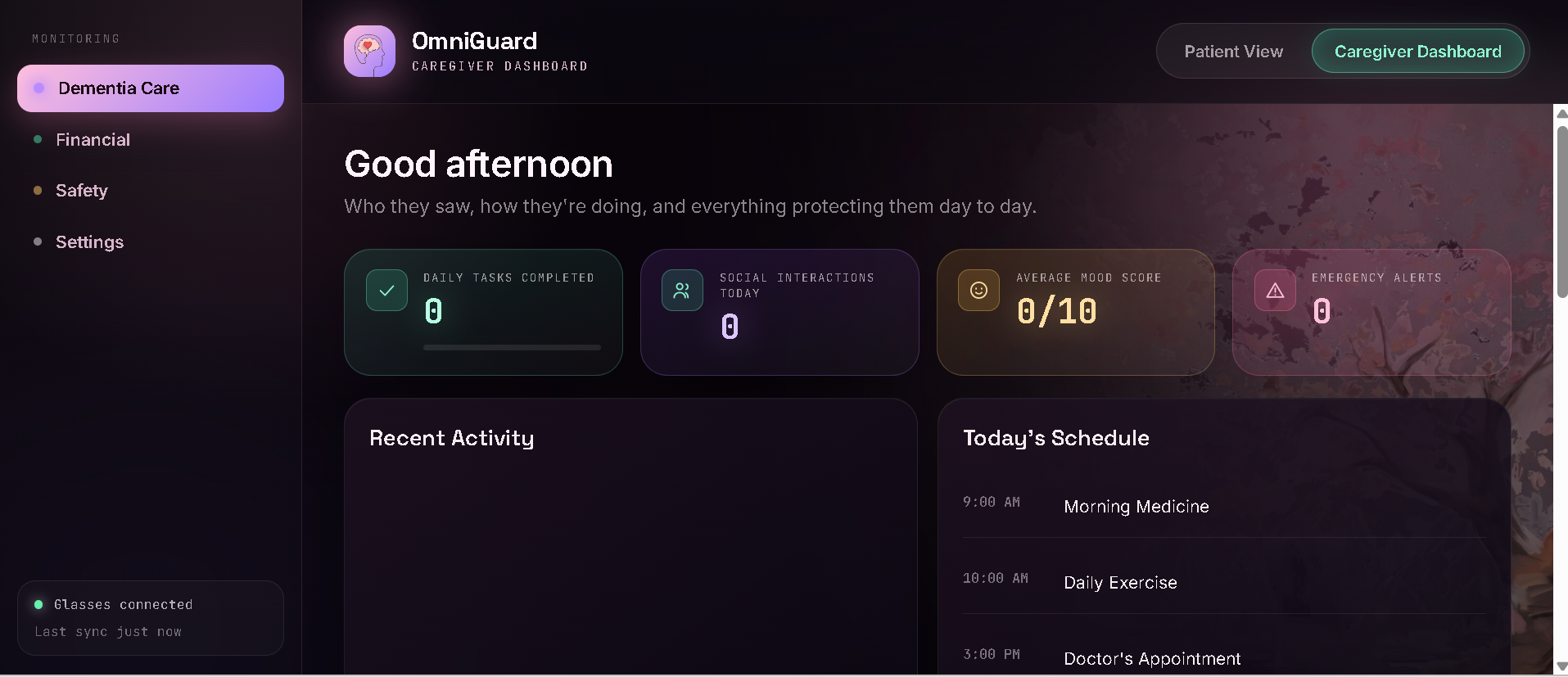
Patient board
-
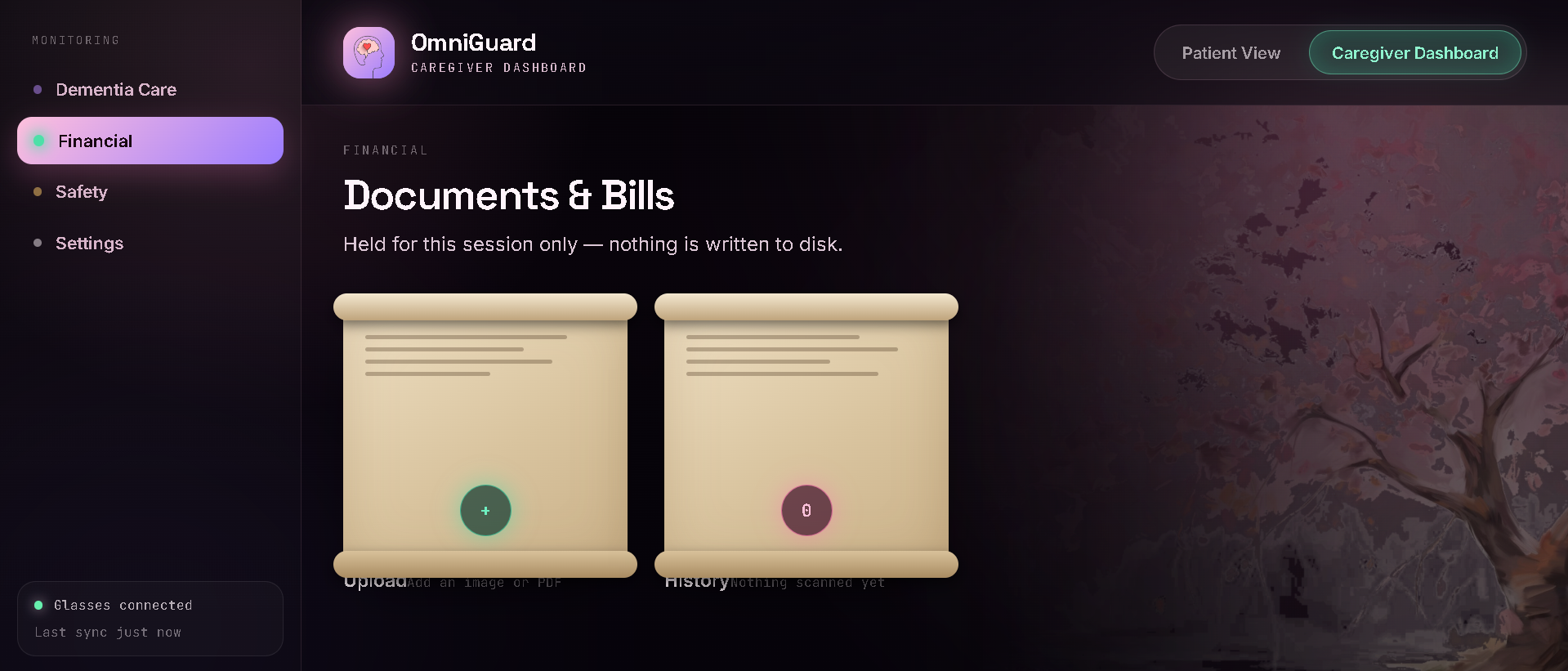
Document UI
-
Document Scanning
-
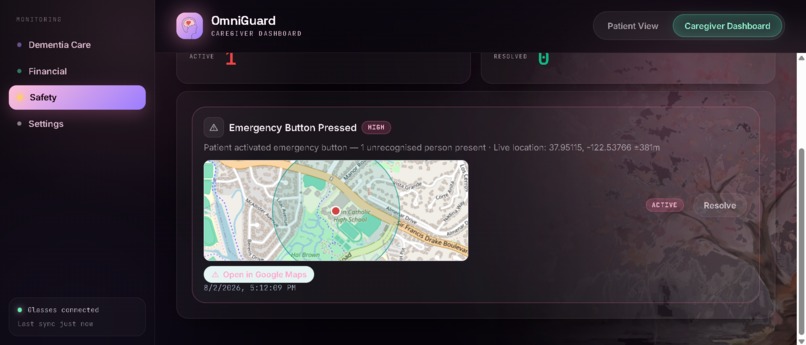
Location
Context / Why We Built This
Imagine receiving a message that says your bank account will be locked unless you act now. At the same time, a family member with memory loss is speaking with an unfamiliar visitor, someone is walking home alone, and another person is preparing outdoor equipment during dangerous fire conditions.
These problems look different, but they share the same failure: people are given warning signs without a clear explanation of what to do next.
Today, safety tools are scattered. One service checks links. Another shares location. Another reports wildfire danger. Caregiver support, mental-health guidance, privacy protection, and scam detection often live in separate products or are missing entirely.
We asked: What if one app could detect danger, explain why it matters, and help the user act immediately?
What OmniGuard Does
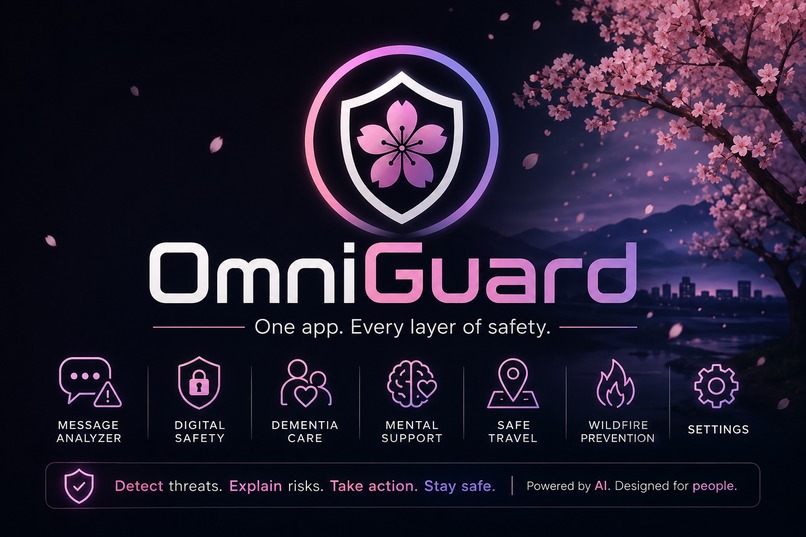
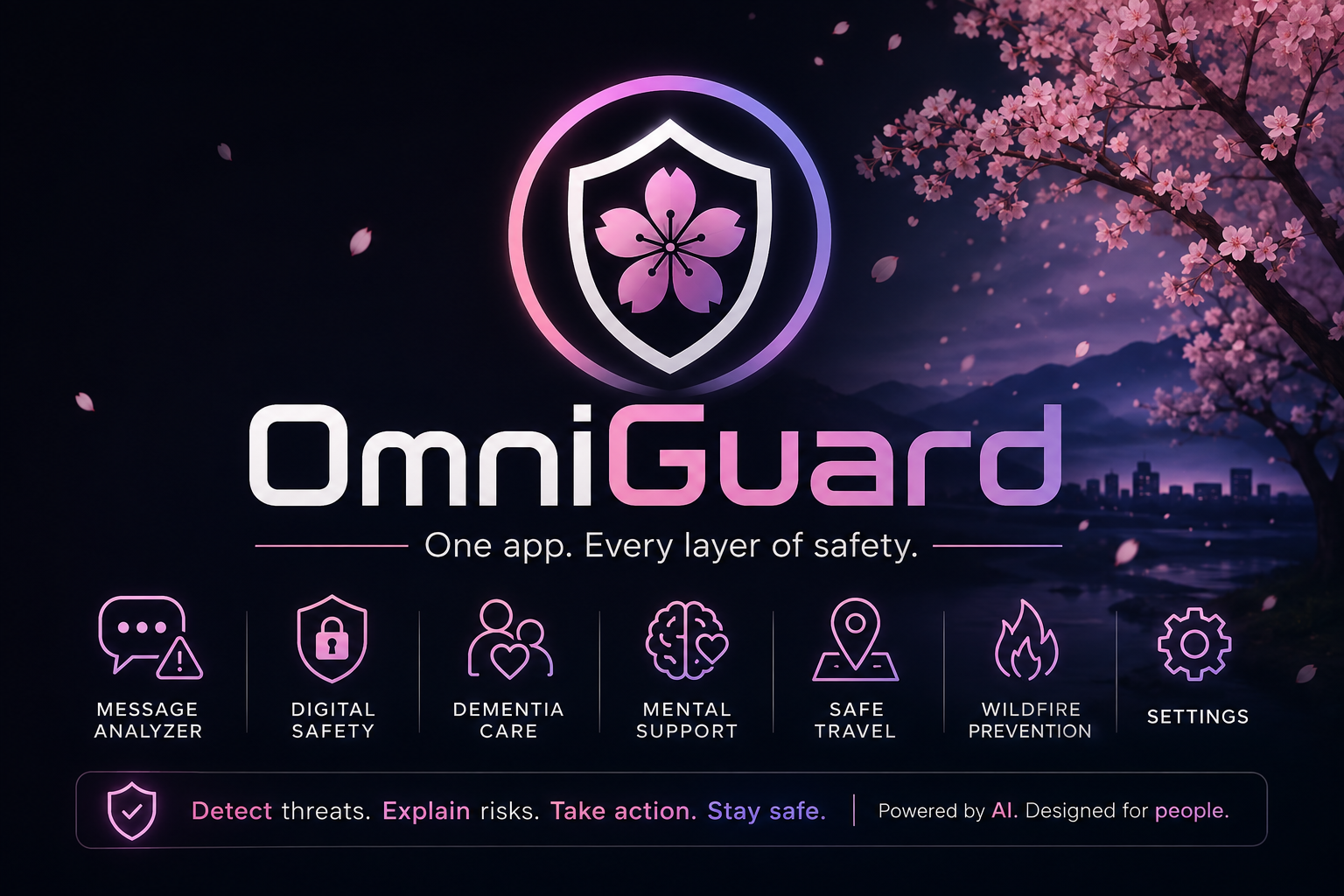
OmniGuard unifies safety into one response loop: Detect, Explain, Act, Record. Message Analyzer
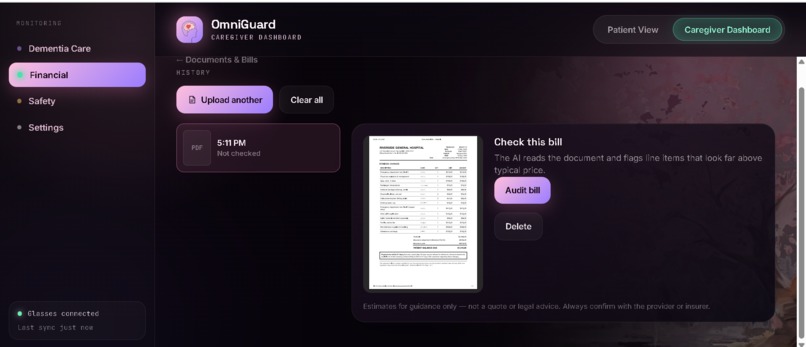
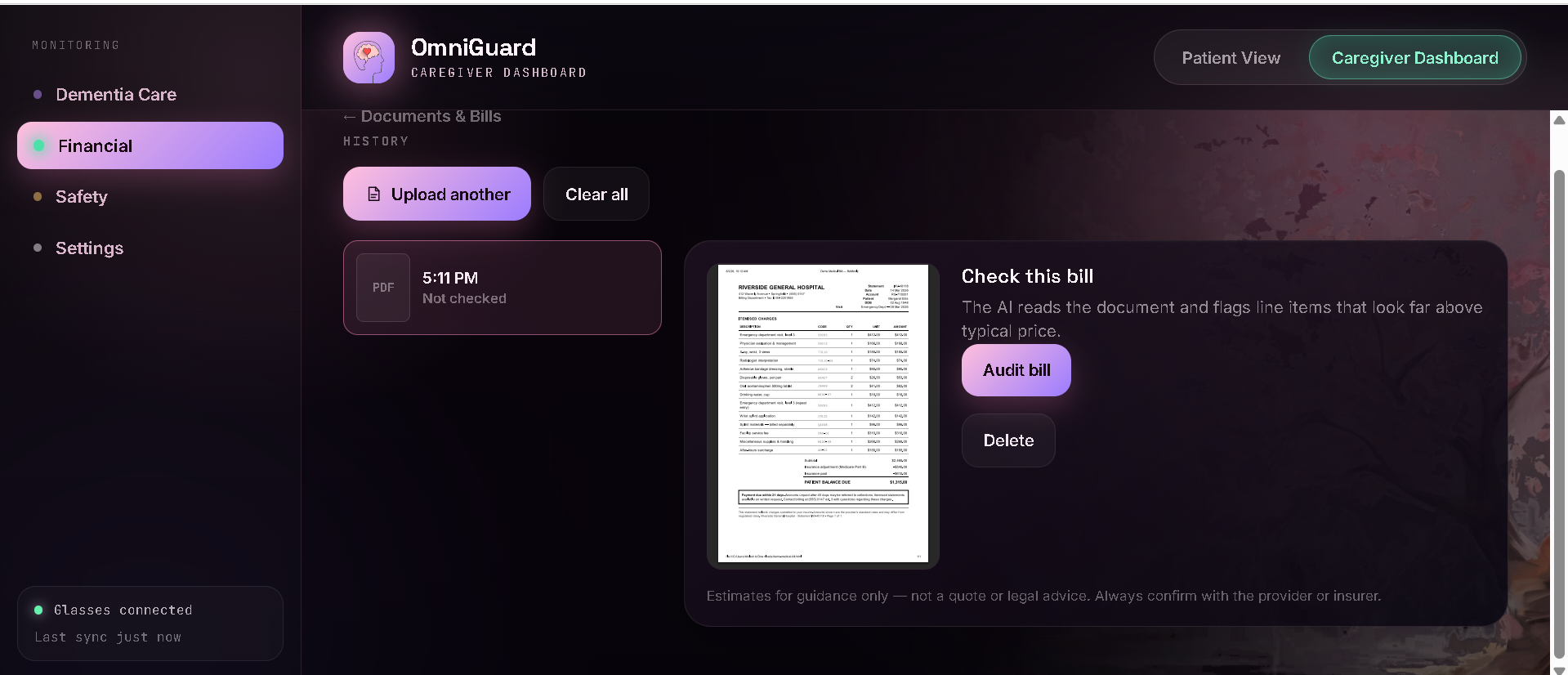
Analyzes suspicious texts, live call segments, PDFs, screenshots, invoices, QR codes, and links. It highlights urgency, threats, secrecy, impersonation, credential requests, unusual payments, and remote-access pressure, then recommends independent verification steps.
Digital Safety
Checks risky URLs and QR destinations, supports browser-side screenshot redaction, and helps users preserve evidence and respond after possible account compromise. Dementia Care
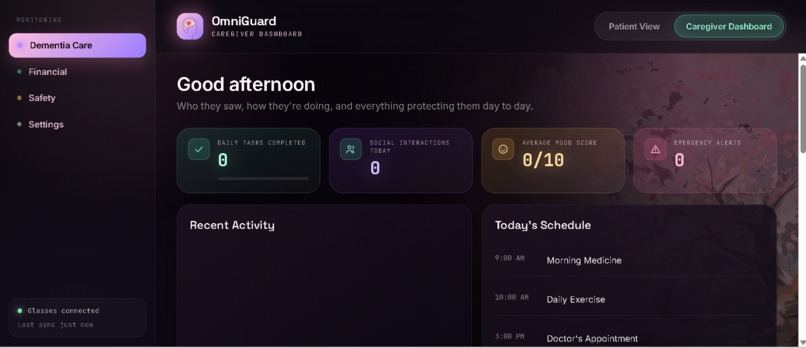
With caregiver consent, recognizes familiar visitors using locally stored face vectors, displays short memory reminders, and warns when spoken requests contain possible scam signals. Mental Support
Helps users respond to cyberbullying or online harassment with grounding steps, evidence preservation, blocking and reporting guidance, and a trusted-person message.
Safe Travel
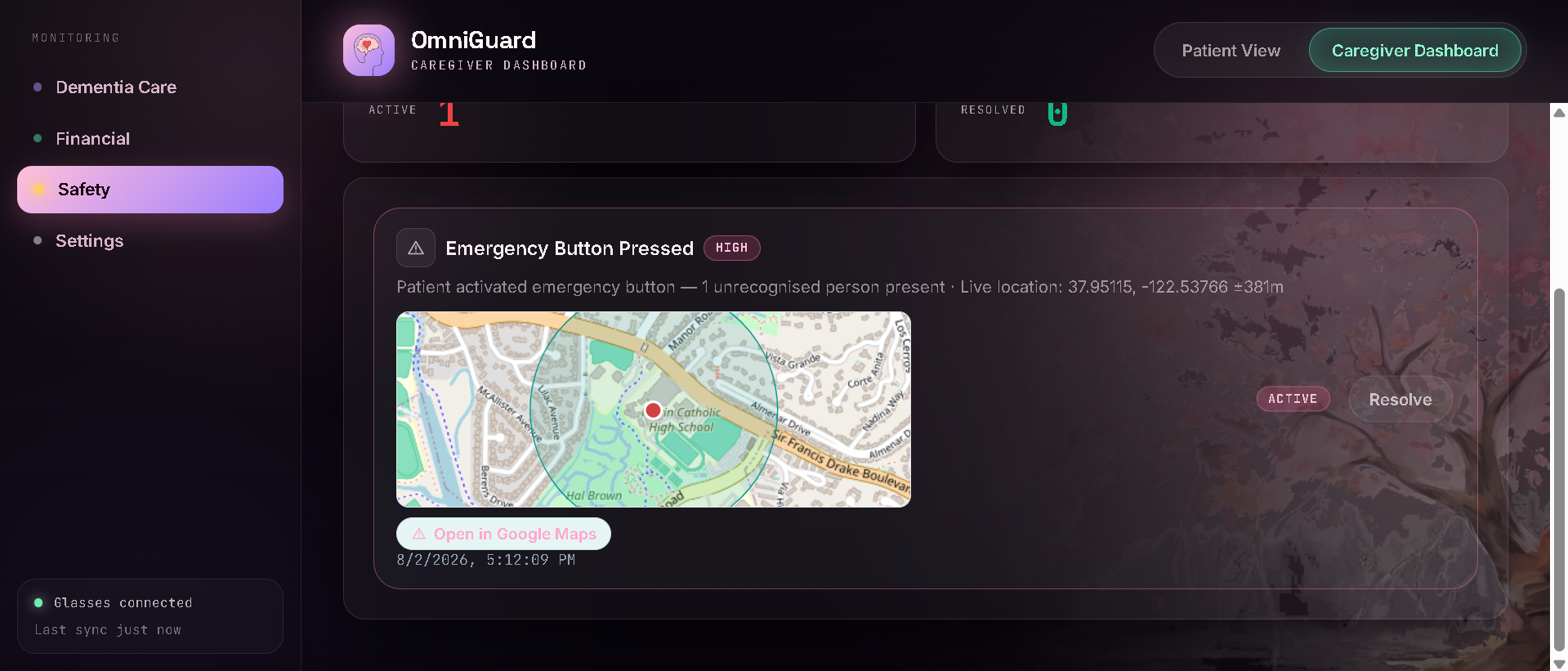
Provides GPS check-ins, preference-based safer routes, a one-tap emergency alert, and saved emergency-location history for trusted contacts and later review.
Wildfire Prevention
Reviews outdoor activities and visible conditions to explain ignition risks and recommend safer precautions before mowing, welding, towing equipment, or using generators.
Settings and Privacy
Keeps the user-provided Groq key in the current browser tab and follows a local-first, minimum-data approach where possible.
Our Favorite Part
OmniGuard does not stop at saying, “This might be dangerous.” A message says: “Your account will be locked today. Send the verification code now.” OmniGuard marks “today” as artificial urgency, “verification code” as a credential request, and “account will be locked” as a threat. It then tells the user not to reply, not to share the code, and to contact the organization through an independently verified website or phone number. The warning becomes an action plan in seconds.
How We Built It
Frontend: Jun built the dashboard, blossom-themed interface, module navigation, maps, camera and microphone flows, document scanner, alert history, and responsive product demo.
Backend: Akilesh built the FastAPI service, Groq prompts and structured schemas, speech transcription, document processing, incident storage, GPS history, and risk-response logic.
Architecture: The browser collects only the information required for the selected safety task. The local backend performs extraction and routing, while Groq handles structured language, audio, and multimodal analysis. Results return as explainable risk signals and next steps rather than a simple yes-or-no label.
Challenges We Ran Into
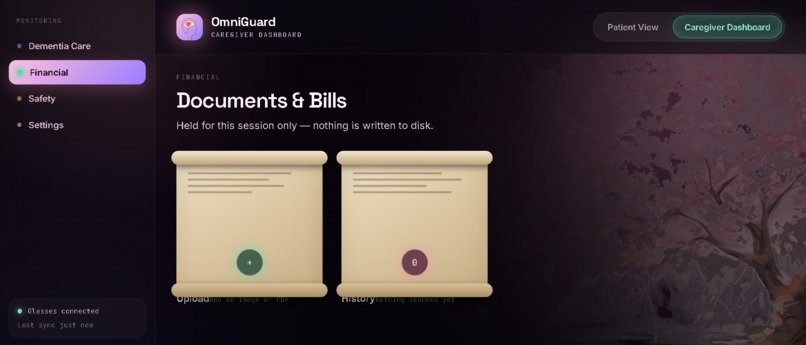
Scanned Documents Some PDFs contain no extractable text. We combined local PDF extraction, browser rendering, and OCR so both normal and image-based documents can be reviewed. Live-Call Analysis
Instead of waiting for an entire conversation, the microphone records short segments, transcribes them, and updates a rolling risk view while discarding raw audio after processing. False Positives
Safety software must not present AI predictions as proof. We use risk levels, quoted evidence, explanations, and independent verification steps. One Experience, Many Risks
Scams, caregiver support, travel, mental safety, and wildfire prevention use different inputs. The shared Detect, Explain, Act, Record loop keeps them understandable.
What We Learned
Detecting risk is only the first step. A useful safety system must show what it noticed, explain uncertainty, recommend an action, and preserve the information needed for follow-up. That principle became the foundation of OmniGuard.
Libraries, APIs, and Attribution
Hackathon rule: All libraries and APIs must be cited. Uncredited copied or adapted code can result in disqualification. OmniGuard identifies every third-party dependency and does not claim external libraries, APIs, models, map data, or adapted components as original work. Groq API — Structured safety analysis and audio transcription using whisper-large-v3-turbo. FastAPI, Uvicorn, and Pydantic — Local Python API server, request handling, and structured data validation.
HTTPX and python-multipart — Outbound API requests and browser file uploads.
pypdf — Local text extraction from text-based PDF documents. Leaflet 1.9.4 — Interactive GPS check-in, emergency locations, and route maps. OpenStreetMap — Map tiles and geographic display. Attribution to OpenStreetMap contributors is displayed on maps. Tesseract.js 5 — Browser-side OCR for screenshots and photographed documents. PDF.js 3.11.174 — Browser-side PDF rendering and document handling. @vladmandic/face-api 1.7.15 — Local face detection, landmarks, descriptors, and matching. Browser Web APIs — Geolocation, MediaRecorder, camera and microphone permissions, notifications, speech synthesis, sessionStorage, and localStorage. SQLite — Local incident and check-in history. Google Fonts, Inter — Interface typography. face-detection source — Earlier face-memory architecture adapted and integrated into Dementia Care.
Original-work statement: Our team created OmniGuard’s unified product concept, interface, integration, safety workflows, structured prompts, alert logic, backend endpoints, and application experience. Any external code or adapted architecture is identified with its source and license.
Built With
- api
- chatgpt
- claude
- codex
- coding
- css
- datasets
- github
- html
- innovation
- javascript
- marinhacks
- python
- safety

Log in or sign up for Devpost to join the conversation.