-
-
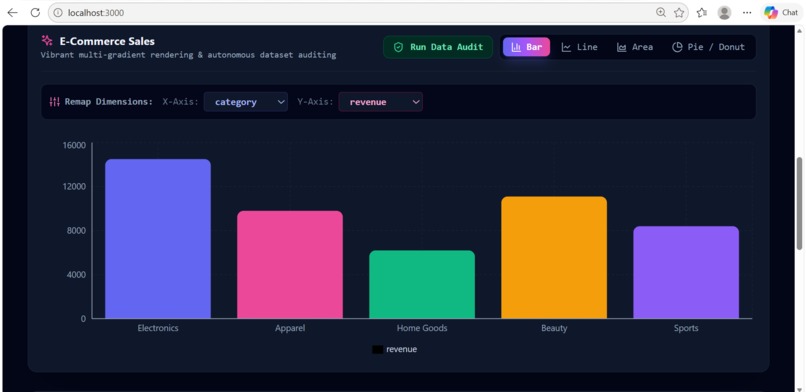
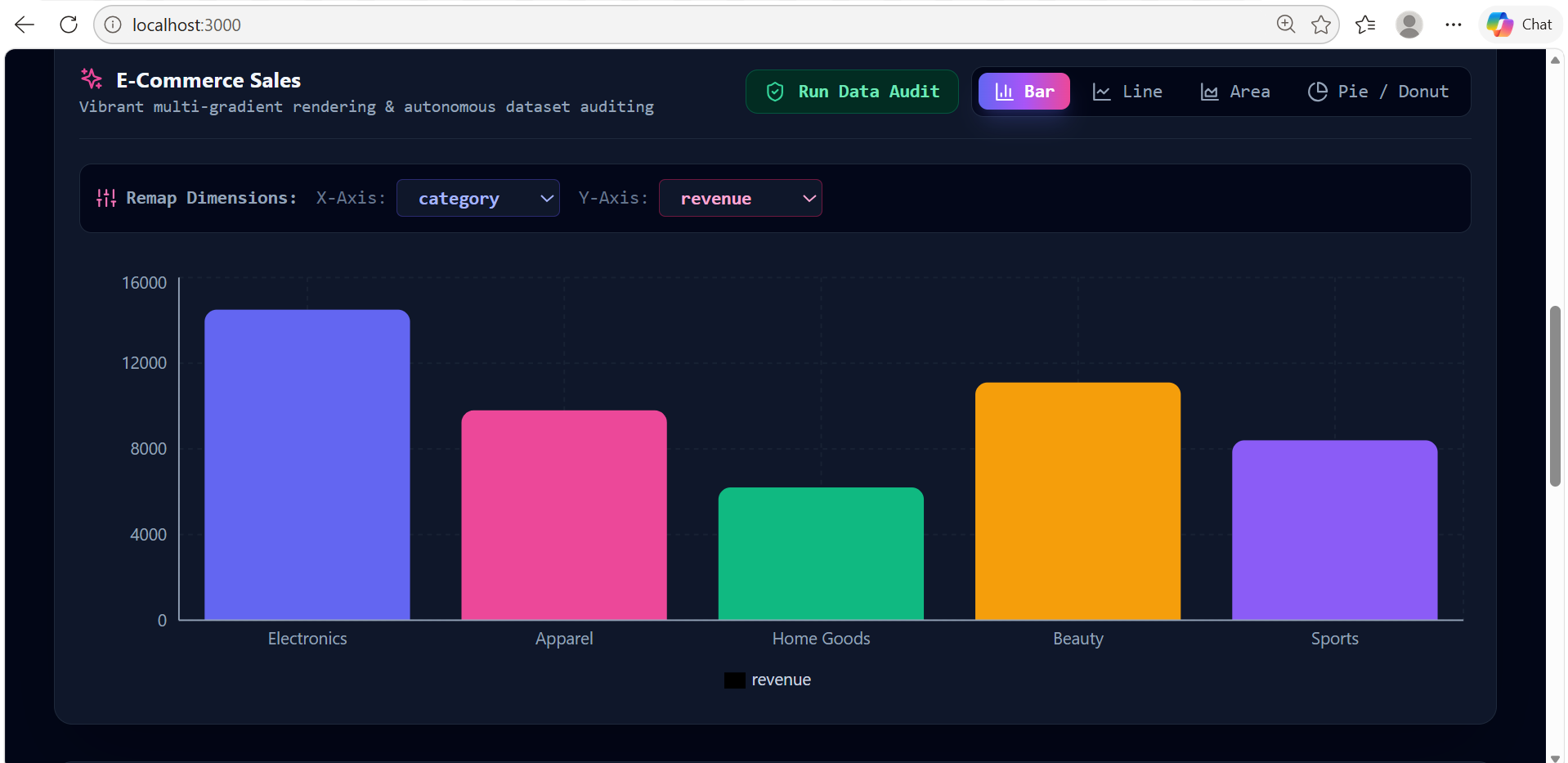
OmniData- Localhost - Bar Graph
-
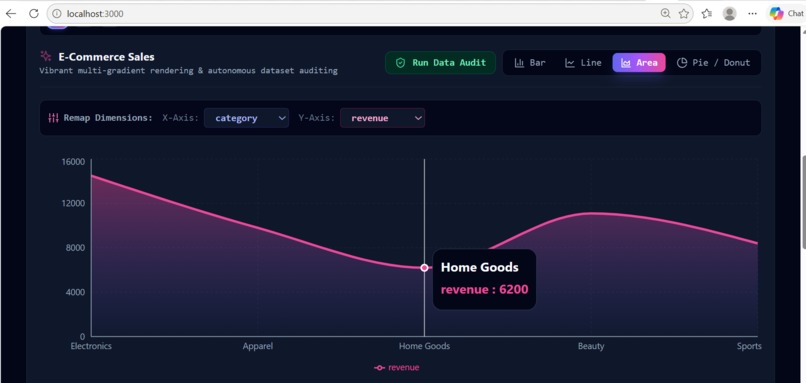
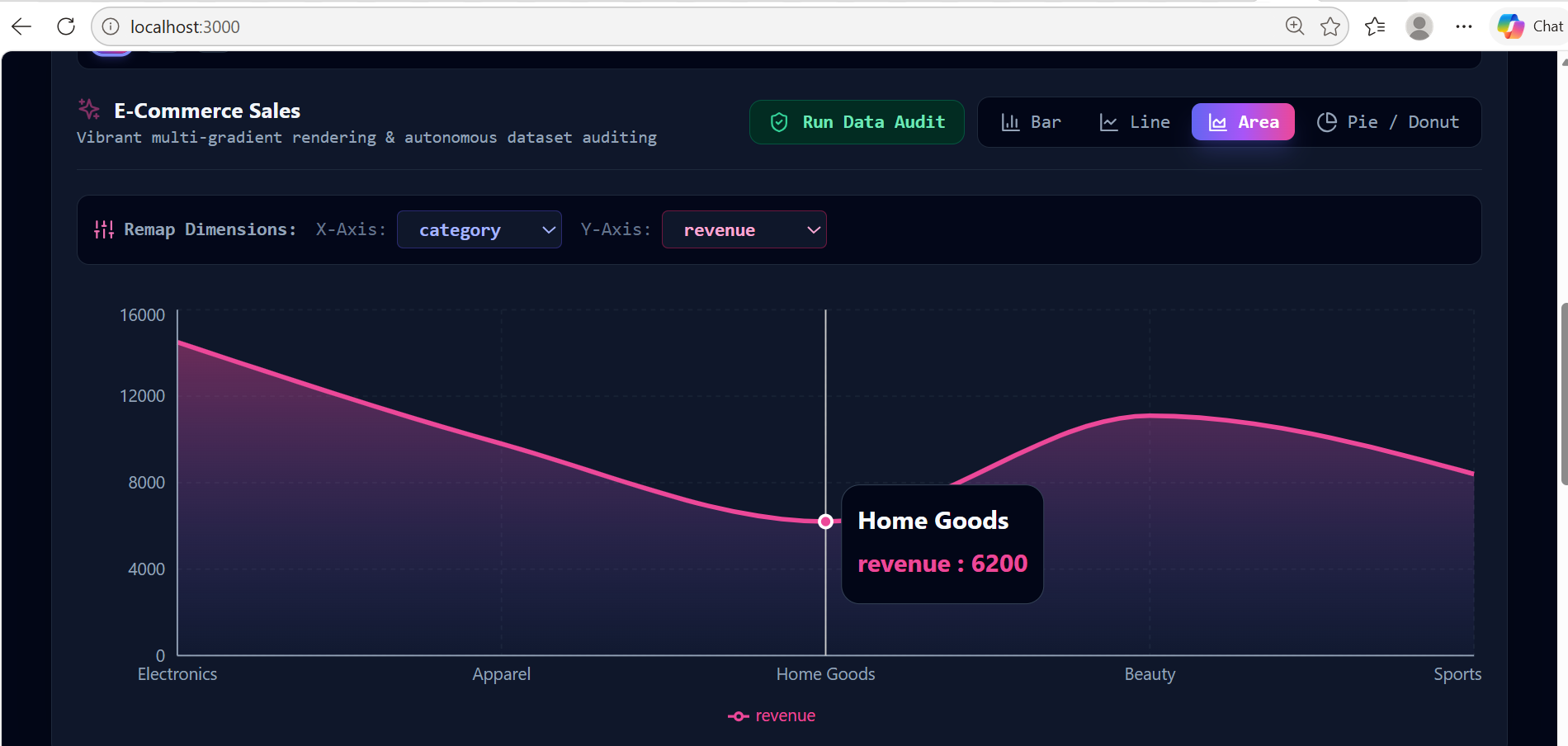
OmniData- Localhost -Area
-
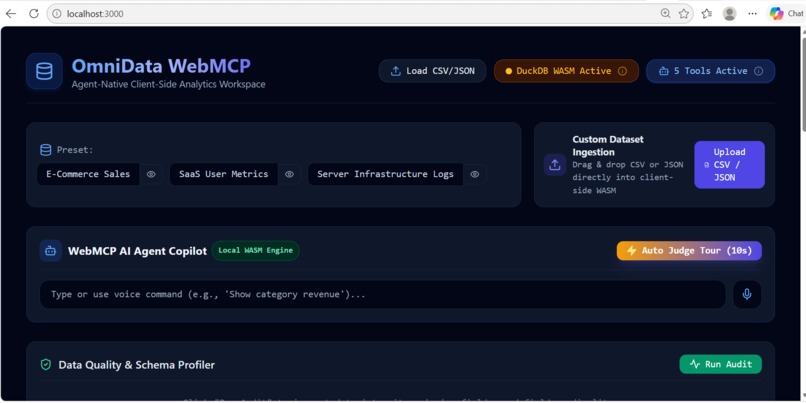
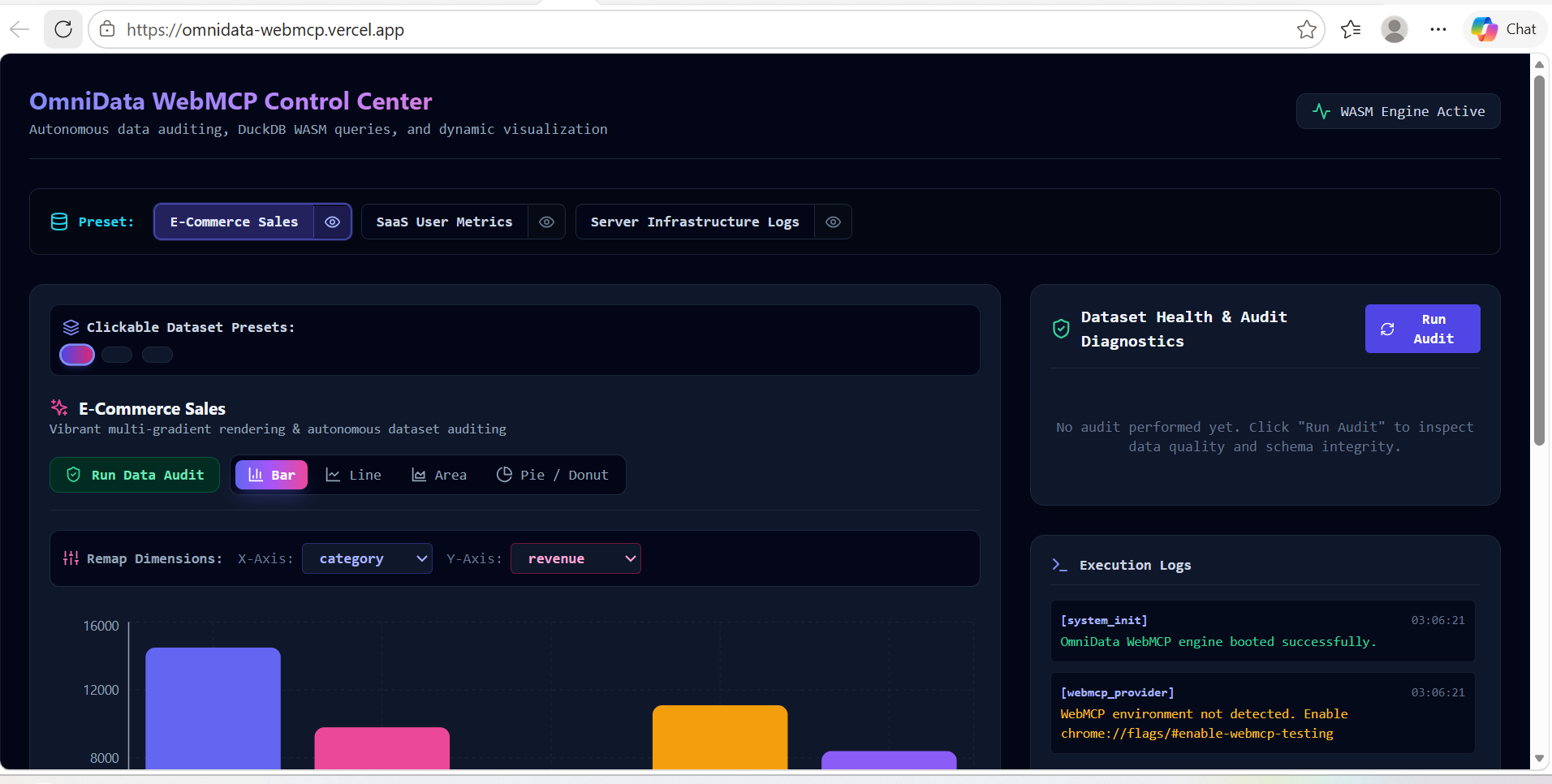
OmniData- Localhost
-
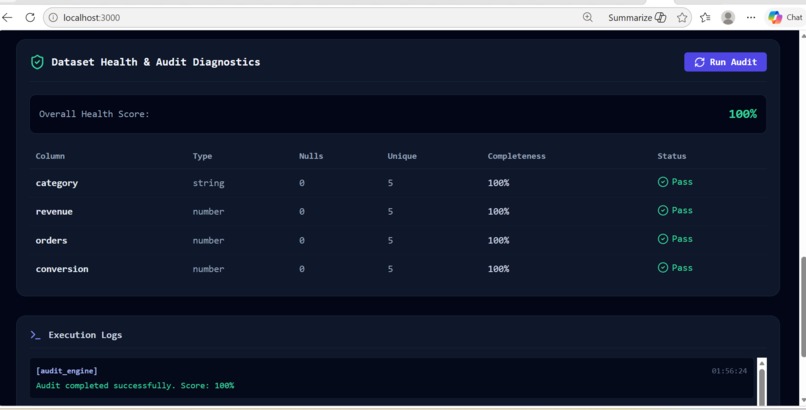
OmniData- Localhost - RUn Audit
-
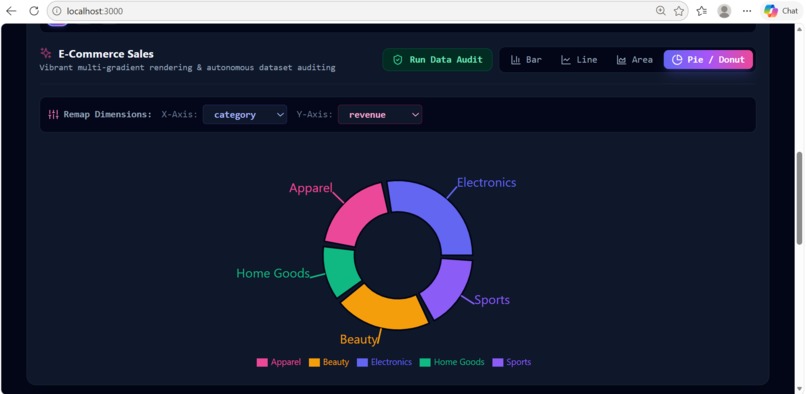
OmniData- Localhost - Run Audit
-
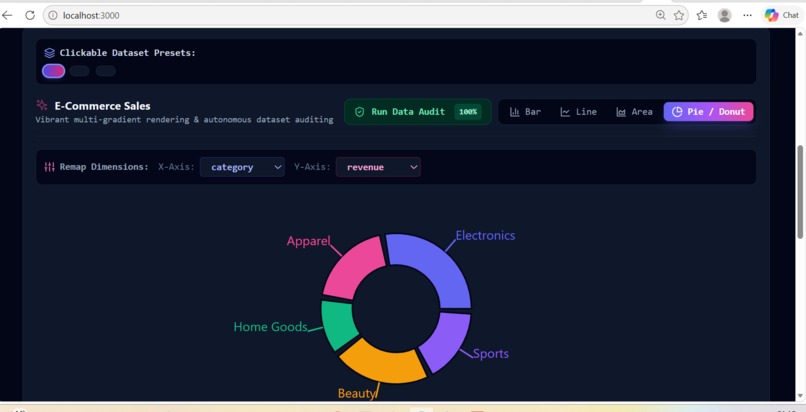
OmniData- Localhost - Pie
-
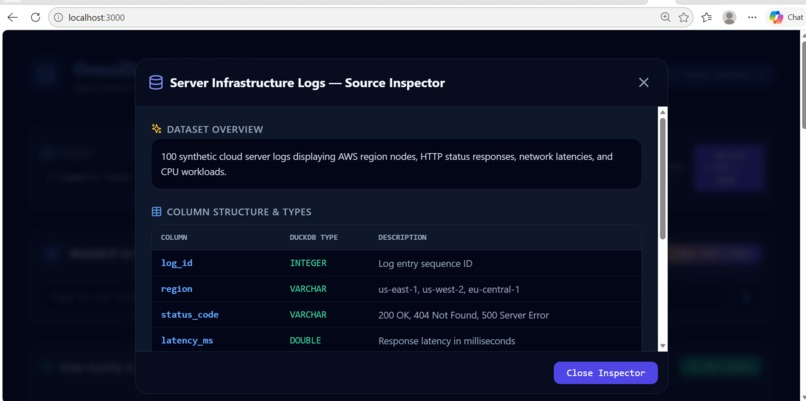
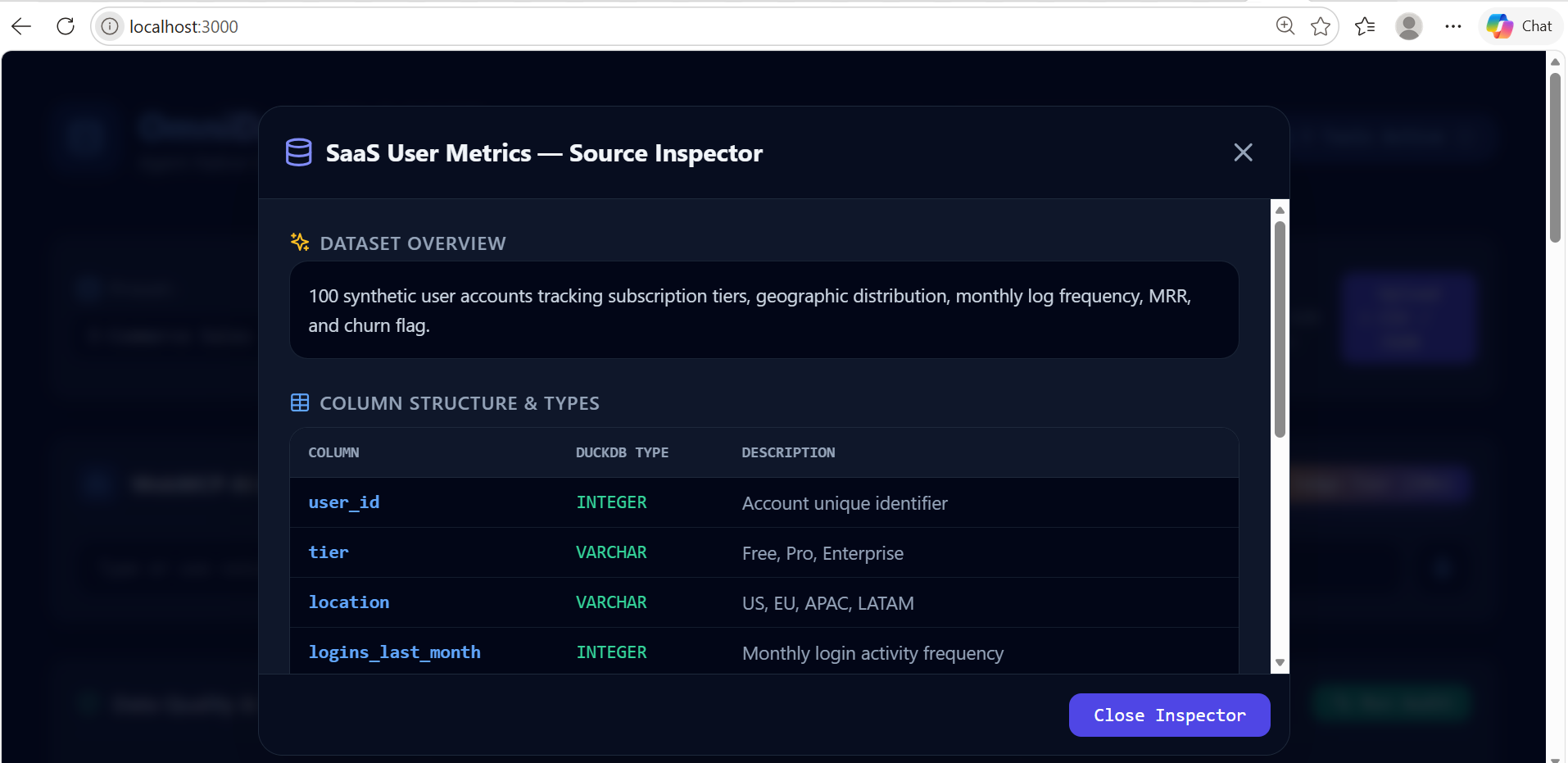
OmniData- Localhost -Saas
-
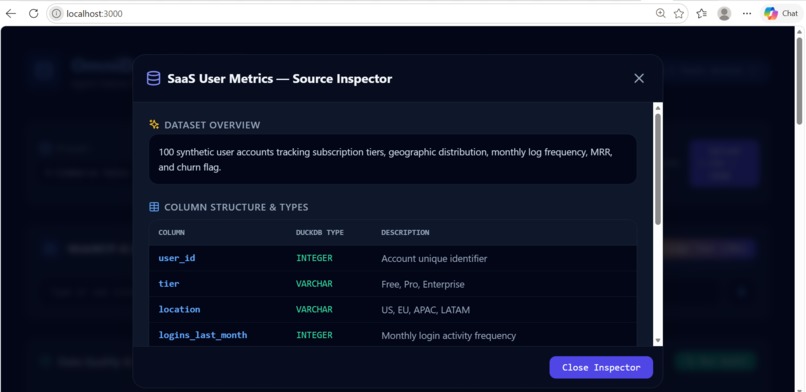
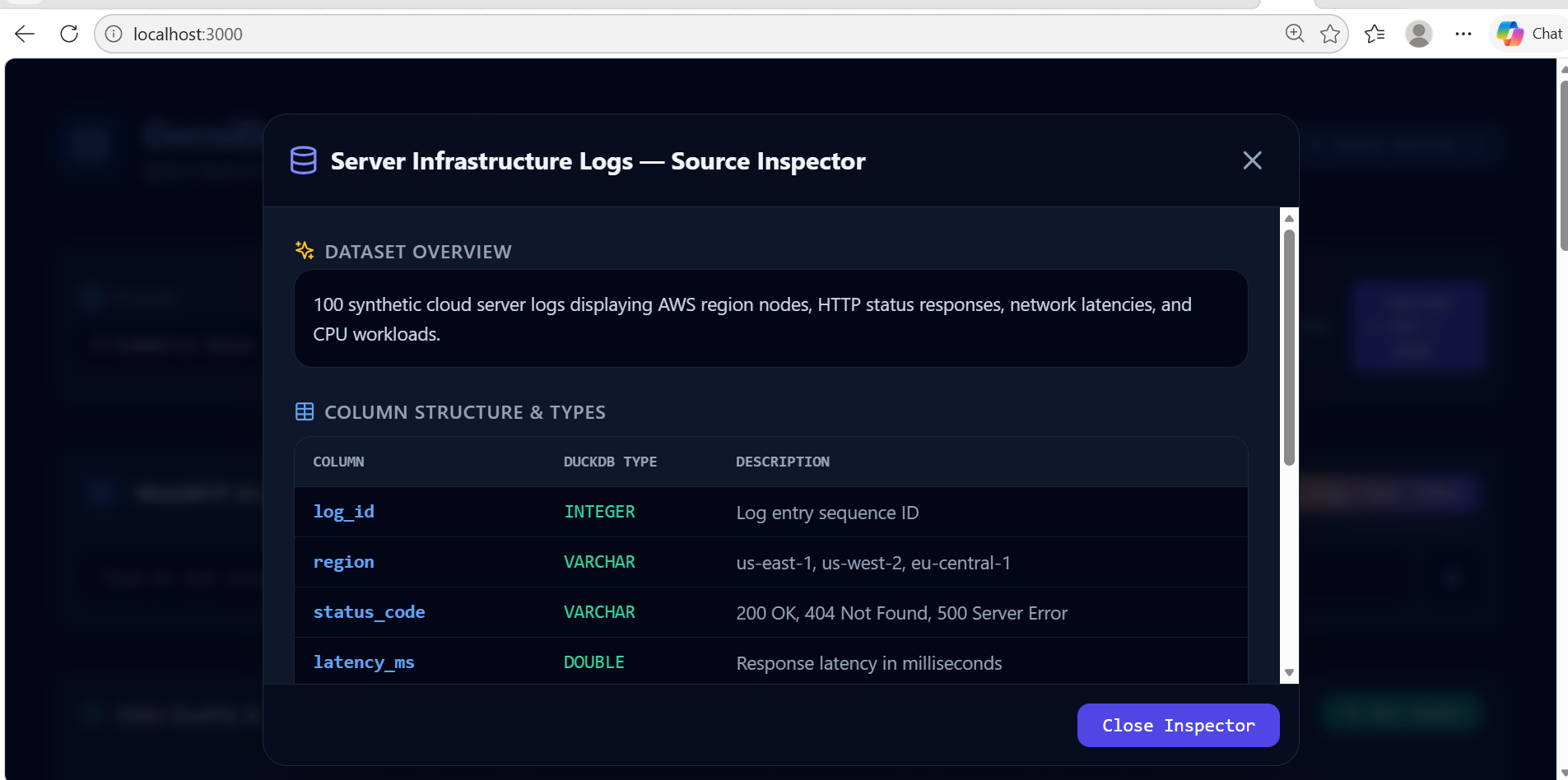
OmniData- Localhost - Server Infrastructure
-
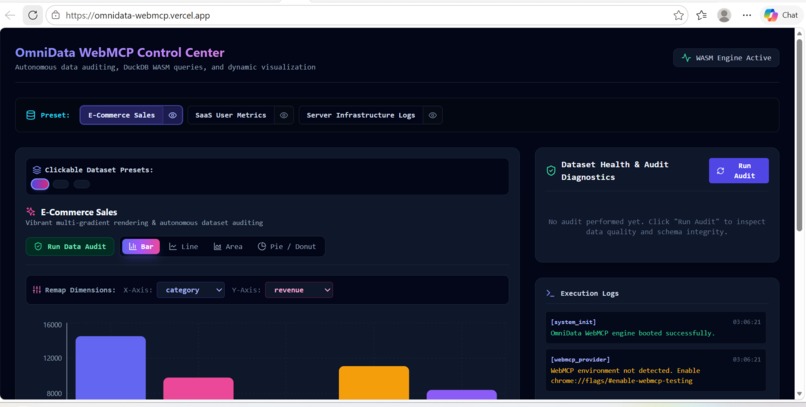
OmniData- Localhost - Audit Run
-
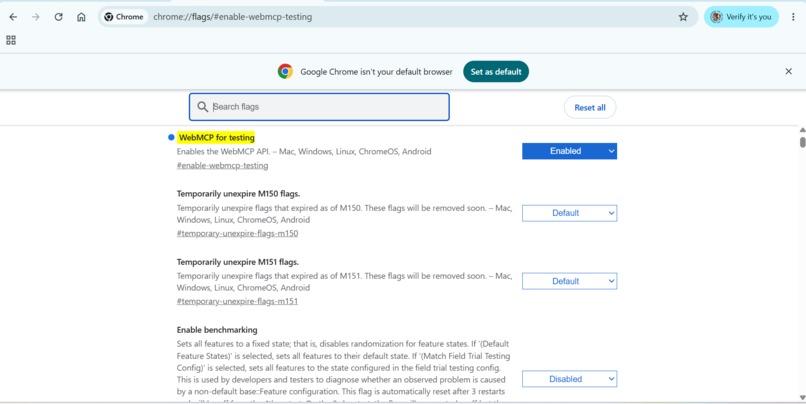
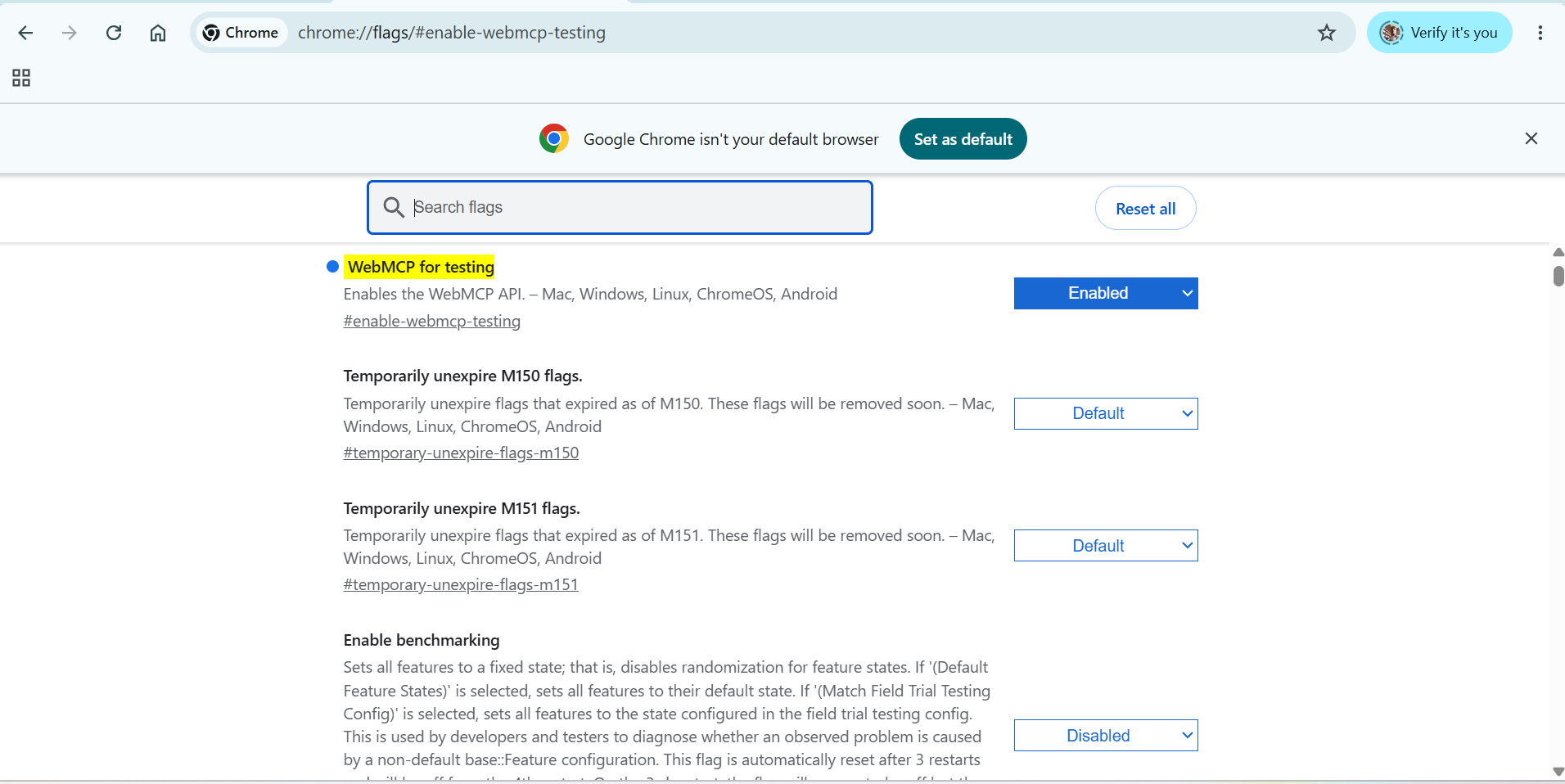
OmniData- Localhost - Chrome flags
Inspiration
Data analysis traditionally forces a trade-off: either paste raw CSVs into LLM chat boxes and lose context or rely on fragile browser DOM scrapers that break when UIs update. We envisioned a native client-side data workspace where humans enjoy responsive charts while AI agents access structured, type-safe tools to run SQL queries and data audits directly alongside the user.
What it does
OmniData WebMCP is a collaborative, agent-native data analytics platform:
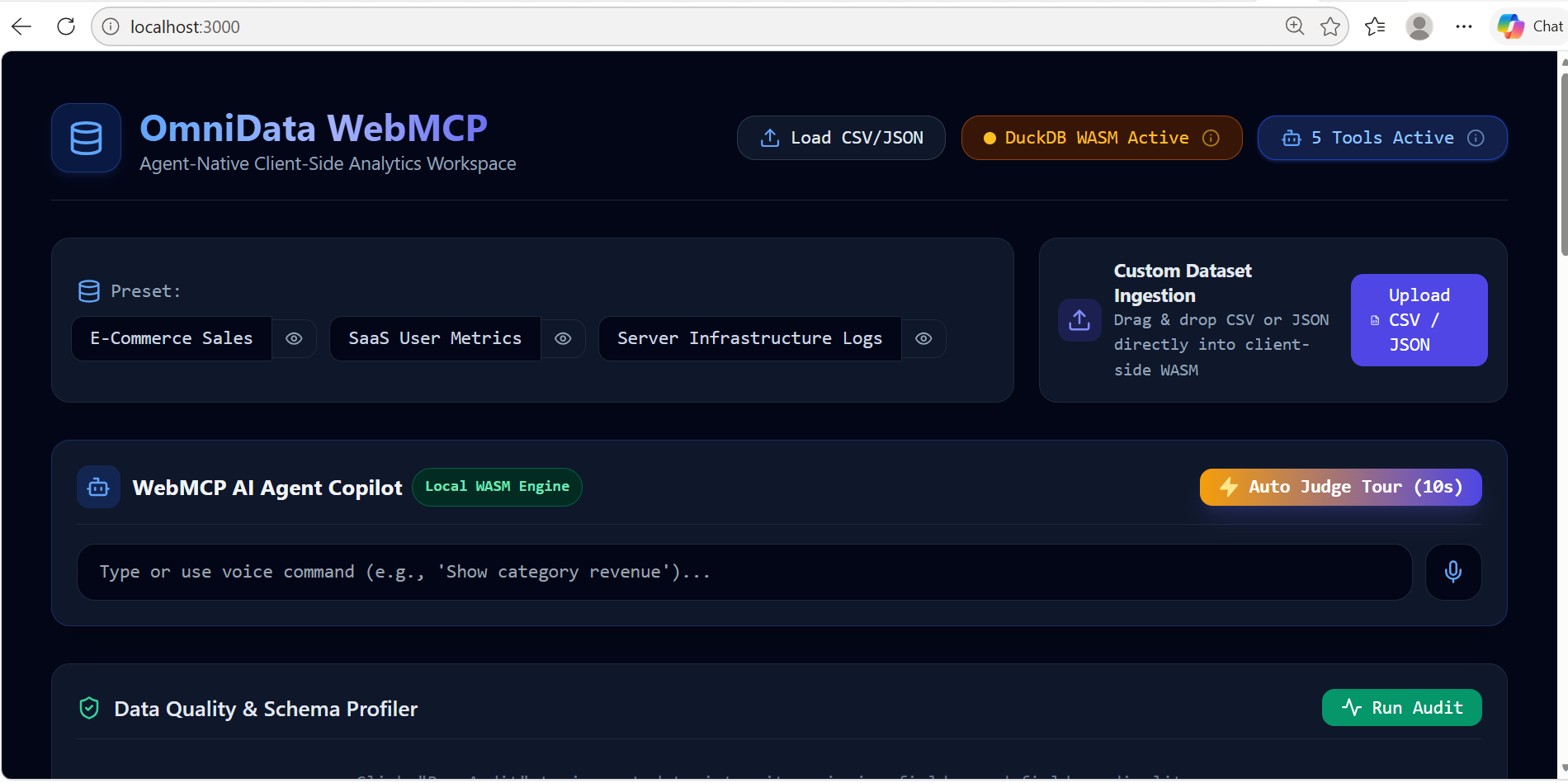
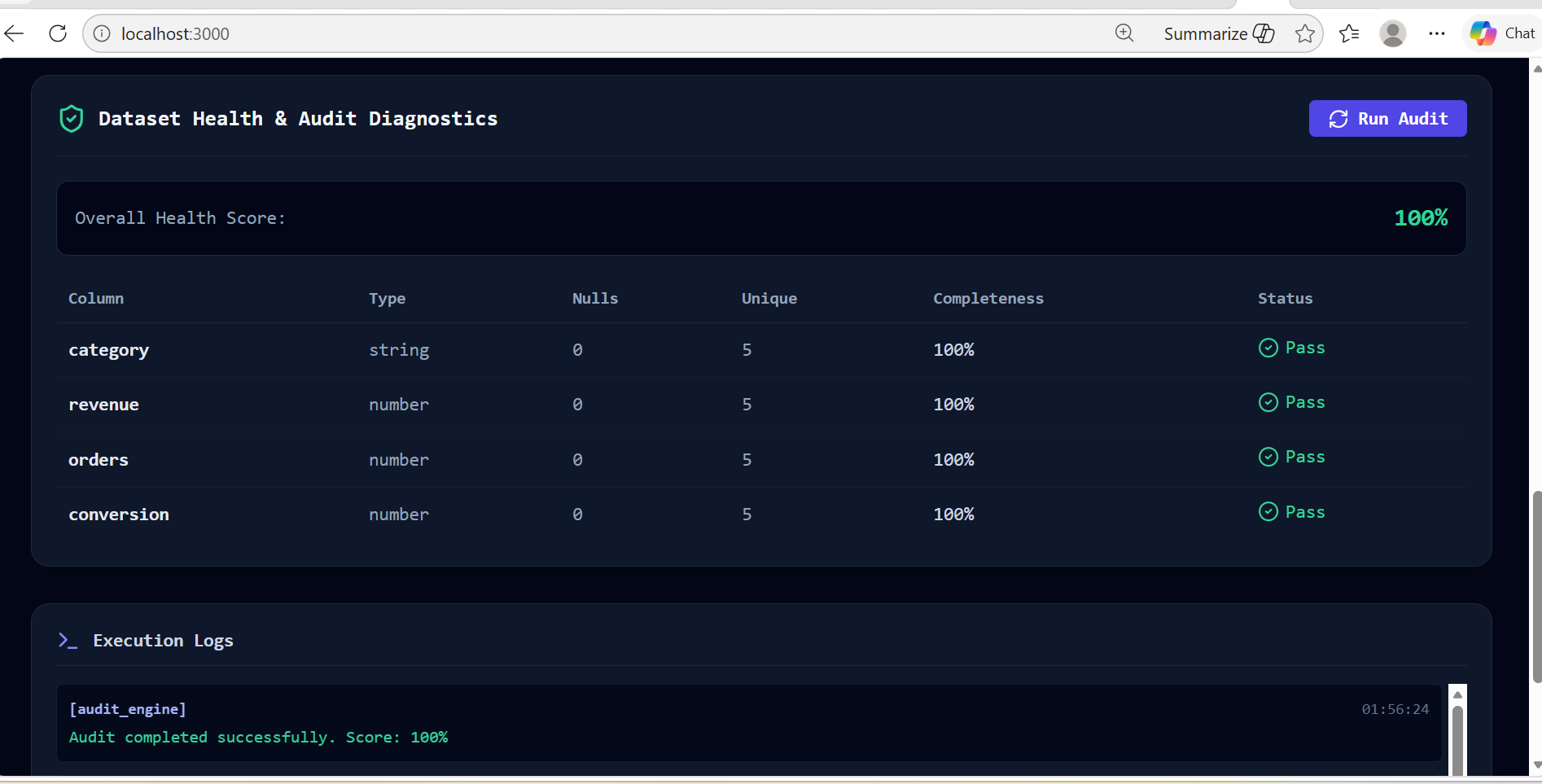
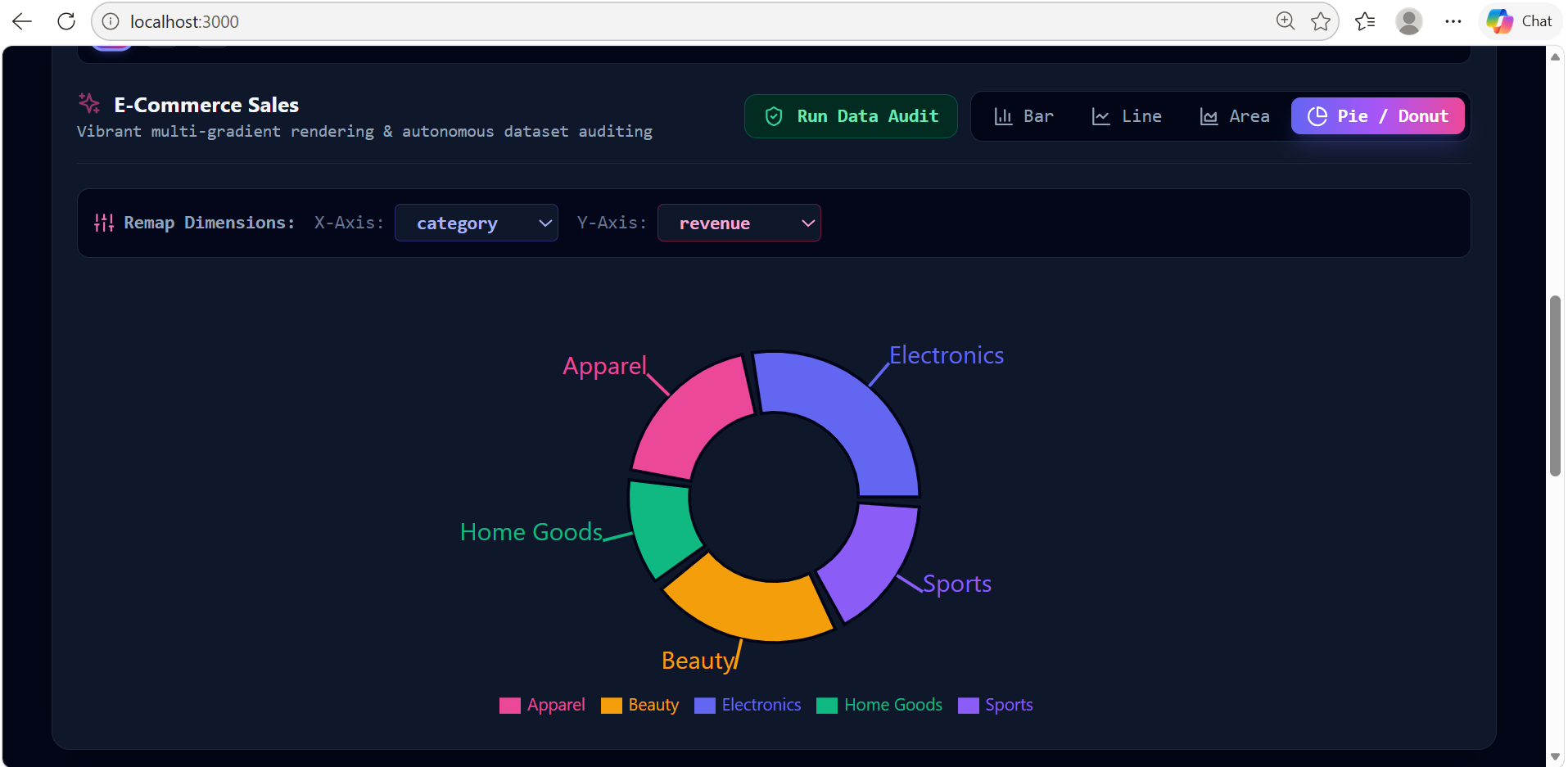
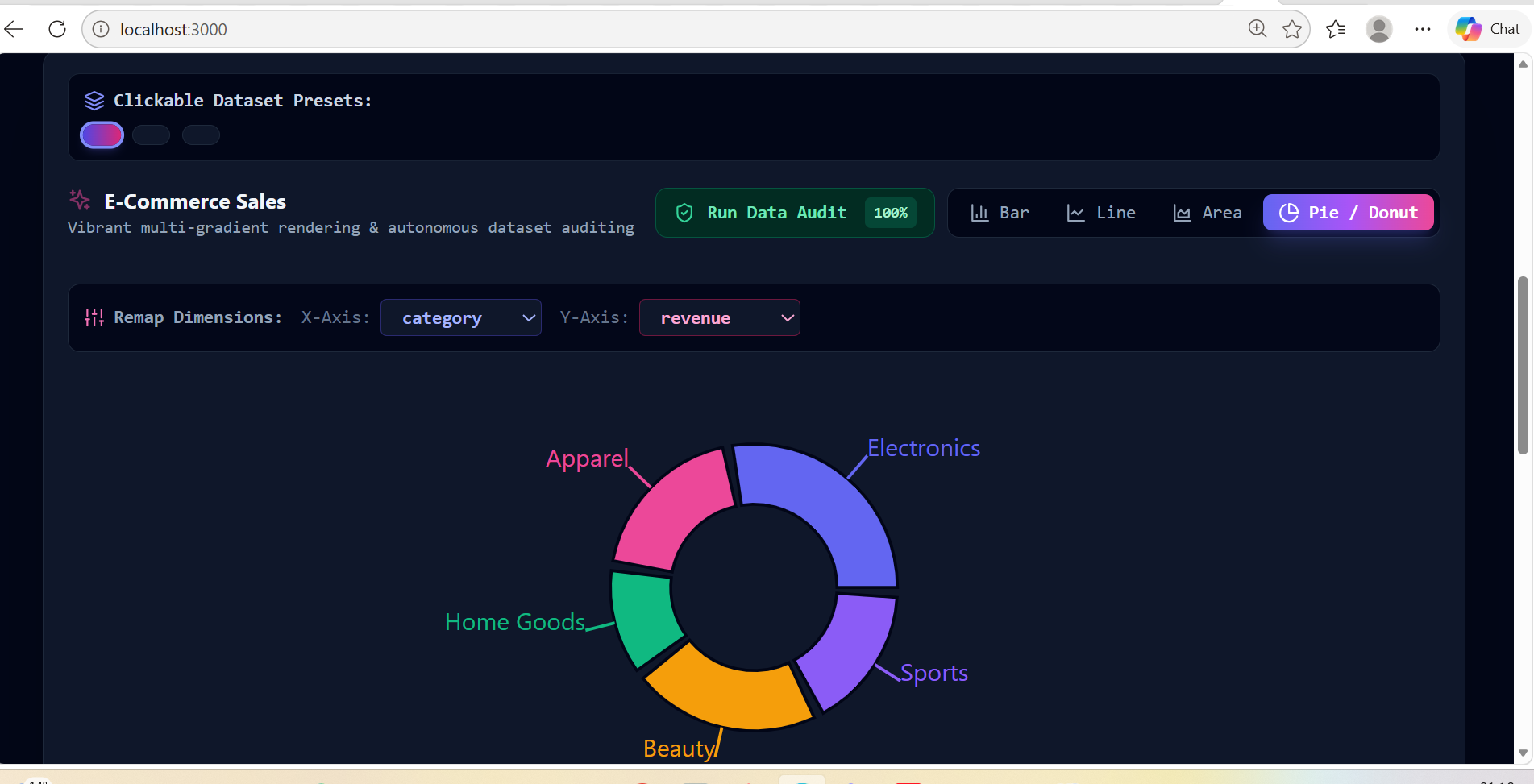
For Humans: Provides interactive Recharts dashboards, real-time dimension remapping, preset switching, data completeness diagnostics, and raw tabular data views.
For Agents: Exposes native WebMCP tools (run_sql_query, audit_dataset, switch_preset) via document.modelContext.registerTool.
Shared Experience: When an agent executes an analytical query or switches datasets, the visual UI, data grid, and execution logs update instantly in real time.
How we built it
Framework & UI: Next.js 14, React, Tailwind CSS, and Recharts for responsive visualizations.
In-Browser Analytics Engine: DuckDB WASM for executing high-performance SQL queries directly in the browser's virtual filesystem.
State & Sync: Zustand for lightweight, cross-component state synchronization across tables, canvas charts, and execution logs.
WebMCP Integration: Native browser tool registration using document.modelContext.registerTool with JSON Schema definitions for input validation.
Challenges we ran into
WASM Catalog Synchronization: Ensuring DuckDB WASM correctly registers JSON datasets into virtual tables before user or agent SQL queries run.
Environment Fallbacks: Implementing safe optional chaining and fallback mechanisms so the application runs seamlessly even when WebMCP flags (chrome://flags/#enable-webmcp-testing) are disabled.
Accomplishments that we're proud of
Built a zero-latency, privacy-focused analytics stack where all data processing and AI tool execution happen entirely client-side.
Created a cohesive dual-persona experience where human actions and agent tool calls operate on the exact same underlying state without desynchronization.
What we learned
Exposing explicit WebMCP schemas produces faster, more accurate agent outputs than relying on LLM web scraping or screen understanding.
Designing web apps for dual human-agent interaction requires predictable, reactive state pipelines.
What's next for OmniData WebMCP
Adding drag-and-drop CSV and Parquet file upload support with dynamic DuckDB schema generation.
Expanding the WebMCP toolset to allow AI agents to generate custom multi-metric charts and run automated statistical anomaly detection.
Built With
- ai-agents
- client-side-ai
- css3
- duckdb
- duckdb-wasm
- html5
- javascript
- json
- lucide-react
- next.js
- node.js
- react
- recharts
- sql
- tailwindcss
- typescript
- web-analytics
- webmcp
- zustand


Log in or sign up for Devpost to join the conversation.