Omni Belt is a wearable guide for blind and low-vision people: a belt that buzzes you toward where to walk, a ring that guides your hand to what you're reaching for, and a memory that knows where you left your things.
Say "Belt, find my keys." The belt turns you toward them and steers you around anything in the way. At arm's length, a ring on your finger takes over and pulses faster as your hand closes in. Set them down, walk away, and later ask "Belt, where did I leave my keys?" It tells you where they are, then offers to take you there.
Inspiration
A white cane is great at the ground right in front of you. It tells you nothing about the table edge at hip height, the open cabinet door at head height, or the chair someone pushed out two meters ahead. And once a blind person sets down their keys or wallet, finding them again means sweeping their hands across every nearby surface.
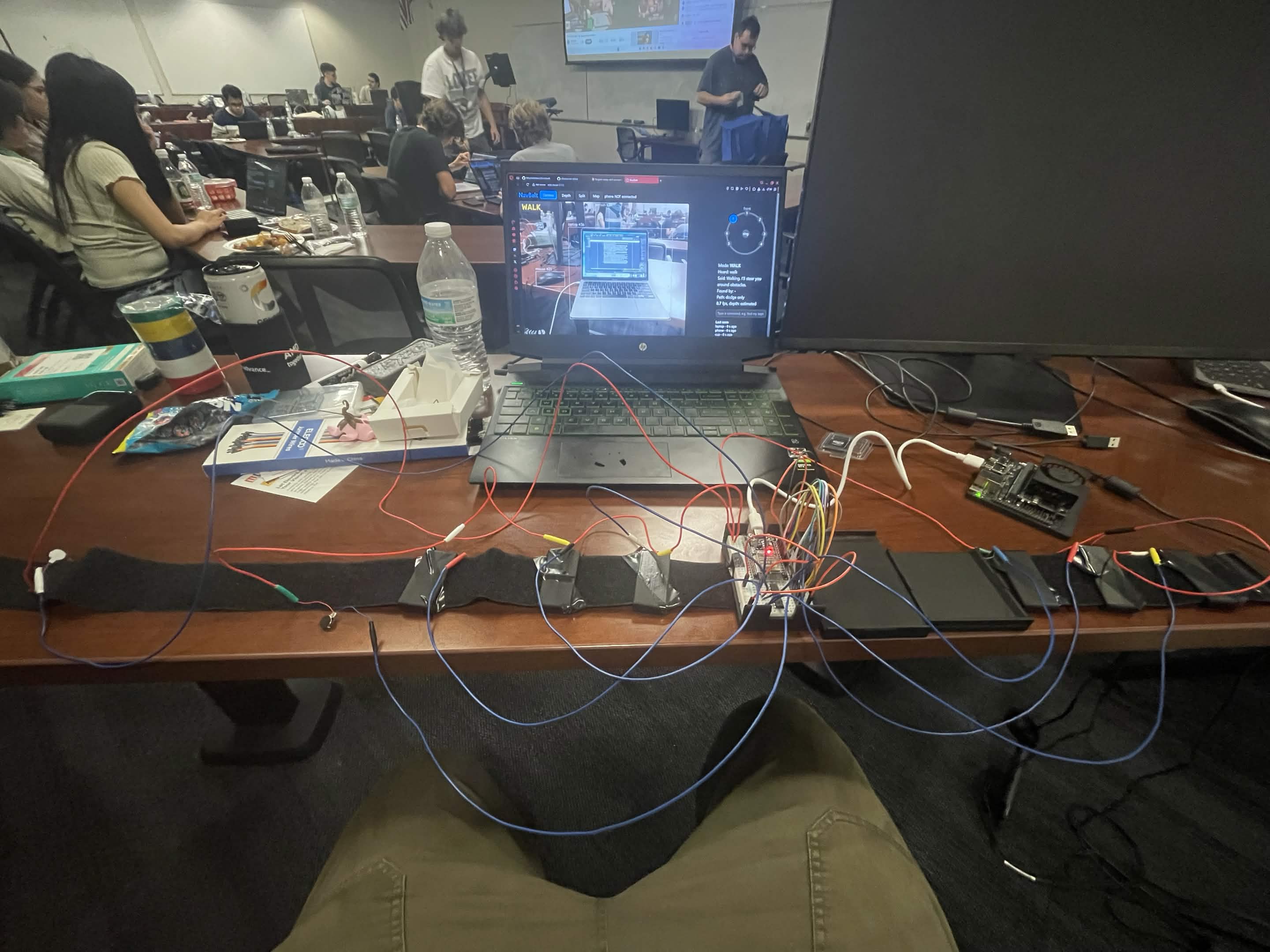
We split the problem the way the body already does: the belt tells you where to walk; the ring tells you where to reach. Seven vibration motors around the waist steer you like a compass you can feel. One motor on your finger guides your hand the last half meter to the object.
Our guiding rule: the AI decides where; the reflexes decide how. A cloud model may choose the goal, but it never touches a motor. Everything safety-critical runs locally, on the belt.
What it does
| Say | What happens |
|---|---|
| "Belt, find my wallet." | Finds it, walks you there around obstacles, then hands over to the ring at arm's length. The ring pulses faster as your hand gets closer and gives a solid buzz when you're on it. |
| "Belt, where did I leave my keys?" | Answers from memory ("on the table behind you, to your right, about 2 meters away"), then asks "Want me to take you there?" |
| "This is my wallet." | Hold it up and the belt learns your wallet, not just any wallet. |
| "Belt, find me a seat." | Finds a chair nobody is sitting in and walks you to it. |
| "Belt, take me to the door." | Walks you to the nearest door and buzzes when you arrive. |
| "Belt, what's in front of me?" | A short spoken description, obstacles first. |
| Walk mode | Dodges obstacles from ankle to head height in real time, fully offline. |
| "Stop." | Stops everything, any time. |
How we built it
iPhone 17 (eyes + ears) ──WebSocket──▶ Jetson Orin Nano Super (reflexes) ──USB serial──▶ ESP32 + ULN2803 (muscles) ──▶ 7 belt motors + ring │ ▼ Gemini (understand · find · describe) · ElevenLabs (voice)
Phone: eyes and ears. An iPhone 17 at the wearer's navel streams camera frames, the ARKit camera pose and intrinsics, ARKit feature points, and Apple Vision hand keypoints over a WebSocket. It listens for the wake word "Belt" and speaks every reply in an ElevenLabs voice.
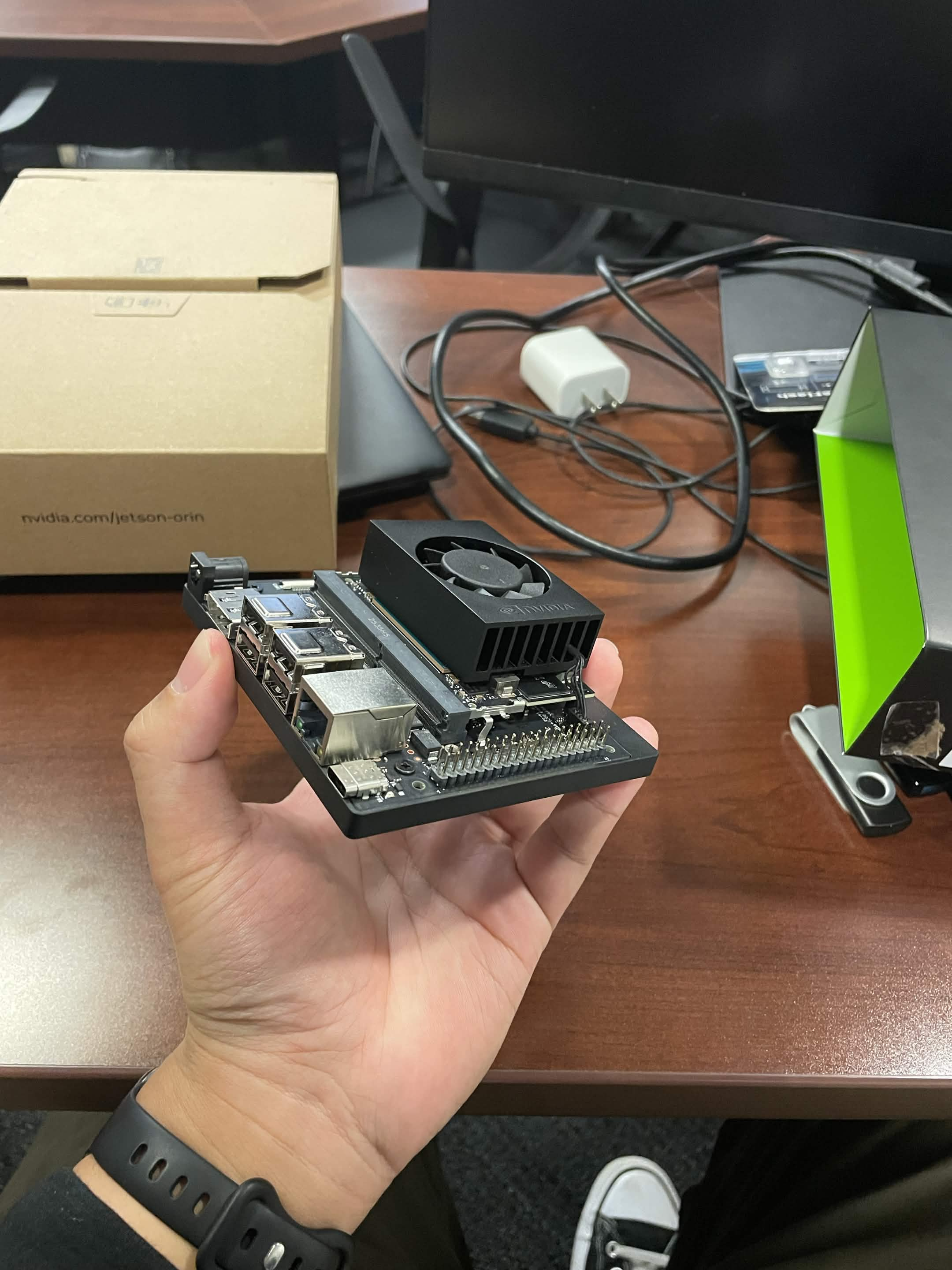
Jetson Orin Nano Super: reflexes. Every model runs on the belt, each in its own thread:
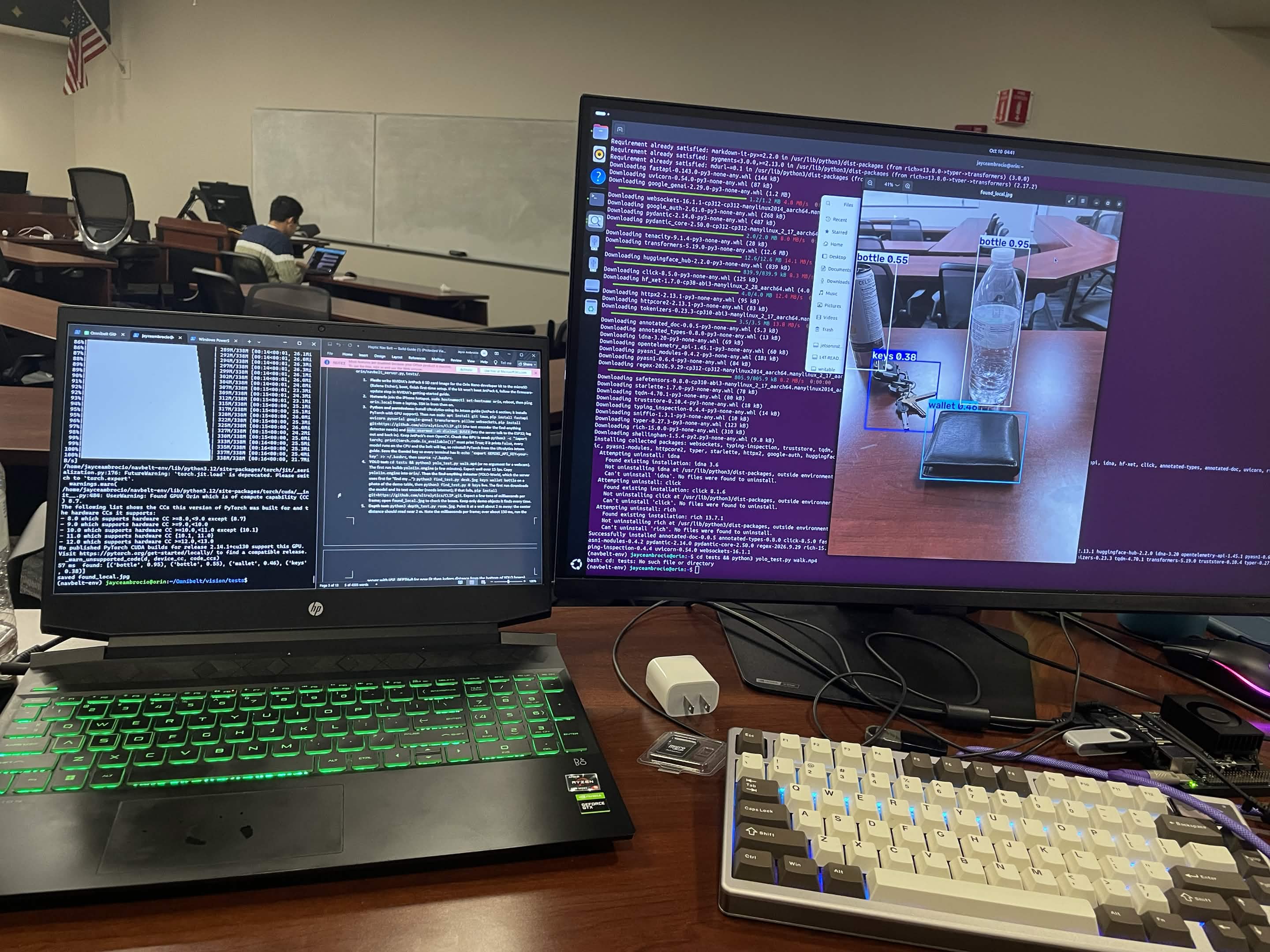
- YOLO11n (TensorRT) with ByteTrack for people and everyday objects
- Depth Anything V2 Small (metric, indoor) for per-pixel distance. We have no LiDAR.
- YOLO-World (small), an open-vocabulary detector, for finding things by name. Gemini steps in when it misses something, and for unusual descriptions like "the green dino on the desk".
ESP32: muscles. A small line protocol (M 3 70 P4, SWEEP, ARRIVE) drives a ULN2803 low-side driver. The firmware enforces its own safety limits: at most 3 motors at once, and everything stops if the Orin goes quiet for 500 ms.
Hardware. We designed the 3D-printed motor pods, Orin tray, hub, phone cradle and a swappable-size ring in code with manifold3d, so changing a part is one parameter and a re-export.
From depth to obstacles
For a pixel at row \( v \) with metric depth \( d \), camera pitch \( p \), focal length \( f_y \), principal point \( c_y \) and lens height \( h_{cam} \), exact pinhole geometry gives that point's height above the floor and its level distance ahead:
$$h = h_{cam} + d\left(\sin p + \frac{c_y - v}{f_y}\cos p\right), \qquad x = d\left(\cos p - \frac{c_y - v}{f_y}\sin p\right)$$
A point only counts as an obstacle if \( 0.15\,\text{m} < h < 1.9\,\text{m} \), so the floor never becomes a wall. We split the view into 16 sectors and take a low percentile of \( x \) in each. A sector is blocked if anything in it is closer than 1 m. Because monocular depth drifts in scale, we re-scale it every frame against ARKit feature points, or against the known floor height.
Mapping and planning
Depth rays plus the ARKit pose feed a 12 m × 12 m occupancy grid with 15 cm cells. Old evidence decays, so things that move away fade from the map. A* plans around everything on the map, including obstacles that have left the camera's view. Each step costs extra near walls, which keeps routes centred:
$$c(\text{step}) = w \cdot \bigl(1 + 3\max(0,\; 0.8 - \text{clearance})\bigr), \qquad w \in {1, \sqrt{2}}$$
Steering follows the route toward a point 0.8 m ahead. A reactive dodge layer still checks every frame, picks the open sector closest to that heading, and buzzes the nearest motor. Pulses speed up from 2 Hz to 7 Hz as things get closer.
Finding, remembering, reaching
- One fixed vocabulary. Our demo items plus look-alikes ("phone", "credit card", "remote"). If something is more confidently a phone, it isn't your wallet.
- 3-of-5 agreement. A new location needs 3 of the last 5 sightings to agree, checked in world space so it still holds while you walk.
- Small items. When nothing is found, the belt takes a zoomed second look at the lower frame and the horizon band.
- Your things. "This is my wallet" saves image embeddings (CLIP) of your item. Later finds are ranked by how much they look like it.
- Memory. Every sighting is stored in world coordinates. Each item keeps a weighted-median track, so one bad detection can't move your keys across the room, and a real move is detected after two sightings.
- Reach. Within arm's length, or when your hand appears next to the item, the belt hands over to the ring.
Challenges we ran into
- Frame rate on an 8 GB edge device. Profiling showed the Hugging Face depth pipeline took 110 ms per call, because it quietly upscaled our 320×240 input to 518 px. Calling the model directly in fp16 took 33 ms. YOLO-World spent 215 ms re-encoding text every time we switched between "find the target" and "scan for memory". The fix was one fixed vocabulary, a separate thread for each model, and TensorRT for YOLO11n.
- "Wallet" kept turning into "phone." Open-vocabulary detectors confuse look-alikes, so we put the look-alikes into the vocabulary on purpose, and require several sightings to agree before trusting a new location.
- Reach only triggered when you were standing on top of the item. Scale drift in monocular depth made everything look farther away. Per-frame re-scaling and measuring to the item's near surface fixed it.
- Memory limits. Loading a bigger detector next to depth, tracking and CLIP ran the 8 GB board out of memory. We kept the small YOLO-World, load models one at a time, and guard every optional model with a free-memory check.
- A motor right behind the camera. The navel motor sits in the phone cradle, so it can shake ARKit tracking. We watch fps and the map while it buzzes, and have a foam-pad fallback ready.
- Free-tier API quotas. We split Gemini into a smart tier for what the user asks and a light tier for background work, with per-minute budgets, so the demo can't die halfway through.
- Physical layout. Checking the CAD widths showed the battery and Orin trays overlap on any waist under about 110 cm at our planned spacing, so we moved the electronics to sit together along the spine.
Accomplishments that we're proud of
- A complete wearable built in one weekend: custom firmware, code-generated CAD, an iOS app, an edge-AI server and a live judge dashboard.
- Navigation that keeps working with the Wi-Fi off. The cloud only adds understanding and voice.
- A ring that solves the "last meter", and a memory that answers "where did I leave it?"
What we learned
- Profile before you optimize. Our biggest bottleneck was a library default we never asked for.
- Geometry beats guessing. Exact pinhole maths and ARKit's pose made the difference between a belt that buzzes at the floor and one that buzzes at the table.
- Keep the LLM out of the control loop. Gemini chooses goals; local code owns every motor command. That kept the system safe, fast, and working offline.
- Haptics need to be unmistakable, not subtle. Small steering corrections felt like noise. Exaggerating dodges into a clear 45° side cue made them readable.
- Edge AI is a systems problem. Threads, memory, power modes, quotas, serial resets and thermal limits mattered as much as the models did.
What's next
Testing with blind and low-vision users, a lighter belt with fewer separate parts, stair and curb detection, and running the language model on-device so the whole system works offline.


Log in or sign up for Devpost to join the conversation.