-
-
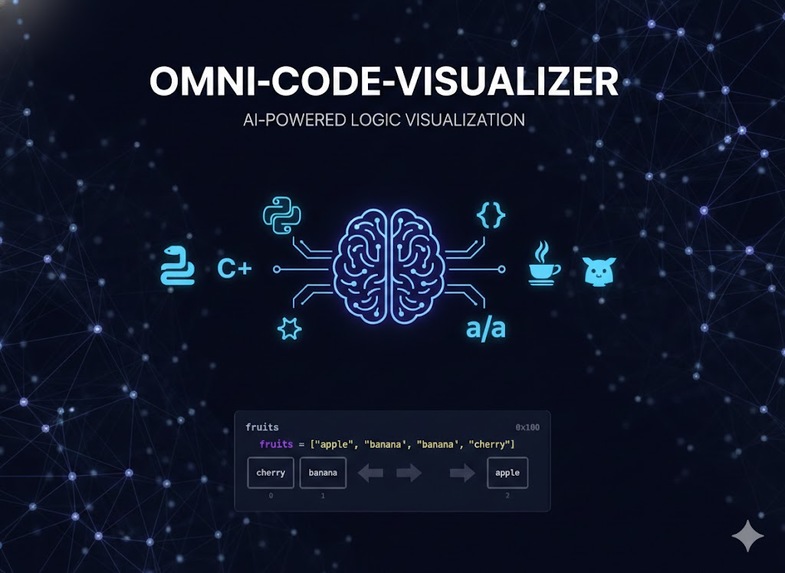
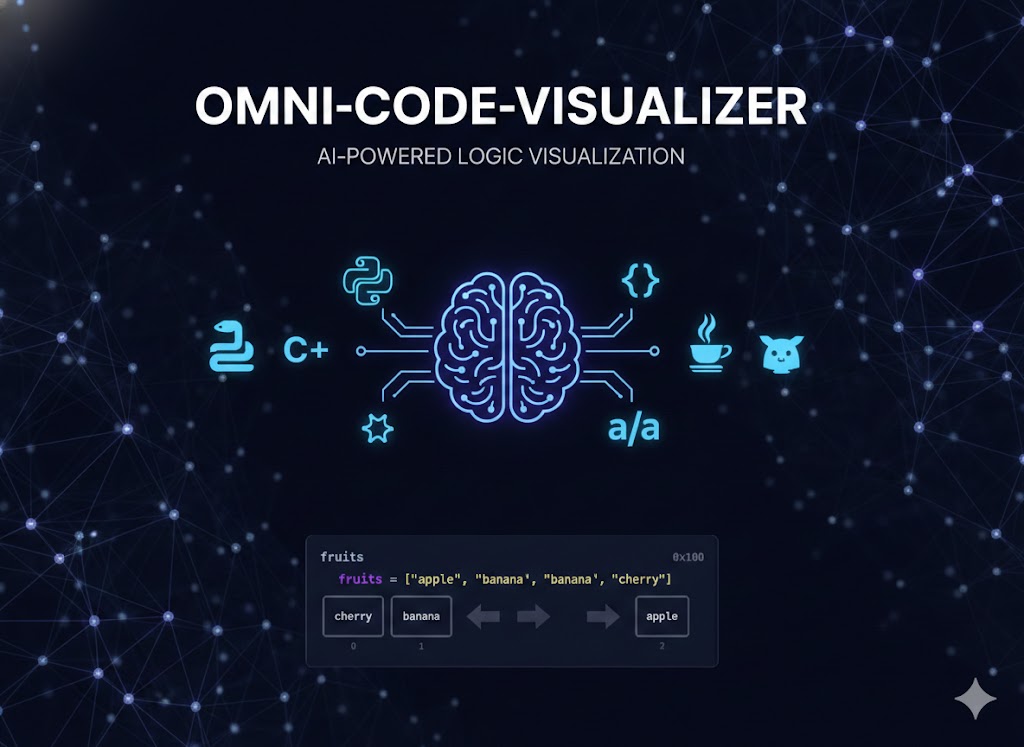
Omni-Code-Visualizer
Inspiration: I am a visual learner, and I need to see something to learn it. When I was in college and I was learning coding, it was really hard to understand all those concepts. I had to ask professors, classmates, or search online to find some kind of visualization for the topic we were studying.
What it does? Omni-Code-Visualizer visualizes the underlying structures of code and makes them easy to understand. Not only does it visualize these structures, but it also explains the code by walking through an example as it is executed. Users can use the live tutor option to ask questions about the code or use the Gemini assistant to generate more sample code or answer further questions.
How I built it? It was built in Google AI Studio. I "vibe coded" this app based on the idea I had, focusing on creating a seamless bridge between raw syntax and visual logic.
Challenges I ran into: Scaling Language Support: I initially started with only Python and then scaled to more languages like Java, C++, Go, and JavaScript, which was quite challenging. Feature Integration: The app has multiple features—like the live tutor and code execution tracer—and they were overlapping with each other, creating a complex UI/UX challenge.
Accomplishments that we're proud of: Dynamic Tracing: Successfully implemented a system that visualizes code execution step-by-step for five different programming languages. AI Interaction: Integrated a Gemini-powered assistant that provides real-time context for the visual structures being displayed. Visual Clarity: Created a tool that makes abstract concepts like recursion or pointers tangible for other visual learners.
What I learned? Modular Design: I learned how to manage overlapping features by adopting a more modular development approach to prevent code conflicts. AST Mapping: I gained a deeper understanding of how different programming languages are structured and how to map those structures to a universal visual format.
What's next for Omni-Visualizer Offline Access: My goal is to develop an offline, standalone version of this system tailored for students in internet-restricted environments. IDE Integration: I plan to build plugins for common editors like VS Code so students can visualize their code directly where they write it.

Log in or sign up for Devpost to join the conversation.