Inspiration
My teammate told us about one of her distant cousins, who is deaf. Once she got stuck at an airport when her flight got changed. She tried to ask staff for help, but no one knew sign language. Her phone didn't have data, and every translation app needed WiFi, and the airport WiFi wasn't strong enough. She waited two hours with no way to communicate. We kept hearing stories like this, in airports, cafés, classrooms, everywhere. These people told us that they don’t want another app to download. They just want to walk into a room and be understood by the people there.
What it does
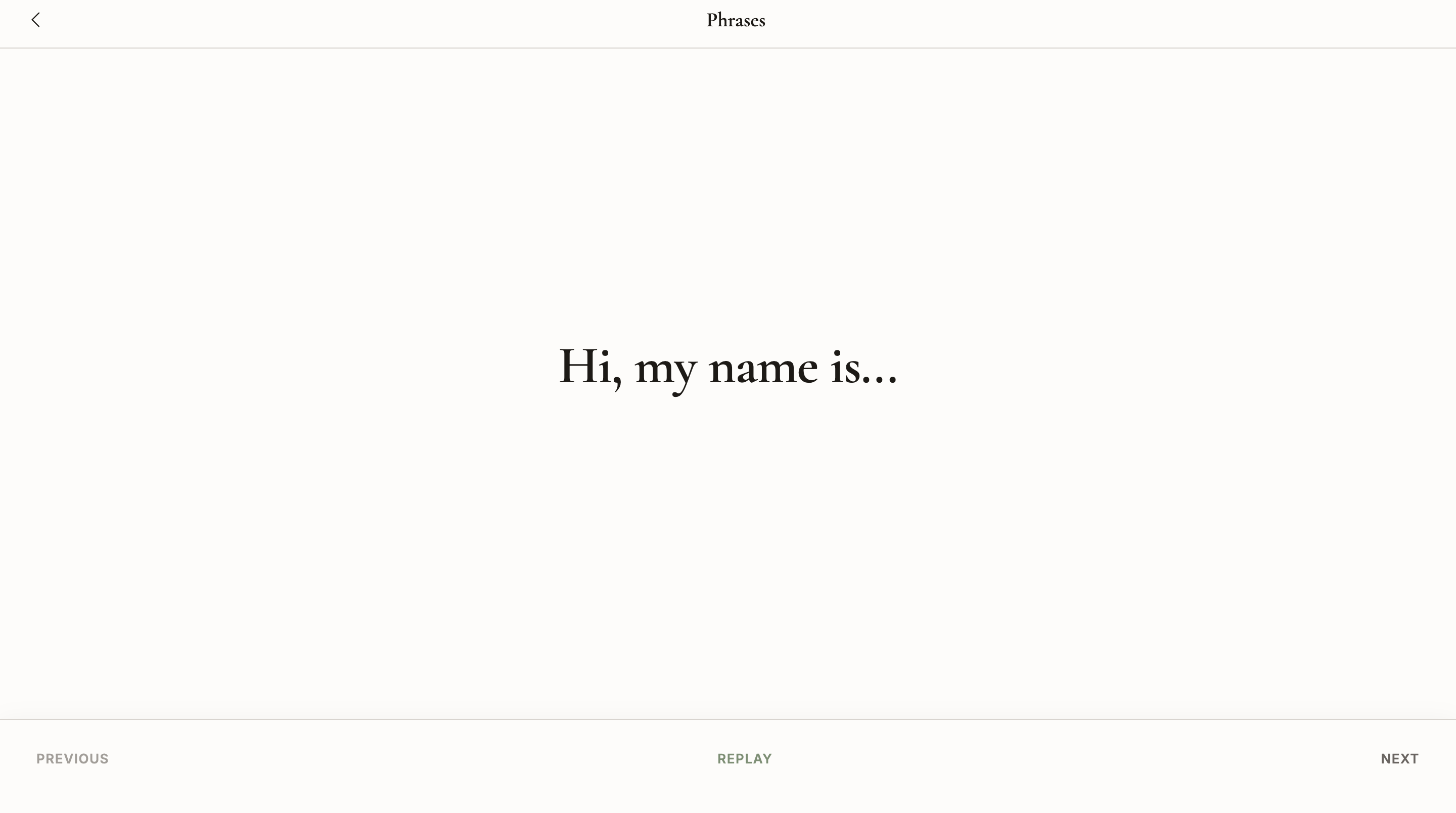
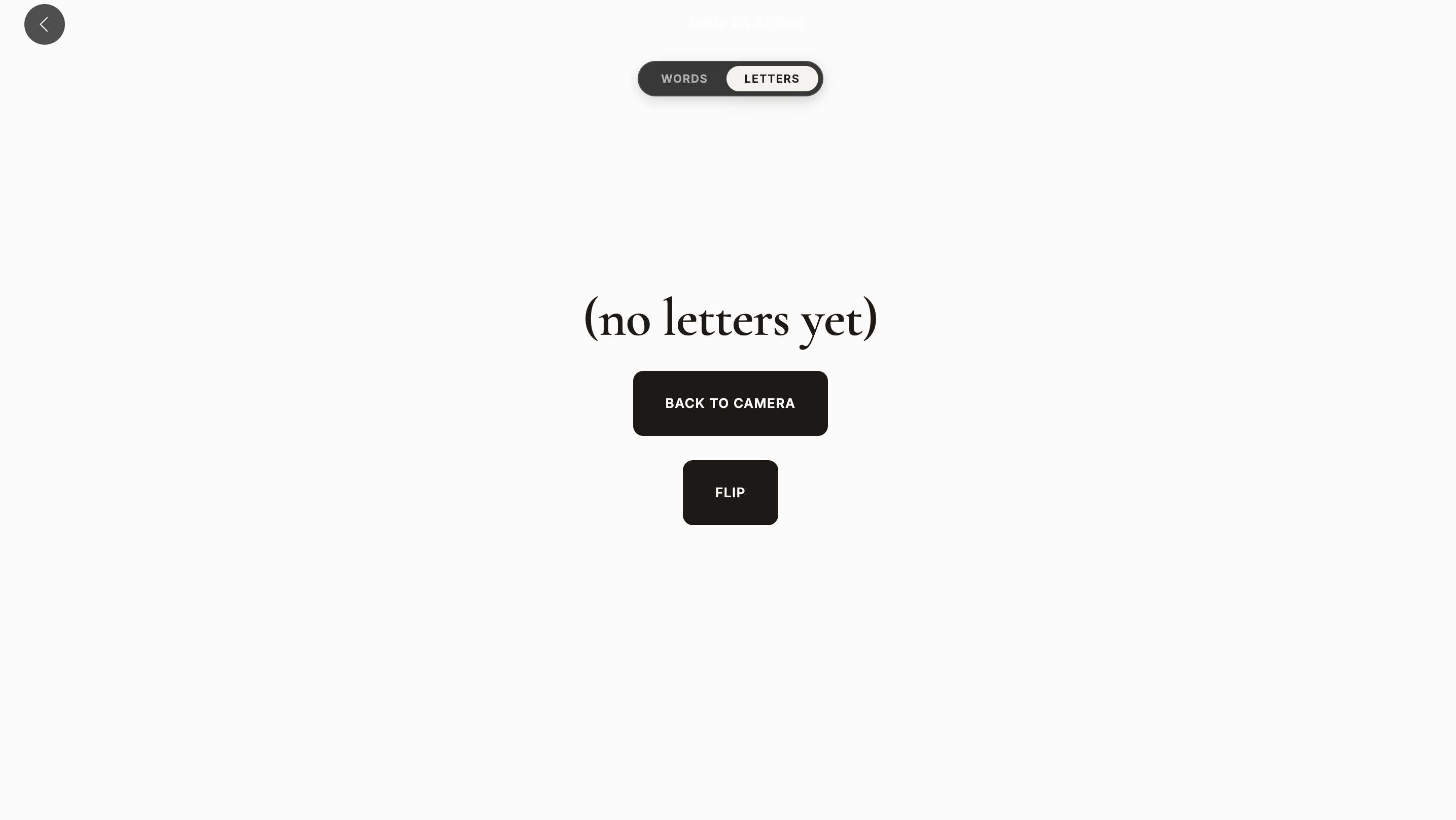
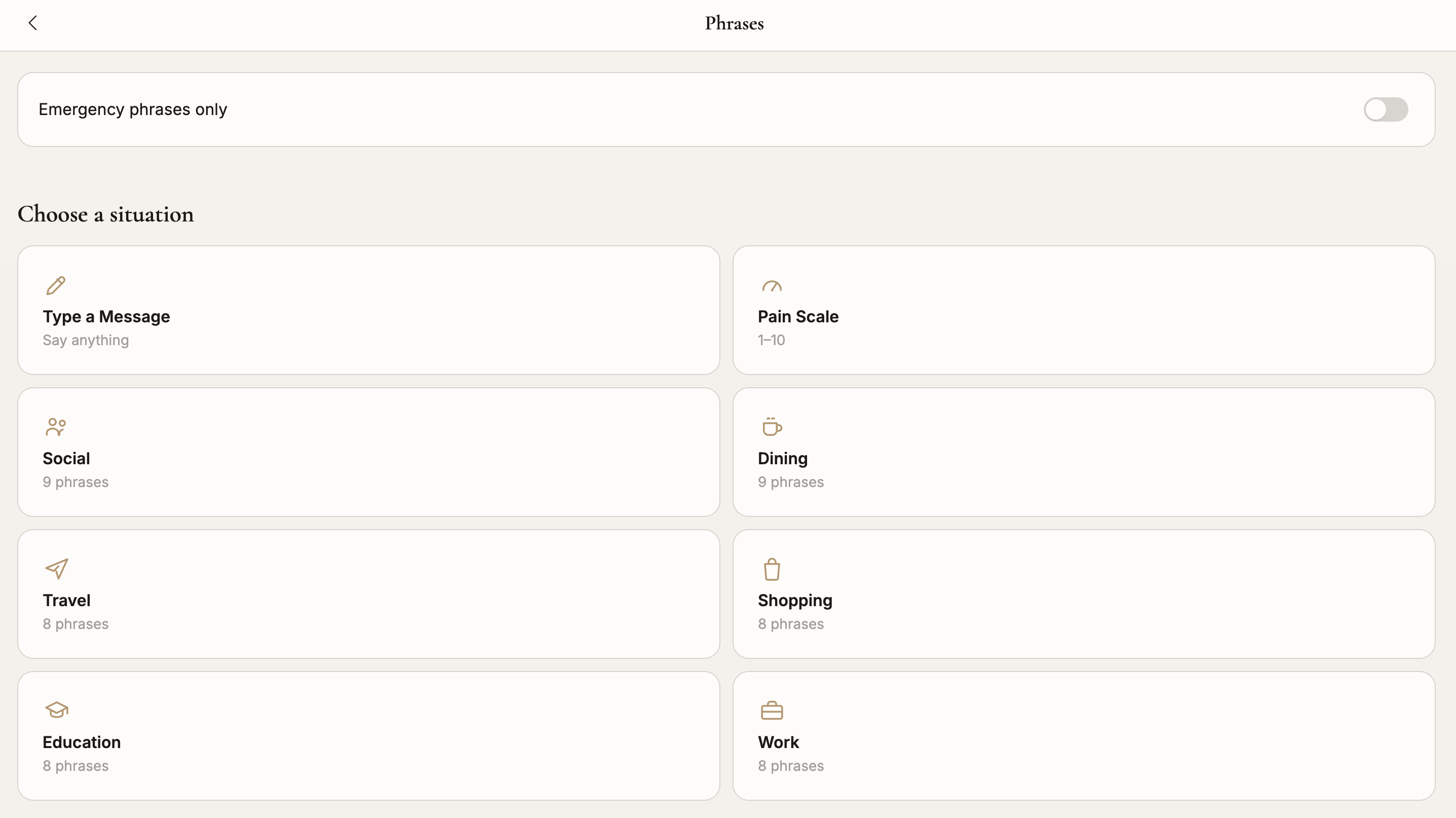
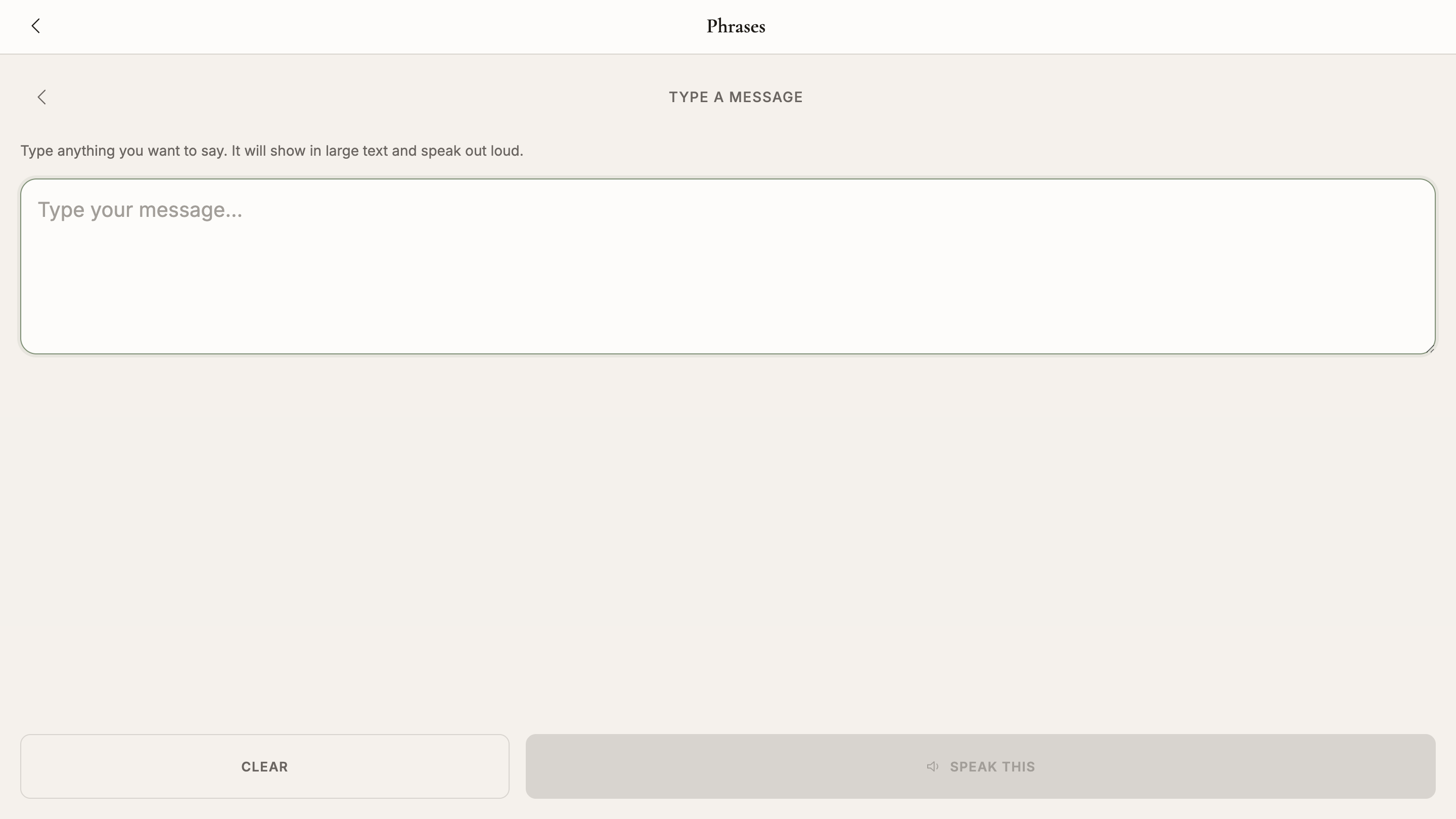
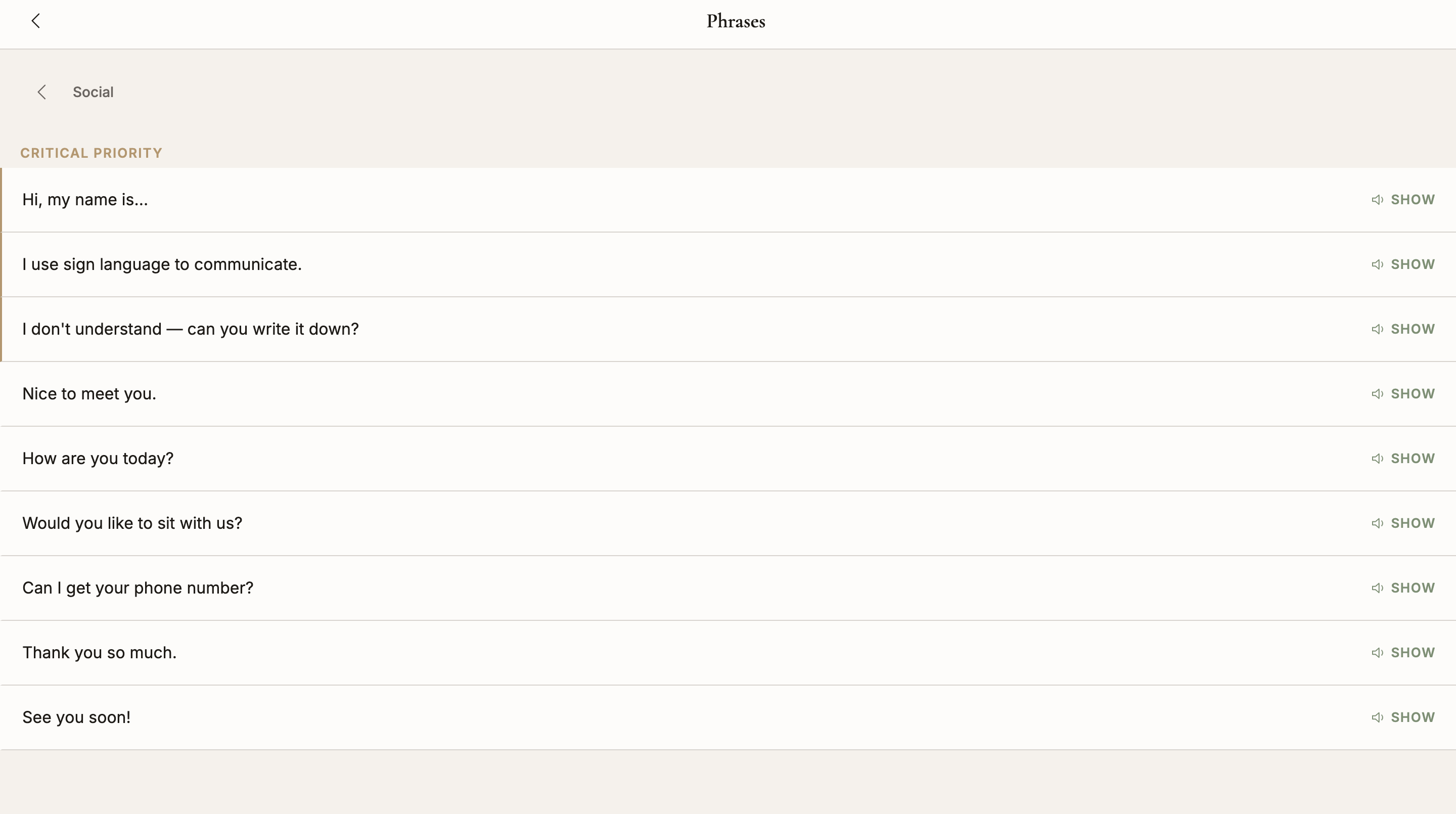
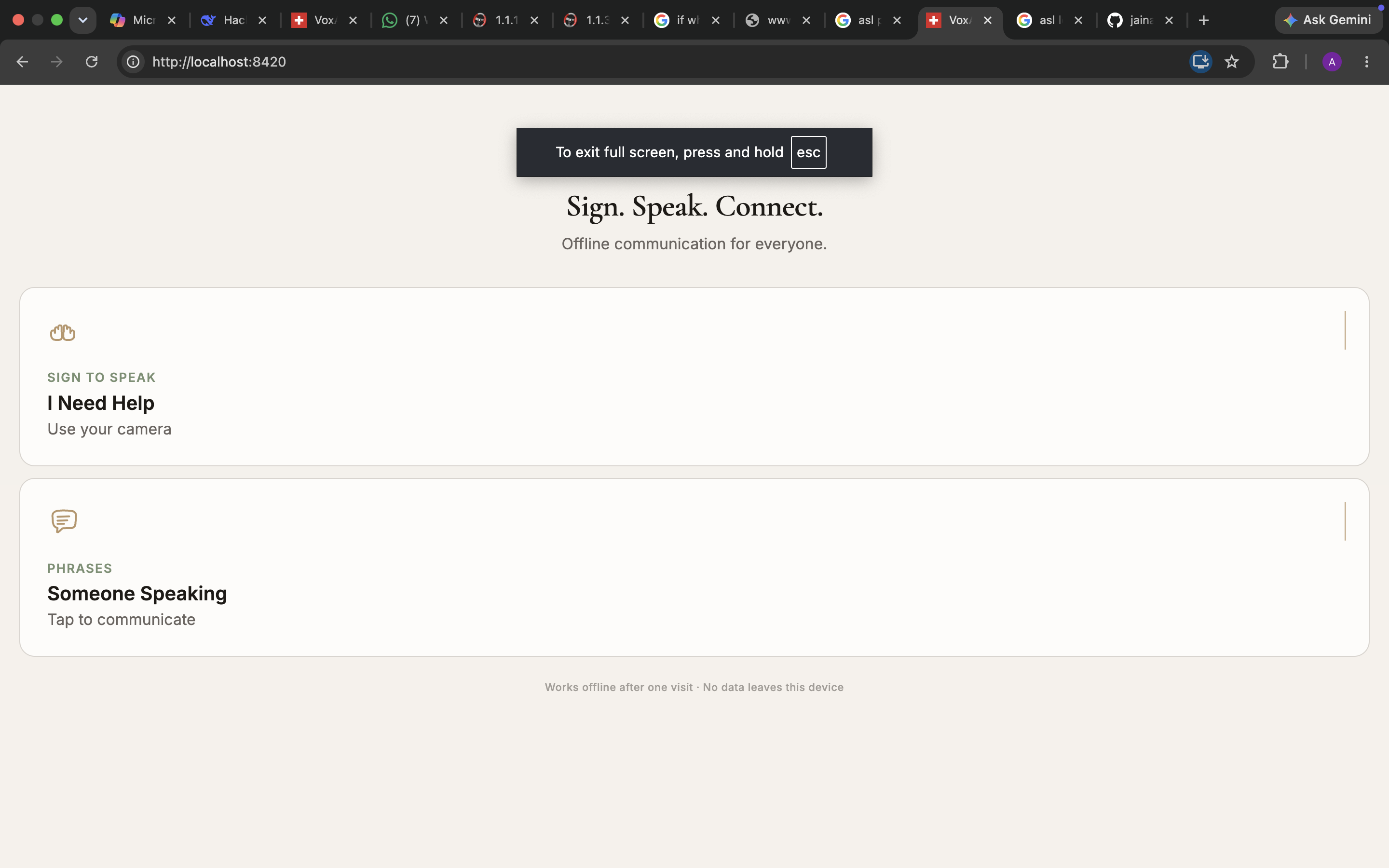
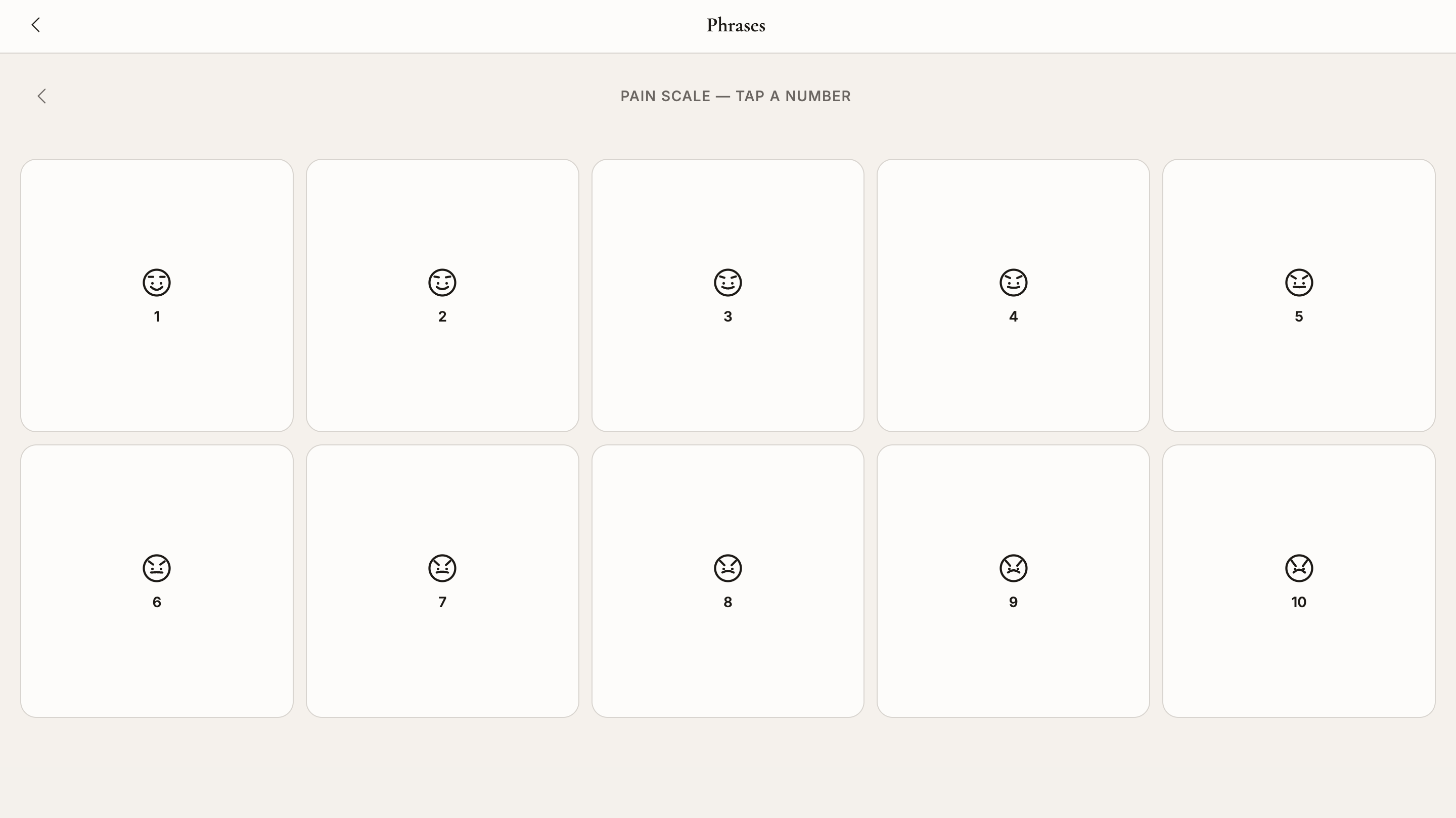
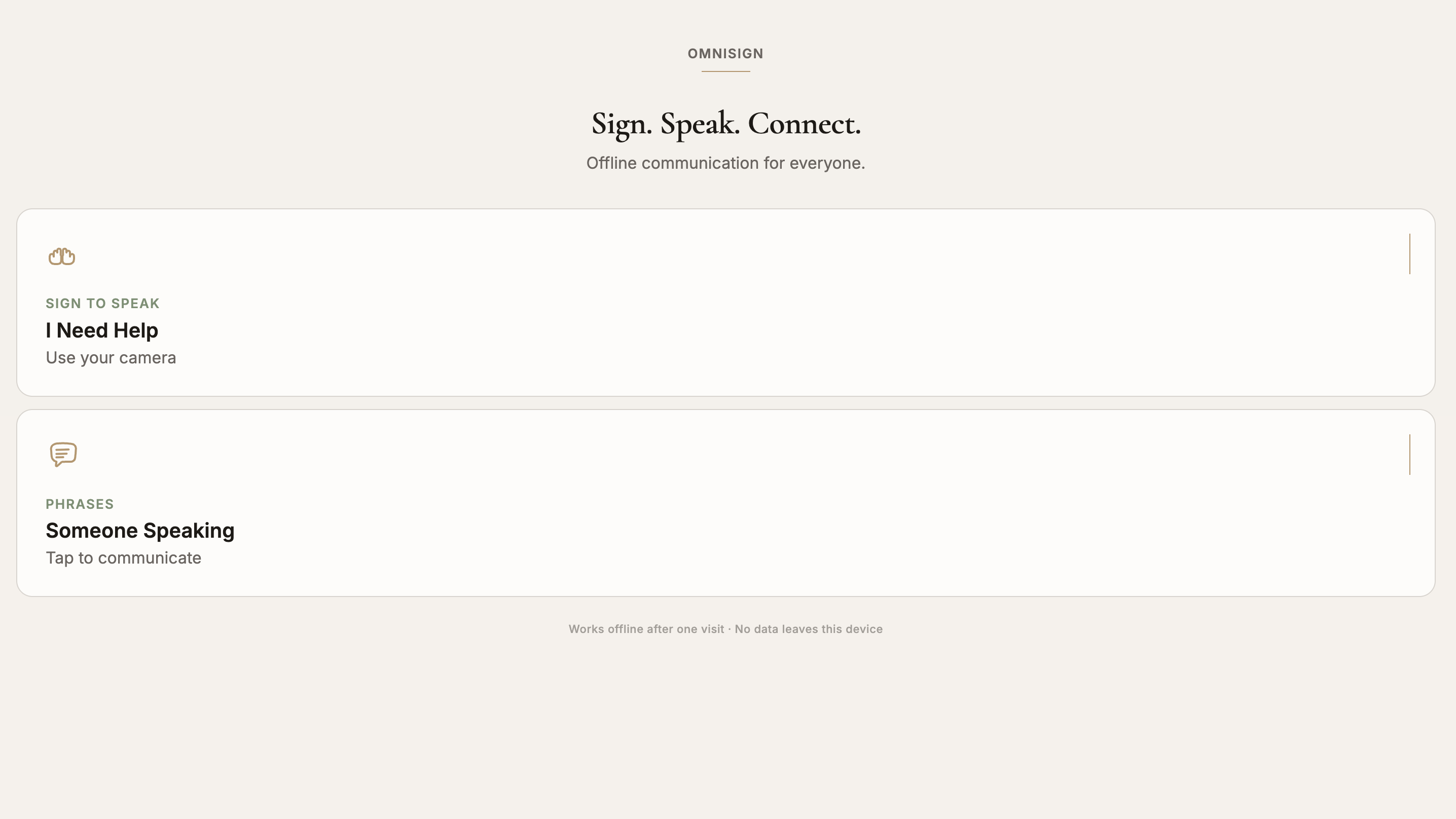
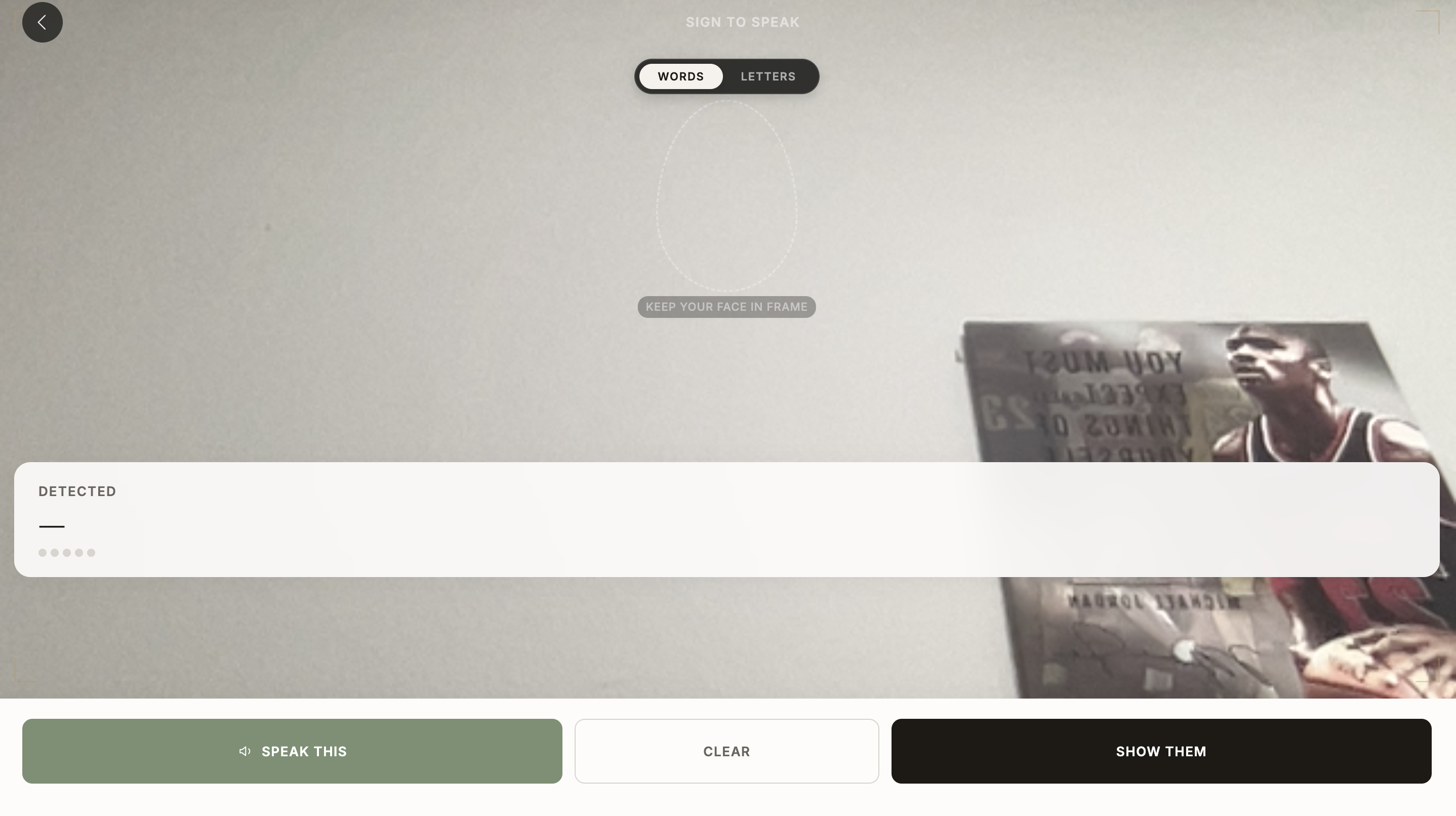
OmniSign is a website that turns any phone into a sign language interpreter, even with no internet. A deaf user opens the camera on the website, signs a word like “coffee” or “help,” and the phone shows the word in big text and speaks it out loud. The deaf person can also tap simple phrases from prebuilt librarys to save time. On top of that, the deaf person has the ability to type out a question/reply and the website would say it out. A feature of the website is that when you visit the site once on WiFi/data, after that it works fully offline.
How we built it
We built it with basic HTML, CSS, and JavaScript, plus a service worker that keeps the whole app ready even with no internet. To read signs, we used MediaPipe Hands. When the camera is on, it tracks 21 points on the user’s hands. We wrote simple math rules to figure out finger distance, palm direction, and hand movement. With these rules, the app can understand 11 full signs and 10 letters. Once it recognizes a word, the browser speaks it out loud using built in, text to speech.
Challenges we ran into
A big challenge that we ran into was getting the website to run smoothly offline. They’re large files, so we had to store them on the device and make sure the browser never tries to reload them from the internet. We also needed a backup mode for people who can’t use the camera. So we added a grid of tap‑to‑speak cards so users can still communicate.
Another issue was the voice sounding too robotic. At first, it paused after every word. We fixed this by joining words together and adjusting capitalization so the sentence flows naturally. We also had to update our math rules for signs that vary between people, like how some tuck their thumb and others don’t. Now the app accepts both styles.
Accomplishments that we're proud of
We’re proud that OmniSign can translate signs to spoken voice in real time with zero server use. That means full privacy. We also built a browser based testing tool that uses fake hand data to check 21 signs. All tests pass, showing our rules are accurate. We also focused on design. The interface is simple, aesthetic and easy to use.
What we learned
We learned that math rules are often better than deep learning for emergency tools. With math, we always know why a sign was accepted or rejected, and fixing mistakes is easier. A black box AI model would be harder to debug, especially in bad lighting.
We also learned that speech design matters. Text‑to‑speech alone isn’t enough, you have to shape the sentence so it sounds natural. And we learned how to store large files offline, which is a very useful skill for building accessible apps.
What's next for Onmi Sign
Next, we want users to customize the website. Medical staff and patients will be able to add and save their own phrases. We also want a slider that controls how long a sign must be held before the app speaks, so people can match it to their signing speed. We plan to track more complex moving gestures by measuring hand speed and wiggle patterns. This will let us support more vocabulary.
Built With
- accessibility
- asl
- computer-vision
- css3
- getusermedia
- hand-tracking
- html5
- indexeddb
- javascript
- mediapipe
- offline
- pwa
- service-workers
- tensorflow.js
- wam
- web-speech-api


Log in or sign up for Devpost to join the conversation.