-
-
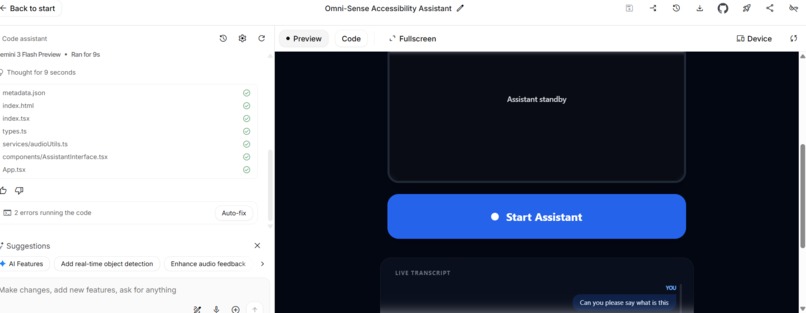
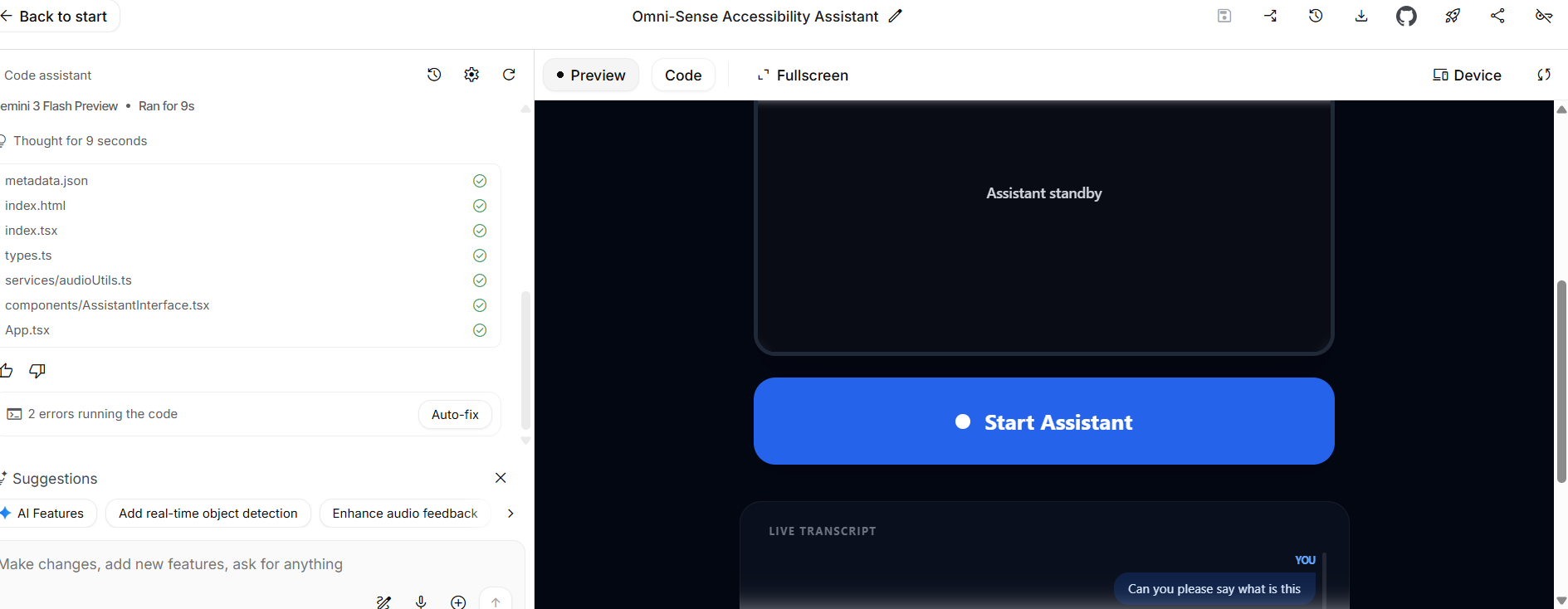
Omni-Sense AI Assistant
Inspiration
Many students and differently-abled users face difficulties in accessing information quickly and effectively. Existing systems are either too complex or not inclusive. This inspired us to build Omni-Sense – Accessibility Assistant, an AI-powered solution that ensures equal access to information for everyone through multiple interaction modes.
What it does
Omni-Sense is an intelligent accessibility assistant that allows users to interact using text, voice, and images. It understands user queries, processes them using AI models, and provides accurate, context-aware responses. The system is designed to support academic queries, daily assistance, and accessibility needs.
How we built it
We built Omni-Sense using a modular architecture: Frontend developed with HTML, CSS, and JavaScript for a simple and accessible UI Backend built using Python (Flask/FastAPI) to handle requests Integrated AI models for Natural Language Processing, Speech-to-Text, and basic Image Understanding Used APIs for intelligent response generation
Challenges we ran into
Handling multiple input formats (text, voice, image) efficiently Ensuring fast and accurate AI responses with limited resources Designing an interface that is accessible and easy to use for all users
Accomplishments that we're proud of
Successfully built a working multi-modal AI assistant Achieved smooth interaction between frontend, backend, and AI services Designed the system with accessibility and inclusivity as the core focus
What we learned
Practical implementation of AI models in real-world applications Backend and API integration with AI services Importance of user-centric and accessible design
What's next for Omni-Sense – Accessibility Assistant
Adding full voice-based navigation for visually impaired users Mobile application development Personalized AI assistance based on user behavior Integration with smart campus and IoT systems


Log in or sign up for Devpost to join the conversation.