Inspiration
We live in an era of information abundance but "explanation poverty." Students often stare at static PDFs or textbooks, struggling to visualize complex concepts. While standard chatbots can answer questions, they often "tell" without "showing," and they can hallucinate facts without verification.
We wanted to build a tutor that doesn't just read to you—it acts like a lab partner. One that can:
- See what you are reading.
- Prove concepts through math and simulation (Empirical).
- Visualize abstract ideas on the fly.
Omni-Lab was born from the idea that AI should be more than a text generator; it should be an active participant in the scientific method of learning.
What it does
Omni-Lab is an autonomous educational workspace powered by three specialized AI Agents:
- The Teacher (Gemini 2.5 Flash): Handles real-time voice conversation via the Gemini Live API. It narrates slides, answers questions, and manages the pacing of the lesson. It listens for interruptions, allowing for a natural back-and-forth dialogue.
- The Scientist (Gemini 3 Pro): An analytical engine focused on verification. When you ask to "simulate projectile motion" or "graph this equation," the Scientist generates Python code to calculate data points and renders live interactive charts.
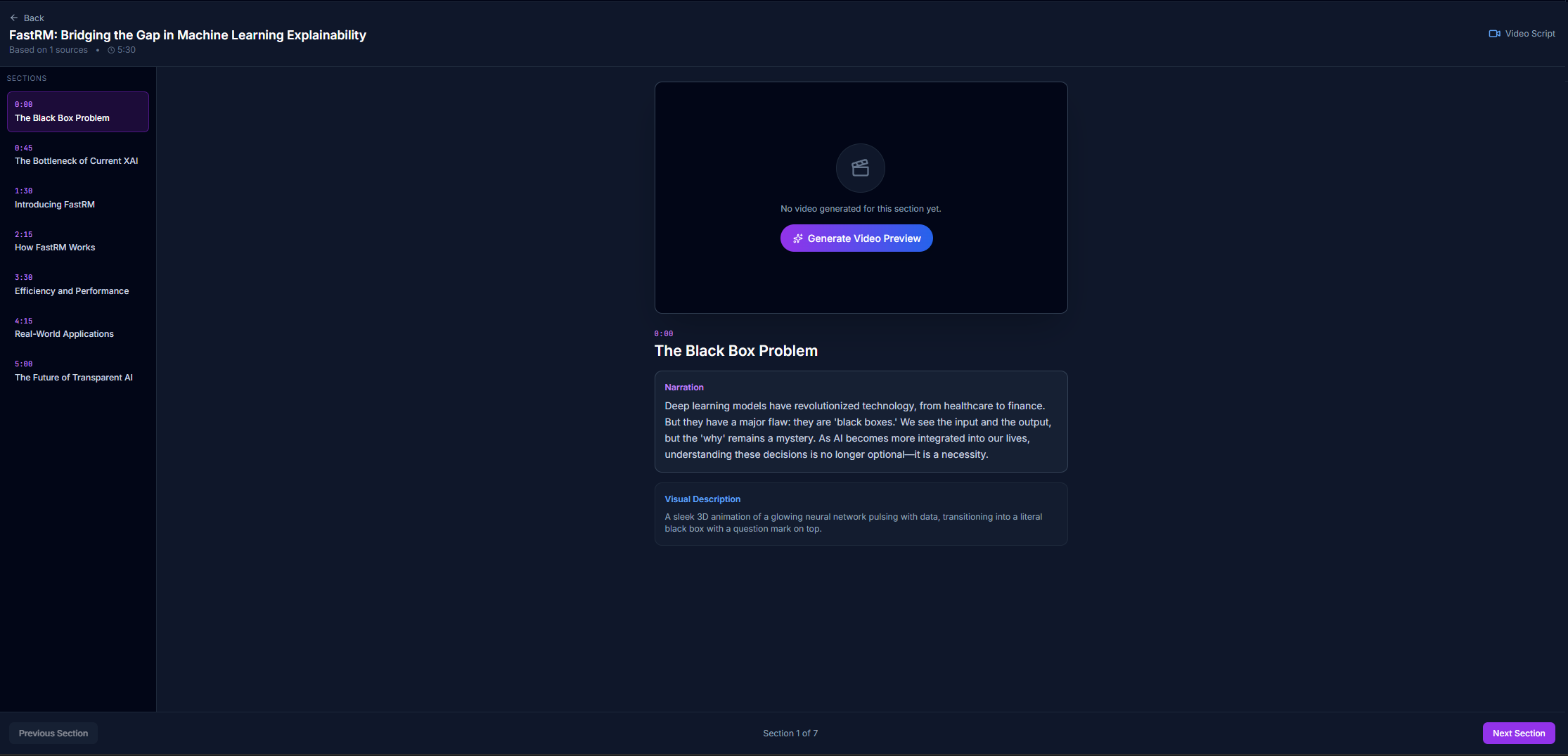
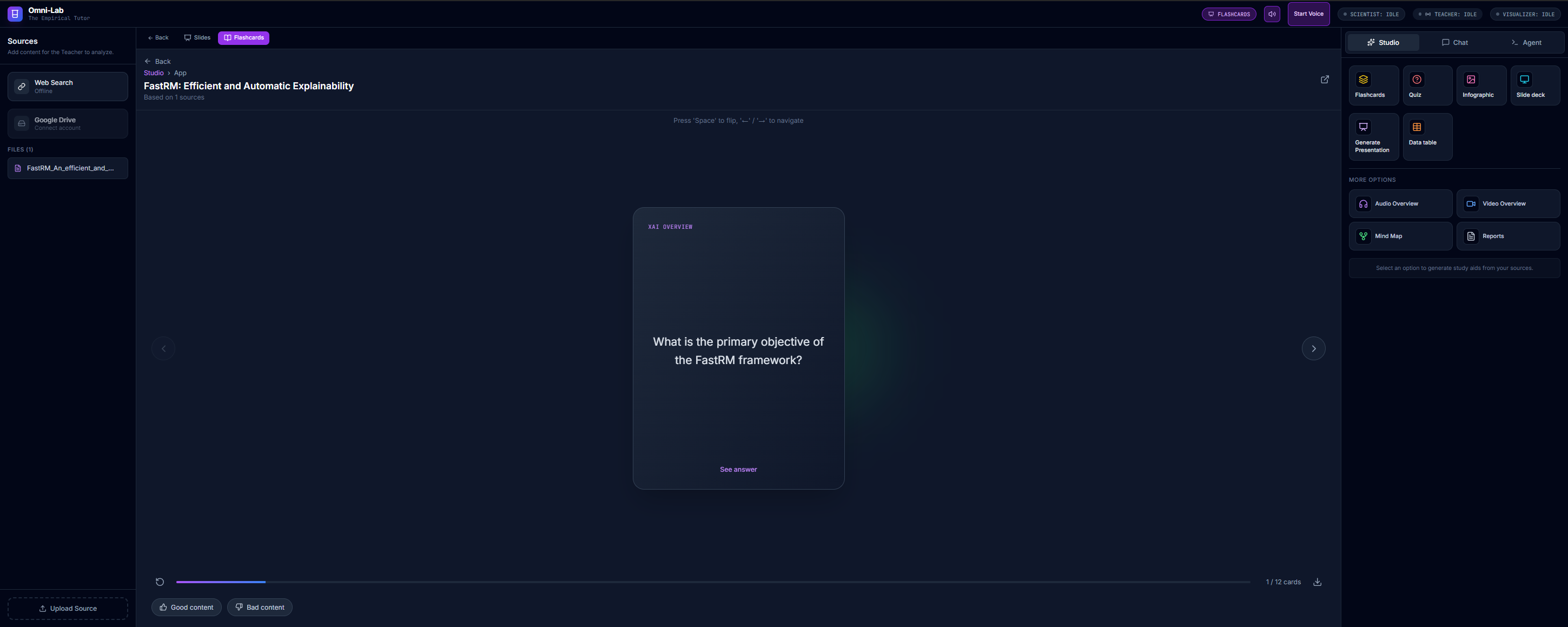
- The Visualizer (Gemini 3 Flash): A creative engine that takes raw documents and transforms them into structured artifacts: slide decks, flashcards, quizzes, and infographics.
Key Features:
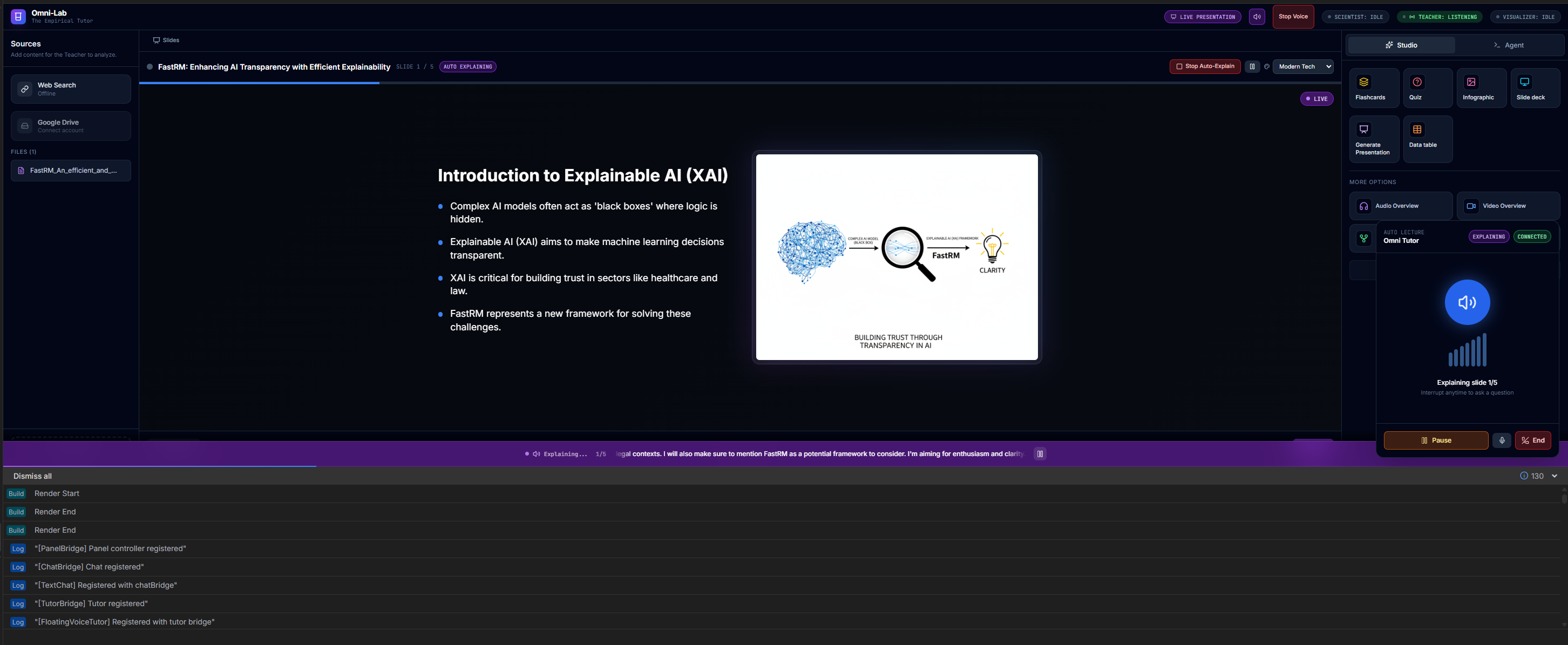
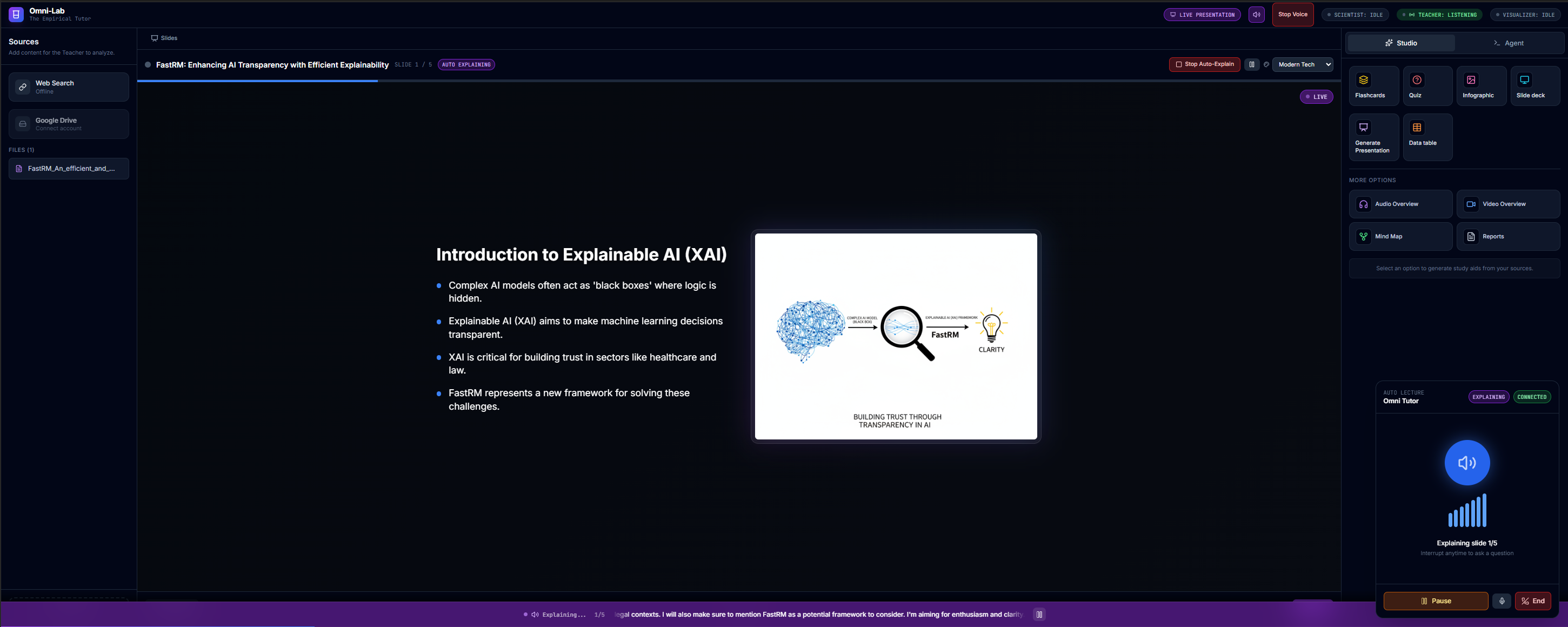
- Auto-Lecture: Upload a PDF, and the system generates a slide deck and delivers a live, voice-narrated presentation.
- Visual Explanation Overlay: Ask "Can you show me a diagram?" or "Make a video about this," and the system uses Imagen (Nano Banana) or Veo to generate floating visual aids instantly over the UI.
- Live Simulation: Verifies hypotheses by plotting data (e.g., "Show me how friction affects the curve").
- Studio Mode: Generates study aids like Flashcards, Mind Maps, and Reports.
How we built it
The application is a modern React 19 Single Page Application (SPA) built with Vite and TypeScript.
The AI Stack (Google GenAI SDK)
We utilized the full spectrum of Gemini models to handle specific modalities:
- Conversational Voice:
gemini-2.5-flash-native-audio-previewvia WebSockets for low-latency, interruptible voice interaction. - Complex Reasoning:
gemini-3-pro-previewfor the "Scientist" agent to handle logic and code generation. - Fast Structure:
gemini-3-flash-previewfor generating JSON-heavy content like slides and quizzes. - Image Generation:
gemini-2.5-flash-imagefor diagrams. - Video Generation:
veo-3.1-fast-generate-previewfor dynamic video explanations.
Architecture
- Marathon Loop: A central orchestrator service that analyzes user intent to route requests to the correct agent (Teacher vs. Scientist vs. Visualizer).
- Local VAD (Voice Activity Detection): We implemented client-side audio analysis to detect when the user speaks, allowing the system to immediately halt audio playback and handle interruptions gracefully.
- Recharts: For rendering the simulation data generated by the Scientist agent.
Challenges we ran into
- Voice Interruptions: Handling the "barge-in" problem was difficult. If the AI is speaking and the user interrupts, we needed to stop playback and clear the audio buffer immediately to prevent the AI from hearing itself. We solved this with a local VAD (Voice Activity Detection) mechanism.
- Multimodal State: synchronizing the visual state (what slide is showing) with the audio state (what the model is saying) required a complex state machine (
AutoTutorContext). - Structured Output: Getting consistent JSON for things like quizzes and slides from LLMs can be tricky. We relied heavily on Gemini's
responseSchemaand focused system instructions to ensure type safety.
Accomplishments that we're proud of
- The "Magic" of Auto-Explain: Seeing the AI generate a slide deck from a raw text file, then automatically start presenting it voice-over-voice, feels like the future of education.
- Veo Integration: Successfully implementing the video generation pipeline to create 16:9 educational clips on demand.
- The Scientist Agent: Creating a flow where the AI writes code to prove a point rather than just hallucinating an answer.
What we learned
- Gemini 2.5 Flash is incredibly fast and capable for real-time audio; the native audio modality feels significantly more natural than stitching together STT and TTS services.
- Agent Specialization: Splitting the "brain" into a Teacher, Scientist, and Visualizer resulted in much higher quality responses than trying to make one prompt do everything.
What's next for Omni-Lab
- **Add a feature to the existing video component that visually explains the current section’s narration. When I ask the AI tutor for a visual explanation, it should generate a short video, diagram, or image related to the topic being discussed. This visual can be created using Nano Banana (for diagrams/images) or Veo (for short video generation).
- **The generated visual should appear as a small floating 16:9 window overlaying the voice assistant interface. It should remain visible while the explanation is being narrated. Once the visual explanation is complete, the floating window should automatically close, and the system should resume the normal PDF narration and tutoring flow.
- Collaborative Classrooms: Allowing multiple users to join the same "Lecture" room.
- AR Mode: Projecting the "Visual Explanation Overlay" into 3D space using WebXR.
🛠️ Run Locally
Prerequisites: Node.js (v18+)
Install dependencies:
npm installConfigure API Key: Create a
.env.localfile in the root directory:VITE_GEMINI_API_KEY=your_api_key_hereYou can get an API key from Google AI Studio.
Run the app:
npm run dev
Built With
- css
- gemini
- pptxgenjs
- react
- recharts
- tailwind
- typescript
- vite


Log in or sign up for Devpost to join the conversation.