-
-

browser use API running
-
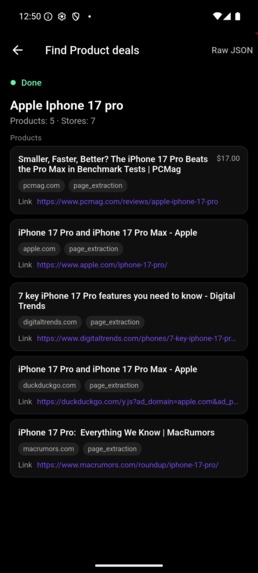
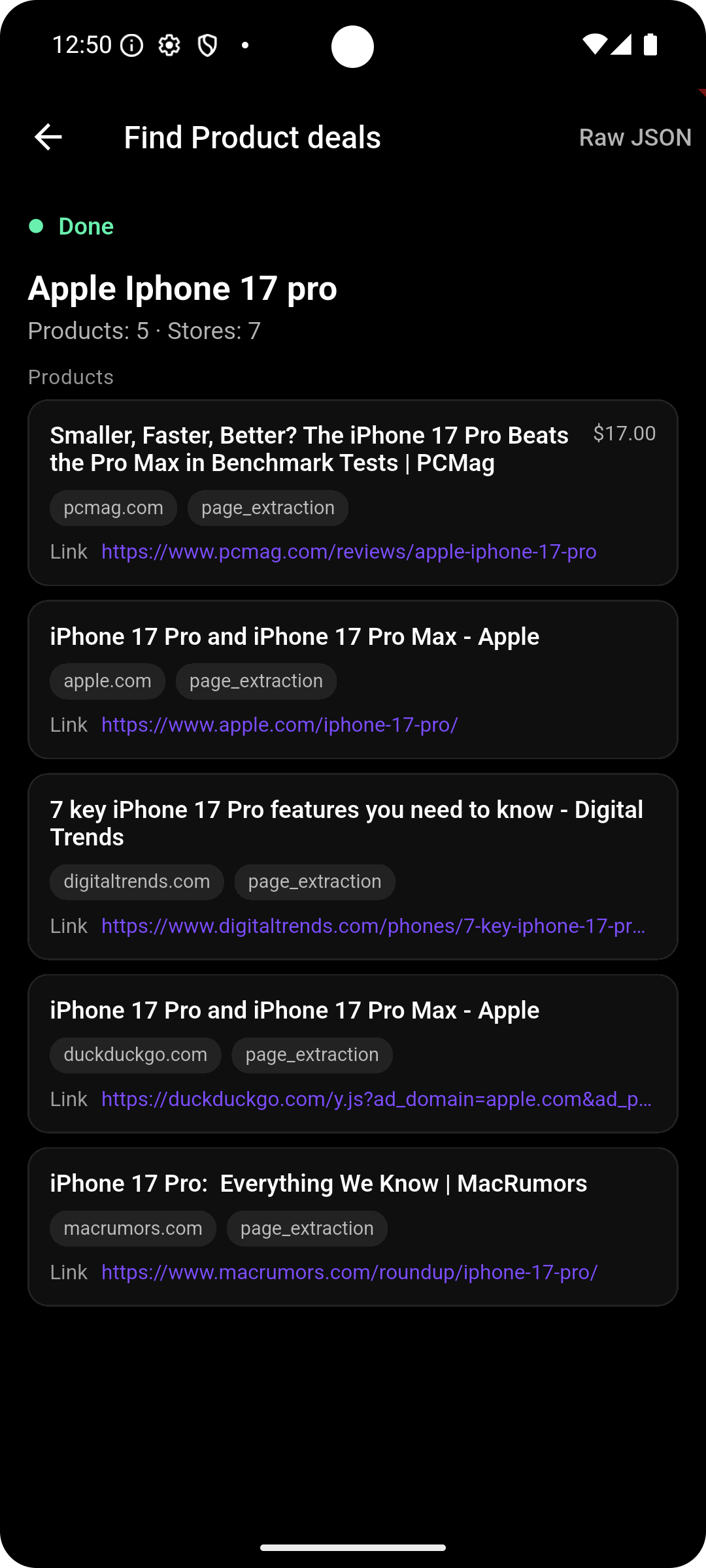
Product comparison Skill response displayed on a clean UI
-
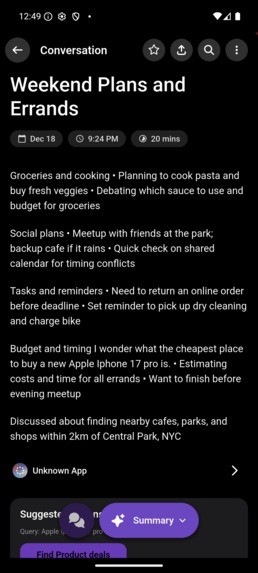
-
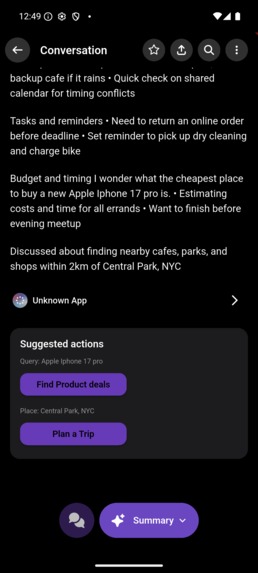
2 suggested actions found
-
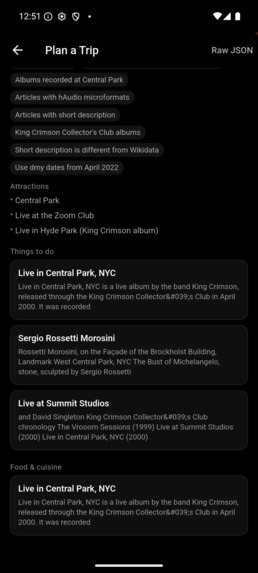
Planning a Trip skill response
-
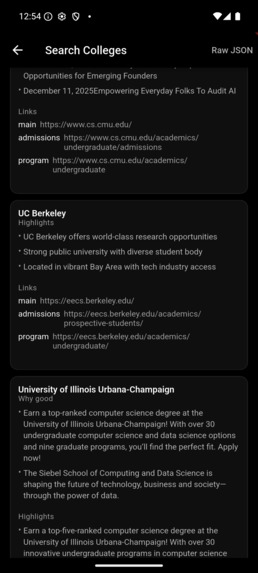
College search based on user conversation
-
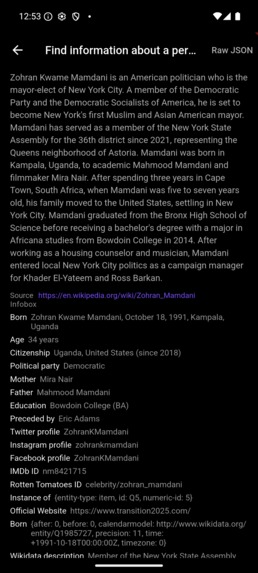
Researching an identity skill
-
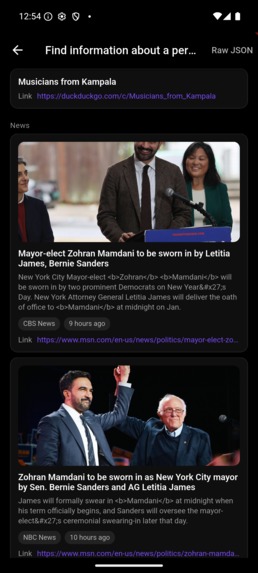
Continuation of researching an identity skill

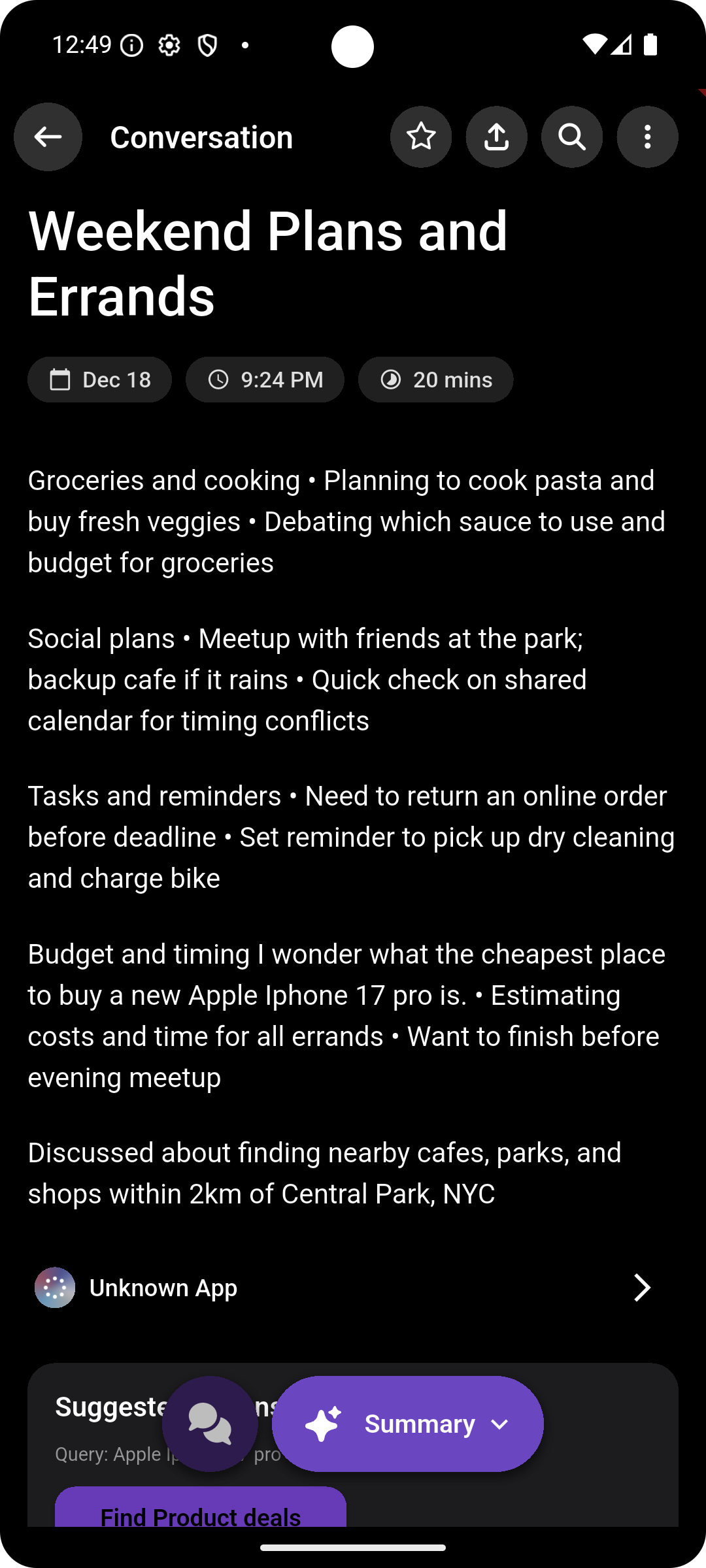
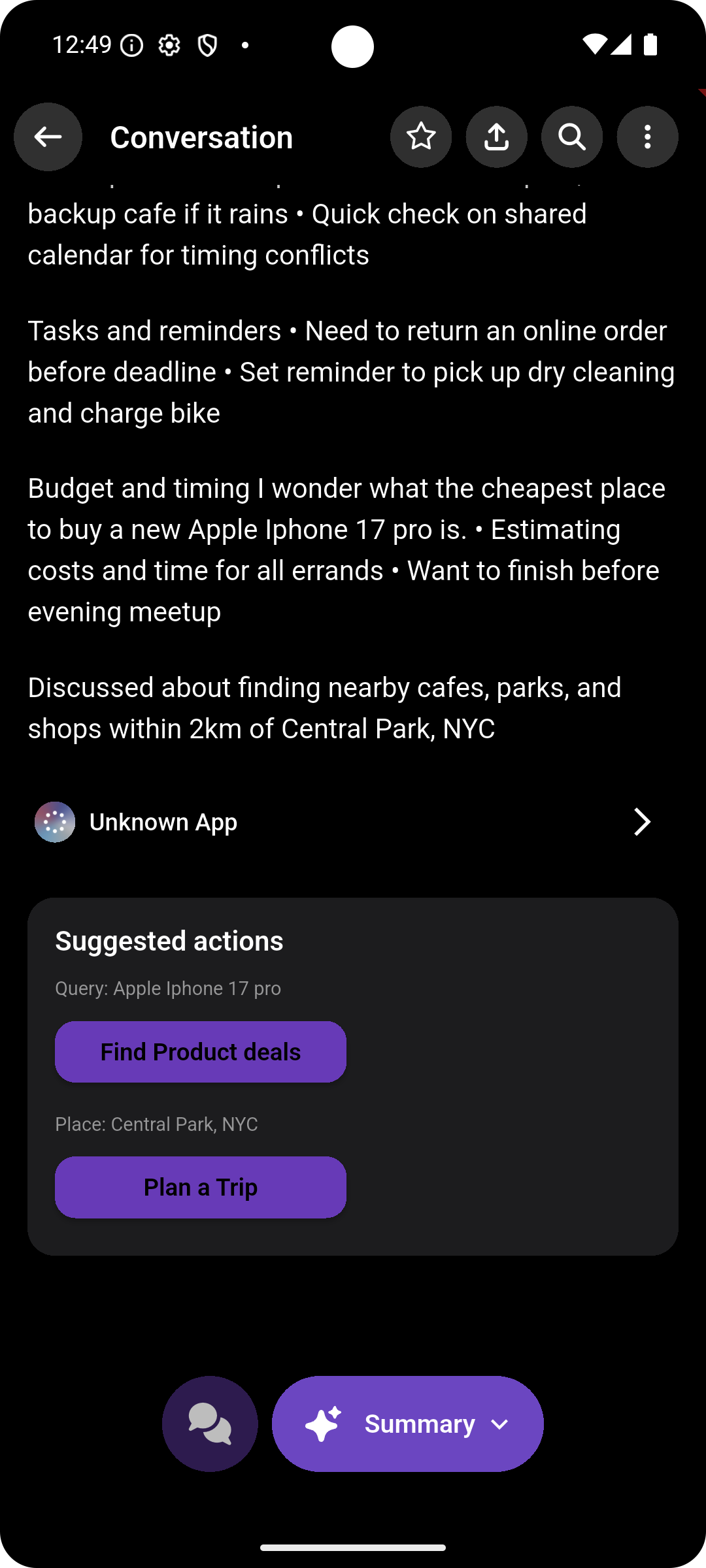
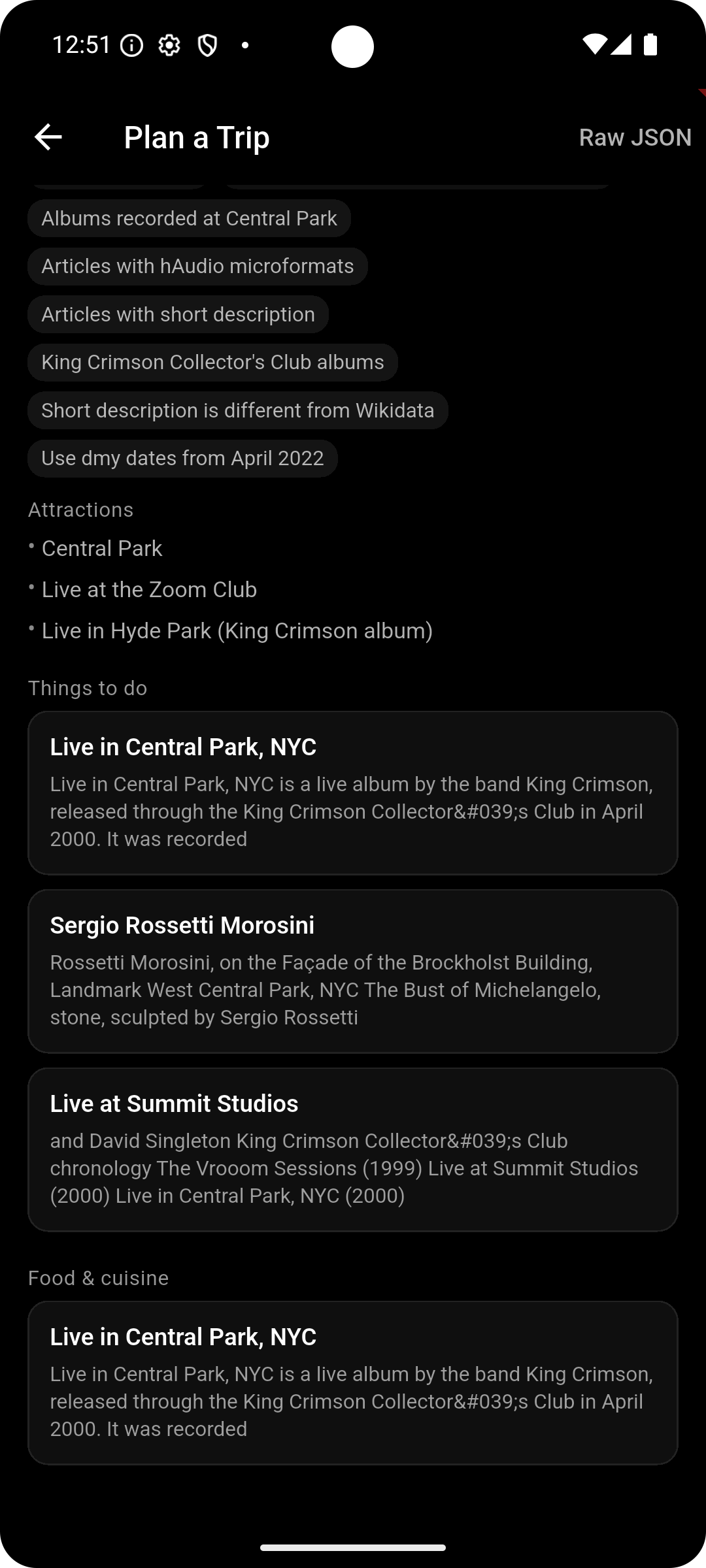
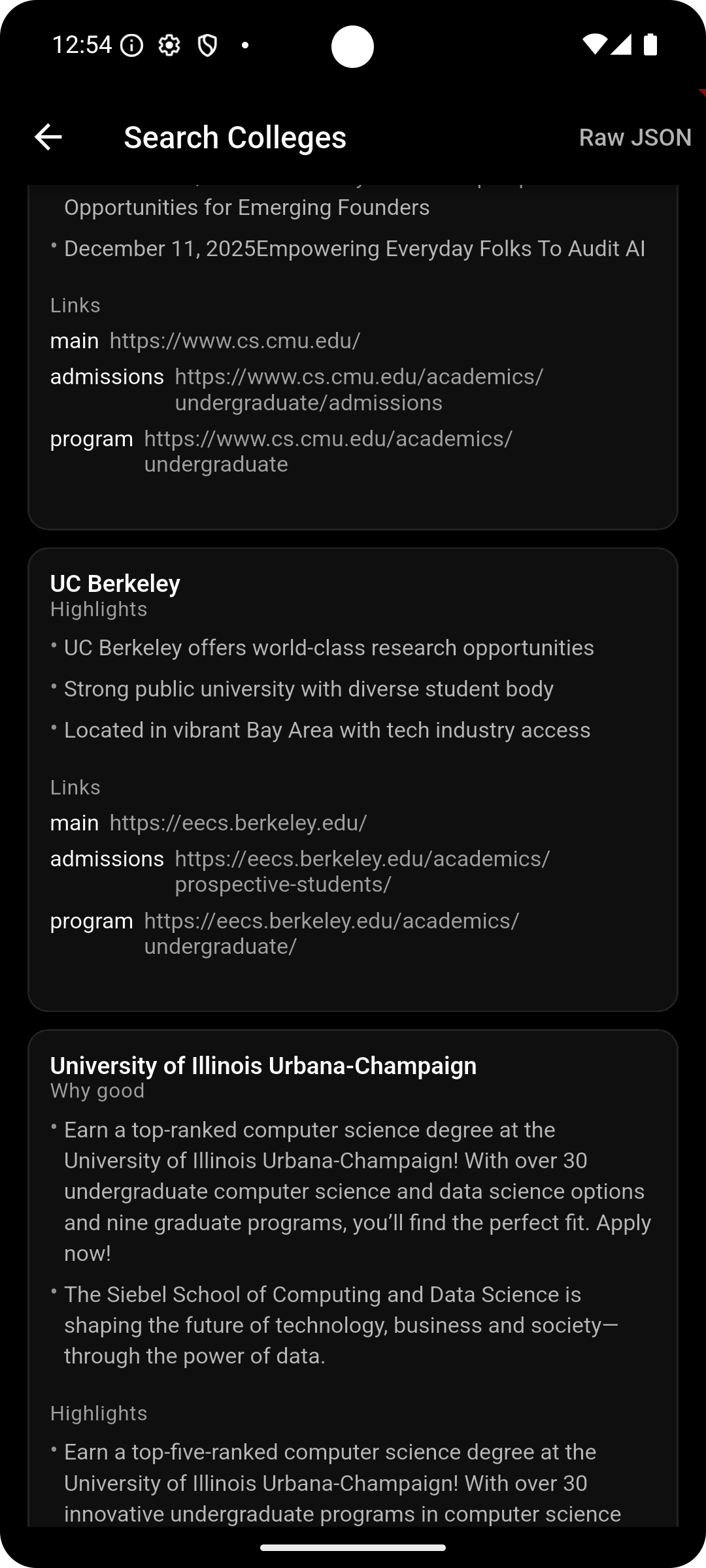
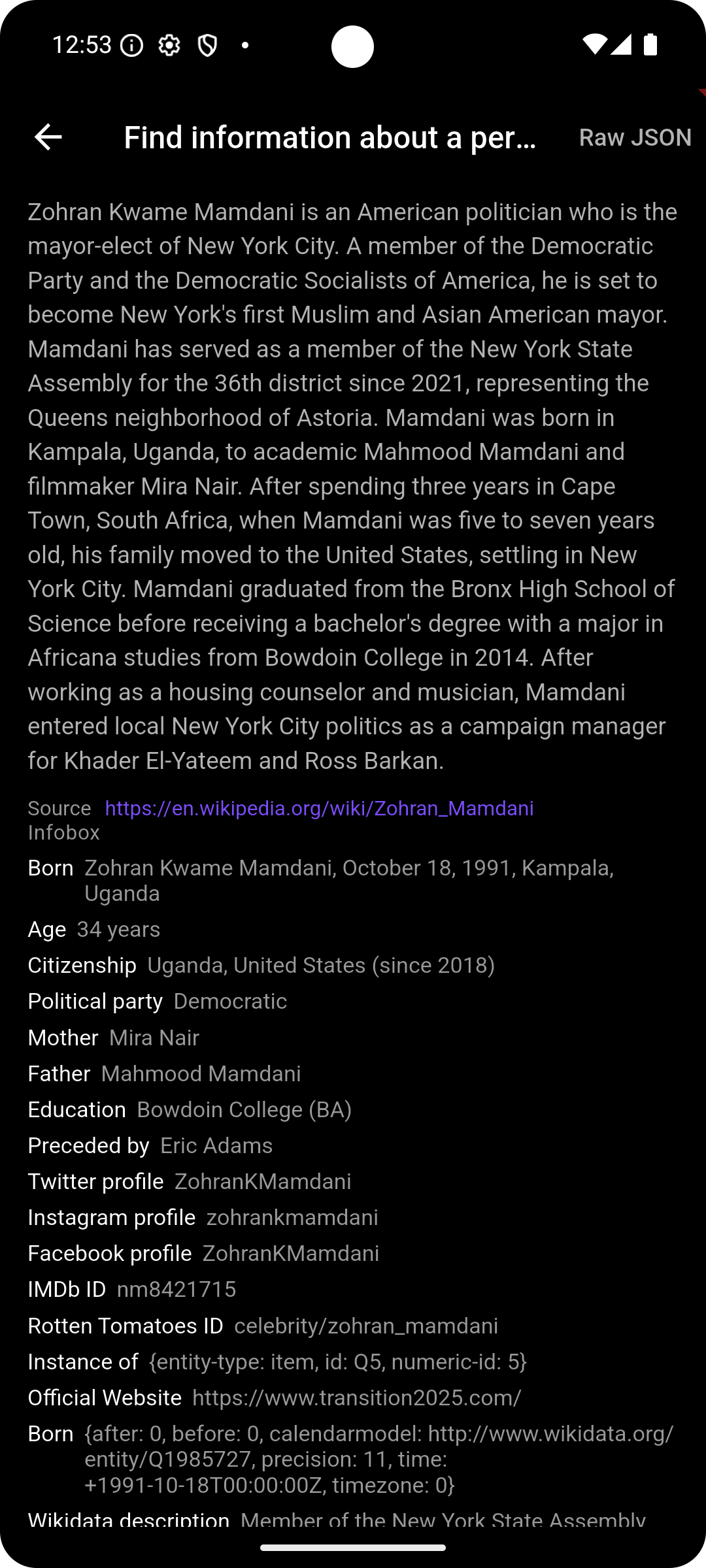
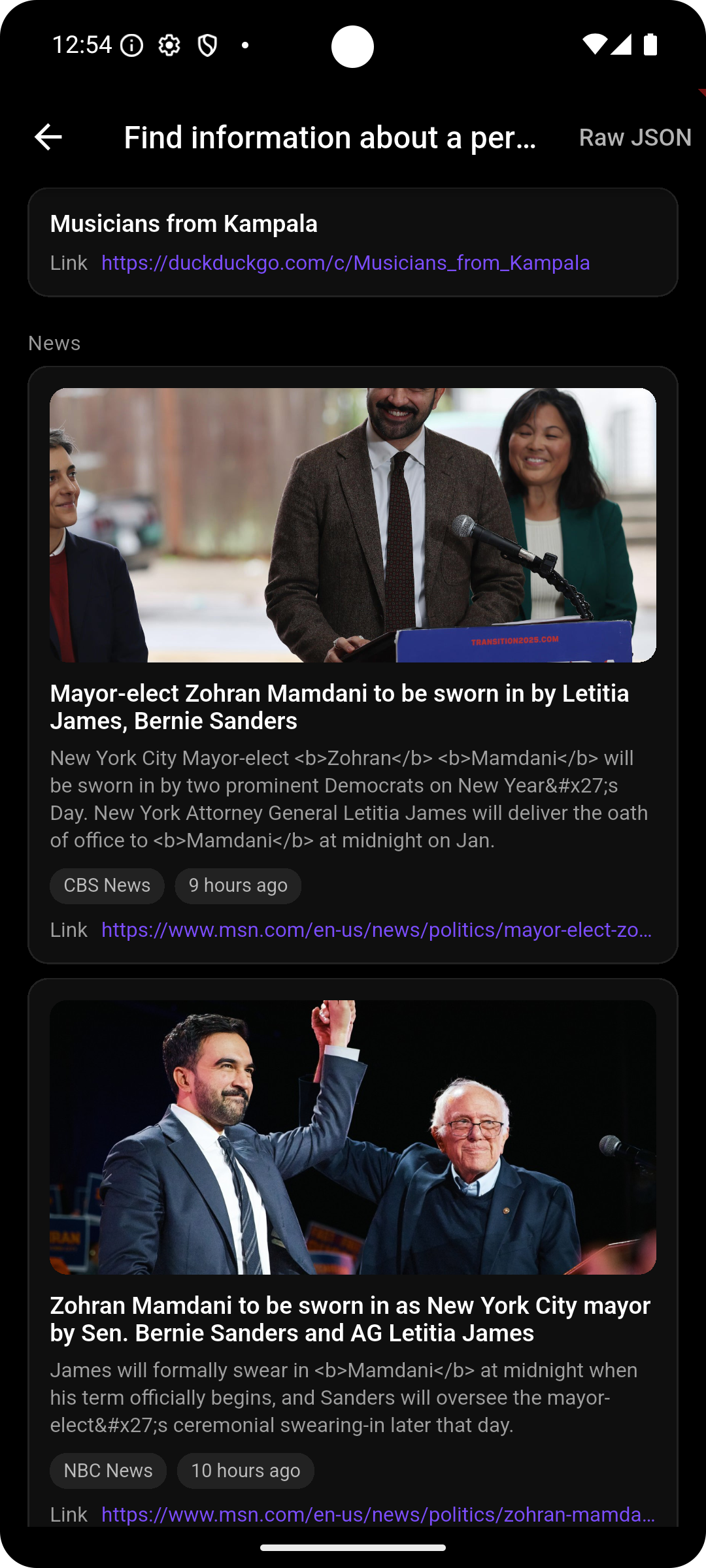
problem you tackled • On Omi’s app, a conversation summary is all you get - with the only actionable item being an addition of potential tasks to a to‑do list. Omi gave us insights into our conversation, but I tackled the gap between “insight” and “action.” I allow users to perform various tasks from within the Omi app based on their conversations using Browser Use.
approach and architecture • Summaries → Gemini selects relevant Browser Use skills (or none), filling params + missing fields. • One‑tap execution → Browser Use runs the web workflow; Omi renders templated results + keeps local history.
User Actions made possible through Browser Use
- Wikipedia place summary + attractions/travel info (place overview)
- Price comparison across stores (cheapest products list)
- Job search results (recent roles + salary/links)
- Nearby places finder (cafes/parks/shops with distance + contact)
- Deep research on a topic (summary + key findings + sources)
- Person research (instant bio, news, and web results)
- College research (top programs + deadlines + highlights)
tech stack • Flutter (Omi app) • Gemini API (intent → action selection) • Browser Use Skills API (web workflows as APIs)
Impact
- Omi shifts from “summary app” to “action engine”, turning spoken intent into real web actions on sites without APIs!!
Next steps: • Expand skill catalog (appointments, reservations, job applications, login based tasks). • Add per‑skill confidence gating and safety confirmations.

Log in or sign up for Devpost to join the conversation.