-
-
-
-
-
-
-
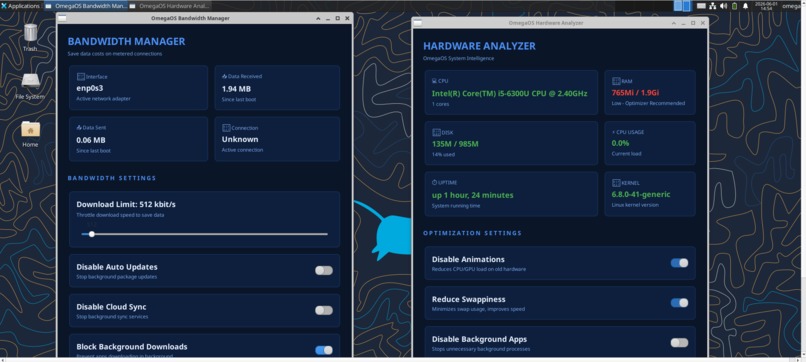
NEW UI moved from Gnome to XFCE
-
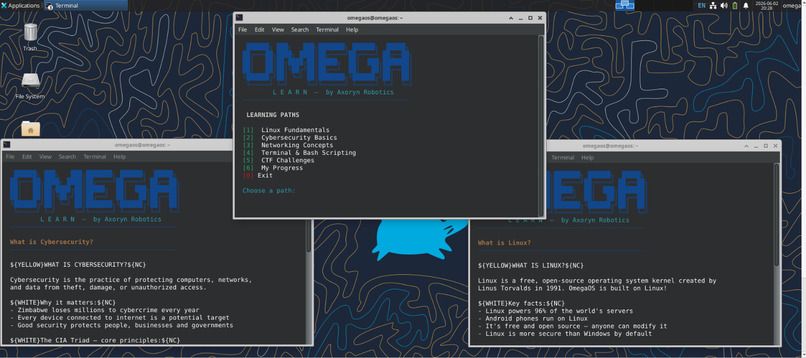
Omega learn
Inspiration
Zimbabwe, like much of Africa, faces infrastructure realities that most software simply ignores — high data costs, aging hardware, unreliable connectivity, and a growing need for digital sovereignty. We were frustrated watching students and small businesses struggle with bloated, expensive operating systems built for environments nothing like ours. We asked a simple question: what would an OS look like if it was designed from the ground up for African conditions? OmegaOS is our answer. Inspired by the mission of Axoryn Robotics — building deep-tech solutions for African contexts — we set out to create a lightweight, sovereign, offline-capable Linux distribution that breathes new life into existing hardware and puts control back in the hands of local users and institutions.
What it does
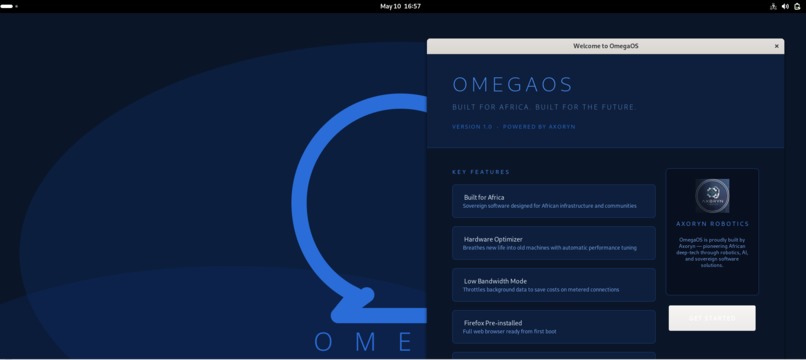
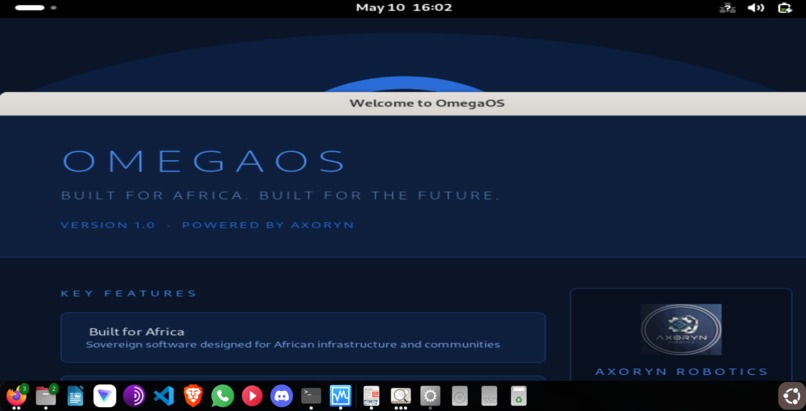
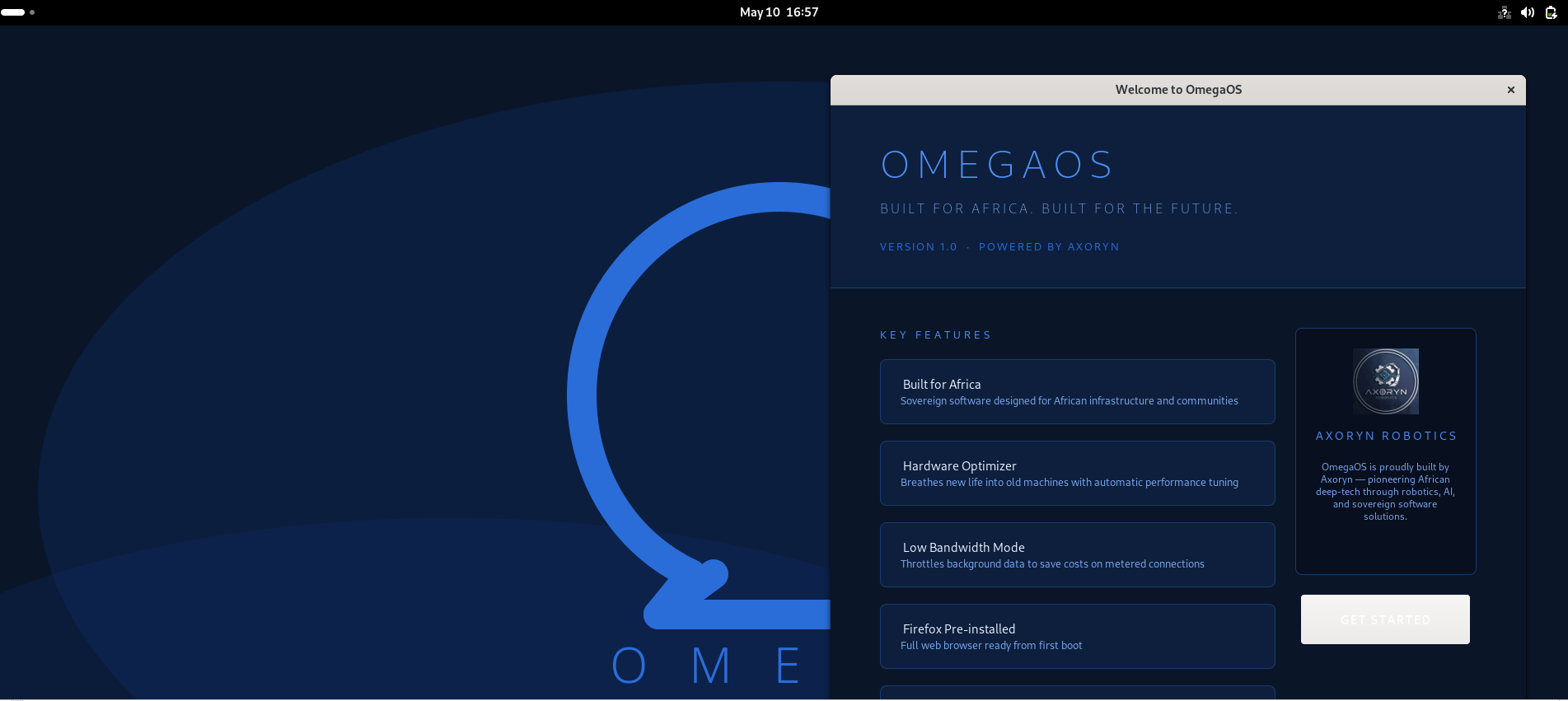
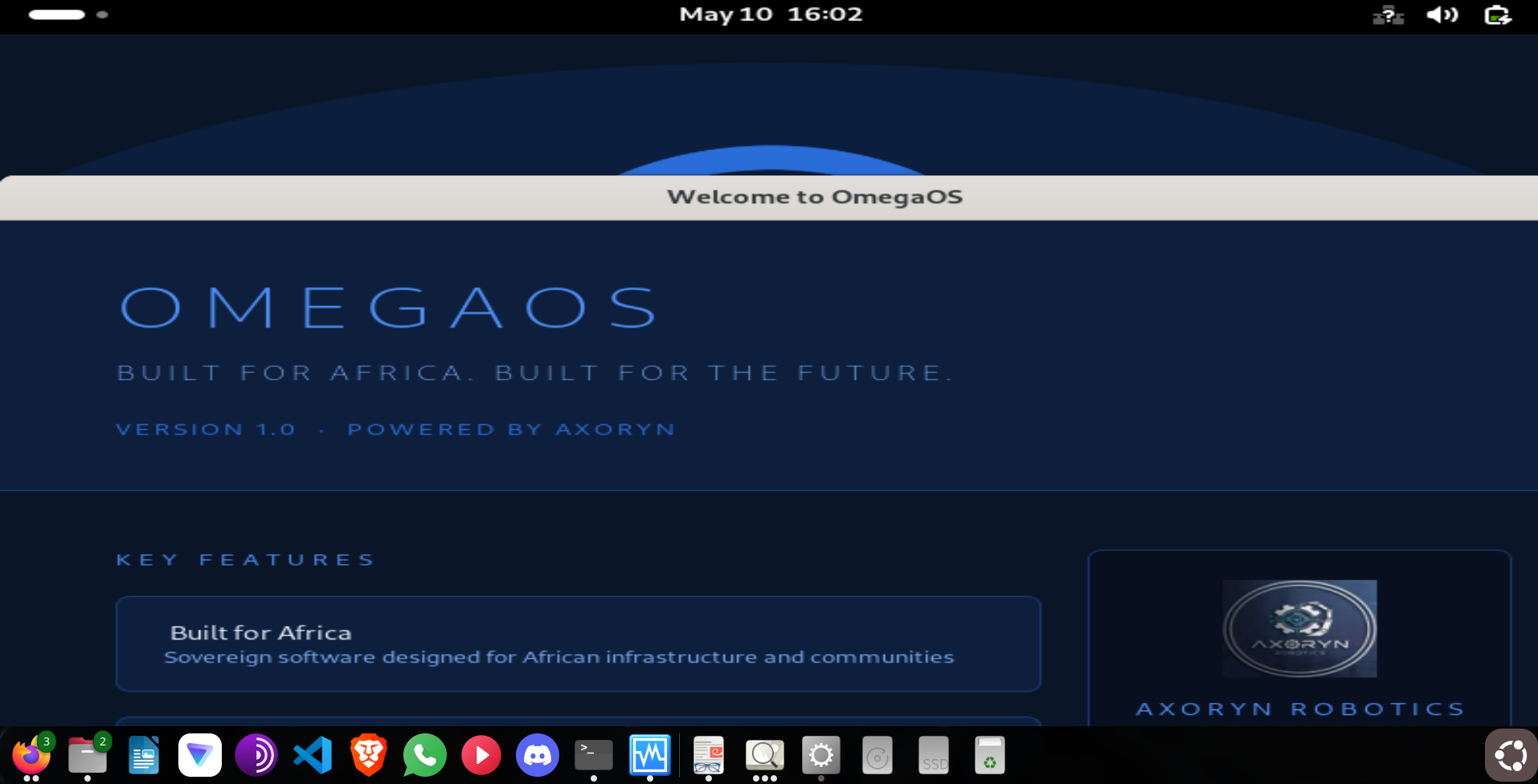
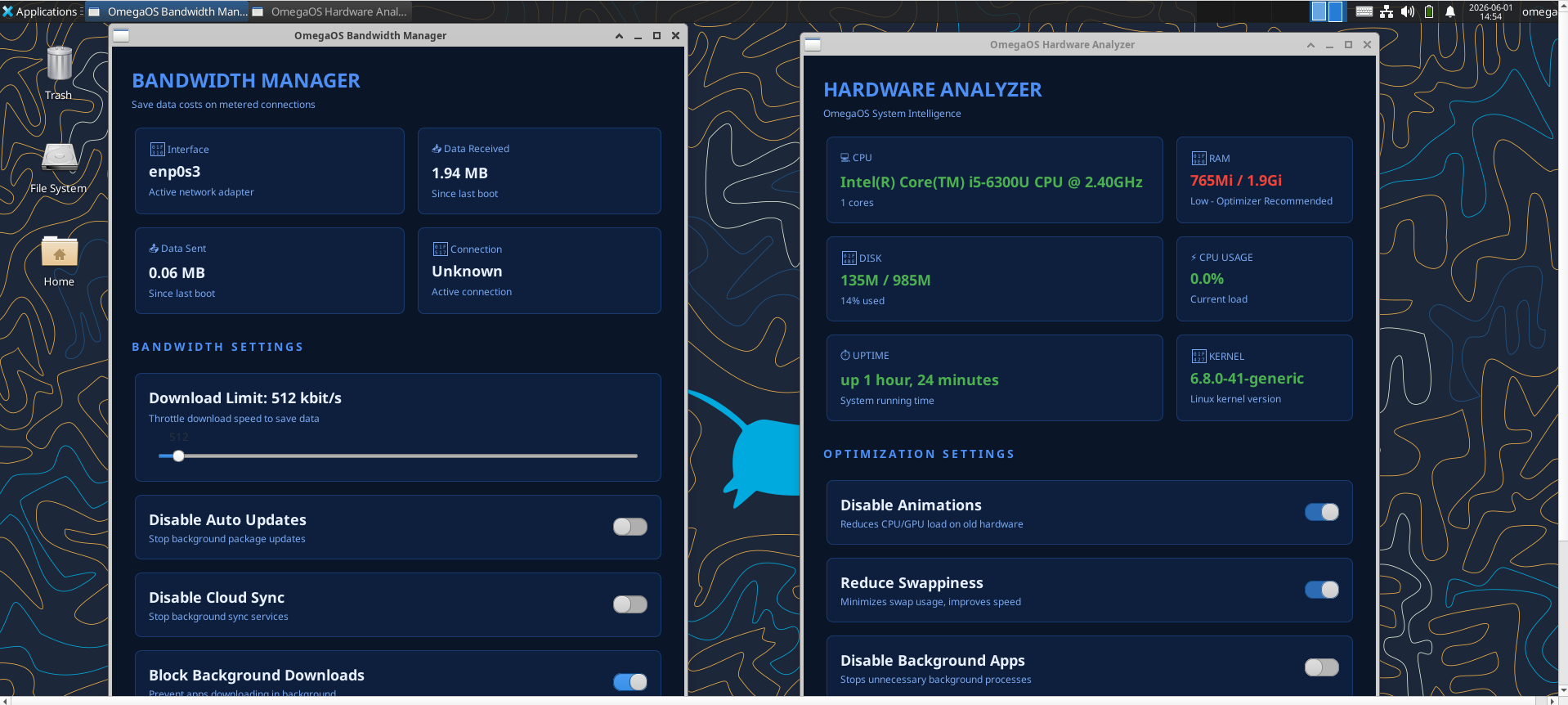
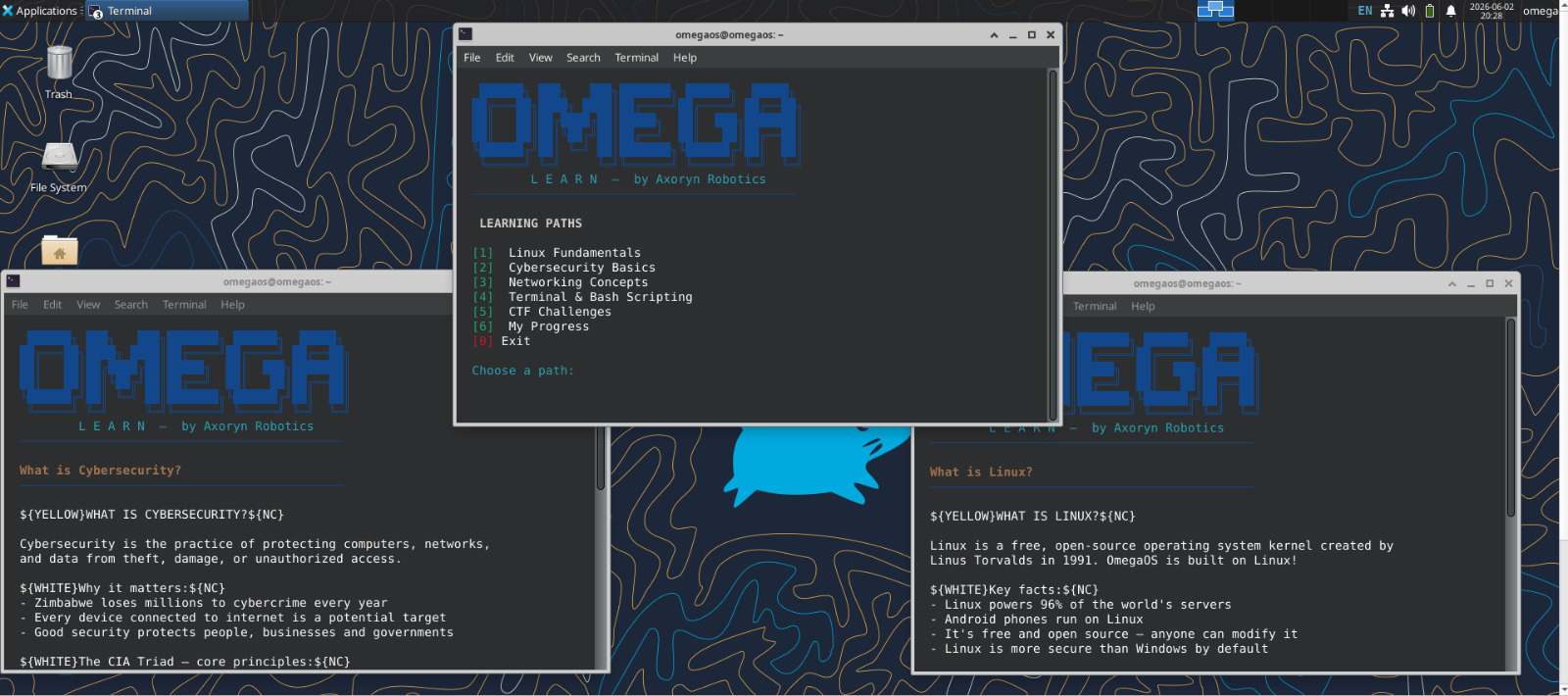
OmegaOS is a fully bootable custom Linux distribution built on Ubuntu 24.04 Noble. It boots from a live ISO and provides a complete computing environment out of the box, requiring no installation to get started. The desktop ships with XFCE themed to OmegaOS branding, giving users a clean, responsive interface from first launch. Firefox and LibreOffice come pre-installed, so users can browse, write, and create immediately without downloading anything. A custom Welcome App greets users on first boot with OmegaOS and Axoryn Robotics branding, orienting new users to the environment right away. Under the hood, a Hardware Optimizer automatically tunes system performance for low-resource machines, and a Low Bandwidth Mode throttles background processes to conserve data on metered connections — both features built specifically for the hardware and connectivity realities across the region. The XFCE Settings Manager handles WiFi, Bluetooth, display, and sound configuration in a single interface, keeping setup accessible to users with no prior Linux experience. The standout built-in application is Omega Learn, an offline cybersecurity and Linux learning platform embedded directly into the OS. Omega Learn delivers structured lessons on Linux fundamentals and digital security concepts alongside hands-on Capture The Flag challenges ,all without requiring an internet connection. This means a student in a school with unreliable connectivity gets the same learning experience as one in a fully connected urban environment. Users are not just given a computing environment; they are given the tools to understand and master it. OmegaOS is designed to run on machines as modest as 2GB RAM and legacy processors, making it accessible to schools, small businesses, and communities that cannot afford modern hardware or expensive software licensing.
How we built it
We built OmegaOS by extracting and modifying the filesystem of Ubuntu 24.04.1 Desktop. The core build pipeline works as follows: we mount the Ubuntu ISO, extract its squashfs filesystem, enter a chroot environment to install and configure packages, then repack the squashfs and build a new bootable ISO using xorriso with a custom GRUB bootloader configuration. The bootloader stack uses Ubuntu's exact xorriso build method including grub2-mbr embedding and both BIOS and EFI boot tracks. We patched the casper live-boot initrd to fix CD-ROM detection, restored the correct eltorito.img, and resolved a layerfs-path misconfiguration that prevented the squashfs from mounting. Branding was applied at multiple layers including /etc/os-release, casper.conf, .disk/info, GNOME dconf schemas, and a custom Python GTK Welcome App. The Hardware Optimizer and Low Bandwidth Mode are shell scripts exposed as desktop applications.
Challenges we ran into
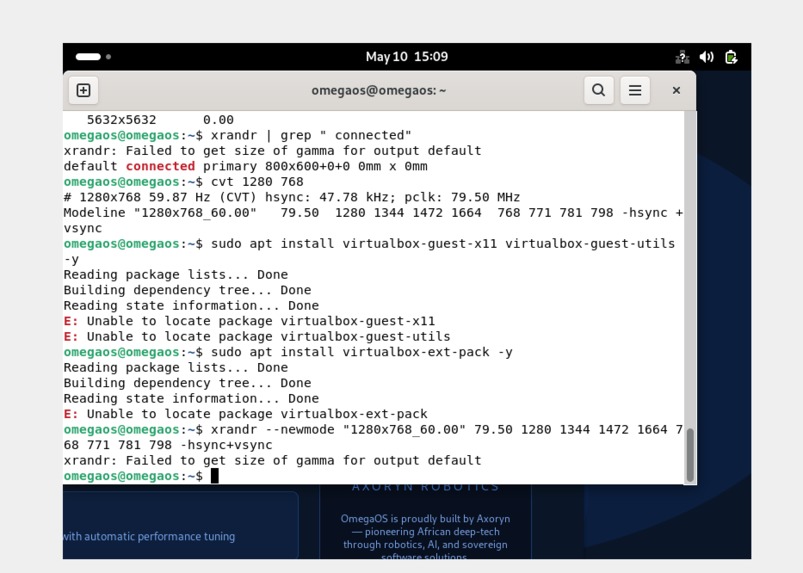
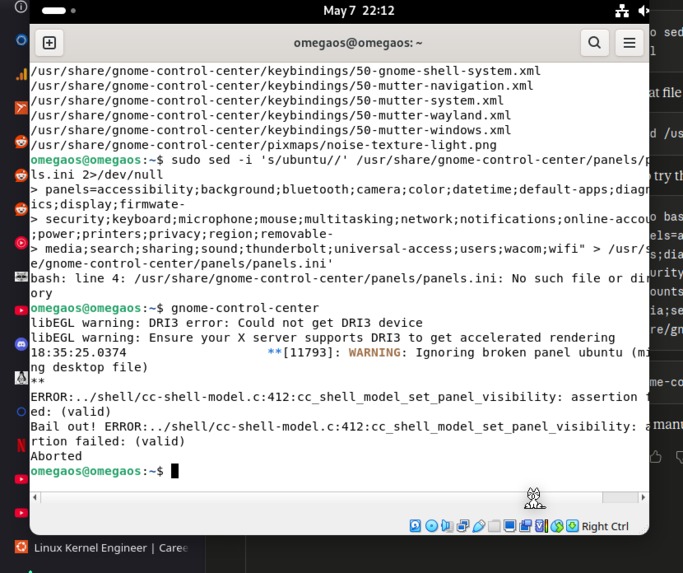
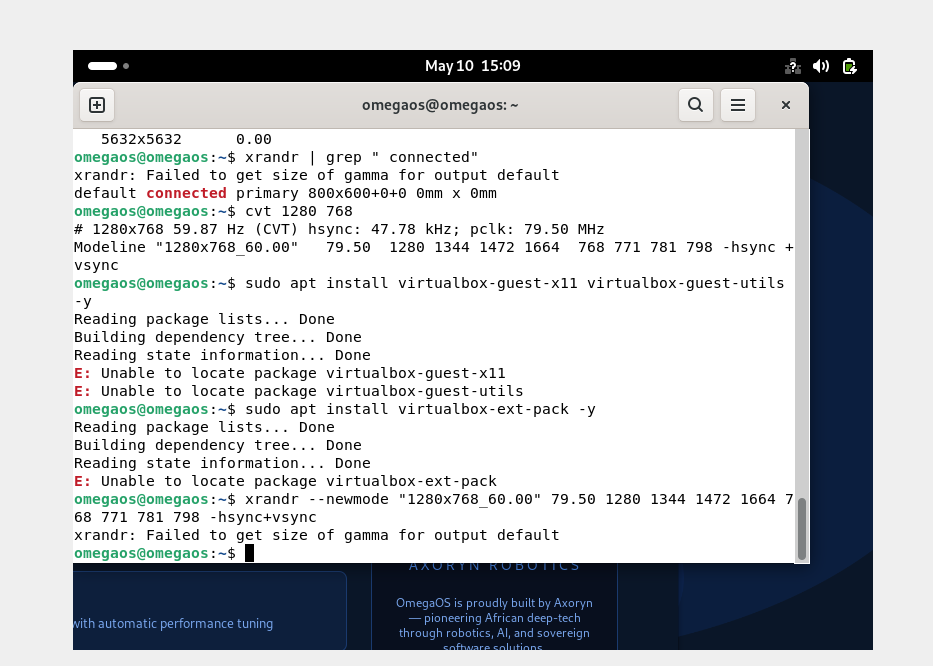
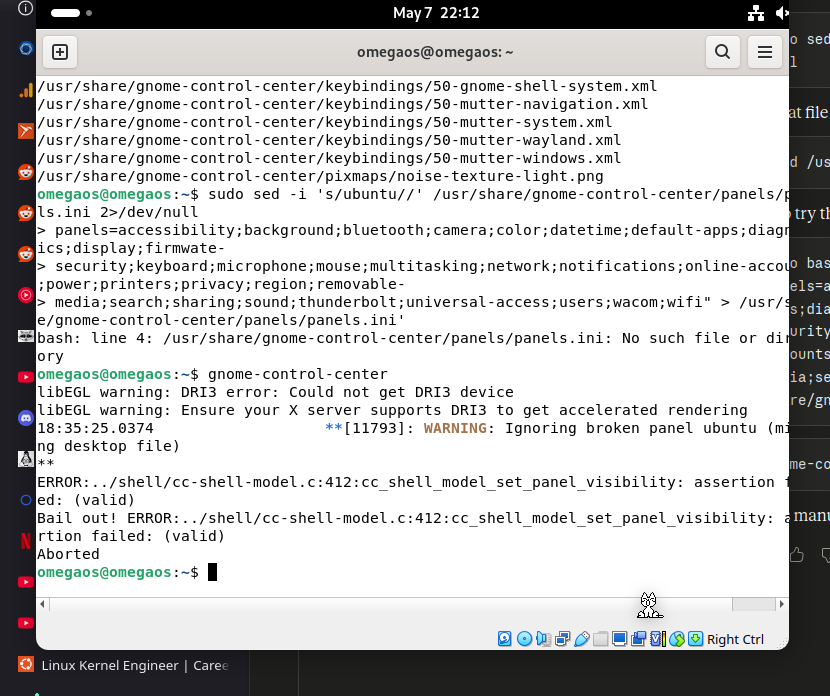
The biggest challenge was getting the live ISO to boot at all. We encountered a cascade of issues: the eltorito.img boot sector was corrupting the ISO filesystem because a regenerated core.img was too large and overlapping with grub.cfg's sector on disk. The casper initrd had a script actively blocking /dev/sr0 from mounting. The vmlinuz in our build had unattended-install parameters baked in from Ubuntu's OEM image, causing casper to search for a preseed file that didn't exist. Rebranding the OS to OmegaOS broke apt's PPA tools because they check /etc/os-release for a known distribution template. GNOME Control Center crashed on launch due to a missing ubuntu panel compiled into Ubuntu's patched version. Each of these required deep diagnosis — reading boot sector hex dumps, grepping binaries, extracting initrd archives — before a fix could be applied.
Accomplishments that we're proud of
We successfully built and booted a fully functional branded Linux distribution from scratch — something most developers never attempt. OmegaOS boots reliably from a live ISO, logs in automatically to a fully configured GNOME desktop, and presents users with a polished Welcome App on first launch. We solved extremely low-level boot engineering problems including ISO sector layout, initrd patching, and casper live-boot configuration — all without formal training in OS development. The Hardware Optimizer and Low Bandwidth Mode are genuinely useful features addressing real infrastructure challenges in Zimbabwe and across Africa. We're proud that OmegaOS carries Axoryn's mission of African digital sovereignty directly into a product anyone can download and run today. Officially partnered with Canonical for visibility
What we learned
We learned an enormous amount about how Linux boots — from the MBR and El Torito boot catalog, through GRUB stage loading, initrd extraction, casper live-boot scripts, squashfs mounting, and finally systemd service startup. We learned that branding a Linux distribution is far more than changing a logo: it touches the bootloader, the initrd, the casper configuration, dconf schemas, apt's distribution detection, and dozens of config files across the filesystem. Most importantly, we learned that building for constrained environments — low RAM, low bandwidth, old hardware — requires understanding the full stack from the BIOS upward, not just the application layer.
What's next for OmegaOS
The immediate next steps are adding the Calamares graphical installer so users can install OmegaOS permanently to their hard drives, and a Plymouth boot splash screen showing the Omega logo during startup. Beyond that, we plan to integrate R3KON GPT — Axoryn's offline AI assistant — directly into the OS as a pre-installed application, making OmegaOS the first African Linux distribution to ship with a local AI by default. We also plan a THREADR Integration Panel: a built-in dashboard for connecting to and monitoring Axoryn's hexapod mining robot, positioning OmegaOS as the native operating system for field robotics in African mining and agriculture environments. OmegaOS is the foundation — the platform on which Axoryn's entire software ecosystem will be built.


Log in or sign up for Devpost to join the conversation.