-
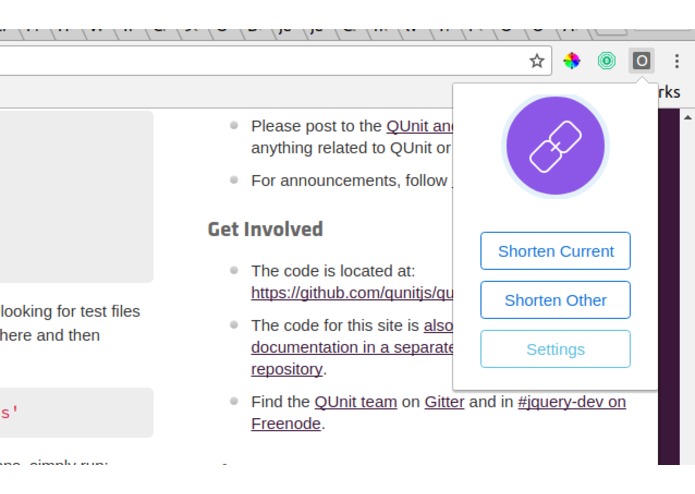
Ooooh
-
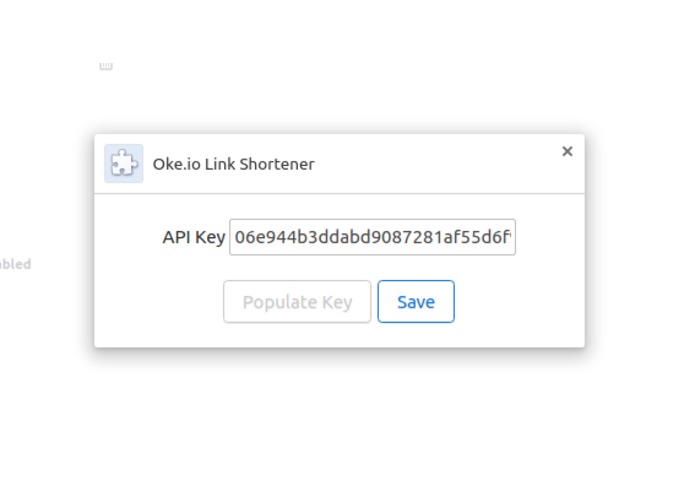
Ahhhh
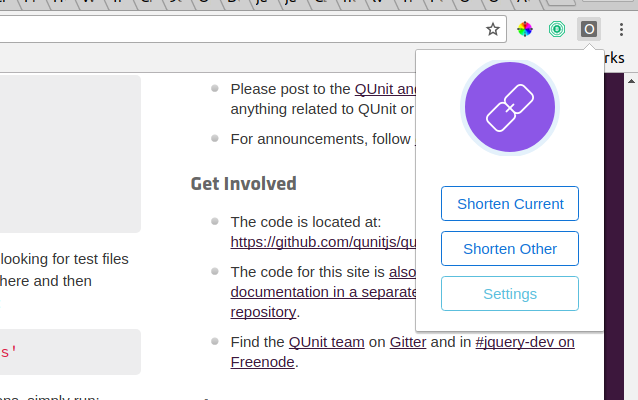
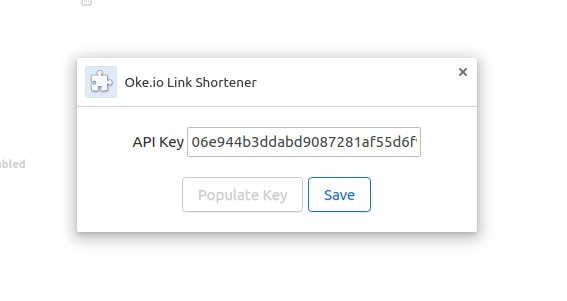
Inspiration
Who doesn't like money? Put your hand down. Everyone likes money. Everyone at some point has come across one of those paid, ad-padded link shortener services (shorte.st, adf.ly etc.). All these services have chrome extensions that allow members to easily shorten links and get clicks. Well, all these services but one. Oke.io seems to be a relative newcomer to the world of paid link shortening, but have already amassed thousands of users because of high payout rates, custom link/alias support and flexible payout options like PayPal and Bitcoin.
I've always wanted to learn how to build a chrome extension, and this seemed like a good opportunity to learn.
What it does
It shortens links, but Oke.io's site seems to be down on the day I'm demoing this thing. Nice.
How I built it
Oke.io offers members an API token (accessed at http://oke.io/member/tools/api) and an endpoint to shorten links. A chrome extension is basically a blob of HTML and JavaScript, which made it easy to incorporate the API access and style the finished product using Bootstrap 4.
Challenges I ran into
An odd error (No 'Access-Control-Allow-Origin' header is present on the requested resource) kept popping up when attempting to parse JSON from the Oke.io API. After some furious Google-ing and an advised trip to the TripAdvisor table, I found that I needed to add an explicit "http://oke.io/" permission to my extension's manifest.
What I learned
Before this experience, my JavaScript skills were pretty weak. Now, they're just weak. I learned how Chrome's browser API works, learned a thing or two about storage sync and local storage for extensions, and managed to get the final product up on the Chrome Webstore before time was up. Not bad.
What's next for Okeio Links
Oke.io's API offers support for link alias/custom URLs, which would be the logical next step. I just need to figure out a way to do it and keep the product looking pretty. A "copy link to clipboard" button would also be nice.


Log in or sign up for Devpost to join the conversation.