-
-
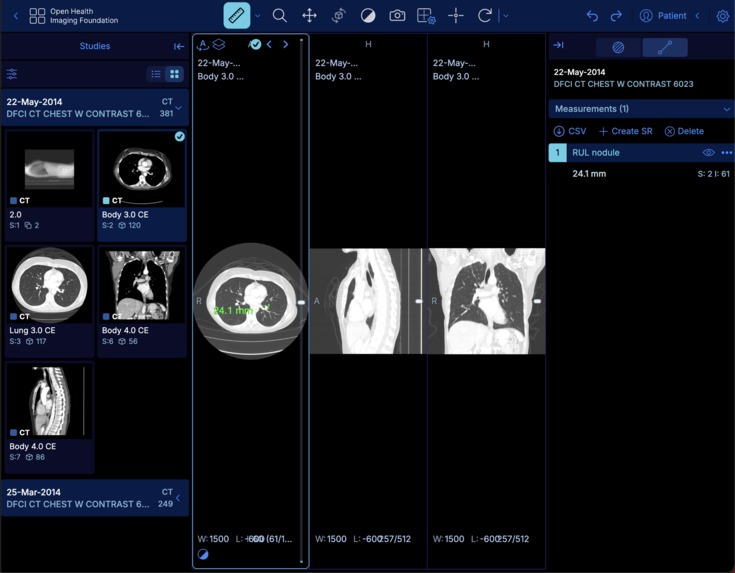
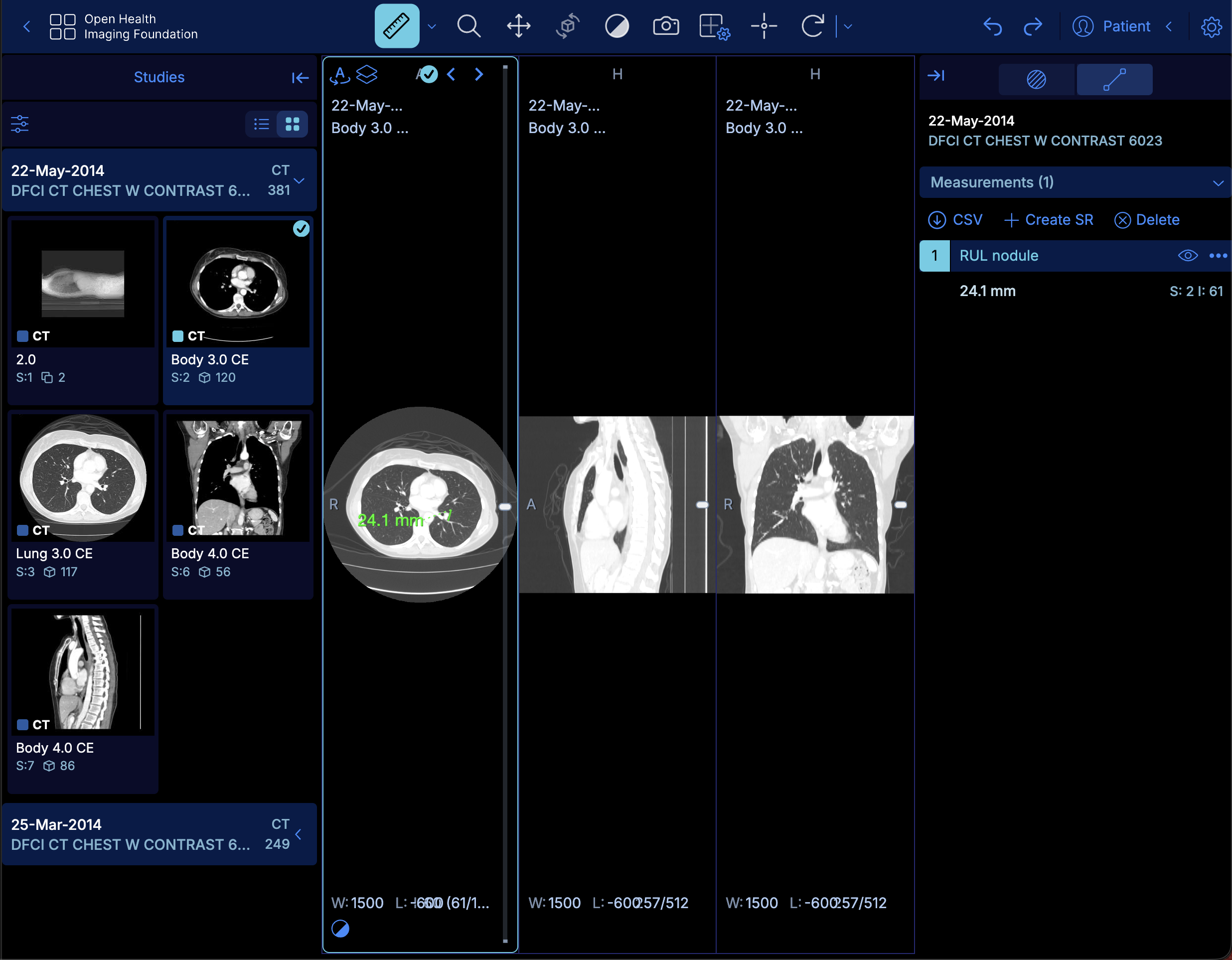
The medical image viewer in action
Inspiration
I have a family member who is a radiologist and uses OHIF's medical imaging viewer. After taking a look at his workflow it was clear that he spends a lot of time arranging and displaying medical images; once he finds an axial slice from a CT scan, he'll usually want to view it from different anatomical planes (axial, coronal, sagittal). Since setting this up is tedious, I wanted to explore how web-mcp could help automate this process.
What it does
I've added 14 web-mcp tools for searching and opening studies, configuring viewports, navigating image stacks, adjusting visualization, and managing measurements.
How I built it
I spoke with a family member to confirm which parts of his OHIF Viewer workflow were the most tedious. I then had Codex explore the codebase to identify the business logic I could use to connect the web-mcp tools to.
Challenges I ran into
The implementation wasn't too difficult but it was important for me to review the code to check for edge-cases, which revealed I was exposing patient names and birth dates to the model, which I then cleaned up and redacted.
Accomplishments that I'm proud of
I haven't had time to perform a full eval, but the time it takes to open a CT scan to then render a complete hanging of the anatomical planes is dramatically reduced while (presumably) reducing context bloat.
What I learned
High-stakes workflows benefit from a clear division of labor: agents handle navigation and preparation using web-mcp tools while medical professionals keep their judgment and final approval. I could've added tools to run analyses but I don't think web-mcp is a great fit here.
What's next for Agent-Enabled OHIF Viewer
I plan on opening a PR in the OHIF Viewer repository with the changes made here, as I'm hoping we can get this added to the list of official OHIF Viewer extensions.

Log in or sign up for Devpost to join the conversation.