-
-
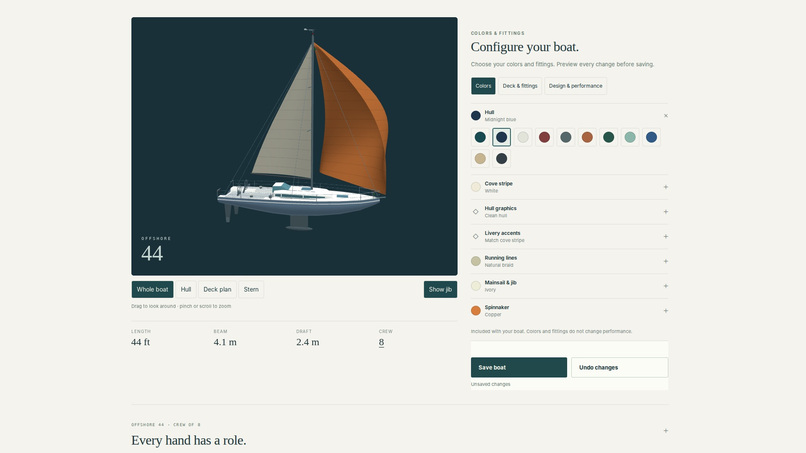
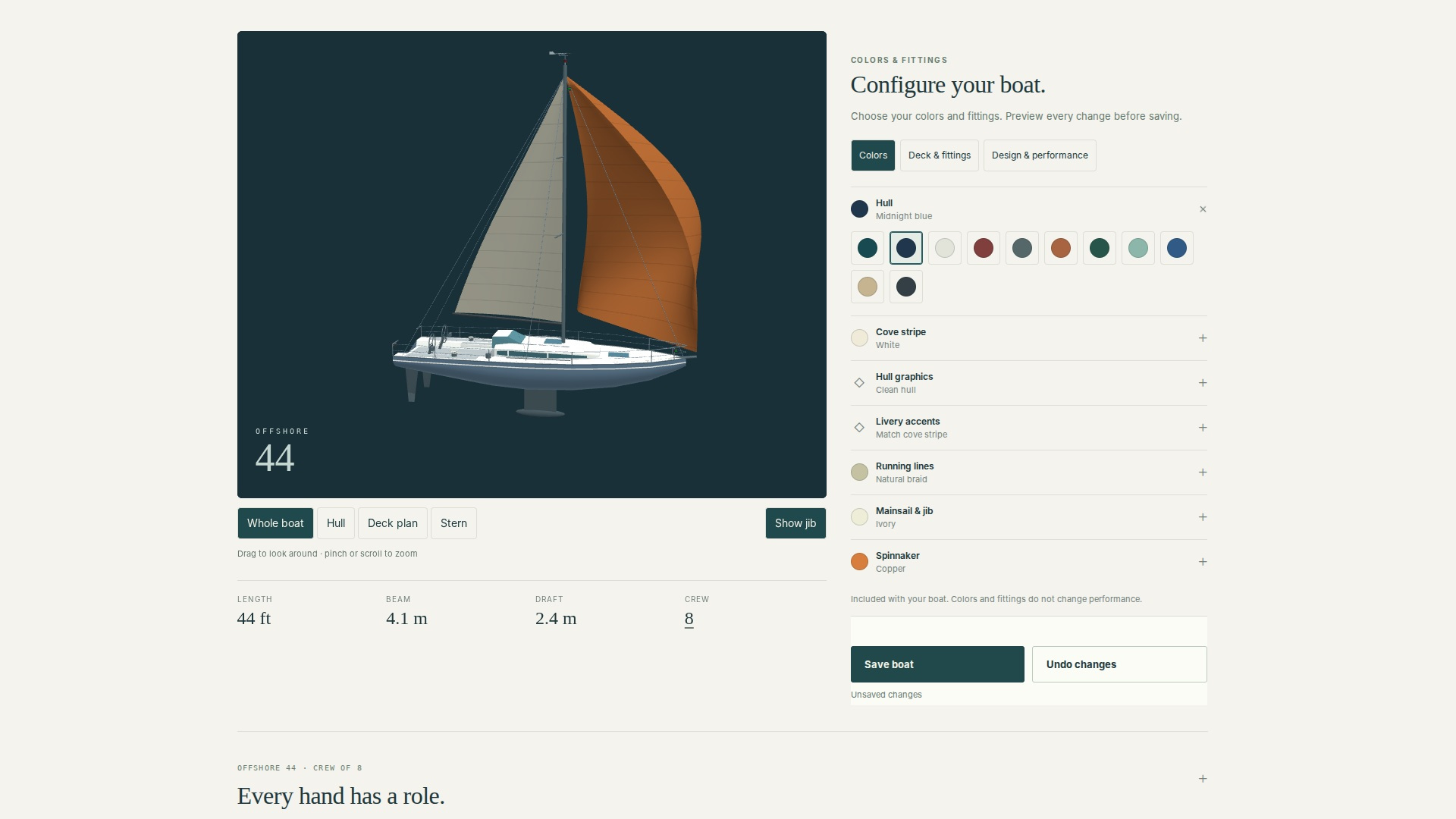
Make the boat yours
-
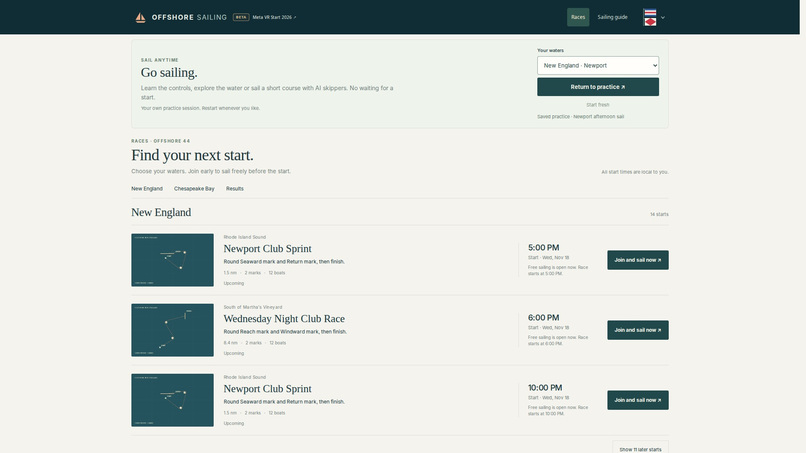
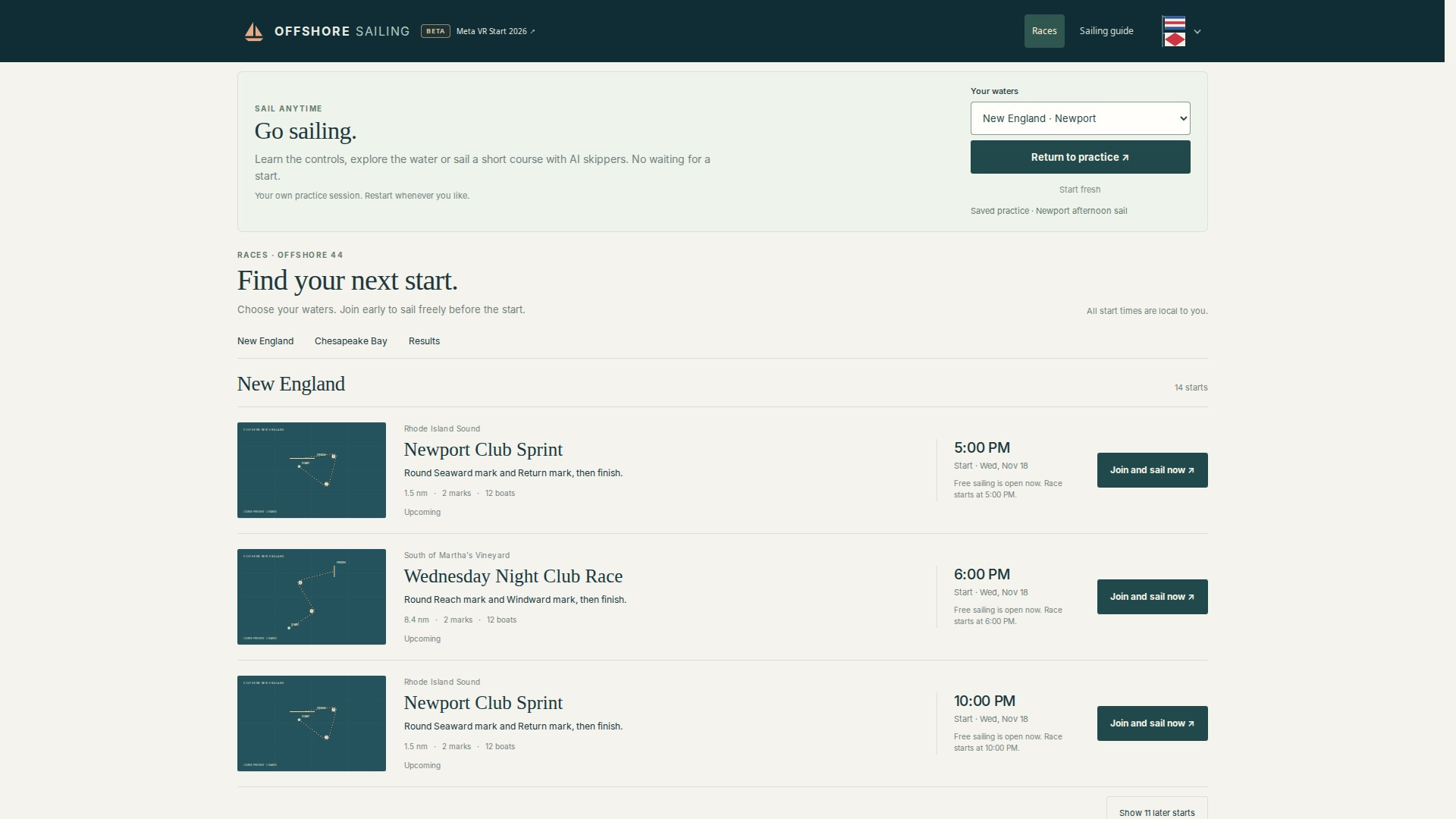
Find your next start
-
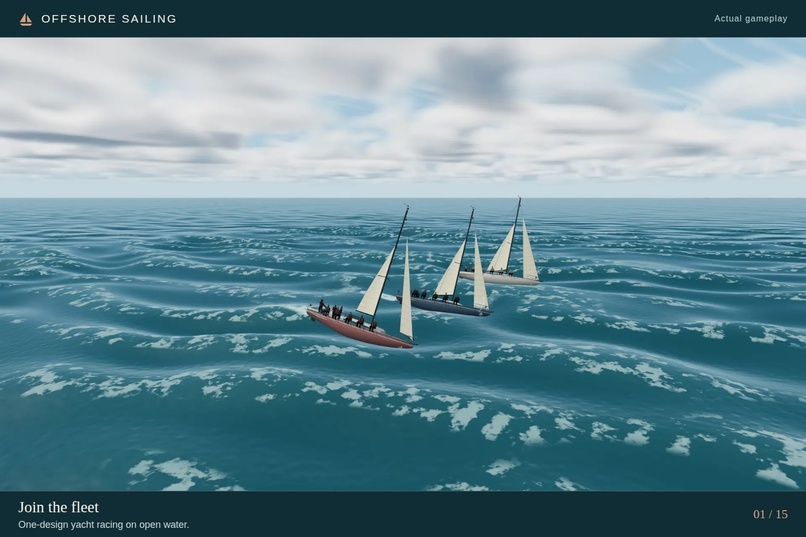
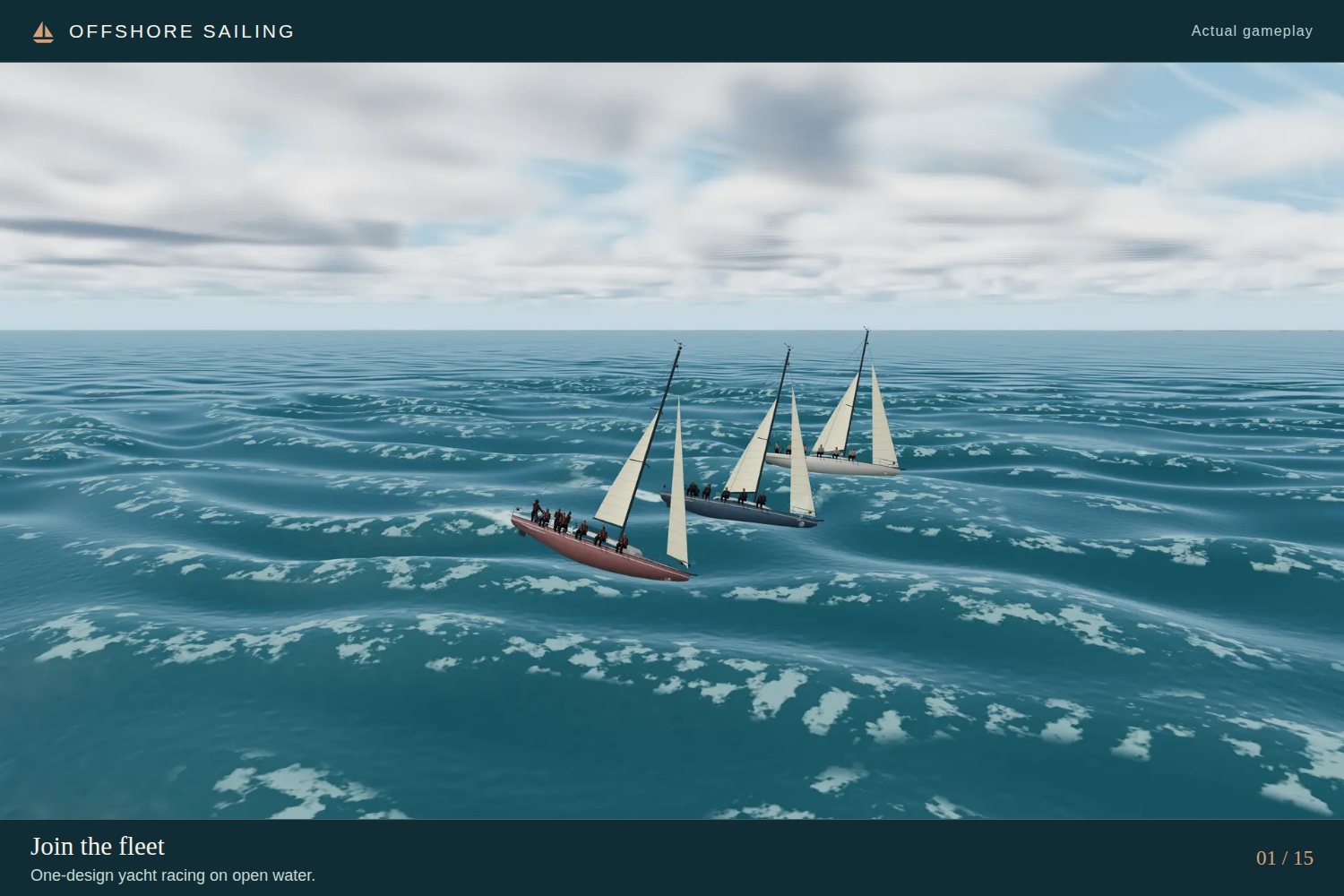
Join the fleet
-
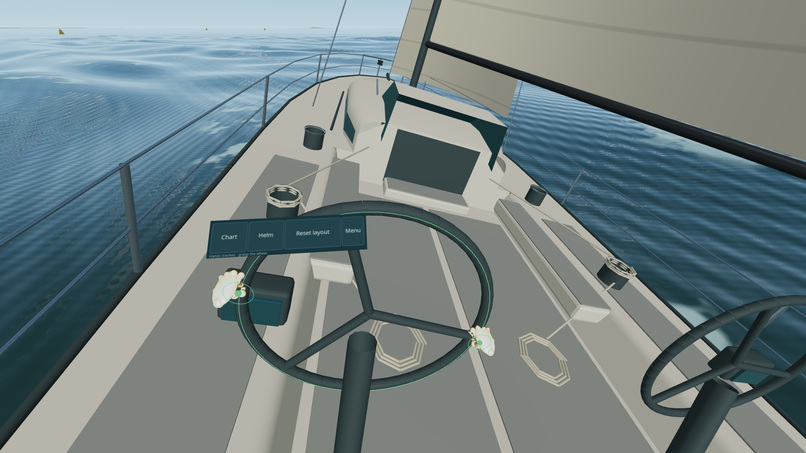
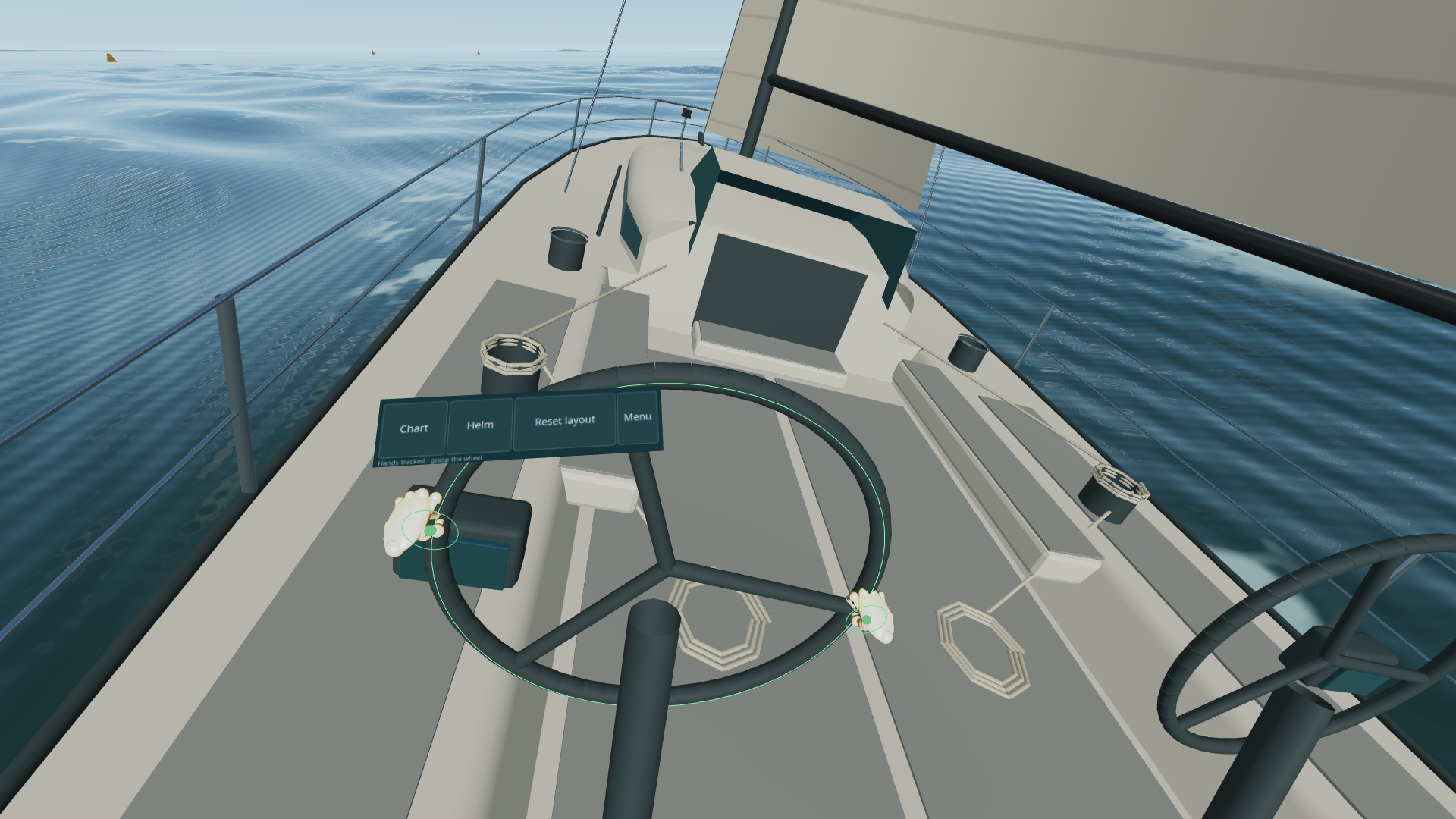
Take the wheel with your hands
-
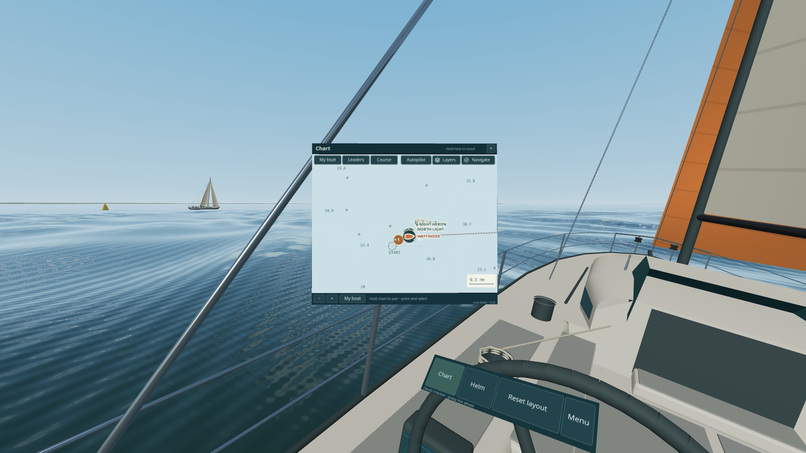
Keep your charts in reach
-
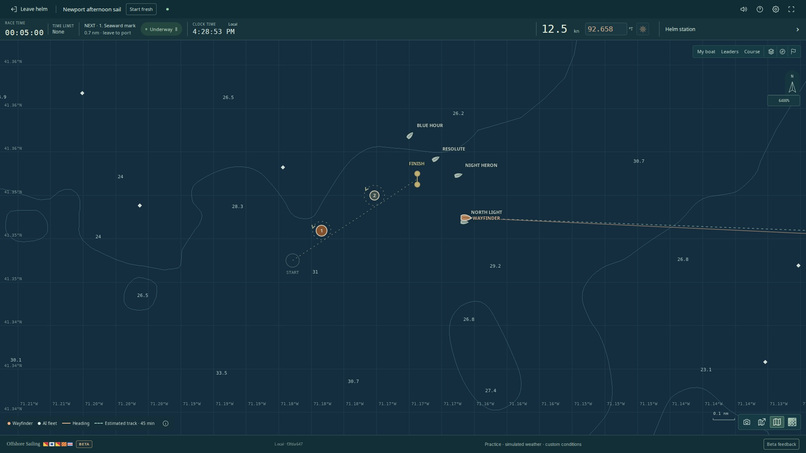
Chart your course
-
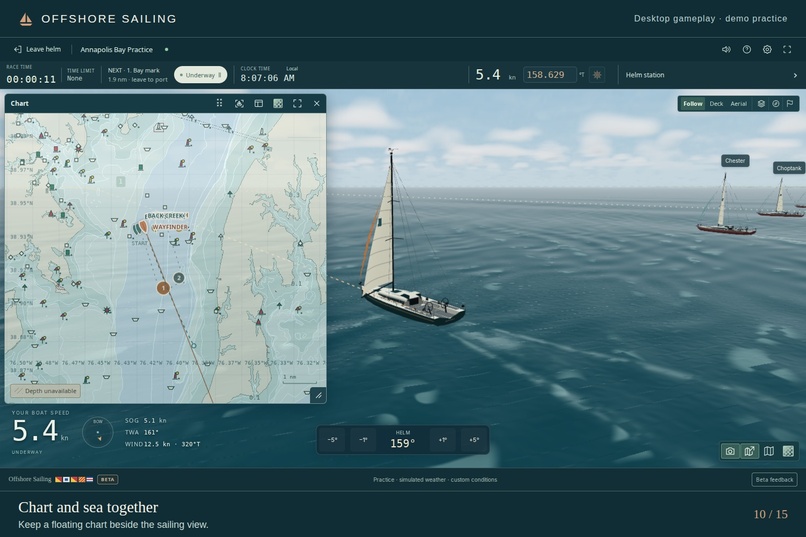
Keep the action in view
-
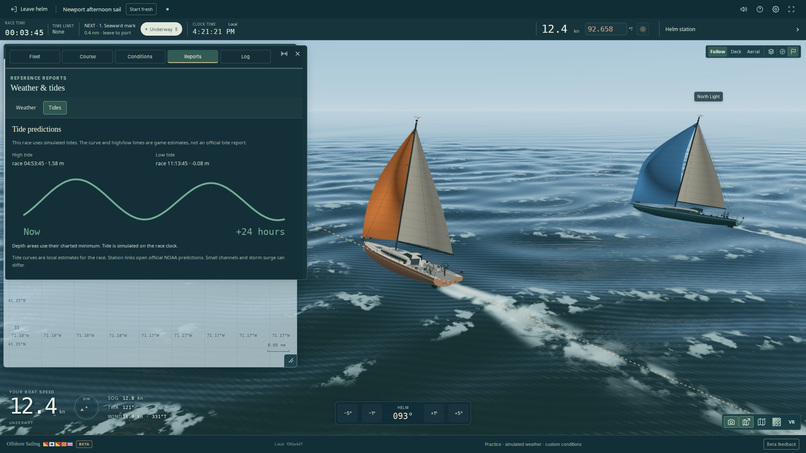
Work the tides
-
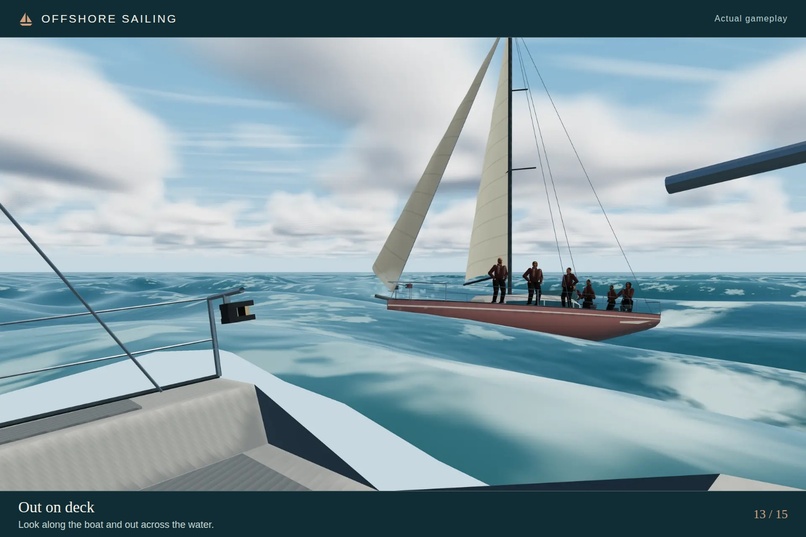
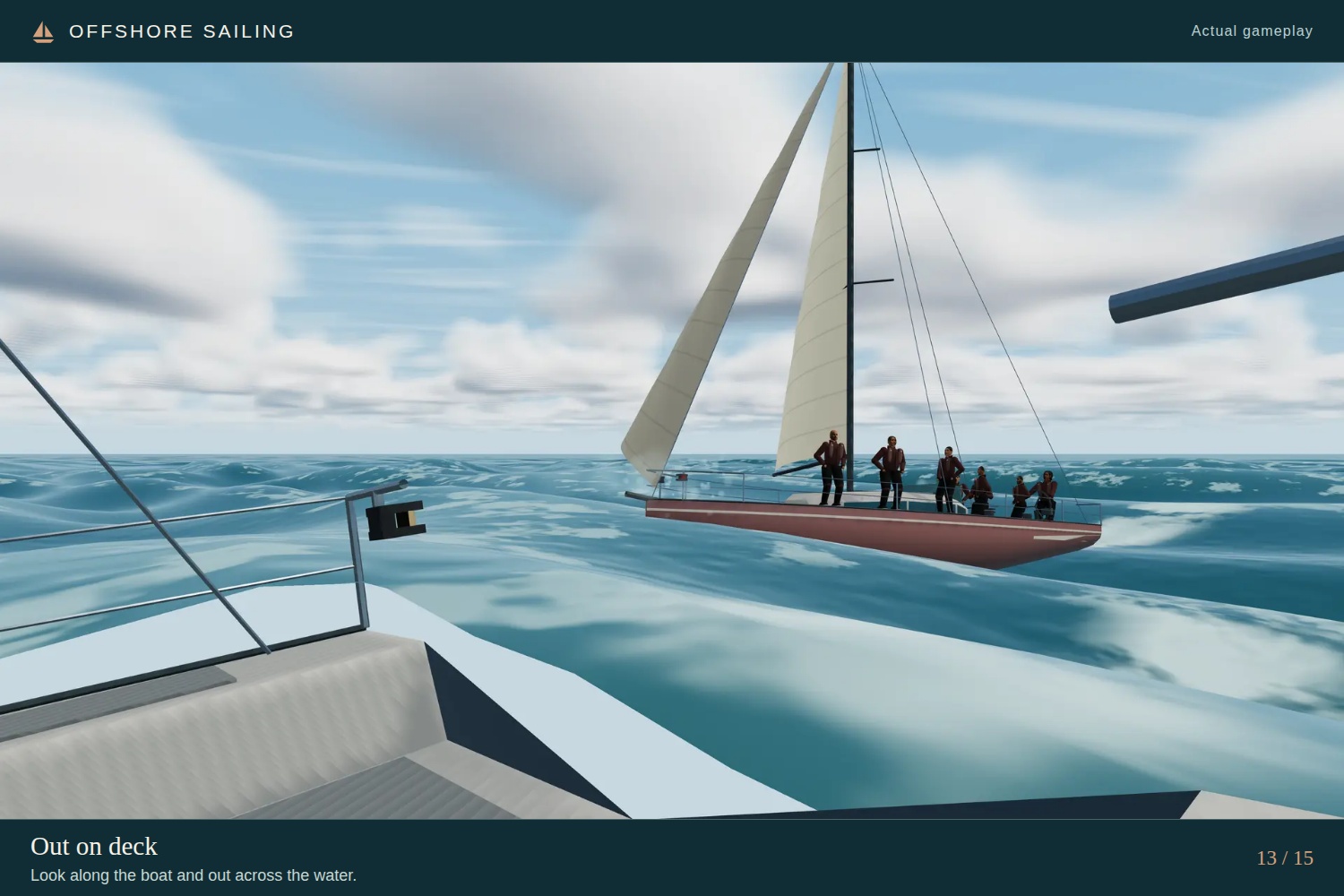
On deck with immersive VR
-
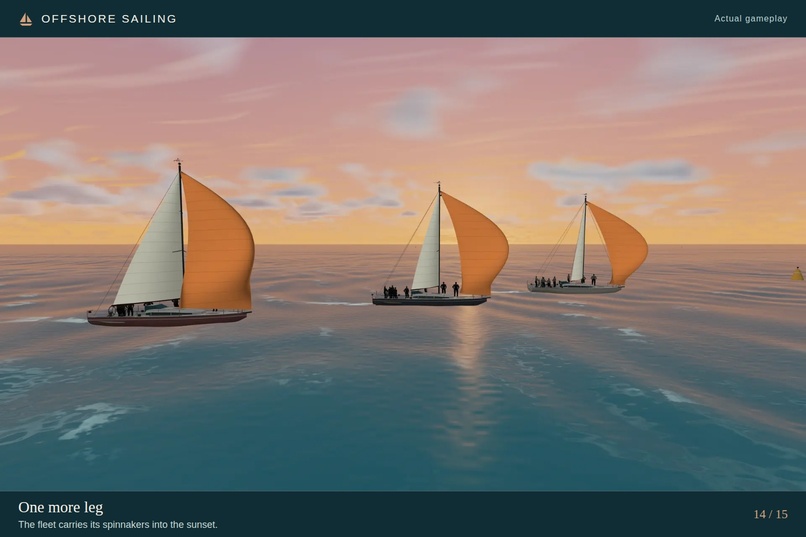
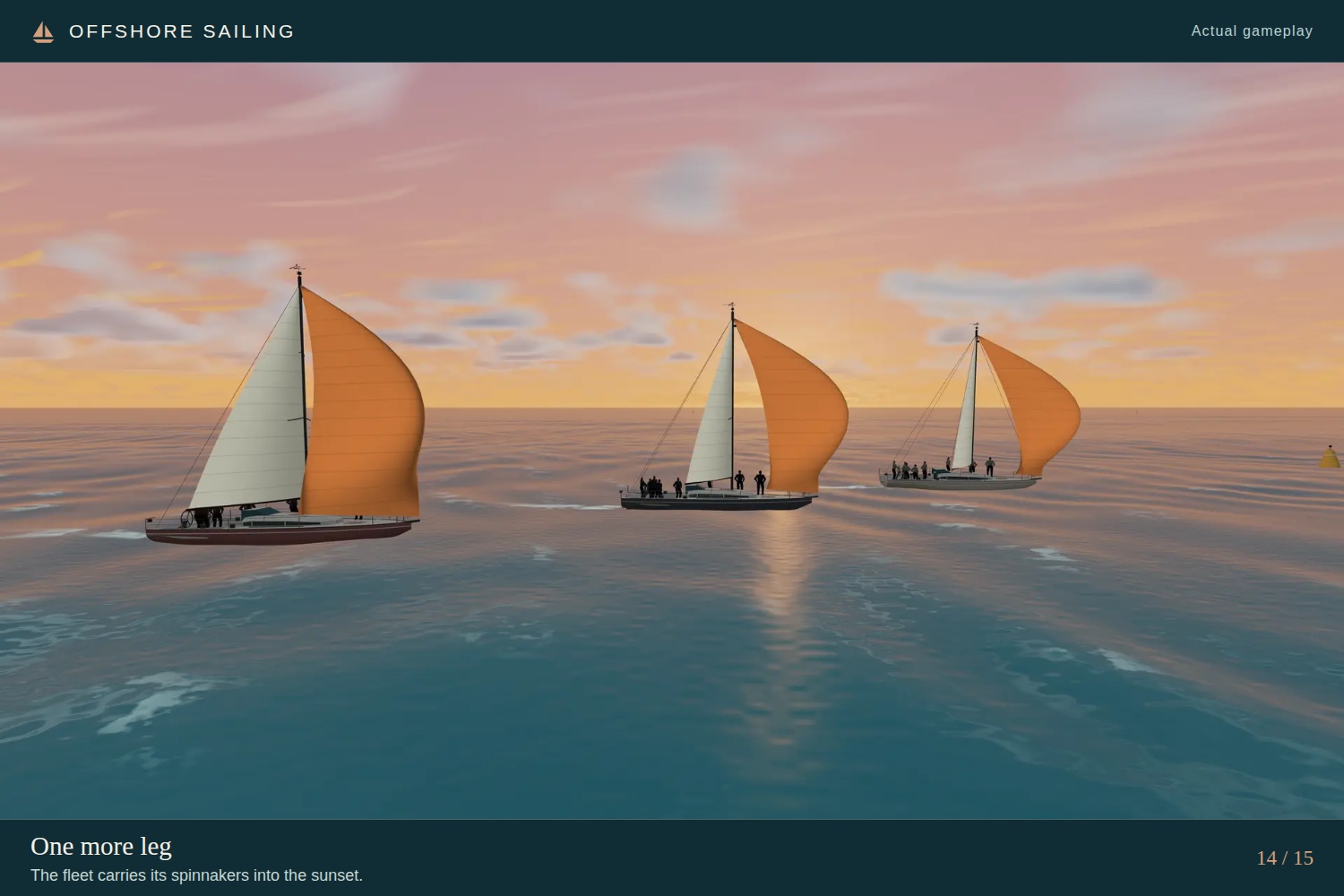
One more leg
-
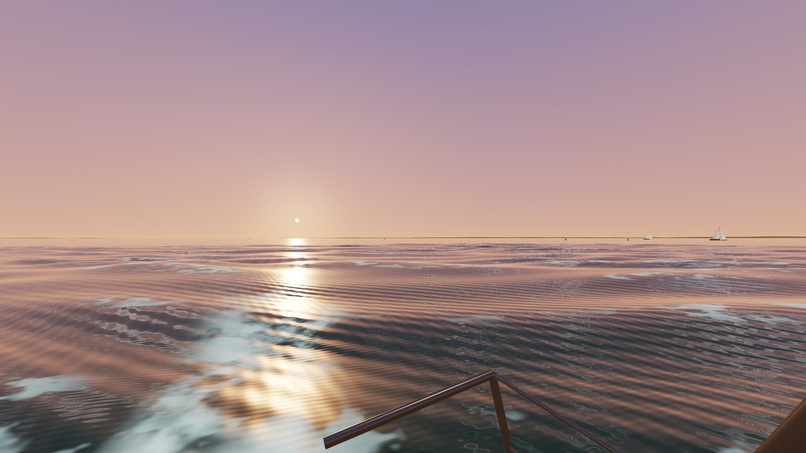
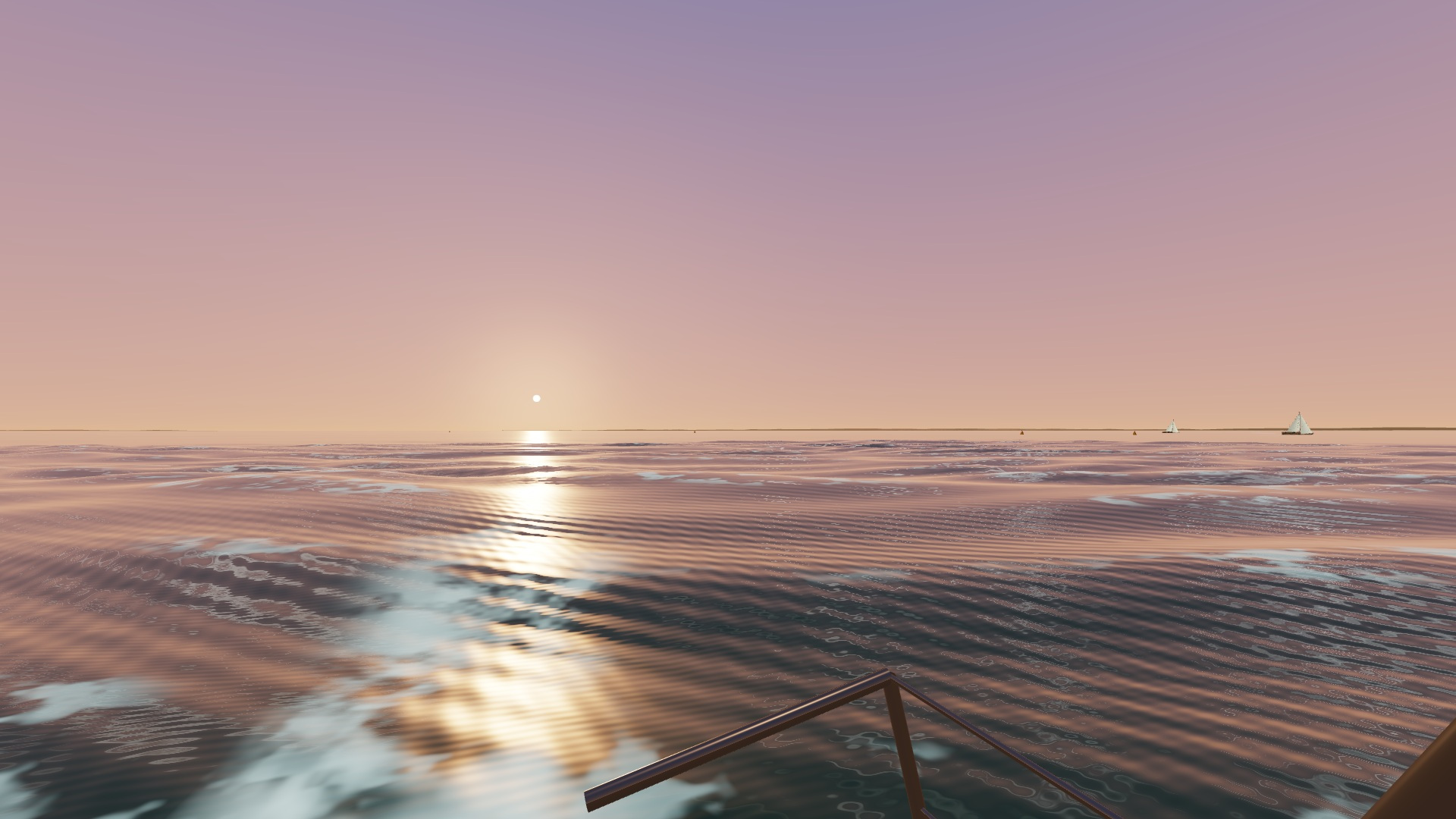
Sunset off the stern
-
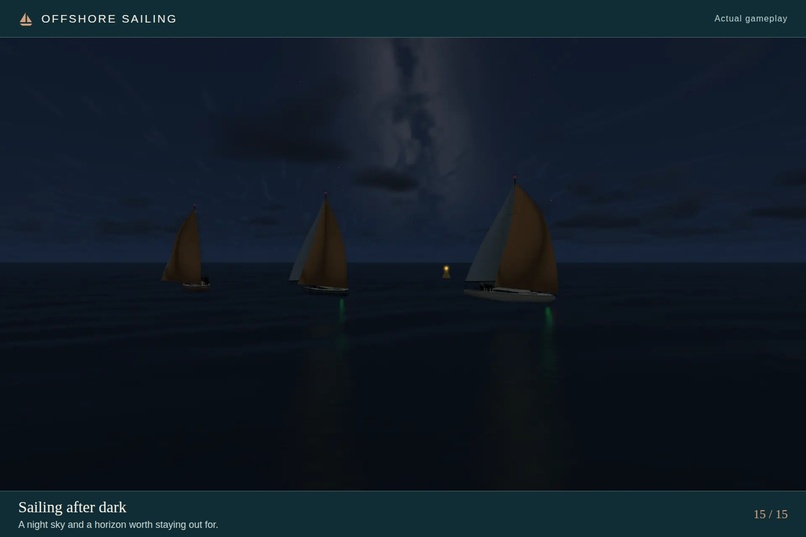
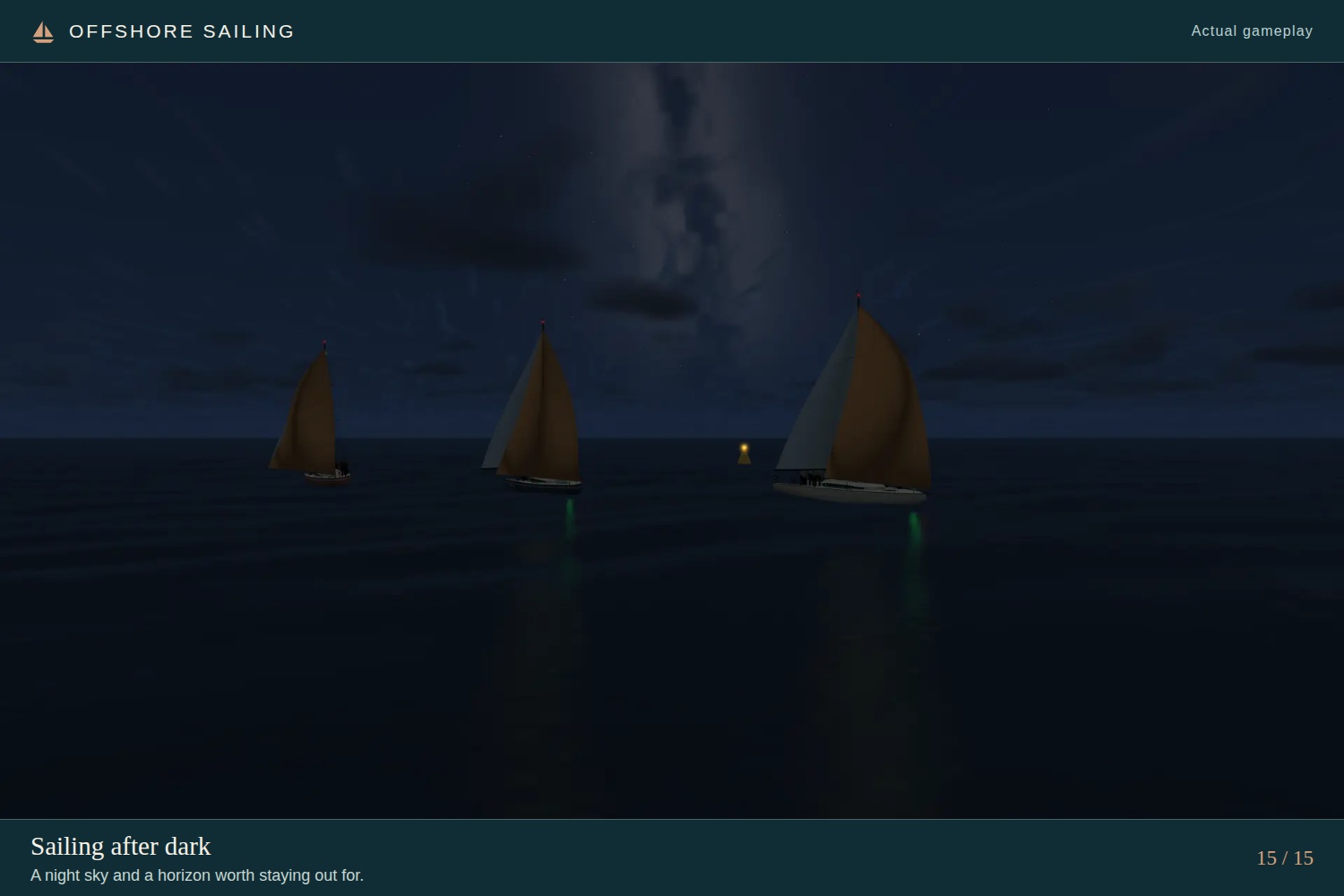
Sailing after dark
Inspiration
I grew up sailing in Annapolis. Wednesday night races, the winter Frostbite Series and the Governor’s Cup were a big part of my life. At St. Mary’s College of Maryland, I joined the offshore sailing team. We raced an 80-foot IOR maxi that had sailed in the Whitbread Round the World Race and was donated to the college while I was there. That was a hell of a boat.
Then a career in software took me away from the water for longer than I intended.
I started building Offshore Sailing Online in October 2026. I wanted to bring my sailing experience and software work together, and give other people a way to experience something I had missed.
What I wanted most was the feeling of sailing. Watching the breeze, judging a crossing, deciding whether to tack or hold on a little longer. It can be peaceful and intensely competitive at the same time. You become absorbed in the boat and the next decision.
VR offered a way to bring someone aboard.
What it does
Offshore Sailing Online lets you sail and race a 44-foot yacht on Meta Quest, desktop or mobile, directly in your browser.
You can start sailing immediately in practice with AI skippers, or enter a scheduled race against other players and AI. Before the start, you can sail freely, learn the boat and check the conditions. Fleet radio lets players talk while sailing. Results and recorded tracks let you look back over the race afterwards.
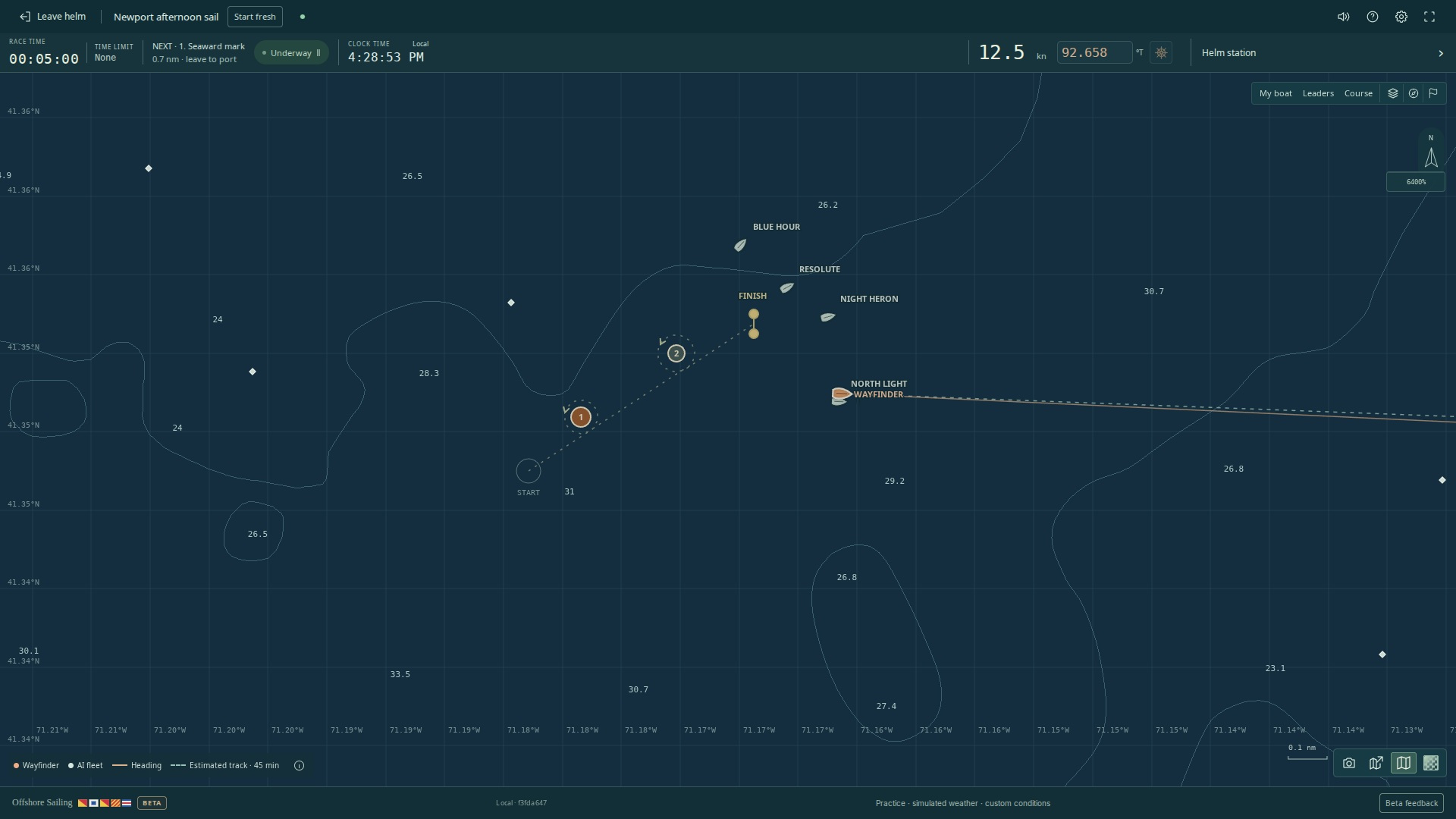
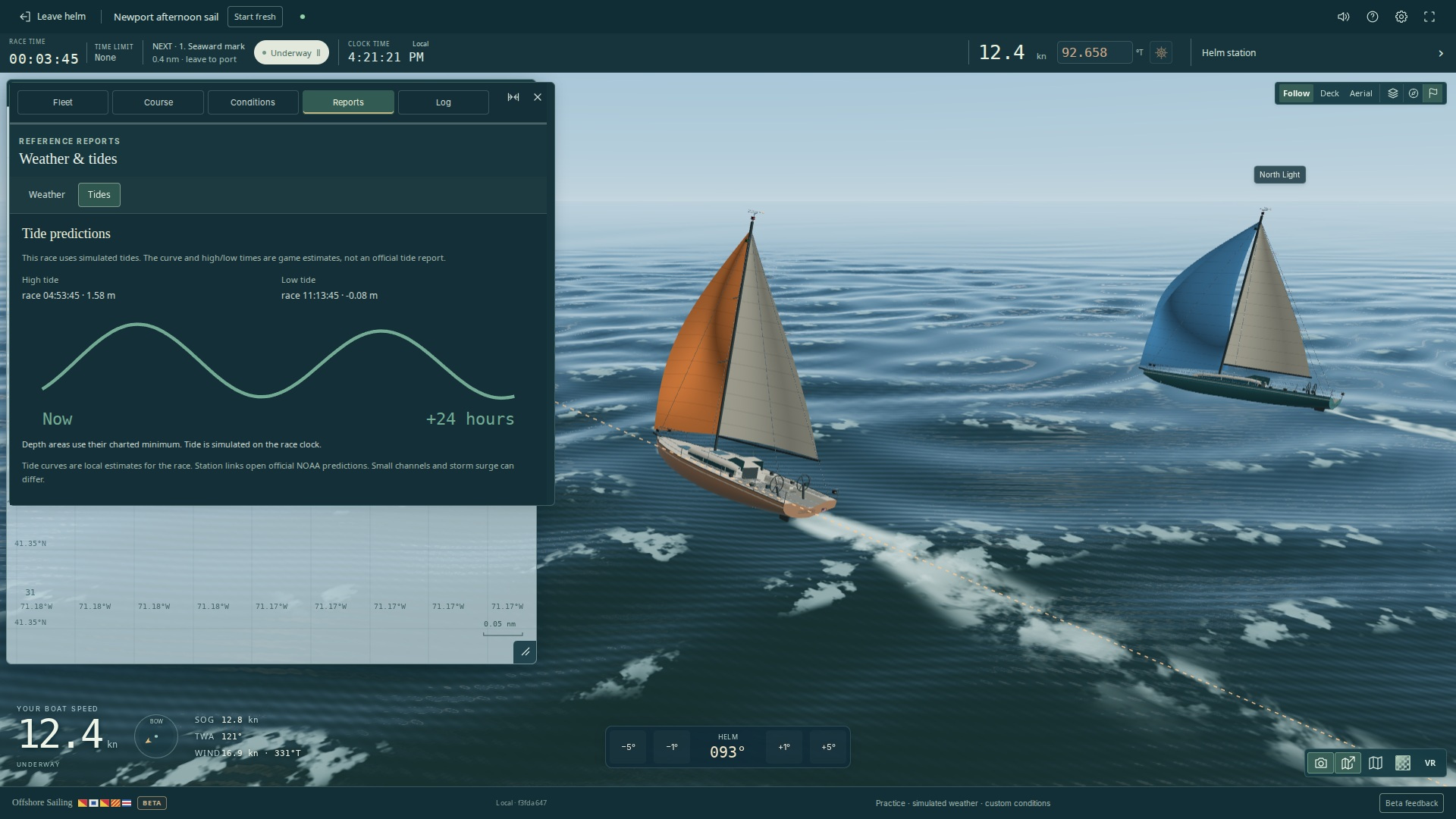
Real-world charts and environmental data shape your decisions. You read the soundings, watch the wind and current, and choose a route to the next mark. Tide changes the depth beneath your keel. Coastlines and navigation lights help you find your way, especially after dark.
Everyone races the Offshore 44, a fictional one-design yacht created for the game. Sail choices, trim and maneuvers affect its performance. A tack costs speed. Current changes the course you need to steer. The boats are equal, but the decisions are yours.
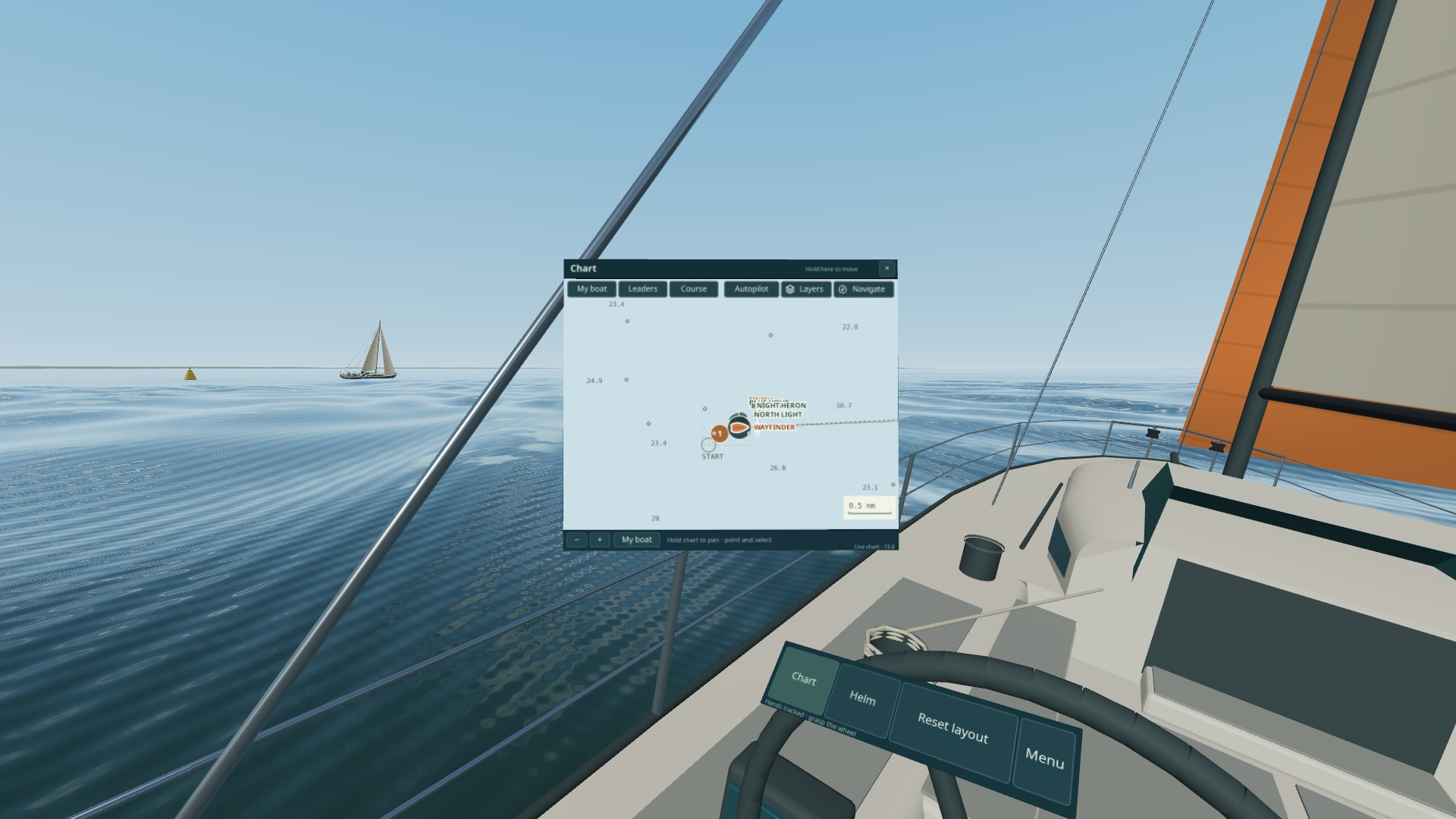
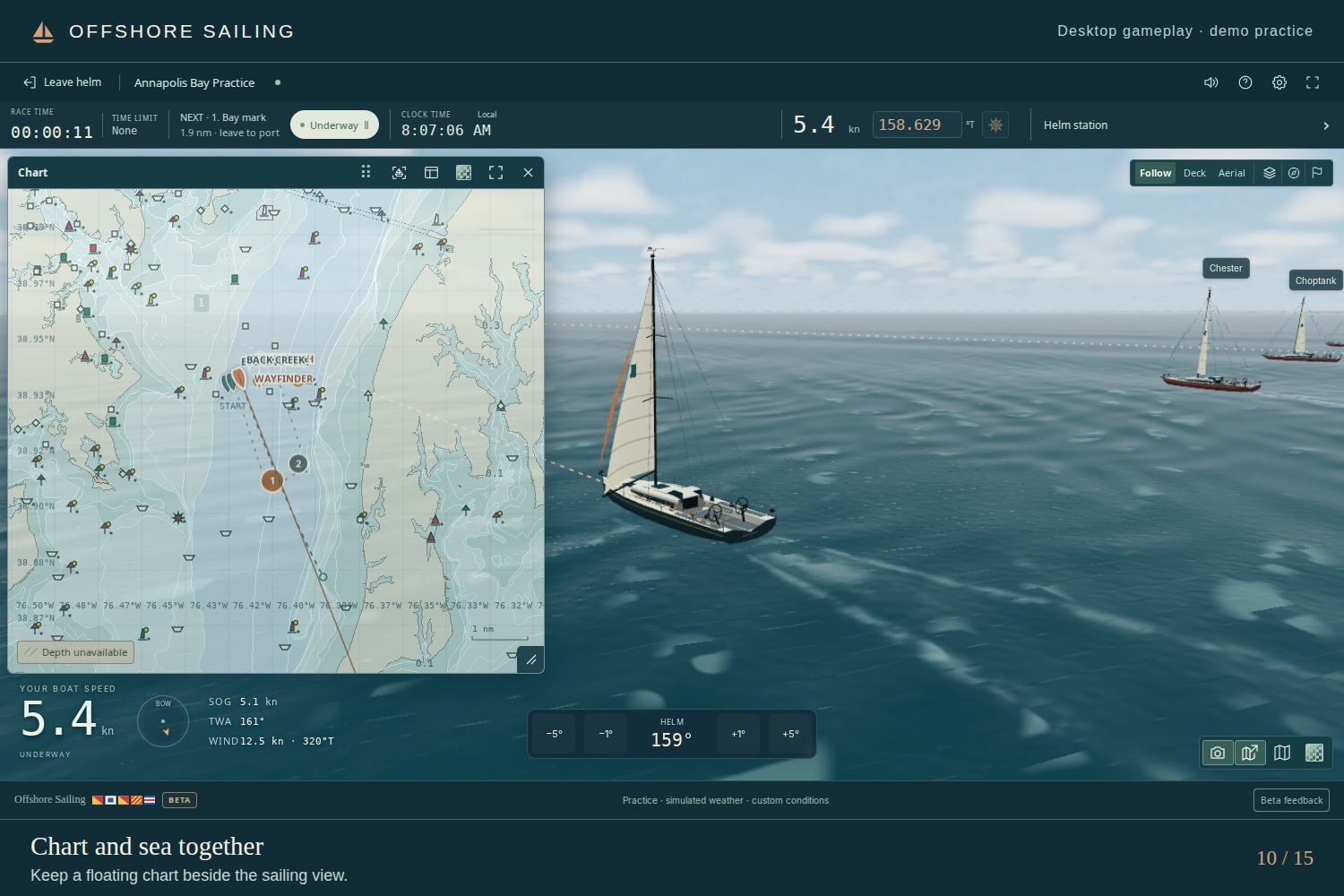
You can sail from the chart, watch the fleet in 3D, or keep a floating chart beside the sailing scene. In VR, you sit at the helm with the boat, water and horizon around you. Reach for the wheel, close your hand around the rim and steer. The chart and helm instruments sit within reach, and you can move them or put them away when you want a clear view.
How I built it
The sailing simulation is written in Rust. The same physics code runs on the race server and, compiled to WebAssembly, in the browser. Replay checks test that the two agree. The browser client combines charts, instruments and a 3D sailing world, with WebXR supporting the headset experience.
My software engineering background helped me direct the work with agentic coding tools, make architectural decisions and evaluate the results. Automated tests, performance measurements and repeated sailing sessions helped me check the work. My sailing experience guided the handling, controls and details of the boat.
Much of development happens through those sailing sessions. I notice something that feels wrong, work out why, change it and go back on the water to try again.
Challenges I ran into
Charts, instruments and controls need to be useful without getting in the way of sailing. That is a different problem on a phone, a desktop monitor and inside a headset.
VR has been particularly demanding. The view needs to remain steady as you move your head, the boat turns and the sea moves beneath you. Getting those movements to work together took repeated testing in the headset.
Performance has also shaped the architecture. I have spent considerable time measuring resource use and improving how the server and client share the work so the game can support larger fleets while keeping the sailing responsive.
Then there are the details a sailor notices immediately. A boat that turns too sharply, loses too little speed in a tack or grounds where the chart shows deep water can undo an otherwise convincing experience. Those details have driven a lot of the work.
Accomplishments that I’m proud of
The first time I sailed the VR prototype in a physical headset, I did not want to take it off. Taking the wheel and watching the bow come around made the project feel real in a new way.
Getting the same game to work across desktop, mobile and VR has been another milestone. Each needs different controls, but the boat, conditions and race remain the same.
The sunset sailing and night scenes in the gameplay films come from the playable game. I hadn’t expected the light in VR to be so beautiful. Watching the sun go down over the water from the helm can feel almost like being back aboard a real boat.
What I learned
A new player needs to get aboard and find something useful to do within the first few minutes. Immediate practice sailing and a short introduction help them start enjoying the game while they learn the controls.
Experienced sailors often notice one small detail before anything else. The response of the wheel, the speed lost in a tack or the approach to a mark can tell them whether the boat feels right.
Building this has brought me back to sailing. Testing frequently turns into staying out for another leg.
What’s next
My immediate focus is refining the VR helm, hand interactions and chart controls, and making the seated experience comfortable and easy to learn.
I will continue improving performance and sailing feel, along with the steps between arriving on the site and getting underway.
The target is a spring 2027 release, with Meta Quest central to the experience.
For the judges
Open https://metavr2026.offshoresailing.online in the Meta Quest browser. There is nothing to install.
- Create an account. Enter the eight-digit code sent to your email. You can read the email on your phone and enter the code in the headset browser.
- Start sailing. Open Explore the races. In the Go sailing section above the race list, choose Annapolis or Newport and select Sail now. Your boat is assigned automatically, and practice begins immediately with AI skippers.
- Enter VR. Once the sailing view opens, select the small VR button at the bottom right, beside the chart and camera controls. No graphics settings need to be changed.
- Take the wheel. With Quest hand tracking enabled, put your controllers down and bring your hands into view. Reach for the wheel rim and close your fingers around it. A light shows when you have a grip. Turn the wheel to steer, using either hand or passing it between hands.
- Use the chart and instruments. The chart starts on your left and helm instruments on your right. Press nearby buttons with your index finger. You can move or close either panel and reopen it from the small control console near the helm.
Choose Show me when the optional sailing introduction appears for guidance on the controls and course. Explore freely or follow the numbered marks, rounding each on the indicated side.
Practice is your own session. To join a shared race, return to the race list and choose a scheduled event. You can free sail before its posted start, then race alongside other players and AI skippers. Completed races appear in Results.
You can also sail from a desktop or phone browser using the same account.
Built With
- rust
- typescript
- webxr

