-
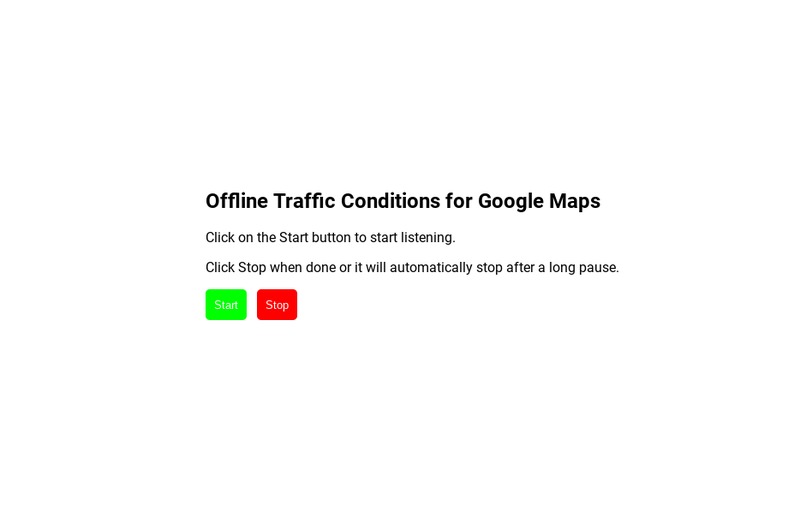
Homepage
-
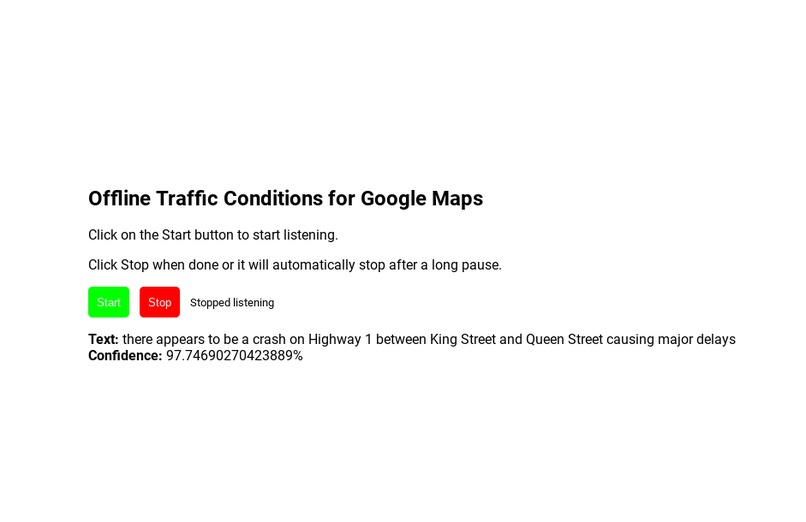
Speech-to-Text
Inspiration
According to the CRTC, in 2019, ~6.9 million Canadians did not have a mobile data plan subscription. One of those Canadians is me. On a recent road trip, I had downloaded offline maps for the places we were going. They worked very well however some features were restricted such as no alternate routes, limited information about places, and no road conditions. The last one proved to be a nightmare as we encountered many traffic jams and road closures. During that time, I noticed how we always had access to the radio and it was constantly giving updates on road conditions. That’s when I thought of the idea for RadioMaps.
What it does
RadioMaps is a tool that takes traffic reports from the radio and uploads them to offline Google Maps to create a better, offline driving experience. It uses a built-in microphone to listen to the radio, then analyses the report and relays the information to Google Maps. The user will also have the chance to tell RadioMaps whether the information is accurate and if they want Google Maps to avoid the area.
How I built it
Listening to the radio is done through Speech-to-Text using the Web Speech API to provide an accurate recording of the radio since the API has been trained for many years. The analysis of the text recording of the radio is done using JavaScript to figure the severity and location of the traffic report. Putting the report on to Google Maps is done through the Google Maps API which uses HTML/CSS/JS, Node.js, and NPM. Lastly, the UI is built with vanilla HTML/CSS/JS to provide a simple experience.
Challenges I ran into
This was a challenging project for me as I have never programmed in HTML, CSS or JavaScript before. It took many tutorials and reading documentation to get the Web Speech API to function. As well, evidently, I did not implement the Google Maps portion of my project since it required Node.js and NPM which my device did not support (a Chromebook).
Accomplishments that I’m proud of
Seeing that it was my first time programming in HTML, CSS and JavaScript, I am very proud of myself for getting the Web Speech API to work and deploying my first website!
What I learned
I learned quite a bit about HTML, CSS and JavaScript while I was tinkering around. I would also say I am quite familiar with the Web Speech API as well now.
What's next for RadioMaps
In the future, I hope to implement the Google Maps portion of RadioMaps. I also would like to try to convert RadioMaps from a website to an app since that is how most people use maps on a road trip. And hey, maybe if I do this well, I could pitch this idea to Google and allow them to implement it as I believe it would be very helpful for many people around the world.
Special thank to link for the tutorial on Web Speech API
Built With
- css
- google-maps
- html5
- javascript
- web-speech-api

Log in or sign up for Devpost to join the conversation.