-
-
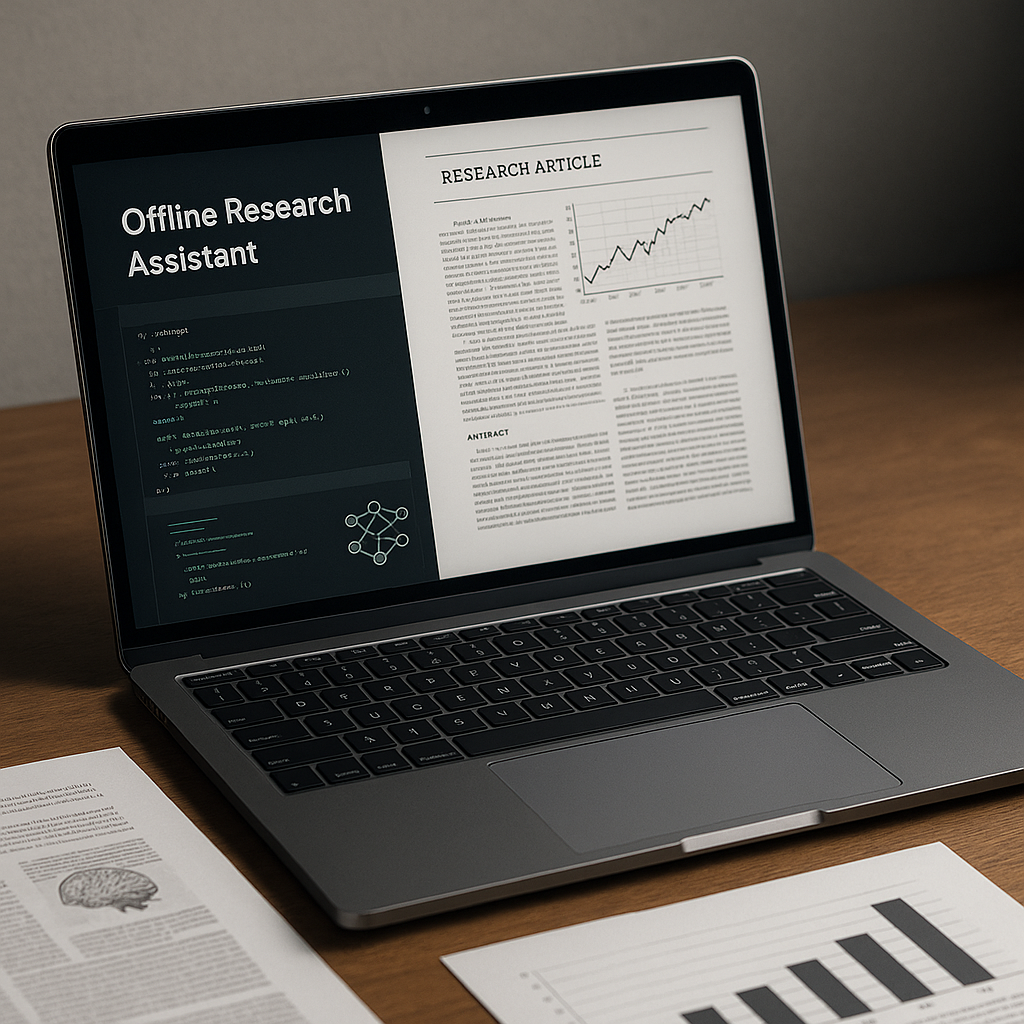
Offline research assistant analyzing academic documents offline
What it does
Offline Research Assistant ingests academic PDF papers and books and produces concise summaries of key points, extracts important figures or tables, and allows the user to ask questions about the content – all while running entirely offline. It operates locally on your machine without sending any data to external servers.
How we built it
We used the open‑source GPT‑OSS 20b model to parse, summarise and answer questions about documents. The assistant is implemented in Python, using PyMuPDF to extract text and images from PDFs and Hugging Face libraries to tokenize and feed chunks into the model. A simple Tkinter-based GUI lets users drag and drop files and interact with the assistant. We fine-tuned the model with LoRA on technical literature to improve accuracy.
Challenges
Running completely offline meant we had to package all model weights and dependencies locally and manage limited system memory. Extracting images and aligning them with relevant text in PDFs proved tricky, and we developed heuristics to match figures with captions. Achieving useful summaries across diverse scientific topics required experimentation with chunk sizes and prompts.
Accomplishments that we’re proud of
We built a fully functional research assistant that can summarise lengthy academic documents, answer user questions and provide references, all without internet connectivity or API keys. The tool preserves privacy and works in constrained environments.
What we learned
We learned how to adapt large language models for offline use, handle messy PDF extraction, and fine‑tune models for specific tasks. We also gained experience building a lightweight desktop GUI to interact with LLMs locally.
What’s next for Offline Research Assistant
We plan to add support for other document formats, such as Word and Markdown, and enable cross-document search across a user’s local library. We also want to compress the model further for lower-end hardware and integrate a citation manager to insert summarised content into writing workflows.

Log in or sign up for Devpost to join the conversation.