Inspiration
Growing up in West Africa, I saw firsthand how students preparing for WAEC often struggle with limited access to quality tutors and reliable internet. This inspired me to build WAEC Tutor — an offline AI companion that can answer questions, generate quizzes, and track progress without needing connectivity. The goal was simple: make smart learning accessible to every student, everywhere.
What it does
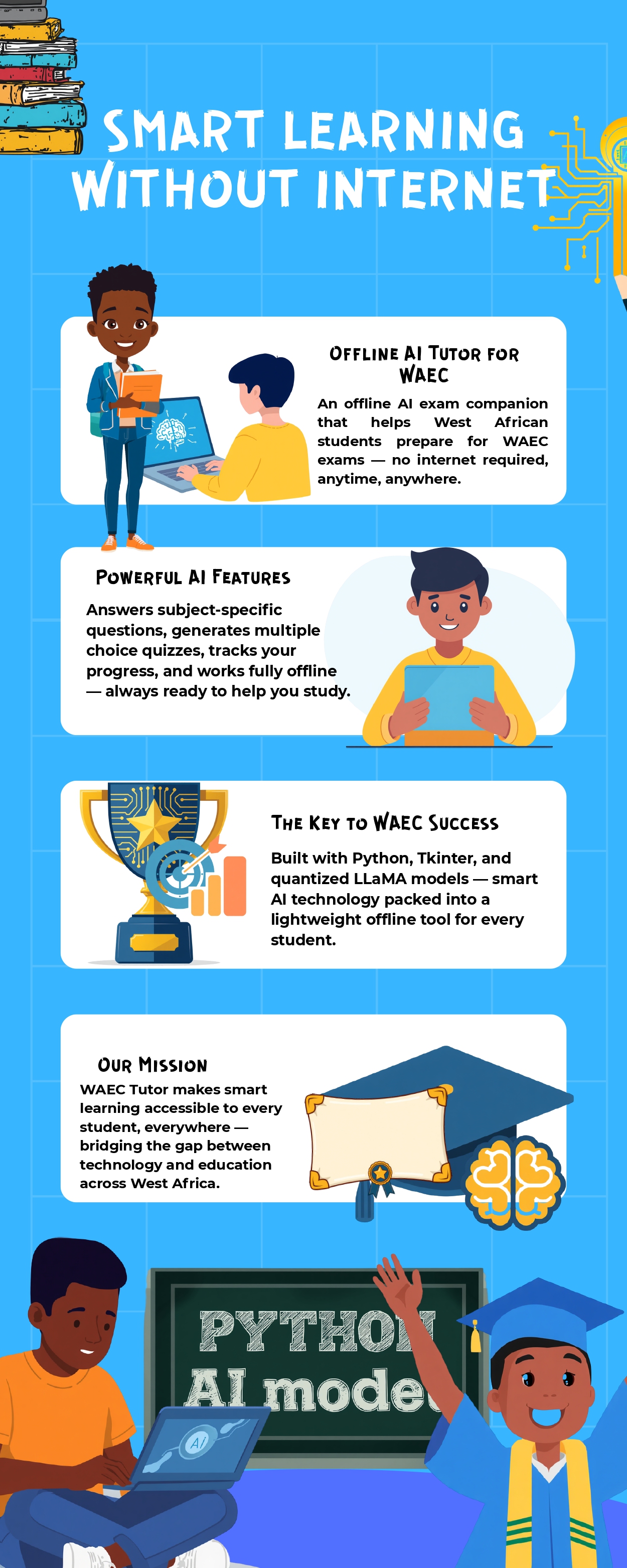
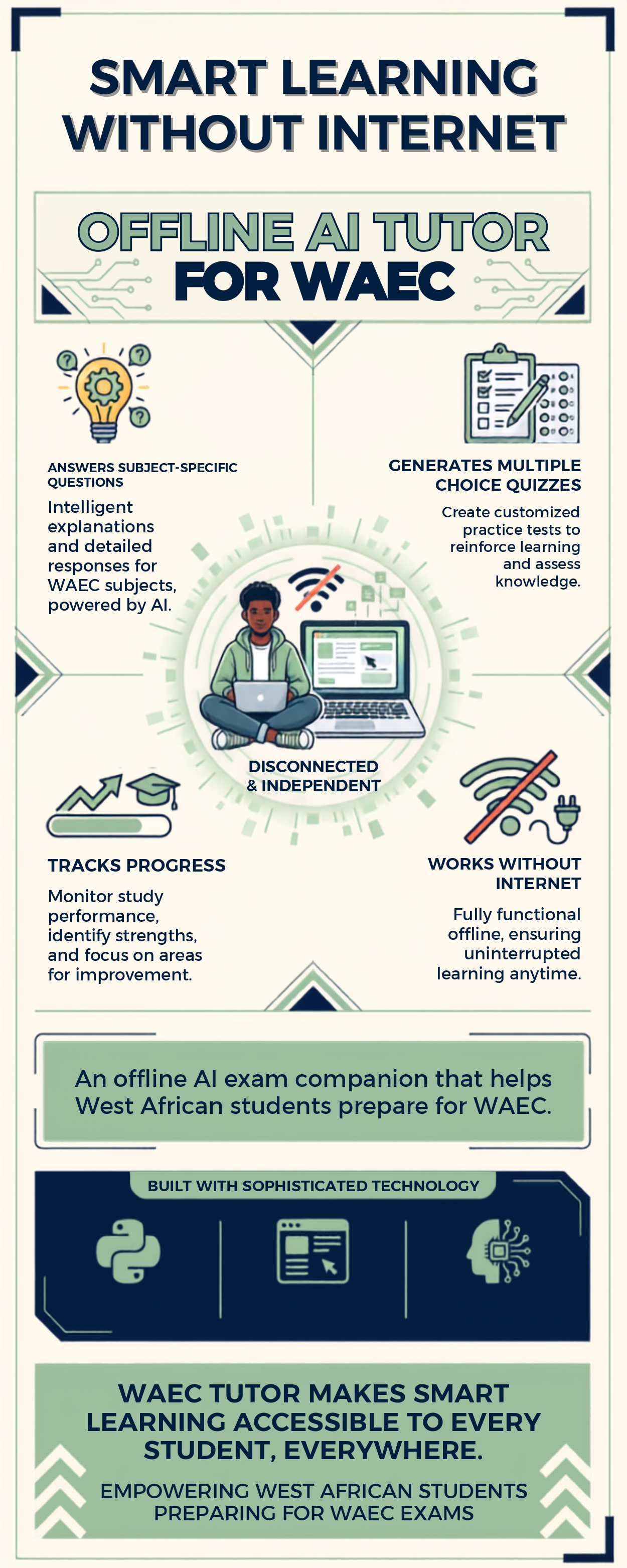
WAEC Tutor is an offline AI exam companion designed to help West African students prepare for WAEC. It runs locally on laptops using quantized LLaMA models, so students don’t need internet access to study.
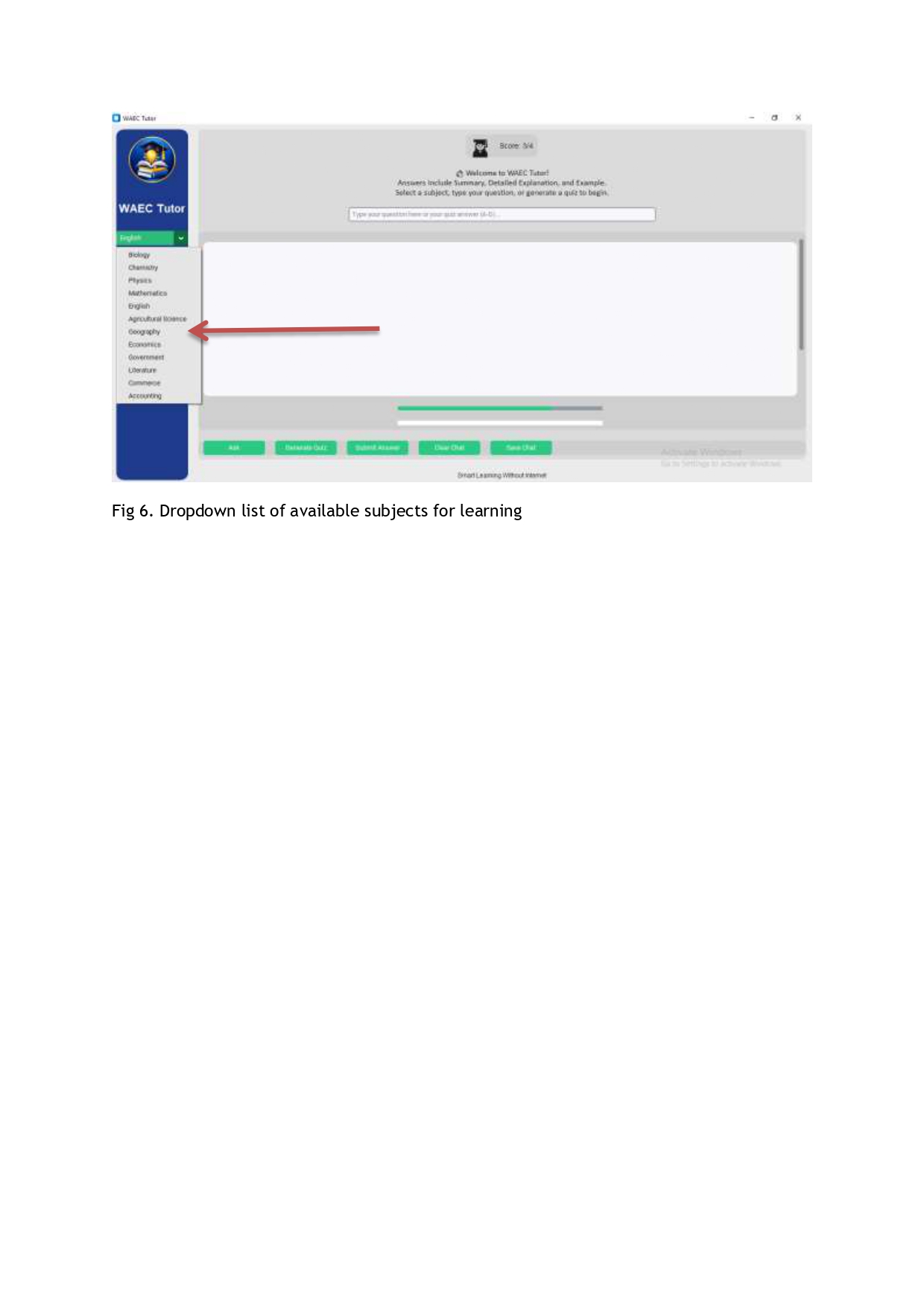
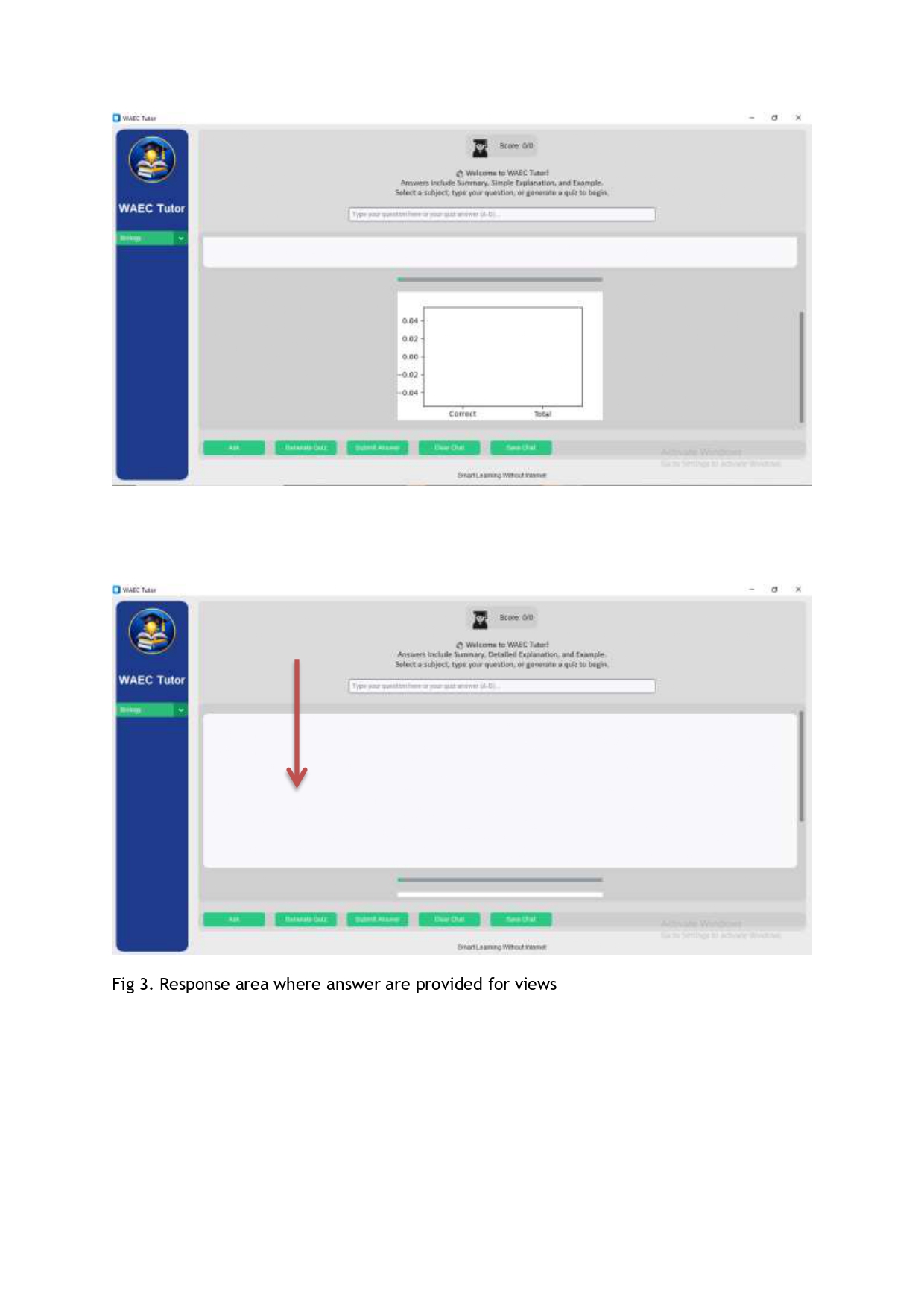
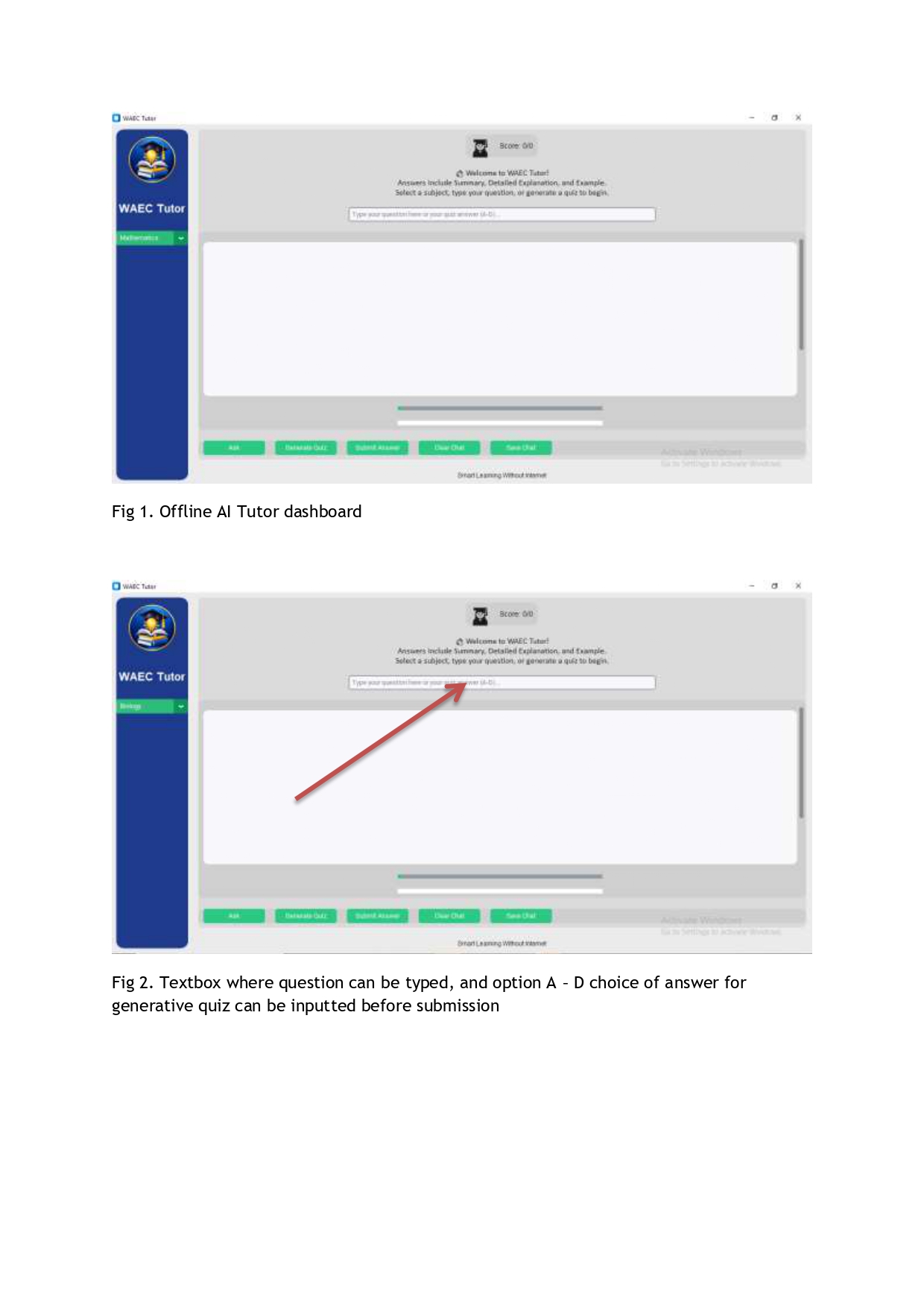
Core Functions Ask Questions: Students type in subject‑specific questions (e.g., Biology, Chemistry, Physics, Mathematics, English, etc.) and receive clear explanations from the AI.
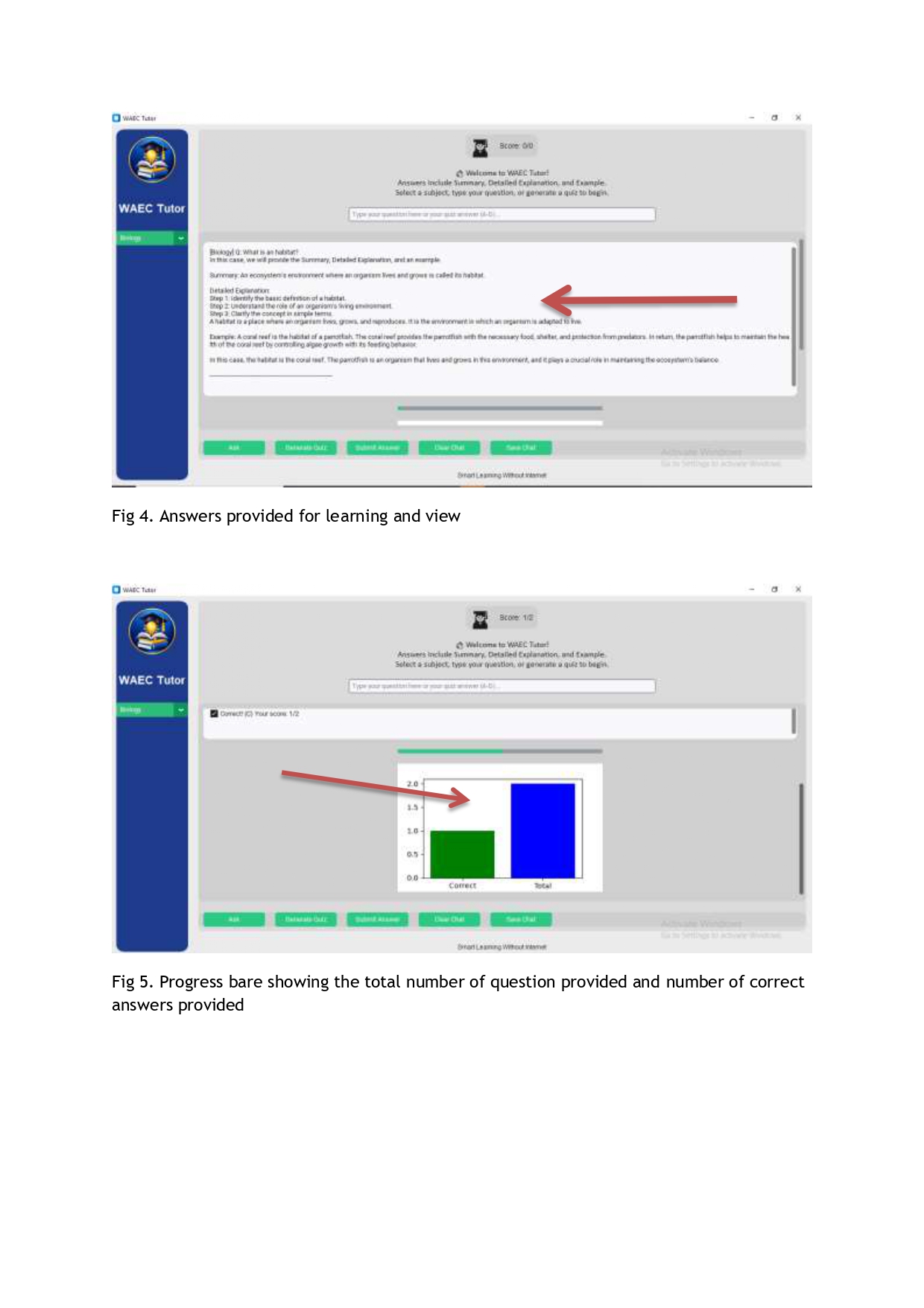
Generate Quizzes: The app creates WAEC‑style multiple choice questions with four options (A–D) and indicates the correct answer. Students can input their choice and get instant feedback with score tracking.
Study Tools: Students can save their chat history for revision, or clear the session to start fresh.
Score Tracking: Each quiz attempt updates the student’s score, helping them monitor progress over time.
Offline AI: Runs entirely on laptops with GGUF models — no internet required, making it accessible in low‑connectivity areas.
Example If a student asks to solve a quadratic equation: 𝑥2 − 5𝑥 + 6 = 0 WAEC Tutor responds with step‑by‑step reasoning and the correct solutions: 𝑥 = 2 or 𝑥 = 3
How I Built It
- Backend: llama-cpp-python for local LLM inference.
- Model: Quantized LLaMA‑2 GGUF files optimized for laptops.
- Frontend: Tkinter GUI with subject dropdown, chat box, and quiz mode.
Features:
- Ask questions in subjects like Biology, Chemistry, Physics, Mathematics, English, etc.
- Generate WAEC‑style multiple choice quizzes with scoring.
- Save or clear study sessions.
- Track performance over time.
For example, solving a quadratic equation: 𝑥2 − 5𝑥 + 6 = 0 ⇒ 𝑥 = 2 or 𝑥 = 3
Challenges we ran into
Challenges We Ran Into
Performance vs. Accuracy
Larger models (like 7B) gave better answers but slowed down the GUI. I had to experiment with different quantization levels (q2_k, q3_k, q4_k) and reduce max_tokens to keep responses fast while still useful.
GUI Responsiveness
Initially, the Tkinter interface froze while waiting for the model to generate answers. I solved this by running inference in a separate thread, so the window stays responsive while the AI thinks.
Offline Constraints
Ensuring everything runs without internet meant careful packaging of dependencies and models. I had to make sure the .exe build included the GGUF files so students could just double‑click to launch.
Quiz Answer Checking
Early versions of the quiz mode sometimes mis‑matched answers because the AI’s output format varied. I improved this by parsing the exact “Answer: X” line to reliably check correctness.
Math Formatting
Presenting math solutions clearly was tricky. For example, solving:
𝑥2 − 5𝑥 + 6 = 0 ⇒ 𝑥 = 2 or 𝑥 = 3
required LaTeX integration so students could see neat equations instead of plain text.
Executable Packaging
Turning Python scripts into a .exe with PyInstaller was challenging at first, especially ensuring the model path was correctly bundled. After trial and error, I achieved a standalone app that students can run without Python installed.
Accomplishments that we're proud of
Built an Offline AI Tutor: I successfully created a WAEC study companion that runs entirely on laptops without internet, using quantized LLaMA models. This makes smart learning accessible to students in low‑connectivity areas.
Optimized Performance: I learned how to balance accuracy and speed by experimenting with different quantization levels (q2_k, q3_k, q4_k) and reducing max_tokens. This ensured the GUI stayed responsive while still delivering useful answers.
User‑Friendly Interface: I designed a clean Tkinter GUI with subject dropdowns, quiz mode, score tracking, and save/clear options. Students can interact naturally without needing technical knowledge.
Quiz Mode Success: Our app generates WAEC‑style multiple choice questions and tracks scores. For example, solving: 𝑥2 − 5𝑥 + 6 = 0 ⇒ 𝑥 = 2 or 𝑥 = 3 Students can practice with options A–D and get instant feedback.
Executable Packaging: I intend to packaged the project into a .exe file using PyInstaller, so students can simply double‑click to launch WAEC Tutor — no Python setup required. As I moved to the next stage of the competition.
🌍 Challenge Alignment: I proved that large language models can be deployed locally to solve real educational problems in Africa, directly addressing the Laptop LLM track of the hackathon.
What I learned
How to run large language models locally using quantized GGUF files.
The importance of user‑friendly interfaces — students need something simple, not intimidating.
That performance optimization (smaller models, threading, reduced tokens) is critical for smooth user experience.
How to align technical solutions with real educational needs in West Africa.
What’s Next for Offline AI Tutor for WAEC: Smart Learning Without Internet
Expand Subject Coverage
Add more WAEC subjects such as History, Civic Education, and Fine Arts, ensuring students can practice across the full exam syllabus.
Analytics Dashboard
Provide detailed performance tracking — charts showing progress over time, weak areas, and recommended study paths.
Teacher Integration
Build a teacher dashboard where educators can assign quizzes, monitor student scores, and provide targeted feedback.
Localization
Support multiple languages and dialects spoken across West Africa, making the tool more inclusive.
Performance Improvements
Explore GPU acceleration and lighter quantizations to make responses faster and smoother, even on low‑spec laptops.
Distribution Model
Package the app into a lightweight installer for schools, with options for subscription‑based premium features.
WAEC Past Questions Bank
Integrate a database of past WAEC questions so students can practice with real exam materials alongside AI‑generated quizzes.
Enhanced Offline Security
Ensure safe local storage of student progress and scores, with encryption to protect data.


Log in or sign up for Devpost to join the conversation.