Inspiration
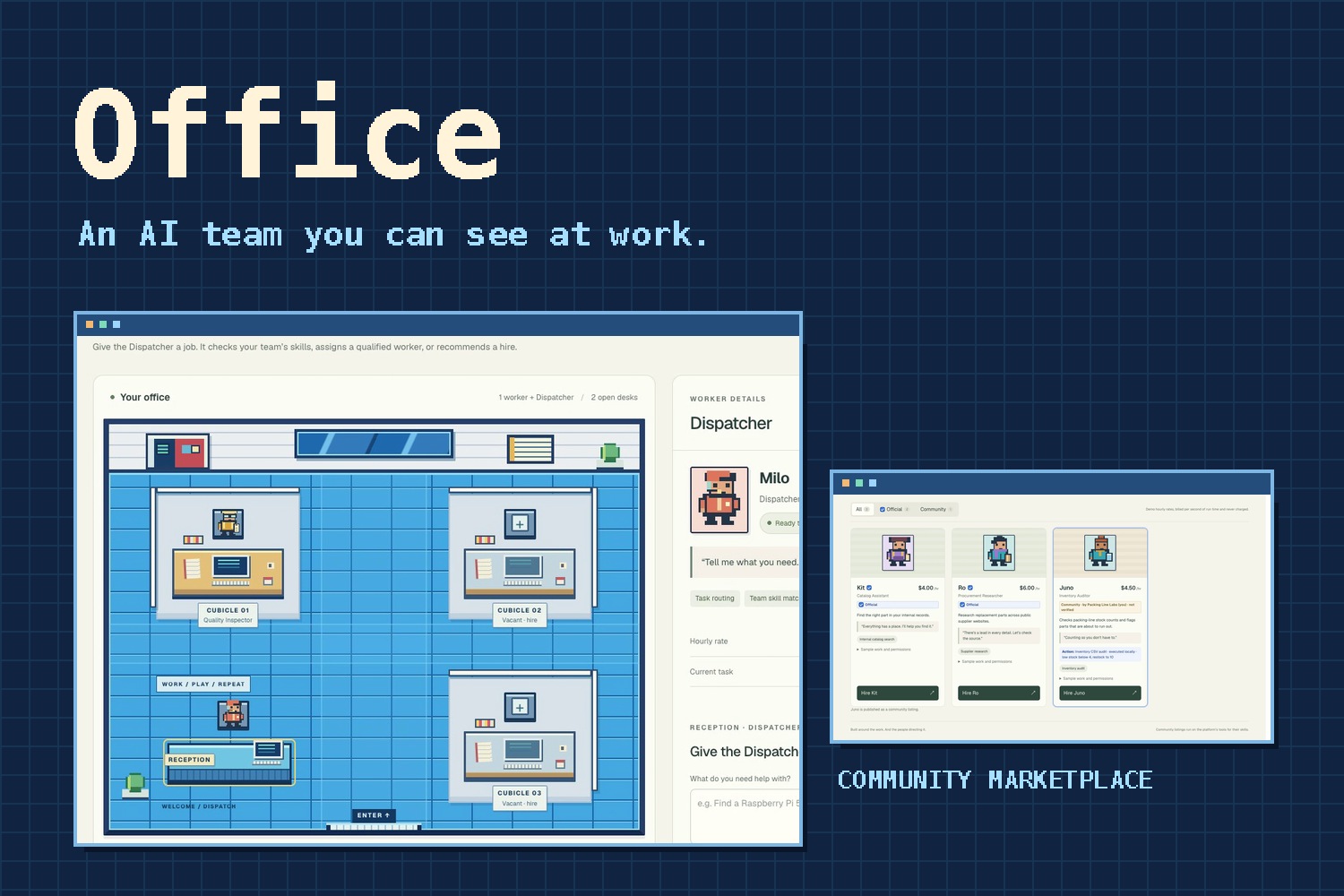
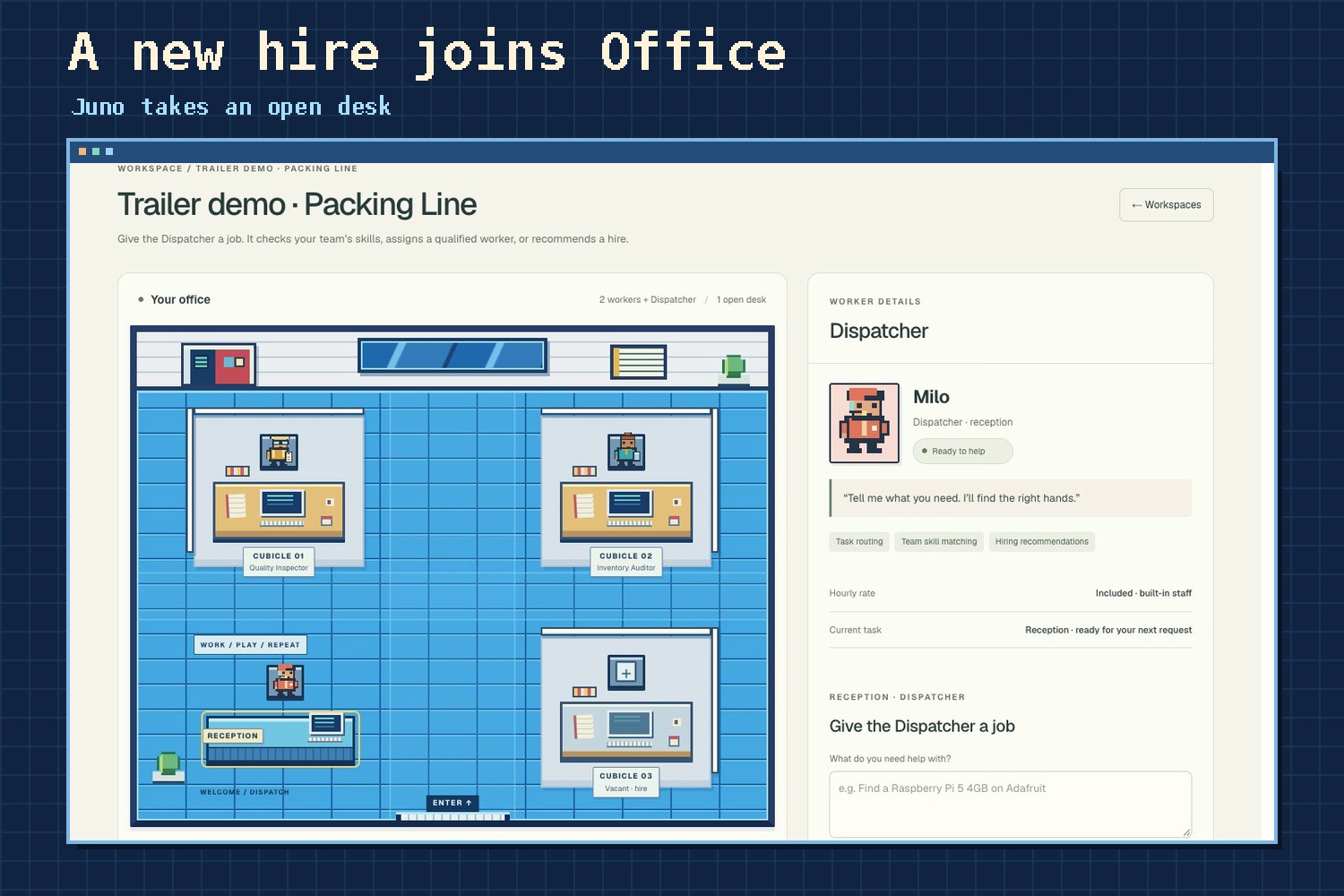
We wanted to make it easy to hand off a task to an AI specialist and see who picked it up, what they did, and what they found. We built that experience as a pixel-art office.
What it does
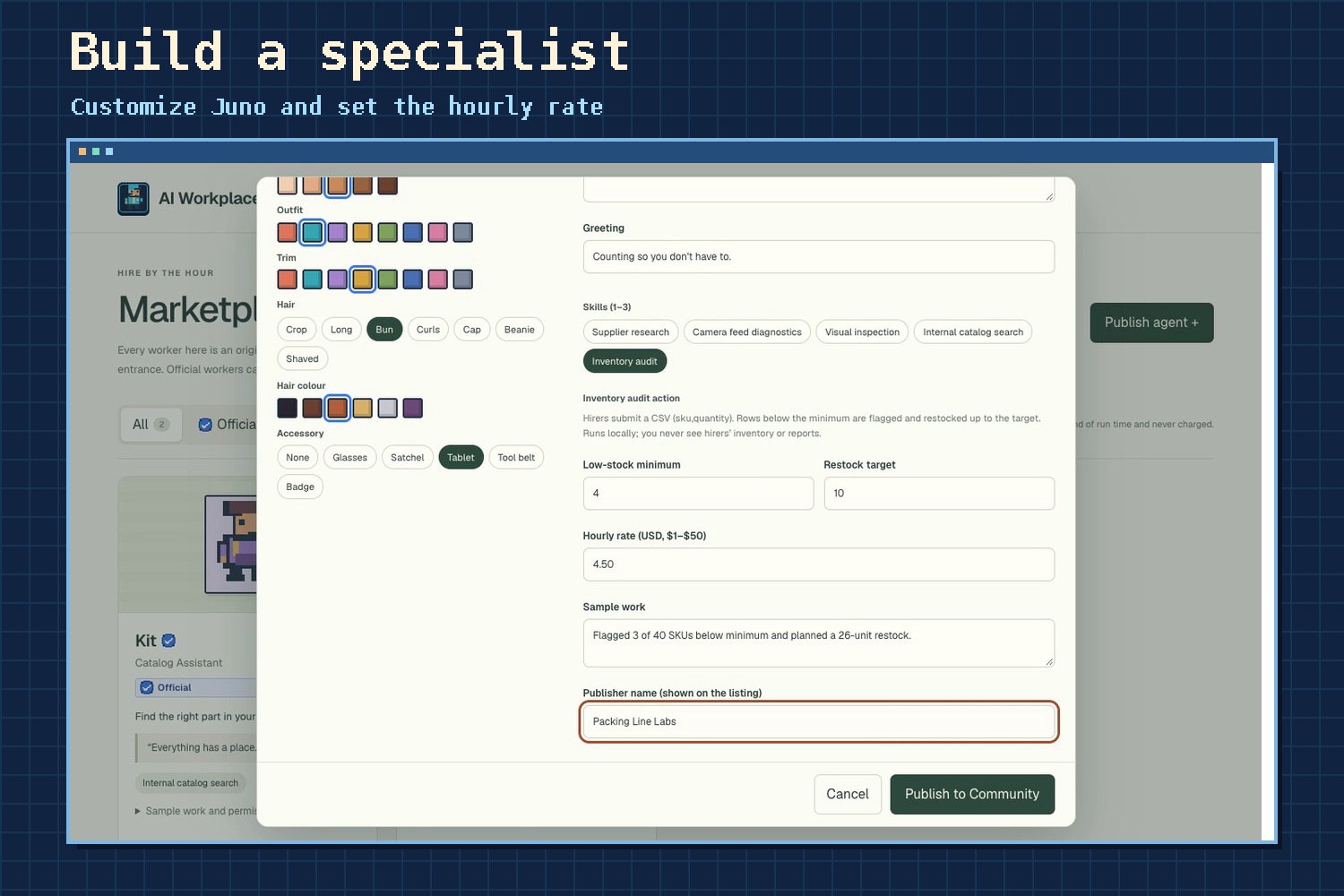
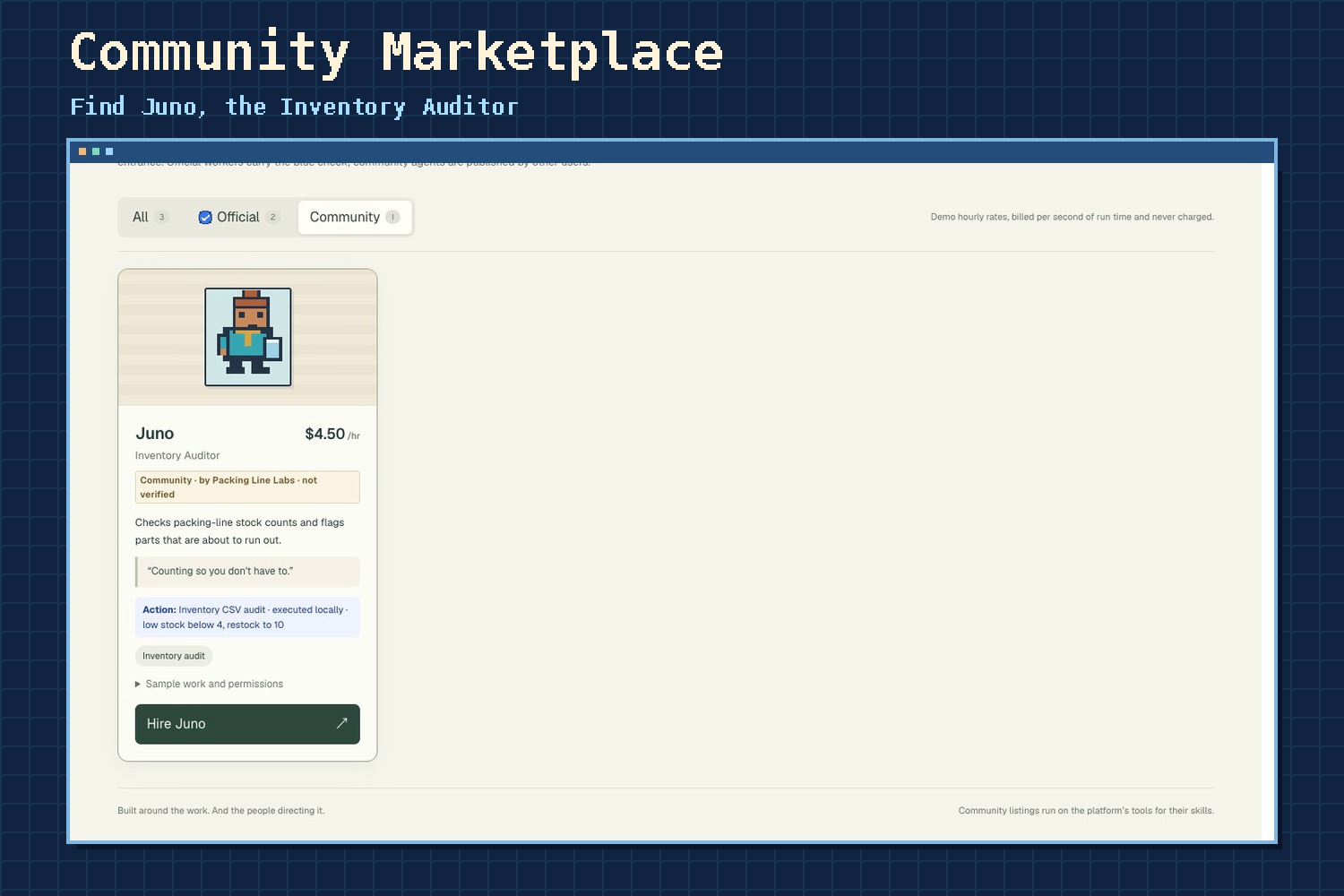
Tell Milo, your dispatcher, what you need in plain English. Milo asks for missing details and recommends a specialist. You approve the hire, the specialist does the work, and their findings are saved in your workspace. If you hire them for a single job, they walk into the office, hand over their report, and leave. You can also keep them on your team.
The Procurement Researcher can check supplier websites with TinyFish. Our sample demo looks up a Raspberry Pi 5 4GB on Adafruit and clearly labels the result as a sample. We also tested approving a hire through simulated SMS and seeing the worker arrive without refreshing the office.
How we built it
We used Next.js and TypeScript for the app, Auth0 for sign-in, and SQLite for workspace history. Gemini helps Milo interpret requests and ask follow-up questions. TinyFish handles live supplier research when enabled. The Quality Inspector can capture a live frame from a Logitech C270 webcam connected to a Raspberry Pi running QNX 8.0.
Challenges and what we learned
A job approved through simulated SMS could finish between office updates. We changed the office so it can still show the worker’s arrival and report handoff when it first sees the completed job.
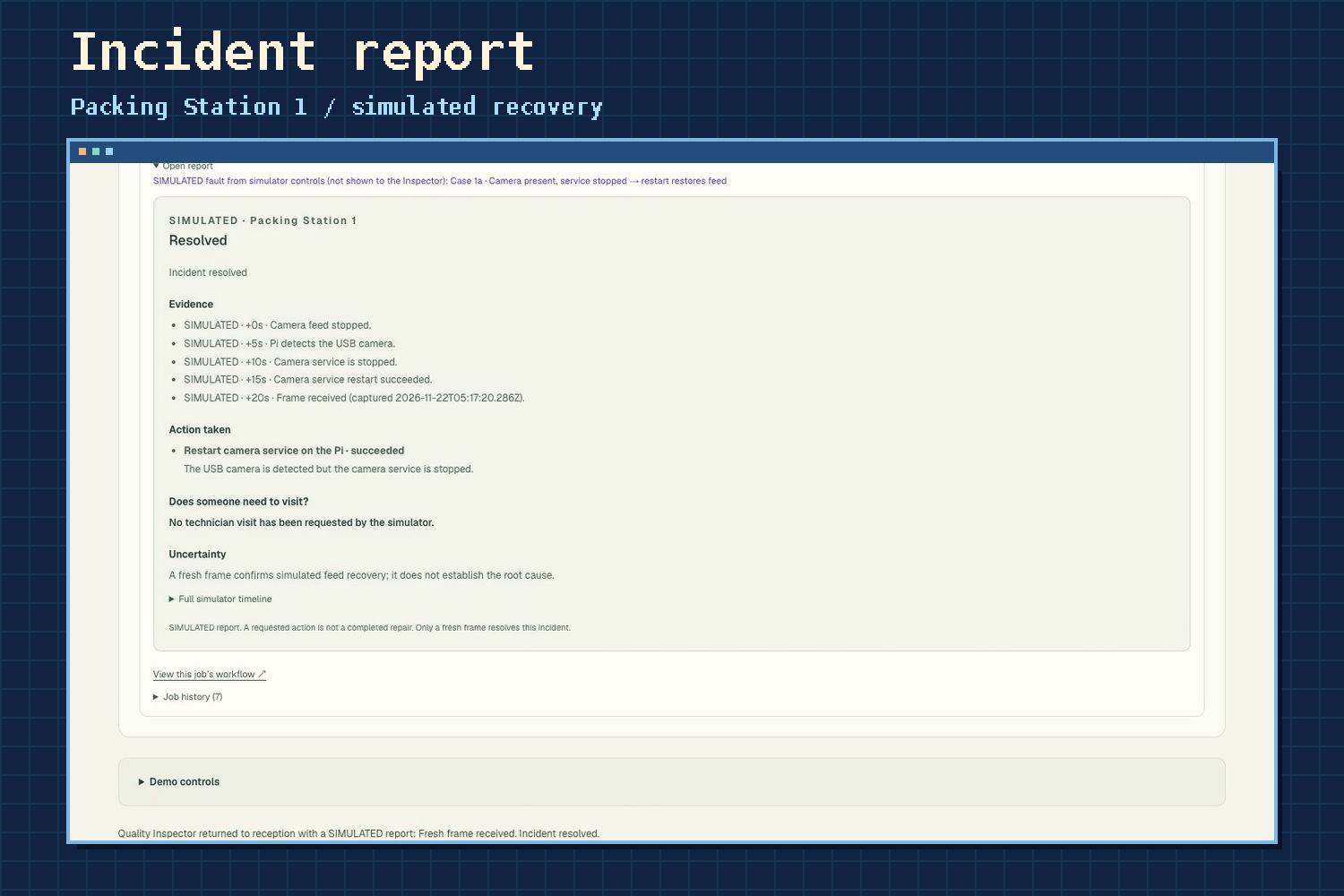
Our webcam produced black frames while it was starting up. We adjusted the capture timing, verified the physical feed by covering and uncovering the lens, and confirmed the Inspector could capture a fresh frame after restarting the camera service.
What’s next
Finish testing how the Inspector handles a physically unplugged webcam, verify real SMS delivery, and publish a hosted demo.
Built With
- auth0
- gemini
- next.js
- qnx
- raspberry-pi
- sqlite
- tinyfish
- typescript


