-
-
Your In-Browser Odoo AI Co-pilot
Inspiration
My inspiration was curiosity. I saw the window.ai API and wanted to build a real-world tool to test its limits. I chose to solve a personal pain point that Odoo developers face for quick UI changes or scheduled action code from Web app and provide a tool that can provide code with few short prompt.
What it does
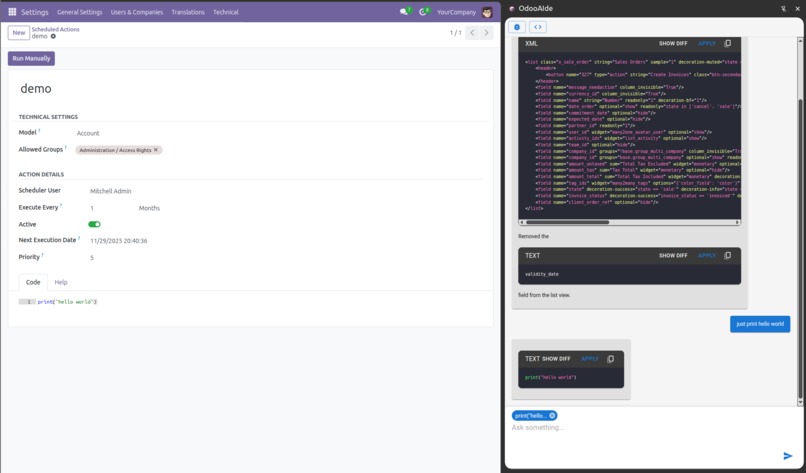
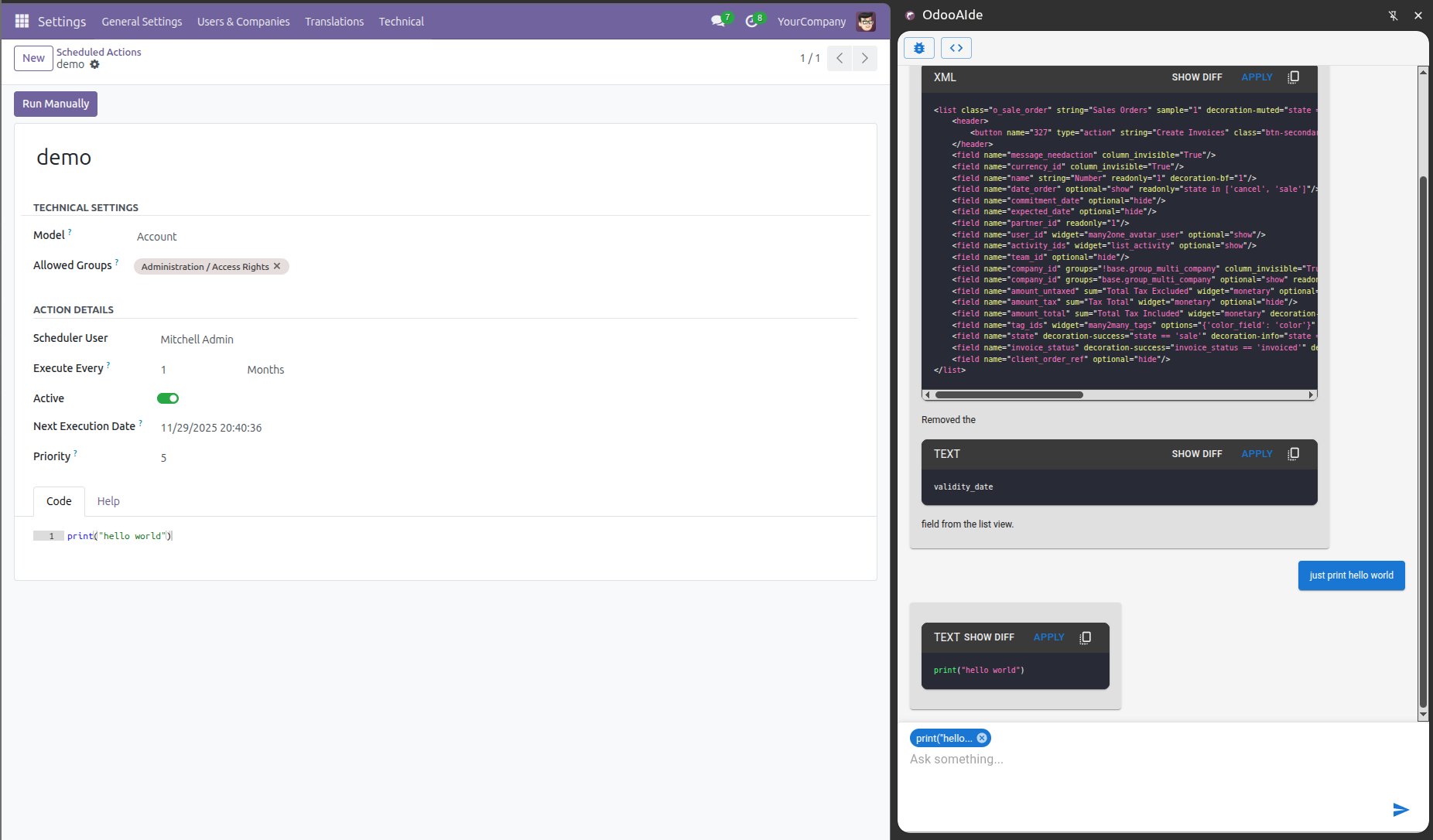
OdooAide is an AI co-pilot in the Chrome side panel. It automatically extracts code from Odoo's Ace editor, feeds it to the window.ai model, and streams explanations or modifications. A developer can then view a "diff" of the changes and, with one click, "Apply" the new code directly back into the page.
How I built it
- Core Tech: React, Vite (crxjs), Material-UI
- AI: window.ai (Gemini Nano) using promptStreaming() for a fast, responsive feel.
- Chrome APIs: chrome.sidePanel for the UI, chrome.scripting (in the MAIN world) to get and set the Ace editor's content, chrome.runtime for messaging.
- UI/Rendering: react-markdown with rehype-sanitize for safe, streamed responses, prism-react-renderer for code highlighting.react-diff-viewer for comparing code.
Challenges I ran into
- Using a JSON schema (responseConstraint) was too slow. Solved by switching to promptStreaming() and a Markdown-based prompt
- Tuning the prompts posed a lot of challenges and was not easy to get satisfying responses.
- The AI kept repeating our large code context. Strugles with large context.
Accomplishments that I am proud of
The "Apply" button. Injecting code back into the page's Ace editor felt like magic. The streaming UI. It feels fast and responsive, with no "stuck" feeling. The "Go to View Code" shortcut, which automates a tedious Odoo task.
What I learned
- On-device AI is powerful enough for complex code modification but can be slow.
- For a chat UI, promptStreaming() is essential for a good user experience.
What's next for OdooAide
- Implement a RAG (Retrieval-Augmented Generation) system to make the AI an Odoo expert.
- Use a vector database like RxDB for a fast, offline-first RAG.
- Add chrome.contextMenus (right-click) for "Explain" and "Modify."
- Expand context extraction to support Python models.
Built With
- material
- nano
- react
- vite-(crxjs)

Log in or sign up for Devpost to join the conversation.