-
-
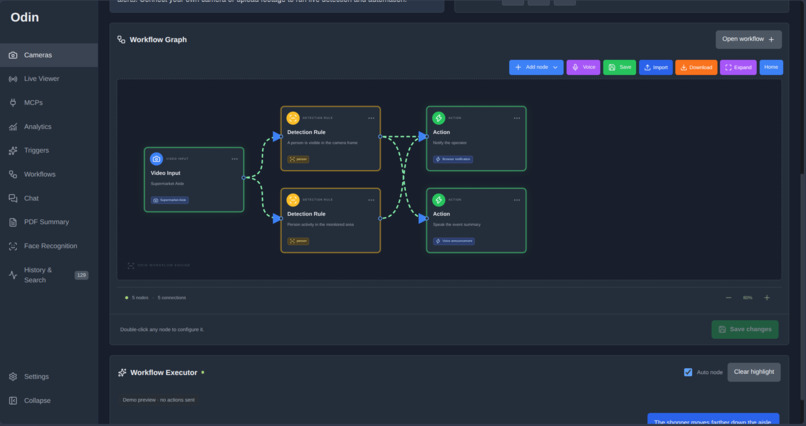
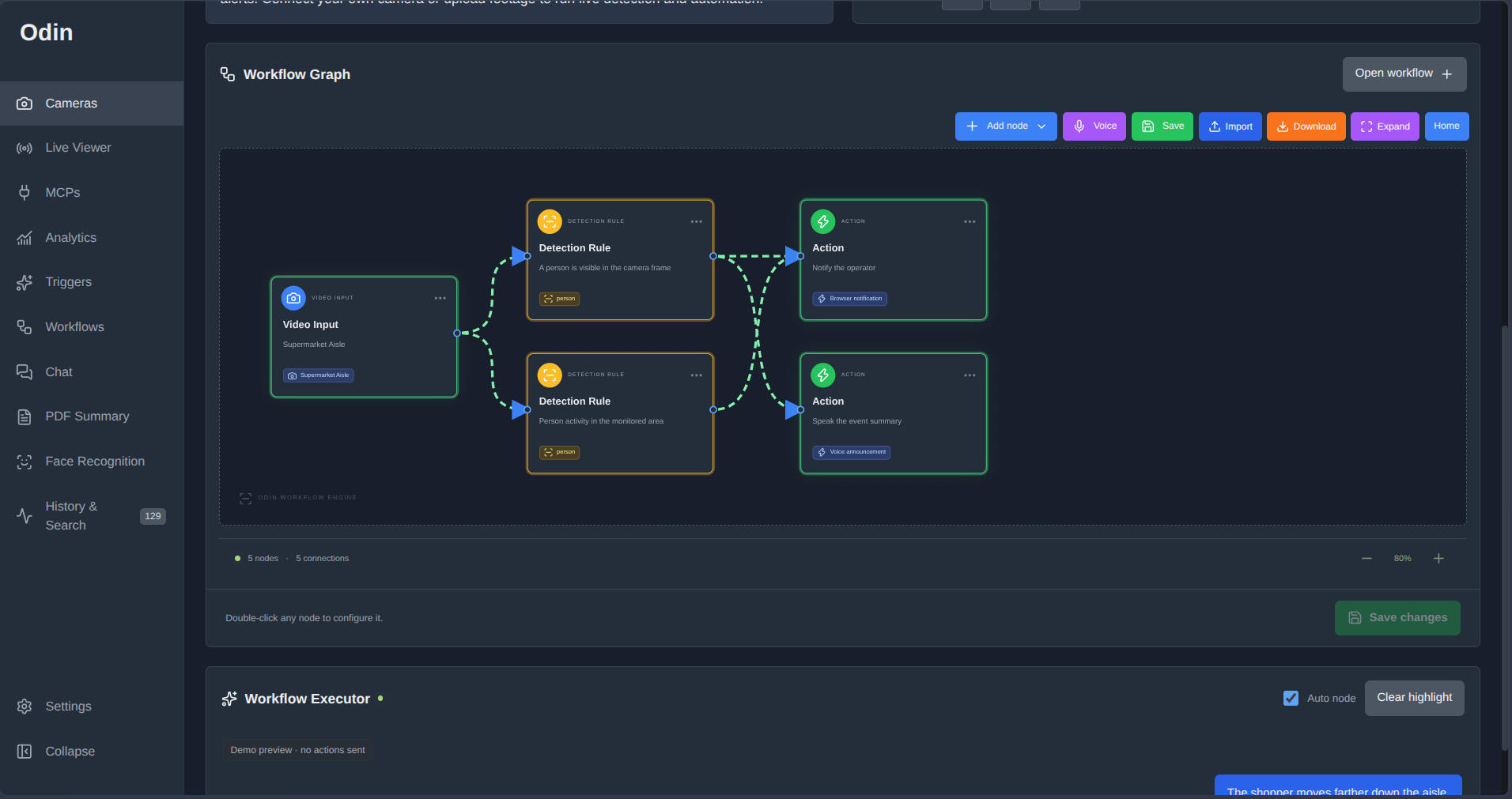
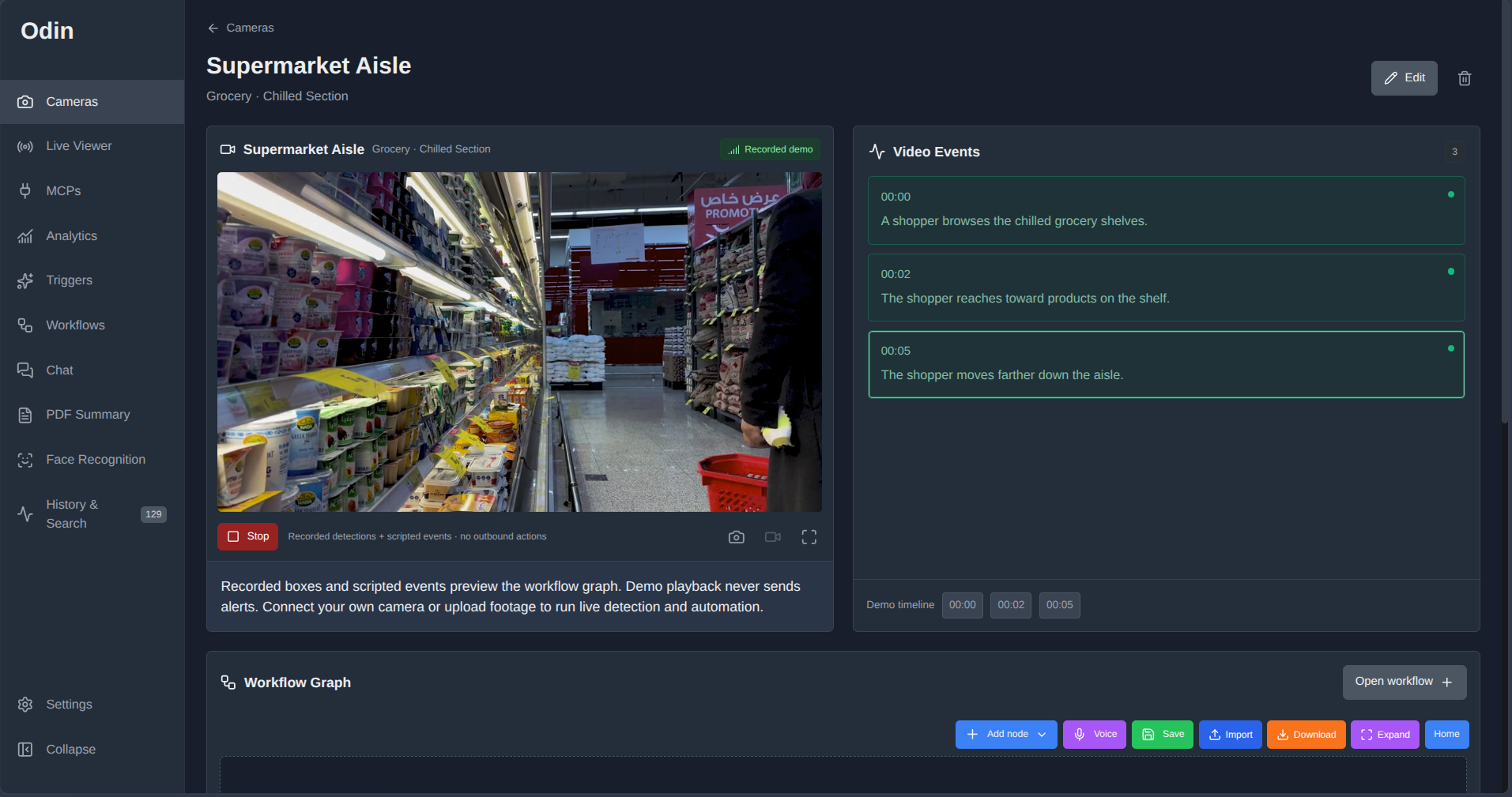
workflow generator
-
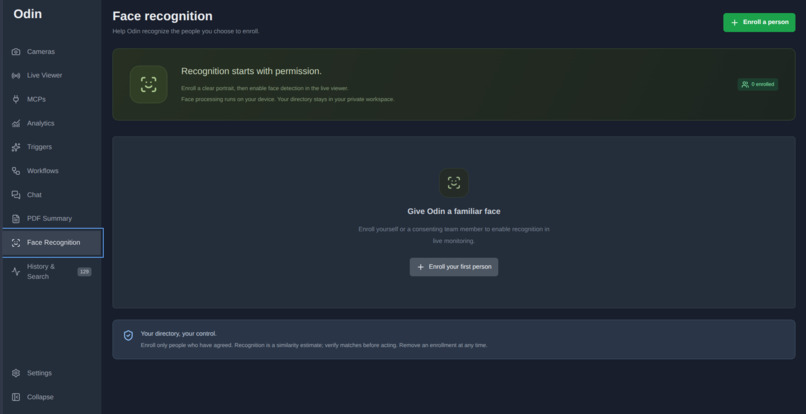
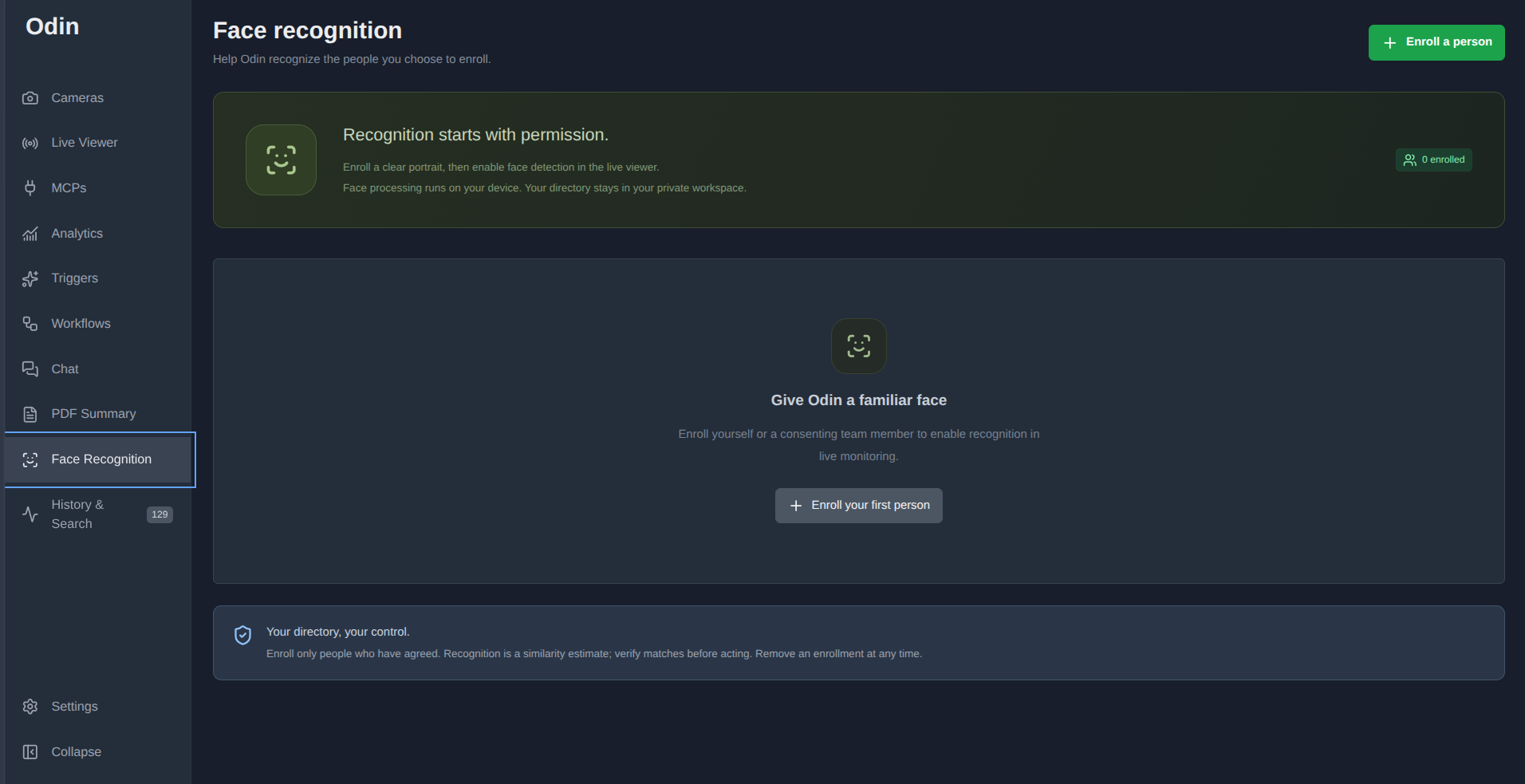
add faces
-
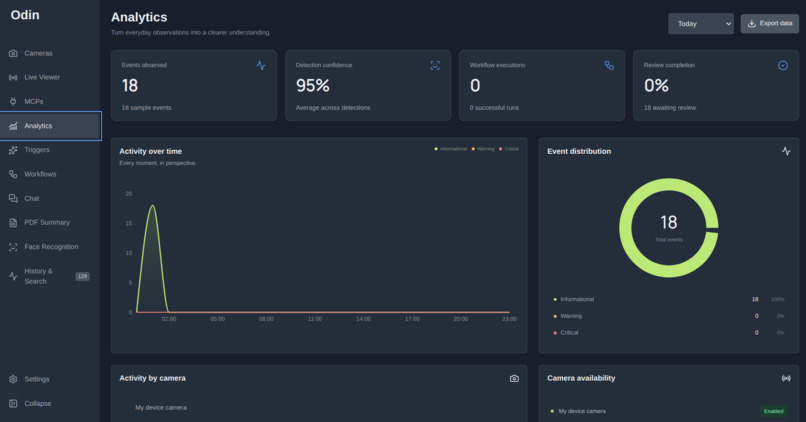
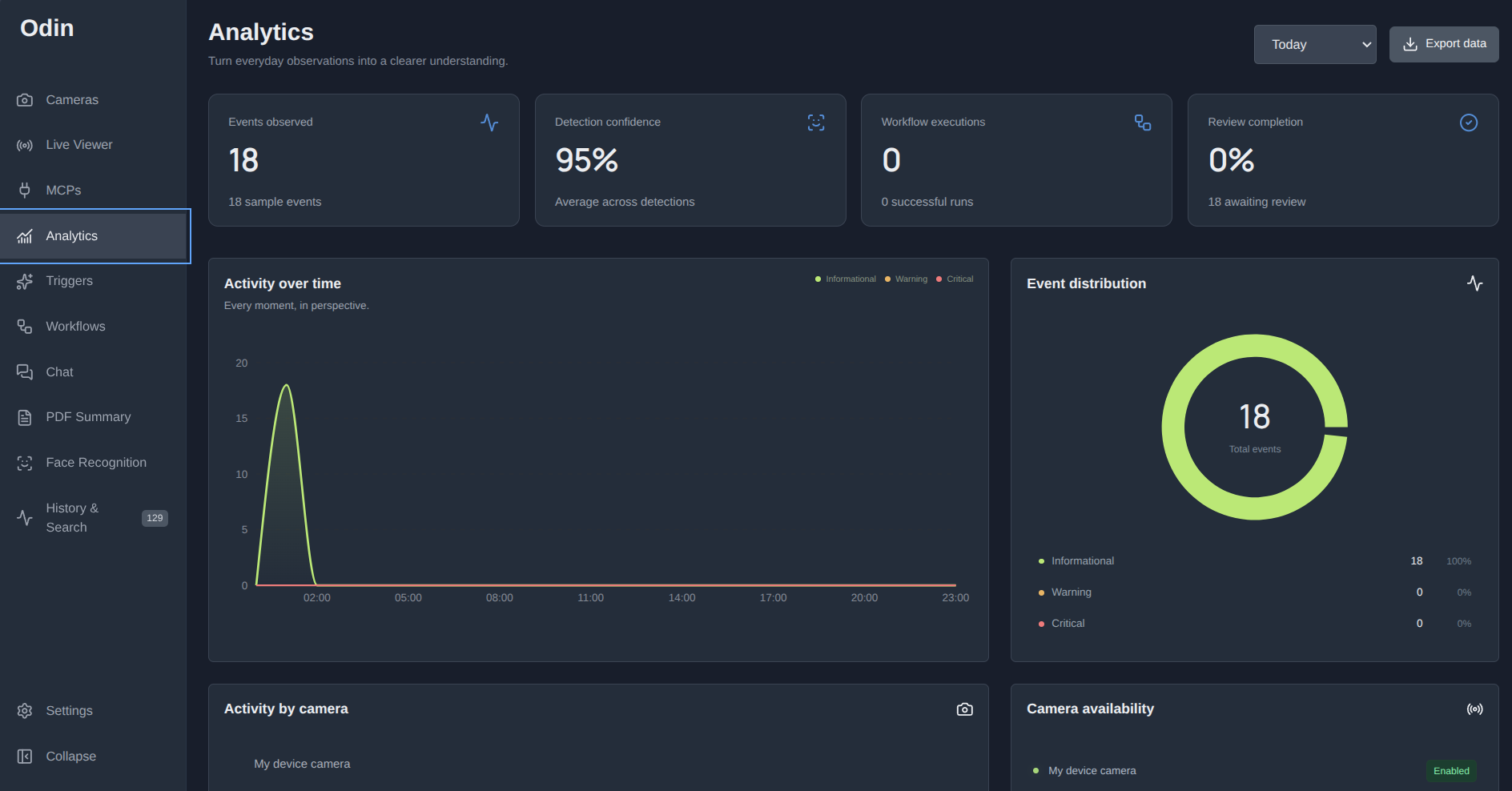
analytics
-
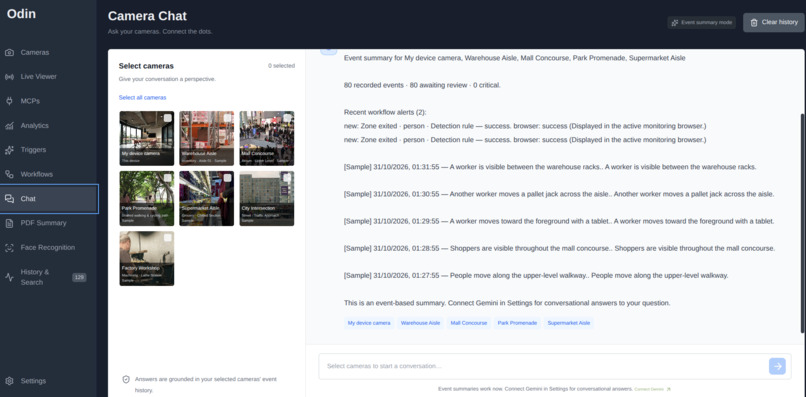
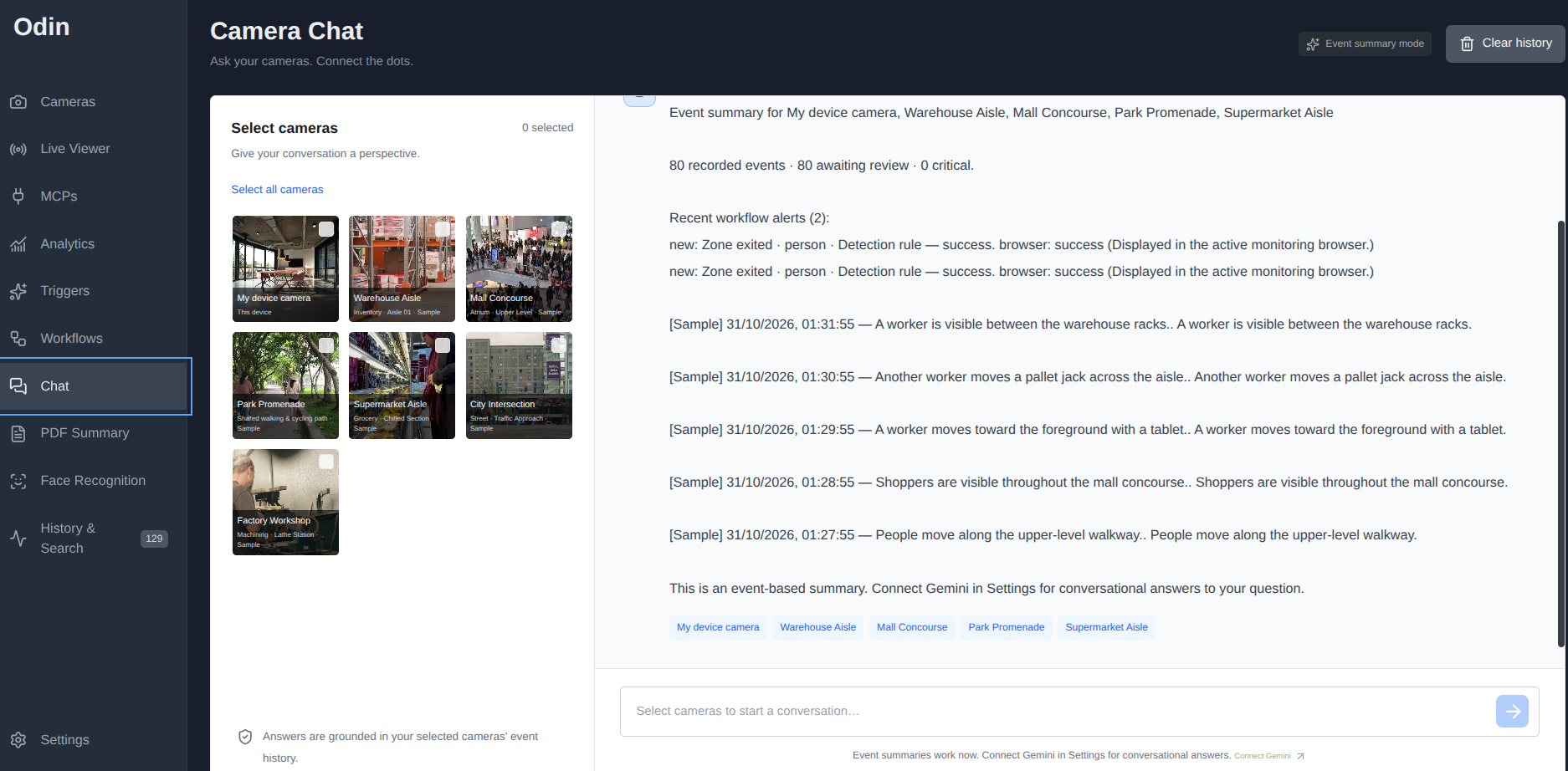
ai video query for all feeds
-
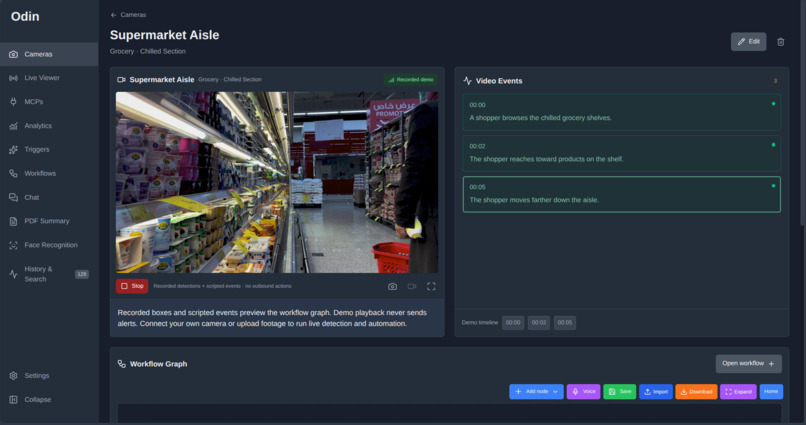
live detection
-
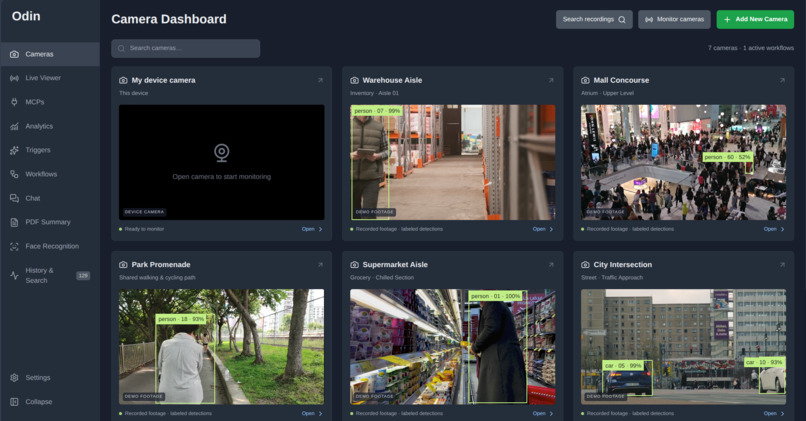
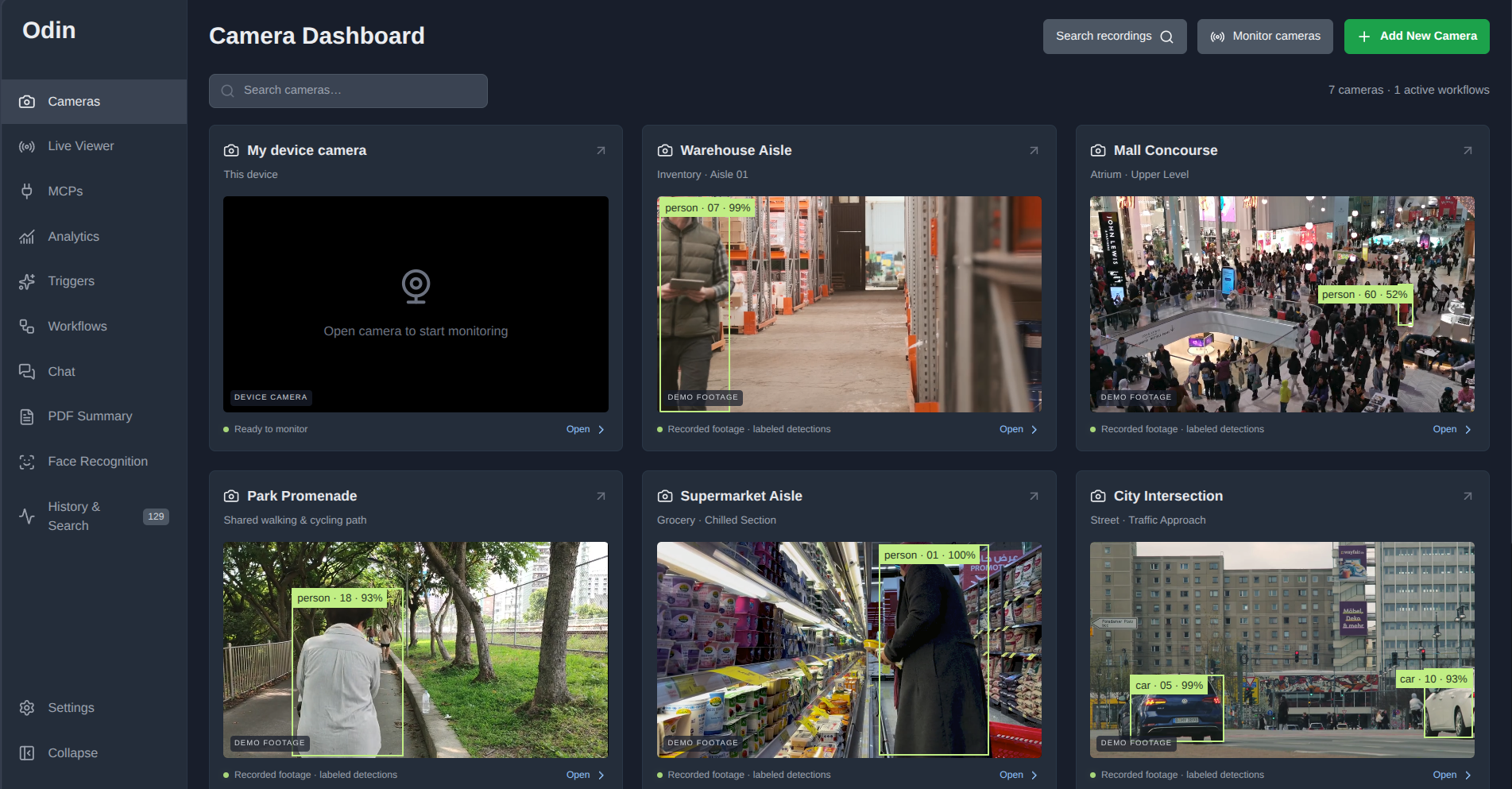
main screen
Inspiration
A camera can record an incident without helping anyone notice it in time. For someone managing a small workspace, watching every feed continuously is impractical, while reviewing hours of footage afterward can be overwhelming. Odin grew from a simple question: could camera monitoring make it easier to notice relevant activity, understand what triggered an alert, and decide what to do next?
What it does
Odin connects camera feeds, browser-based object detection, visual workflows, and searchable event history. Its intended user is a small workspace operator monitoring an area such as a storage aisle or equipment room. The user can connect a webcam or compatible video source, draw a monitored zone, and configure a rule that sends a notification when a detected person enters it. The operator can then inspect the timestamped observation and the workflow’s delivery result. Optional Gemini analysis supports more descriptive scene conditions, while camera chat helps summarize retained observations.
An example of a safer outcome
Consider a workspace with an equipment area that needs an operator’s attention when someone enters. In a controlled demonstration using our own webcam, the operator can draw a zone, activate a person-entry rule, and walk into the marked area. Odin can record the observation, evaluate the workflow, and attempt the configured notification. The practical improvement is a shorter path from visible activity to an informed human review. The event and execution history help the operator understand what triggered the notification and whether delivery succeeded.
How we built it
The interface uses React and TypeScript, with a camera dashboard, video viewer, visual workflow editor, and event search. Object detection runs in the browser using COCO-SSD. Geometric tracking connects repeated observations within a camera session, and spatial rules evaluate zone entry, exit, line crossing, and dwell time. The backend uses Cloudflare Workers, D1 for persistent records, and R2 for private media. Gemini provides optional scene analysis and language-based features. The workflow engine validates graph connections, applies action cooldowns, and records delivery outcomes.
Challenges we ran into
Repeated detections can quickly overwhelm an event timeline. We addressed this by aggregating sightings into camera-local tracks instead of creating a separate record for every scan. Another challenge was connecting uncertain observations to automation. We separated object and spatial rules from AI-evaluated scene conditions and made failures and skipped actions visible.
Trust and responsible design
Local object detection does not upload frames for inference. Optional cloud analysis shares selected evidence when that feature is used. Odin distinguishes observations, rule matches, and action-delivery results. A provider accepting a notification request does not guarantee that a person received it. The included sample videos are stock footage with recorded detection overlays and scripted event descriptions. They demonstrate the interface without presenting sample playback as live inference.
Limitations
Odin can miss objects, produce false positives, or lose track associations. It does not establish a person’s intent. Monitoring depends on an open browser tab and available device resources. It is a prototype for human review and assistance, not a guaranteed emergency-response system.
What we learned
A useful safety tool needs more than a prediction. Users need understandable rules, reviewable evidence, and clear explanations when something fails. We also learned that a focused demonstration of one complete workflow communicates the safety benefit more effectively than a long feature list.
What's next for Odin
The next priorities are broader device testing, measuring missed detections and false alerts, improving setup guidance, and making monitoring interruptions easier to recognize.
Built With
- cloudflare-d1
- cloudflare-r2
- cloudflare-workers
- coco-ssd
- gemini
- human
- react
- tensorflow.js
- typescript
- vinext
- vite

Log in or sign up for Devpost to join the conversation.